How to Make Django wkhtmltopdf Load Static Files
Fix missing CSS, images, and fonts in Django PDFs by checking collection, rendered asset URLs, renderer access, and local-file settings.
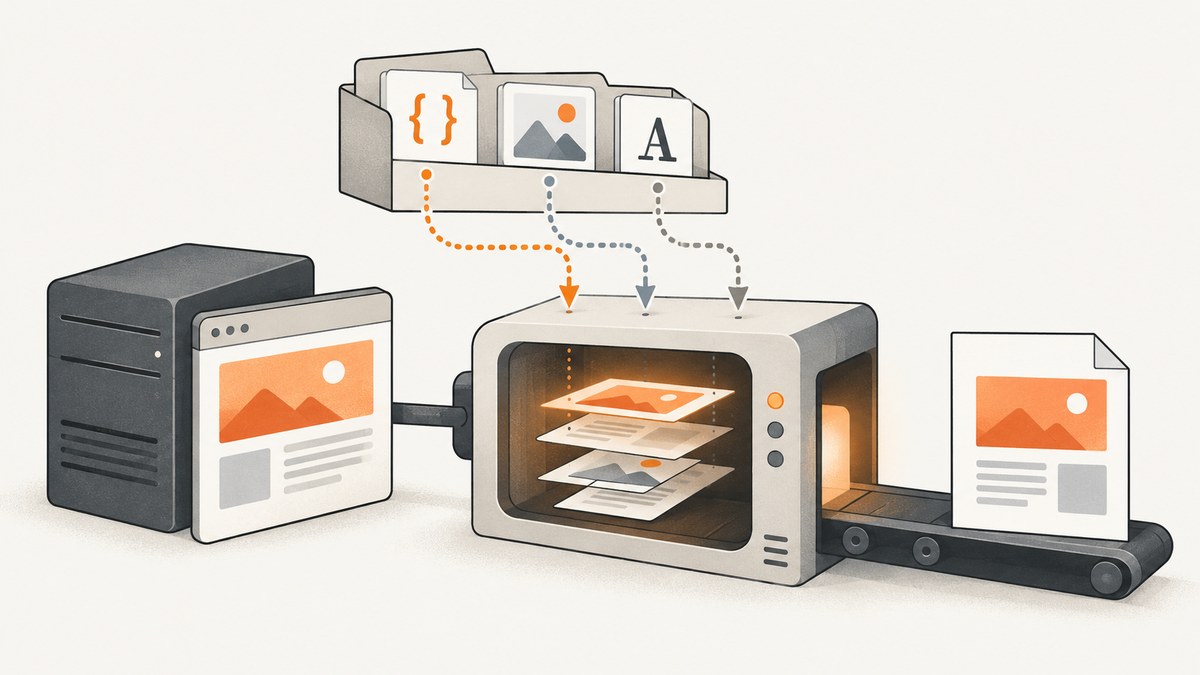
When CSS, images, or fonts disappear from a Django PDF, check two separate things: Django must collect the files, and the wkhtmltopdf process must be able to retrieve the URLs or local paths in the HTML it receives. Setting STATIC_ROOT is part of the django-wkhtmltopdf setup, but it does not make a remote URL reachable or a local file readable by itself.
Use this sequence: configure Django static files, collect them into the deployment directory, inspect the final rendered HTML, and test each asset from the same container or host that runs wkhtmltopdf. Only enable local-file access when the HTML is trusted and the access can be restricted.
1. Confirm Django can find and collect the assets
Django’s staticfiles app discovers files in installed apps’ static/ directories and in any locations listed in STATICFILES_DIRS. The {% static %} template tag builds a URL using the configured static-file storage. Collection and retrieval are distinct: collectstatic copies discovered assets to STATIC_ROOT; a serving layer must still make them available to a renderer that uses HTTP URLs. See Django’s static-files guide.
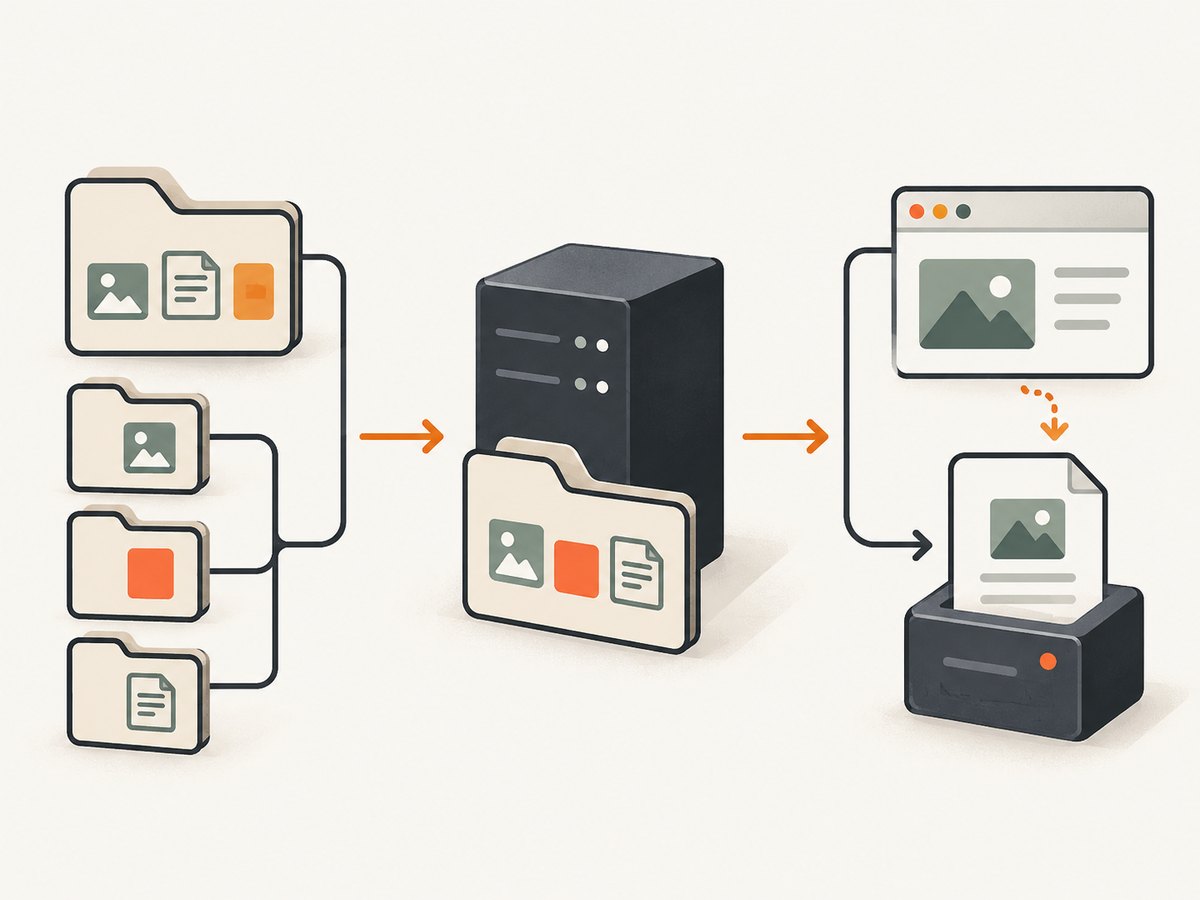
Check the settings for the Django version and storage backend in your project. This is an illustrative baseline, not a complete production static-hosting configuration:
# settings.py
INSTALLED_APPS = [
    # ...
    "django.contrib.staticfiles",
    "django_wkhtmltopdf",
]

STATIC_URL = "/static/"
STATIC_ROOT = BASE_DIR / "static-collected"

# Include this only for project-level assets outside app static directories.
STATICFILES_DIRS = [BASE_DIR / "static"]
Keep app assets namespaced, for example reports/static/reports/report.css, to avoid collisions with files from other apps. STATICFILES_DIRS is for additional source locations, not the output directory. The django-wkhtmltopdf installation notes require an absolute STATIC_ROOT and say the assets need to be inside it, including for local use. Confirm path type and behavior against your installed package and Django release: django-wkhtmltopdf installation notes.
Collect files in the environment where the PDF renderer will run:
python manage.py collectstaticThen verify that the expected file exists under the collected directory. For example, if the template references reports/report.css, check for static-collected/reports/report.css. Finding a source file during development does not prove that collection or deployment included it.
2. Inspect the HTML that wkhtmltopdf actually receives
Do not stop at the template source. Render the HTML for the same request and context used to make the PDF, then inspect its final href and src values. A static tag may produce a URL that points to a host, scheme, or storage location the renderer cannot access. Relative paths may also resolve differently when the renderer has no usable base URL.
<link rel="stylesheet" href="{% static 'reports/report.css' %}">
<img src="{% static 'reports/logo.png' %}" alt="Company logo">
Check the resulting HTML for the actual values. For each asset, determine whether the HTML points to an absolute HTTP(S) URL or a local file path. Then test that exact resource from the runtime identity and container that launches wkhtmltopdf. A URL that loads in your desktop browser might require authentication, redirect to another scheme, resolve to a different hostname, or be unreachable inside a worker container.
For URL-based assets, test the rendered URL from the renderer’s environment with a command-line HTTP client or a small script. For local paths, check that the file exists and the process has read permission. A browser preview is not a substitute for either check.
3. Choose URL loading or local-file loading deliberately
| Reference in HTML | What must work | Common deployment issue |
|---|---|---|
| HTTP(S) URL | The renderer can resolve and fetch the URL, including redirects and any required credentials. | The URL is internal to a different network, protected by login, or points at the wrong host or scheme. |
file:// URL or local path |
The renderer can read the file, and its local-file access rules allow that path. | Access is disabled, the path is outside an allowed directory, or the PDF worker has a different filesystem. |
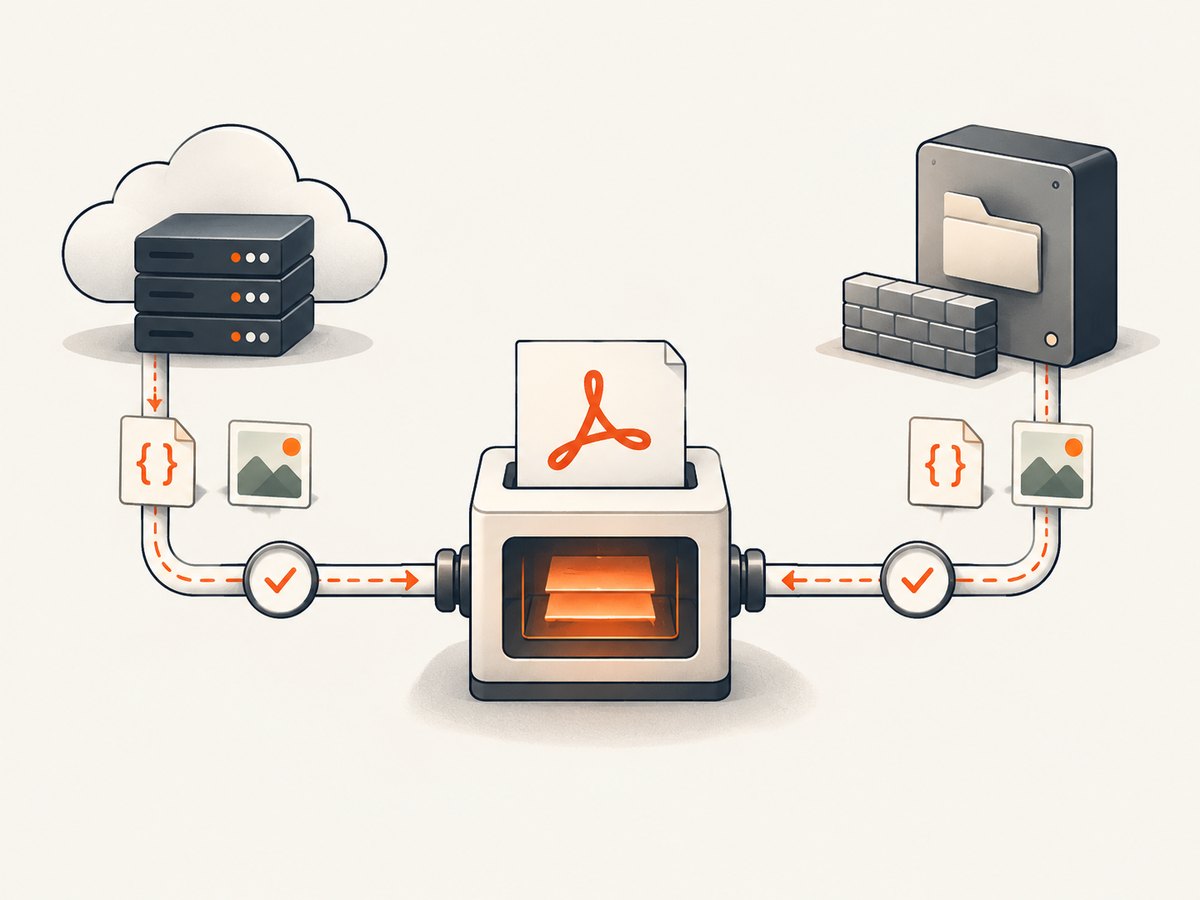
Using HTTP(S) works well when assets are hosted at URLs reachable from the PDF worker. Local files can be useful when the renderer and collected assets share a filesystem, but that arrangement depends on explicit renderer permissions. Do not assume that STATIC_ROOT changes a URL into a local path, or that mounting the directory into a container serves it over HTTP.
4. Pass local-file options through django-wkhtmltopdf when needed
wkhtmltopdf documents --enable-local-file-access, --disable-local-file-access, and --allow <path>. Its command reference describes local-file access as disabled by default, though defaults can differ by binary or build. Check the installed binary’s version and behavior before relying on a default: wkhtmltopdf command-line usage.
django-wkhtmltopdf passes options through the WKHTMLTOPDF_CMD_OPTIONS dictionary. Its settings documentation shows the dictionary pattern for flags and values: wrapper settings. For example, where the installed version supports it, a narrowly allowed static directory can be configured like this:
# settings.py — illustrative; confirm generated arguments for your package version.
WKHTMLTOPDF_CMD_OPTIONS = {
    "allow": str(STATIC_ROOT),
}
Some wrapper versions represent boolean flags differently from value-taking flags. If you need to enable local access, verify how your package turns dictionary entries into command-line arguments before deployment. Do not copy an option shape blindly across versions. The package’s Read the Docs pages identify as version 3.2.0, while PyPI lists 3.4.0 as the latest release in the dossier; inspect the installed source or command output for your version. The PyPI listing gives that release date as February 24, 2022: django-wkhtmltopdf on PyPI.
Allow only the directory needed for the document when a narrow --allow rule is sufficient. Broad access can expose files that the HTML should not read. wkhtmltopdf warns against rendering HTML you do not explicitly trust and documents AppArmor confinement; see its AppArmor security guidance. Treat templates, user-supplied HTML, and user-controlled asset URLs as security inputs.
5. Configure development and production serving separately
Django’s static-file helper used by runserver is intended for development with DEBUG=True, not production. A page working locally can therefore fail in production if static files are not deployed or served. For production, use the static server, storage, or CDN arrangement chosen for your deployment, and ensure the PDF worker can reach it. Django’s static-files guide and settings reference cover the relevant configuration; use documentation matching your Django release.
For Django 4.2, the settings reference deprecates STATICFILES_STORAGE in favor of the STORAGES setting’s staticfiles key. Avoid transplanting storage settings from a different Django version without checking its documentation. The collected output still has to be deployed, and the renderer still has to fetch the URL or read the path in the rendered HTML.
6. Troubleshoot by symptom
| Symptom | Likely cause | What to check or fix |
|---|---|---|
| No static files appear in the collected directory | The staticfiles app, source path, or collection step is missing. | Confirm django.contrib.staticfiles, check app static directories and STATICFILES_DIRS, run collectstatic, and inspect its output. |
| CSS works in development but not in production PDFs | Development serving hides a missing production static-file deployment. | Deploy collected files through the production static host and make its URL reachable from the PDF worker. |
| HTML contains relative asset paths | The renderer has no base URL that resolves them as expected. | Inspect final HTML and use a resolvable URL or an intentional local-file reference supported by your setup. |
| HTTP asset URL returns an error or redirects | Wrong hostname or scheme, unavailable network route, authentication, or a redirect the renderer cannot follow as expected. | Fetch the exact URL from the renderer’s container. Fix routing, access, or the generated URL; check the final response location. |
file:// asset is blocked |
Local-file access is disabled, the path is not allowed, or the file is unreadable. | Check the installed binary’s flags, process permissions, mount paths, and a narrow --allow rule. |
| Only images or fonts are missing | The CSS or HTML points to nested relative resources, or those files were omitted from collection/deployment. | Inspect image src values and CSS url(...) references; verify each resolved file or URL independently. |
| Works on one worker but not another | Workers differ in mounts, deployed files, network access, or configuration. | Compare the renderer version, runtime identity, settings, filesystem mounts, and URL fetch results across workers. |
| Enabling access fixes the PDF but expands risk | The renderer can read more of the filesystem than the document requires. | Prefer a narrow allowed path, render trusted HTML only, and use OS confinement such as AppArmor where appropriate. |
7. Reliability, performance, and cost considerations
Asset-loading reliability depends on the renderer’s actual environment: network routes for HTTP(S), filesystem mounts and permissions for local assets, and consistent configuration across workers. A deployment check should include a representative PDF render after collection and should run in the same container image and identity as production rendering. Check the exact binary version too, because wkhtmltopdf options and defaults are version-sensitive.
When a PDF is slow, first identify whether the renderer is waiting on asset fetches or on the HTML page itself. A missing or unreachable URL may delay completion; repeated remote assets can add network work. Serving static assets from a location reachable to the worker, avoiding unnecessary duplicate resources, and keeping deployment paths consistent are practical ways to reduce avoidable failures and fetches. The cited sources provide no universal timing benchmark, so measure with your own documents and deployment.
Cost is specific to your infrastructure and hosting arrangement. The sources do not establish a universal price for serving static assets or rendering PDFs. Account for the renderer’s compute time and the static hosting or network path you operate, and avoid introducing a public asset endpoint solely to bypass a local-file setting without considering access controls.
8. A repeatable deployment checklist
- Confirm
django.contrib.staticfiles,STATIC_URL, source directories, and an absoluteSTATIC_ROOT. - Run
collectstaticin the deployment build or release process, and verify the CSS, image, and font files are present. - Render the exact HTML used for the PDF and inspect its final asset URLs and paths.
- From the PDF worker, fetch each URL or verify each local file and its read permissions.
- For local assets, check the installed wkhtmltopdf version and use the narrowest supported access option.
- Keep production serving distinct from Django’s development helper, and verify the setup on every worker type.
- Render trusted representative HTML and inspect the resulting PDF when changing Django, wrapper, binary, storage, or deployment configuration.
Or skip the browser setup
If the job is to capture a web page as an image or PDF rather than render a Django template with wkhtmltopdf, ScreenshotNeo is a website screenshot API and MCP server. One GET request can return a screenshot or PDF. See the API documentation.
curl -G "https://api.screenshotneo.com/v1/shot" -d access_key=YOUR_API_KEY --data-urlencode url=https://stripe.com -o shot.webpimport requests
r = requests.get(
"https://api.screenshotneo.com/v1/shot",
params={"access_key": "YOUR_API_KEY", "url": "https://stripe.com"},
timeout=90,
)
open("shot.webp", "wb").write(r.content)const q = new URLSearchParams({ access_key: 'YOUR_API_KEY', url: 'https://stripe.com' });
const res = await fetch(`https://api.screenshotneo.com/v1/shot?${q}`);
if (!res.ok) throw new Error(`Screenshot request failed: ${res.status}`);
await Bun.write('shot.webp', res);ScreenshotNeo removes cookie banners, popups, and chat widgets before the shot. Bot checks, blank pages, and failed loads are never billed. Its MCP server lets AI agents take screenshots. The Free plan includes 1,000 screenshots a month with no card; paid plans start at $5 for 3,000. For Django-generated documents that need custom server-side template context, wkhtmltopdf may still be the right tool; ScreenshotNeo captures web pages through its API.
Sign up for 1,000 free screenshots a month, no card required.
FAQ
Does setting STATIC_ROOT alone fix missing PDF assets?
No. It defines the collection destination, and django-wkhtmltopdf asks for it to be set. The renderer must also be able to fetch the final URL or read the local path.
Why does the PDF miss assets that appear in the browser?
The browser and renderer may use different networks, credentials, filesystem mounts, or URL resolution. Test the exact rendered reference from the PDF worker.
Should I always enable --enable-local-file-access?
No. Use local-file access only when required, check the installed binary’s behavior, and restrict access to the needed path when possible. Render only trusted HTML and consider OS confinement.
Does runserver prove production static files are configured?
No. Django documents its development static serving helper as unsuitable for production. Verify collection and production serving separately.


