How to Capture an Element at Its Intrinsic Size with dom-to-image
Capture a dom-to-image element without blank space or clipping by measuring its CSS dimensions and passing width and height explicitly.

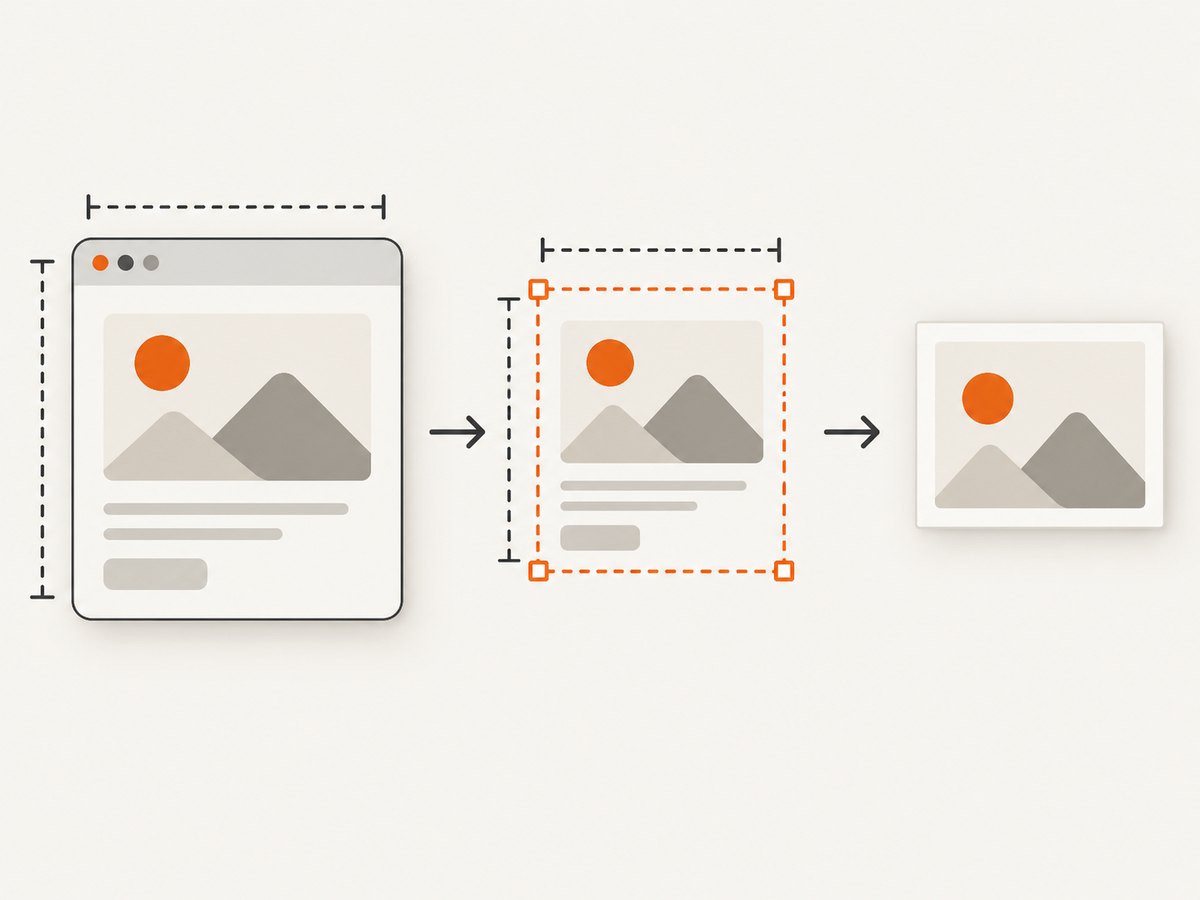
To capture an element at its intrinsic size with dom-to-image, measure the rendered element in CSS pixels and pass those dimensions explicitly. Use getBoundingClientRect() for the visible border box, or scrollWidth and scrollHeight when you need all overflow content.
const el = document.querySelector('#capture');
const rect = el.getBoundingClientRect();

const png = await domtoimage.toPng(el, {
  width: Math.ceil(rect.width),
  height: Math.ceil(rect.height)
});

const link = document.createElement('a');
link.download = 'capture.png';
link.href = png;
link.click();
The dimensions passed to toPng are logical CSS-pixel dimensions. They define the capture box; they are separate from any device-pixel or scale multiplier used to increase output resolution.
1. Choose the dimensions you actually need
Visible rendered box
getBoundingClientRect() returns the element’s current rendered border box, including its padding and border. It reflects transforms and subpixel layout, so round up before passing the values to dom-to-image.
const element = document.querySelector('#capture');
const { width, height } = element.getBoundingClientRect();

const dataUrl = await domtoimage.toPng(element, {
  width: Math.ceil(width),
  height: Math.ceil(height)
});
Whole scrollable element
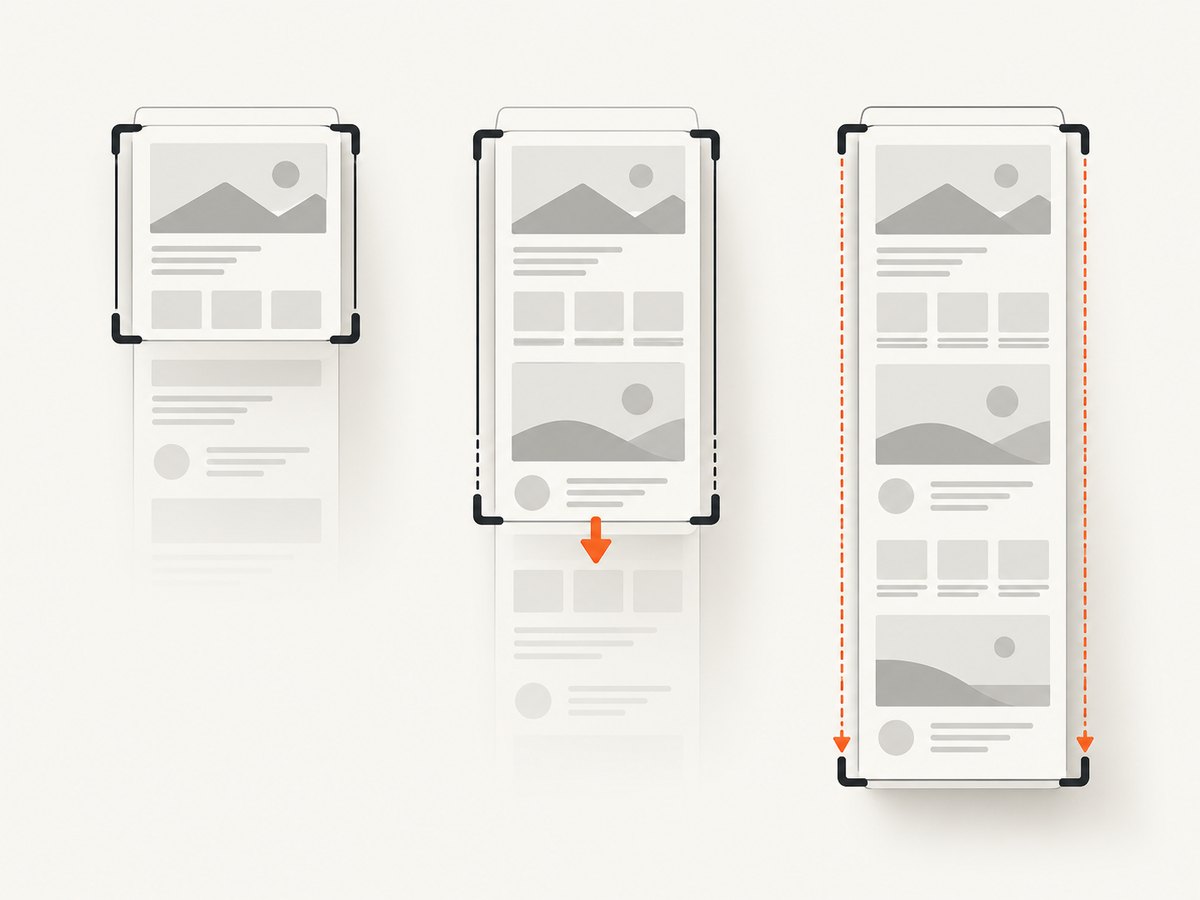
For a panel, code block, or article whose content extends beyond its visible box, use scrollWidth and scrollHeight. These report the full scrollable content area, including content currently outside the clipping viewport.
const element = document.querySelector('#capture');

const dataUrl = await domtoimage.toPng(element, {
  width: element.scrollWidth,
  height: element.scrollHeight
});
Make sure the element can expose its overflow while measuring. A child that is not mounted, a virtualized list that has not rendered its rows, or an image that is still loading cannot be recovered by the clone operation.
Why not use offsetWidth?
offsetWidth and offsetHeight are integer layout measurements. They can be useful when you explicitly want an integer border-box size, but they do not preserve subpixel values and do not describe the entire scrollable area. Prefer getBoundingClientRect() for the visible rendered box and scrollWidth/scrollHeight for full content.
| Requirement | Measurement | Use it when |
|---|---|---|
| Visible element | getBoundingClientRect() |
You want exactly what is currently laid out on screen. |
| Integer layout box | offsetWidth/offsetHeight |
Subpixel precision is irrelevant. |
| All overflow content | scrollWidth/scrollHeight |
You need the complete scrollable panel or document. |
2. A complete browser example
This example waits for fonts and images, measures the element, captures its visible box, and downloads a PNG. Replace the global domtoimage with the import or script loading method used by your project.
<!doctype html>
<html lang="en">
<head>
  <meta charset="utf-8">
  <title>Intrinsic dom-to-image capture</title>
  <script src="https://unpkg.com/dom-to-image@2.6.0/src/dom-to-image.js"></script>
  <style>
    #capture {
      width: max-content;
      max-width: 720px;
      padding: 24px;
      border: 1px solid #d0d7de;
      border-radius: 12px;
      background: white;
      color: #111827;
      font: 16px/1.5 system-ui, sans-serif;
    }
    #capture img { display: block; max-width: 100%; }
  </style>
</head>
<body>
  <article id="capture">
    <h1>A card with its natural rendered size</h1>
    <p>The capture dimensions come from the live CSS layout.</p>
  </article>
  <button id="save">Save PNG</button>

  <script>
    async function waitForAssets(root) {
      if (document.fonts?.ready) await document.fonts.ready;
      const images = [...root.querySelectorAll('img')];
      await Promise.all(images.map(img => {
        if (img.complete) return img.decode?.().catch(() => {});
        return new Promise(resolve => {
          img.addEventListener('load', resolve, { once: true });
          img.addEventListener('error', resolve, { once: true });
        });
      }));
    }

    document.querySelector('#save').addEventListener('click', async () => {
      const element = document.querySelector('#capture');
      await waitForAssets(element);
      const rect = element.getBoundingClientRect();
      const dataUrl = await domtoimage.toPng(element, {
        width: Math.ceil(rect.width),
        height: Math.ceil(rect.height)
      });
      const link = document.createElement('a');
      link.download = 'intrinsic-capture.png';
      link.href = dataUrl;
      link.click();
    });
  </script>
</body>
</html>
For a full scrollable capture, replace the measured dimensions with element.scrollWidth and element.scrollHeight. If the element has a CSS transform, decide whether the transformed visible size or the untransformed layout size is the intended result before measuring.
3. Fixing blank space, clipping, and overflow
Blank space around the result
Blank margins usually mean the library’s inferred dimensions do not match the box you intend to render. Pass explicit dimensions from the element’s bounding rectangle, and check parent styles such as padding, transforms, and fixed widths.
const rect = el.getBoundingClientRect();
const options = {
  width: Math.ceil(rect.width),
  height: Math.ceil(rect.height),
  style: {
    margin: '0'
  }
};
const png = await domtoimage.toPng(el, options);
Do not remove margins blindly: a margin may be part of the visual design. Inspect the cloned result and set only the styles required for the intended capture box.
Content is clipped
Clipping commonly occurs when a container has overflow: hidden or when the visible box was measured even though the requirement was the full scrollable content. Use scrollWidth/scrollHeight, and temporarily ensure that required descendants are mounted.
const width = el.scrollWidth;
const height = el.scrollHeight;
const png = await domtoimage.toPng(el, { width, height });
Lazy and virtualized content
dom-to-image clones the live DOM subtree at capture time. Trigger lazy loading first, scroll virtualized lists to mount the rows you need, and wait for images and fonts before measuring. Increasing the requested dimensions cannot create content that is absent from the DOM.
4. CSS pixels versus output resolution
width and height describe the logical capture size. Do not multiply them by window.devicePixelRatio unless you deliberately want a larger logical capture box. Resolution multipliers belong in a separate option such as scale or pixelRatio when using a compatible maintained fork that supports it.
const rect = el.getBoundingClientRect();
const png = await domtoimage.toPng(el, {
  width: Math.ceil(rect.width),
  height: Math.ceil(rect.height),
  scale: 2
});
The original dom-to-image API does not define a universal scale option; check the fork’s documentation before using it. A higher raster multiplier increases memory use and output size and can hit browser canvas limits. If that happens, lower the multiplier, capture a smaller region, or split a long capture into sections.
5. What dom-to-image does under the hood
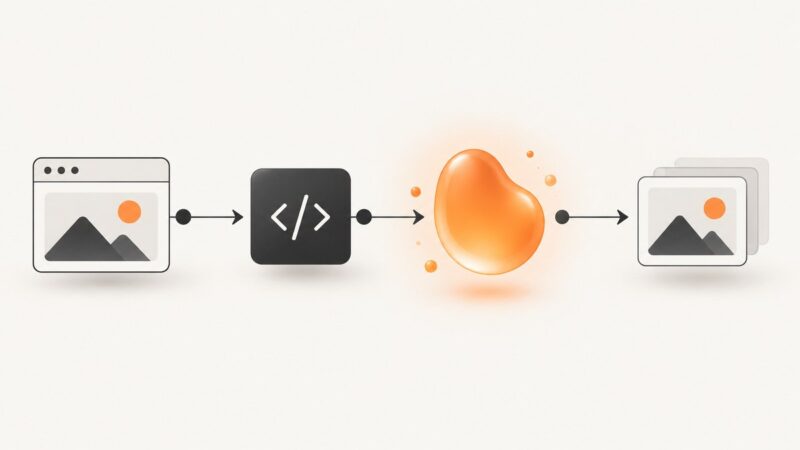
The library recursively clones the node, copies computed styles, embeds web fonts and images, serializes the clone, wraps it in an SVG foreignObject, and can rasterize that SVG through an off-screen canvas. This explains why computed styles, font loading, image access, and browser security rules affect the result. See the dom-to-image README for the documented API and implementation constraints.
6. Browser, font, and asset constraints
- The original README identifies Chrome and Firefox as tested browsers at the time of writing.
- Internet Explorer is unsupported because it lacks SVG
foreignObject. - Safari has a stricter security model that can prevent this approach; server-side rasterization is the documented workaround.
- External stylesheets and cross-origin images or fonts can fail to embed or taint the canvas. Serve assets with suitable CORS headers, inline critical styles, or use same-origin assets.
- Web fonts must be loaded before the measurement and capture. Otherwise the fallback font can change both intrinsic dimensions and appearance.
7. Troubleshooting checklist
| Symptom | Likely cause | Fix |
|---|---|---|
| Extra whitespace | Implicit dimensions or parent padding/margins | Pass rounded getBoundingClientRect() dimensions and inspect computed styles. |
| Bottom or right side clipped | Visible dimensions used for overflowing content | Use scrollWidth and scrollHeight; verify overflow content is mounted. |
| Text wraps differently | Fonts were not ready when the clone was made | Await document.fonts.ready before measuring. |
| Images missing | Images still loading or blocked cross-origin | Await image load/decode and configure CORS or use same-origin assets. |
| Canvas security error | Cross-origin resource tainted the canvas | Serve the resource with CORS, inline it, or move rendering to a server. |
| Safari failure | SVG foreignObject security restrictions |
Use Chrome/Firefox for client capture or server-side rasterization. |
| Very large capture fails | Canvas or memory limits | Reduce scale, capture a smaller element, or split the document. |
| Missing list rows | Virtualized rendering | Mount the required rows before calling dom-to-image. |
8. Performance, reliability, and cost considerations
- Measure once after layout is stable, then reuse the dimensions for the capture call.
- Wait for fonts and images instead of retrying blindly; retries do not fix missing DOM content.
- Capture the smallest region that satisfies the requirement. Large SVG strings and canvases consume memory.
- Use PNG for sharp text and transparency, JPEG for smaller photographic output, and SVG when you need a vector representation and the browser supports the embedded content.
- Client-side dom-to-image has no service request cost, but it consumes the user’s CPU and memory and inherits browser compatibility and CORS constraints.
- For repeatable server-side captures, a screenshot API can move browser setup, waiting, and rendering out of your application.
9. Or skip the browser setup
ScreenshotNeo provides a website screenshot API and MCP server. One GET request returns a PNG, JPEG, WebP, or PDF, while its capture pipeline accepts consent banners and removes more than 60 known consent platforms, newsletter popups, and chat widgets before the shot. Bot checks, blank pages, timeouts, failed loads, and cache hits are not billed, and the response identifies the result with X-Page-Verdict and X-Billed headers. Its MCP server works with Claude, Cursor, and other MCP clients through take_screenshot, get_page_info, and capture_pdf.
See the ScreenshotNeo API documentation for all options.
cURL
curl -G "https://api.screenshotneo.com/v1/shot" -d access_key=YOUR_API_KEY --data-urlencode url=https://stripe.com -o shot.webpPython
import requests

r = requests.get(
    "https://api.screenshotneo.com/v1/shot",
    params={"access_key": "YOUR_API_KEY", "url": "https://stripe.com"},
    timeout=90,
)
r.raise_for_status()
open("shot.webp", "wb").write(r.content)
Node.js
const q = new URLSearchParams({ access_key: 'YOUR_API_KEY', url: 'https://stripe.com' });
const res = await fetch(`https://api.screenshotneo.com/v1/shot?${q}`);
if (!res.ok) throw new Error(`Screenshot failed: ${res.status}`);
const buffer = Buffer.from(await res.arrayBuffer());
require('fs').writeFileSync('shot.webp', buffer);
ScreenshotNeo includes full-page capture with lazy images loaded, element capture by CSS selector, custom viewport and device presets, retina scale, custom CSS and JavaScript, waits for selectors, delays or network idle, request blocking, headers, cookies, user agents, authorization, timezone and geolocation, transparent backgrounds, resizing, caching with a chosen TTL, signed image links, asynchronous jobs with signed webhooks, bulk capture of up to 100 URLs per call, a usage API, and an OpenAPI specification. It also accepts parameter names used by other screenshot APIs to simplify switching.
Plans include 1,000 screenshots per month free with no card; paid plans start at $5 for 3,000 shots. Create a free ScreenshotNeo account and start with the free allowance.
10. FAQ
Does intrinsic size mean the element’s natural HTML width?
No. It means the size produced by the current rendered CSS layout. That can include responsive rules, padding, borders, transforms, and loaded font metrics.
Should I always use full scroll dimensions?
No. Use them only when the output must include content outside the visible box. For a card or currently visible component, bounding-rectangle dimensions are usually the correct choice.
Can dom-to-image capture a canvas or video frame?
Only if the browser permits the resource to be read and the content is present at capture time. Cross-origin media can trigger canvas security restrictions.
Why does a capture change after resizing the window?
Intrinsic dimensions come from responsive layout. Capture after the target viewport is set and layout, fonts, lazy content, and images have settled.
When should I use an API instead of client-side dom-to-image?
Use an API when captures must run consistently outside a user’s browser, when Safari or cross-origin assets are a problem, or when you want server-side waiting, cleanup, PDF output, and job handling.