Doppio Alternatives: PDF and Screenshot API Comparison
Compare Doppio and screenshot API alternatives by output, workflow, controls, storage, price and operational fit—then choose a service for your workload.

If you need a managed service to turn web pages or HTML into PDFs and screenshots, start by matching the service to your input, output and delivery workflow. Doppio documents direct, synchronous and asynchronous rendering, plus PDF and image outputs. Alternatives differ in price, browser controls and the kinds of jobs they suit; test your own representative pages before choosing.
For a screenshot API to try first, consider ScreenshotNeo: it removes cookie banners, newsletter popups and chat widgets before capture, and bills only clean shots. For a broader comparison, use the decision guide and service notes below.
1. What Doppio does
Doppio is a managed API for converting a web page or HTML into a PDF or screenshot. Its documented input options include a URL, base64-encoded HTML and a template ID. Its feature page describes a Chromium-based renderer that supports modern CSS layouts, webfonts and JavaScript-heavy pages; those are vendor claims, not independent benchmark results. Doppio also documents CSS Paged Media and Paged.js workflows, page size and margins, image screenshots, and S3-compatible uploads using a presigned URL. See Doppio’s feature overview.
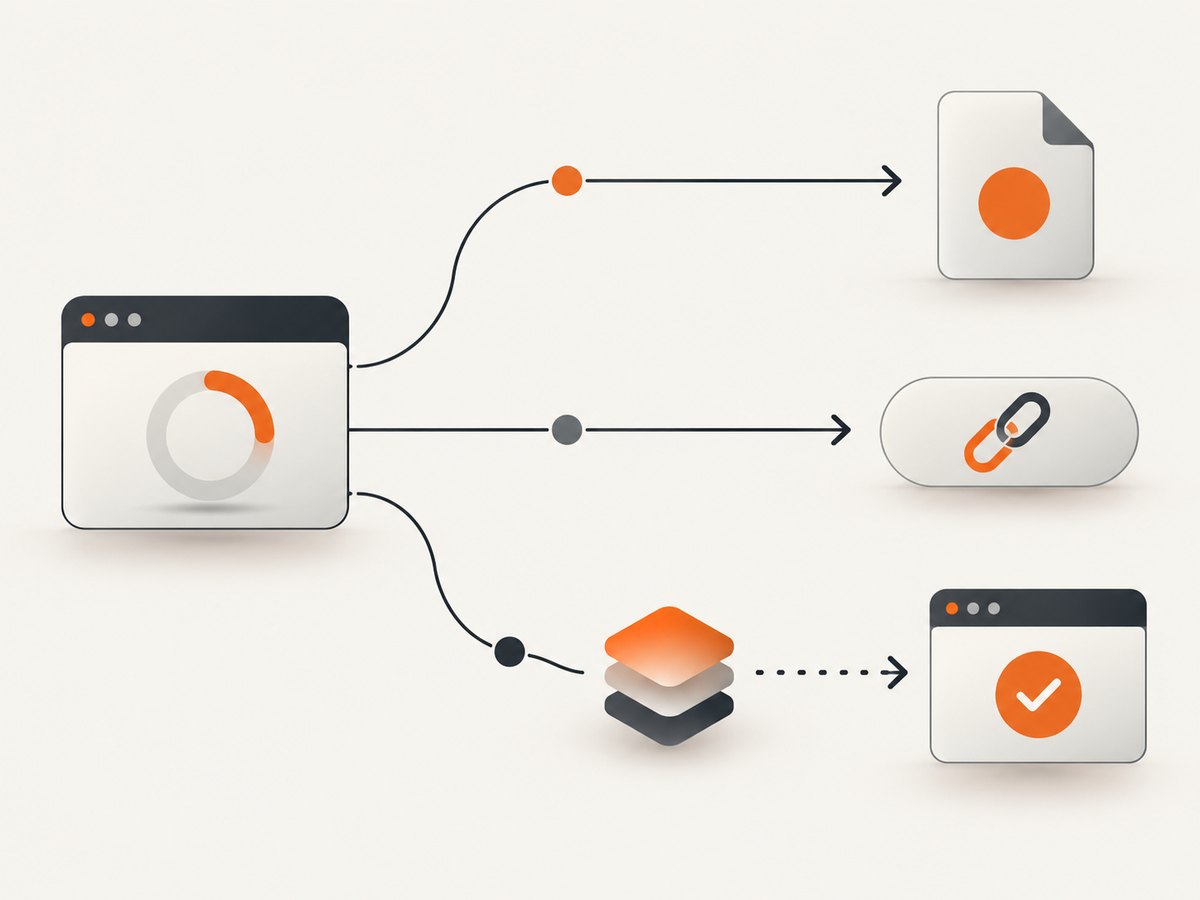
The key workflow choice is how the rendered file gets back to your application. Doppio documents three methods:
| Method | What the request returns | Useful when |
|---|---|---|
| Direct | The rendered file in the response | Your caller can wait for rendering and consume the bytes immediately. |
| Sync | A URL where the rendered file is temporarily hosted, or a customer bucket URL when a presigned URL is supplied | Your application wants a link or storage handoff. |
| Async | A prompt response; rendering continues in the background and completion is sent to a supplied webhook | The work can outlast an interactive request and your system can process a callback. |
Check the Doppio render-method documentation for the current request format and constraints. The exact endpoint, authentication fields and payload schema are intentionally not guessed here: use the current API reference for a runnable Doppio request rather than copying an invented endpoint or parameter name.
2. Pick an alternative by workload
“Best” depends on what you render. A screenshot-only comparison can miss the requirements that determine whether a service fits: PDF pagination, HTML or template input, asynchronous jobs, storage destination, authentication controls and total monthly volume.
| Service | Reported offer in the cited 2026 comparison | Reported fit and caveat |
|---|---|---|
| ScreenshotNeo | Free: 1,000 shots/month. Paid: $5 for 3,000; $15 for 15,000; $39 for 60,000; $99 for 250,000; $249 for 1,000,000. | Try first for website screenshots where clean output and billing clarity matter: it removes known consent banners, popups and chat widgets, and response headers state page verdict and billing. It also offers PDF output and an MCP server. See the docs. |
| Doppio | Pricing not established as current in this dossier. | Consider when you need the documented direct, sync or async delivery choices, URL/HTML/template inputs, PDF workflows or presigned storage uploads. Verify current limits and terms. |
| ScreenshotOne | 100 free screenshots, then $17/month for 2,000. | The comparison describes broad browser controls, PDF, caching, S3 uploads and webhooks; video is on higher plans. Paid entry costs more than the other two services in that comparison. |
| ScreenshotAPI.net | $9/month for 1,000 screenshots. | The comparison lists full-page capture, blocking, PDF, bulk capture and storage integrations; some advanced features are on higher plans. |
| Screenshot Machine | 100 free fresh screenshots, then €9/month for 2,500 fresh screenshots. | The comparison characterizes it as a lower-cost option for straightforward screenshots and PDFs, with a narrower API surface for advanced automation. |
The three external price and capability rows are reported by a ScreenshotOne comparison updated September 4, 2026. Its author, ScreenshotOne founder Dmytro Krasun, discloses that affiliation. Treat the figures as reported plan details, not independent market statistics; verify them on each vendor’s current pricing page before purchase. ScreenshotNeo prices and features above are the product facts supplied for this article.
3. Compare the parts that affect production
Inputs and outputs
List every source your system must render: public URLs, authenticated pages, raw HTML, reusable templates or generated reports. Then list outputs: PNG, JPEG or WebP images, PDF, or video. Doppio’s feature materials describe URL, base64 HTML and template ID inputs, as well as PDF and image output. ScreenshotNeo accepts a URL for a screenshot or PDF. Do not assume every screenshot service accepts HTML or templates, or that every PDF API captures images with the same behavior.
Page fidelity and controls
Check viewport and full-page behavior, wait conditions, cookies and headers, scripts, page size and margins, and whether the service can capture a specific element. For PDFs, also check pagination: long tables, page breaks, headers and footers, and print CSS can change the document substantially. For screenshots, test lazy-loaded images, sticky elements, overlays and responsive breakpoints. A feature list is a starting point; your own pages reveal whether the combination works.
Delivery, storage and retries
Direct delivery is convenient when the caller can remain open until the file is ready. A hosted URL or customer bucket can fit a later download or handoff. Async webhooks decouple rendering from request time, but require callback validation, idempotent processing and a recovery path for callbacks that fail to arrive. Confirm file retention and URL expiry before designing downstream storage. For sensitive pages, check current security, residency, retention and compliance terms directly with the vendor; product-page statements alone are not contractual assurance.
Estimate total cost
Estimate monthly volume, not just the advertised entry tier. Include retries, test traffic, PDFs and any plan-specific features or overages. Establish what counts as a billable render, whether cached responses count, how failed navigation is handled, and whether storage or delivery adds cost. The cited comparison is a snapshot, and Doppio’s current price was not established by this research. ScreenshotNeo says bot checks/CAPTCHAs, blank pages, timeouts, failed loads and cache hits cost nothing, and each response includes X-Page-Verdict and X-Billed headers.
4. Run a fair evaluation
- Choose representative pages. Include a typical public page, a JavaScript-heavy page, a long page, an authenticated page if relevant, and a page with a cookie banner or other overlay.
- Define expected output. Specify image format and viewport, or PDF paper size, margins, orientation and page range where supported.
- Use equivalent settings. Match wait behavior, viewport and output format as closely as each API allows. Record settings because defaults may differ.
- Inspect output and failure modes. Look for missing fonts, unloaded images, clipped content, unexpected pagination and overlays. Record response time and failures across repeated runs; this is your evaluation, not a published benchmark.
- Calculate workload cost. Apply expected monthly volume, retries, caching and required plan features to current vendor pricing.
- Review operational terms. Confirm storage retention, webhook behavior, support, security and compliance requirements with current vendor documentation.
A ScreenshotOne comparison recommends testing the same representative pages across candidates and comparing output, latency, failures and total plan cost. That is a sensible evaluation method, but the comparison itself is commercially interested and this article does not claim to have run those tests.
5. Integrate Doppio without guessing its request schema
Use the current Doppio render-method guide and API reference to select the endpoint, authentication mechanism and required fields. Keep credentials in environment variables or a secret manager, not in source control. The following runnable skeletons show how to submit an HTTP request once you fill in the documented endpoint, headers and JSON body. They deliberately do not pretend that placeholder fields are Doppio’s actual API schema.
cURL request skeleton
export DOPPIO_ENDPOINT='PASTE_CURRENT_ENDPOINT_FROM_DOPPIO_DOCS'
export DOPPIO_TOKEN='YOUR_API_TOKEN'

curl --fail-with-body --request POST "$DOPPIO_ENDPOINT" \
  --header "Authorization: Bearer $DOPPIO_TOKEN" \
  --header 'Content-Type: application/json' \
  --data '{"REPLACE_WITH_FIELDS_FROM_CURRENT_DOPPIO_API_REFERENCE": true}' \
  --output render-response.bin
This is a transport example, not an asserted Doppio authentication or payload contract. For direct mode, the response may be a file; for sync or async, follow the documented response shape and fetch or process the resulting artifact accordingly.
Python request skeleton
import os
import requests

endpoint = os.environ["DOPPIO_ENDPOINT"]
token = os.environ["DOPPIO_TOKEN"]
payload = {"REPLACE_WITH_FIELDS_FROM_CURRENT_DOPPIO_API_REFERENCE": True}

response = requests.post(
    endpoint,
    headers={"Authorization": f"Bearer {token}"},
    json=payload,
    timeout=90,
)
response.raise_for_status()
with open("render-response.bin", "wb") as output:
    output.write(response.content)
Node.js request skeleton
const endpoint = process.env.DOPPIO_ENDPOINT;
const token = process.env.DOPPIO_TOKEN;
if (!endpoint || !token) throw new Error('Set DOPPIO_ENDPOINT and DOPPIO_TOKEN');

const response = await fetch(endpoint, {
  method: 'POST',
  headers: {
    Authorization: `Bearer ${token}`,
    'Content-Type': 'application/json',
  },
  body: JSON.stringify({
    REPLACE_WITH_FIELDS_FROM_CURRENT_DOPPIO_API_REFERENCE: true,
  }),
  signal: AbortSignal.timeout(90_000),
});
if (!response.ok) {
  throw new Error(`Render request failed: ${response.status} ${await response.text()}`);
}
const bytes = Buffer.from(await response.arrayBuffer());
await import('node:fs/promises').then(fs => fs.writeFile('render-response.bin', bytes));
For an async job, do not treat the initial successful response as a completed file: persist the job identifier or response data required by the current API, accept the configured webhook, validate it according to Doppio’s current guidance, and make processing safe to repeat.
6. Or skip the browser setup
For a one-call website capture, ScreenshotNeo returns a screenshot or PDF from a URL. The request below saves a WebP image; see the ScreenshotNeo API documentation for its parameters and response behavior.

curl -G "https://api.screenshotneo.com/v1/shot" \
  -d access_key=YOUR_API_KEY \
  --data-urlencode url=https://stripe.com \
  -o shot.webp
import requests
r = requests.get(
"https://api.screenshotneo.com/v1/shot",
params={"access_key": "YOUR_API_KEY", "url": "https://stripe.com"},
timeout=90,
)
r.raise_for_status()
open("shot.webp", "wb").write(r.content)const q = new URLSearchParams({
access_key: 'YOUR_API_KEY',
url: 'https://stripe.com',
});
const res = await fetch(`https://api.screenshotneo.com/v1/shot?${q}`);
if (!res.ok) throw new Error(`Screenshot request failed: ${res.status}`);
await import('node:fs/promises').then(fs => fs.writeFile('shot.webp', Buffer.from(await res.arrayBuffer())));Cookie and consent banners, newsletter popups and chat widgets are removed before the shot. Bot checks, blank pages and failed loads are never billed; the response identifies the page verdict and billing status. An MCP server lets AI agents use screenshot tools. The free plan includes 1,000 screenshots a month with no card; paid plans start at $5 for 3,000. Sign up for 1,000 free screenshots a month, with no card required.
7. Troubleshooting common rendering problems
| Symptom | Likely cause | What to check |
|---|---|---|
| Blank or incomplete page | Navigation failed, the page requires access, or rendering began before content appeared. | Open the URL from the rendering environment if possible; check authentication, redirects, network errors and documented wait options. Distinguish a failed load from a valid but empty page. |
| Missing charts or images | Client-side rendering or lazy loading did not finish before capture. | Use the provider’s documented wait controls, inspect console/network behavior if available, and ensure the content is present at the selected viewport. |
| PDF content is clipped or paginated badly | Print CSS, page dimensions, margins or break rules do not match the intended document. | Set paper and margins explicitly where supported; inspect page-break styles and test unusually long rows or sections. |
| Fonts or layout differ | Fonts have not loaded, a responsive breakpoint changed, or CSS support differs. | Wait for fonts and page rendering as documented; set a consistent viewport and compare using the same URL and settings. |
| Request times out | The page is slow, blocked, or doing work that exceeds the request window. | Use documented timeouts and async delivery when available; reduce unnecessary page work and record which URLs fail repeatedly. |
| Webhook processing duplicates work | Callbacks may be retried or delivered more than once. | Use an idempotency key or job identifier from the documented payload, persist completion state, and make duplicate handling safe. |
| API returns an error instead of a file | Invalid parameters, authentication failure, rate limits or a provider-side render error. | Read status and response body before saving bytes as an image; verify parameter names in current docs and apply bounded retries only to transient failures. |
8. Performance, reliability and cost practices
- Keep interactive work bounded. If users are waiting on a request, set an application deadline and show a recoverable state. Use an async workflow for jobs that can take longer, if the service supports it.
- Retry selectively. Retry transient network or service failures with a cap and backoff. Do not retry invalid requests unchanged, and avoid multiplying costs by retrying completed jobs without checking status.
- Cache intentionally. Reuse an output when the source and render settings are unchanged and freshness permits it. Doppio’s feature page describes caching only where documented; verify any cache semantics and billing treatment directly.
- Measure your own workload. Record success rate, render duration, output size and spend for representative pages. The dossier contains no independent performance benchmark.
- Protect sensitive data. Avoid putting credentials in URLs or logs. Verify retention, region, access controls and contractual security terms before sending private pages.
9. Frequently asked questions
Can Doppio generate both PDFs and screenshots?
Yes. Its documentation and feature page describe PDF and image outputs, including PNG, JPEG/JPG and WebP. Confirm current output options in the live API docs.
Should I choose direct, sync or async rendering?
Choose based on how your application consumes the result: response bytes, a hosted/storage URL, or a background job completed through a webhook.
Is the cheapest listed API automatically the best value?
No. Compare cost at your expected volume with the features, output types, failure handling and storage you actually need. The comparison prices are dated plan reports and should be verified.
Are the cited services independently benchmarked here?
No. The research dossier contains vendor documentation and a provider-authored comparison, not independent API test results. Run your own controlled evaluation before committing.
Does ScreenshotNeo support AI agents?
Yes. ScreenshotNeo provides an MCP server with take_screenshot, get_page_info and capture_pdf tools for Claude, Cursor and MCP clients. See the documentation.
Sources and freshness
Doppio capability details come from its official features page and render-method documentation. External alternative pricing and descriptions are attributed to the ScreenshotOne comparison checked September 4, 2026, whose author is ScreenshotOne’s founder. Pricing, features and security terms can change; confirm current primary documentation before selecting a service.


