How to Download All Files from a Web Page
Learn when to use Wget, HTTrack, or direct URLs to save page assets, linked files, and bounded site sections safely.
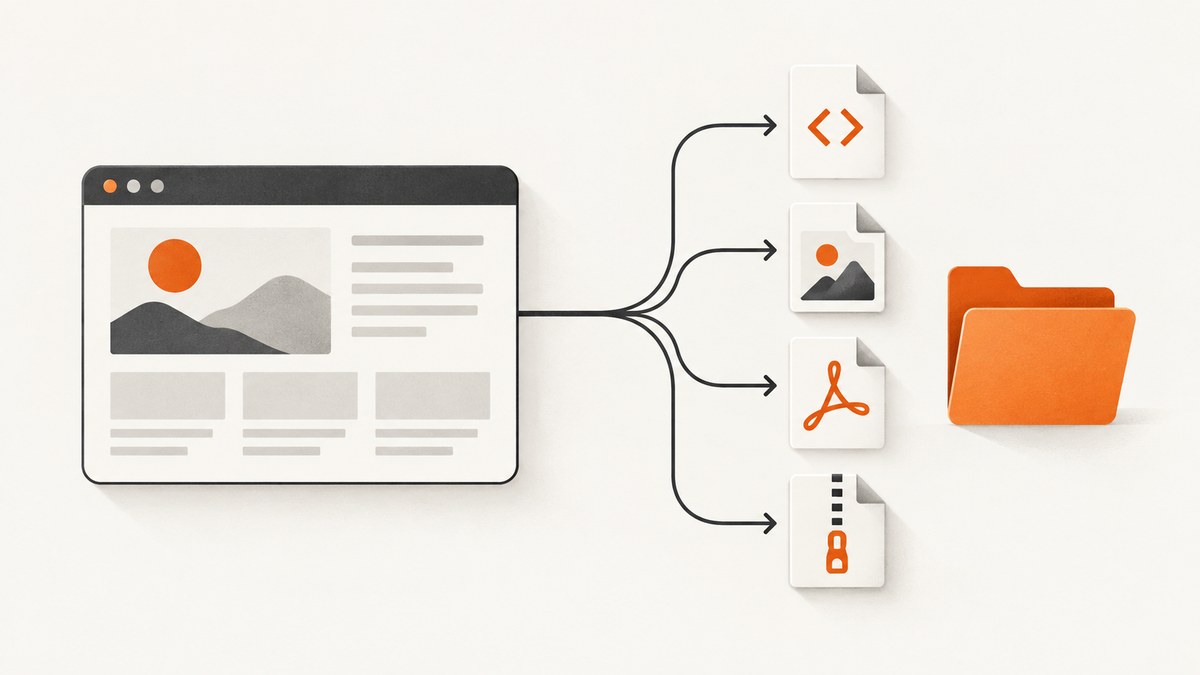
Use GNU Wget when you need one page and the assets required to display it:
wget --page-requisites --convert-links --adjust-extension --no-parent https://example.com/pageThat command saves the HTML, images, stylesheets, and other page prerequisites it can discover, then rewrites links for offline browsing. Before downloading anything, define your boundary: a single page, every file linked from one page, one directory, or a whole site. The right command and the amount of data depend on that choice.
Choose the scope before you start
| Goal | Best starting point | What it includes |
|---|---|---|
| Save one page for offline viewing | Wget with --page-requisites |
HTML plus discoverable images, CSS, and other display assets |
| Download every PDF or ZIP linked from a directory | Wget recursion with depth and extension filters | Matching files under a bounded path |
| Create a browsable visual mirror | HTTrack | Recursive pages and assets with rewritten offline links |
| Download a known list of files only | Direct URLs or HTTrack --get-files |
Only the addresses you provide |
| Capture what a JavaScript-heavy page renders | Browser network inspection or a rendering service | Requests created at runtime, subject to access rights |
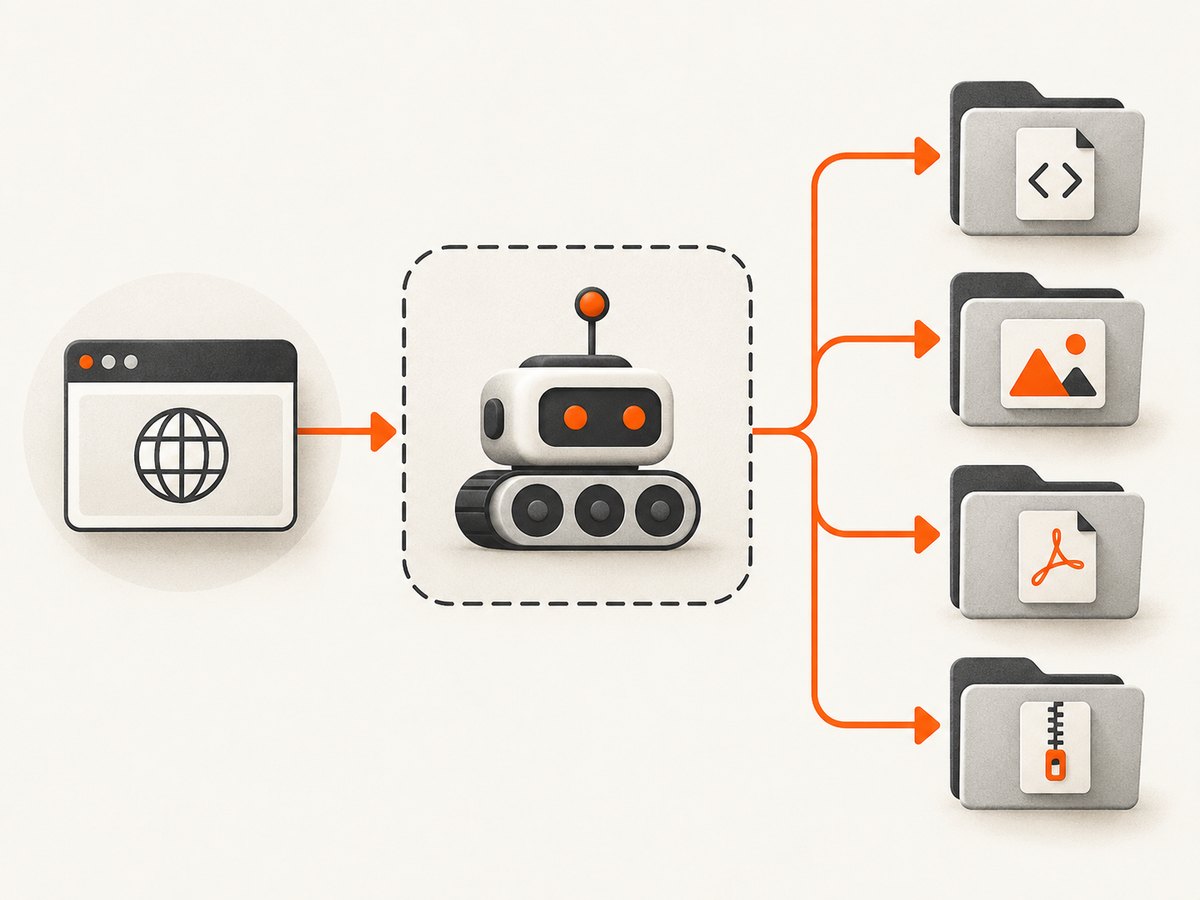
Download one page and its required assets with Wget
GNU Wget parses the page and retrieves resources needed to render it. --convert-links changes links to local paths, while --adjust-extension gives saved HTML files an appropriate extension. --no-parent prevents the crawl from moving above the supplied path.
# Save a page and the assets needed to display it
wget --page-requisites --convert-links --adjust-extension --no-parent https://example.com/page

# Put the result in a named directory
wget --page-requisites --convert-links --adjust-extension \
  --directory-prefix=page-copy https://example.com/page
What Wget can discover
- HTML links and embedded resources.
- Images referenced by HTML or CSS.
- Stylesheets and other static prerequisites that the parser can see.
The result is not guaranteed to include URLs assembled by JavaScript after the initial HTML response. Check the download log and the saved page if an asset is missing.
Download every linked PDF, ZIP, or other file in a bounded area
Recursive retrieval follows links breadth-first to a selected depth. A depth of one is useful for a directory page and the files directly below it.
# Crawl one level below /docs/ on example.com and keep only PDFs and ZIPs
wget --recursive --level=1 --no-parent \
  --domains=example.com \
  --accept=pdf,zip \
  https://example.com/docs/
Use --accept for extensions or patterns that match the files you actually want. Keep --domains and --no-parent in place unless you intentionally want external hosts or higher directories.
Useful Wget controls
| Option | Purpose |
|---|---|
--recursive or -r |
Follow links and retrieve discovered resources. |
--level=N or -l N |
Limit recursion depth. -l 1 keeps a directory crawl shallow. |
--no-parent |
Stay below the starting URL’s path. |
--domains=example.com |
Restrict recursion to approved hosts. |
--accept=pdf,zip or -A |
Accept only selected extensions or patterns. |
--reject=... or -R |
Exclude unwanted extensions or patterns. |
--directory-prefix=DIR |
Choose the local output directory. |
--continue or -c |
Resume partial downloads when the server supports range requests. |
--no-clobber or -nc |
Do not overwrite existing files. |
Mirror a site with HTTrack
HTTrack is useful when the goal is a browsable visual mirror. Its normal “Download web site(s)” workflow copies the selected site recursively, rewrites links for offline browsing, can continue after interruption, and can update an existing mirror. The official overview describes building directories recursively and retrieving HTML, images, and other files.
# Mirror one site
httrack https://example.com/ --path mirror

# Download only listed files; do not follow links
httrack --get-files \
  https://example.com/a.pdf \
  https://example.com/b.zip \
  --path files
Use scan rules and filters to limit hosts, paths, and file types. For a PDF-only recipe, retain enough HTML and directory scaffolding for HTTrack to discover the links before excluding unrelated file types.
Resume and update an HTTrack mirror
# Continue an interrupted transfer
httrack --continue https://example.com/ --path mirror

# Revalidate and update an existing mirror
httrack --update https://example.com/ --path mirror
An update can remove files that no longer exist in the source. Keep a backup of the existing tree when that behavior would be harmful. Read the transfer log and compare expected file counts or hashes before relying on the mirror.
JavaScript, lazy loading, and generated URLs
HTTrack parses HTML and CSS but does not execute JavaScript. A URL created at runtime, such as a lazy-loaded image or a JavaScript-assembled download path, may be invisible to the crawler. Wget also cannot guarantee discovery of requests that exist only after script execution.
- Open browser developer tools and select the Network panel.
- Reload the page and trigger lazy loading, tabs, or download buttons.
- Filter requests by type such as
document,image,media, orfetch. - Copy the direct request URL, including required query parameters.
- Download the authorized URLs with Wget or a script.
# Download a URL discovered in the browser network log
wget --content-disposition --trust-server-names \
  'https://example.com/generated/file?id=123'
If the site provides an official export or download control, prefer that endpoint. Do not attempt to bypass access controls.
Authenticated pages and cookies
Only download material you are authorized to access. HTTrack supports a Netscape-format cookies.txt file exported from a browser and can capture a URL reached through a form submission.
# Supply exported browser cookies to HTTrack
httrack https://example.com/private/ \
  --cookies=browser-cookies.txt \
  --path private-copy
Cookie files contain session credentials. Store them with restrictive permissions, avoid committing them to source control, and delete them when the job is complete.
Download a known list with cURL, Python, or Node.js
cURL
curl --remote-name-all \
  https://example.com/a.pdf \
  https://example.com/b.zip
Python
from pathlib import Path
from urllib.parse import urlparse
import requests

urls = [
    "https://example.com/a.pdf",
    "https://example.com/b.zip",
]
out = Path("downloads")
out.mkdir(exist_ok=True)

for url in urls:
    response = requests.get(url, timeout=90)
    response.raise_for_status()
    name = Path(urlparse(url).path).name or "download.bin"
    (out / name).write_bytes(response.content)
    print(f"saved {name} ({len(response.content)} bytes)")
Node.js
import { mkdir, writeFile } from "node:fs/promises";

const urls = [
  "https://example.com/a.pdf",
  "https://example.com/b.zip",
];

await mkdir("downloads", { recursive: true });
for (const url of urls) {
  const response = await fetch(url);
  if (!response.ok) throw new Error(`${response.status} ${url}`);
  const filename = new URL(url).pathname.split("/").pop() || "download.bin";
  const bytes = Buffer.from(await response.arrayBuffer());
  await writeFile(`downloads/${filename}`, bytes);
  console.log(`saved ${filename} (${bytes.length} bytes)`);
}
Integrity, storage, and repeatability checklist
- Write downloads into a dedicated directory.
- Record the source URL and retrieval time.
- Review Wget or HTTrack logs for HTTP errors.
- Compare expected file counts with the output tree.
- Use hashes such as
sha256sumwhen file integrity matters. - Keep enough disk space for the full mirror; large media and repeated versions can consume storage quickly.
- Use
--continueor HTTrack’s cache for interrupted transfers.
Performance, reliability, and cost considerations
Recursive crawls can grow far beyond the starting page when links leave the intended section. Limit depth, domains, paths, and extensions before starting. A shallow, filtered crawl is faster and easier to audit than an unrestricted mirror.

Retries help with transient network failures, but repeated requests can load a server. Follow the site’s terms and robots guidance, use a reasonable request rate, and schedule large jobs when appropriate. Neither Wget nor HTTrack executes arbitrary page JavaScript, so browser-rendered content may require a separate capture step.
The software itself does not require a per-file service fee, but you still pay in bandwidth, local storage, and time. A USB flash drive is optional portable storage for the resulting directory, not a requirement.
Troubleshooting
| Symptom | Likely cause | Fix |
|---|---|---|
| Images or CSS are missing | The resource is loaded by JavaScript or blocked by access rules. | Inspect Network requests and download the direct URLs; verify the saved HTML paths. |
| The crawl leaves the intended site area | No domain, parent, depth, or extension restriction. | Add --domains, --no-parent, --level, and --accept. |
| Only the index page was saved | Recursion was not enabled, or links require script execution. | Use --recursive for linked pages, or capture runtime URLs in a browser. |
| HTTrack reports missing dynamic files | HTTrack does not run JavaScript. | Use the page’s export function or feed browser-discovered URLs to Wget. |
| Private files return 401 or 403 | Missing or expired authentication. | Use an authorized session and an exported cookie file, then retry. |
| Downloads stop partway through | Connection interruption or server range limitations. | Retry with Wget --continue or HTTrack --continue; inspect logs. |
| Files disappear after an update | HTTrack removed files no longer present at the source. | Restore from a backup or copy the mirror before updating. |
| Offline links still point online | Link conversion did not apply to that resource or URL form. | Check the conversion log and edit only after confirming the correct local path. |
Or skip the browser setup
If your actual goal is a clean image or PDF of the page rather than a local archive of every linked file, ScreenshotNeo provides a one-request capture API. See the ScreenshotNeo API docs for options.
curl -G "https://api.screenshotneo.com/v1/shot" -d access_key=YOUR_API_KEY --data-urlencode url=https://stripe.com -o shot.webpimport requests
r = requests.get("https://api.screenshotneo.com/v1/shot", params={"access_key": "YOUR_API_KEY", "url": "https://stripe.com"}, timeout=90)
open("shot.webp", "wb").write(r.content)const q = new URLSearchParams({ access_key: 'YOUR_API_KEY', url: 'https://stripe.com' }); const res = await fetch(`https://api.screenshotneo.com/v1/shot?${q}`);Cookie banners, newsletter popups, and chat widgets are removed before the shot. Bot checks, blank pages, failed loads, and cache hits are not billed, and response headers identify the page verdict and billing status. Its MCP server lets Claude, Cursor, and other MCP clients take screenshots. The free plan includes 1,000 screenshots a month with no card; paid plans start at $5 for 3,000 shots. Create a free ScreenshotNeo account.
FAQ
Can I download every file a page references with one command?
For display assets, start with Wget --page-requisites. “Every file” needs a defined boundary and filters; files generated after JavaScript runs may require browser inspection.
Should I use Wget or HTTrack?
Use Wget for precise command-line retrieval and filtered crawls. Use HTTrack when a browsable, rewritten offline mirror and resume/update workflow matter.
How do I avoid downloading the whole internet?
Set a recursion level, use --no-parent, restrict domains, and accept only the extensions or paths you need.
Is downloading a website legal?
Download only content you are authorized to access and follow the site’s terms, copyright rules, and applicable policies.


