How to Download All PDF Files from a Website
Use GNU Wget to find and download linked PDFs across a site, or use Scrapy when you need custom URL discovery and storage.
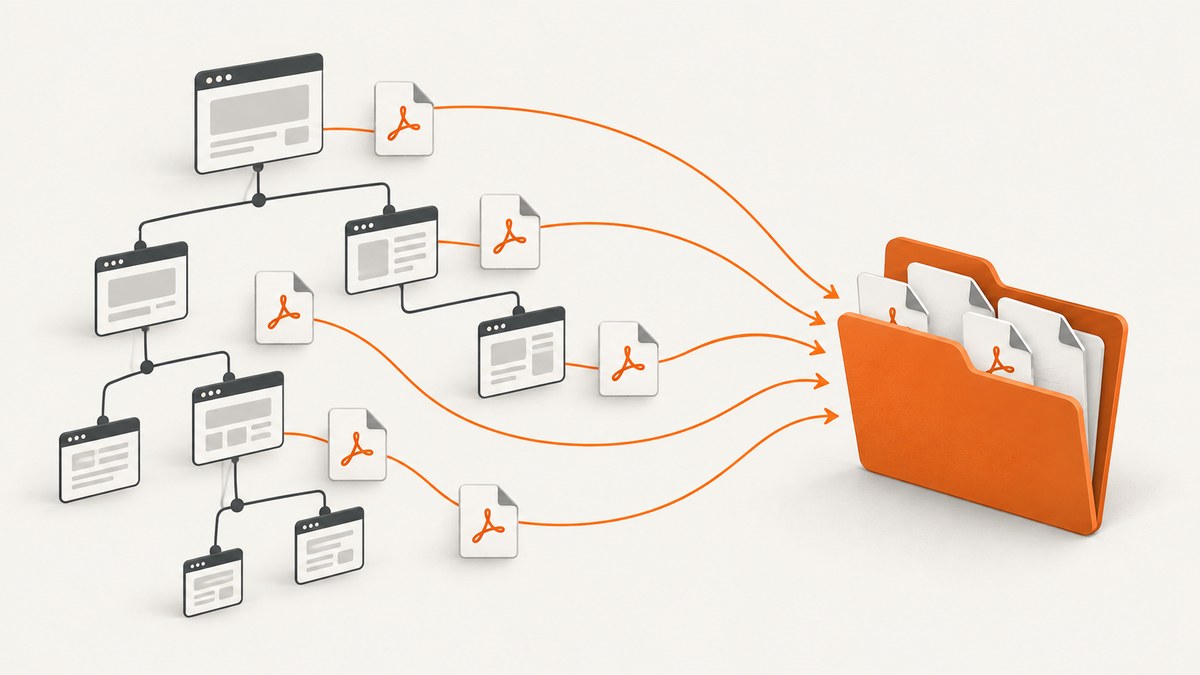
To download PDFs linked from pages across a website, use GNU Wget’s recursive mode with a PDF suffix filter. For example, wget --recursive --level=inf --no-parent --accept=pdf --directory-prefix=pdfs https://example.com/docs/ follows discoverable links below the starting path and saves matching URLs in pdfs. This finds PDFs only when Wget can discover their links within the crawl scope; no generic crawler can promise every PDF on a domain.
Use the commands below only for material you are allowed to access. Keep the crawl scoped, respect the site’s crawler policy, and do not treat robots.txt as authorization to access protected files. If you only need a screenshot of a page that lists documents, ScreenshotNeo can capture the page; it does not download linked PDFs.
1. Choose a starting point and scope
Start with the narrowest useful URL: a documentation section, public archive, or index page. Wget follows links it discovers in HTML and CSS, including references such as href, src, and CSS url(). Recursive retrieval proceeds breadth-first and can be limited by depth. A site’s navigation, generated pages, inaccessible sections, and links requiring interaction affect what is discoverable.
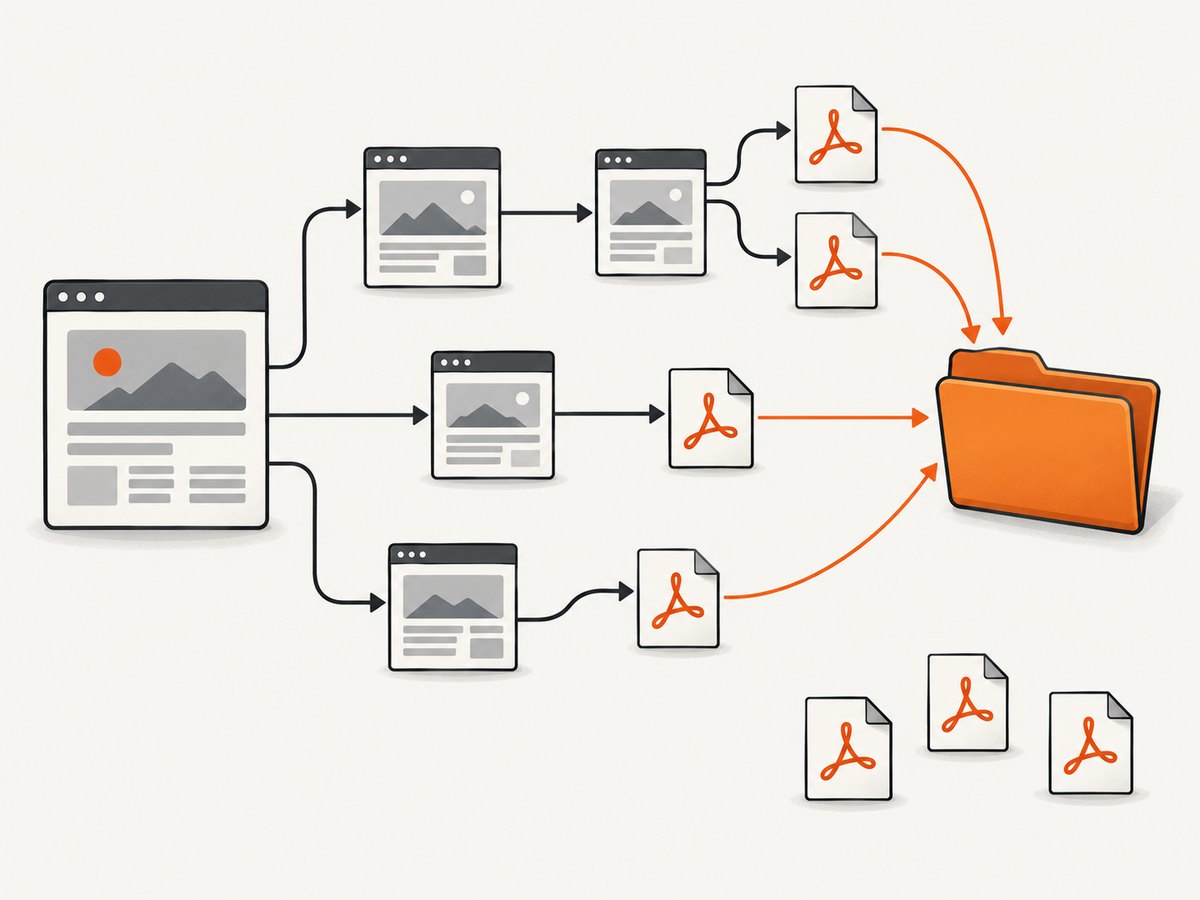
Before running a broad crawl, decide:
- Starting URL: does it link to the documents or pages that link to them?
- Path boundary: should retrieval stay below the starting directory?
- Depth: is a finite link depth sufficient, or do you need to allow deeper traversal?
- Output: where should downloaded files go, and could filenames collide?
- Policy: does the site publish crawler guidance or terms that limit automated access?
Wget’s --no-parent limits traversal to the starting directory’s descendants. It is useful when the target collection lives under a distinct path such as /docs/. It does not mean “stay on this exact page,” and a badly chosen starting path may exclude relevant files.
2. Download linked PDFs with Wget
Basic recursive command
wget --recursive --level=inf --no-parent --accept=pdf --directory-prefix=pdfs https://example.com/docs/Replace the example URL with a public starting URL. --recursive enables link following; --level=inf removes the finite depth limit; --no-parent restricts upward traversal; --accept=pdf selects URLs whose names match the PDF suffix; and --directory-prefix=pdfs puts retrieved files beneath a local directory. Check Wget’s manual for the exact options available in your installed version: GNU Wget manual.
A suffix filter matches URL names, not file contents. A PDF served at a URL without a .pdf suffix may be missed, while a URL ending in .pdf does not by itself prove that the response is a valid PDF.
Limit crawl depth
For a smaller crawl, set a finite depth. This visits the start page and follows links up to the configured number of levels:
wget --recursive --level=3 --no-parent --accept=pdf --directory-prefix=pdfs https://example.com/docs/The right depth depends on the site’s structure. A shallow value can miss PDFs behind several index pages. An unlimited depth can visit a large link graph, so prefer a focused starting URL and a finite limit when it meets the need.
Save a crawl log
Capture output in a log so you can inspect which pages Wget visited and diagnose failures:
wget --recursive --level=3 --no-parent --accept=pdf --directory-prefix=pdfs --output-file=wget.log https://example.com/docs/Review the log and the resulting directory. A completed command does not establish that the site has no other PDFs; it establishes only what this crawl discovered and retrieved.
3. Understand Wget’s useful options
| Option | Purpose | When it helps |
|---|---|---|
--recursive / -r |
Follow links recursively. | Collect files linked from pages beyond the starting page. |
--level=N / -l N |
Set maximum traversal depth; inf allows unlimited depth. |
Bound crawl size or reach deeper indexes. |
--no-parent |
Do not ascend above the starting directory. | Keep a crawl in a section such as /docs/. |
--accept=LIST / -A LIST |
Accept matching names, suffixes, or patterns. | Keep likely PDF URLs and discard other files. |
--reject=LIST / -R LIST |
Reject matching names, suffixes, or patterns. | Exclude known file types or URL patterns. |
--directory-prefix=DIR / -P DIR |
Write retrieved files beneath a chosen directory. | Keep output separate from the current working directory. |
--output-file=FILE / -o FILE |
Write messages to a log file. | Inspect traversal and diagnose retrieval problems. |
Accept and reject filters operate on names and patterns, not MIME-type validation. If URLs have query strings, unusual suffixes, or no file suffix, inspect how the site links the documents and adjust discovery rather than assuming the suffix filter can identify their contents.
4. Check and organize the downloaded files
- List the output directory and count files.
- Inspect the log for denied requests, missing pages, or failed downloads.
- Open a sample of the files with a PDF reader or a file identification utility.
- Look for duplicates or files with colliding names; the same document may appear through multiple links.
- If completeness matters, compare the collected set with the site’s index, sitemap, or official document catalog when available.
Recursive website retrieval may recreate directory paths under the output directory. This can help preserve context but can make files less convenient to browse. Avoid flattening filenames blindly: distinct pages can use the same basename. If you need a normalized naming scheme, collect URLs first and use a controlled downloader or script.
5. Use Scrapy for custom discovery and storage
Wget is a practical fit when links are exposed in ordinary pages and suffix filtering is enough. Use a crawler such as Scrapy when you need custom URL discovery, data extraction, a specific storage backend, or a deliberate naming policy. Scrapy’s Files Pipeline downloads file URLs provided in an item field, stores them under the configured FILES_STORE, allows custom file_path logic, and reports success or failure in the result. See the official Scrapy media pipeline documentation.
This minimal spider demonstrates the pipeline after URLs have been identified. It downloads the URLs supplied by the spider; the example does not crawl a website to discover PDF links.
import scrapy

class PdfSpider(scrapy.Spider):
    name = "pdfs"
    start_urls = ["https://example.com/docs/annual-report.pdf"]

    custom_settings = {
        "ITEM_PIPELINES": {
            "scrapy.pipelines.files.FilesPipeline": 1,
        },
        "FILES_STORE": "downloaded_pdfs",
    }

    def parse(self, response):
        yield {"file_urls": [response.url], "source_page": response.url}
Install Scrapy in an isolated Python environment, save the code in a project module, then run it with the project’s crawler command, for example scrapy runspider pdf_spider.py. To use the pipeline for a real collection, change start_urls to the PDF URLs your discovery step produced. A discovery spider can parse links from pages and follow selected pages, but its allowed domains, URL normalization, duplicate handling, and crawl limits must be designed for the target site.
6. Crawl policy, access, and completeness
Wget documents that it respects the Robot Exclusion Standard during recursive retrieval. Google describes robots.txt as crawler instructions for access and traffic management, not as a security mechanism. A disallowed URL can still be indexed if linked elsewhere, and crawl blocking can affect documents such as PDFs. Site owners should protect confidential files with authentication and access controls rather than relying on crawler directives. See Wget’s recursive retrieval documentation and Google Search Central’s robots.txt guide.
For a third-party site, keep requests within a reasonable scope and do not use a crawler to bypass access controls. A public link is not necessarily a grant of permission to republish or redistribute the document. “All PDFs” should be read as “all PDFs discoverable through the pages and paths I chose, subject to crawler rules and successful retrieval.”
7. Troubleshooting
| Symptom | Likely cause | What to do |
|---|---|---|
| No PDFs found | The start URL does not lead to the document links, or URLs lack the .pdf suffix. |
Start at a relevant index, inspect its links, and reconsider suffix filtering. |
| Some documents are missing | They sit deeper than the selected limit, outside the starting path, or on pages Wget did not discover. | Review depth and scope, inspect the site’s index, and check the log for failures. |
| HTML saved with a PDF-looking name | A URL suffix does not verify response content; the server may redirect or return an error page. | Inspect response and file contents; validate downloads before processing them. |
| Access denied or authentication required | The resource is restricted or the server requires credentials. | Use the site’s authorized access process. Do not attempt to bypass controls. |
| Crawl runs too long or visits too much | The starting point exposes a broad link graph and depth is unlimited. | Choose a narrower path, set a finite level, and use the log to understand traversal. |
| Duplicates or confusing folders | The same file is linked from multiple pages or paths are preserved in output. | Deduplicate by canonical URL or content in a controlled workflow; retain source URLs for traceability. |
| Scrapy reports failed files | A URL may be unavailable, denied, malformed, or temporarily failing. | Check each result’s status and URL, correct the source list, and retry failures according to the site’s policy. |
8. Performance, reliability, and cost
Wget is a local command-line tool, so the main costs are your time, network usage, local storage, and the load generated on the site. Recursive breadth-first traversal can expand substantially when a site links to many pages. Narrow the starting location and depth before increasing scope. A log and a stable output directory make interrupted or incomplete runs easier to inspect.

Reliability depends on the site’s link structure, availability, access requirements, redirects, and the URLs’ naming conventions. A suffix filter is quick and useful when links consistently end in .pdf, but it is not content validation. Scrapy adds flexibility for collecting and organizing results, along with the maintenance burden of writing and operating a crawler. Neither approach proves that every document on a domain was found.
Or skip the browser setup
If your actual task is to capture a clean image of the page that lists PDFs, ScreenshotNeo is a website screenshot API and MCP server. It does not download the linked PDF files. Its one-call screenshot endpoint is:
curl -G "https://api.screenshotneo.com/v1/shot" -d access_key=YOUR_API_KEY --data-urlencode url=https://example.com/docs/ -o shot.webpSee the ScreenshotNeo API documentation for request options. Before capture, it accepts cookie or consent banners and removes more than 60 known consent platforms, newsletter popups, and chat widgets; each step can be turned off. Bot checks and CAPTCHAs, blank pages, timeouts, failed loads, and cache hits are not billed, and each response reports the page verdict and billing status in headers. Its MCP server gives AI agents tools to take screenshots, get page information, and capture PDFs. The free plan includes 1,000 screenshots per month with no card; paid plans start at $5 for 3,000.
Sign up free for 1,000 screenshots a month, with no card required.
FAQ
Can Wget download every PDF on a domain?
Not reliably. It follows links it can discover within the scope and depth you set. Orphaned files, undiscovered routes, and URLs requiring interaction may not be found.
Does the PDF suffix filter verify that a file is a PDF?
No. It filters URL names by suffix or pattern; validate downloaded content separately if file type matters.
Can I use this to collect PDFs behind a login?
Only through an authorized access process and in accordance with the site’s rules. Do not bypass authentication or other access controls.
When should I choose Scrapy over Wget?
Choose Scrapy when you need custom discovery, URL processing, storage configuration, or per-file result handling. For straightforward linked files with predictable names, Wget is simpler.


