How to Download an Entire Website with Images
Mirror an authorized website for offline use with HTTrack, preserve images and links, handle JavaScript limits, and troubleshoot missing assets.

Download an entire website with images: the short answer
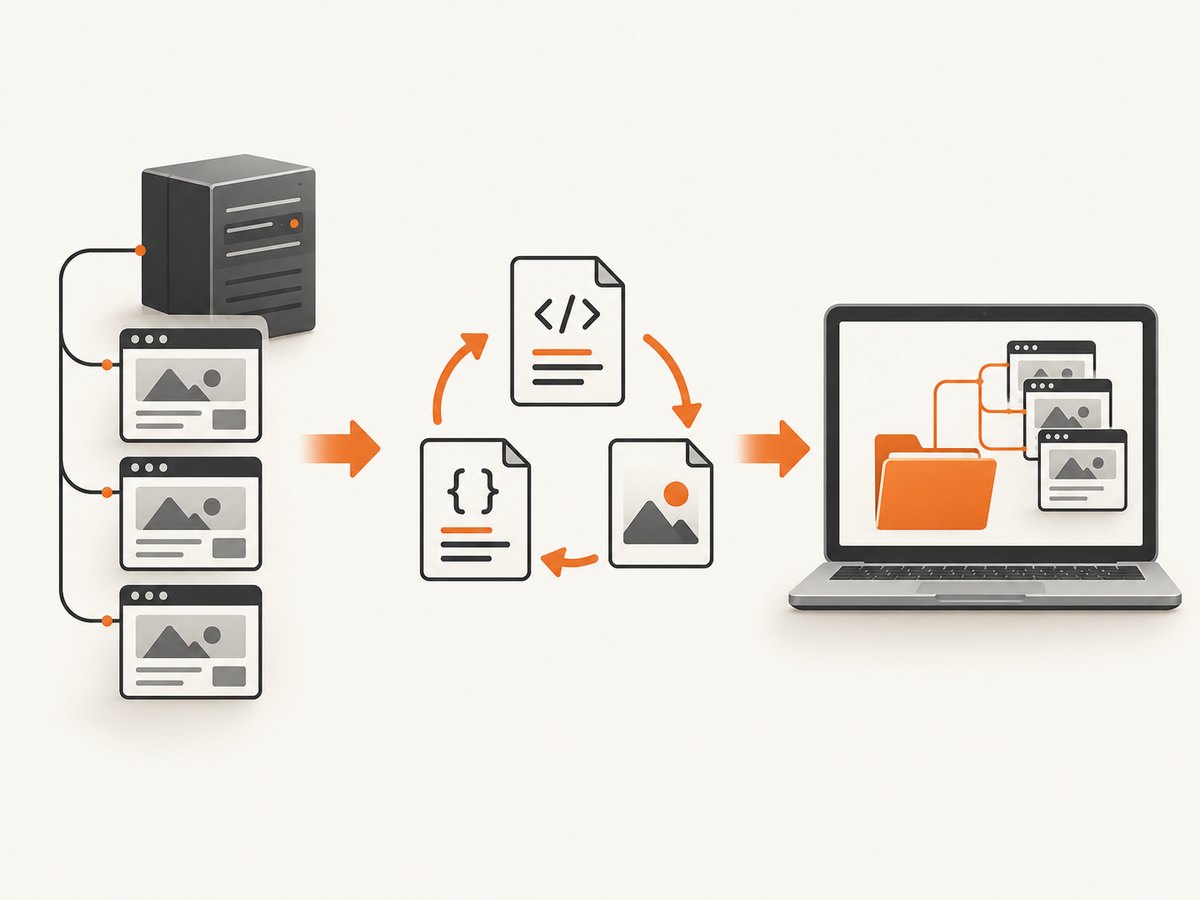
For a general-purpose, authorized offline copy, use HTTrack Website Copier. It recursively retrieves pages and assets, saves them to disk, and rewrites links so the local copy can be browsed offline. A basic command is:
httrack https://example.com/ -O ./mirrorKeep the crawl scoped to the site you are allowed to copy, review robots.txt and the site terms, and verify the result by opening representative pages and checking the logs. HTTrack supports HTTPS, proxies, recursive retrieval, interrupted-download resume, and updates to an existing mirror. It does not execute JavaScript, so client-rendered URLs, lazy content, API responses, and application behavior may be missing.
Official project documentation describes HTTrack as software that copies a website to your disk and rewrites its links for offline browsing. See the HTTrack project site for platform downloads and documentation.
Before you start
- Get permission. Archive only sites you own or are explicitly authorized to copy. Respect copyright, privacy, access controls, terms of service, and robots.txt.
- Choose a destination. A large site can require substantial disk space. Use a local SSD or portable external drive when the mirror is large.
- Define the scope. Decide whether you need one host, trusted CDN assets, specific file types, or a limited path.
- Plan authentication. Public pages are simplest. Private areas require an authorized session, cookies, seed URLs, or browser-assisted capture.
Install HTTrack
Install HTTrack using the package manager or installer for your operating system, then confirm that the command is available:
httrack --versionThe graphical application follows the same workflow: create a project, enter the canonical URL, choose a local directory, configure scope and filters, and start the mirror.
Basic command-line mirror
Run this from a directory where you want the project created:
httrack https://example.com/ -O ./mirrorBy default, HTTrack mirrors the same host, follows links to any depth, rebuilds links for offline browsing, and obeys robots.txt. When it finishes, open the generated local index in a browser:
xdg-open ./mirror/example.com/index.html   # Linux
open ./mirror/example.com/index.html       # macOS
On Windows, open the index.html file inside the output directory with File Explorer.
Control what gets downloaded
Keep the crawl on one host
Staying on the target host reduces accidental collection from external sites. If required assets live on a trusted CDN, allow that host explicitly and avoid broad external rules.
httrack https://example.com/ -O ./mirror \
  -* +example.com/*
Review the generated logs after changing host rules. An overly narrow rule can remove stylesheets, fonts, scripts, or images that the pages need.
Filter by MIME type
For an HTML-and-images archive, the documented filter pattern is:
-mime:*/* +mime:text/html +mime:image/*Use MIME filters carefully. They can create an incomplete mirror if CSS, JavaScript, fonts, PDFs, or other required resources are excluded. Add only the types your offline use case needs.
Use sitemap information
HTTrack can read sitemap information from Sitemap: lines in robots.txt and from /sitemap.xml. This helps discover pages that are not linked from the home page. You can also provide important URLs as additional starting points.
Capture linked non-HTML files with near mode
The project documents a “near” option for non-HTML files linked from retained pages. It can over-fetch an entire external host, so combine it with strict host rules and inspect the logs.
Images: why they are missing and how to improve coverage
HTTrack retrieves image resources exposed in page markup, including responsive image sets when they are discoverable. A page can still look incomplete when images are loaded only after JavaScript runs or when URLs are assembled at runtime.
- Check standard
imgtags,srcset, and picture sources in the downloaded HTML. - Include the image CDN host only when you are authorized to copy it and the host is required for the page.
- Avoid restrictive MIME filters until you have confirmed that CSS background images and font-dependent layouts still work.
- For lazy images, inspect the original markup and logs. If the URL is not present until a browser executes JavaScript, HTTrack cannot discover it.
- Compare image-heavy pages at more than one viewport size; responsive variants may point to different files.
JavaScript and dynamic websites
HTTrack does not run JavaScript. The mirror may therefore omit:
- URLs assembled only in client-side code.
- Images inserted after scroll or interaction.
- Data returned by client-side API calls.
- Authenticated application state and server-side behavior.
- Interactive search, checkout, comments, dashboards, and other runtime features.
If the requirement is a visual record of rendered pages rather than a navigable recursive mirror, use a browser-based capture workflow or a screenshot API. A screenshot is still not a server backup: it does not recreate databases, private APIs, or application behavior.
Authenticated pages and cookies
Only mirror private content when you have explicit authorization. HTTrack’s guide and manual document login and cookie support, but complex applications may still require supplied cookies, seed URLs, or browser-assisted capture.
- Log in through an authorized account.
- Export or supply the session cookies using the method supported by your HTTrack build.
- Start from URLs that are reachable in that session.
- Review logs for redirects to login pages, authorization errors, and forbidden resources.
- Remove sensitive cookie files and private output from shared storage after the archive is complete.
Resume, update, and repeat a mirror
Interrupted downloads can be resumed. Re-run the same project when you need to update an existing mirror instead of creating a new destination. Keep the project files and logs so HTTrack can identify what is already present and what changed.
Validate the offline copy
- Open the local home page and several deep links.
- Click navigation links and confirm they remain local where intended.
- Check image-heavy pages, responsive layouts, fonts, CSS backgrounds, and downloads.
- Search logs for failed requests, blocked hosts, redirects, timeouts, and authorization errors.
- Compare sitemap or navigation URL counts with the downloaded file set.
- Confirm that links intended to remain online were not rewritten or pulled into scope.
- Test the mirror without an internet connection to find hidden runtime dependencies.
Common errors and fixes
| Symptom | Likely cause | Fix |
|---|---|---|
| Images are absent | Lazy loading, JavaScript-generated URLs, blocked CDN, or an over-restrictive filter | Inspect source and logs, allow the authorized asset host, remove the narrow filter, or use browser capture for runtime-loaded images. |
| Links point online | The URL was excluded, left external by design, or could not be rewritten | Check host rules and logs; add the authorized host or accept that the link must remain online. |
| Only the login page was saved | No valid authenticated session | Supply authorized cookies or seed URLs and verify that redirects do not return to login. |
| CSS or fonts are missing | MIME or host filters excluded required resources | Allow stylesheets, fonts, and their host; repeat the mirror and inspect failed requests. |
| Pages are blank or incomplete | Content is rendered by JavaScript or fetched from an API | Use a browser-assisted workflow or capture the rendered page; HTTrack cannot execute the application. |
| The crawl downloads too much | Broad external links, near mode, or missing scope limits | Restrict hosts and paths, remove near mode unless needed, and stop the job if the scope is wrong. |
| Downloads stop partway through | Network interruption, server throttling, or storage exhaustion | Check disk space and logs, reduce request rate if configured, then resume the project. |
| Images show the wrong variant | Responsive sources differ by viewport or user agent | Archive the required viewport variants separately or verify every srcset candidate. |
Performance, reliability, and storage
- Performance: Crawl size is driven by page count, asset count, file size, redirects, and external hosts. Narrow scope before starting a large job.
- Reliability: Keep logs, use resume/update support, and validate representative pages instead of trusting a successful process exit alone.
- Storage: Reserve space for original assets, rewritten files, project metadata, and repeated updates. Large archives may justify an external SSD.
- Request load: Use reasonable request rates and obey robots.txt and site rules. Do not bypass access controls.
- Cost: HTTrack is free software, but storage, bandwidth, and any authorized infrastructure used to host the mirror still have costs.
When a full mirror is the wrong tool
Choose a recursive mirror when you need many linked pages available offline. Choose rendered screenshots when you need a visual snapshot, a fixed viewport, or a record of a page after browser execution. Choose a real backup when you need databases, server-side code, private APIs, or application state.
Or skip the browser setup
If you need rendered screenshots instead of a recursive local mirror, ScreenshotNeo returns a PNG, JPEG, WebP, or PDF from one GET request. Its capture can load lazy images, remove cookie and consent banners, newsletter popups, and chat widgets before the shot, and report whether a response was a clean page, a bot check, a blank page, a timeout, or a failed load. Only clean shots are billed; bot checks, blank pages, failed loads, and cache hits are not billed.

Read the ScreenshotNeo API documentation for all options, including full-page capture, CSS selectors, device presets, custom CSS and JavaScript, waits, blocking rules, headers, cookies, geolocation, caching, signed links, asynchronous jobs, bulk capture, and PDF settings.
cURL
curl -G "https://api.screenshotneo.com/v1/shot" -d access_key=YOUR_API_KEY --data-urlencode url=https://stripe.com -o shot.webpPython
import requests
r = requests.get("https://api.screenshotneo.com/v1/shot", params={"access_key": "YOUR_API_KEY", "url": "https://stripe.com"}, timeout=90)
open("shot.webp", "wb").write(r.content)
Node.js
const q = new URLSearchParams({ access_key: 'YOUR_API_KEY', url: 'https://stripe.com' });
const res = await fetch(`https://api.screenshotneo.com/v1/shot?${q}`);
ScreenshotNeo also provides an MCP server with take_screenshot, get_page_info, and capture_pdf for Claude, Cursor, and other MCP clients. There are 1,000 screenshots per month free with no card; paid plans start at $5 for 3,000 shots. Create a free ScreenshotNeo account.
FAQ
Can I download a website with all of its images in one command?
For an authorized public site, start with httrack https://example.com/ -O ./mirror, then validate the logs and representative pages. “All” is not guaranteed when assets are generated by JavaScript or require authentication.
Does HTTrack copy a website’s database?
No. It copies retrievable web resources and rewrites links. It does not recreate databases, private APIs, or server-side behavior.
Why does the offline page still need internet access?
Some resources were excluded, left external, or loaded at runtime. Test with networking disabled and inspect the logs for the missing host or file.
Is a screenshot the same as downloading an entire website?
No. A screenshot records a rendered view. A mirror attempts to preserve many linked pages and assets for offline navigation.
Can I mirror a private website?
Only with authorization and a valid session. Supply supported cookies or use a browser-assisted process, and protect the resulting private files.


