How to Download a File with Playwright and Python
Use Playwright’s download event to capture browser downloads, save them safely, preserve filenames, and troubleshoot timeouts and cleanup.

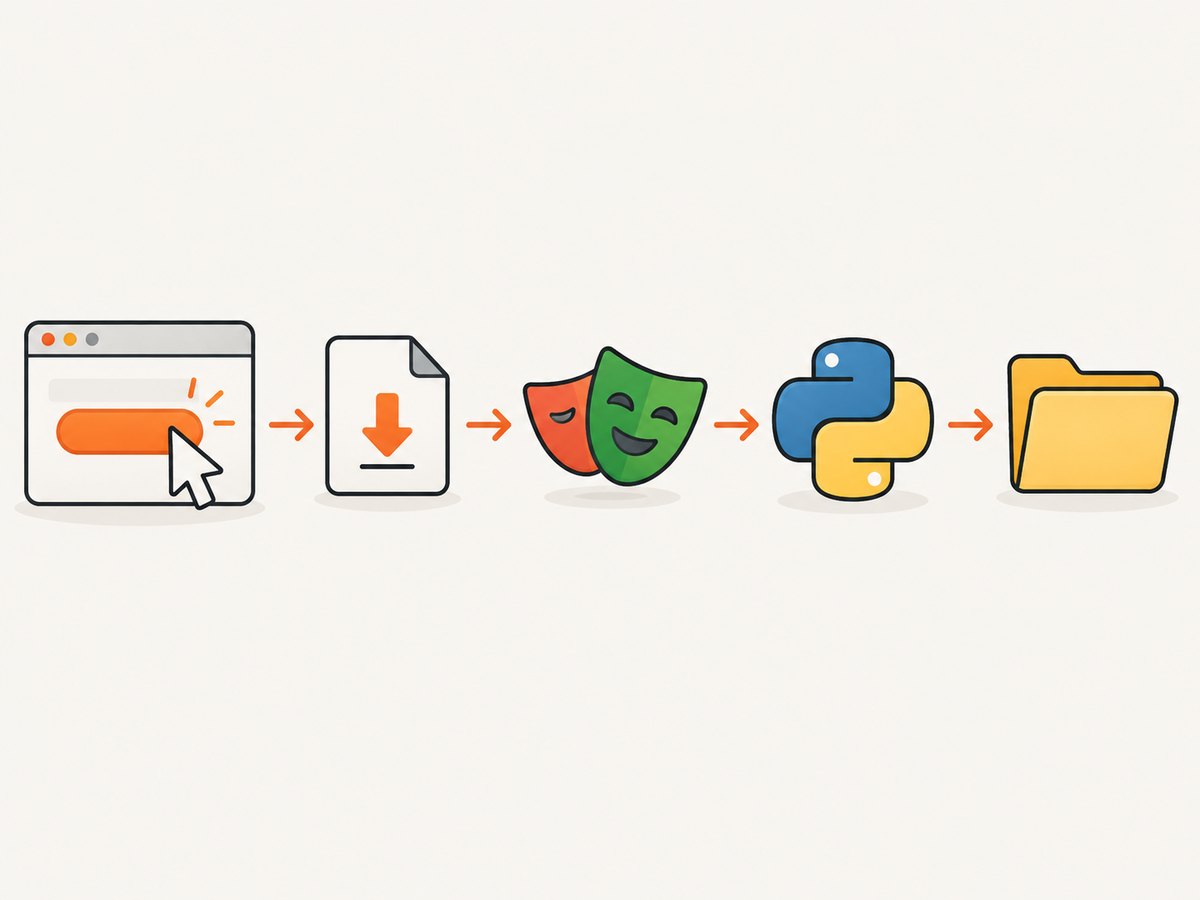
Use page.expect_download() around the action that starts the download, then call download.save_as() before closing the browser context. This ordering captures fast downloads reliably, gives your code control over the destination, and preserves the file after Playwright cleans up its temporary download directory.
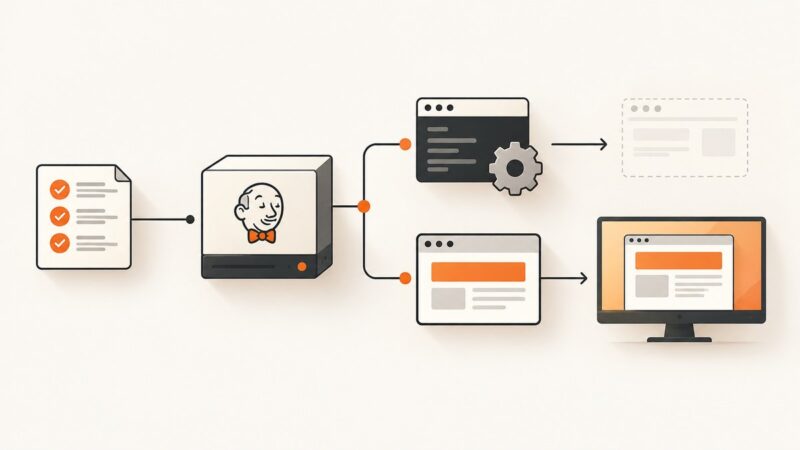
Playwright exposes downloads as browser events rather than ordinary HTTP responses. That matters for links that require a click, JavaScript, authentication, a generated export, or a form submission. The complete workflow is:
- Install Playwright and its browser binaries.
- Create a browser context and page.
- Enter
page.expect_download()before the click or other triggering action. - Read the resulting
Downloadobject. - Check for a failure, choose a safe destination, and call
save_as(). - Close the context only after the file has been saved.
Install Playwright for Python
python -m pip install playwright
playwright install
The second command downloads the browser binaries. If your build runs behind a proxy or in a restricted network, configure the browser download host, proxy, or connection timeout according to the official browser installation guide.
Save a browser download to a specific path
This synchronous example follows the documented pattern. It creates the destination directory, waits for the download, uses the browser-suggested filename, checks for a failure, and saves before closing the context.
from pathlib import Path
from playwright.sync_api import sync_playwright

OUTPUT_DIR = Path("downloads")
OUTPUT_DIR.mkdir(parents=True, exist_ok=True)

with sync_playwright() as playwright:
    browser = playwright.chromium.launch()
    context = browser.new_context()
    page = context.new_page()

    page.goto("https://example.com")

    # Register the wait before the action that triggers the download.
    with page.expect_download(timeout=30_000) as download_info:
        page.get_by_text("Download file").click()

    download = download_info.value
    failure = download.failure()
    if failure:
        raise RuntimeError(f"Download failed: {failure}")

    destination = OUTPUT_DIR / download.suggested_filename
    download.save_as(destination)
    print(f"Saved {destination}")

    context.close()
    browser.close()
Replace the illustrative URL and locator with the page in your workflow. The official Python download guide documents this event-and-save pattern.
Use async Playwright in an async application
In an asyncio service, use the asynchronous API. Every browser operation and download method is awaited.
import asyncio
from pathlib import Path
from playwright.async_api import async_playwright

async def main():
    output_dir = Path("downloads")
    output_dir.mkdir(parents=True, exist_ok=True)

    async with async_playwright() as playwright:
        browser = await playwright.chromium.launch()
        context = await browser.new_context()
        page = await context.new_page()

        await page.goto("https://example.com")
        async with page.expect_download(timeout=30_000) as download_info:
            await page.get_by_text("Download file").click()

        download = await download_info.value
        failure = await download.failure()
        if failure:
            raise RuntimeError(f"Download failed: {failure}")

        destination = output_dir / download.suggested_filename
        await download.save_as(destination)
        print(f"Saved {destination}")

        await context.close()
        await browser.close()

asyncio.run(main())
Why expect_download() must wrap the action
A download can begin immediately after a click. If your code clicks first and starts waiting afterward, the event may already be gone. The context manager installs the listener first and performs the triggering action inside it:
with page.expect_download() as info:
    page.locator("a.export").click()
download = info.value
The same rule applies to buttons, form submissions, keyboard shortcuts, and JavaScript calls that initiate an attachment. A closed page or context before the event arrives causes the wait to fail.
Choosing the filename and destination
Use the suggested filename
download.suggested_filename is derived from response headers such as Content-Disposition or from the HTML download attribute. Browsers can calculate it differently, so treat it as a suggestion. Keep the directory under your control and avoid accepting path separators from untrusted input.
safe_name = Path(download.suggested_filename).name
path = Path("downloads") / safe_name
download.save_as(path)
Choose a fixed name
A fixed name is useful when a pipeline expects one artifact. Add an extension that matches the actual content and decide whether overwriting is acceptable.
download.save_as("downloads/monthly-report.csv")Prevent collisions
from datetime import datetime, timezone

stamp = datetime.now(timezone.utc).strftime("%Y%m%dT%H%M%SZ")
name = f"export-{stamp}-{Path(download.suggested_filename).name}"
download.save_as(Path("downloads") / name)
Download lifecycle and temporary files
Downloads belong to the browser context that created them. Playwright stores them in a temporary directory and deletes them when that context closes. Save the file before calling context.close(). The internal temporary filename is a random GUID; use suggested_filename when you need a human-readable name.
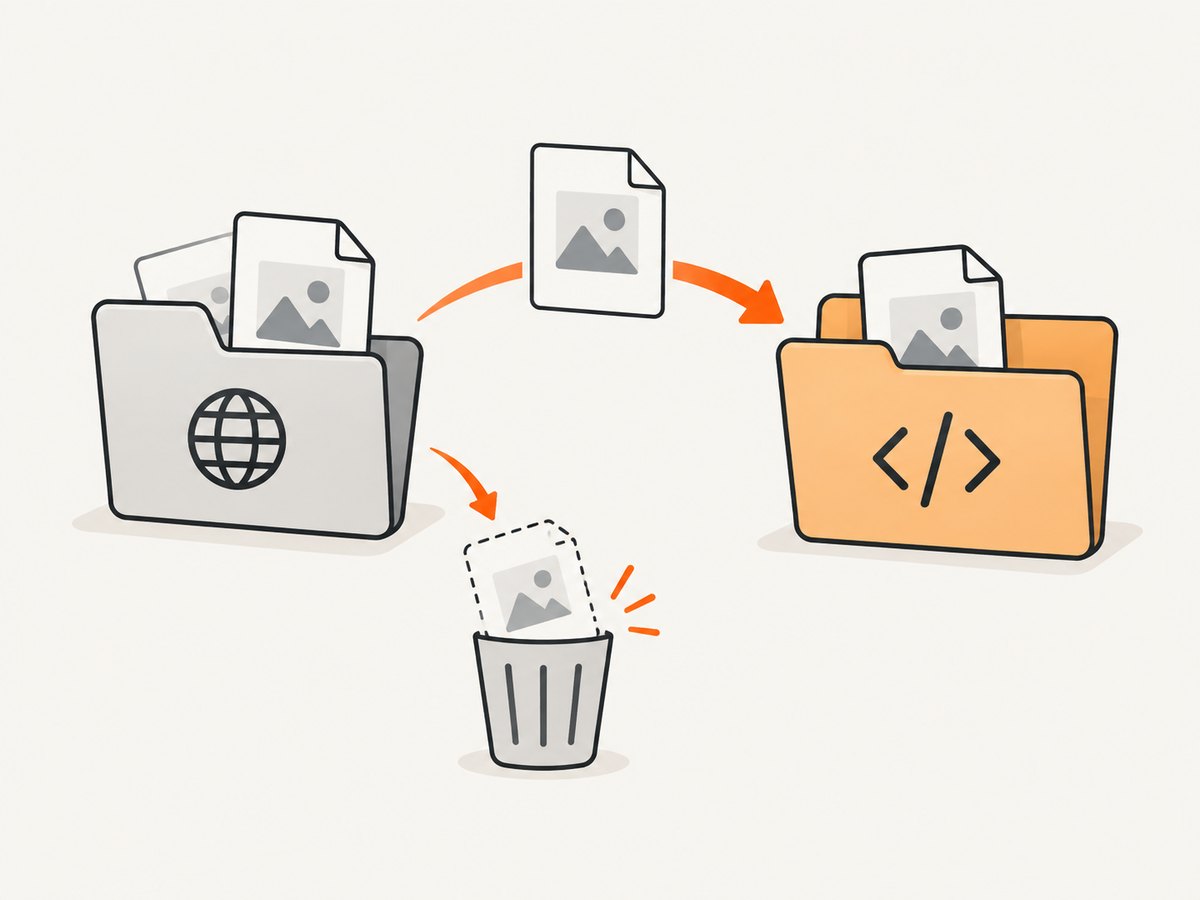
download.save_as(path) waits for completion if necessary and can safely be called while the download is still progressing. download.path() returns the completed temporary path, but the API reference warns that it throws when the browser is connected remotely. Prefer save_as() for portable code.
If you need browser artifacts to remain after browser shutdown, launch with an artifacts_dir. Without it, Playwright cleans the temporary directory during browser close. Keep artifact directories isolated and clean them with your job-retention policy.
Filter or wait for a particular download
expect_download() accepts a predicate and a timeout. A predicate is useful when one action can produce several downloads.
with page.expect_download(
    predicate=lambda d: d.suggested_filename.endswith(".pdf"),
    timeout=60_000,
) as info:
    page.get_by_role("button", name="Export").click()

download = info.value
download.save_as("downloads/report.pdf")
Set a longer timeout for slow exports, but investigate the underlying cause before making timeouts very large. The documented default for the download wait is 30 seconds.
Handle failures, cancellation, and cleanup
with page.expect_download() as info:
    page.click("#download")
download = info.value

try:
    error = download.failure()
    if error:
        raise RuntimeError(error)
    download.save_as("downloads/file.bin")
finally:
    # Use this only when you intentionally want to remove the artifact.
    # download.delete() waits for completion before deleting it.
    pass
Use download.cancel() when your application no longer needs an active transfer. Use download.delete() to remove a completed temporary file. Always close pages, contexts, and browsers in a finally block in long-running services.
Common download patterns
Authenticated downloads
Log in within the same browser context that performs the download, or create the context with the required storage state. Cookies, local storage, and authentication headers belong to that context.
Downloads triggered by a form
with page.expect_download() as info:
    page.get_by_role("button", name="Generate CSV").click()
download = info.value
download.save_as("downloads/data.csv")
Downloads opened in a new page
If the action opens a tab instead of emitting a download, wait for a page event and inspect that page. A normal navigation response is not automatically a Playwright Download event.
cURL and Node.js alternatives
cURL is appropriate when the download is a plain HTTP endpoint and does not require browser execution, JavaScript, or session state:
curl -L "https://example.com/file.zip" -o downloads/file.zipFor browser-triggered files in Node.js, Playwright uses the same event ordering:
import { chromium } from 'playwright';

const browser = await chromium.launch();
const context = await browser.newContext();
const page = await context.newPage();
await page.goto('https://example.com');

const downloadPromise = page.waitForEvent('download');
await page.getByText('Download file').click();
const download = await downloadPromise;

if (await download.failure()) throw new Error('Download failed');
await download.saveAs('downloads/' + download.suggestedFilename());
await context.close();
await browser.close();
Or skip the browser setup
If your goal is a clean image or PDF of a page rather than a browser attachment, ScreenshotNeo provides a single request. It handles consent banners, newsletter popups, and chat widgets before capture; bot checks, blank pages, failed loads, timeouts, and cache hits are not billed. Its MCP server lets Claude, Cursor, and other MCP clients call screenshot, page-info, and PDF tools.
curl -G "https://api.screenshotneo.com/v1/shot" -d access_key=YOUR_API_KEY --data-urlencode url=https://stripe.com -o shot.webpimport requests
r = requests.get("https://api.screenshotneo.com/v1/shot", params={"access_key": "YOUR_API_KEY", "url": "https://stripe.com"}, timeout=90)
open("shot.webp", "wb").write(r.content)const q = new URLSearchParams({ access_key: 'YOUR_API_KEY', url: 'https://stripe.com' });
const res = await fetch(`https://api.screenshotneo.com/v1/shot?${q}`);See the ScreenshotNeo API documentation for the 63 capture options, including full-page and element shots, device presets, custom CSS and JavaScript, waits, headers, cookies, caching, signed links, asynchronous jobs, bulk capture, and PDF settings. The Free plan includes 1,000 screenshots per month with no card; paid plans start at $5 for 3,000. Create a free ScreenshotNeo account.
Troubleshooting checklist
| Symptom | Likely cause | Fix |
|---|---|---|
| Timeout waiting for download | The click did not trigger a download, or the export is slow. | Verify the locator, keep the action inside expect_download(), and increase the timeout only after confirming the workflow. |
download.failure() returns an error |
The server canceled the transfer, authentication expired, or the page closed. | Log in in the same context, keep the page alive, and inspect the returned error. |
| File disappears after the script exits | The context cleaned its temporary download directory. | Call save_as() before closing the context. |
| Unexpected filename | Browser-derived Content-Disposition or download metadata differs. |
Use a fixed destination or sanitize suggested_filename. |
path() fails remotely |
Remote browser connections do not expose the local temporary path. | Use save_as() instead. |
| Browser executable missing | Python package is installed but binaries are not. | Run playwright install in the deployment image. |
Performance, reliability, and cost considerations
- Reuse carefully: Reusing a browser process reduces startup overhead, but create isolated contexts for separate users or credentials.
- Control concurrency: Limit simultaneous exports to the capacity of the target service and your worker memory. Each context has its own temporary artifacts.
- Use deterministic destinations: Write to a job-specific directory, validate the extension, and atomically move a completed file into its final location.
- Retry selectively: Retry transient navigation or network failures, but do not blindly repeat a non-idempotent export. Check
failure()and application logs first. - Keep retention explicit: Temporary downloads are deleted with the context; saved files require your own retention and disk monitoring.
- Measure the whole workflow: Include login, report generation, transfer, and file writing in latency metrics rather than timing only the click.
FAQ
Can I save directly to a chosen filename?
Yes. Pass the complete path to download.save_as(); the suggested name is optional.
Do I need to call wait_for_timeout() before saving?
No. save_as() waits for the download to finish. An explicit sleep usually makes tests slower and less reliable.
What if the page uses a normal link to a file?
It can still emit a download event when the response has attachment behavior. Wrap the click in expect_download() and let Playwright determine the event.
Can I keep the download after closing the browser?
Yes, but save it to your own path first. The context-owned temporary file is removed on close.
Which API should I use in a web service?
Use the async API when your service already runs on asyncio; use the sync API for scripts and synchronous workers. The download lifecycle is the same.