How to Download Files in Chrome Headless Mode
Configure Chrome Headless downloads with CDP and Selenium, wait for completion, fix failures, and choose a reliable automation path.
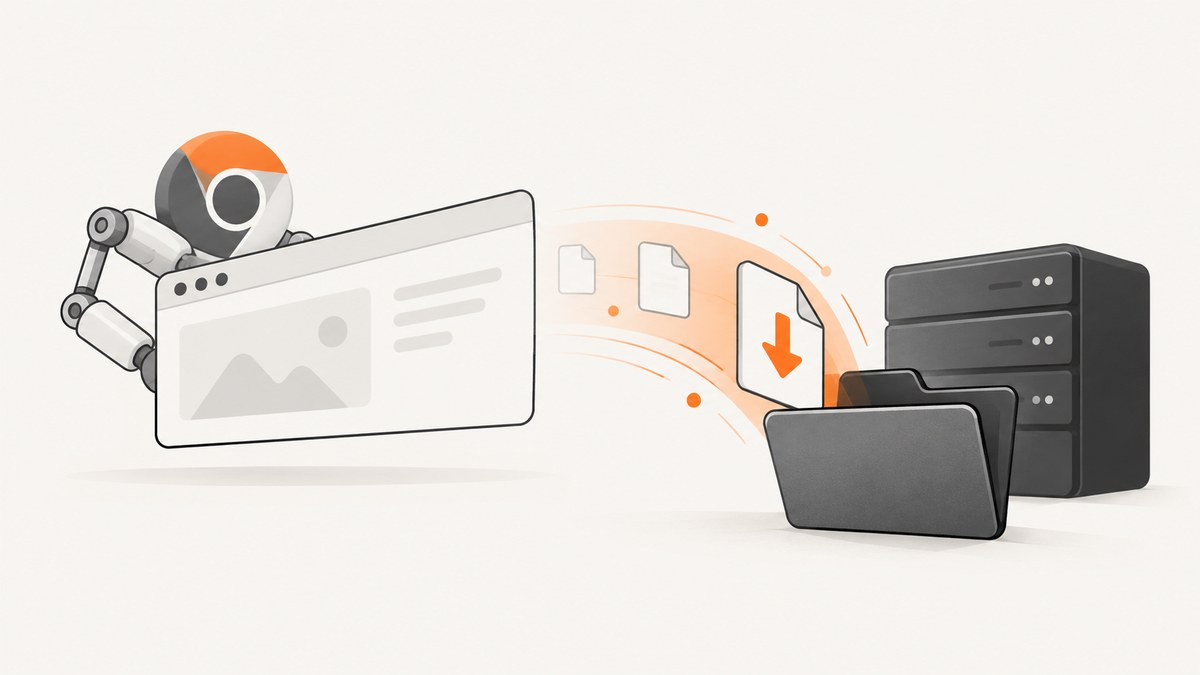
Direct answer: Headless Chrome can download files, but you must explicitly allow downloads and provide a writable destination directory. Configure the active browser or context with the Chrome DevTools Protocol (CDP), trigger the download, then wait until the temporary download is complete before opening the file.
The current CDP method is Browser.setDownloadBehavior. Set behavior to allow or allowAndName and provide downloadPath. Selenium bindings may expose a wrapper with different scope and names, so match the API to your Selenium and Chrome versions.
1. How headless downloads work
A reliable download has four stages:
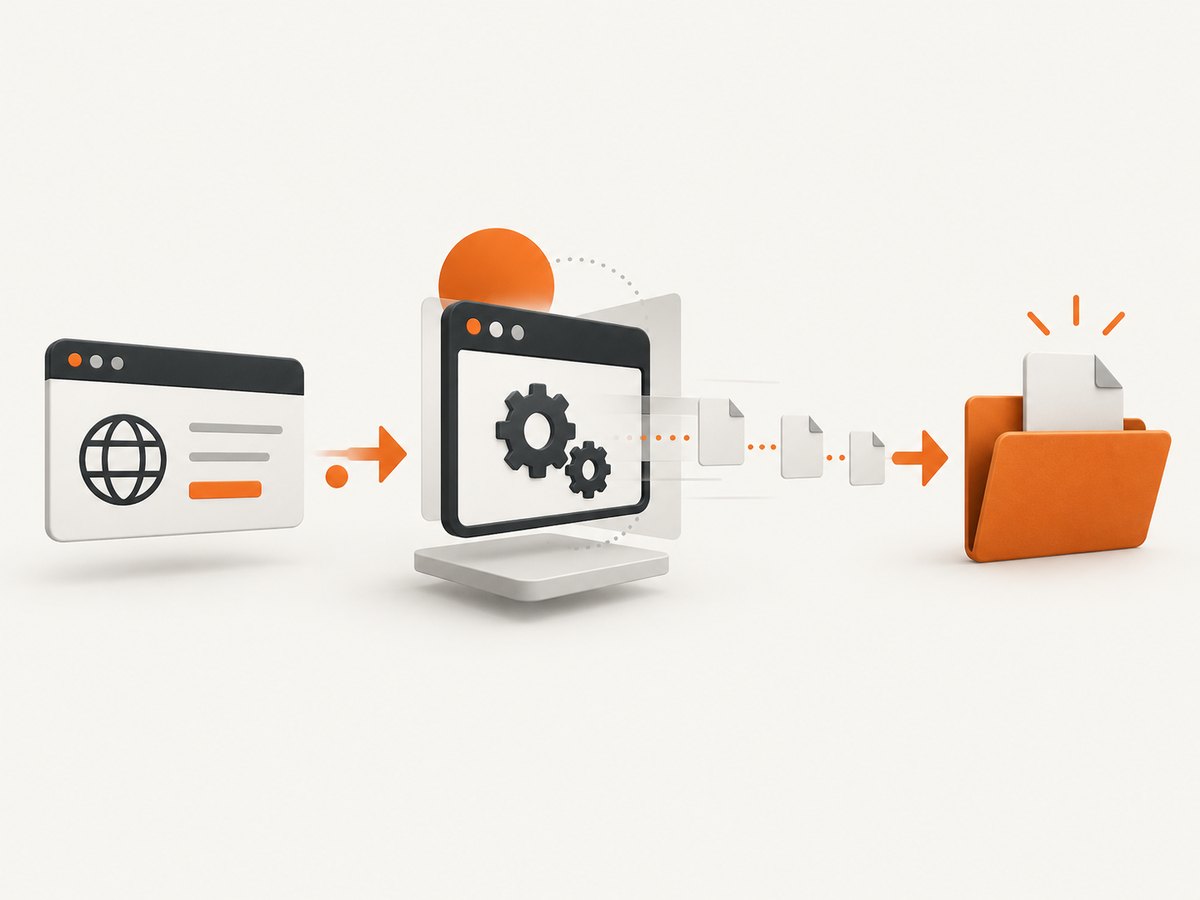
- Create a directory that the Chrome process can write to.
- Set download behavior on the browser or browser context.
- Navigate or click to start the download.
- Wait for a completion signal and verify the final file before reading it.
The CDP reference describes Browser.setDownloadBehavior as “Set the behavior when downloading a file.” Its supported values are deny, allow, allowAndName, and default. allow and allowAndName require a path. See the Chrome DevTools Protocol Browser domain.
2. Node.js with Puppeteer and CDP
This example launches Chromium in headless mode, configures downloads through CDP, starts a download, and waits for a completed file.
import puppeteer from 'puppeteer';
import fs from 'node:fs/promises';
import path from 'node:path';

const downloadDir = path.resolve('downloads');
await fs.mkdir(downloadDir, { recursive: true });

const browser = await puppeteer.launch({ headless: true });
try {
  const page = await browser.newPage();
  const client = await page.target().createCDPSession();
  await client.send('Browser.setDownloadBehavior', {
    behavior: 'allow',
    downloadPath: downloadDir
  });

  await page.goto('https://example.com/report', { waitUntil: 'networkidle2' });
  await page.click('#download-report');

  const deadline = Date.now() + 60000;
  let files = [];
  while (Date.now() < deadline) {
    files = (await fs.readdir(downloadDir)).filter(name => !name.endsWith('.crdownload'));
    if (files.length) break;
    await new Promise(resolve => setTimeout(resolve, 250));
  }
  if (!files.length) throw new Error('Download did not finish within 60 seconds');
  console.log(path.join(downloadDir, files[0]));
} finally {
  await browser.close();
}
Install with npm install puppeteer. Use a unique directory per job so parallel downloads cannot be confused. For a direct file URL, replace the click with page.goto(fileUrl) when the server responds with a downloadable attachment.
Using download events
CDP exposes Browser.downloadWillBegin and Browser.downloadProgress. Listen for a completed state when your client exposes these events:
const started = new Map();
client.on('Browser.downloadWillBegin', event => started.set(event.guid, event.suggestedFilename));
client.on('Browser.downloadProgress', event => {
  if (event.state === 'completed') console.log('completed', started.get(event.guid), event.filePath);
  if (event.state === 'canceled') console.error('canceled', event.guid);
});
The protocol cautions that the reported path may be absent and does not guarantee that the file exists. Verify the filesystem before consuming it.
3. Selenium JavaScript (Chromium)
Selenium’s JavaScript Chromium API documents setDownloadPath(path). It requires an existing directory and sends the older Page.setDownloadBehavior command with allow. See the Selenium Chromium API.
import { Builder } from 'selenium-webdriver';
import chrome from 'selenium-webdriver/chrome.js';
import fs from 'node:fs/promises';

const downloadDir = '/tmp/chrome-downloads';
await fs.mkdir(downloadDir, { recursive: true });
const options = new chrome.Options().addArguments('--headless=new');
const driver = await new Builder().forBrowser('chrome').setChromeOptions(options).build();
try {
  await driver.setDownloadPath(downloadDir);
  await driver.get('https://example.com/report');
  await driver.findElement({ css: '#download-report' }).click();
  // Poll downloadDir and wait for temporary files to disappear.
} finally {
  await driver.quit();
}
This method is binding- and version-specific. Do not assume Page.setDownloadBehavior is universal across Selenium languages or current Chrome releases.
4. Python Selenium with direct CDP
from pathlib import Path
import time
from selenium import webdriver
from selenium.webdriver.chrome.options import Options

folder = Path('downloads').resolve()
folder.mkdir(parents=True, exist_ok=True)
opts = Options()
opts.add_argument('--headless=new')
opts.add_experimental_option('prefs', {
    'download.default_directory': str(folder),
    'download.prompt_for_download': False,
    'download.directory_upgrade': True,
})
driver = webdriver.Chrome(options=opts)
try:
    driver.execute_cdp_cmd('Browser.setDownloadBehavior', {
        'behavior': 'allow', 'downloadPath': str(folder)
    })
    driver.get('https://example.com/report')
    driver.find_element('css selector', '#download-report').click()
    deadline = time.time() + 60
    while time.time() < deadline:
        partial = list(folder.glob('*.crdownload'))
        complete = [p for p in folder.iterdir() if p.is_file() and not p.name.endswith('.crdownload')]
        if complete and not partial:
            print(complete[0])
            break
        time.sleep(0.25)
    else:
        raise TimeoutError('download did not finish')
finally:
    driver.quit()
The preference helps Chromium-based Selenium setups; the CDP command is the explicit protocol control. Keep both only when your binding and browser support them.
5. cURL for a non-browser download
cURL is suitable when you already know the file URL and do not need JavaScript, page-created cookies, or a click. It does not replace browser automation for downloads initiated by page code.
curl --fail --location --output report.pdf 'https://example.com/report.pdf'For an authenticated endpoint, add the required header or cookie, such as -H 'Authorization: Bearer TOKEN'. Validate the response status, content type, and size.
6. Choosing behavior and destination
| Choice | Use it when | Details |
|---|---|---|
allow |
You want Chrome to choose the suggested filename | Requires downloadPath. |
allowAndName |
You need protocol-controlled naming | Requires a path; confirm support in your Chrome/CDP version. |
deny |
Downloads must be blocked | Useful for safety policies. |
default |
You want browser defaults | Defaults may block downloads in automation. |
- Use an absolute path and create it before configuring Chrome.
- Give each parallel job its own directory.
- Ensure the Chrome process user has write permission and enough disk space.
- Normalize server-provided filenames and prevent path traversal before moving files.
7. Waiting for a complete file
A click only means the request started. Chromium can write a temporary .crdownload file while bytes arrive.

- Record directory contents before the click.
- Start the download.
- Ignore files ending in
.crdownload. - Wait for a new file and optionally require its size to remain unchanged across two polls.
- Open it only after the deadline and integrity checks pass.
8. Version notes for headless Chrome
Use --headless=new with Selenium when supported. The Chromium Headless README says that from milestone M132, old Headless is no longer part of the Chrome binary and --headless=old has no effect; users needing that implementation are directed to chrome-headless-shell. Check Chrome, ChromeDriver, and Selenium versions together.
9. Troubleshooting checklist
| Symptom | Likely cause | Fix |
|---|---|---|
| No file appears | Behavior was not set or the click did not trigger a download | Send Browser.setDownloadBehavior before navigation; verify the selector and events. |
Invalid parameters |
Missing or invalid downloadPath |
Use an existing, writable absolute directory. |
| Permission denied | Chrome’s OS user cannot write there | Create the directory with that user and check ownership and mount permissions. |
| Partial or zero-byte file | The script opened it too early | Wait for completion and absence of .crdownload; optionally require stable size. |
| Works headed but not headless | Different flags, profile, or API path | Use current headless mode, configure CDP behavior, and compare versions. |
| Event has no path | The protocol does not guarantee one | Use the suggested filename or scan the directory, then verify the file. |
| Login page downloads HTML | Session cookies or authentication are missing | Log in in the same context before clicking, or call the authenticated endpoint directly. |
| Old-headless flag ignored | Chrome M132 or newer | Use new headless or the separately documented headless shell. |
10. Performance, reliability, and cost
- Performance: Reuse a browser when safe, avoid unnecessary page loads, and wait on a precise signal instead of a long fixed sleep. Bound concurrency and use separate directories.
- Reliability: Set explicit timeouts, capture browser and CDP logs, retry only idempotent navigations, clean temporary files, and pin compatible Chrome, driver, and Selenium versions in CI.
- Cost: Downloads consume CPU, memory, storage, and CI minutes. Direct HTTP is cheaper when no browser state is required. Clean retained files regularly.
11. Or skip the browser setup
If you need a clean visual capture rather than an application-generated file, ScreenshotNeo provides one GET request for a PNG, JPEG, WebP, or PDF. See the API documentation.
curl -G "https://api.screenshotneo.com/v1/shot" -d access_key=YOUR_API_KEY --data-urlencode url=https://stripe.com -o shot.webpimport requests
r = requests.get("https://api.screenshotneo.com/v1/shot", params={"access_key": "YOUR_API_KEY", "url": "https://stripe.com"}, timeout=90)
open("shot.webp", "wb").write(r.content)const q = new URLSearchParams({ access_key: 'YOUR_API_KEY', url: 'https://stripe.com' });
const res = await fetch(`https://api.screenshotneo.com/v1/shot?${q}`);ScreenshotNeo removes cookie banners, newsletter popups, and chat widgets before the shot. Bot checks, blank pages, failed loads, and cache hits are not billed, and response headers report the page verdict and billing status. Its MCP server lets Claude, Cursor, and other MCP clients call take_screenshot, get_page_info, and capture_pdf. The free plan includes 1,000 screenshots per month with no card; paid plans start at $5 for 3,000.
Create a free ScreenshotNeo account.
12. FAQ
Can headless Chrome download without a visible window?
Yes. Visibility is unrelated to download permission; configure behavior and a writable path first.
Should I use browser-level or page-level CDP?
Prefer current browser-level Browser.setDownloadBehavior when your client supports it. Selenium wrappers may still expose the page-level command.
Why does my download have a random filename?
The server’s Content-Disposition and Chrome’s suggested-name rules determine it. Capture the suggested name or rename safely after completion.
Is polling better than CDP events?
Events reduce guessing, but the protocol does not guarantee a usable path. An event plus filesystem verification is safest.


