How to Download Files in Headless Chrome with Laravel Dusk
Configure headless Chrome downloads in Laravel Dusk, verify completion safely, troubleshoot CI failures, and compare a hosted screenshot alternative.
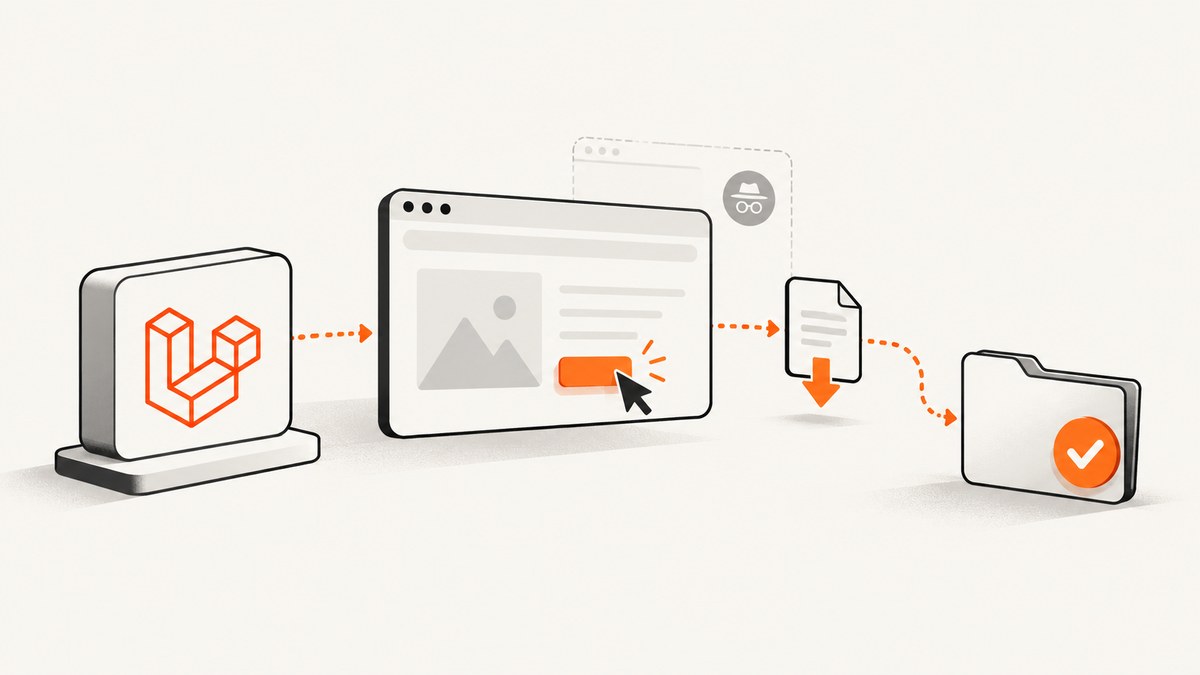
Short answer: Laravel Dusk gives you browser automation and assertions, but its current guide does not document a built-in API for choosing Chrome’s download directory or waiting for a download to finish. A reliable test therefore has two parts: configure the browser and ChromeDriver for a writable download directory using the exact versions in your stack, then make the PHP test verify that the expected file appears and is complete.
Dusk documents file uploads with attach; that is different from browser downloads. The official Dusk guide also documents standalone ChromeDriver, headless CI operation and Laravel’s test server, but it does not publish a universal download-preference snippet. Read the Laravel Dusk documentation for the APIs supported by your Laravel version, and verify browser capability syntax against your declared Laravel Dusk, php-webdriver, Chrome and ChromeDriver versions before committing it.
What Dusk does—and what it does not
Dusk is a browser-testing API. By default it starts or connects to a standalone ChromeDriver and drives Google Chrome through WebDriver. Your test can click the real download action, inspect the page, and assert application state. Chrome, however, owns the download itself.
| Concern | Owner | What to verify |
|---|---|---|
| Clicking the link or button | Dusk | The selector and authenticated session are correct. |
| Choosing a download directory | Chrome capabilities/preferences | The preference is accepted by your ChromeDriver and browser versions. |
| Writing the file | Chrome process | The directory exists and is writable by the browser user. |
| Knowing it is finished | Your test | The temporary download is gone and the expected artifact is stable. |
| Making the file visible to PHP | Your architecture | Browser and PHP run on the same host or share a volume. |
This separation matters in CI. A remote ChromeDriver or a browser container can save the file on a different filesystem from the PHP runner. In that design, a local file_exists assertion can fail even though Chrome downloaded successfully.
Prepare a deterministic Dusk environment
- Install Dusk in the Laravel application and commit the generated Dusk configuration.
- Install a ChromeDriver compatible with the Chrome binary used by the test job. The Dusk documentation describes
php artisan dusk:chrome-driver --detectfor detecting the local Chrome or Chromium version. - Run the Laravel application and ChromeDriver in the same CI job, or explicitly share a download volume when they run in separate containers.
- Create a dedicated, empty download directory for each test or test class. Never point a test at a developer’s normal Downloads folder.
- Record the Chrome and ChromeDriver versions in CI logs. ChromeDriver’s documentation says that milestone 115 and later are distributed through Chrome for Testing channels and provides JSON availability endpoints; old driver-install commands may not apply.
# Install the driver matching the detected local browser
php artisan dusk:chrome-driver --detect

# Start the application in the way your Dusk configuration expects
php artisan serve --host=127.0.0.1 --port=8000
Laravel’s CI examples show a headless Chrome context. Headless mode alone does not establish a download directory or a completion assertion. Treat those as separate configuration and test-design tasks.
Configure Chrome’s download destination
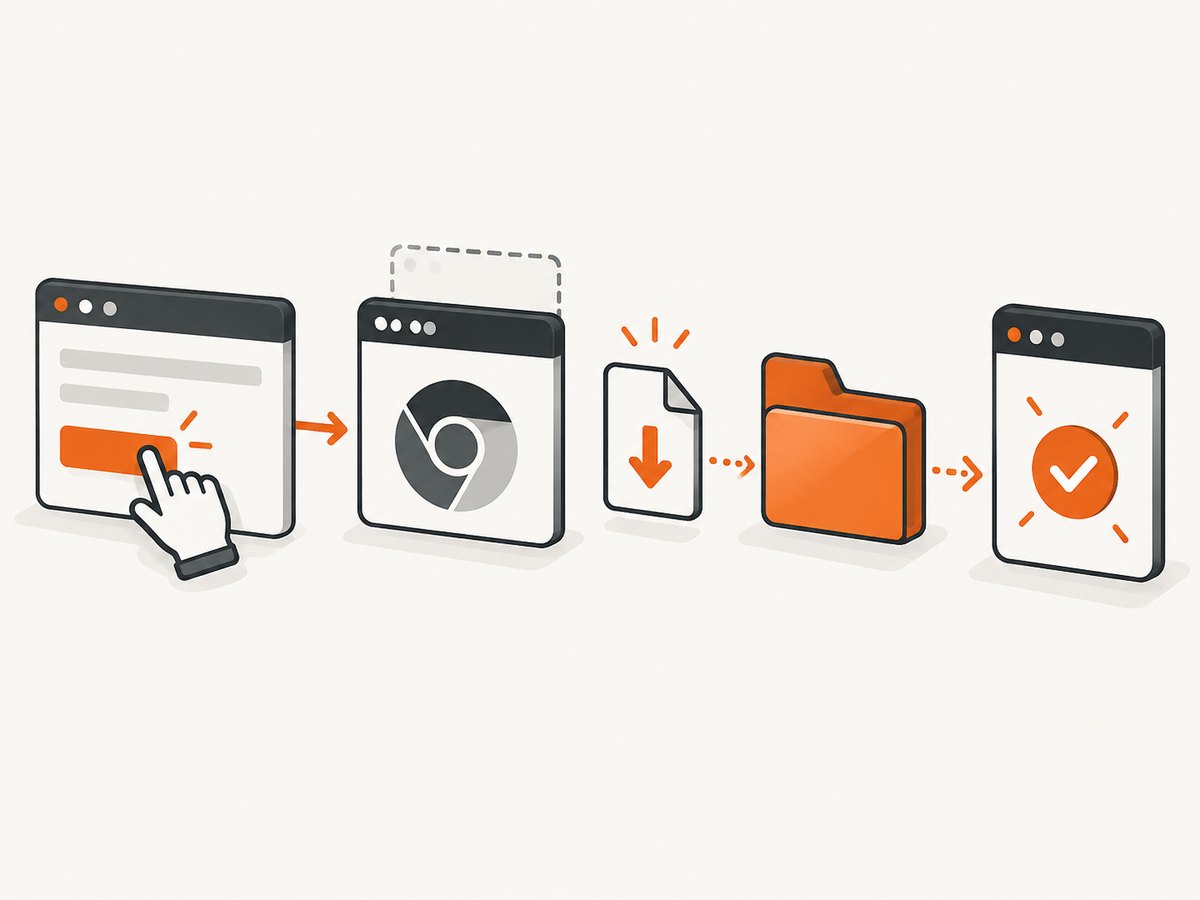
The exact capability and preference syntax is version-sensitive. The reviewed official Dusk and ChromeDriver pages do not endorse one PHP snippet for every combination, so do not paste an unverified example into a production suite. Confirm the method supported by your installed php-webdriver and Dusk versions, then configure Chrome’s download preferences before the session starts.
Your configuration must express these behaviors:
- Use a directory that exists before Chrome starts.
- Allow automatic downloads when the application requires them.
- Disable interactive prompts if your test is intended to save the file automatically.
- Keep the directory unique to the test run.
- Use an absolute path visible to the Chrome process.
A practical directory layout on a single host is:
storage/dusk-downloads/
  run-2026-09-30-001/
When you implement the browser preference, check the resulting ChromeDriver session logs and inspect the directory after a manual run. If your Dusk version exposes a browser factory or driver-creation hook, put the preference there; changing it after the session has started is too late for many Chrome settings.
Trigger a real download and wait for completion
The following test is runnable once your version-specific Chrome download preference has been configured. It deliberately avoids a fixed short sleep. It waits for the expected file while rejecting Chrome’s in-progress suffix and then checks that the file size remains stable.
<?php

namespace Tests\Browser;

use Laravel\Dusk\Browser;
use Tests\DuskTestCase;
use PHPUnit\Framework\Assert;

class InvoiceDownloadTest extends DuskTestCase
{
    public function test_invoice_download_finishes(): void
    {
        $downloadDir = storage_path('dusk-downloads/run-' . uniqid());
        if (! is_dir($downloadDir)) {
            mkdir($downloadDir, 0775, true);
        }

        $expected = $downloadDir . DIRECTORY_SEPARATOR . 'invoice-123.pdf';

        $this->browse(function (Browser $browser) use ($expected, $downloadDir) {
            $browser->visit('/invoices/123')
                ->assertSee('Invoice')
                ->click('@download-invoice');

            $this->waitForCompletedDownload($expected, 30);

            Assert::assertFileExists($expected);
            Assert::assertGreaterThan(0, filesize($expected));
            Assert::assertSame('%PDF', file_get_contents($expected, false, null, 0, 4));
        });

        $this->removeDirectory($downloadDir);
    }

    private function waitForCompletedDownload(string $path, int $seconds): void
    {
        $deadline = microtime(true) + $seconds;
        $partial = $path . '.crdownload';
        $lastSize = -1;
        $stableSince = null;

        do {
            clearstatcache(true, $path);
            if (is_file($path) && ! is_file($partial)) {
                $size = filesize($path);
                if ($size === $lastSize && $size > 0) {
                    $stableSince ??= microtime(true);
                    if (microtime(true) - $stableSince >= 0.5) {
                        return;
                    }
                } else {
                    $lastSize = $size;
                    $stableSince = null;
                }
            }
            usleep(100000);
        } while (microtime(true) < $deadline);

        Assert::fail("Download did not complete: {$path}");
    }

    private function removeDirectory(string $directory): void
    {
        foreach (glob($directory . DIRECTORY_SEPARATOR . '*') ?: [] as $file) {
            if (is_file($file)) {
                unlink($file);
            }
        }
        @rmdir($directory);
    }
}
The temporary suffix is commonly .crdownload in Chrome, but your test should inspect the files produced by your browser version rather than assuming a suffix blindly. For multiple downloads, wait for a known filename or a manifest of expected names and reject unexpected leftovers.
Use a content check, not only a filename check
A server can return an HTML error page with a PDF filename, or an authorization redirect can be saved as a “download.” Validate a small signature appropriate to the artifact:
| Artifact | Useful first check |
|---|---|
First four bytes are %PDF. |
|
| PNG | PNG signature bytes are present. |
| ZIP | Starts with a ZIP signature and can be opened by a ZIP library. |
| CSV | Expected header and encoding are present. |
For large files, avoid loading the whole artifact into memory. Check size, signature and—when your application defines one—an expected checksum.
Headless and CI details
Headless Chrome is still a separate process with its own user, working directory and filesystem. Make the download directory writable by that user. In a container, mount a volume at the exact absolute path passed to Chrome. In a remote WebDriver setup, decide whether the test should assert on the browser host, download the artifact through a test-only endpoint, or use a remote-file transfer mechanism supported by your driver. Dusk’s documentation explains standalone and Selenium-compatible setups, but it does not supply a download-sharing recipe.
Keep these values in CI diagnostics:
- Laravel and Laravel Dusk versions
- php-webdriver version
- Chrome version and executable path
- ChromeDriver version and endpoint
- Operating system or container image
- Absolute download directory and its permissions
The current Laravel documentation recommends Pest 4 browser testing for new projects. That is a dated documentation recommendation, not a requirement to replace an existing Dusk suite. Dusk remains reasonable when your project already uses it and your browser/driver versions are controlled.
Troubleshooting checklist
No file appears
- Cause: The click did not trigger a download, or the test was redirected to login. Fix: Assert the page state before clicking, verify authentication, and inspect the browser URL and response behavior.
- Cause: Chrome ignored the preference. Fix: Confirm the preference is applied during driver creation and matches your php-webdriver version.
- Cause: The directory is missing or unwritable. Fix: Create it before browser startup and check ownership inside the browser container.
The test times out while a partial file exists
- Cause: The file is still transferring, the server is slow, or the download is blocked. Fix: Increase the timeout based on expected artifact size, log file growth, and inspect Chrome/driver logs. Do not turn a short sleep into the only synchronization mechanism.
- Cause: The expected filename differs because the server sends
Content-Dispositionor Chrome adds a suffix. Fix: List the directory during failure and assert against the actual naming rule.
PHP cannot see the downloaded file
- Cause: ChromeDriver is remote or runs in another container. Fix: Share a volume or perform an explicit artifact transfer; a path on the browser host is not automatically a path on the PHP host.
Session or browser startup errors
- Cause: Chrome and ChromeDriver milestones are incompatible. Fix: Pin compatible versions, use the Chrome for Testing availability endpoints for milestone 115+, and log both versions.
- Cause: Headless flags differ between browser generations. Fix: Follow the headless guidance for your installed Chrome and test the same command in the CI image.
Performance, reliability and cost
Browser downloads are slower and more resource-intensive than an HTTP client because they start a full browser session, execute JavaScript and render the page. Reuse a session when several downloads belong to one scenario, but isolate download directories so files from parallel tests cannot satisfy one another. Prefer deterministic server-side fixtures over a public third-party URL. Set a timeout that reflects the artifact and CI network, and clean directories in a teardown path even when assertions fail.
If your goal is visual capture rather than testing a user download flow, a browser test may be unnecessary. ScreenshotNeo provides a website screenshot API and MCP server. It returns PNG, JPEG, WebP or PDF from one GET request, with options for full-page capture, lazy images, CSS selectors, custom JavaScript, headers, cookies, user agents, waiting rules and PDF layout.
Or skip the browser setup
For a screenshot or PDF of a URL, call the API directly:

curl -G "https://api.screenshotneo.com/v1/shot" -d access_key=YOUR_API_KEY --data-urlencode url=https://stripe.com -o shot.webpimport requests
r = requests.get(
"https://api.screenshotneo.com/v1/shot",
params={"access_key": "YOUR_API_KEY", "url": "https://stripe.com"},
timeout=90,
)
open("shot.webp", "wb").write(r.content)
const q = new URLSearchParams({ access_key: 'YOUR_API_KEY', url: 'https://stripe.com' });
const res = await fetch(`https://api.screenshotneo.com/v1/shot?${q}`);
See the ScreenshotNeo documentation for request options. Cookie and consent banners, newsletter popups and chat widgets are removed before the shot; bot checks, blank pages and failed loads are never billed. The response identifies the page verdict and billing status with X-Page-Verdict and X-Billed headers. ScreenshotNeo also has an MCP server with take_screenshot, get_page_info and capture_pdf tools for Claude, Cursor and other MCP clients. One thousand screenshots per month are free with no card, and paid plans start at $5 for 3,000 shots.
Create a free ScreenshotNeo account to try 1,000 screenshots each month without a card.
FAQ
Does Dusk have a download assertion?
The reviewed Dusk guide does not document a download-specific assertion. Use a filesystem and content-completion check that you maintain for your chosen versions.
Can I use attach for downloads?
No. Dusk’s attach API is for uploading a local file through an input element.
Is headless mode required?
No. The download design applies to headed and headless Chrome. Headless mode is common in CI, but it does not configure a destination or prove completion.
What should I do when ChromeDriver runs remotely?
Make the browser-side directory available to your test process through a shared volume or an explicit transfer step, then assert on the transferred artifact.
Should a new project start with Dusk?
Laravel’s current documentation recommends Pest 4 browser testing for new projects. Existing Dusk suites can continue when their browser and driver versions are controlled and the download behavior is verified.


