How to Download Files with Microsoft Graph API
Learn the correct Graph API endpoint, permissions, redirects, browser flow, range requests, conversions, and production troubleshooting for file downloads.
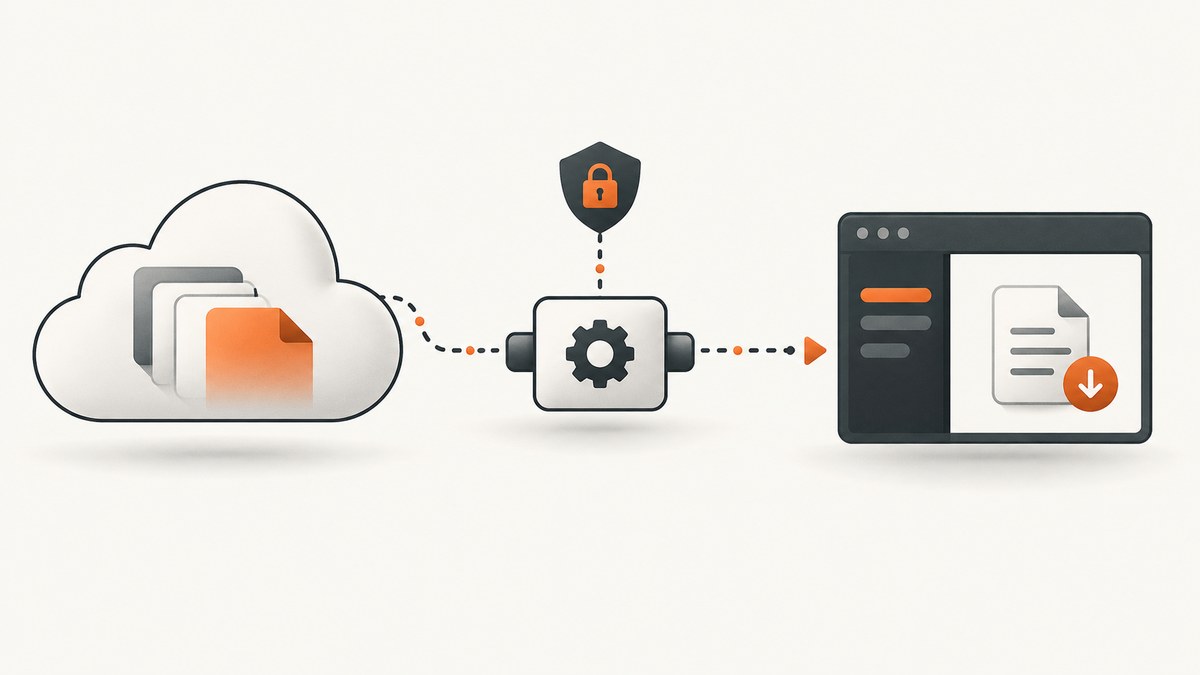
Use the /content endpoint for a file driveItem. Microsoft Graph returns a 302 Found response with a temporary, preauthenticated download URL. Follow the Location header promptly, then save the response body as the file. Use delegated Files.Read or application Files.Read.All, choosing the least privilege that fits your app.
The basic request is:
GET https://graph.microsoft.com/v1.0/me/drive/items/{item-id}/content
Authorization: Bearer YOUR_ACCESS_TOKEN
Microsoft documents this operation as downloading “the contents of the primary stream (file) of a driveItem.” A folder is not file content, so first identify a driveItem whose metadata includes a file property. See the official v1.0 reference.
1. Choose the correct Graph endpoint
| Situation | Endpoint pattern |
|---|---|
| Signed-in user’s OneDrive | /me/drive/items/{item-id}/content |
| Known drive | /drives/{drive-id}/items/{item-id}/content |
| File identified by path | /me/drive/root:/folder/file.ext:/content |
| SharePoint site | /sites/{site-id}/drive/items/{item-id}/content |
| Group or user drive | Use the corresponding /groups/{id}/drive or /users/{id}/drive path. |
| Shared item | Resolve the shared item first, then request its driveItem content. |
If you only have a path or filename, call Get driveItem metadata first. Check that the response has file; a folder property means you have selected a folder.
2. Configure authentication and permissions
| Auth context | Least-privileged permission | Typical use |
|---|---|---|
| Delegated work or school account | Files.Read |
A signed-in user downloads a file they can access. |
| Delegated personal Microsoft account | Files.Read |
A signed-in consumer account downloads its files. |
| Application-only | Files.Read.All |
A daemon or service downloads files without a user session. |
Request broader permissions only when required. SharePoint Embedded also requires FileStorageContainer.Selected and the required container-type permissions. Your access token must be sent to Microsoft Graph; it is not sent to the eventual preauthenticated URL.
3. Handle the 302 redirect
Graph normally does not stream the bytes directly from the /content response. It responds with 302 Found and a Location header. That URL is temporary, may expire within minutes, and should not be stored as a permanent sharing link. Request it immediately and do not add an Authorization header to that second request.
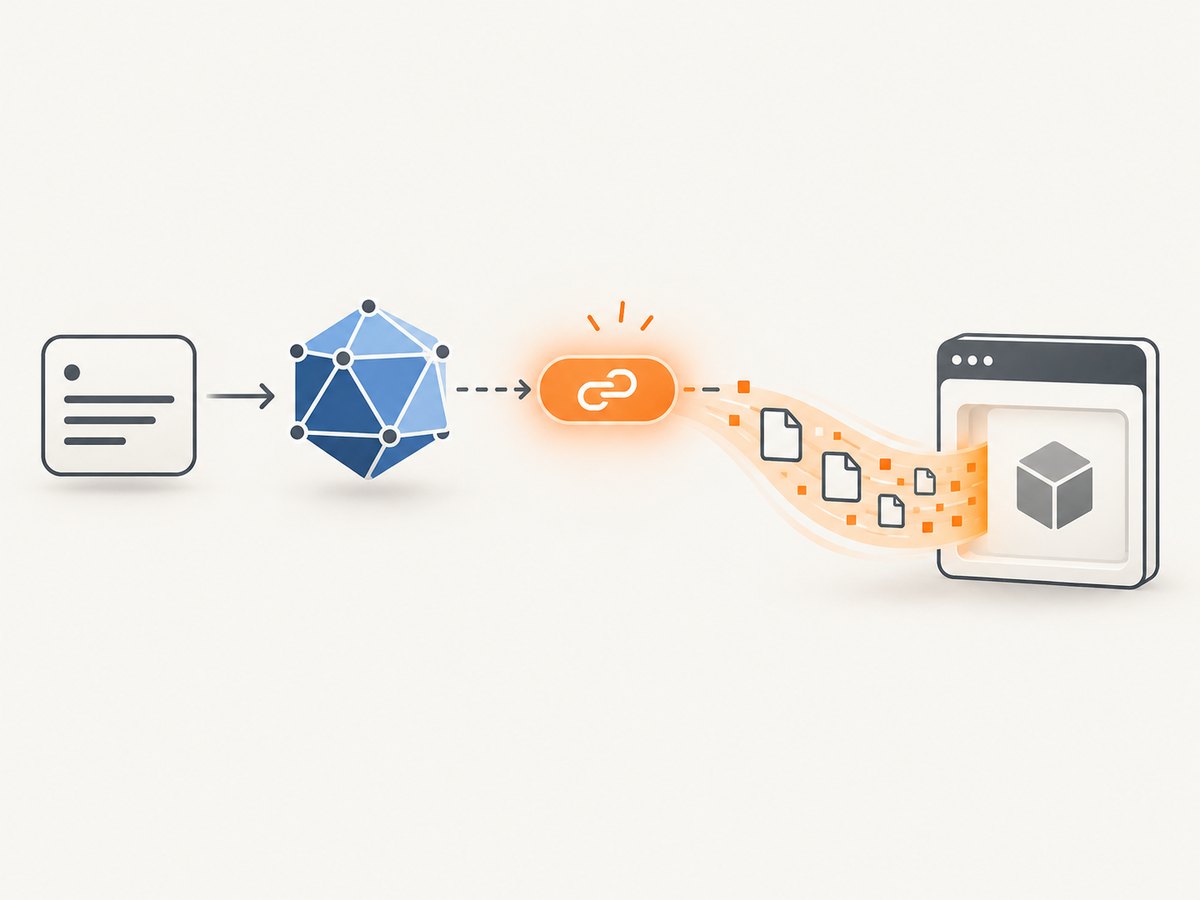
cURL: two-step download
#!/usr/bin/env bash
set -euo pipefail

TOKEN="YOUR_ACCESS_TOKEN"
ITEM_ID="YOUR_ITEM_ID"

location=$(curl --silent --show-error --fail \
  -D - -o /dev/null \
  -H "Authorization: Bearer $TOKEN" \
  "https://graph.microsoft.com/v1.0/me/drive/items/$ITEM_ID/content" \
  | awk 'BEGIN{IGNORECASE=1} /^location:/{sub("^location: ", ""); gsub("\\r", ""); print; exit}')

if [ -z "$location" ]; then
  echo "Graph did not return a Location header" >&2
  exit 1
fi

curl --fail --location "$location" -o downloaded-file.bin
Python with requests
import requests

TOKEN = "YOUR_ACCESS_TOKEN"
ITEM_ID = "YOUR_ITEM_ID"
endpoint = f"https://graph.microsoft.com/v1.0/me/drive/items/{ITEM_ID}/content"
headers = {"Authorization": f"Bearer {TOKEN}"}

r = requests.get(endpoint, headers=headers, allow_redirects=False, timeout=30)
r.raise_for_status()

if r.status_code != 302:
    raise RuntimeError(f"Expected 302, got {r.status_code}")
download_url = r.headers.get("Location")
if not download_url:
    raise RuntimeError("Graph response had no Location header")

file_response = requests.get(download_url, timeout=120)
file_response.raise_for_status()
with open("downloaded-file.bin", "wb") as output:
    output.write(file_response.content)
Node.js with fetch
import { writeFile } from "node:fs/promises";

const token = "YOUR_ACCESS_TOKEN";
const itemId = "YOUR_ITEM_ID";
const endpoint = `https://graph.microsoft.com/v1.0/me/drive/items/${itemId}/content`;

const first = await fetch(endpoint, {
  headers: { Authorization: `Bearer ${token}` },
  redirect: "manual"
});
if (first.status !== 302) throw new Error(`Expected 302, got ${first.status}`);
const downloadUrl = first.headers.get("location");
if (!downloadUrl) throw new Error("Graph response had no Location header");

const file = await fetch(downloadUrl);
if (!file.ok) throw new Error(`Download failed: ${file.status}`);
await writeFile("downloaded-file.bin", Buffer.from(await file.arrayBuffer()));
4. Download by path or resolve an item ID
For a known path, URL-encode each path segment and use the colon form:
GET https://graph.microsoft.com/v1.0/me/drive/root:/Reports/annual report.pdf:/contentFor robust applications, resolve the path with the metadata operation, retain the returned drive and item IDs, and then download by ID. IDs remain stable when a file is renamed or moved within the same drive, while paths do not.
5. Browser downloads and CORS
A browser request that includes an Authorization header can trigger a CORS preflight. The /content redirect cannot always be followed in that situation. Microsoft’s beta guidance recommends requesting @microsoft.graph.downloadUrl from item metadata, then requesting that preauthenticated URL directly. Because this guidance is on the beta page, verify current v1.0 behavior before production use; beta APIs can change and are not supported for production applications.
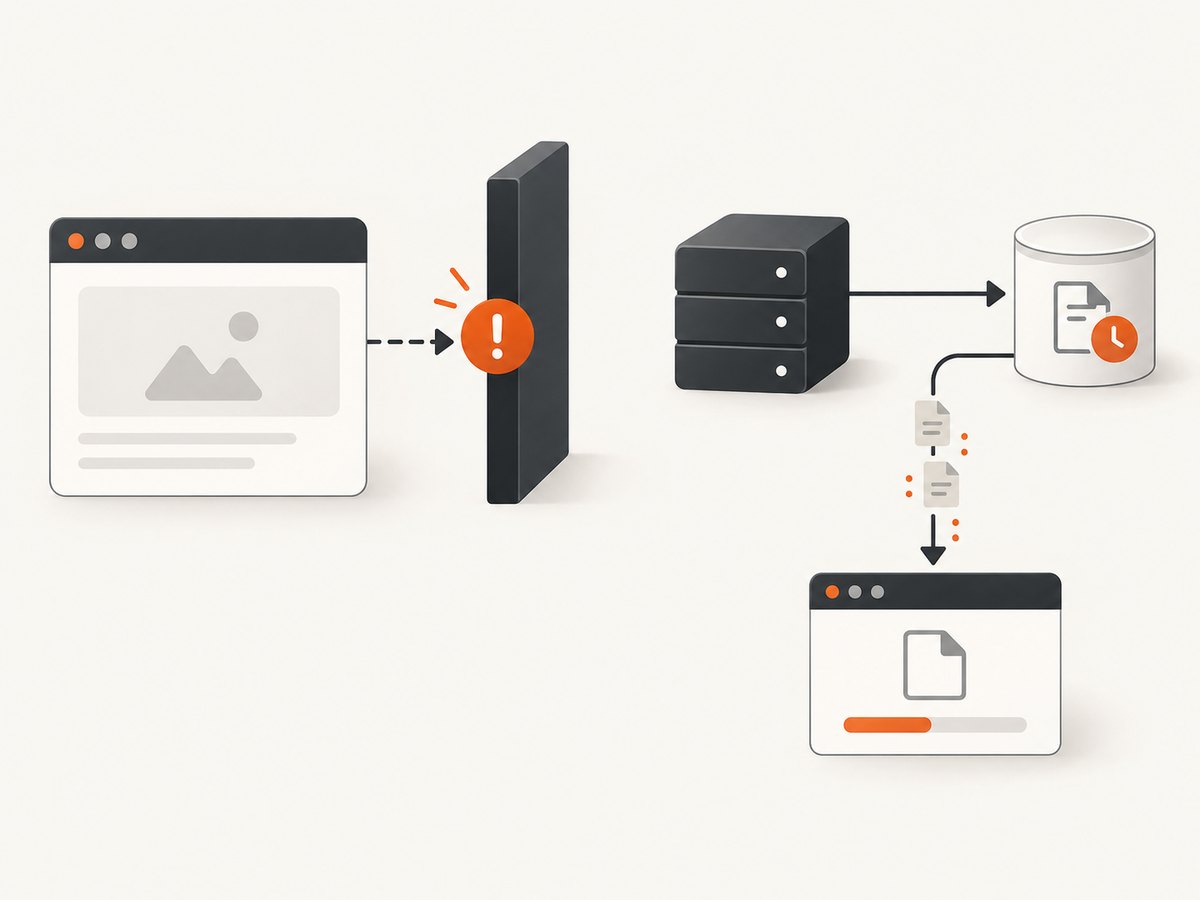
const metadata = await fetch(
  `https://graph.microsoft.com/v1.0/me/drive/items/${itemId}?select=id,name,@microsoft.graph.downloadUrl`,
  { headers: { Authorization: `Bearer ${token}` } }
);
if (!metadata.ok) throw new Error(`Metadata failed: ${metadata.status}`);
const item = await metadata.json();
const response = await fetch(item["@microsoft.graph.downloadUrl"]);
if (!response.ok) throw new Error(`File request failed: ${response.status}`);
const blob = await response.blob();
Keep access tokens on a trusted backend when possible. Never expose a client secret in browser code, and treat the download URL as short-lived.
6. Partial and resumable downloads
Send the Range header to the actual preauthenticated download URL, not to /content. A successful range response is typically 206 Partial Content. Graph may ignore the range and return 200 with the complete file, so inspect the status and Content-Range before appending bytes.
curl --fail \
  -H "Range: bytes=0-1048575" \
  "$DOWNLOAD_URL" \
  -o first-megabyte.bin
For a resumable client, record the number of bytes written, request the next range, and verify that the server’s Content-Range starts where expected. If the server returns 200, discard the partial file or replace it with the complete response rather than concatenating it.
7. Converted formats and historical versions
Convert the current file
Use the v1.0 content-format operation with a format query parameter when you need a converted representation. Not every source file can be converted to every format, so handle conversion failures and validate the returned content type.
GET /drives/{drive-id}/items/{item-id}/content?format=pdfFollow the same redirect handling as the ordinary content endpoint. See Microsoft’s content-format reference.
Download an older version
Use the driveItemVersion content operation for a historical version. It does not retrieve the current version; use the ordinary /content method for current content. See the version-content reference.
8. Common errors and fixes
| Symptom | Cause | Fix |
|---|---|---|
401 Unauthorized |
Missing, expired, or invalid bearer token. | Acquire a fresh token for Microsoft Graph and send it only to the Graph endpoint. |
403 Forbidden |
Insufficient scope, admin consent missing, or the user cannot access the item. | Grant the least required permission, obtain consent, and verify file access. Check SharePoint Embedded container permissions. |
404 Not Found |
Wrong drive or item ID, incorrect path, or the item was moved or deleted. | Resolve metadata again and use the returned drive and item IDs. |
| Response is JSON instead of a file | You requested metadata or received an error body. | Check status and Content-Type before writing bytes. |
No Location header |
The request did not produce the expected redirect. | Log status and response headers; fix authentication or endpoint selection before downloading. |
Redirect request returns 401 |
You forwarded the Graph bearer token to the preauthenticated URL. | Do not send Authorization on the second request. |
| Browser CORS failure | Preflight plus the /content redirect. |
Use the metadata @microsoft.graph.downloadUrl flow only after checking current documentation, or proxy through your backend. |
Range request returned 200 |
The download service ignored the requested range. | Use the full response; do not append it to a partial file. |
9. Reliability, performance, and cost
- Retry safely: retry transient network failures and suitable 5xx responses with exponential backoff. If the preauthenticated URL expires, request a new
/contentredirect instead of retrying the old URL indefinitely. - Stream large files: write chunks to disk instead of buffering the entire response in memory. Python’s
iter_content, Node streams, and curl’s default output behavior support this pattern. - Validate integrity: compare expected length from
Content-Lengthwhen present, and verify checksums when your application stores one. - Cache metadata carefully: cache IDs and names for speed, but refresh metadata after moves, permission changes, or 404 responses.
- Control application cost: Graph API billing and Microsoft 365 service limits depend on your tenant and licensing arrangement. The cited API documentation does not provide a universal per-download price or throughput guarantee, so do not assume one.
10. Or skip the browser setup
If your goal is to capture a web page rather than retrieve a Microsoft 365 file, ScreenshotNeo provides a single website-screenshot API request. It is separate from Microsoft Graph, but avoids maintaining browser automation:
curl -G "https://api.screenshotneo.com/v1/shot" -d access_key=YOUR_API_KEY --data-urlencode url=https://stripe.com -o shot.webpimport requests
r = requests.get("https://api.screenshotneo.com/v1/shot", params={"access_key": "YOUR_API_KEY", "url": "https://stripe.com"}, timeout=90)
open("shot.webp", "wb").write(r.content)const q = new URLSearchParams({ access_key: 'YOUR_API_KEY', url: 'https://stripe.com' }); const res = await fetch(`https://api.screenshotneo.com/v1/shot?${q}`);Read the ScreenshotNeo API documentation for options. Cookie banners, newsletter popups and chat widgets are removed before the shot. Bot checks, blank pages and failed loads are never billed. An MCP server lets AI agents take screenshots, and the free plan includes 1,000 screenshots a month with no card; paid plans start at $5 for 3,000. Create a free ScreenshotNeo account.
FAQ
Does /content return the file bytes immediately?
Usually it returns a 302 redirect. Follow the Location URL to retrieve the bytes.
Can I reuse the download URL?
No. It is temporary and may expire within minutes. Request a fresh URL when needed.
Should I use application permissions for a user-facing app?
No. Use delegated Files.Read when a signed-in user is performing the download. Application Files.Read.All is for app-only services.
How do I download a folder?
/content downloads files, not folders. Enumerate the folder’s children and download each file, or use a separate archive workflow.
Can I request a PDF instead of the original file?
Yes, use the content-format operation when the source type supports the requested conversion.


