How to Download Files with Playwright Tests
Learn the reliable Playwright pattern for waiting on downloads, saving files, checking filenames, and avoiding flaky tests in JavaScript, Python, and Java.
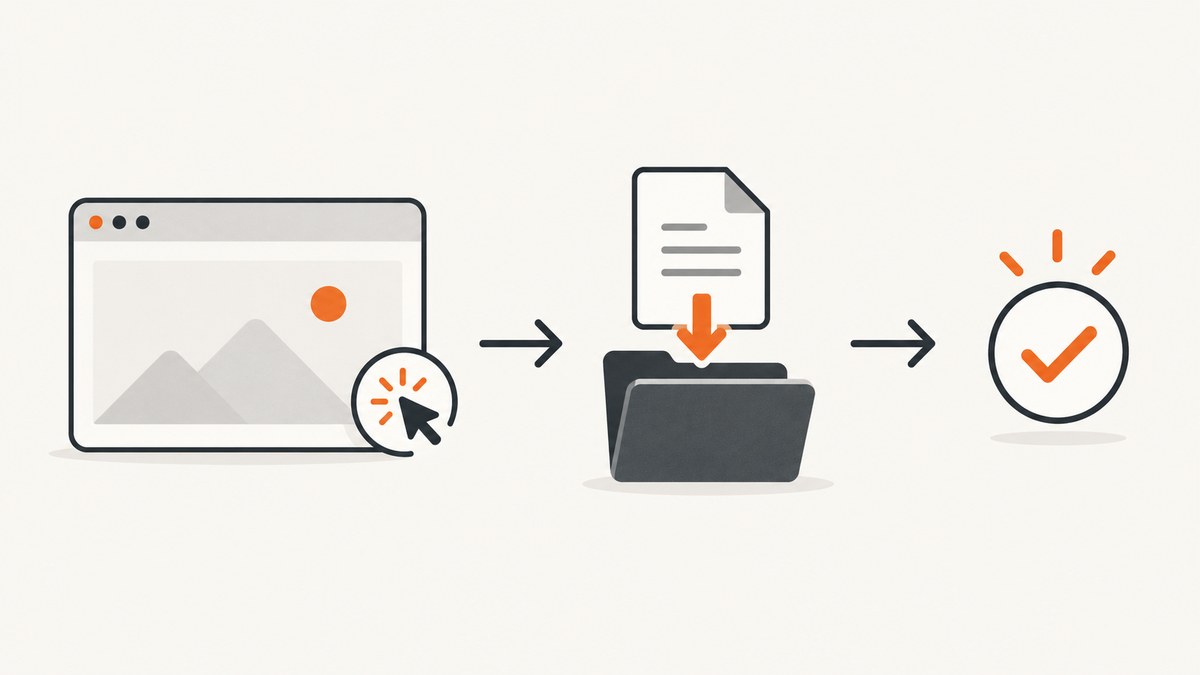
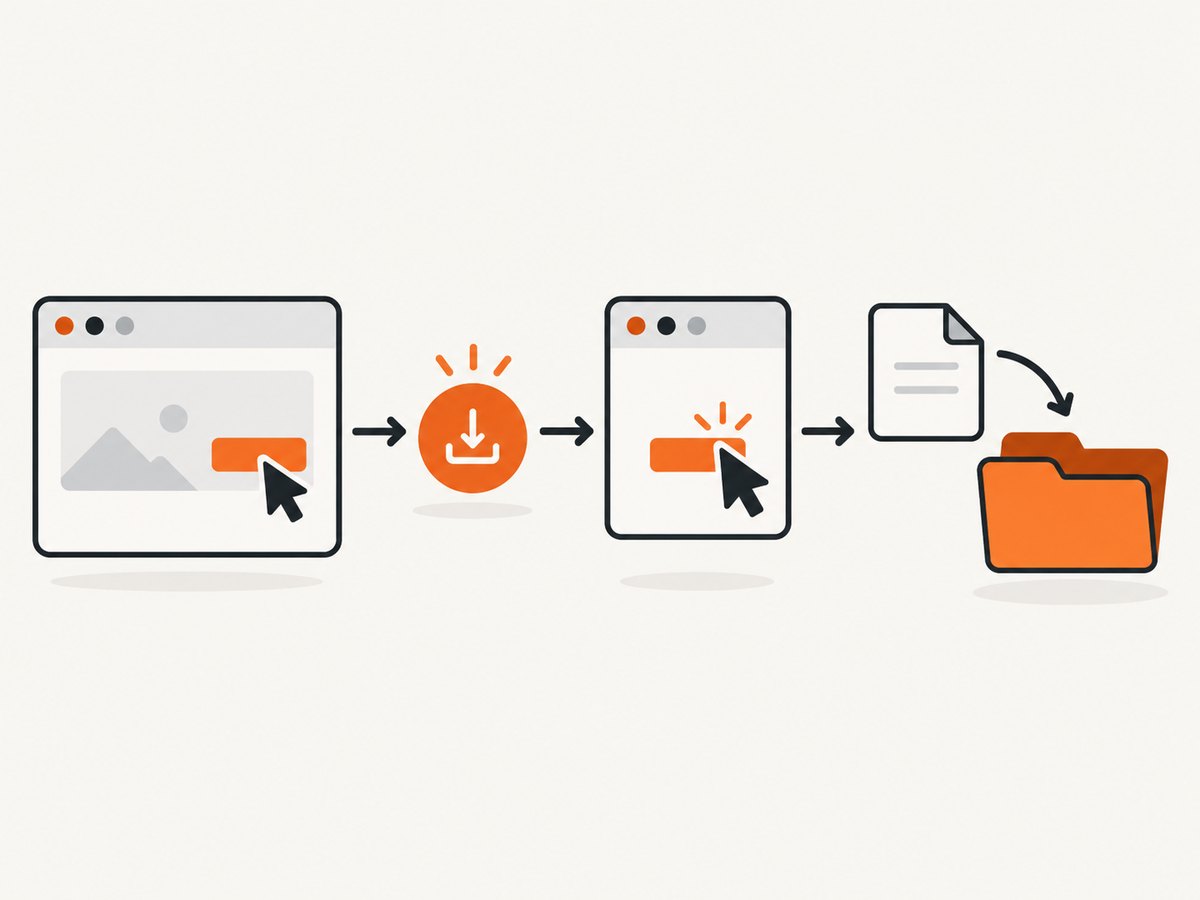
Register the download wait before the click that starts the file. Await the resulting Download object, then copy it to a deterministic path with saveAs (or save_as in Python). This ordering prevents races, gives your test a stable artifact, and lets you assert the filename and file contents.
Playwright downloads belong to the browser context. Their temporary files are removed when that context closes, so save anything you need before teardown.
JavaScript and TypeScript: wait, save, assert
The event-before-action sequence is the essential pattern:
import { test, expect } from '@playwright/test';
import path from 'node:path';

 test('downloads the invoice', async ({ page }, testInfo) => {
  await page.goto('https://example.test/invoices');

  const destination = path.join(testInfo.outputDir, 'invoice.pdf');
  const downloadPromise = page.waitForEvent('download');

  await page.getByRole('link', { name: 'Download invoice' }).click();

  const download = await downloadPromise;
  await download.saveAs(destination);

  expect(download.suggestedFilename()).toMatch(/\.pdf$/i);
  await expect.poll(async () => {
    return (await import('node:fs/promises')).stat(destination).then(() => true).catch(() => false);
  }).toBe(true);
});
waitForEvent('download') starts listening immediately. The click follows it, so a download that begins synchronously cannot be missed. saveAs may be called while the transfer is still in progress; Playwright waits as needed before copying the completed file.
Using a temporary path
const downloadPromise = page.waitForEvent('download');
await page.getByText('Download file').click();
const download = await downloadPromise;

const temporaryPath = await download.path();
console.log(temporaryPath);
path() waits for completion and returns Playwright’s temporary path. The name is a random GUID, so use suggestedFilename() when the original name matters. A failed or canceled download causes path() to throw.
Handling a filename safely
import path from 'node:path';

const downloadPromise = page.waitForEvent('download');
await page.getByRole('button', { name: 'Export CSV' }).click();
const download = await downloadPromise;

const filename = download.suggestedFilename();
if (!filename.toLowerCase().endsWith('.csv')) {
  throw new Error(`Unexpected download filename: ${filename}`);
}

const destination = path.join(testInfo.outputDir, filename);
await download.saveAs(destination);
Treat the suggested name as untrusted input. Keep it inside a test-controlled directory and reject path separators if your application can return arbitrary names.
Python: synchronous and asynchronous tests
Sync Python
from pathlib import Path
from playwright.sync_api import sync_playwright

with sync_playwright() as p:
    browser = p.chromium.launch()
    context = browser.new_context()
    page = context.new_page()
    page.goto("https://example.test/invoices")

    output = Path("test-results/invoice.pdf")
    output.parent.mkdir(parents=True, exist_ok=True)

    with page.expect_download() as download_info:
        page.get_by_role("link", name="Download invoice").click()

    download = download_info.value
    assert download.suggested_filename.endswith(".pdf")
    download.save_as(output)
    assert output.exists()

    browser.close()
The initiating action must be inside the expect_download() context. Exiting the context yields the completed event object.
Async Python
import asyncio
from pathlib import Path
from playwright.async_api import async_playwright

async def main():
    async with async_playwright() as p:
        browser = await p.chromium.launch()
        context = await browser.new_context()
        page = await context.new_page()
        await page.goto("https://example.test/invoices")

        output = Path("test-results/invoice.pdf")
        output.parent.mkdir(parents=True, exist_ok=True)

        async with page.expect_download() as download_info:
            await page.get_by_role("link", name="Download invoice").click()

        download = await download_info.value
        await download.save_as(output)
        assert output.exists()
        await browser.close()

asyncio.run(main())
A listener such as page.on("download", handler) is useful when the initiator is unknown, but it forks control flow. Make the handler’s work awaitable or the test can finish before the file is saved.
Java: use waitForDownload
import com.microsoft.playwright.*;
import java.nio.file.*;

public class DownloadTest {
  public static void main(String[] args) throws Exception {
    try (Playwright playwright = Playwright.create()) {
      Browser browser = playwright.chromium().launch();
      BrowserContext context = browser.newContext();
      Page page = context.newPage();
      page.navigate("https://example.test/invoices");

      Download download = page.waitForDownload(() -> {
        page.getByRole(AriaRole.LINK,
            new Page.GetByRoleOptions().setName("Download invoice")).click();
      });

      Path output = Paths.get("test-results", "invoice.pdf");
      Files.createDirectories(output.getParent());
      download.saveAs(output);
      if (!Files.exists(output)) {
        throw new AssertionError("Download was not saved");
      }

      context.close();
      browser.close();
    }
  }
}
Java exposes the same lifecycle: suggestedFilename(), path(), saveAs(), and (where supported by the binding) failure().
What the Download object contains
| Method or property | Use | Important behavior |
|---|---|---|
url() |
Inspect the URL that produced the download | Useful when several export endpoints exist |
suggestedFilename() |
Preserve or validate the server-provided name | Often derived from Content-Disposition or the HTML download attribute |
path() |
Get Playwright’s temporary completed path | Throws for failed or canceled downloads; temporary files disappear with the context |
saveAs(path)/save_as(path) |
Copy to a durable test path | Safe while the download is still progressing |
failure() |
Inspect a failed transfer | Use it to turn an opaque failure into an explicit test error when available |
Assertions that make download tests trustworthy
- Assert that the destination exists after
saveAscompletes. - Check the extension or suggested filename when the endpoint can return multiple formats.
- For important exports, inspect content: parse JSON or CSV, read PDF metadata, or compare a checksum appropriate to your fixture.
- Check that an empty file is not accepted when the application promises content.
- Use a unique output directory per test. Playwright Test’s
testInfo.outputDiravoids collisions in parallel workers.
import { readFile } from 'node:fs/promises';

const bytes = await readFile(destination);
expect(bytes.length).toBeGreaterThan(0);
expect(bytes.subarray(0, 4).toString()).toBe('%PDF');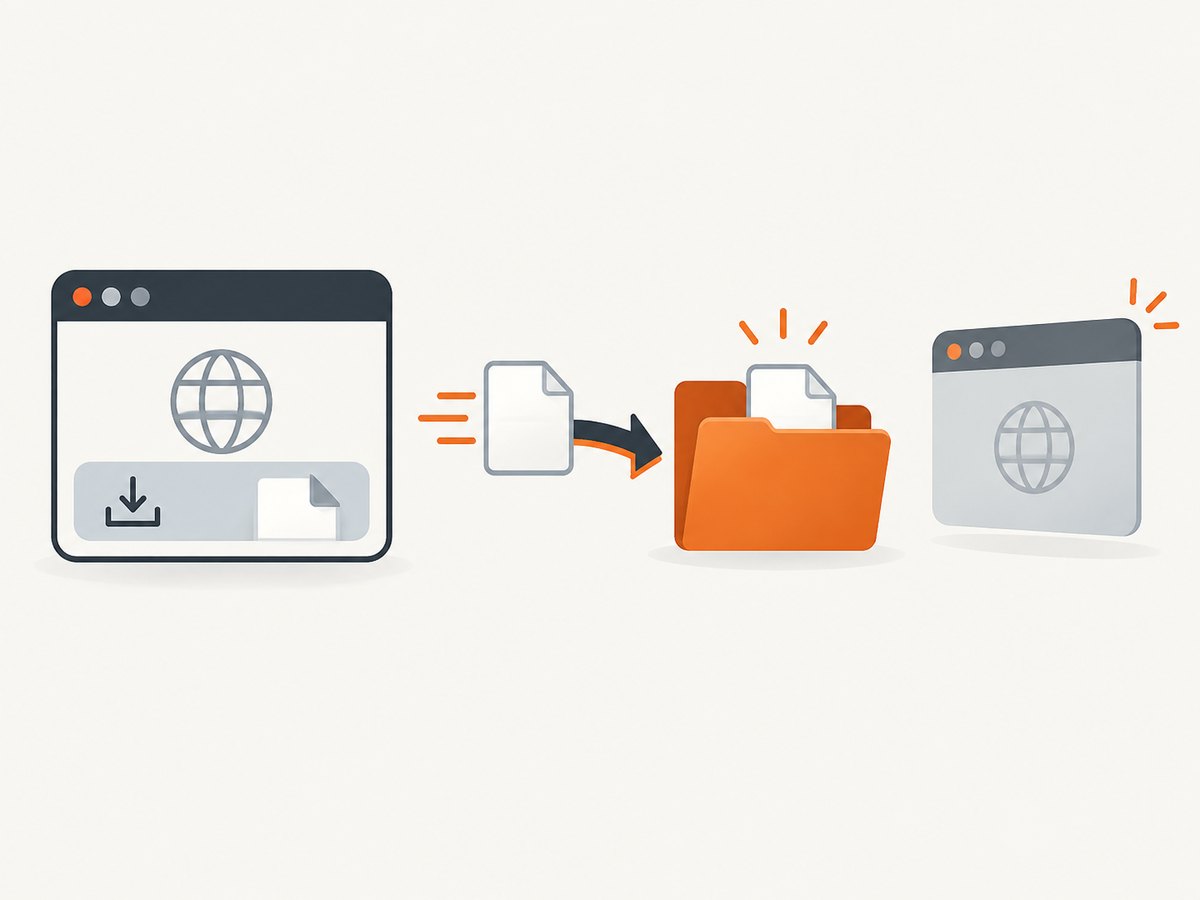
Common download scenarios
Button starts the download
const pending = page.waitForEvent('download');
await page.getByRole('button', { name: 'Export' }).click();
const download = await pending;
await download.saveAs('artifacts/export.csv');
Download attribute on an anchor
const pending = page.waitForEvent('download');
await page.locator('a[download]').click();
const download = await pending;
console.log(download.suggestedFilename());
Download opens after a menu interaction
const pending = page.waitForEvent('download');
await page.getByRole('button', { name: 'More actions' }).click();
await page.getByRole('menuitem', { name: 'Download ZIP' }).click();
const download = await pending;
await download.saveAs('artifacts/archive.zip');
Several downloads from one action
const downloads = Promise.all([
  page.waitForEvent('download'),
  page.waitForEvent('download')
]);
await page.getByRole('button', { name: 'Download selected files' }).click();
const [first, second] = await downloads;
await first.saveAs('artifacts/first.bin');
await second.saveAs('artifacts/second.bin');
Prefer a separate, explicit wait for each expected file when the order is stable. If order is not guaranteed, match each object by suggestedFilename() before saving.
Downloads in a popup or new page
The download event is dispatched by the page that initiates it. If a click opens a popup, wait for both events and identify which page owns the download:
const popupPromise = page.waitForEvent('popup');
const downloadPromise = page.waitForEvent('download');
await page.getByText('Generate report').click();
const popup = await popupPromise;
const download = await downloadPromise;
await popup.waitForLoadState();
await download.saveAs('artifacts/report.xlsx');
Browser and context configuration
Playwright supports a browser launch downloadsPath option to configure where downloaded files are persisted. Even with that option, save important artifacts explicitly because context closure removes downloads belonging to that context.
import { chromium } from 'playwright';

const browser = await chromium.launch({
  downloadsPath: 'playwright-downloads'
});
const context = await browser.newContext({ acceptDownloads: true });
Keep download acceptance enabled in the context used by the test. Use isolated contexts for parallel tests so cookies, authentication, and temporary files cannot leak across cases.
Troubleshooting
| Symptom | Likely cause | Fix |
|---|---|---|
Timeout waiting for download |
The click did not trigger a download, or the listener was attached afterward | Register the wait first; verify the locator, permissions, and that the response has a download disposition |
| Test hangs after clicking | The page opened a new tab, navigated, or returned an inline response | Wait for the relevant popup or response and inspect the resulting URL and headers |
path() throws |
The transfer failed or was canceled | Check failure(), server logs, authentication, and network access; do not close the context early |
| File disappears after the test | Only the temporary path was used | Call saveAs/save_as before context teardown |
| Filename is a random GUID | You asserted the temporary path name | Use suggestedFilename() for the server’s intended name |
| Parallel tests overwrite files | All tests use one fixed destination | Use a per-test directory or include the test identifier in the filename |
| Zero-byte or unexpected file | Export failed inside the application or the test saved an error response | Assert size and format, then inspect response status and content before accepting the artifact |
| Python test ends before saving | A page.on handler launched asynchronous work that was not awaited |
Use expect_download around the initiating action, or explicitly await the handler’s task |
Performance, reliability, and cost
- Wait on the event, not an arbitrary sleep. Event synchronization finishes as soon as the download starts and avoids guessing how long a server will take.
- Save once. Copy directly to the final test artifact path instead of repeatedly reading and rewriting the temporary file.
- Keep fixtures small. Use a deterministic test export for routine checks; reserve large-file tests for a separate coverage case.
- Parallelize safely. Separate browser contexts and output directories prevent collisions. Ensure the test server can handle concurrent export requests.
- Retry at the right layer. A retry can hide a real export defect. Record the download failure and server response before retrying transient infrastructure errors.
- Clean up deliberately. Test-runner output directories can be retained as CI artifacts on failure and removed on successful runs.
- There is no Playwright download fee. Your costs come from browser execution, CI time, storage, and the application endpoint that generates the file.
Or skip the browser setup
If your goal is a rendered page image or PDF rather than testing your own download workflow, ScreenshotNeo provides a single HTTP request. It removes cookie and consent banners, newsletter popups, and chat widgets before capture. Bot checks, blank pages, failed loads, timeouts, and cache hits are not billed, and responses identify the result with X-Page-Verdict and X-Billed headers. Its MCP server lets Claude, Cursor, and other MCP clients call take_screenshot, get_page_info, and capture_pdf.
See the ScreenshotNeo API documentation for all capture options.
curl -G "https://api.screenshotneo.com/v1/shot" -d access_key=YOUR_API_KEY --data-urlencode url=https://stripe.com -o shot.webpimport requests
r = requests.get("https://api.screenshotneo.com/v1/shot", params={"access_key": "YOUR_API_KEY", "url": "https://stripe.com"}, timeout=90)
open("shot.webp", "wb").write(r.content)const q = new URLSearchParams({ access_key: 'YOUR_API_KEY', url: 'https://stripe.com' });
const res = await fetch(`https://api.screenshotneo.com/v1/shot?${q}`);The free plan includes 1,000 screenshots each month with no card. Paid plans start at $5 for 3,000 shots. Create a free ScreenshotNeo account.
FAQ
Why must the wait be registered before clicking?
The download event can fire immediately when the action starts. Registering afterward creates a race in which the event has already been dispatched.
Should I use path() or saveAs()?
Use saveAs() for a durable, named artifact. Use path() when you only need to inspect the temporary completed file during the current context.
Can I assert the original filename?
Yes. Read suggestedFilename() (or Python’s suggested_filename) and compare it with the expected extension or exact fixture name.
When is a download deleted?
Playwright deletes downloads belonging to a browser context when that context closes. Save required files before teardown.
What if the application downloads conditionally?
Keep the wait around the action, then inspect the filename, URL, and failure state. If no download is expected for a branch, test that branch separately instead of using one unconditional wait.


