How to Download Files From the Web With a Screenshot API
Save screenshot API responses correctly, handle binary files and errors, and download PNG, PDF, JPEG or WebP files with cURL, Python and Node.js.

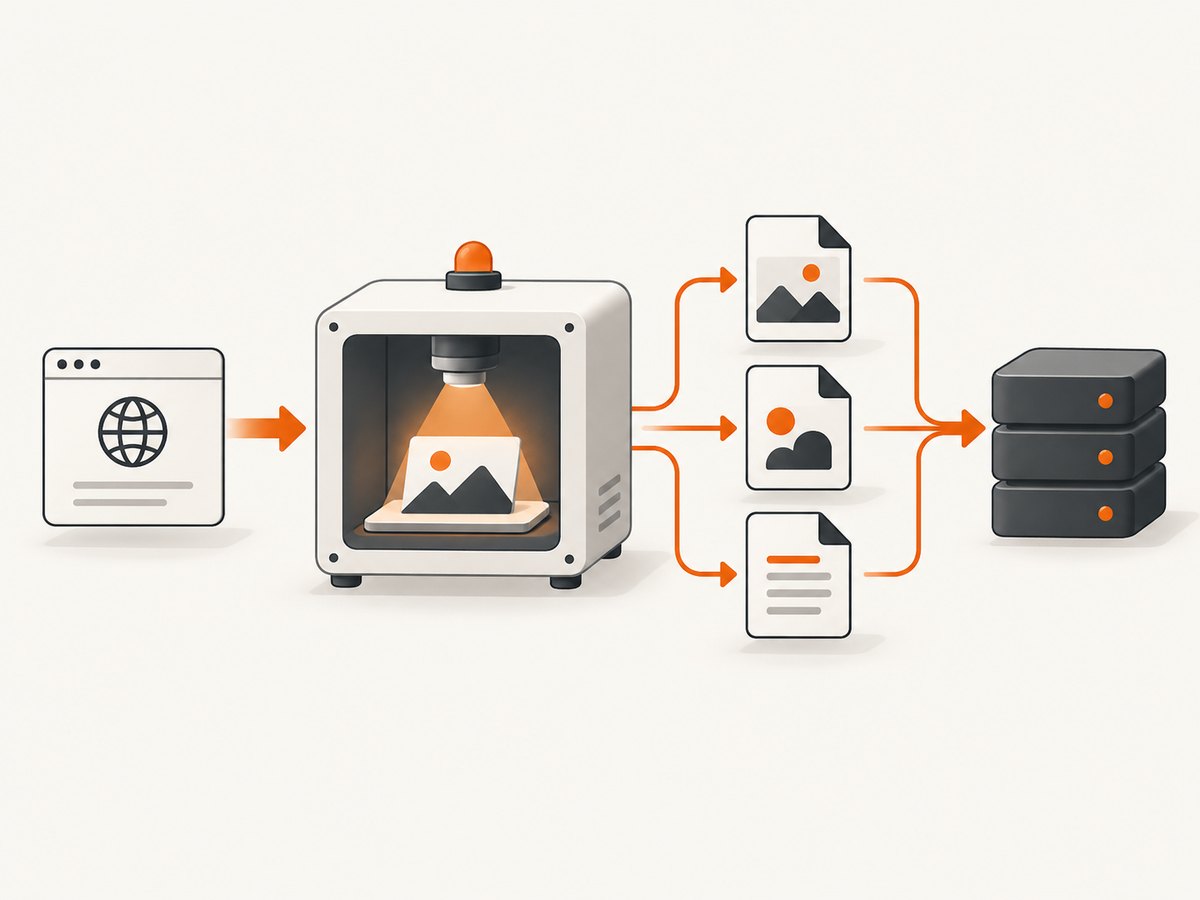
Short answer: a successful screenshot API response is usually the file bytes themselves. Check the HTTP status and Content-Type, then write the response body as binary data. Do not parse a successful image or PDF response as JSON.
This guide shows how to download PNG, JPEG, WebP and PDF captures with cURL, Python and Node.js, how to avoid saving an error response as a fake image, and how to handle authentication, streaming, retries, validation and provider limits.
1. Decide whether you need a screenshot or a raw file download
A screenshot API renders an HTML page and returns its visual appearance. Choose it when you need a PNG, JPEG, WebP or PDF representation of a web page.
If the URL already points to a file, such as a ZIP archive, CSV export, font or video, use a provider’s raw download mode when that provider documents one. For example, awl.sh documents download=true for PDFs, images, ZIP archives, CSV exports, fonts and videos. A screenshot endpoint may render a file URL as a page or reject it instead of returning the original bytes.
| Need | Use | Typical response |
|---|---|---|
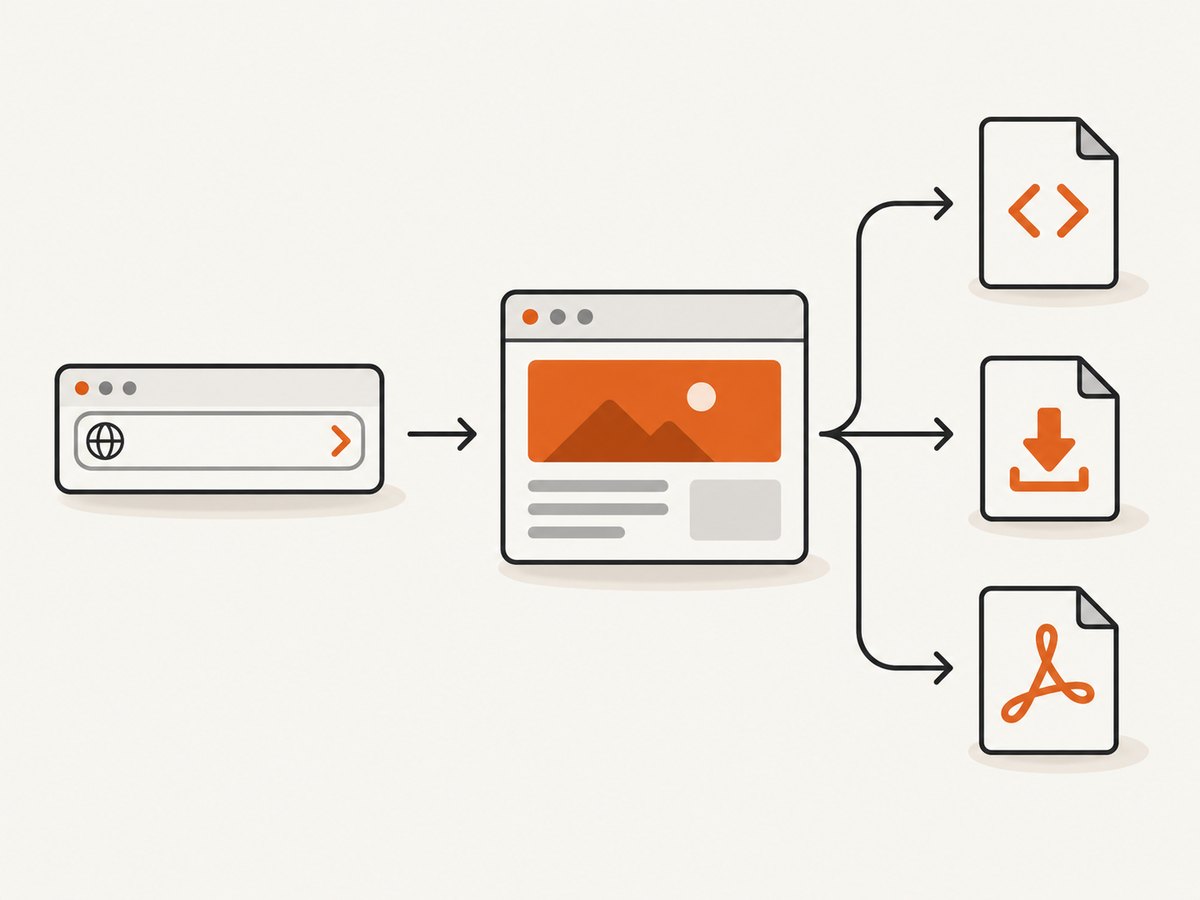
| Visual copy of an HTML page | Screenshot operation | image/png, image/jpeg or image/webp |
| Printable document | PDF output | application/pdf |
| The original ZIP, CSV, font or video bytes | Raw download mode, if documented by the provider | The file’s own MIME type |
2. The reliable download workflow
- Authenticate on your server. Store the API key in an environment variable. Use an Authorization/Bearer header where supported, and never expose a production key in browser JavaScript.
- Send the target URL and capture options. Common options include output format, viewport, full-page mode, cookies and custom headers. GET is convenient for small requests; POST keeps a large option set out of the URL.
- Check the status before writing. A provider can return JSON describing an error while returning binary bytes for success. Saving the error body to
screenshot.pngcreates a misleading file. - Inspect
Content-Type. Mapimage/png,image/jpeg,image/webpandapplication/pdfto the correct extension. Treat an unknown type as an error until you understand it. - Stream or save bytes. Use a binary file handle in Python, a Buffer in Node.js, or
--outputin cURL. Stream large files to object storage instead of buffering them in memory. - Validate the result. Check that the file is non-empty, the MIME type is expected and, where practical, the magic bytes match the format. Keep request IDs in logs so failures can be retried or diagnosed.
3. Download a PNG with cURL
The documented ScreenshotEngine pattern below returns file bytes on a successful HTTP 200 response and JSON for errors:
export SCREENSHOTENGINE_API_KEY="YOUR_API_KEY"
curl --fail-with-body --request POST \
  'https://api.screenshotengine.com/v1/screenshot' \
  --header "Authorization: Bearer $SCREENSHOTENGINE_API_KEY" \
  --header 'Content-Type: application/json' \
  --data '{"url":"https://example.com","format":"png","height":"full"}' \
  --output screenshot.png
--fail-with-body makes an HTTP error visible while still preserving the provider’s response body for diagnosis. For a simple GET endpoint, the equivalent idea is:
curl --fail-with-body \
  'https://api.example.test/screenshot?url=https%3A%2F%2Fexample.com&format=png' \
  --output screenshot.png
Use the provider’s documented authentication and parameter names. Do not assume every API accepts an API key in the query string.
4. Download a PDF with Python
import os
import requests

r = requests.post(
    "https://api.screenshotengine.com/v1/screenshot",
    headers={"Authorization": f"Bearer {os.environ['SCREENSHOTENGINE_API_KEY']}"},
    json={"url": "https://example.com", "format": "pdf"},
    timeout=60,
)
r.raise_for_status()
content_type = r.headers.get("content-type", "")
extension = ".pdf" if "application/pdf" in content_type else ".bin"
with open("capture" + extension, "wb") as f:
    f.write(r.content)
The wb mode matters: text mode can alter bytes on some platforms. raise_for_status() runs before the file is created, so an error JSON body is not silently saved as a PDF.
Stream a large response in Python
import os
import requests

with requests.post(
    "https://api.screenshotengine.com/v1/screenshot",
    headers={"Authorization": f"Bearer {os.environ['SCREENSHOTENGINE_API_KEY']}"},
    json={"url": "https://example.com", "format": "pdf"},
    timeout=60,
    stream=True,
) as response:
    response.raise_for_status()
    with open("capture.pdf", "wb") as output:
        for chunk in response.iter_content(chunk_size=1024 * 1024):
            if chunk:
                output.write(chunk)
5. Download bytes with Node.js
import { writeFile } from "node:fs/promises";

const response = await fetch("https://api.screenshotengine.com/v1/screenshot", {
  method: "POST",
  headers: {
    "Authorization": `Bearer ${process.env.SCREENSHOTENGINE_API_KEY}`,
    "Content-Type": "application/json"
  },
  body: JSON.stringify({
    url: "https://example.com",
    format: "png",
    height: "full"
  })
});

if (!response.ok) {
  const errorBody = await response.text();
  throw new Error(`Capture failed (${response.status}): ${errorBody}`);
}

const contentType = response.headers.get("content-type") || "";
const extension = contentType.includes("pdf") ? "pdf" :
  contentType.includes("jpeg") ? "jpg" :
  contentType.includes("webp") ? "webp" : "png";

const bytes = Buffer.from(await response.arrayBuffer());
if (bytes.length === 0) throw new Error("The capture response was empty");
await writeFile(`capture.${extension}`, bytes);
Do not call response.json() on a successful binary response. Read JSON only after a non-success status, or when the provider explicitly documents a JSON/base64 output mode.
Browser download through your own backend
Keep the provider key on your server. Your browser can call a controlled endpoint that proxies a validated capture:
const response = await fetch('/api/capture', {
  method: 'POST',
  headers: { 'Content-Type': 'application/json' },
  body: JSON.stringify({ url })
});
if (!response.ok) throw new Error(`Capture failed: ${response.status}`);
const blob = await response.blob();
const link = document.createElement('a');
link.href = URL.createObjectURL(blob);
link.download = 'capture.' + (blob.type === 'application/pdf' ? 'pdf' : 'png');
link.click();
URL.revokeObjectURL(link.href);
6. Choose output and rendering options
Use the smallest set of options that produces the required artifact. Names differ by provider, but these settings are common:
| Option | Why it matters |
|---|---|
| Format | PNG preserves detail and transparency; JPEG is smaller for photos; WebP often reduces size; PDF is suited to documents and printing. |
| Viewport | Controls responsive breakpoints and the visible region. |
| Full-page | Captures the complete document instead of only the viewport. Lazy-loaded images may need explicit loading support. |
| Cookies and headers | Provide authenticated or personalized content when the provider supports them. |
| Wait conditions | Wait for a selector, a delay or network idle when content is rendered after the initial page load. |
| PDF settings | Paper size, margins, landscape mode and page ranges control pagination. |
For private pages, send credentials through the provider’s documented header or cookie mechanism. Never put long-lived application secrets into a public URL.
7. Validate files before you use them
Extensions are labels, not proof. A server error saved as .png is still JSON. Validate at least these properties:
- HTTP status is successful.
Content-Typeis an expected image or PDF type.- File size is greater than zero and within your application limit.
- Magic bytes match when your pipeline can inspect them: PNG starts with
89 50 4E 47; PDF starts with%PDF-. - The image or PDF parser can open the completed file.
Simple Python signature checks
from pathlib import Path

path = Path("capture.png")
data = path.read_bytes()
if data[:8] != b"\\x89PNG\\r\\n\\x1a\\n":
    raise ValueError("Not a PNG response")
For PDFs, check data[:5] == b"%PDF-". A signature check supplements, rather than replaces, status and MIME validation.
8. Common errors and fixes
| Symptom | Likely cause | Fix |
|---|---|---|
| A PNG contains readable JSON | The API returned an error body and the client saved it without checking status. | Check status first, log the error body, and only write successful binary responses. |
response.json() fails on success |
The successful response is raw image or PDF bytes. | Use arrayBuffer(), response.content or a binary stream. |
| File opens but has the wrong extension | The extension was hard-coded while the requested format changed. | Inspect Content-Type and map it to the extension. |
| Capture is blank | The page failed to load, requires authentication, renders after the capture, or blocks automation. | Verify the target URL, pass required cookies or headers, add a documented wait condition, and inspect the provider’s error or verdict. |
| Only the top section appears | Viewport capture was used for a long document. | Enable full-page capture or use PDF output with appropriate page settings. |
| Images are missing in full-page output | Images are lazy-loaded after scrolling or after a delay. | Use a provider’s lazy-image/full-page support and wait for the page to settle. |
| 401 or 403 response | Missing, expired or incorrectly formatted credentials. | Check the server-side environment variable, Authorization scheme and account permissions. |
| 429 response | Rate limit or concurrency limit. | Apply exponential backoff with jitter, cap retries, and reduce concurrency. |
| Timeout | The target is slow, blocked or waiting on never-ending requests. | Set a reasonable client timeout, use a documented wait strategy, and retry only transient failures. |
| Downloaded file is unexpectedly huge | Full-page capture, high device scale or an uncompressed format. | Use viewport capture, resize output, choose WebP or JPEG where acceptable, and stream the response. |
9. Reliability and retry design
- Retry network failures, timeouts and 5xx responses when the operation is safe to repeat.
- Do not blindly retry 400, 401, 403 or validation errors; fix the request first.
- Use exponential backoff with jitter and a maximum attempt count.
- Give each capture an application idempotency key when the provider supports one, or deduplicate your own jobs by target URL and option hash.
- Write to a temporary path, validate the completed bytes, then rename atomically so consumers never read a partial file.
- For asynchronous jobs, persist the job ID and webhook delivery state. Verify webhook signatures when the provider documents signed webhooks.
- Log status, content type, response size, provider request ID and target hostname. Avoid logging API keys, cookies or authorization headers.
10. Performance and cost considerations
Rendering time depends on the target page, network requests, JavaScript and capture options. Full-page captures, high retina scale and PDF pagination generally require more work than a small viewport image. Reduce unnecessary work by choosing the smallest viewport, format and page range that meets the requirement.
Cache captures when the page does not need to be current on every request. If you control storage, stream large responses directly to object storage. Respect provider rate limits and batch work through an asynchronous job system when users do not need an immediate download.
Costs and limits vary by provider and can change. Confirm current pricing, retention, response-size limits, geographic rendering and rate limits in the provider’s documentation before committing to a design.
11. Or skip the browser setup
ScreenshotNeo is a website screenshot API and MCP server. One GET request returns a PNG, JPEG, WebP or PDF, so your application can save the response as bytes without maintaining browser automation. See the ScreenshotNeo API documentation for the complete option list.
curl -G "https://api.screenshotneo.com/v1/shot" -d access_key=YOUR_API_KEY --data-urlencode url=https://stripe.com -o shot.webpimport requests
r = requests.get("https://api.screenshotneo.com/v1/shot", params={"access_key": "YOUR_API_KEY", "url": "https://stripe.com"}, timeout=90)
open("shot.webp", "wb").write(r.content)const q = new URLSearchParams({ access_key: 'YOUR_API_KEY', url: 'https://stripe.com' }); const res = await fetch(`https://api.screenshotneo.com/v1/shot?${q}`);Before the capture, ScreenshotNeo accepts cookie and consent banners and removes more than 60 known consent platforms, newsletter popups and chat widgets; each step can be turned off. Bot checks, blank pages, failed loads and cache hits are not billed, and the response identifies the result with X-Page-Verdict and X-Billed headers. Its MCP server provides take_screenshot, get_page_info and capture_pdf tools for Claude, Cursor and other MCP clients. The Free plan includes 1,000 shots a month with no card; paid plans start at $5 for 3,000 shots.
Create a free ScreenshotNeo account and start with 1,000 screenshots a month at no charge.
12. FAQ
Can I save a screenshot API response directly to disk?
Yes. Use cURL’s --output, Python’s binary file mode or a Node.js Buffer after checking the response status.
Why do some APIs return JSON instead of image bytes?
Error responses are commonly JSON. Some providers also offer an explicit JSON mode that embeds an image as a base64 data URL. Follow the provider’s response contract for that operation.
Should I use GET or POST?
GET is convenient for a small public URL and simple options. POST is safer for larger option sets and keeps credentials and sensitive values out of the URL when the provider supports header authentication.
Can a screenshot API download a ZIP or CSV?
Only if the provider offers a raw download mode for those file types. Otherwise, use a normal HTTP download client for the original file, or render an HTML representation when you need a visual capture.
How do I choose between PNG, JPEG, WebP and PDF?
Use PNG for lossless UI detail or transparency, JPEG for photographic content, WebP for compact web delivery, and PDF for document sharing or printing.
Where should API keys live?
On your server or in a secret manager. A browser should call your backend rather than exposing a production key in client-side code.


