How to Download an HTML Page With cURL
Save an HTML response with cURL, follow redirects, handle HTTP errors, and troubleshoot common download problems with runnable examples.

To save a page’s HTTP response body as a local file, run:
curl -o page.html https://example.com/-o (also written --output) selects the local filename. Add -L when the starting URL redirects, and --fail when an HTTP error status should make the command fail. For example:
curl --fail -L -o page.html https://example.com/This downloads the response body; cURL does not parse the document or fetch the CSS, JavaScript, images, and other assets referenced by it. The examples below focus on downloading the HTML response safely and predictably.
1. Save a page to a named file
Use -o to choose a stable filename and path:
curl -o page.html https://example.com/The command writes the received response body to page.html in the current directory. To save elsewhere, give -o a path:
curl -o ./downloads/page.html https://example.com/The target directory must exist. Alternatively, specify an output directory and filename separately. Add --create-dirs if cURL should create missing directories in the output path:
curl --output-dir downloads --create-dirs -o page.html https://example.com/With no output option, cURL sends the received body to standard output. That is useful when you want to inspect or pipe the response instead of saving it:
curl https://example.com/For example, pipe the body to a program that searches its text:
curl -s https://example.com/ | grep -i '<title>'Be aware that a terminal is not a convenient destination for large or binary responses. Use -o when you specifically need a file.
2. Choose between -o and -O
Use lowercase -o when you want to set the filename yourself. Use uppercase -O (long form --remote-name) when you want cURL to use the final filename component of the URL:
curl -O https://example.com/manual.htmlThis saves the file as manual.html in the current working directory. -O does not reproduce the URL’s directory structure. It may also be unsuitable when the URL ends at a directory or otherwise has no useful filename component. Use an explicit -o page.html in those cases.
| Command | Output name | Best suited to |
|---|---|---|
curl -o page.html URL |
You choose it | Scripts and predictable names |
curl -O URL |
Derived from the URL’s final path component | One-off downloads with a meaningful filename |
curl URL |
No file; response goes to stdout | Piping or inspecting the response |
3. Follow redirects
cURL does not follow HTTP redirects by default. When the server responds with a redirect and you want the content at the destination, add -L (long form --location):
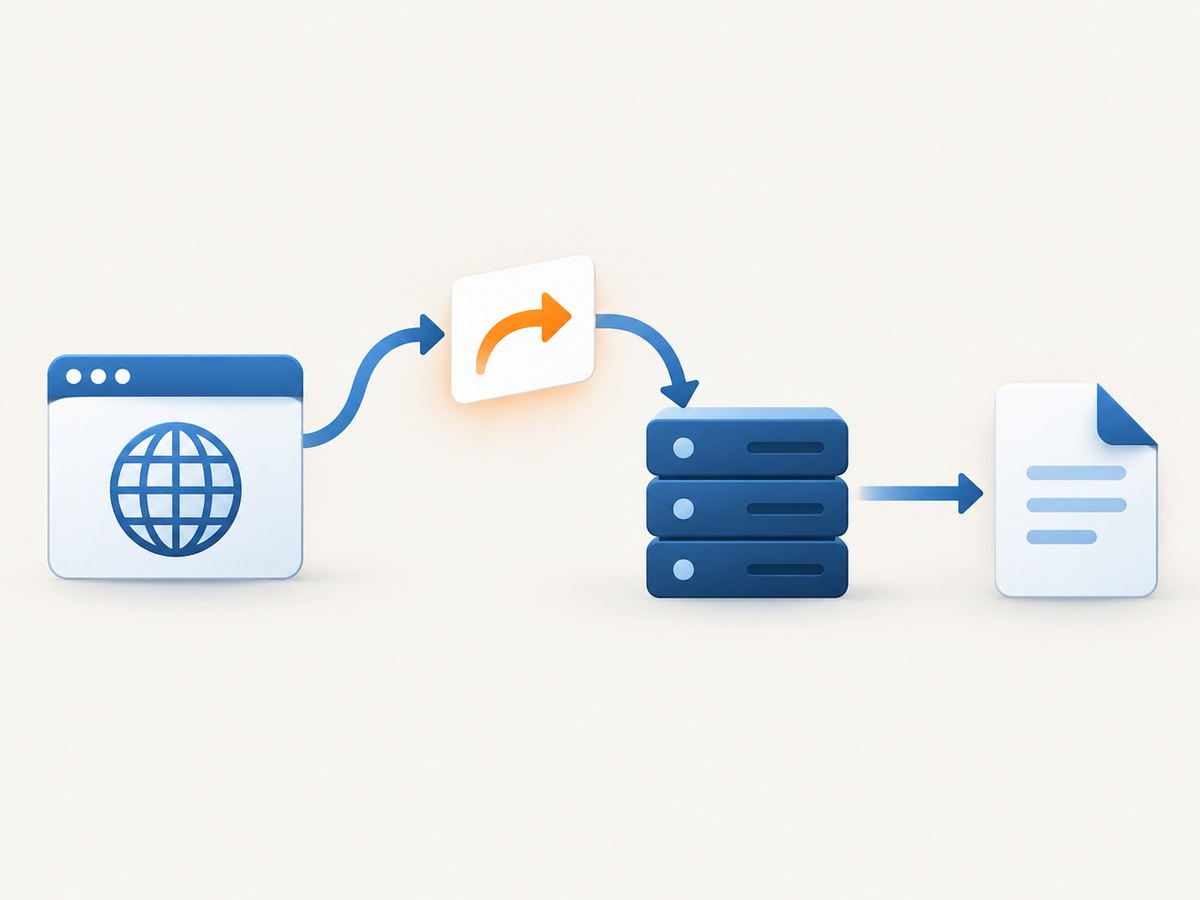
curl -L -o page.html https://example.com/In an automation script, combine redirect handling with HTTP failure handling:
curl --fail -L -o page.html https://example.com/When redirect following is enabled, the official cURL manual documents a default maximum of 50 redirects. Change that limit with --max-redirs if your workflow needs a different bound:
curl -L --max-redirs 10 -o page.html https://example.com/A redirect can lead to a different host. cURL normally withholds credentials when redirecting to another host. Avoid --location-trusted unless you have carefully verified the destination: it permits credentials and other secrets to be sent to a different host.
4. Make HTTP errors fail deliberately
Saving a response to a file does not prove that the server returned the page you expected. A server can respond with an HTTP error status and an error document. Add --fail when a status of 400 or greater should cause cURL to report failure:
curl --fail -L -o page.html https://example.com/If you need cURL to signal failure while retaining the response body, use --fail-with-body instead:
curl --fail-with-body -L -o response.html https://example.com/This is useful in diagnostics: the command reports that the HTTP request failed, while the saved body may contain an error page that helps explain why. Decide deliberately whether your script should keep that body or discard it.
5. Use cURL from Python or Node.js
If your application is written in Python or Node.js, make an HTTP request and write the response bytes to a file. These examples follow redirects using the clients’ standard behavior; both also check the final HTTP status before treating the saved body as a successful download.
Python with requests
import requests

url = "https://example.com/"
response = requests.get(url, timeout=30)
response.raise_for_status()

with open("page.html", "wb") as page_file:
    page_file.write(response.content)

print(f"Saved {len(response.content)} bytes to page.html")
Install the dependency with python -m pip install requests if it is not already available. A finite timeout prevents a request from waiting indefinitely. raise_for_status() turns unsuccessful HTTP statuses into exceptions so the script does not silently treat an error response as a successful page.
Node.js with built-in fetch
import { writeFile } from "node:fs/promises";

const url = "https://example.com/";
const response = await fetch(url, { signal: AbortSignal.timeout(30_000) });

if (!response.ok) {
  throw new Error(`HTTP ${response.status} ${response.statusText}`);
}

const body = Buffer.from(await response.arrayBuffer());
await writeFile("page.html", body);
console.log(`Saved ${body.length} bytes to page.html`);
Save this as an ES module or run it in a Node.js environment that supports top-level await. The explicit status check is important: receiving a response is not the same as receiving a successful page. Set the timeout to a duration appropriate for the site and your application.
6. Verify what you downloaded
After the command completes, check that the output exists and has content:
ls -l page.html
head -c 300 page.html
For a quick check of the response status and headers, request headers only:
curl -I -L https://example.com/That is a separate request and does not validate the contents of the file you already downloaded. If you need the status and response body from the same transfer, use cURL’s write-out option along with an output file:
curl --fail -L -o page.html -w '\nHTTP status: %{http_code}\nFinal URL: %{url_effective}\n' https://example.com/The saved bytes are the response body, which may be HTML, a server error document, or another content type. cURL does not determine whether the body is semantically the page you intended. For repeatable workflows, check the exit status, HTTP status, expected content type, and, where necessary, a distinctive string in the document.
7. What “download the page” means
A URL download retrieves the server’s response body. It does not turn that response into a complete offline copy of the website:
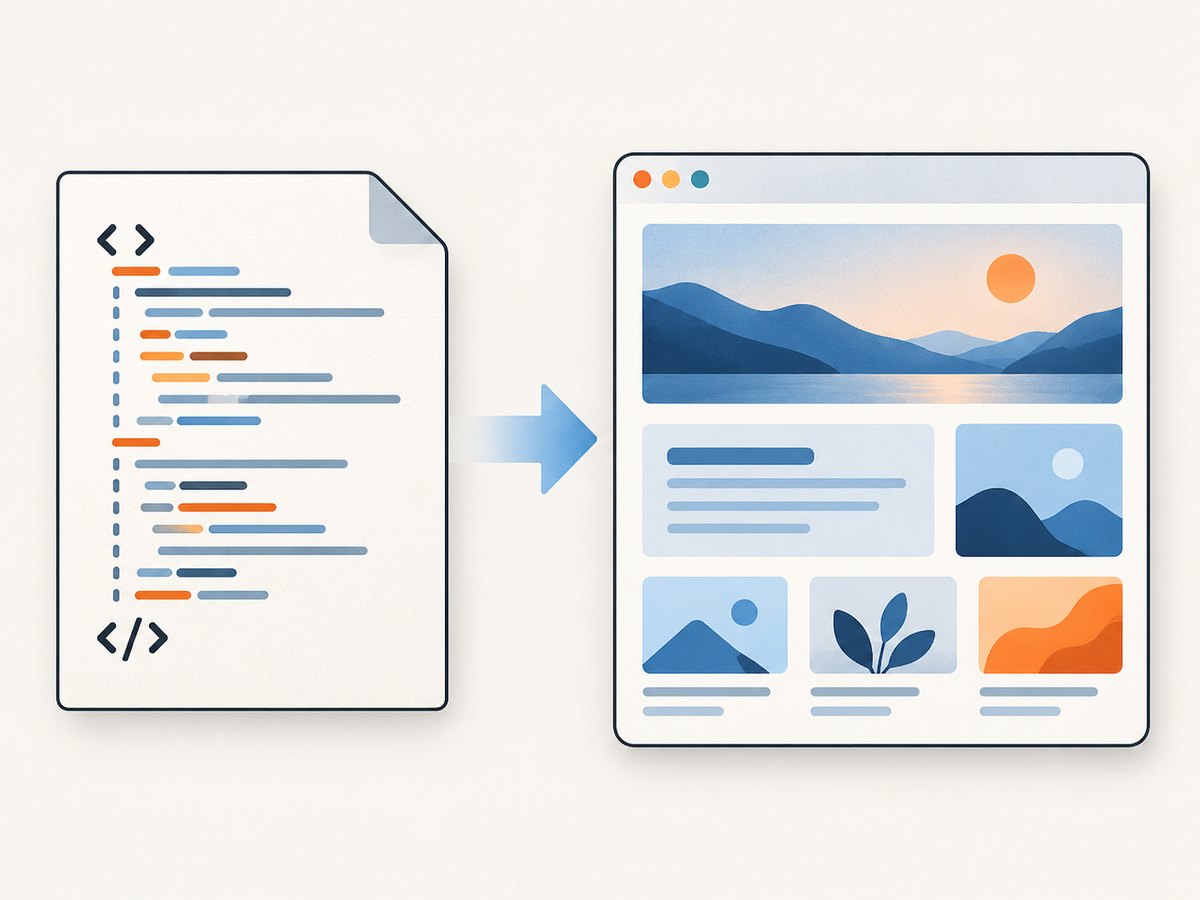
- Linked assets: Stylesheets, scripts, fonts, and images have their own URLs. cURL does not discover and download those dependencies when you save one HTML response.
- JavaScript-rendered content: A server may return a minimal HTML shell and rely on browser JavaScript to render the visible page. cURL does not run that JavaScript.
- Cookie and session state: A page that requires a session may return a login page or a redirect unless the request has the necessary cookies.
- Personalized or protected pages: The response can depend on request headers, authentication, location, or server-side checks.
If your goal is to inspect the raw HTML response, cURL is a good fit. If your goal is to see the rendered page as a visitor would, use a browser automation tool or a screenshot service.
8. Add request headers when a site requires them
Some servers vary their response based on request headers. You can send a header with -H:
curl -L -H 'Accept: text/html' -o page.html https://example.com/For a page that requires a session cookie, cURL can send one explicitly:
curl -L -H 'Cookie: session=YOUR_SESSION_VALUE' -o page.html https://example.com/account/Treat session values and authorization tokens as secrets. Do not paste live credentials into shared logs, source control, or a command history that others can read. When using credentials across redirects, remember that cURL’s default behavior protects credentials on cross-host redirects; do not weaken it casually.
To send a username and password for HTTP authentication, use --user and let your environment or a protected prompt supply the secret rather than committing it in a script. The exact authentication method depends on the server.
9. Troubleshooting
| Symptom | Likely cause | What to do |
|---|---|---|
| The file contains a redirect message or is not the expected page | The URL redirected, and cURL did not follow it. | Add -L; inspect the final URL with -w '%{url_effective}'. |
| The command exits successfully but the file contains an error page | The server returned an HTTP error response body. | Add --fail or --fail-with-body, then inspect the status and response body. |
| The output file is missing | The destination directory does not exist, or the process cannot write there. | Choose a writable path, create the directory, or use --create-dirs with --output-dir. |
| The saved file has an unexpected name | -O derives the name from the URL’s final path component. |
Use lowercase -o page.html for a predictable name. |
| The document is mostly empty or lacks visible content | The page may render content with client-side JavaScript. | Inspect the raw HTML response; use a browser-based renderer if you need the rendered state. |
| The response is a login page | The page requires a session or authentication. | Use an authorized session cookie or the server’s supported authentication method; keep credentials private. |
| cURL reports too many redirects | The URL is stuck in a redirect loop or exceeds the redirect limit. | Inspect the redirect chain and correct the URL or use a carefully chosen --max-redirs value. |
| A flag is reported as unknown | The installed cURL version may not support that option. | Check curl --version and curl --help; consult the manual for the installed version. |
10. Performance, reliability, and cost
For a single response, the simplest command is usually the most reliable: specify the output file, follow redirects when needed, and make HTTP failures explicit. In scripts, set a finite timeout, check the exit status, and avoid assuming that a nonempty file is a successful page. Retrying transient network failures can help, but retries should be bounded and should not blindly repeat requests that have side effects. A GET is normally used for retrieving a page, but servers can still log or rate-limit repeated requests.
cURL itself does not charge per download. The remote website may impose its own access limits, authentication requirements, or network costs. Large response bodies take longer to transfer and use more disk space; for predictable automation, write directly to a file rather than buffering unnecessarily in a pipeline. A saved HTML response is not a browser screenshot and does not include separately hosted assets.
11. Or skip the browser setup
If you need the rendered page as an image or PDF instead of its raw HTML response, ScreenshotNeo is a website screenshot API and MCP server. One GET request takes a URL and returns a PNG, JPEG, WebP, or PDF. See the ScreenshotNeo API documentation for request options.
curl -G "https://api.screenshotneo.com/v1/shot" -d access_key=YOUR_API_KEY --data-urlencode url=https://stripe.com -o shot.webpPython:
import requests
r = requests.get("https://api.screenshotneo.com/v1/shot", params={"access_key": "YOUR_API_KEY", "url": "https://stripe.com"}, timeout=90)
open("shot.webp", "wb").write(r.content)
Node.js:
const q = new URLSearchParams({ access_key: 'YOUR_API_KEY', url: 'https://stripe.com' });
const res = await fetch(`https://api.screenshotneo.com/v1/shot?${q}`);
ScreenshotNeo accepts cookie and consent banners before capture and removes more than 60 known consent platforms, newsletter popups, and chat widgets; each step can be turned off. Bot checks and CAPTCHAs, blank pages, timeouts, failed loads, and cache hits are not billed, and response headers identify the page verdict and billing result. Its MCP server provides take_screenshot, get_page_info, and capture_pdf tools for AI agents. The free plan includes 1,000 screenshots per month with no card; paid plans start at $5 for 3,000. Sign up free and capture your first 1,000 screenshots a month with no card.
12. FAQ
Does cURL save the page’s source or a screenshot?
It saves the HTTP response body. For a typical page that body is HTML source, but it is not a rendered screenshot.
Does cURL download the images and CSS referenced by the HTML?
No. The command downloads the response for the URL you requested. Linked assets require separate requests or a tool designed to mirror a site.
Can I download a page that redirects?
Yes. Add -L to follow redirects, then use -o to choose the output filename.
How do I avoid saving an HTTP error page as if the download succeeded?
Use --fail to make HTTP errors cause cURL to fail. Use --fail-with-body when you also need to retain the error response for diagnosis.
Why does the HTML differ from what my browser displays?
The server response may depend on cookies or headers, or the browser may add content by running JavaScript. cURL retrieves the response but does not render it.
Primary cURL references
- cURL tutorial: output files and remote names.
- cURL manual: redirects, output directories, HTTP failure options, and redirect limits.
- cURL FAQ: behavior and usage questions.


