How to Download Multiple PDF Files With Python Playwright
Download multiple PDF attachments with Playwright: wait for each download, save it safely, and handle filenames, timeouts, and browser cleanup.
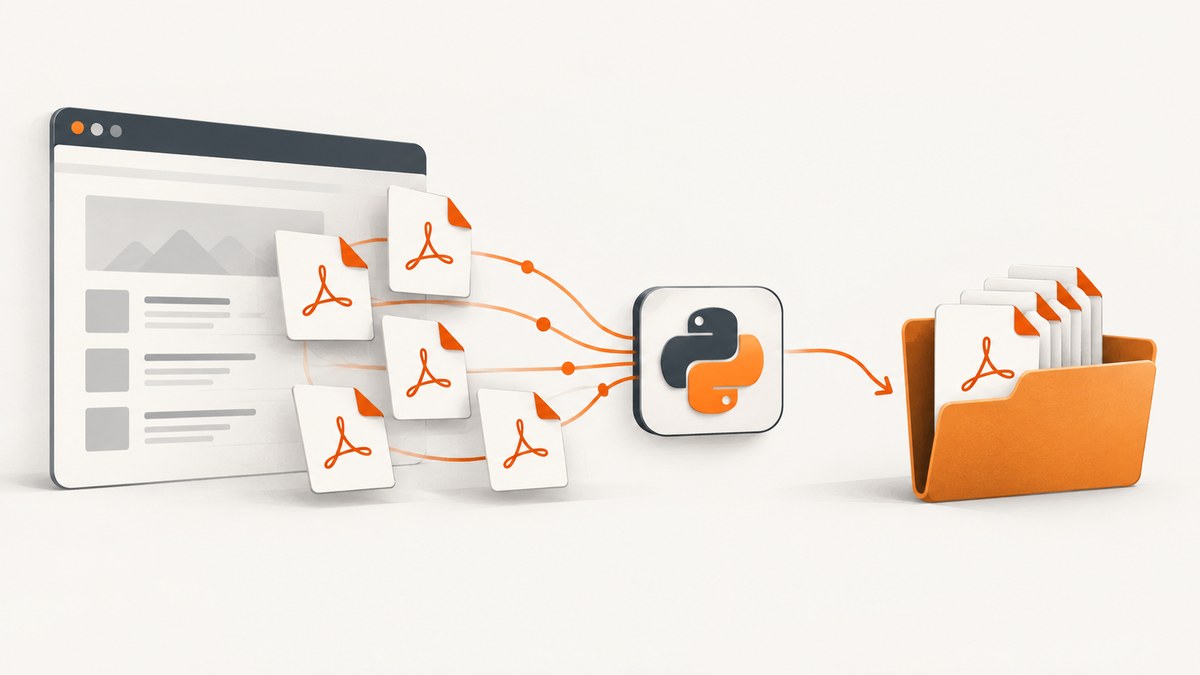
To download multiple existing PDF attachments with Python Playwright, register page.expect_download() before each click that starts a download, then call download.save_as() while the browser context is still open. Repeat that sequence for each link or button and write each file to a unique destination. This guide covers synchronous and asynchronous Python, filenames, timeouts, multiple downloads from one action, and common failure cases.
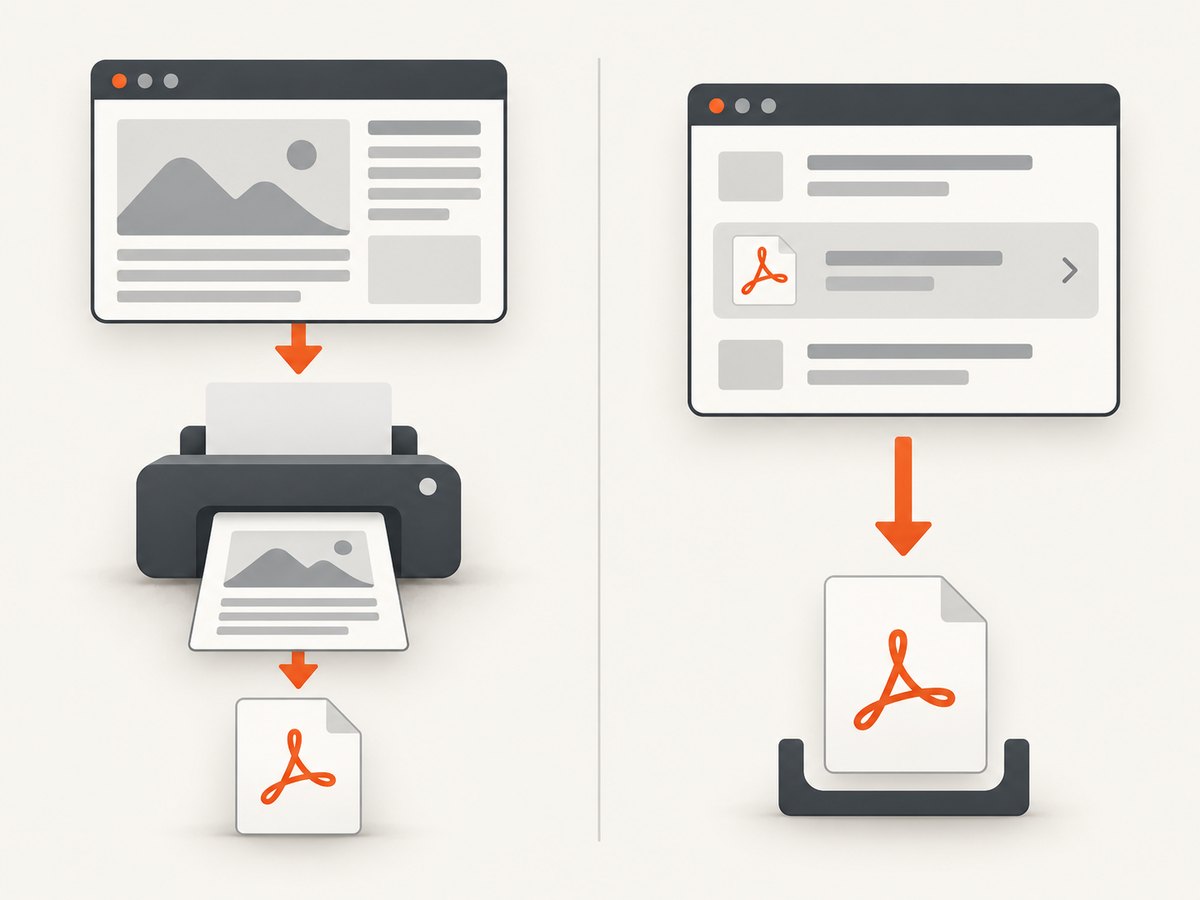
This is for retrieving files a website offers for download. To render the current webpage as a PDF, use Playwright’s page.pdf(). To upload local PDFs, use set_input_files(). These are separate operations.
1. Install Playwright and prepare an output directory
Install the Python package and a browser. The browser installation command is needed for the browser binaries Playwright manages:
python -m pip install playwright
python -m playwright install chromium
Then create a directory for the downloaded files. The example below uses Python’s synchronous API and assumes you will adapt the page URL and link locator to the target site.
2. Download one PDF per link (synchronous Python)
from pathlib import Path
from playwright.sync_api import sync_playwright

REPORTS_URL = "https://example.com/reports"
OUTPUT_DIR = Path("downloads")
OUTPUT_DIR.mkdir(parents=True, exist_ok=True)

with sync_playwright() as p:
    browser = p.chromium.launch()
    context = browser.new_context(accept_downloads=True)
    page = context.new_page()
    page.goto(REPORTS_URL, wait_until="domcontentloaded")

    links = page.get_by_role("link", name="Download PDF").all()
    if not links:
        raise RuntimeError("No matching PDF download links were found")

    for index, link in enumerate(links, start=1):
        # The wait must be active before the click that triggers the download.
        with page.expect_download(timeout=60_000) as download_info:
            link.click()
        download = download_info.value

        # An index ensures duplicate suggested names cannot overwrite one another.
        destination = OUTPUT_DIR / f"report-{index}.pdf"
        download.save_as(destination)
        print(f"Saved {destination} (suggested: {download.suggested_filename})")

    context.close()
    browser.close()
Replace the example URL and accessible link name with the real page and control. Prefer a locator based on the site’s accessible role and name; if the page has multiple kinds of PDF links, narrow the locator to the report row or section that contains the intended file. save_as() waits for the download to finish if necessary and copies it to the destination.
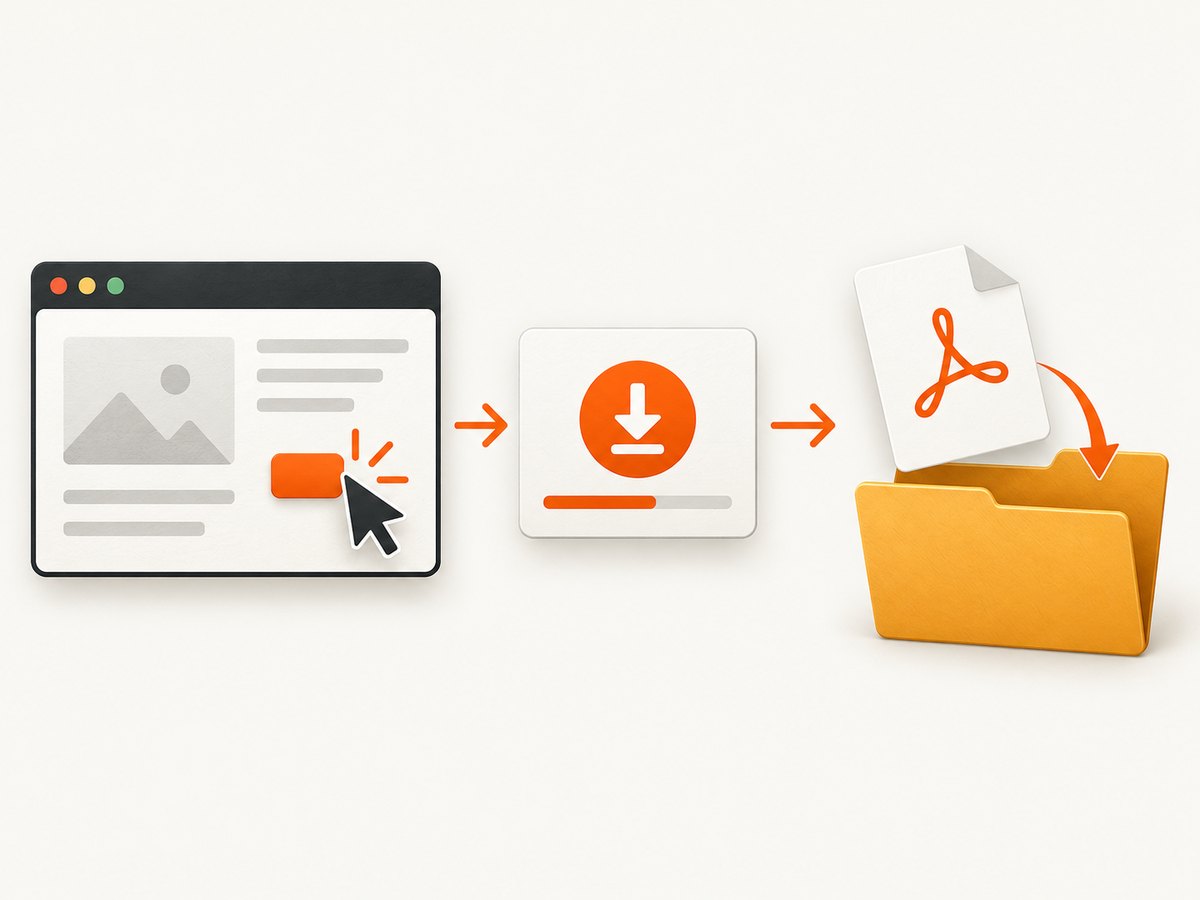
Why the expectation goes around the click
A click may cause a download instead of a navigation. If code waits for the download only after clicking, the event may already have happened and the script can time out. expect_download() sets up the wait first and returns the corresponding Download object after the action.
3. Download multiple PDFs asynchronously
The async API uses the same ordering. Await the click inside the download expectation, then await both the event result and the save operation:
import asyncio
from pathlib import Path
from playwright.async_api import async_playwright

REPORTS_URL = "https://example.com/reports"
OUTPUT_DIR = Path("downloads")

async def main():
    OUTPUT_DIR.mkdir(parents=True, exist_ok=True)

    async with async_playwright() as p:
        browser = await p.chromium.launch()
        context = await browser.new_context(accept_downloads=True)
        page = await context.new_page()
        await page.goto(REPORTS_URL, wait_until="domcontentloaded")

        links = page.get_by_role("link", name="Download PDF")
        count = await links.count()
        if count == 0:
            raise RuntimeError("No matching PDF download links were found")

        for index in range(count):
            # Reacquire by index as the page may update after a download click.
            link = links.nth(index)
            async with page.expect_download(timeout=60_000) as download_info:
                await link.click()
            download = await download_info.value
            destination = OUTPUT_DIR / f"report-{index + 1}.pdf"
            await download.save_as(destination)
            print(f"Saved {destination} (suggested: {download.suggested_filename})")

        await context.close()
        await browser.close()

asyncio.run(main())
Use async code when the surrounding application already uses asyncio or coordinates many independent tasks. For a straightforward sequential scrape, sync code is simpler. Do not click a single page repeatedly in parallel unless the site supports that behavior: navigation, session state, and dialogs can make concurrent actions unreliable.
4. Choosing and sanitizing filenames
download.suggested_filename is useful when you want to preserve a site’s filename. The browser derives it from information such as the response’s Content-Disposition header or an HTML download attribute. The suggested value can vary by browser, and duplicate names are common across report pages. Treat it as untrusted input and ensure the final path remains inside your output directory.
import re
from pathlib import Path

def safe_pdf_name(suggested: str, index: int) -> str:
    # Keep only a basename and remove characters unsafe or awkward in filenames.
    name = Path(suggested).name
    name = re.sub(r"[^A-Za-z0-9._ -]", "_", name).strip(" .")
    if not name:
        name = f"report-{index}.pdf"
    if not name.lower().endswith(".pdf"):
        name += ".pdf"
    return name

# Inside the download loop, after obtaining `download`:
name = safe_pdf_name(download.suggested_filename, index)
destination = OUTPUT_DIR / name
if destination.exists():
    destination = OUTPUT_DIR / f"{destination.stem}-{index}{destination.suffix}"
download.save_as(destination)
For predictable pipelines, generating names from a stable report ID is usually safer than relying on a display name. If duplicate suffixes are possible too, maintain a set of names already assigned and increment a suffix until the destination is unused.
5. Pages where a click navigates or changes the list
Some sites navigate to a new page after a click, replace the list, or remove the clicked row. A locator stored from an earlier page state may no longer point to the intended control. In those cases, reacquire the locator after each action using a stable row identifier, or collect stable report IDs and visit each report page in turn. Avoid relying on a fixed positional index if the order can change during the run.
If the button opens a new tab and the download starts there, wait for the page or popup according to the page’s behavior, then register the download expectation on the page that triggers it. The right event owner depends on which page actually initiates the attachment response.
6. One action that starts several downloads
A page action can trigger more than one attachment. Each attachment produces a download event, but there is no single per-click batch recipe in the cited Playwright documentation. For a site that does this, observe download events and make sure each completed file is saved before closing the context. Event listeners can be useful, though their control flow is harder to follow than the explicit per-click expectation pattern.
from pathlib import Path
from playwright.sync_api import sync_playwright

OUTPUT_DIR = Path("downloads")
OUTPUT_DIR.mkdir(parents=True, exist_ok=True)
saved = []

def save_download(download):
    # Called for each download event observed by this page.
    destination = OUTPUT_DIR / f"attachment-{len(saved) + 1}.pdf"
    download.save_as(destination)
    saved.append(destination)

with sync_playwright() as p:
    browser = p.chromium.launch()
    context = browser.new_context(accept_downloads=True)
    page = context.new_page()
    page.on("download", save_download)
    page.goto("https://example.com/reports")
    page.get_by_role("button", name="Download all").click()

    # The site's behavior determines when all downloads have arrived. This
    # illustrative code does not guess a completion signal for an unknown site.
    # Wait for a site-specific completion condition before closing the context.
    page.wait_for_timeout(2_000)
    context.close()
    browser.close()
The fixed delay above is only illustrative and is not a reliable completion strategy. Replace it with a site-specific signal, such as a download-complete status displayed by the page, or structure the workflow so you can expect each known download individually. Do not close the context until all save operations are finished; otherwise temporary download artifacts can be removed with the context.
7. Set timeouts and handle failures
page.expect_download() has a default timeout of 30 seconds and accepts a custom timeout and optional predicate. Increase the timeout only when the site’s real response latency or file size warrants it. A larger timeout does not fix a click that never triggers a download.
from playwright.sync_api import TimeoutError as PlaywrightTimeoutError

try:
    with page.expect_download(timeout=90_000) as download_info:
        page.get_by_role("link", name="Download PDF").click()
    download = download_info.value
    download.save_as(OUTPUT_DIR / "annual-report.pdf")
except PlaywrightTimeoutError:
    print("No download event arrived before the timeout")
For production runs, record the report identifier, URL, chosen destination, and exception for every file. Decide whether one failed file should stop the entire job or be logged for a retry. Avoid silently skipping failures, since the resulting directory may look complete when it is not.
8. Other ways to use PDFs in Playwright
| Goal | Playwright operation | What it does |
|---|---|---|
| Save a PDF attachment offered by a page | expect_download() and Download.save_as() |
Waits for a browser download and persists it to a chosen path. |
| Create a PDF from the rendered page | page.pdf() |
Generates a PDF representation of the current page. |
| Upload local PDFs through a file input | locator.set_input_files() |
Supplies local file paths to a page’s upload control. |
For page printing, configure page.pdf() options such as paper format, margins, scale, and print backgrounds based on the desired document. That does not retrieve an attachment from a server. Likewise, set_input_files() sends local files through a page’s upload flow; it does not download anything.
9. Troubleshooting
| Symptom | Likely cause | Fix |
|---|---|---|
expect_download() times out |
The control did not trigger a browser download, the locator matched the wrong control, or the server is slow. | Confirm the actual control and behavior in the browser. Start the expectation before clicking. Increase the timeout only if latency justifies it. |
| The file disappears after the script ends | The download was left in the browser context’s temporary storage. | Call save_as() to copy it to a durable path before closing the context. |
| Only one file is saved | The loop stopped after the first event, or a bulk action’s additional events were not handled. | For one-control-per-file pages, run one expectation per click. For a bulk action, observe each event and wait for a site-specific all-done signal. |
| Files overwrite each other | Several downloads have the same suggested filename. | Use a unique report ID or indexed destination, or detect existing paths and append a suffix. |
| Locator becomes detached or stale | The page navigated or replaced the list after the earlier click. | Reacquire the control after each page update, preferably through a stable row key or URL. |
| A login or error page is saved instead | The page session lacks required authentication or the server returned an error document. | Use the site’s legitimate login flow and verify the resulting file and page state before treating it as a successful PDF. Do not infer success from the filename alone. |
| Download is blocked | Downloads are not accepted in the context or the site’s policy denies the action. | Set accept_downloads=True when creating the context and follow the site’s access rules. |
| Script closes before saving finishes | Cleanup ran while downloads were still pending. | Await or complete every save_as() operation before closing the context and browser. |
10. Performance, reliability, and cost
Sequential downloads are easier to reason about and reduce pressure on a site, but total runtime grows with the number and size of the files. Use bounded concurrency only when the target site permits it and your workflow can associate each event with the right output. A single page is often stateful; separate pages or contexts may be needed for independent jobs, but each adds browser work and session complexity.
Reuse the browser and context for a group of files rather than launching a new browser per PDF. Keep output names deterministic, log successes and failures, and make retries idempotent so a rerun does not accidentally overwrite a different report. The main costs are your compute, storage, bandwidth, and the website’s request limits; Playwright itself is an automation library, not a screenshot or download API billing plan. Respect authentication controls, terms, rate limits, and robots or access policies relevant to the site.
Or skip the browser setup
If your goal is to capture a webpage as an image or PDF rather than download an existing PDF attachment, ScreenshotNeo provides a website screenshot API. See the API documentation. One GET request can return a PNG, JPEG, WebP, or PDF:
curl -G "https://api.screenshotneo.com/v1/shot" -d access_key=YOUR_API_KEY --data-urlencode url=https://stripe.com -o shot.webpimport requests
r = requests.get("https://api.screenshotneo.com/v1/shot", params={"access_key": "YOUR_API_KEY", "url": "https://stripe.com"}, timeout=90)
open("shot.webp", "wb").write(r.content)const q = new URLSearchParams({ access_key: 'YOUR_API_KEY', url: 'https://stripe.com' });
const res = await fetch(`https://api.screenshotneo.com/v1/shot?${q}`);ScreenshotNeo removes cookie banners, popups, and chat widgets before the shot; bot checks, blank pages, and failed loads are never billed. An MCP server lets AI agents take screenshots. The free plan includes 1,000 screenshots a month with no card, and paid plans start at $5 for 3,000. This captures a webpage; it does not download an existing PDF attachment from a site’s link. Sign up for 1,000 free screenshots a month, no card required.
FAQ
Can I keep the browser’s temporary download path?
Use save_as() to persist the file to your chosen location. Temporary download files are tied to the browser context and are removed when it closes.
Can I download files without clicking a link?
If the site starts a browser download through another page action, wrap that action in expect_download(). If you already have a direct file URL, a plain HTTP client may suit the task better, but account for the site’s authentication and access requirements.
Does page.pdf() save a linked PDF?
No. It creates a PDF of the current rendered page. Use the download event flow to save an attachment linked from the page.
Should I use sync or async Playwright?
Use sync for a small sequential script. Use async when integrating with asyncio or coordinating other asynchronous work; the download event must still be awaited before saving.


