How to Download Tweets from Twitter in 2026
Download your own X (formerly Twitter) archive, find older posts, and view the files safely. X’s archive can include much more than tweets.
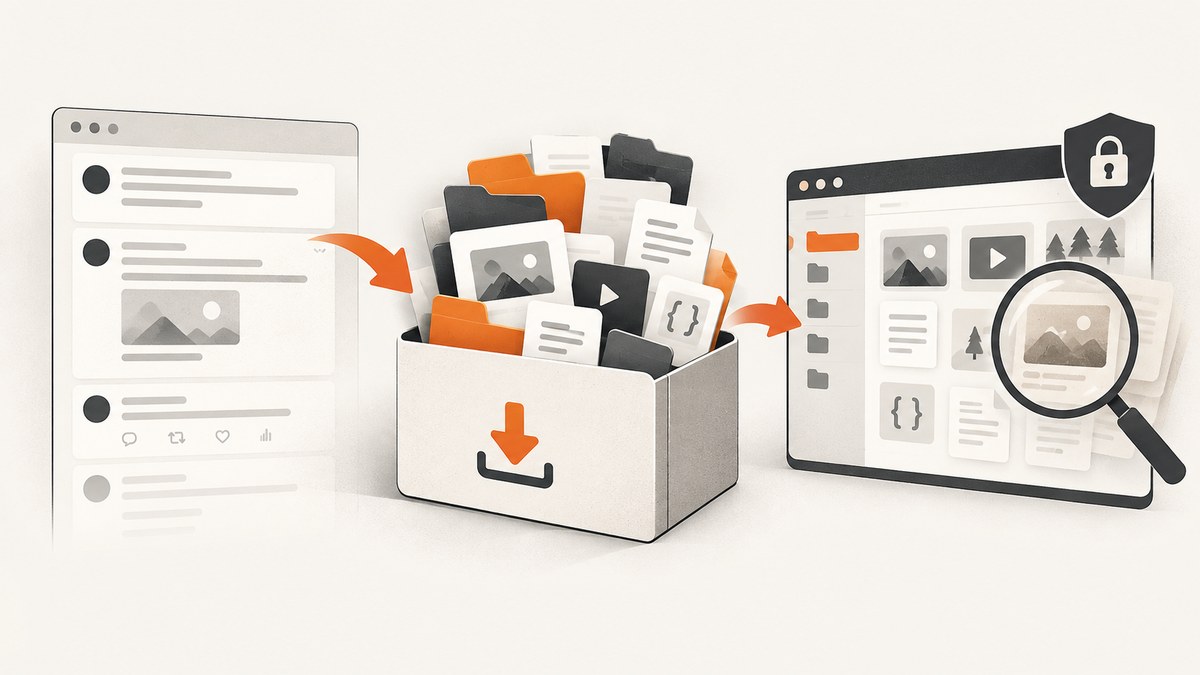
To download your own tweets, sign in to the X (formerly Twitter) account, request its archive from the account data settings, complete the identity check, then download the ZIP when X says it is ready. The archive is X’s documented way to browse a snapshot of your account history, including posts and attached media; it can take a few days to prepare. It is for the signed-in account holder’s own data, not a way to retrieve another person’s private posts.
If you are looking for how to see old tweets, X says profile timelines display up to 3,200 of your most recent posts. For older history, X directs users to download the archive. The steps below cover requesting it, opening it, and checking what you received.
1. Request your X archive
- Sign in to the account you want to save. Confirm that it is the right account before requesting anything.
- Open Settings and privacy. Navigate to the account or data area for downloading your archive. The exact labels can change, and X provides separate directions for desktop, iOS, and Android.
- Verify your identity. X’s instructions describe sending a verification code to the email address or phone number associated with the account. Complete the check in the settings flow.
- Request the archive. Confirm the request. If the account email address is out of date, update or confirm it before you begin, so you can receive the ready notification.
- Wait for X’s notification. X may take a few days to prepare the download. It does not promise an immediate export, so request it ahead of any deadline.
- Download the ZIP while signed in. When X notifies you that the archive is ready, return to the account and download it. X recommends using the same browser in which you are signed in.
The archive is a ZIP file, so save it somewhere you can find and protect. It contains personal account data, not just post text. Avoid putting it in a shared folder unless you intend to share that information.
2. What the archive contains
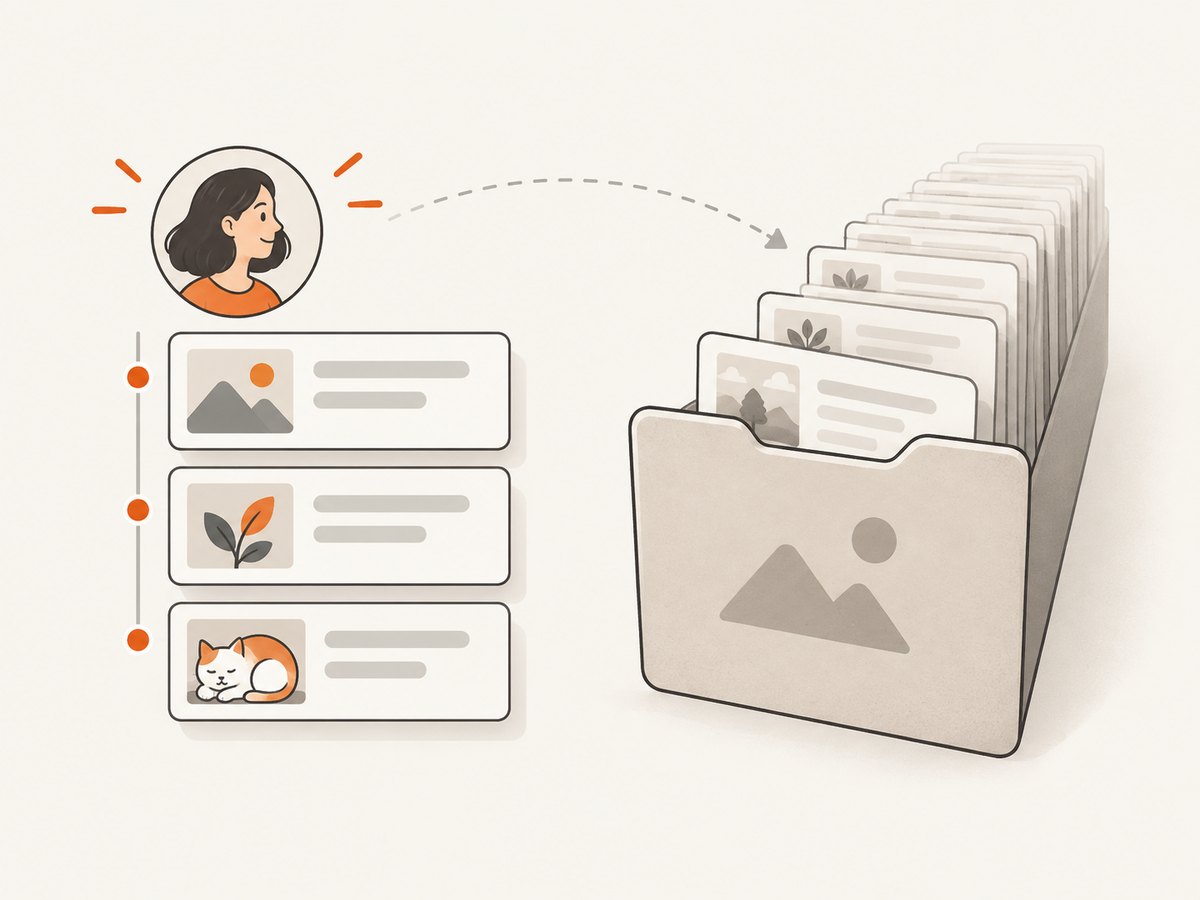
X describes the archive as a snapshot of account information, starting with the first post. Depending on the data in the account, it may include:
- Profile information and posts
- Direct Messages
- Moments
- Images, video, and GIFs attached to posts
- Follower and following lists
- Address book information and Lists
- Inferred interests and demographic information
- Advertising information
The export includes HTML and JSON files. HTML is convenient for browsing in a desktop web browser; JSON is structured data that can be inspected or processed with code. Treat the archive as a broad personal-data export. If you only want to preserve a few posts, you may still prefer the full archive because it is the supported route X documents for viewing older posts.
3. Open the downloaded archive
- Find the ZIP in your browser’s downloads or the folder you selected.
- Extract it using your operating system’s built-in archive utility.
- Open the archive’s HTML entry point in a desktop browser. Browse the available sections to find posts and other account information.
- If you need structured processing, locate the JSON files and inspect their fields before writing a parser. Do not assume the archive is a single flat list of tweet text: it can contain multiple data categories and media files.
Keep the extracted folder together if you want the local HTML view to find associated files. If a post’s image or video does not display, check that you extracted the whole archive and did not move only the HTML file. The archive is a snapshot: it represents the data in the export, rather than a live connection to X.
4. Why older posts may not appear on your profile
X’s New user FAQ says the profile timeline shows up to 3,200 of the account’s most recent posts. It says users can download the X Archive to browse a snapshot of their information starting with their first post. So a post missing from the visible profile timeline may simply be outside that display window; the archive is the documented place to look for older history.

This does not mean every post is guaranteed to appear in every export. The help pages describe the archive’s scope and formats, but do not promise that each requested record will always be present. If an expected item is absent, make sure you downloaded the right account’s newest archive, inspect the relevant HTML and JSON sections, and consult X support if the discrepancy matters.
5. Use care with third-party export apps
The official archive workflow is the appropriate starting point for your own account. Third-party apps can ask for meaningful permissions. Depending on what you authorize, an app may be able to read posts, access Direct Messages, update account settings, or post and engage on your behalf. The app developer may handle information under its own business practices.
- Read the authorization screen instead of approving by habit.
- Check whether the requested access is necessary for the task.
- Review the app’s terms and privacy policy before connecting it.
- Revoke access for apps you no longer use or trust.
Public posts are visible to anyone; protected posts are visible only to approved followers. Do not use services that claim to bypass protected-account access controls. This guide covers the archive for the account holder who signs in and verifies their identity.
6. Troubleshooting archive requests and downloads
| Problem | Likely cause | What to try |
|---|---|---|
| No verification code arrives | The email or phone number on the account may be outdated, or delivery may be delayed. | Check the account’s contact details and retry the verification flow. Look in spam or filtered messages if the code is sent by email. |
| Archive is not ready yet | X says preparation may take a few days. | Wait for the email or in-app notification, then return to the signed-in account. Avoid treating the request as an instant download. |
| Download link or button is unavailable | You may be signed out, using a different account, or opening the notification in a browser without the active session. | Sign in to the account that requested the archive and revisit its data/archive settings. Use the same browser where you are logged in. |
| ZIP will not open | The download may be incomplete, or the archive utility may not have finished saving it. | Check the file size and download completion in the browser. Download again from X if necessary, then extract the complete ZIP. |
| HTML view looks broken or media is missing | Files may have been moved out of the extracted folder, or only part of the ZIP was extracted. | Extract the ZIP again and keep its folder structure intact. Open the HTML entry point from the extracted copy. |
| Older posts are absent from the profile | The profile timeline has a 3,200 most-recent-post display limit. | Use the archive to browse further back, as X recommends. |
| Expected data is not in the archive | You may have the wrong account or an older snapshot; the documented contents do not guarantee every item. | Confirm the account, request a fresh archive, and check both the HTML and JSON sections. Contact X support for account-specific questions. |
7. Reliability, privacy, and planning
Plan around the preparation delay. Since X says an archive may take a few days, request it before you need to migrate, audit, or preserve the data. Wait for the ready notification rather than repeatedly starting over. Keep a record of when you requested and downloaded the archive if you are maintaining an account history.
Protect the ZIP and extracted files as you would other sensitive account records. The export may contain messages, contact information, follower lists, interests, and ad information. Store it in a location with access controls appropriate for that data, and remove extra copies you no longer need. Do not upload the whole archive to an unreviewed converter or third-party app merely to view posts.
The official archive route described here does not require buying special hardware or a paid export utility. The cost is time to request, wait, download, and review the files. If your goal is to capture how a public web page currently looks, that is a different task from downloading your own X account archive.
Or skip the browser setup
If your next step is capturing a web page as an image or PDF, ScreenshotNeo is a website screenshot API and MCP server. It does not download X archives or posts; it captures a page you can access. Its API supports PNG, JPEG, WebP, or PDF output. See the ScreenshotNeo API docs for parameters and formats.
curl -G "https://api.screenshotneo.com/v1/shot" -d access_key=YOUR_API_KEY --data-urlencode url=https://stripe.com -o shot.webpimport requests
r = requests.get(
"https://api.screenshotneo.com/v1/shot",
params={"access_key": "YOUR_API_KEY", "url": "https://stripe.com"},
timeout=90,
)
open("shot.webp", "wb").write(r.content)const q = new URLSearchParams({ access_key: 'YOUR_API_KEY', url: 'https://stripe.com' });
const res = await fetch(`https://api.screenshotneo.com/v1/shot?${q}`);
if (!res.ok) throw new Error(`Screenshot request failed: ${res.status}`);
await Bun.write('shot.webp', res);ScreenshotNeo accepts cookie or consent banners like a visitor and removes 60+ known consent platforms, newsletter popups, and chat widgets before capture; each step can be turned off. Bot checks, blank pages, failed loads, timeouts, and cache hits cost nothing, and response headers identify the page verdict and billing status. Its MCP server has take_screenshot, get_page_info, and capture_pdf tools for AI agents. The Free plan includes 1,000 screenshots per month with no card; paid plans start at $5 for 3,000 shots.
Sign up free for 1,000 screenshots a month, with no card required.
FAQ
Can I download all my tweets at once?
Request your own X archive from account settings. X describes it as a snapshot starting with the first post, delivered for download as a ZIP.
Can I download someone else’s tweets with my archive?
No. The documented process is for the signed-in account holder’s own archive. It does not grant access to another person’s private posts or account data.
How long does the archive take?
X says preparation may take a few days. The reviewed help material does not provide a precise service-level time.
Is the archive CSV?
X describes HTML and JSON formats. The documentation cited here does not describe a CSV export.
Does downloading the archive delete my posts?
The workflow described by X is a data download request. It is not described as deleting posts.


