How to Download a Video from Any Website URL
Learn the authorized ways to download or save videos from YouTube, TikTok, Vimeo, and other websites—and why some videos cannot be downloaded.
Short answer: there is no reliable, authorized method that downloads a video from every website URL. Start with the page’s own Download or Save control, the platform’s official offline feature, or the creator’s direct file link. If none is offered, ask the rights holder for a copy. A missing button, embedded player, or DRM may mean the owner or platform intentionally disabled downloads.
Do not treat a video URL as proof that a standalone file is available or that you have permission to copy it. Platform settings, creator permission, geographic availability, membership status, copyright, and DRM all affect what you can save.
1. Use the website’s authorized download control
- Open the original page for the video, rather than a page that only embeds the player.
- Look for Download, Save video, or an official offline-viewing control.
- Check which file version or resolution is offered.
- Read any permission or usage terms supplied by the creator.
- Save the file to a folder you control and keep the source and permission details with it.
If the site opens an authorized download in a new browser tab, use the browser’s normal save action, such as Save as or Download linked file. This applies only after the site has made that file downloadable; it is not a technique for extracting hidden streams.
2. Platform-specific methods
YouTube
For a video you uploaded, YouTube documents two export routes:
- YouTube Studio: open Content, select the video, open its menu, and choose the download option.
- Google Takeout: export videos uploaded by your account when you need an account-wide archive.
YouTube’s creator export offers MP4 downloads in 720p or 360p depending on the video size. An individual upload may be downloaded up to five times in 24 hours, and removed videos, strikes, some audio tracks, or other account conditions can prevent export. YouTube states that you cannot download another user’s video through this creator-export route. See YouTube’s download help.
For somebody else’s video, use only a visible download control or an official offline feature. YouTube offline videos are encrypted on the device and playable only in the YouTube app; availability depends on location and membership eligibility. They are not ordinary video files in your device gallery. See YouTube’s offline viewing information.
TikTok
In the TikTok app, open the post, tap Share, then choose Save video. The creator controls whether that option appears. TikTok says that if you do not see the save option, the creator has not allowed downloads. See TikTok’s video-download guidance.
Vimeo
Open the video’s Vimeo page, select Download, choose a file version, and save it. Vimeo says the owner must enable downloads; viewers may need to be logged in to download source files from public videos. An embedded Vimeo player on another website does not expose the same download control. DRM-protected videos cannot be downloaded. See Vimeo Help Center for the current download and DRM guidance.
Other websites
Use an explicit download button, a direct file link supplied by the creator, or the site’s official offline feature. If the page only offers playback, contact the owner and request a downloadable copy. There is no evidence of one universal downloader that works lawfully and reliably for every site.
3. Downloading a direct file link with code
These examples save a file only when the URL points to a file that the site has authorized you to download. They do not discover hidden streams, bypass DRM, or defeat access controls. Replace the placeholder with your permitted direct file URL.
cURL
curl -L --fail --retry 3 --output video.mp4 "https://cdn.example.com/path/video.mp4"-L follows an authorized redirect, --fail returns an error for HTTP failures, and --retry 3 retries transient failures. Add an authorization header only when the site’s documentation gives you permission and the required token:
curl -L --fail --retry 3 \
  -H "Authorization: Bearer YOUR_AUTH_TOKEN" \
  --output video.mp4 \
  "https://cdn.example.com/path/video.mp4"
Python
import requests

url = "https://cdn.example.com/path/video.mp4"
with requests.get(url, stream=True, timeout=90) as response:
    response.raise_for_status()
    with open("video.mp4", "wb") as output:
        for chunk in response.iter_content(chunk_size=1024 * 1024):
            if chunk:
                output.write(chunk)
Streaming prevents the entire file from being held in memory. Check the response headers and the downloaded file before processing it:
content_type = response.headers.get("content-type", "")
content_length = response.headers.get("content-length")
print(content_type, content_length)
Node.js
import { createWriteStream } from "node:fs";
import { pipeline } from "node:stream/promises";

const url = "https://cdn.example.com/path/video.mp4";
const response = await fetch(url, { redirect: "follow" });
if (!response.ok || !response.body) {
  throw new Error(`Download failed: ${response.status} ${response.statusText}`);
}
await pipeline(response.body, createWriteStream("video.mp4"));
4. File download versus offline viewing
| Route | What you receive | Typical limits |
|---|---|---|
| Creator-enabled download | A normal file such as MP4, often with selectable versions | Owner settings, login, resolution, and file availability |
| Official offline mode | An encrypted, app-managed copy | Location, membership, expiration, and app-only playback |
| Direct file link | The file served by the owner’s storage or CDN | Authentication, expiry, bandwidth limits, and permission |
An offline copy is not necessarily transferable, editable, or playable outside the platform. YouTube explicitly describes offline videos as encrypted and app-bound.
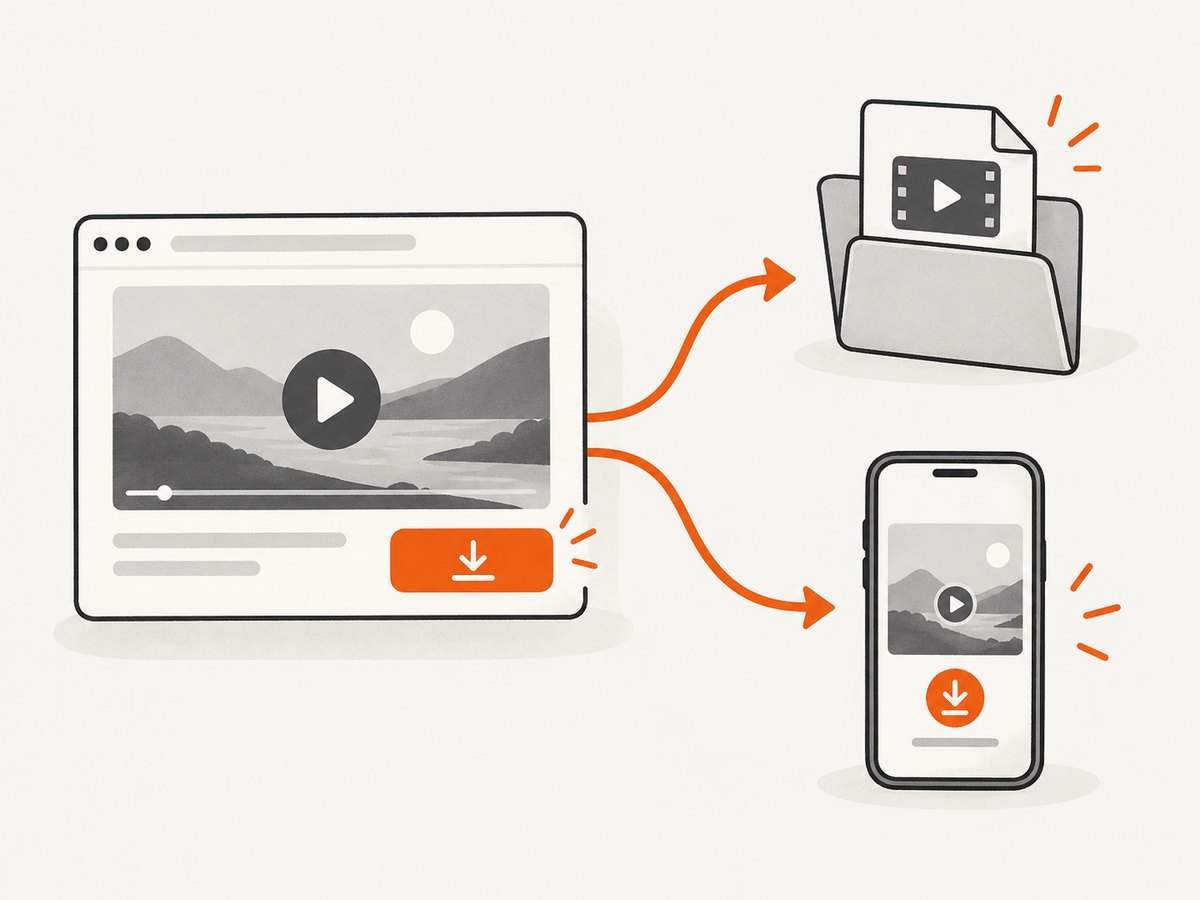
5. Why a video has no download button
- The creator disabled downloads. TikTok and Vimeo both expose controls that owners can turn off.
- You are viewing an embed. The original platform page may have controls that an embedded player does not.
- The video is DRM-protected. Vimeo says DRM prevents viewers from downloading protected videos.
- You are not eligible for offline viewing. Availability can depend on country, account type, or membership.
- The site provides playback only. A player URL does not guarantee a downloadable file.
- Your account lacks permission. Private, restricted, removed, or flagged content may not be exportable.
6. Rights, terms, and DRM
Platform access does not by itself grant permission to copy or redistribute a video. YouTube’s Terms of Service restrict downloading or using content except as expressly authorized by the service or with permission from the relevant rights holders, and prohibit circumventing features that restrict copying. Read the YouTube Terms of Service and the terms for the platform you are using.
In the United States, 17 U.S.C. §1201 generally addresses circumvention of technological measures that control access to copyrighted works, while also providing specific exemptions. The U.S. Copyright Office text is jurisdiction-specific; check local law and the applicable platform terms for your situation.
Ask the rights holder for permission when the site does not provide an authorized route. Personal use does not automatically override copyright or platform restrictions.
7. Troubleshooting authorized downloads
| Symptom | Likely cause | Fix |
|---|---|---|
| No Download or Save button | Owner disabled downloads, or you are on an embed | Open the original video page; if the control is still absent, request a copy. |
| Download starts then stops | Unstable connection, expired link, or server limit | Obtain a fresh link, retry with resume support if the site allows it, and check the account session. |
| HTTP 401 or 403 | Authentication or permission is required | Sign in through the platform’s documented flow or ask the owner for an authorized link. Do not guess tokens or bypass the check. |
| HTTP 404 | File was removed or the URL expired | Return to the video page and generate a new authorized download. |
| Downloaded file will not play | Incomplete file, unsupported codec, or app-bound offline copy | Compare the file size with the server metadata, download again, and use the platform app when the copy is encrypted. |
| Only low resolution is offered | That is the owner’s export setting or platform limit | Ask the creator for a higher-resolution source; do not attempt to extract a hidden stream. |
| DRM or protected-content message | Technological copy protection is active | Use the platform’s official viewing option or request a licensed copy. |
8. Reliability, performance, and storage
- Prefer the platform’s export system over repeated retries against a player page.
- Use streaming downloads for large files so memory usage stays bounded.
- Keep the original URL, download date, permission, and checksum with the file if it matters for an archive.
- Use a stable connection and enough free disk space for the full file plus temporary data.
- Respect rate limits and account download limits. YouTube documents a five-download-per-upload limit within 24 hours for some creator exports.
- Store permitted copies securely. A storage drive solves file management after download; it does not create permission to download.
9. Or skip the browser setup
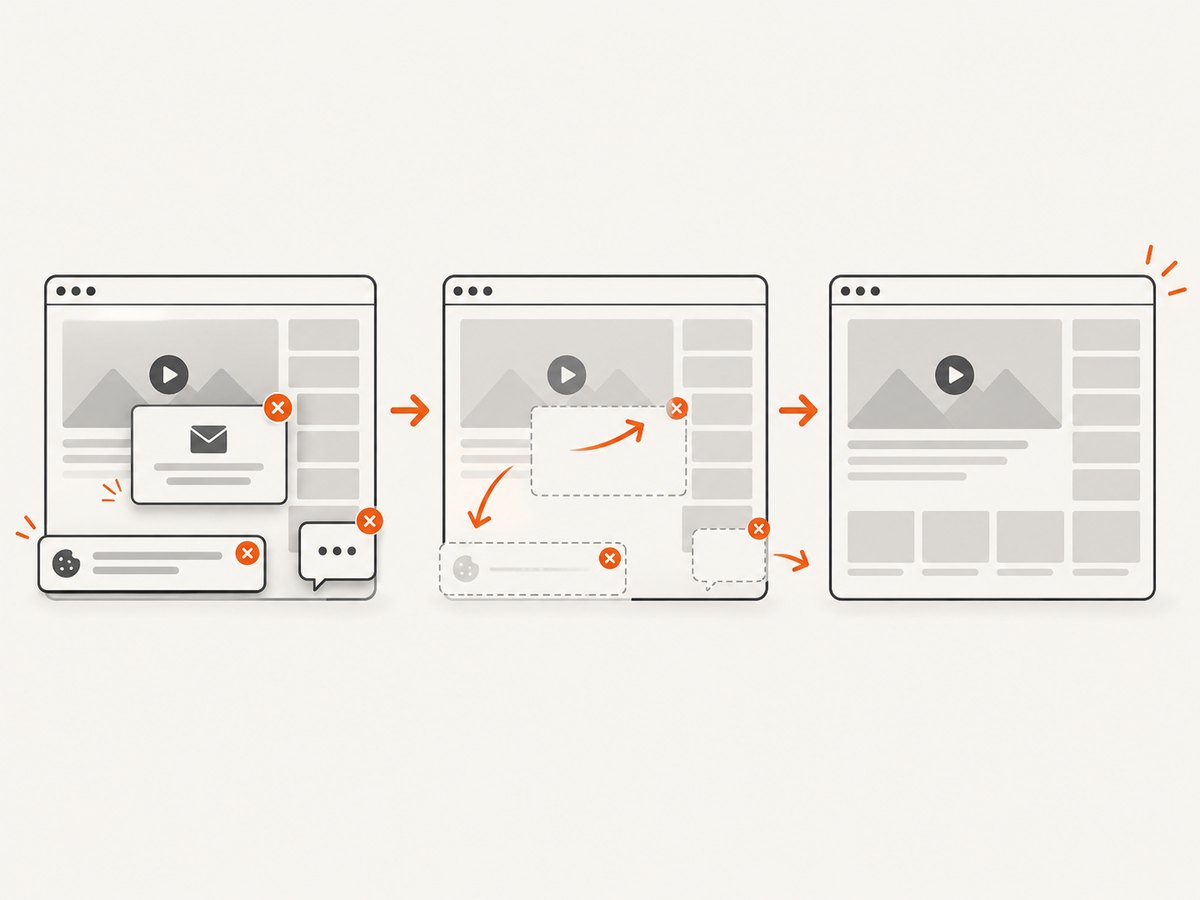
ScreenshotNeo is for capturing the video page itself as an image or PDF when your workflow needs a record of the page, thumbnail, or playback state. It does not download the video media file. One GET request returns a PNG, JPEG, WebP, or PDF, and its cleanup steps can remove cookie banners, newsletter popups, and chat widgets before capture.
See the ScreenshotNeo API documentation for all options.
curl -G "https://api.screenshotneo.com/v1/shot" -d access_key=YOUR_API_KEY --data-urlencode url=https://example.com/video-page -o shot.webpimport requests
r = requests.get("https://api.screenshotneo.com/v1/shot", params={"access_key": "YOUR_API_KEY", "url": "https://example.com/video-page"}, timeout=90)
open("shot.webp", "wb").write(r.content)const q = new URLSearchParams({ access_key: 'YOUR_API_KEY', url: 'https://example.com/video-page' });
const res = await fetch(`https://api.screenshotneo.com/v1/shot?${q}`);Cookie banners, popups, and chat widgets are removed before the shot. Bot checks, blank pages, and failed loads are never billed, and the response identifies the page verdict and billing result in headers. An MCP server lets AI agents use take_screenshot, get_page_info, and capture_pdf. The Free plan includes 1,000 screenshots a month with no card; paid plans start at $5 for 3,000. Create a free ScreenshotNeo account.
10. FAQ
Can I download a video if I know its URL?
Only if the URL points to a file the owner has made available and you have permission. A page URL or player URL is not enough.
Is screen recording an acceptable substitute?
It may still create a copy subject to copyright and platform terms, and it does not make DRM-protected content authorized. Use the platform’s official option or request permission.
Can I download someone else’s YouTube video with YouTube Studio?
No. YouTube’s Studio export is for videos uploaded by the account.
Why is a Vimeo download available on the video page but not an embedded player?
Vimeo says the owner-controlled download option is exposed on the video page; an external embed does not provide the same control.
Does an offline download give me an MP4 file?
Not necessarily. Official offline viewing can use encrypted, app-only storage rather than a normal file.


