How to Download Website Files From a URL
Download one file, a page and its assets, or a bounded site copy with browser, curl, and Wget commands.
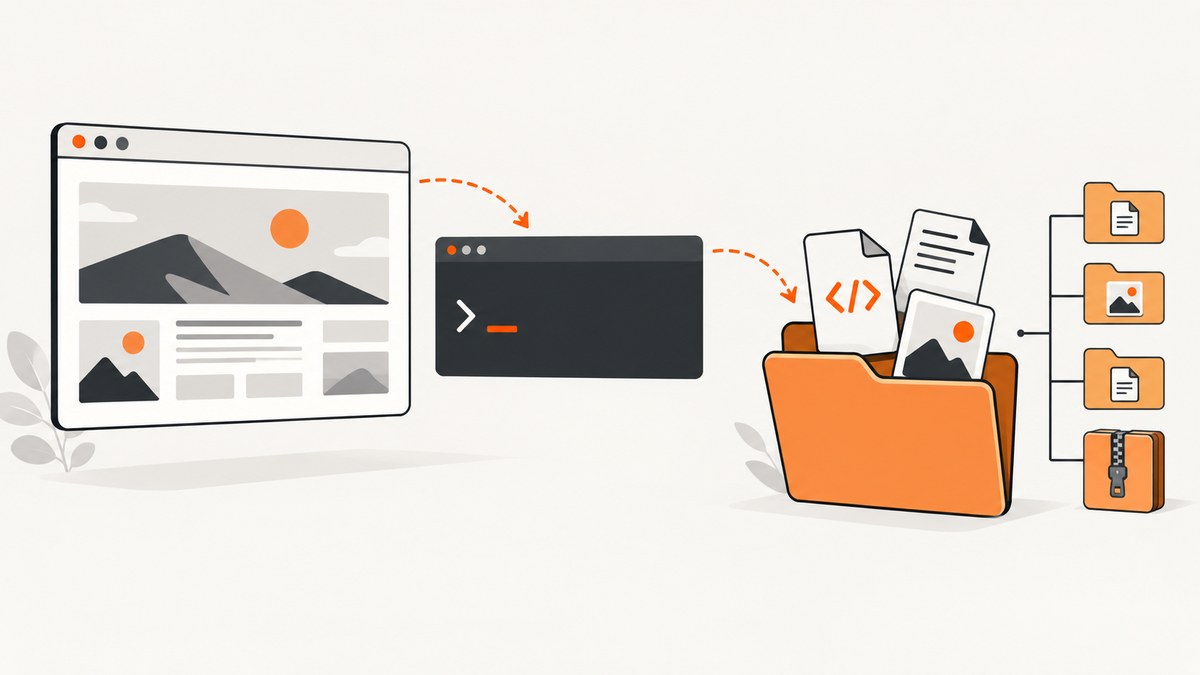
Use the method that matches what you mean by “website files.” A direct file URL needs one download. A page for offline viewing needs its HTML plus page requisites such as images, CSS, and JavaScript. A site copy follows links and must have explicit depth and path limits.
| Goal | Best starting point | What you get |
|---|---|---|
| Save one PDF, ZIP, image, or other file | Browser or curl |
One response saved locally |
| View one page offline | GNU Wget page-requisite mode | HTML and resources needed to render that page |
| Download a bounded section | GNU Wget recursion | Linked pages and files within your limits |
1. Download a single file from a URL
If the URL points directly to a file, the browser’s download action is simplest. For repeatable work, use curl. Quote URLs because query strings contain shell characters such as & and ?.

Keep the server-provided filename
curl -O 'https://example.com/path/file.zip'The -O option writes the response using the remote document name, as documented in the curl download tutorial.
Choose the local filename
curl -o 'downloaded-file.zip' 'https://example.com/path/file.zip'Useful single-file options
-L: follow HTTP redirects when a download URL redirects.-C -: resume a partial transfer when the server supports byte ranges.-f: return a failure status for HTTP error responses instead of silently saving an error page.-Swith-s: suppress progress output but still show errors.--retry 3 --retry-delay 2: retry transient failures.-D headers.txt: save response headers for debugging content type, redirects, and caching.
curl -fL --retry 3 --retry-delay 2 -C - \
  -o 'report.pdf' \
  'https://example.com/reports/latest.pdf'
Check what you downloaded
file report.pdf
ls -lh report.pdf
sha256sum report.pdf
Do not trust a filename alone. A server may return an HTML login page or error document with a .zip suffix. Inspect the HTTP status, Content-Type, file type, and size before unpacking or processing it.
2. Download a webpage and the files it needs offline
Saving HTML alone often produces a broken offline page because the document references stylesheets, images, fonts, and scripts. GNU Wget’s page-requisite mode retrieves resources needed to display one page, while extension and link-conversion options make the result easier to open locally.
wget -E -H -k -K -p 'https://example.com/page.html'-p(--page-requisites) downloads resources required to display the page.-E(--adjust-extension) adds an appropriate extension to saved HTML or other documents.-H(--span-hosts) permits required resources on other hosts.-k(--convert-links) rewrites links for local viewing.-K(--backup-converted) keeps the original files before link conversion.
This downloads the selected page and its requisites. It does not recursively copy every page linked from that page. Open the resulting HTML file in a browser and inspect developer-console errors if something is missing.
Keep the download in a directory
mkdir -p offline-page
cd offline-page
wget -E -H -k -K -p 'https://example.com/page.html'
When resources require authentication
Public-page tools cannot fetch resources that require a session unless you provide appropriate credentials. For an authorized site, pass cookies or headers carefully, keep them out of shell history where possible, and never publish the resulting files without permission. A login page saved as index.html is a common sign that authentication failed.
3. Recursively download a bounded part of a site
Use recursion only after defining the scope: starting URL, path boundary, maximum depth, host policy, and output directory. GNU Wget parses HTML, XHTML, and CSS links and retrieves them breadth-first. Its manual documents a default recursion depth of five; --level=0 means unlimited depth, so avoid it unless you have a controlled reason.
wget --recursive --level=2 --no-parent --convert-links \
'https://example.com/section/'--recursive(or-r) follows links.--level=2limits link depth from the starting URL.--no-parentprevents climbing above the starting path.--convert-linksrewrites downloaded links for local browsing.
Useful scope and load controls
wget --recursive --level=2 --no-parent \
  --domains example.com \
  --wait=1 --random-wait \
  --timeout=20 --tries=3 \
  --directory-prefix=site-copy \
  'https://example.com/docs/'
--domains limits hosts, --wait spaces requests, --random-wait varies the delay, --timeout bounds network waits, --tries limits retries, and --directory-prefix chooses the output root. Add --no-host-directories only when you understand the risk of filename collisions.
Wget documents honoring robots.txt for recursive retrieval. Access rules, copyright, terms of service, privacy, and server load still determine whether you should retrieve or reuse the content. Technical access is not permission to republish it.
4. Download selected URLs instead of crawling
For a known list, avoid recursion. Put one URL per line in urls.txt and fetch exactly that set:
wget --directory-prefix=downloads -i urls.txtThis is easier to audit, retry, and compare with an inventory. For predictable names, use curl in a loop:
while IFS= read -r url; do
  curl -fL --retry 3 -O "$url" || echo "failed: $url" >&2
done < urls.txt
5. Python and Node.js automation
Python with requests
import sys
from pathlib import Path
import requests

url = sys.argv[1]
out = Path(sys.argv[2] if len(sys.argv) > 2 else "download.bin")

with requests.get(url, stream=True, timeout=(10, 90), allow_redirects=True) as response:
    response.raise_for_status()
    with out.open("wb") as file:
        for chunk in response.iter_content(chunk_size=1024 * 1024):
            if chunk:
                file.write(chunk)

print(f"saved {out}")
python download.py 'https://example.com/file.zip' archive.zipStreaming prevents the whole response from being held in memory. Set separate connect and read timeouts, check the status, and write to a temporary filename before renaming it when partial files would be harmful.
Node.js with built-in fetch
import { createWriteStream } from "node:fs";
import { mkdir } from "node:fs/promises";
import { pipeline } from "node:stream/promises";
import { Readable } from "node:stream";

const url = process.argv[2];
const output = process.argv[3] ?? "download.bin";
const response = await fetch(url, { redirect: "follow" });
if (!response.ok || !response.body) {
  throw new Error(`HTTP ${response.status}`);
}
await pipeline(Readable.fromWeb(response.body), createWriteStream(output));
console.log(`saved ${output}`);
node download.mjs 'https://example.com/file.zip' archive.zip6. Common edge cases
| Situation | What happens | Practical response |
|---|---|---|
| Redirects | The first URL points elsewhere | Use curl -L or a client that follows redirects; record the final URL when provenance matters. |
| Query-string URL | Shell interprets & or ? |
Quote the complete URL. |
| Dynamic JavaScript content | HTML contains little data; browser builds it later | Find the underlying authorized API or use a browser automation tool. Wget and curl do not execute page JavaScript. |
| Very large files | Memory use or interrupted transfers become costly | Stream to disk, resume with -C -, and verify a checksum when one is published. |
| Compressed transfer | Transport encoding differs from the saved representation | Inspect headers; use --compressed with curl when you want curl to request and decode supported compression. |
| Rate limits | Server returns 429 or slows requests | Reduce concurrency, honor Retry-After, add backoff, and narrow the scope. |
| Robots and permissions | Automated access may be disallowed | Check robots.txt and site terms; obtain authorization for private or restricted content. |
7. Troubleshooting
| Symptom | Likely cause | Fix |
|---|---|---|
404 Not Found |
Path or filename is wrong, or the file moved | Open the URL in a browser, follow the canonical link, and check redirects with curl -I -L. |
403 Forbidden |
Access policy, missing authorization, or blocked client | Use an authorized account or documented API; do not bypass access controls. |
| Downloaded file is HTML | Login page, error page, or bot check was returned | Use curl -f, inspect headers, authenticate correctly, and check the response body before processing. |
| Offline page has broken images | Resources are on another host or links were not converted | Use Wget’s -H -p -k combination and inspect blocked resource URLs. |
| Wget downloads too much | Depth or path boundary is too broad | Lower --level, add --no-parent, restrict --domains, or provide an explicit URL list. |
| Transfer stops partway through | Network interruption or server lacks range support | Retry; use curl -C - only when the server supports ranges, then verify the final size or checksum. |
| Command appears stuck | DNS, connection, or read timeout is long | Set explicit timeouts and use verbose output such as curl -v for diagnosis. |
8. Performance, reliability, and cost
- Choose the smallest scope. One direct URL is faster and creates less server load than crawling a site.
- Stream large responses. curl, Wget, Python streaming, and Node pipelines avoid loading the complete file into memory.
- Use bounded retries. Retries help transient failures but can multiply load when a URL is permanently broken.
- Cache deliberately. Keep a local manifest containing URL, timestamp, status, size, content type, and checksum so unchanged files are not downloaded repeatedly.
- Control concurrency. Parallel downloads improve throughput only when the server and network allow them; aggressive concurrency triggers throttling and failures.
- Estimate cost. Account for bandwidth, storage, proxy or hosted-runner charges, and the engineering time required to maintain authentication and JavaScript rendering.
9. Or skip the browser setup
If your actual goal is a visual capture of a URL rather than a local copy of its underlying files, ScreenshotNeo provides one GET request for PNG, JPEG, WebP, or PDF. See the ScreenshotNeo API documentation for all options.

cURL
curl -G "https://api.screenshotneo.com/v1/shot" -d access_key=YOUR_API_KEY --data-urlencode url=https://stripe.com -o shot.webpPython
import requests
r = requests.get("https://api.screenshotneo.com/v1/shot", params={"access_key": "YOUR_API_KEY", "url": "https://stripe.com"}, timeout=90)
open("shot.webp", "wb").write(r.content)
Node.js
const q = new URLSearchParams({ access_key: 'YOUR_API_KEY', url: 'https://stripe.com' }); const res = await fetch(`https://api.screenshotneo.com/v1/shot?${q}`);ScreenshotNeo removes cookie and consent banners, newsletter popups, and chat widgets before the shot. Bot checks, blank pages, failed loads, timeouts, and cache hits are not billed; response headers identify the page verdict and billing result. Its MCP server gives Claude, Cursor, and other MCP clients take_screenshot, get_page_info, and capture_pdf tools. The Free plan includes 1,000 screenshots a month with no card; paid plans start at $5 for 3,000.
Create a free ScreenshotNeo account and start with 1,000 screenshots per month at no charge.
10. FAQ
Can curl download an entire website?
curl is suited to individual transfers and scripts. For documented recursive retrieval, use Wget with explicit depth, path, and host limits.
What is the difference between page requisites and recursion?
Page requisites fetch files needed to render one page. Recursion follows links to additional pages and can expand quickly.
Why did I receive a web page instead of the requested file?
The server may have returned authentication, an error, or an anti-bot response. Check status, headers, content type, and the first bytes of the response.
Can these commands download a JavaScript-rendered application?
curl and Wget retrieve HTTP responses; they do not run browser JavaScript. Locate an authorized data endpoint or use browser automation for rendered content.
How do I avoid downloading an unbounded site?
Set a finite Wget --level, use --no-parent, restrict domains, add delays, and prefer an explicit URL list when possible.


