How to Download a Website Logo
Save a website logo in its original SVG or highest-quality raster format using browser tools, source inspection, command line, and automation.
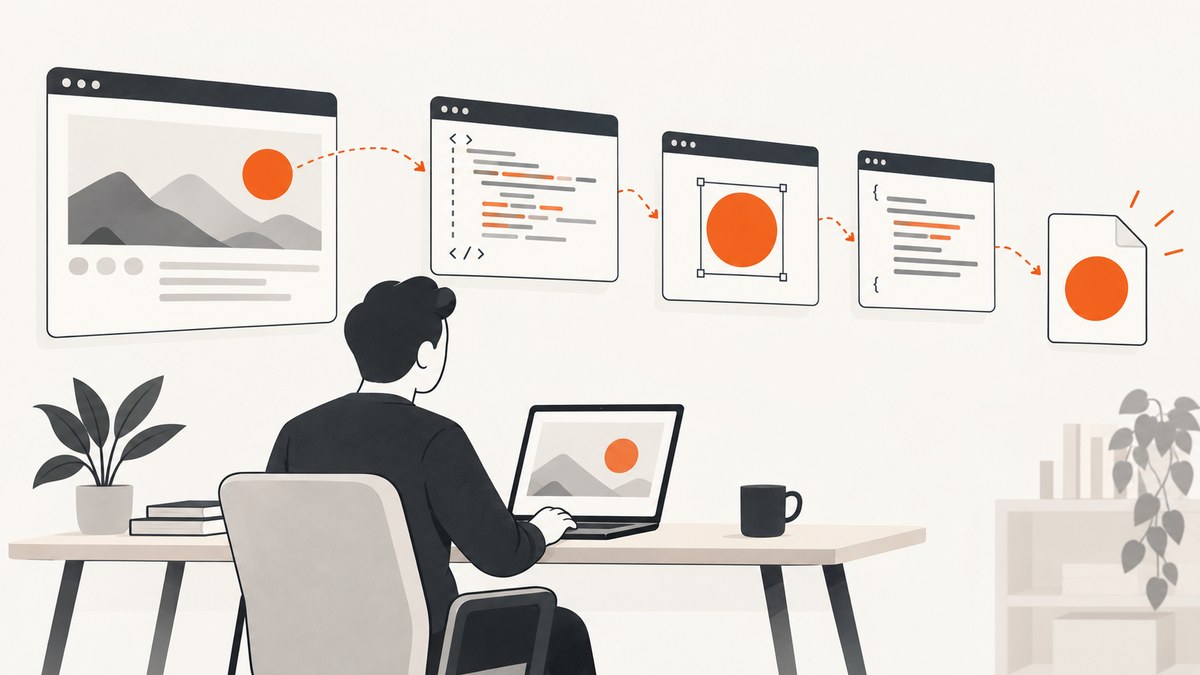
The fastest way to download a website logo is to right-click the visible logo and choose the browser’s image-save command. If that option is missing, inspect the page, find the logo’s src, inline SVG, or CSS background-image URL, open the original asset, and save it. Prefer an SVG when available; otherwise choose the largest suitable raster file. A favicon is usually only the small site icon, not the full header logo.
1. Save the visible logo first
- Open the page containing the logo.
- Right-click the logo (or use your device’s image context menu).
- Choose Save image as, Save image, or the equivalent browser command.
- Keep the original file extension. Do not rename a JPEG or WebP to
.png; convert it only when you need a different format. - Open the downloaded file and check its dimensions, transparency, and appearance at the intended size.
If the menu offers only page-level commands, continue with developer tools.
2. Find the original asset with developer tools
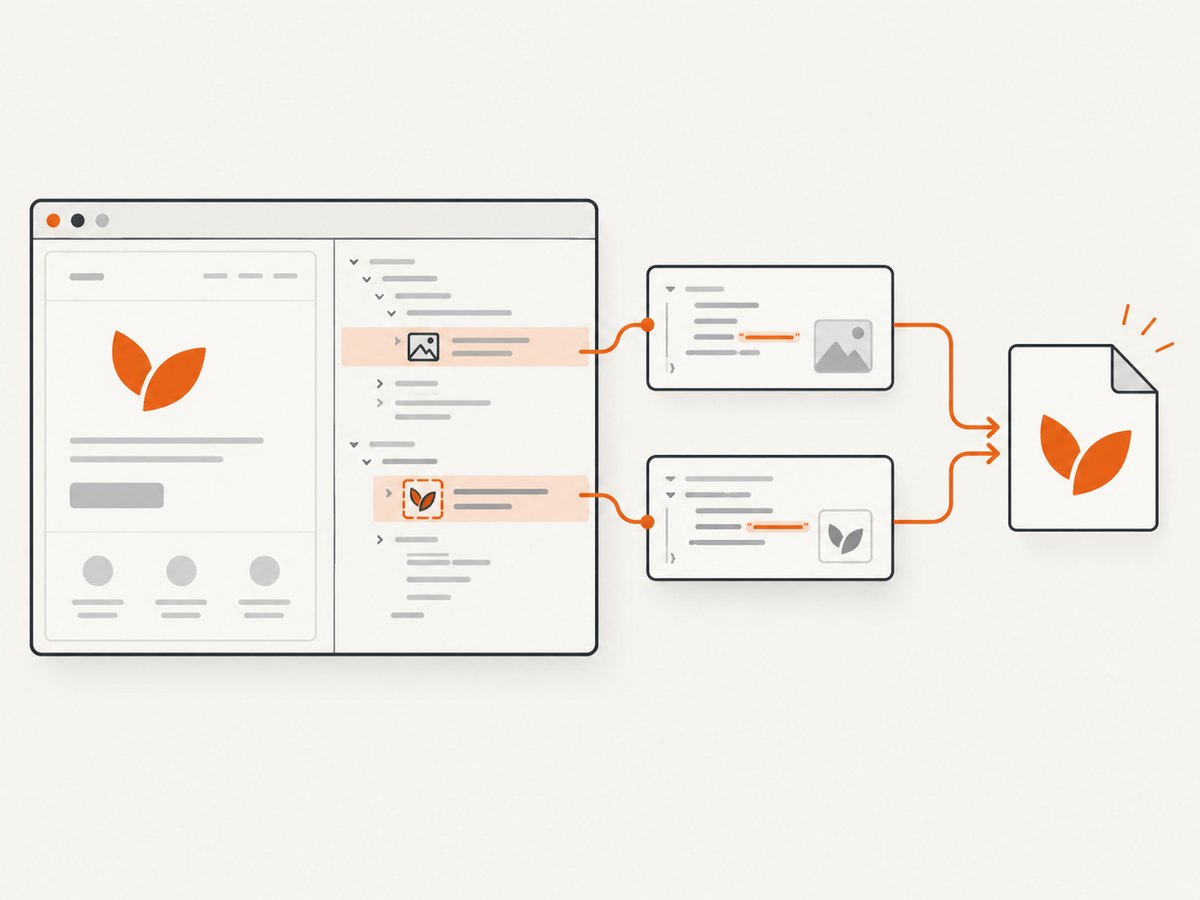
Browser developer tools expose the page’s runtime HTML, applied CSS, and requested assets. Open them from the browser menu or keyboard shortcut, then use the element inspector on the logo. MDN’s guides explain the inspector and the assets requested by a page (developer tools, HTML images).
HTML image (<img>)
Look for src, srcset, or a lazy-loading attribute such as data-src. Copy the URL that points to the largest appropriate file. A srcset may contain several widths; select the largest one that the site actually provides.
<img src="/assets/brand.svg" alt="Example">
<img srcset="/logo-320.png 320w, /logo-1280.png 1280w" ...>
Open the copied URL in a new tab. Relative URLs such as /assets/brand.svg use the current site’s origin; a CDN URL can be opened directly.
Inline SVG
If the inspector shows an <svg> element rather than an image URL, right-click the element and copy its outer HTML into a text file ending in .svg. Remove unrelated page markup so the file contains one valid SVG root. SVG is suitable when the logo must remain crisp at many sizes (SVG as an image).
CSS background image
Some logos are decorative backgrounds on a link or header. In the Computed or Styles pane, find a declaration such as background-image: url("/media/logo.svg"), copy the URL, and open it directly. CSS can reference SVG and raster resources (image formats).
3. Download a favicon when you need the site icon
A favicon identifies a site in browser tabs and search contexts. It may be a different, much smaller asset than the header logo. Inspect the homepage’s <head> for an icon link:
<link rel="icon" href="/path/to/favicon.ico">
<link rel="apple-touch-icon" href="https://cdn.example.com/icon.png">
Google documents accepted relationships including icon, shortcut icon, apple-touch-icon, and apple-touch-icon-precomposed. The URL may be relative or hosted on a CDN (Google’s favicon guidance). Google recommends a square favicon larger than 48×48 pixels and states that the homepage and icon must be crawlable for Search eligibility; these are Search guidelines, not requirements for a full website logo.
4. Choose the right file
| Need | Best choice | Why |
|---|---|---|
| Print, resizing, or responsive UI | Original SVG | Vector artwork stays sharp at different sizes. |
| Transparent raster artwork | Largest PNG or WebP with alpha | Preserves edges and background transparency. |
| Photo-like or compressed artwork | Original JPEG or WebP | Avoids unnecessary recompression. |
| Browser tab or search icon | Favicon asset | It is purpose-built for small square display. |
Compare candidates by purpose (favicon versus brand mark), format, dimensions, transparency, and the rights guidance for your intended use. Never upscale a tiny favicon and present it as a high-resolution logo.
5. Command-line downloads
Once inspection gives you the direct asset URL, download it without changing the bytes:
curl -L "https://example.com/assets/brand.svg" -o brand.svg-L follows redirects. Add -f in scripts so HTTP errors fail the command:
curl -fL "https://example.com/assets/brand.png" -o brand.pngPython
import requests

url = "https://example.com/assets/brand.svg"
r = requests.get(url, timeout=30)
r.raise_for_status()
with open("brand.svg", "wb") as f:
    f.write(r.content)
Node.js
const fs = require('node:fs/promises');

const url = 'https://example.com/assets/brand.svg';
const res = await fetch(url, { redirect: 'follow' });
if (!res.ok) throw new Error(`${res.status} ${res.statusText}`);
await fs.writeFile('brand.svg', Buffer.from(await res.arrayBuffer()));
Use the browser’s network panel when the URL is generated dynamically. Copying a request as cURL can preserve required headers, but remove session credentials before sharing or automating it.
6. When the logo appears only after JavaScript runs
- Reload with developer tools open.
- Use the Network panel and filter by
img,svg,font, ormedia. - Click the logo or wait for the header to render.
- Open likely responses and inspect their content type and dimensions.
- Save the response URL, or copy the inline SVG from the Elements panel.
If the mark is drawn in a canvas, there may be no standalone logo file. You can save the rendered canvas for personal reference, but it may be lower resolution than the source artwork.
7. Rights and permitted use
A publicly reachable file is not automatically cleared for reuse. Check the logo owner’s brand or permissions guidance for your intended use. Google’s Brand Resource Center shows why requirements are specific to each brand (Brand Resource Center). Keep the downloaded file for comparison, development, or another use allowed by the owner.
8. Troubleshooting
| Problem | Likely cause | Fix |
|---|---|---|
| No “Save image” command | The mark is inline SVG, a CSS background, or a link wrapper. | Inspect the element and follow its SVG or CSS URL. |
| Only a tiny icon was found | You located the favicon. | Inspect the header’s logo element for the larger asset. |
| URL returns HTML instead of an image | The URL redirected to a page, login screen, or error document. | Check redirects, response headers, authentication, and the Network panel. |
| Browser displays the file instead of downloading it | Saving depends on browser settings and response headers. | Use the browser’s save command or curl -L. The HTML download attribute is limited for cross-origin URLs and for blob:/data: cases (MDN download attribute). |
| Logo is blurry | A small responsive variant or favicon was selected. | Choose the largest srcset candidate or an SVG; do not upscale a tiny raster. |
| Transparent background became white | The viewer composited transparency, or the source is not transparent. | Check the file in an editor that shows alpha and inspect the source format. |
| Download is blocked | Authentication, hotlink protection, or a bot check. | Use an authorized browser session, obtain permission, or request the asset from the owner. Do not bypass access controls. |
9. Or skip the browser setup
When you need a visual capture of a page or logo placement rather than the original asset file, ScreenshotNeo provides a single GET request. Its API accepts the URL and returns PNG, JPEG, WebP, or PDF. See the ScreenshotNeo documentation for all options.
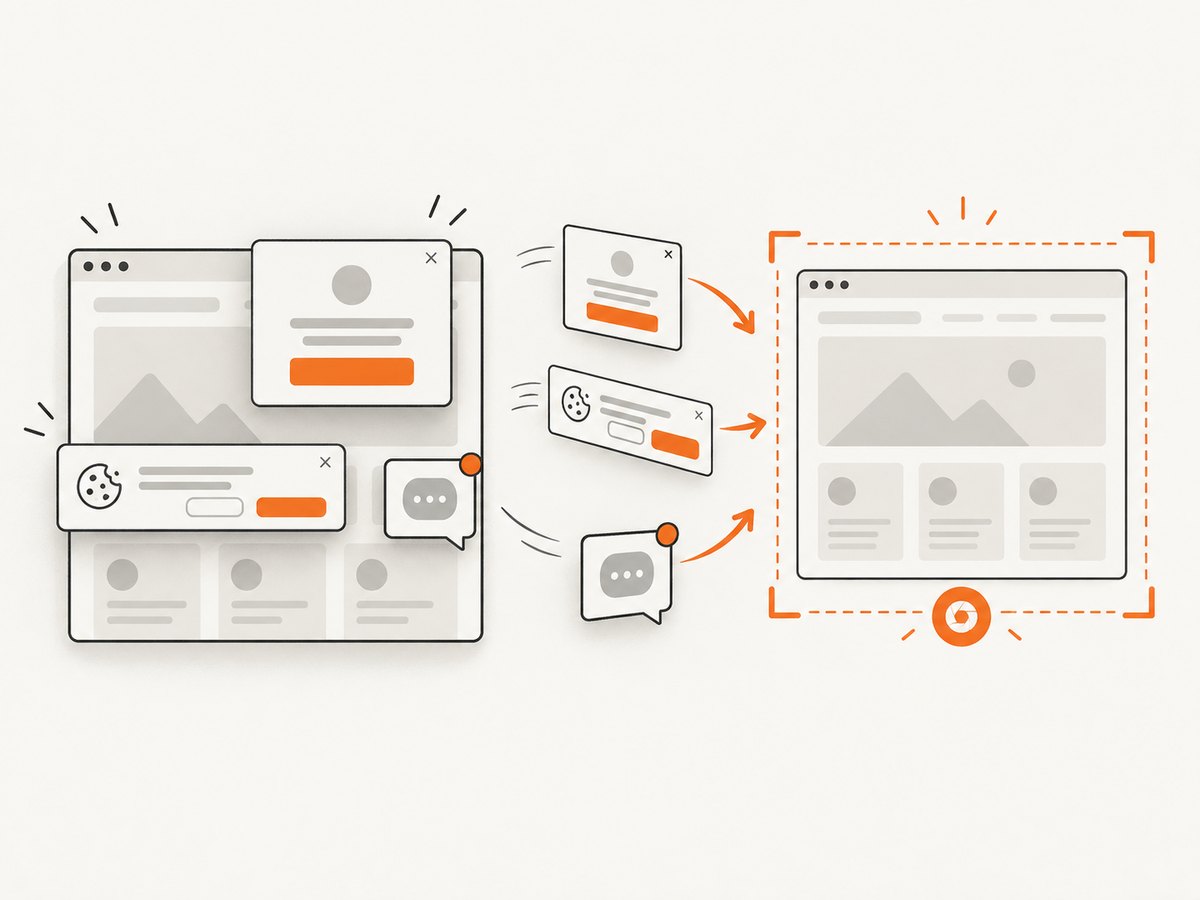
curl -G "https://api.screenshotneo.com/v1/shot" -d access_key=YOUR_API_KEY --data-urlencode url=https://stripe.com -o shot.webpimport requests; r = requests.get("https://api.screenshotneo.com/v1/shot", params={"access_key": "YOUR_API_KEY", "url": "https://stripe.com"}, timeout=90); open("shot.webp", "wb").write(r.content)const q = new URLSearchParams({ access_key: 'YOUR_API_KEY', url: 'https://stripe.com' }); const res = await fetch(`https://api.screenshotneo.com/v1/shot?${q}`);Cookie banners, newsletter popups, and chat widgets are removed before the shot. Bot checks, blank pages, failed loads, timeouts, and cache hits are not billed, and response headers identify the page verdict and billing result. An MCP server lets AI agents use take_screenshot, get_page_info, and capture_pdf. The Free plan includes 1,000 screenshots a month with no card; paid plans start at $5 for 3,000 shots. Create your free ScreenshotNeo account.
10. Quick checklist
- Try the visible image’s save command.
- Inspect
src,srcset, inline SVG, and CSSurl(...). - Download the original URL and preserve its format.
- Use SVG for scalable artwork and the largest raster available otherwise.
- Distinguish a favicon from the full brand logo.
- Check permissions before publishing or modifying the mark.
FAQ
Can I download a logo from any website?
You can often retrieve a publicly delivered asset, but access controls and usage rights still apply.
Is an SVG always better than a PNG?
SVG is usually better for scalable logos. PNG may be preferable when the site supplies raster-only artwork or you need exact pixel output.
Why does the downloaded file have a different name?
The server’s response headers or URL may specify a generated name. Rename it locally only after checking the file type.
Does a favicon identify the complete brand?
No. It is a small site-identifying icon and can be unrelated in size or design to the header wordmark.


