How to Download a Website for Offline Use on Android
Save a page in Chrome, export it as a PDF, and understand why Android's built-in tools do not mirror an entire website.
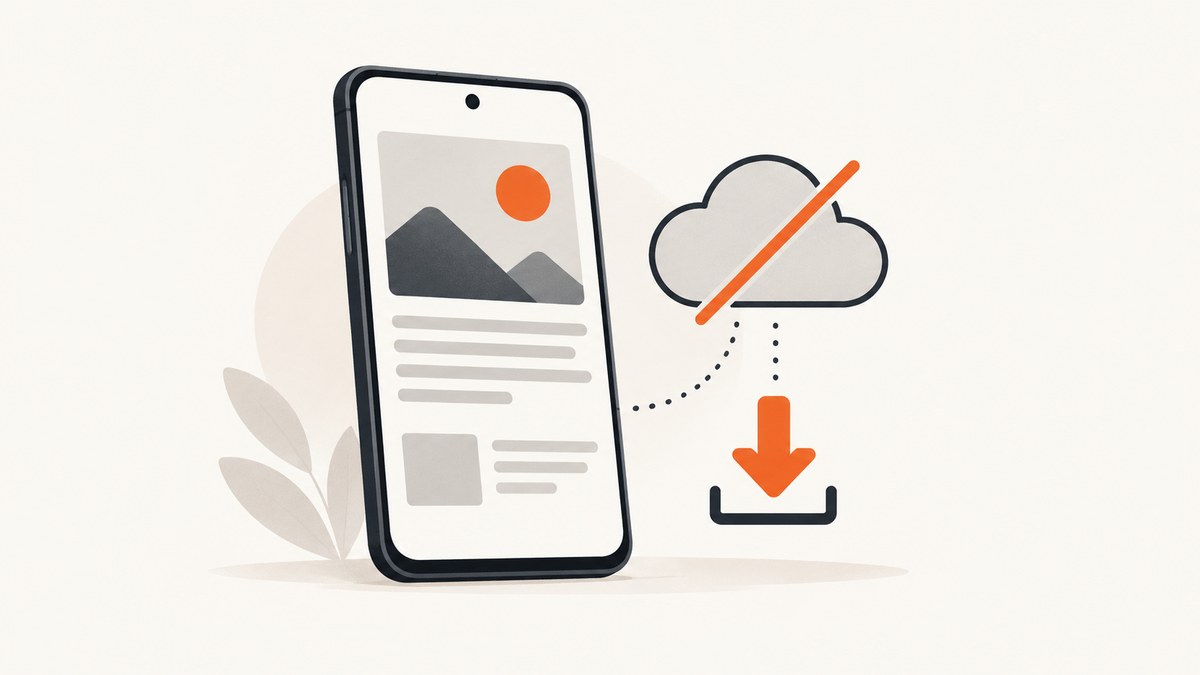
For one page, Chrome on Android is the simplest option: open the page while online, tap More (three dots) and Download, then later open More > Downloads and tap the saved page. If you need a portable file, use Chrome’s print preview and choose Save as PDF.
These documented workflows save an individual page or its PDF. They do not provide a verified copy of every page, navigation path, login session, database-backed feature or interactive function on an entire website.
Choose the right offline format
| Need | Use | What you get |
|---|---|---|
| Read one page later in Chrome | Chrome page download | A browser-saved offline reading copy |
| Share, archive or print a page | Save as PDF | A PDF stored on the device |
| Save several pages | Repeat the page workflow for each URL | Separate saved pages, not a site mirror |
| Preserve live forms, accounts or app behavior | Use the online site when connected | Offline files generally cannot reproduce server-side behavior |
Save a web page for offline reading in Chrome
- Connect your Android phone to the internet.
- Open Chrome and navigate to the page you want to keep.
- Tap More (the three-dot menu).
- Tap Download. Chrome saves the page for later reading.
- When offline, open Chrome, tap More > Downloads, and select the saved item. If your address bar is at the bottom, swipe up on it first, then tap Downloads.
Google’s instructions also allow you to delete or share a downloaded page. When you are online again, tapping Reload opens the live version of the page. See Google’s Chrome offline-page instructions.
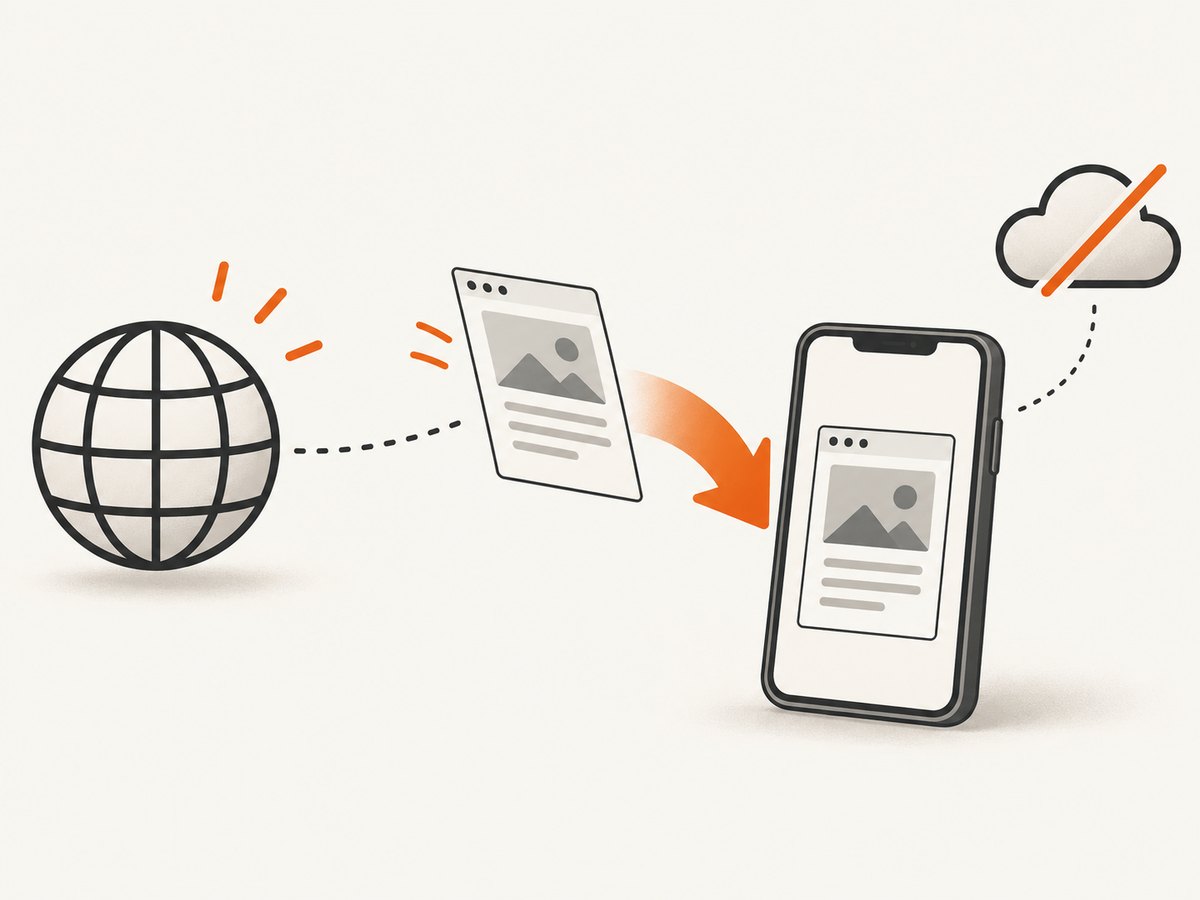
What this download contains
The saved item is intended for reading the page later. A page that depends on API calls, sign-in cookies, streaming media, maps, comments or other server responses may not behave the same way offline. Links can still be visible, but opening them generally requires that those pages were saved separately or that the phone reconnects.
Save the page as a PDF in Chrome
- Open the page in Chrome while connected.
- Tap More > Share > Print.
- In the print preview, choose Save as PDF.
- Select a location on the device and tap Save.
- Open the resulting PDF from your file manager or Downloads app when offline.
PDF is useful when you need a stable file to email, annotate or archive. It is a document snapshot, so it does not preserve the site’s live navigation, forms or scripts. Google’s full steps are in Print from Chrome on Android.
Save a page as PDF in Firefox for Android
- Open the page in Firefox for Android.
- Tap the three-dot menu.
- Tap Share.
- Choose Save as PDF, then tap Download.
- Find the file in the device’s Downloads folder.
Mozilla documents this as a PDF workflow rather than a full-site downloader. See Mozilla’s Firefox for Android instructions.
Can Android download an entire website?
Not with the built-in Chrome or Firefox steps documented above. They cover an individual page or a PDF of an individual page. A multi-page site may include hundreds of URLs, assets loaded only after scrolling, authenticated content, search results, checkout flows and server-side data. Saving one article does not create a navigable offline mirror.
If you need several known pages, save each one while online and name the files clearly. If you control the site and require a true offline package, use a site-archiving process designed for that purpose and confirm that its use complies with the site’s terms, robots rules and copyright requirements.
Offline download checklist
- Open every page while the phone is online.
- For Chrome downloads, verify the item appears under More > Downloads.
- For PDFs, open the file once before travelling to confirm it saved correctly.
- Scroll through long pages before saving if important images are lazy-loaded.
- Keep enough free storage for the pages and PDFs you plan to retain.
- Do not assume a saved page includes linked pages, live data or logged-in actions.
Troubleshooting
| Problem | Likely cause | Fix |
|---|---|---|
| No Download option appears | The menu layout or Chrome version differs | Update Chrome, check the three-dot More menu, and confirm the page finished loading. |
| The saved page is missing | You are checking the file manager instead of Chrome’s list | Open Chrome, tap More > Downloads; with a bottom address bar, swipe up on the bar first. |
| The page will not open offline | It was not downloaded completely or relies on online resources | Reconnect, reload the live page, download it again, and use PDF if a static copy is sufficient. |
| Images or video are absent | They load lazily, stream from a server or require scripts | Scroll through the page while online, wait for media to load, or save a PDF for the visible content. |
| PDF formatting is wrong | The page’s print stylesheet changes the layout | Try the page again after it finishes loading; use the browser-saved page when reading layout matters more than portability. |
| Storage is full | Downloads and PDFs consume device space | Delete old items from Chrome Downloads or the Downloads folder, then save only the pages you need. |
Performance, reliability and cost notes
Saving requires an online connection, and large pages take longer to download and use more storage. A PDF is usually easier to move between devices, while Chrome’s saved-page view is more convenient for reading inside the browser. Neither method guarantees that a dynamic site will work without its server.
Chrome and Firefox are included with the device or browser installation; the documented workflows do not require buying a USB drive or memory card. Your practical limits are network time, battery, available storage and the page’s own technical dependencies.
Or skip the browser setup
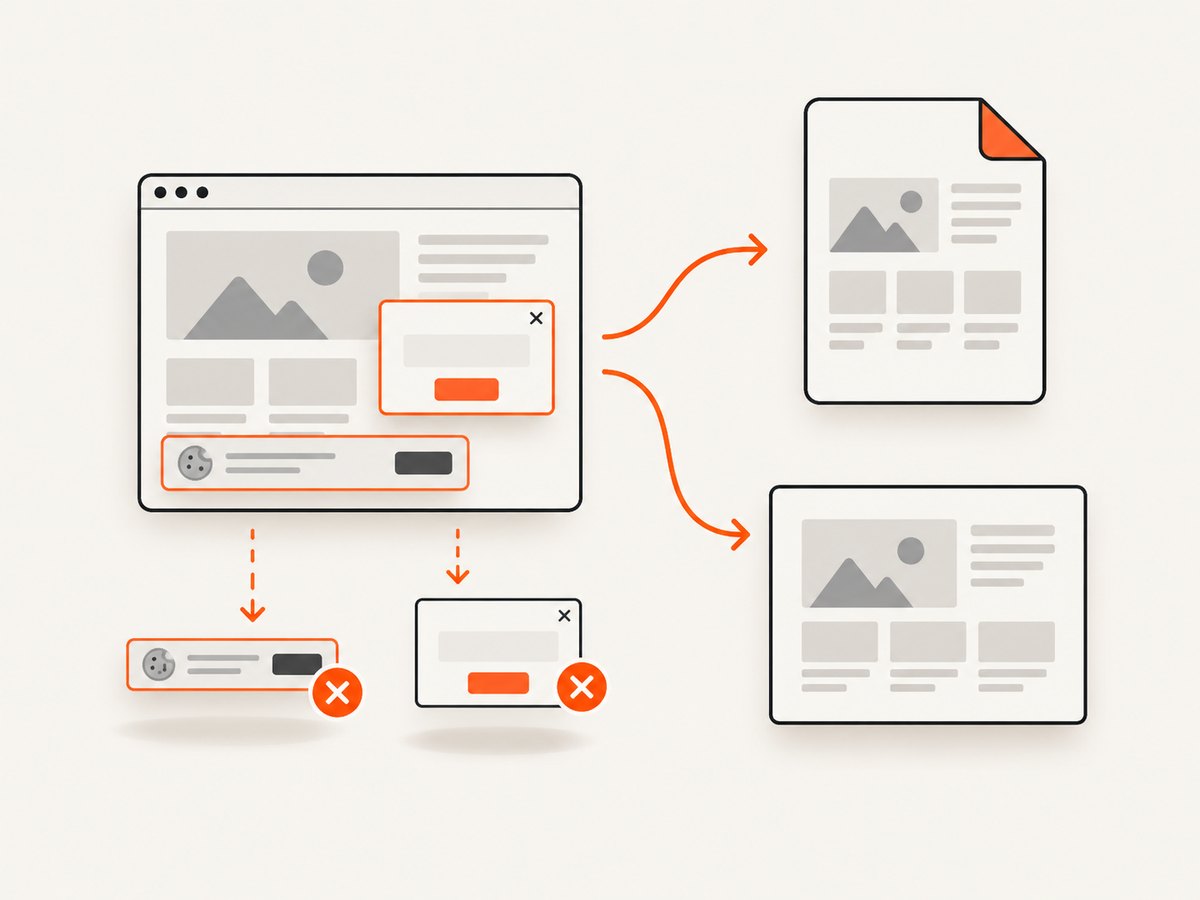
If you only need a clean static capture of a page for documentation, an archive or an offline reference, ScreenshotNeo returns a PNG, JPEG, WebP or PDF from one GET request. Its browser handles the capture for you, and the API supports full-page shots, lazy-image loading, custom CSS and JavaScript, waiting for a selector or network idle, device presets, dark mode, element selectors and PDF settings. Read the ScreenshotNeo API documentation for all options.
curl -G "https://api.screenshotneo.com/v1/shot" -d access_key=YOUR_API_KEY --data-urlencode url=https://stripe.com -o shot.webpimport requests
r = requests.get("https://api.screenshotneo.com/v1/shot", params={"access_key": "YOUR_API_KEY", "url": "https://stripe.com"}, timeout=90)
open("shot.webp", "wb").write(r.content)const q = new URLSearchParams({ access_key: 'YOUR_API_KEY', url: 'https://stripe.com' });
const res = await fetch(`https://api.screenshotneo.com/v1/shot?${q}`);Cookie and consent banners, newsletter popups and chat widgets are removed before the shot. Bot checks, blank pages and failed loads are never billed, and response headers identify the page verdict and whether it was billed. An MCP server lets AI agents take screenshots. The free plan includes 1,000 screenshots a month with no card; paid plans start at $5 for 3,000. Create a free ScreenshotNeo account.
FAQ
Can I open a Chrome download in another browser?
Chrome’s page download is managed through Chrome’s Downloads list. Use PDF when you need a portable file that other apps can open.
Does offline mode preserve my login?
Do not rely on it for authenticated behavior. A saved reading copy is not a replacement for the site’s live account session.
Will links work without internet?
Only content already available on the device can open offline. Linked pages must be saved separately, and server-backed actions still need a connection.
What Android version do I need for Chrome?
Google’s current Chrome download page lists Android 10 and up as the system requirement; check the device and browser requirements before relying on offline access.
Is a PDF the same as downloading a website?
No. A PDF preserves a document view of one page. It does not mirror the site’s pages, scripts or live data.


