How to Download a Website for Offline Use on Mac
Save Mac webpages for offline reading, archive one page, or mirror linked pages with Safari and GNU Wget.
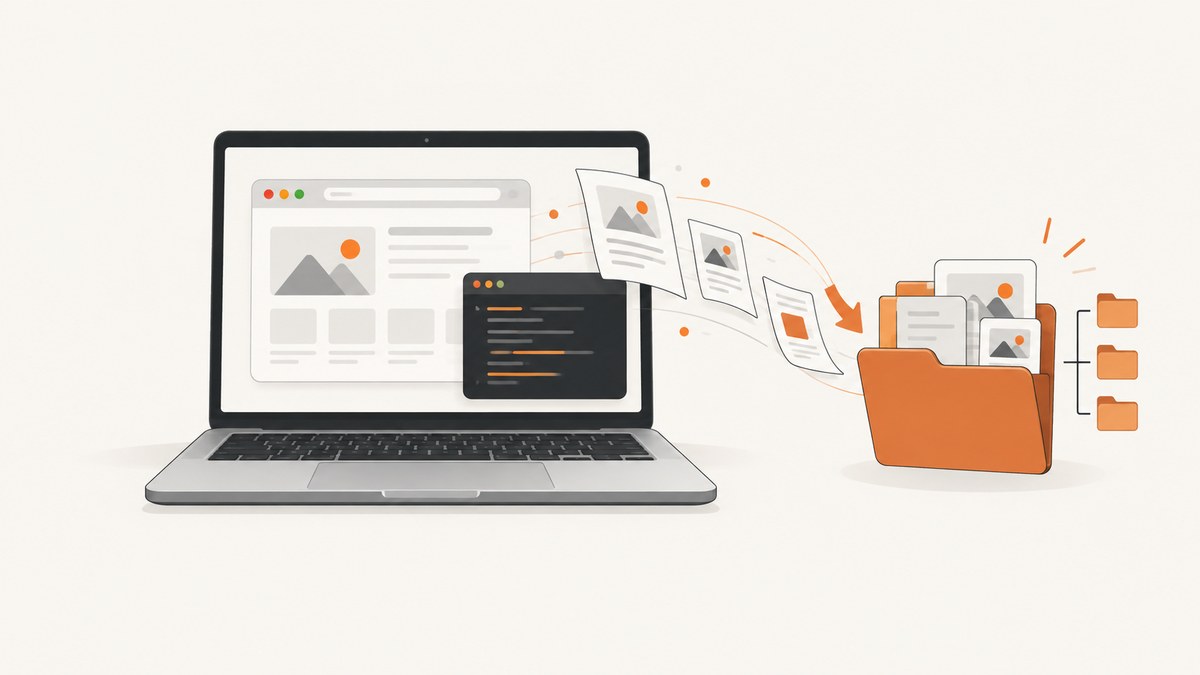
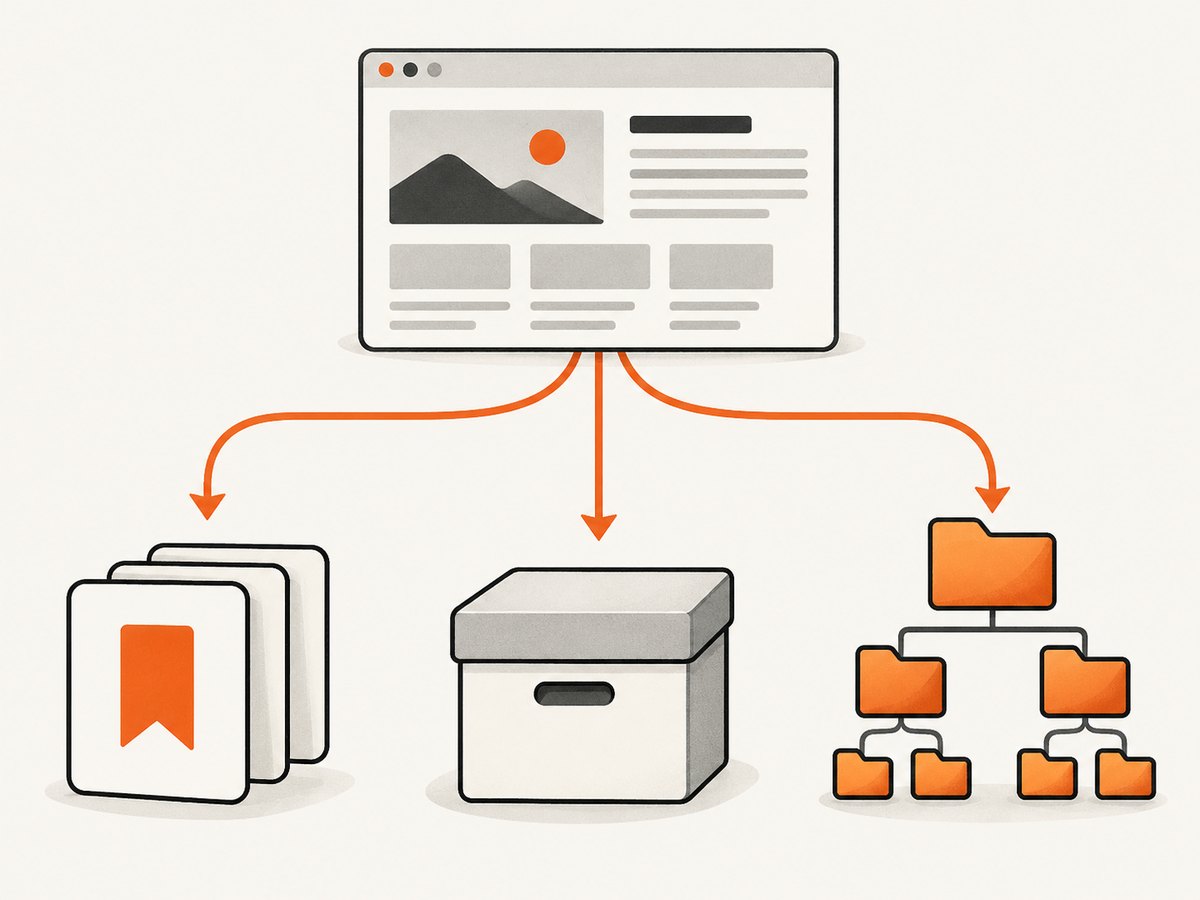
Short answer: choose the method that matches your goal. Use Safari Reading List for a few pages you want to read later, Safari Web Archive for a standalone copy of one page, and GNU Wget for a broader linked-page mirror. A browser save is not the same as downloading an entire dynamic or login-protected website.
Choose the right offline method
| Method | Best for | What it saves | Main limitation |
|---|---|---|---|
| Safari Reading List | Reading a few pages later | Saved Reading List pages | Not a complete site mirror |
| Safari Web Archive | Keeping one page as a file | The page and graphics Safari can save | Linked destinations can still require the internet; some sites prevent saving items |
| Safari Page Source | Inspecting or preserving HTML | HTML source only | Does not include the page’s complete assets |
| GNU Wget recursive mirror | Copying many linked pages | Recursively retrieved files with optional local-link conversion | Dynamic, restricted, personalized, and login-protected sites may not mirror correctly |
These capabilities come from Apple’s Safari documentation and the GNU Wget manual. They do not establish a guaranteed-fidelity method for every site. [Apple Reading List guide] [Apple webpage saving guide] [GNU Wget Manual]
Save pages for offline reading with Safari Reading List
- Open the page in Safari.
- Use the Share button or the Add control near the Smart Search field to add it to your Reading List.
- Open Safari’s sidebar and select Reading List.
- Control-click the page summary and choose Save Offline.
For automatic downloads, open Safari settings, go to the Advanced section, and enable the option to save Reading List articles automatically. The exact wording can vary with the Safari version. Reading List is the lowest-friction choice when you need a handful of articles, but it does not download every page, asset, or route on a website.
Save one webpage as a file
Web Archive
- Open the page in Safari.
- Choose File > Save As.
- In the format menu, select Web Archive.
- Choose a folder and save.
Web Archive is the better Safari format when you want a self-contained record of one page because it can include page graphics. It does not make every link local: Apple says links work while their destination pages remain available. Some webpages may also prevent Safari from saving items shown on the page.
Page Source
Select Page Source in the same Save As dialog when your goal is to preserve the HTML source for technical inspection. Page Source does not package the images, stylesheets, scripts, fonts, or other resources needed to reproduce the visual page.
Mirror linked pages with GNU Wget
Wget is the command-line option for a larger set of linked pages. Its manual documents recursive retrieval and conversion of links so downloaded files can point to local copies. Install Wget using the package manager you already use on your Mac, then confirm the installed version:
wget --versionA basic recursive mirror of a site is:
wget \
  --recursive \
  --page-requisites \
  --convert-links \
  --adjust-extension \
  --no-parent \
  --directory-prefix=offline-site \
  https://example.com/
What the important flags do:
--recursivefollows links and retrieves additional pages.--page-requisitesdownloads resources needed to display retrieved pages, such as stylesheets and images.--convert-linksrewrites links for local viewing.--adjust-extensiongives downloaded files suitable HTML extensions where applicable.--no-parentkeeps retrieval below the starting path.--directory-prefixplaces the mirror in a chosen folder.
Open the resulting local entry point in Finder or Safari. Before running a broad crawl, check the target site’s access rules, authentication requirements, and terms. Wget’s documentation establishes these features, but no source here promises a perfect copy of every modern site.
Useful Wget variations
Limit the crawl to a host and avoid leaving the starting domain:
wget --recursive --page-requisites --convert-links --adjust-extension \
  --domains example.com --no-parent \
  --directory-prefix=offline-site https://example.com/docs/
Set a maximum depth when you only need nearby pages:
wget --recursive --level=2 --page-requisites --convert-links \
  --adjust-extension --directory-prefix=offline-site https://example.com/
Continue an interrupted download:
wget --continue --recursive --page-requisites --convert-links \
  --adjust-extension --directory-prefix=offline-site https://example.com/
Write a crawl log for diagnosis:
wget --recursive --page-requisites --convert-links --adjust-extension \
  --output-file=wget.log --directory-prefix=offline-site https://example.com/
Use these flags as a starting point and check the manual shipped with your installed version. Do not assume that adding recursion bypasses a login, a bot check, a paywall, or a site’s access restrictions.
Dynamic sites, logins, and assets
Safari saves what the page permits at the time of capture. A Web Archive may omit content that is generated after load, requires an account, depends on a live API, or is blocked by the site. Page Source is only markup. Wget can retrieve linked files, but client-side applications may build routes and content in JavaScript after the initial HTML response, so a recursive crawl may miss them.
Offline copies also have practical limits: external links can remain online-dependent, forms and authenticated actions may stop working, and pages that depend on live databases, streaming, or third-party services cannot be turned into a complete offline experience with a simple save.
Or skip the browser setup
If your actual requirement is a clean screenshot or PDF of a page rather than an editable offline mirror, ScreenshotNeo returns it from one GET request. The API can capture PNG, JPEG, WebP, or PDF, and its options include full-page capture, lazy-image loading, CSS-selector element capture, custom CSS and JavaScript, waits, headers, cookies, user agents, timezone and geolocation, request blocking, caching, signed links, asynchronous jobs, bulk capture, and PDF page settings. See the ScreenshotNeo API documentation for the parameter list.
curl -G "https://api.screenshotneo.com/v1/shot" -d access_key=YOUR_API_KEY --data-urlencode url=https://example.com -o shot.webpimport requests
r = requests.get("https://api.screenshotneo.com/v1/shot", params={"access_key": "YOUR_API_KEY", "url": "https://example.com"}, timeout=90)
open("shot.webp", "wb").write(r.content)const q = new URLSearchParams({ access_key: 'YOUR_API_KEY', url: 'https://example.com' });
const res = await fetch(`https://api.screenshotneo.com/v1/shot?${q}`);Cookie and consent banners, newsletter popups, and chat widgets are removed before the shot. Bot checks, blank pages, failed loads, timeouts, and cache hits are not billed, and response headers identify the page verdict and billing status. An MCP server provides take_screenshot, get_page_info, and capture_pdf tools for Claude, Cursor, and other MCP clients. The Free plan includes 1,000 screenshots a month with no card; paid plans start at $5 for 3,000. Create a free ScreenshotNeo account.
Troubleshooting
Only one page saved when you expected a whole site
Reading List and Web Archive are page-focused tools. Use Wget recursion for linked pages and set an appropriate starting URL and depth.

The saved page is blank or missing images
The page may depend on JavaScript, delayed API calls, blocked resources, or external services. Try Web Archive after the page finishes loading, or use Wget with --page-requisites. Neither method guarantees a dynamic app will render offline.
Links still open the internet
That is expected for external destinations and for Web Archive links whose targets were not saved. A local-link rewrite from Wget only applies to resources it actually retrieved.
Wget stops at a login or bot check
Authentication and access controls are site-specific. Do not treat recursive retrieval as a way around them. Obtain permission and use the site’s supported export or archive method.
Wget downloads too much
Use --level, --no-parent, and --domains to constrain scope. Start with a small path and inspect the log before increasing depth.
Safari will not save an item
Apple documents that some webpages may prevent saving items displayed on the page. Try saving a different representation, such as Page Source, or use the site’s own export feature.
Performance, reliability, and storage notes
- Reading List: fastest setup and smallest scope; best when you need a few articles.
- Web Archive: convenient for one-page records, but its completeness depends on what Safari and the site allow.
- Wget: scales to many linked files, but crawl time and disk use grow with depth, assets, and duplicate URLs. Use a dedicated output directory and a log.
- Repeatability: save the command, starting URL, Wget version, and date. Websites change, so a later crawl can differ from an earlier one.
- Access and cost: the reviewed sources do not establish that special hardware or a paid tool is required. A Mac, software, and storage location are sufficient for the documented workflows.
FAQ
Can Safari download an entire website?
Safari’s documented Reading List and Save As features are for saved pages or one-page files. Use a recursive tool such as Wget for a broader mirror.
What is the difference between Web Archive and Page Source?
Web Archive can save the page with graphics; Page Source saves HTML source only.
Will a downloaded website work without internet?
Only to the extent that the required pages and assets were saved locally. External links, live services, account features, and missing dynamic resources still need connectivity.
Is Wget a guarantee of a complete backup?
No. It supports recursive retrieval and local-link conversion, but site behavior, JavaScript, authentication, restrictions, and generated content affect the result.
What should I use for a clean visual record?
Use ScreenshotNeo when you need a screenshot or PDF and want consent banners, popups, and chat widgets removed before capture.


