How to Add Dynamic Headers with wkhtmltopdf
Create repeating wkhtmltopdf headers with page numbers, titles, custom data, JavaScript timing, and reliable spacing.

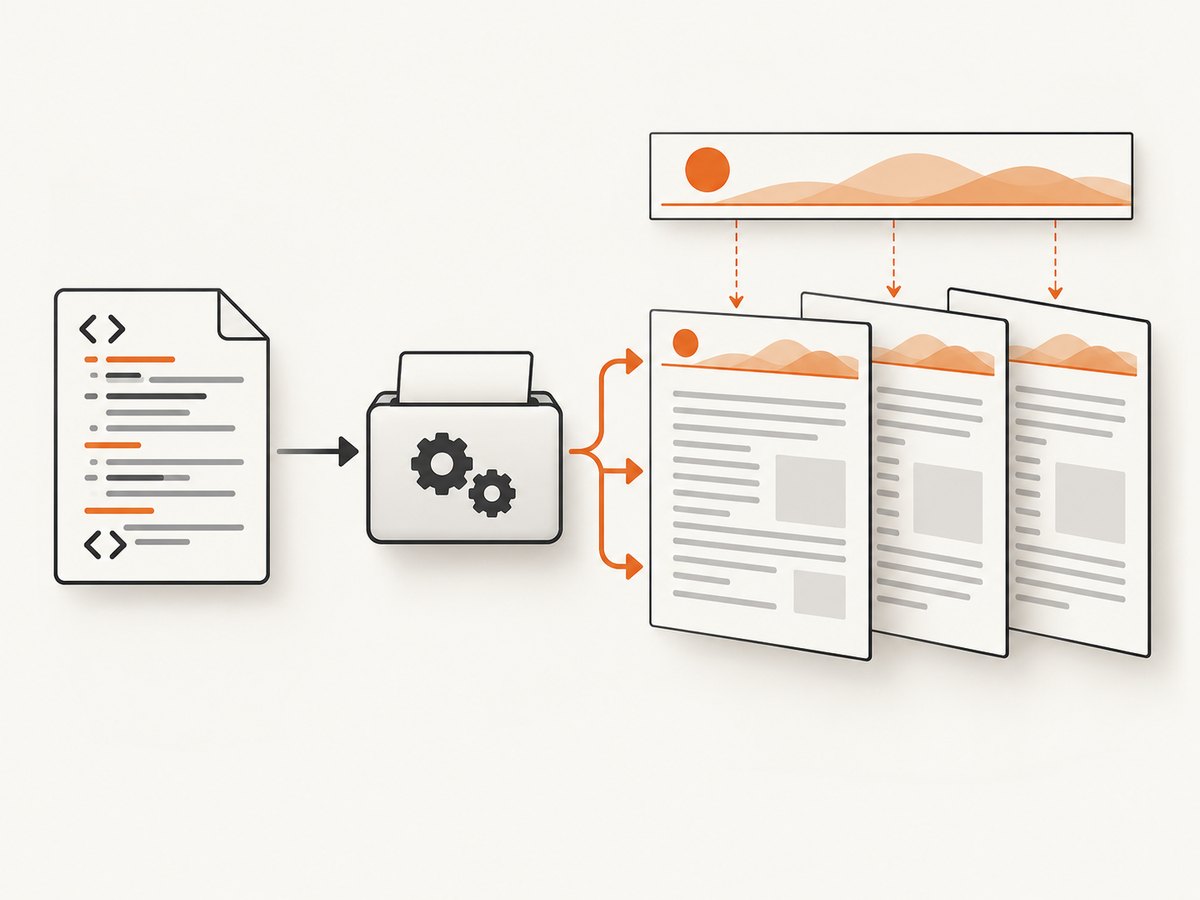
Direct answer: create a separate HTML file for the header, pass it with --header-html, and let wkhtmltopdf provide page metadata through the header document’s query string. A small JavaScript function reads values such as the current page, total pages, title, and date, then writes them into elements whose class names match those variables. Reserve enough top margin for the rendered header and tune --header-spacing so the body does not overlap it.
wkhtmltopdf’s usage documentation explicitly supports supplying headers and footers as HTML documents. The same documentation defines the substitution variables and command-line options used below: wkhtmltopdf usage documentation. The underlying library settings are also documented in the libwkhtmltox reference: page settings reference.
1. Build a dynamic HTML header
Create a file named header.html. The important details are:
- Give output elements classes such as
page,topage,title,date, orisodate. - Run the substitution function after the header document loads.
- Use
textContentrather than injecting HTML so metadata cannot create markup. - Keep the header’s outer margins at zero; the PDF margin is controlled by wkhtmltopdf.
<!doctype html>
<html>
<head>
  <meta charset="utf-8">
  <style>
    body {
      border: 0;
      margin: 0;
      font: 10pt Arial, sans-serif;
      color: #333;
    }
    table {
      width: 100%;
      border-bottom: 1px solid #888;
      border-collapse: collapse;
    }
    td {
      padding: 0 0 3px;
    }
    td:last-child {
      text-align: right;
    }
  </style>
  <script>
    function subst() {
      const vars = {};
      const query = document.location.search.substring(1).split('&');

      for (const item of query) {
        if (!item) continue;
        const pair = item.split('=', 2);
        const key = decodeURIComponent(pair[0] || '');
        const value = decodeURIComponent((pair[1] || '').replace(/\+/g, ' '));
        vars[key] = value;
      }

      for (const name of ['page', 'frompage', 'topage', 'webpage', 'section',
                          'subsection', 'date', 'isodate', 'time', 'title',
                          'doctitle', 'sitepage', 'sitepages']) {
        for (const element of document.getElementsByClassName(name)) {
          element.textContent = vars[name] || '';
        }
      }
    }
  </script>
</head>
<body onload="subst()">
  <table>
    <tr>
      <td class="title"></td>
      <td>Page <span class="page"></span> of <span class="topage"></span></td>
    </tr>
  </table>
</body>
</html>
wkhtmltopdf loads the header as a separate page. During rendering it appends query-string values, so document.location.search contains the metadata for the current PDF. The class names are the API: an element with class page receives the current page number, while topage receives the final page number. Multiple elements can use the same class.
2. Render the PDF with enough margin
Save your source as input.html and run:
wkhtmltopdf \
  --header-html header.html \
  --margin-top 25mm \
  --header-spacing 5 \
  input.html output.pdf
--margin-top reserves the page area occupied by the header. --header-spacing adds a gap between the header and the document body. If the header is taller than expected, increase the top margin first. A spacing value that is too large can push the header outside the printable page area; the libwkhtmltox settings reference describes this clipping behavior and the relationship between spacing and margins.
Header height checklist
- Measure the header’s actual rendered height, including borders and padding.
- Convert that height to a margin with a small safety buffer. For example, a 20 mm header commonly needs a 25 mm top margin.
- Set spacing to a small value such as
3to6and inspect the first and last lines on every page. - Repeat the check with long titles, large fonts, and different page sizes because wrapping changes the header height.
3. Use built-in text headers when HTML is unnecessary
For a fixed label and page counter, an HTML file adds needless moving parts. wkhtmltopdf can substitute tokens directly:
wkhtmltopdf \
  --header-left "Project report" \
  --header-right "Page [page] of [topage]" \
  --margin-top 18mm \
  input.html output.pdf
Supported tokens include [page], [frompage], [topage], [webpage], [section], [subsection], [date], [isodate], [time], [title], [doctitle], [sitepage], and [sitepages]. Position text with --header-left, --header-center, and --header-right. Related footer options are --footer-left, --footer-center, --footer-right, --footer-html, --footer-spacing, and --margin-bottom.
4. Add custom values with --replace
Use repeated --replace name value options for values that are not supplied automatically:
wkhtmltopdf \
  --replace customer "Acme Ltd" \
  --header-right "[customer] — Page [page] of [topage]" \
  --margin-top 18mm \
  input.html output.pdf
Keep custom values short enough to fit the header. Long customer names can wrap or collide with page numbers. For complex formatting, switch to --header-html and render the value into a dedicated element.
5. Wait for asynchronous content
JavaScript is enabled by default in the documented CLI, but a page that fetches data after the initial load can still be captured too early. Use one of these approaches:
Fixed delay
wkhtmltopdf \
  --javascript-delay 1500 \
  --header-html header.html \
  --margin-top 25mm \
  input.html output.pdf
A delay is simple but adds the same wait to every document, including fast ones.
Readiness signal with window.status
Set a known status after your application has finished loading data:
<script>
  fetch('/report-data.json')
    .then(response => response.json())
    .then(data => {
      document.querySelector('#total').textContent = data.total;
      window.status = 'ready';
    });
</script>
Then wait for that status:
wkhtmltopdf \
  --window-status ready \
  --header-html header.html \
  --margin-top 25mm \
  input.html output.pdf
The library settings reference names the corresponding setting load.jsdelay. If the application never sets the expected status, wkhtmltopdf can wait indefinitely or until a surrounding process timeout, so set a defensive timeout in your job runner.
6. Header and footer options at a glance
| Need | Option | Notes |
|---|---|---|
| Dynamic HTML | --header-html URL-or-path |
Use classes and the substitution script. |
| Plain left, center, right text | --header-left/center/right |
Supports built-in bracket tokens. |
| Header gap | --header-spacing N |
Increase carefully; excessive spacing can clip. |
| Header room | --margin-top SIZE |
Must cover header height plus any desired gap. |
| Dynamic footer | --footer-html |
Same HTML and substitution pattern as headers. |
| Footer room | --margin-bottom SIZE |
Reserve space before body content reaches the footer. |
| Custom substitution | --replace name value |
Useful with text headers and footers. |
| Asynchronous page | --javascript-delay |
Fixed wait in milliseconds. |
| Application readiness | --window-status VALUE |
Wait for the page to set window.status. |
7. Troubleshooting dynamic headers
Header is missing
Cause: the process cannot read the header path or URL, or the option was omitted. Fix: use an absolute path or reachable URL, verify file permissions, and run the same command under the deployment user. If local resources are restricted by your binary, provide accessible URLs and review local-file access settings.
Header overlaps the body
Cause: --margin-top is smaller than the rendered header, or spacing is too small. Fix: increase the top margin, then tune --header-spacing. Check wrapped titles and non-default fonts, which often increase height.
Page numbers or titles are blank
Cause: the element class does not exactly match a supported variable, or subst() did not run. Fix: preserve onload="subst()", inspect the class spelling, and decode query values before assigning them. Use doctitle when the document title is needed rather than assuming title is populated.
CSS, fonts, or images do not load
Cause: relative paths resolve from the separate header document, not necessarily from the source document. Fix: use absolute, reachable paths; package assets with predictable locations; and account for local-file access restrictions in the installed binary.
Dynamic values are stale or absent
Cause: rendering finished before asynchronous JavaScript. Fix: add a bounded --javascript-delay or set and wait for a known window.status. Make sure failed requests also resolve to an error state so the job does not wait forever.
Output differs between machines
Cause: wkhtmltopdf binaries, patched Qt builds, fonts, and operating-system libraries differ. The upstream repository was archived on January 2, 2023, so version drift is a practical maintenance concern: upstream repository. Fix: pin the binary version, install the same fonts in every environment, run a representative PDF fixture in CI, and compare page count, header position, and text presence.
8. Performance, reliability, and deployment notes
- Reuse one process where possible. Starting a binary for every document adds process and font-loading overhead. A queue or worker model can smooth bursts.
- Keep headers lightweight. Avoid remote analytics, large images, and unnecessary JavaScript in the header document. It is loaded for each rendered document.
- Use deterministic assets. Pin fonts and CSS, avoid time-dependent values unless required, and provide stable URLs for images.
- Bound every job. Network requests and readiness signals can hang. Enforce a process timeout outside wkhtmltopdf and capture stderr for diagnosis.
- Test the extremes. Include one-page and many-page documents, long titles, missing metadata, slow API responses, and the largest expected header.
- Check page breaks. A header that fits on a letter page may clip on A4, landscape, or custom dimensions. Test each configured paper size.
9. Or skip the browser setup
If your goal is a clean image or PDF of a web page rather than maintaining a wkhtmltopdf runtime, ScreenshotNeo provides a single HTTP request. See the ScreenshotNeo API documentation for all options.

curl -G "https://api.screenshotneo.com/v1/shot" -d access_key=YOUR_API_KEY --data-urlencode url=https://stripe.com -o shot.webpimport requests
r = requests.get("https://api.screenshotneo.com/v1/shot", params={"access_key": "YOUR_API_KEY", "url": "https://stripe.com"}, timeout=90)
open("shot.webp", "wb").write(r.content)const q = new URLSearchParams({ access_key: 'YOUR_API_KEY', url: 'https://stripe.com' });
const res = await fetch(`https://api.screenshotneo.com/v1/shot?${q}`);ScreenshotNeo removes cookie and consent banners, newsletter popups, and chat widgets before capture. Bot checks, blank pages, failed loads, timeouts, and cache hits are not billed, and response headers identify the page verdict and billing result. Its MCP server provides take_screenshot, get_page_info, and capture_pdf tools for Claude, Cursor, and other MCP clients. The Free plan includes 1,000 screenshots each month with no card; paid plans start at $5 for 3,000 shots. Create a free ScreenshotNeo account.
10. FAQ
Can the header show both the current and total page?
Yes. Put class="page" and class="topage" elements in the HTML header and populate them in subst().
Can I use a footer instead?
Yes. Replace the header options with --footer-html or the footer text options, and reserve space with --margin-bottom.
Why does a relative image path work in the document but fail in the header?
The header is a separate document with its own base URL. Use an absolute or otherwise reachable asset path.
Should I use a delay or window.status?
Use a readiness status when your application can reliably signal completion. Use a bounded delay for simple pages or when you cannot change the source.
Is wkhtmltopdf suitable for a new long-lived PDF service?
It can work when you pin and test the binary, but the archived upstream project makes reproducibility and deployment ownership essential. For a managed capture workflow, evaluate ScreenshotNeo’s API and PDF tool instead.


