How to Set Dynamic Page Margins for HTML-to-PDF in Java
Set reliable PDF page margins in Java with @page, first-page and facing-page rules, renderer checks, runnable code, and fixes for common failures.
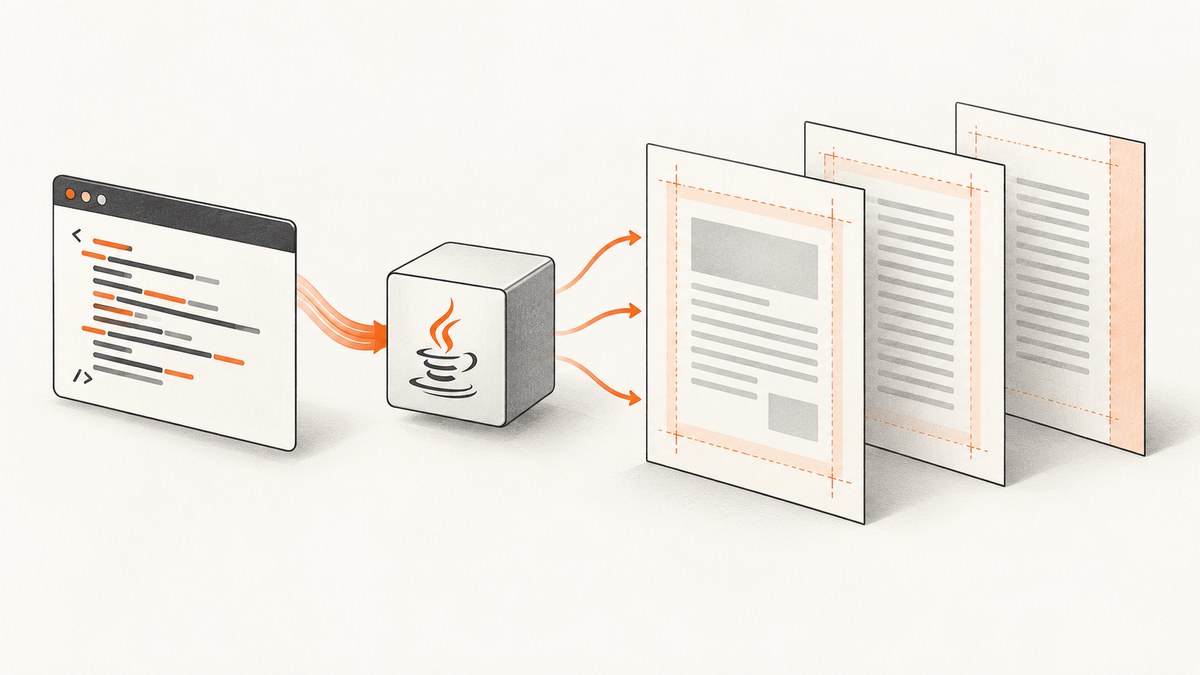
Direct answer: set PDF page margins with the CSS paged-media @page rule that your Java renderer reads:
@page { margin: 1in; }Use @page :first, :left, :right, or named pages only when the exact renderer and version document support for them. A rule on body changes the document’s content box; it does not reliably change the physical PDF page margin.
1. Choose the page model before writing CSS
Flying Saucer is an XML/XHTML and CSS renderer. Its R8 guide documents @page margins, page breaks, pseudo-pages, and named pages. Treat those details as release-specific and verify your dependency version. OpenHTMLtoPDF renders a reasonable subset of well-formed XML/XHTML (and some HTML5) with CSS 2.1 and later standards; author templates for that subset instead of assuming browser-level HTML support. The W3C paged-media model defines margins on the page box, which is why @page is the right layer.
| Requirement | Start with | Check |
|---|---|---|
| One margin for every page | @page { margin: ... } |
Renderer loads the print stylesheet |
| Special cover page | @page :first or a named page |
Support in your exact version |
| Facing-page gutter | :left/:right |
Whether pseudo-pages are implemented |
| Custom page construction | Renderer Java API | OpenHTMLtoPDF PageSupplier is a lower-level hook, not a replacement for normal CSS |
2. Baseline CSS for dynamic margins
Keep page geometry in a print stylesheet or an embedded style block passed to the renderer. Use physical units for predictable output.

@page {
  size: A4;
  margin: 18mm 16mm 20mm 16mm; /* top right bottom left */
}
html, body { margin: 0; padding: 0; }
h1, h2 { page-break-after: avoid; }
.keep-together { page-break-inside: avoid; }
.page-break { page-break-before: always; }
CSS shorthand is clockwise: one value applies to all sides, two values mean top/bottom then left/right, three values mean top, horizontal, bottom, and four values mean top, right, bottom, left. Do not use body { margin: 18mm } as a substitute for page margins.
3. Different margins for the first and later pages
When supported, declare a baseline and override the first page:
@page { margin: 18mm 16mm 20mm; }
@page :first { margin: 8mm 16mm 24mm; }
.cover { page: cover; }
@page cover { margin: 0; }
Named pages require an element that assigns page: cover. A renderer may support :first but not named pages, or parse the selector while ignoring the override. Confirm by generating a document whose first page has a visibly different header position. If the override is ignored, make the cover a separate PDF and merge it, or use the renderer’s documented page API.
4. Facing pages and dynamic values
@page :left  { margin: 18mm 24mm 20mm 14mm; }
@page :right { margin: 18mm 14mm 20mm 24mm; }
This creates a wider inside gutter when the engine implements left/right pseudo-pages. “Dynamic” values should be resolved before rendering: generate the CSS string from trusted configuration, then pass it to the renderer. Avoid building CSS from unvalidated request parameters.

String css = "@page { size: " + pageSize + "; margin: "
    + topMm + "mm " + rightMm + "mm " + bottomMm + "mm " + leftMm + "mm; }";
// Add css as a stylesheet using your renderer's normal API.
Percentages are page-box values whose behavior depends on the paged-media implementation. Prefer mm, pt, or in when exact print geometry matters.
5. Runnable Java example with OpenHTMLtoPDF
The following program renders well-formed XHTML and writes a PDF. Pin a tested OpenHTMLtoPDF version in your build, and keep the CSS inside the XHTML so the renderer receives it.
import java.io.FileOutputStream;
import com.openhtmltopdf.pdfboxout.PdfRendererBuilder;
public class DynamicMargins {
  public static void main(String[] args) throws Exception {
    String html = """
      <html xmlns='http://www.w3.org/1999/xhtml'>
        <head><style>
          @page { size: A4; margin: 18mm 16mm 20mm; }
          @page :first { margin-top: 8mm; }
          html, body { margin: 0; padding: 0; }
          h1 { page-break-after: avoid; }
        </style></head>
        <body><h1>Invoice</h1>
        <p>First-page content with a smaller top margin.</p>
        <div style='page-break-before: always'>Later page</div>
        </body></html>
      """;
    try (FileOutputStream out = new FileOutputStream("invoice.pdf")) {
      new PdfRendererBuilder().withHtmlContent(html, null)
          .toStream(out).run();
    }
  }
}
For external images, fonts, or stylesheets, provide a base URL or a controlled resource loader so relative URLs resolve. Keep HTML XML-well-formed: close elements, quote attributes, and escape ampersands.
6. Flying Saucer pattern
With Flying Saucer, put the same @page rules in the XHTML stylesheet and use the PDF output module selected by your application. The R8 guide’s examples are a useful compatibility reference; current artifacts and backends can differ, so check the project documentation for your version. If :first or named pages do not affect output, the limitation is in the renderer/version rather than Java string concatenation.
7. Page breaks are separate from margins
Margins reserve space inside every page box. Page-break properties control where content moves:
.chapter { page-break-before: always; }
.table, .figure { page-break-inside: avoid; }
h2 { page-break-after: avoid; }
Do not add large body margins to force a break; that changes the content box and can create unexpected blank space. Long unbreakable blocks, oversized images, and tables can still overflow when their minimum size exceeds the printable area.
8. Verification checklist
- Log the renderer name and exact version.
- Render a one-page sample and measure the four edges.
- Render a long document that crosses several pages.
- Exercise first, left, right, named-page, and forced-break cases separately.
- Include long paragraphs, tables, images, and headings at page boundaries.
- Open the PDF in more than one viewer and inspect clipping, headers, and footers.
9. Troubleshooting
| Symptom | Likely cause | Fix |
|---|---|---|
@page has no effect |
Stylesheet was not loaded, malformed XHTML, or unsupported rule | Inline the CSS, validate XML, and test a plain @page { margin: 1in }. |
| Extra whitespace around every page | Default body margin or wrapper margin | Set html, body { margin: 0; padding: 0 }; keep geometry in @page. |
| First-page override ignored | Version does not implement :first |
Use a named page if supported, split the cover PDF, or use a documented page API. |
| Content clipped | Content exceeds printable box | Reduce fixed widths, image dimensions, or margins; allow wrapping. |
| Relative assets missing | No base URI or blocked resource | Set a base URL/resource resolver and allow only required assets. |
| Unexpected blank page | Forced break plus an empty page, or oversized block | Remove duplicate breaks and inspect the preceding element. |
| CSS works in Chrome but not Java | Engine supports a narrower subset | Author to the selected renderer’s documented subset and simplify layout. |
10. Performance, reliability, and cost
- Reuse renderer configuration and fonts where the library permits; avoid rebuilding large templates for every request.
- Resolve margin settings once per document and cache compiled templates, not user-specific HTML.
- Bound input size, image dimensions, and external resource timeouts. Remote fonts and images can dominate render time.
- Use representative PDFs in CI to catch pagination regressions; compare page count and measured positions, not only process success.
- PDF rendering cost is driven by your Java runtime and infrastructure. Measure your own workload; no generic speed figure applies across engines.
11. Or skip the browser setup
If your goal is a clean reference image of an HTML page rather than a paginated PDF, ScreenshotNeo provides a single GET request. It accepts cookie and consent banners like a visitor, then removes more than 60 known consent platforms, newsletter popups, and chat widgets before capture; each step can be disabled. Bot checks, blank pages, timeouts, failed loads, and cache hits are not billed, and the response identifies the verdict and billing with X-Page-Verdict and X-Billed. It also offers an MCP server for AI agents.
See the ScreenshotNeo API documentation for all options. cURL:
curl -G "https://api.screenshotneo.com/v1/shot" -d access_key=YOUR_API_KEY --data-urlencode url=https://stripe.com -o shot.webpPython:
import requests
r = requests.get("https://api.screenshotneo.com/v1/shot", params={"access_key": "YOUR_API_KEY", "url": "https://stripe.com"}, timeout=90)
open("shot.webp", "wb").write(r.content)
Node.js:
const q = new URLSearchParams({ access_key: 'YOUR_API_KEY', url: 'https://stripe.com' });
const res = await fetch(`https://api.screenshotneo.com/v1/shot?${q}`);
if (!res.ok) throw new Error(`HTTP ${res.status}`);
require('fs').writeFileSync('shot.webp', Buffer.from(await res.arrayBuffer()));
Create a free ScreenshotNeo account for 1,000 screenshots a month with no card; paid plans start at $5 for 3,000.
FAQ
Does body margin ever matter?
Yes, for spacing inside the page content area. It is not a reliable declaration of the PDF page-box margin.
Can I use viewport units for print margins?
Support varies and viewport units are less predictable in server-side renderers. Use physical units for print output.
When should I use PageSupplier?
Only when CSS and normal page APIs cannot express the page construction you need. It is a lower-level OpenHTMLtoPDF hook.
Why is my HTML accepted by a browser but rejected by Java?
Java PDF engines implement a defined subset of HTML and CSS. Validate XHTML and remove browser-only features.


