How to Set Dynamic PDF Height with jsPDF and html2canvas
Calculate a custom jsPDF page height from an html2canvas render, avoid clipping, and choose safely between one long page and pagination.
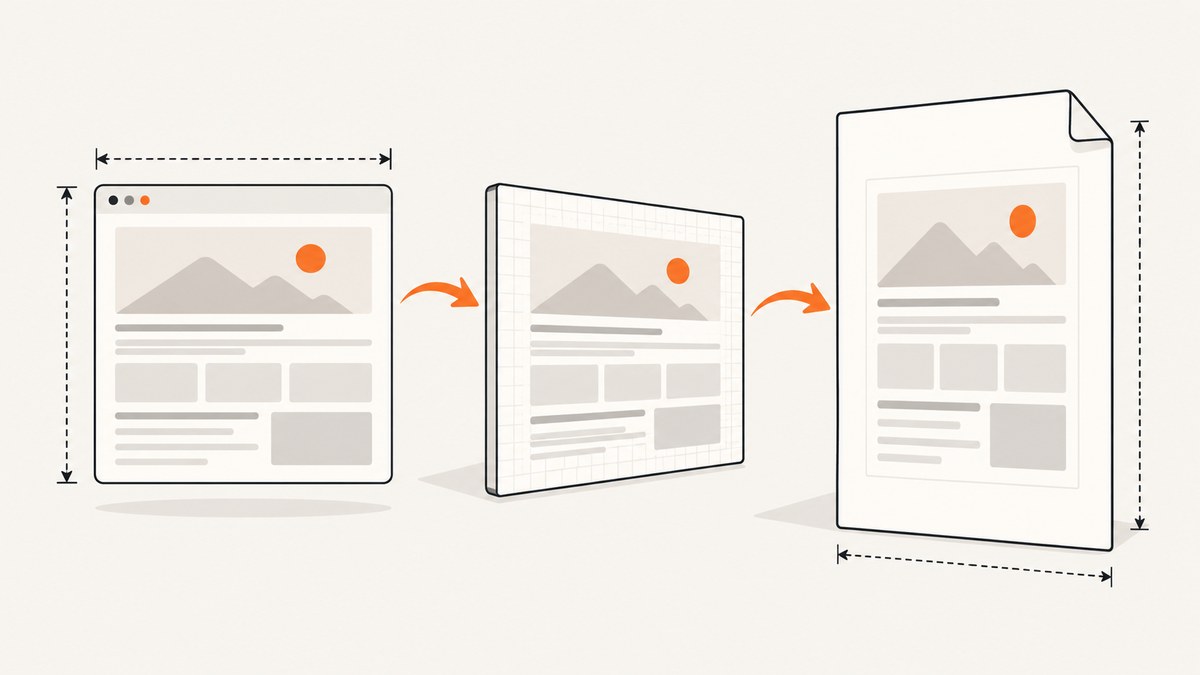
To create one PDF page whose height fits captured HTML, render the element with html2canvas, choose the PDF width, derive the height from the canvas aspect ratio, and pass a numeric format array to jsPDF. Keep the units separate: the canvas is measured in pixels, while jsPDF uses the unit you configure, such as millimeters or points.
How the calculation works
The proportional relationship is:
pdfHeight = pdfWidth * (canvasHeight / canvasWidth)If you use margins, calculate the image height from the usable width, then add the top and bottom margins to the page height:
usableWidth = pageWidth - leftMargin - rightMargin
imageHeight = usableWidth * (canvas.height / canvas.width)
pageHeight = topMargin + imageHeight + bottomMargin
The values in format: [width, height] use jsPDF’s configured unit. A canvas width of 1200 pixels is not 1200 millimeters.
Complete browser example: one custom-height page
This example captures #content, accounts for its full scroll dimensions, and creates a single PNG-backed PDF page.
<!doctype html>
<html lang="en">
<head>
  <meta charset="utf-8">
  <title>Dynamic PDF height</title>
  <script src="https://cdnjs.cloudflare.com/ajax/libs/jspdf/2.5.1/jspdf.umd.min.js"></script>
  <script src="https://cdnjs.cloudflare.com/ajax/libs/html2canvas/1.4.1/html2canvas.min.js"></script>
  <style>
    #content { width: 900px; padding: 32px; background: white; color: #111; }
  </style>
</head>
<body>
  <article id="content">
    <h1>Report</h1>
    <p>Any amount of rendered HTML can go here.</p>
  </article>
  <button id="download">Download PDF</button>

  <script>
    document.querySelector('#download').addEventListener('click', async () => {
      const element = document.querySelector('#content');
      if (!element) throw new Error('Content element was not found');

      // Wait for images and fonts that affect layout.
      await document.fonts.ready;
      await Promise.all([...element.querySelectorAll('img')].map(img => {
        if (img.complete) return Promise.resolve();
        return new Promise(resolve => {
          img.addEventListener('load', resolve, { once: true });
          img.addEventListener('error', resolve, { once: true });
        });
      }));

      const canvas = await html2canvas(element, {
        windowWidth: element.scrollWidth,
        windowHeight: element.scrollHeight,
        scale: 1,
        backgroundColor: '#ffffff',
        useCORS: true,
      });

      const pageWidth = 210; // millimeters
      const margin = 10;
      const usableWidth = pageWidth - margin * 2;
      const imageHeight = usableWidth * (canvas.height / canvas.width);
      const pageHeight = imageHeight + margin * 2;

      const { jsPDF } = window.jspdf;
      const pdf = new jsPDF({
        orientation: 'portrait',
        unit: 'mm',
        format: [pageWidth, pageHeight],
      });

      const image = canvas.toDataURL('image/png');
      pdf.addImage(image, 'PNG', margin, margin, usableWidth, imageHeight);
      pdf.save('content.pdf');
    });
  </script>
</body>
</html>
The custom size is the numeric array passed to format. See the jsPDF API documentation for supported units, orientation, formats, and page methods.
Choosing the render dimensions
Use the element’s scroll size
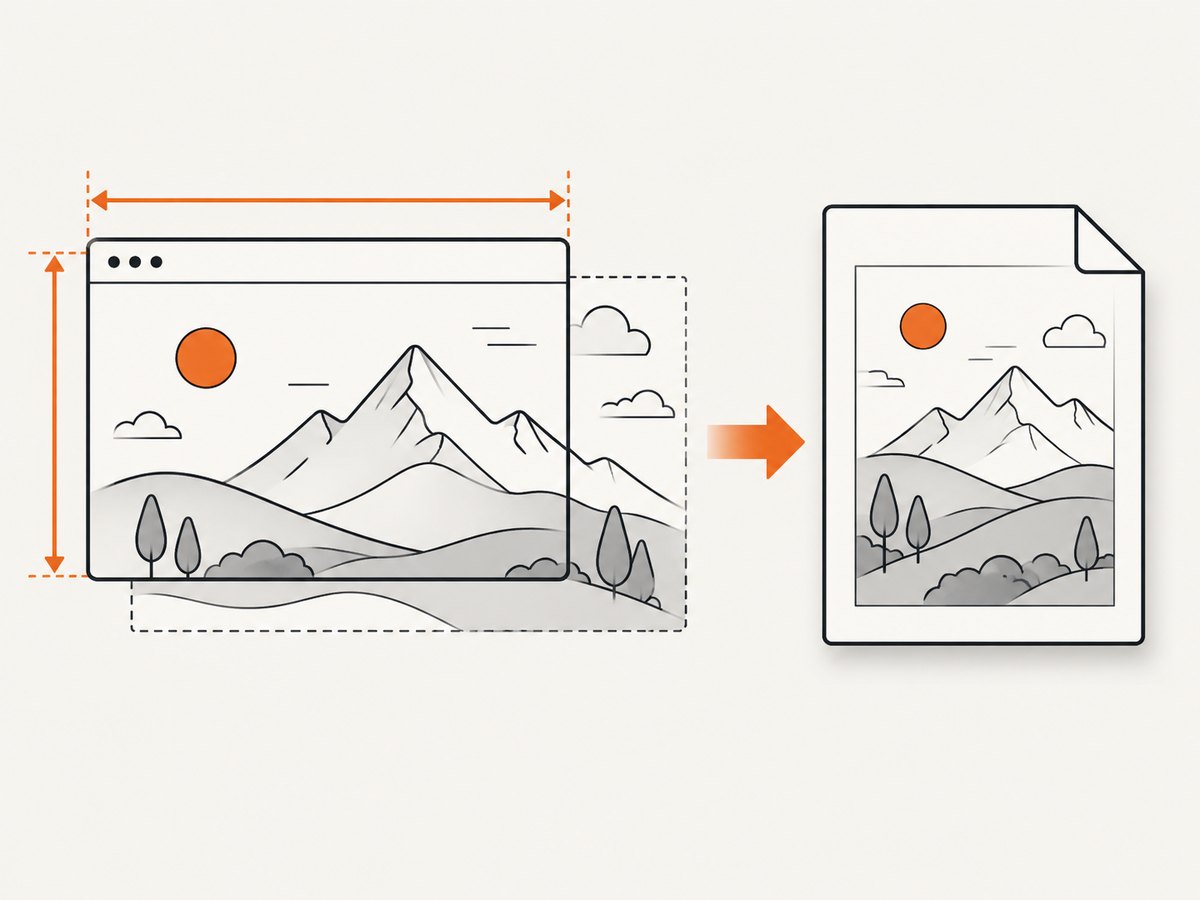
A visible element can be shorter than its content. Setting windowWidth and windowHeight from scrollWidth and scrollHeight helps html2canvas render the complete region:
const canvas = await html2canvas(element, {
  windowWidth: element.scrollWidth,
  windowHeight: element.scrollHeight,
  scale: 1,
});
Control pixel density with scale
scale: 1 makes dimensions easier to reason about and uses less memory. A higher scale can improve detail but multiplies the canvas width, height, and pixel area. Recalculate the PDF dimensions from the resulting canvas; never assume the scale is one.
Preserve the intended layout
Set a stable width on the capture region. Responsive breakpoints can change the canvas aspect ratio if the browser viewport differs from the layout used on screen. Hide controls and apply print-specific styles before calling html2canvas when necessary.
Margins, landscape, and other page units
For points, choose a width in points and set unit: 'pt'. For landscape output, make the chosen page width the long dimension or set orientation: 'landscape'; the custom array still contains the two dimensions in the configured unit.
const pageWidth = 595.28; // A4 width in points
const left = 28.35;       // 10 mm in points
const right = 28.35;
const top = 28.35;
const bottom = 28.35;
const usableWidth = pageWidth - left - right;
const imageHeight = usableWidth * canvas.height / canvas.width;
const pageHeight = top + imageHeight + bottom;

const pdf = new jsPDF({
  unit: 'pt',
  format: [pageWidth, pageHeight],
});
pdf.addImage(canvas.toDataURL('image/png'), 'PNG', left, top, usableWidth, imageHeight);
When one very tall page is the wrong format
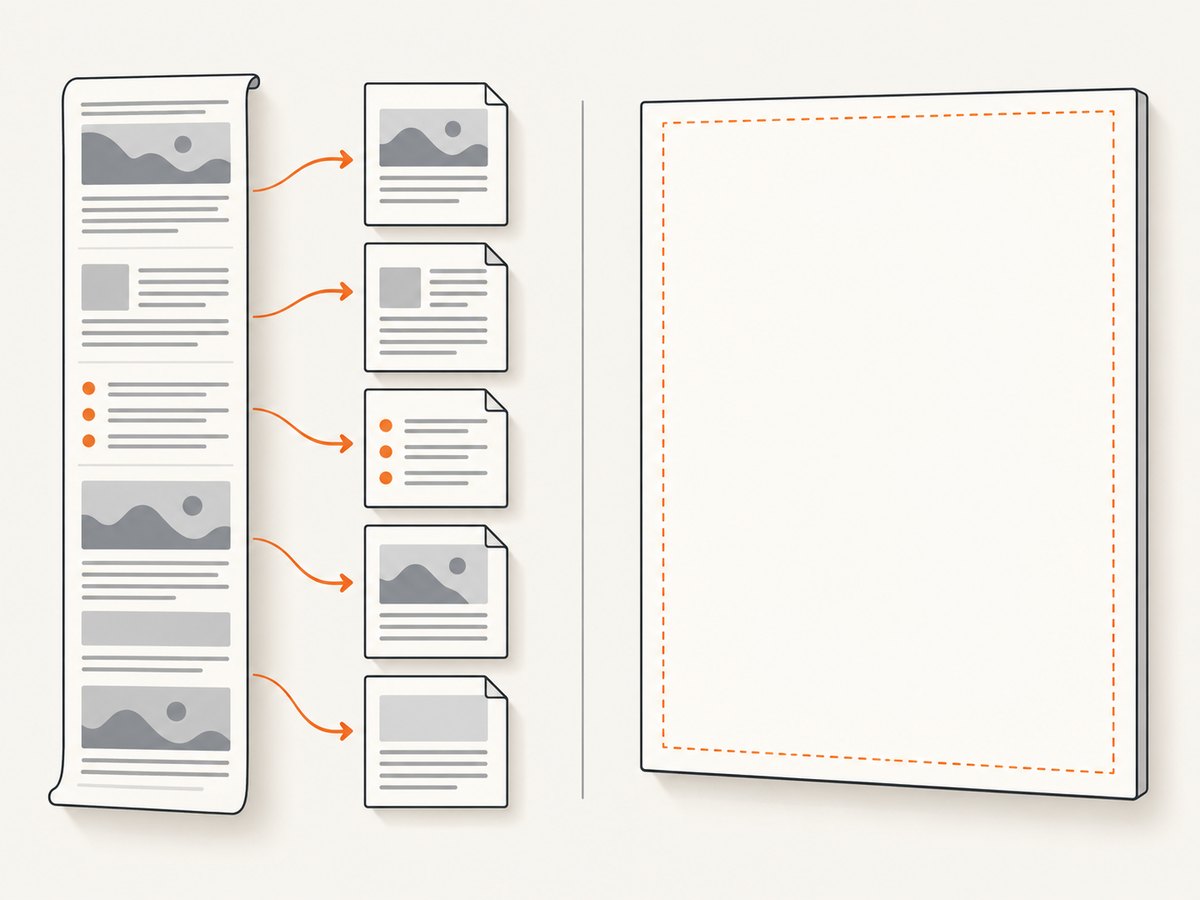
A single page is a raster image. Text is not selectable, accessibility metadata is not preserved, and reducing a long page to fit a viewer or printer can make text difficult to read. Large canvases can also be blank or partial because browser dimension and total-area limits vary. The html2canvas FAQ describes these limits and recommends breaking large content into smaller captures when needed.
Use normal pagination when readers need printed pages, selectable text, predictable breaks, or a document that may become very tall. jsPDF’s HTML workflow documents page-break controls; see its HTML module documentation.
Section-by-section capture
const sections = [...document.querySelectorAll('.pdf-section')];
const { jsPDF } = window.jspdf;
const pdf = new jsPDF({ unit: 'mm', format: 'a4' });

for (let i = 0; i < sections.length; i++) {
  const canvas = await html2canvas(sections[i], { scale: 1, useCORS: true });
  if (i) pdf.addPage();
  const width = 190;
  const height = width * canvas.height / canvas.width;
  pdf.addImage(canvas.toDataURL('image/png'), 'PNG', 10, 10, width, height);
}
pdf.save('sections.pdf');
Cross-origin images and styling limits
Images hosted on another origin require that the image server allow CORS. Set useCORS: true only when the server sends suitable headers; otherwise use a same-origin proxy or replace the asset. The browser’s cross-origin policy still applies.
html2canvas reconstructs the page from DOM and CSS rather than taking a native browser print snapshot. CSS support is incomplete because properties must be implemented individually. Validate the exact fonts, filters, positioned elements, and backgrounds your document uses, and provide a capture-specific layout if necessary.
Common errors and fixes
| Symptom | Cause | Fix |
|---|---|---|
| Bottom of the content is cut off | The render used the visible box dimensions. | Pass element.scrollWidth and element.scrollHeight as windowWidth and windowHeight. |
| Blank or partly blank PDF | The canvas exceeded a browser’s dimension or area limit. | Lower scale, reduce the capture width, or capture sections and paginate. |
| Remote images are missing | CORS headers are absent or the image request is blocked. | Enable server CORS and useCORS, use a proxy, or host the image on the same origin. |
| Fonts or layout shift after capture | Web fonts or images were still loading. | Await document.fonts.ready and image load events before rendering. |
| Output looks different from the page | Unsupported CSS or a different viewport triggered responsive styles. | Set a stable capture width and use print/capture CSS for unsupported styles. |
html2canvas is not defined |
The library script was not loaded before the capture code. | Load html2canvas first, check the URL, and run code after the document is ready. |
| It fails in Node.js | html2canvas requires window, document, and computed styles. |
Run it in a browser, or use browser automation such as Puppeteer or Playwright for server-side rendering. |
Performance and reliability checklist
- Capture only the required element instead of the entire document.
- Use
scale: 1first; increase it only when output quality requires it. - Wait for fonts and images, and give failed image loads a bounded outcome.
- Split long reports before approaching browser canvas limits.
- Keep the source width stable so responsive CSS does not change page height unexpectedly.
- For repeated exports, cache already-rendered assets and avoid rendering hidden or duplicate DOM trees.
- Inspect the generated PDF at its normal reading size, not only zoomed in.
Or skip the browser setup
ScreenshotNeo provides a single-request screenshot or PDF API, with options for full-page capture, lazy-loaded images, custom CSS and JavaScript, waiting for selectors or network idle, device and viewport settings, and PDF paper size, margins, orientation, and page ranges. Cookie and consent banners, newsletter popups, and chat widgets are removed before the shot. Bot checks, blank pages, timeouts, failed loads, and cache hits are not billed, and the response identifies the verdict and billing status.
cURL:
curl -G "https://api.screenshotneo.com/v1/shot" \
  -d access_key=YOUR_API_KEY \
  --data-urlencode url=https://stripe.com \
  -o shot.webp
Python:
import requests

r = requests.get(
    "https://api.screenshotneo.com/v1/shot",
    params={"access_key": "YOUR_API_KEY", "url": "https://stripe.com"},
    timeout=90,
)
r.raise_for_status()
open("shot.webp", "wb").write(r.content)
Node.js:
const q = new URLSearchParams({ access_key: 'YOUR_API_KEY', url: 'https://stripe.com' });
const res = await fetch(`https://api.screenshotneo.com/v1/shot?${q}`);
if (!res.ok) throw new Error(`Screenshot failed: ${res.status}`);
const buffer = Buffer.from(await res.arrayBuffer());
require('fs').writeFileSync('shot.webp', buffer);
See the ScreenshotNeo API documentation for PDF parameters and the other capture options. Its MCP server lets Claude, Cursor, and other MCP clients call take_screenshot, get_page_info, and capture_pdf. The Free plan includes 1,000 shots per month with no card; paid plans start at $5 for 3,000 shots. Create a free ScreenshotNeo account.
FAQ
Can I make the page height equal the canvas height?
Only after converting units. Derive the PDF height from the canvas aspect ratio using the PDF width in jsPDF units.
Does a custom-height PDF contain selectable text?
No. The one-page method embeds a rasterized canvas image. Use a paginated HTML/PDF workflow when selectable text or accessibility is required.
Why does increasing scale sometimes make the result worse?
Scale increases pixel dimensions and memory use. A very large canvas can hit browser limits and become blank or partial.
Can html2canvas render a page directly on a server?
No. It depends on browser APIs. Use a browser runtime or server-side browser automation for Node.js workloads.


