Ecommerce Web Scraping: Prices, Catalogs, and Staying Unblocked
Build a maintainable ecommerce price and catalog monitor: choose an authorized data source, capture variants and offers correctly, and keep requests bounded.
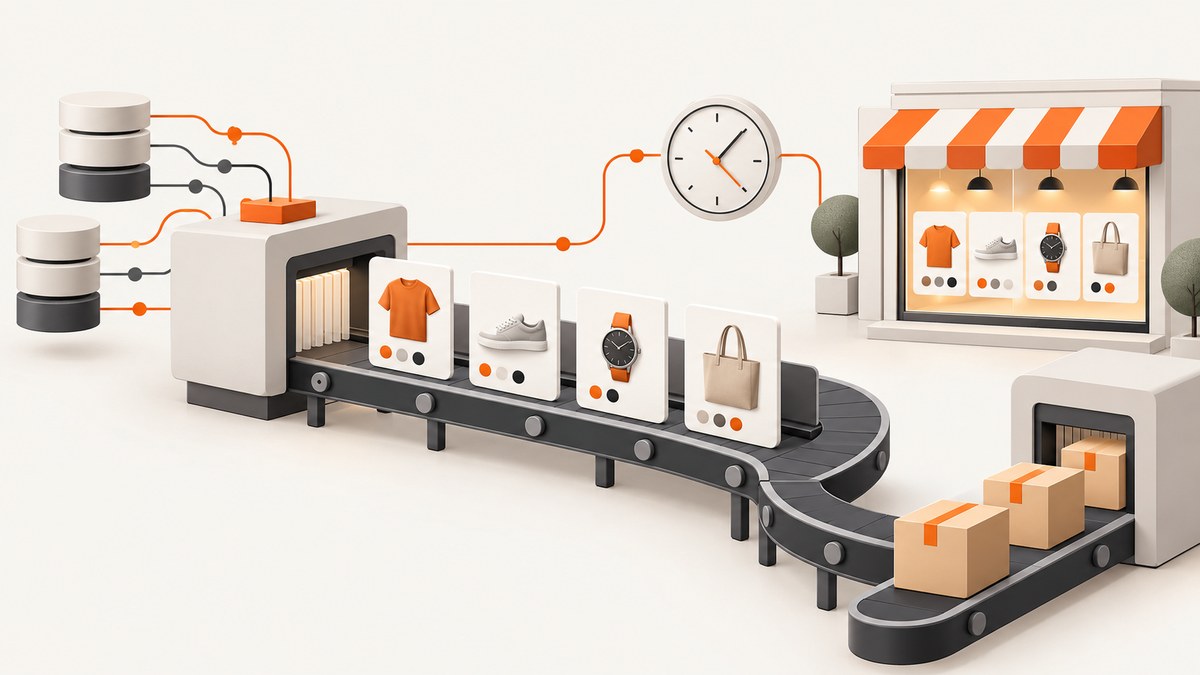
Ecommerce scraping means collecting product or offer data from an online store. For a price or catalog monitor, start with a merchant-authorized API, feed, or export when one is available and covers your use. If you are permitted to access public pages, use a simple HTTP client and HTML parser when the needed fields are in the returned markup; use browser automation when permitted content appears only after normal JavaScript rendering or interaction. If a site challenges, blocks, or prohibits your collection, stop and ask for permission or a documented access route. Do not try to defeat the restriction.
A dependable system records more than a number. Store the product or variant, seller or offer, currency, availability, source, and observation time with each price. Then refresh only the URLs you need, at a rate appropriate to your use and the site’s rules. This guide walks through source selection, a small static-page collector, browser rendering, data modeling, load control, legal limits, and troubleshooting.
1. Define the data you need
“Track this product’s price” can mean different things: the price for one size, the lowest offer across sellers, a sale price in a particular market, or stock availability. Decide what a comparable observation means before collecting anything. Otherwise, two valid prices for different variants, sellers, currencies, or regions can look like a price change when they are not.
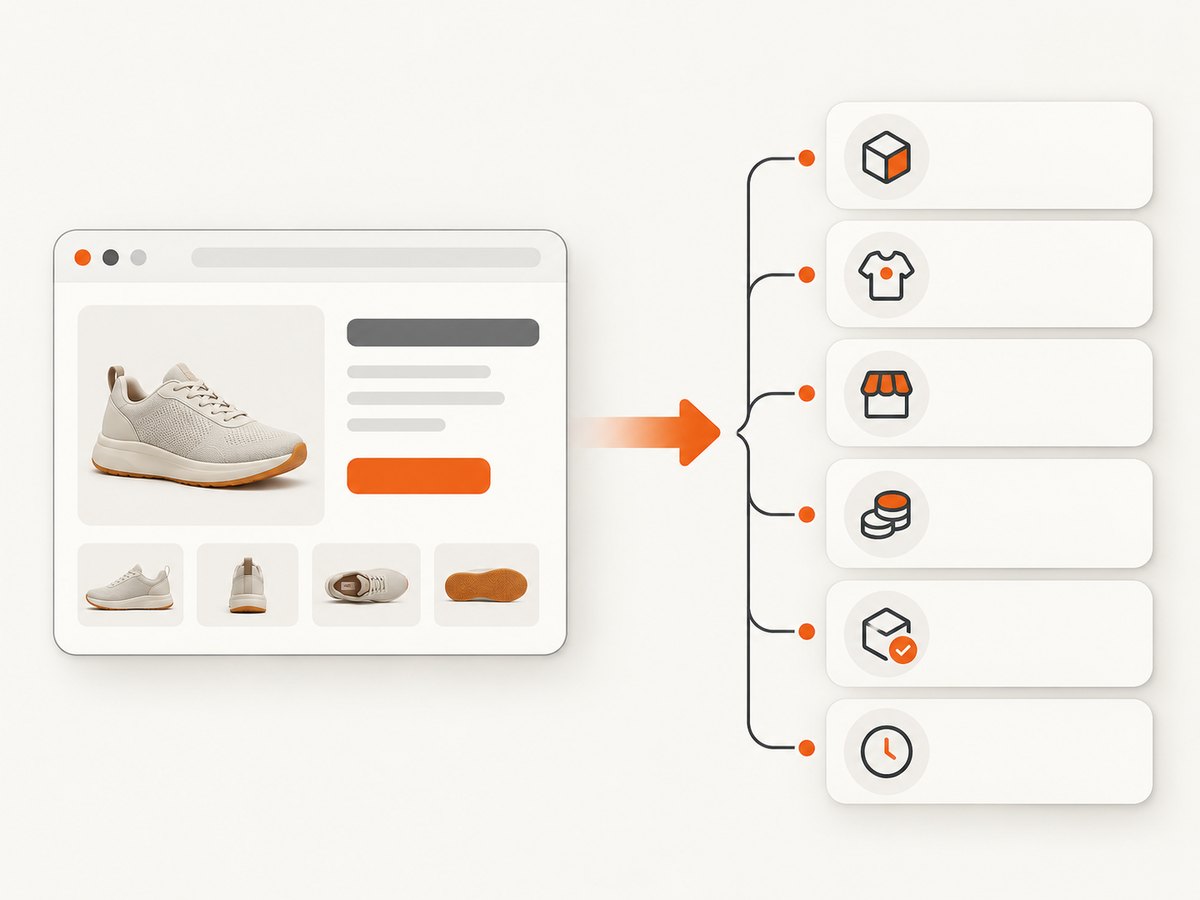
| Field | Why to keep it |
|---|---|
| Product identifier or SKU | Connect observations to the same catalog item when legitimately available. |
| Variant and options | Separate sizes, colors, pack counts, and other purchasable choices. |
| Seller or offer | Distinguish marketplace offers for the same product. |
| Currency and displayed price | Prevent unlike currencies or price types from being compared as one value. |
| Availability text | Keep the store’s stated stock or availability alongside the price. |
| Source URL and observed-at UTC | Show where and when the observation was made. |
| Retrieval result and parser version | Help explain missing fields and changes after markup updates. |
Keep catalog attributes such as title and model separate from volatile offer attributes such as price, stock, seller, and promotion. A single observation is not current truth indefinitely. Timestamp displayed prices and choose a refresh interval based on the decision the data supports.
2. Choose the least complex authorized source
Check feeds, exports, and APIs first
Ask the merchant whether it offers a product feed, export, or API for your intended purpose. Use only the fields and reuse rights the merchant grants. Shopify, for example, documents a Catalog discovery route for eligible products and describes attributes such as title, options, price, and availability. Its API terms separately restrict scraping and systematic automated collection through the API and limit use to granted permissions. Those are Shopify-specific conditions; they should not be generalized to other platforms. Read the applicable provider’s own documentation and contract. Shopify Catalog documentation · Shopify API terms.
An authorized feed is often simpler to maintain than page parsing because it can expose structured product and variant fields directly. Check how often it updates, which markets it covers, and whether the terms allow your monitoring and downstream use. Do not assume an API key is blanket permission for every collection or indexing purpose.
Use direct page parsing only where allowed
If the site permits access and the required information is present in the HTML response, a regular HTTP request plus an HTML parser is usually enough. Keep the first run small: use a few known product URLs, inspect the returned markup, identify stable selectors, and confirm that you have captured the intended variant and currency.
The following Python example demonstrates the mechanics on a page you control or are authorized to access. It deliberately uses a placeholder URL and placeholder selectors; replace them with selectors from that permitted page. It does not discover products, handle login, bypass challenges, or infer permission.
from datetime import datetime, timezone
import json
import requests
from bs4 import BeautifulSoup

PRODUCT_URL = "https://shop.example/products/sample"
HEADERS = {"User-Agent": "CatalogMonitor/1.0 (contact: ops@example.com)"}

response = requests.get(PRODUCT_URL, headers=HEADERS, timeout=(5, 20))
response.raise_for_status()
soup = BeautifulSoup(response.text, "html.parser")

def text_or_none(selector):
    node = soup.select_one(selector)
    return node.get_text(" ", strip=True) if node else None

record = {
    "source_url": response.url,
    "title": text_or_none("h1"),
    "variant": text_or_none("[data-product-variant]"),
    "seller": text_or_none("[data-seller]"),
    "currency": text_or_none("[data-currency]"),
    "displayed_price": text_or_none("[data-price]"),
    "availability": text_or_none("[data-availability]"),
    "observed_at": datetime.now(timezone.utc).isoformat(),
    "retrieval": "http_html",
    "parser_version": "1"
}
print(json.dumps(record, ensure_ascii=False))
Install the dependencies with python -m pip install requests beautifulsoup4. A selector returning null should remain a missing field or trigger review; do not silently substitute a price from another variant. For production, validate required fields and store the response status and parser version with the observation.
3. Decide whether browser rendering is necessary
Some storefronts fill product details with client-side JavaScript. If the permitted HTTP response does not contain the fields, browser automation can render the page and read the resulting DOM. It adds browser startup, rendering time, more dependencies, and selectors that can break as the page changes. Use it only when a simpler permitted retrieval method cannot provide the needed data. Playwright is one browser automation option; it does not grant authorization to access a page. See the Playwright Python documentation.
For a small authorized diagnostic, install Playwright and its Chromium browser using the documented installation flow, then adapt this example to a page you control. The example waits for a product heading and reads a visible price selector; replace the selectors with the target page’s actual markup.
# python -m pip install playwright
# playwright install chromium
from playwright.sync_api import sync_playwright

url = "https://shop.example/products/sample"
with sync_playwright() as p:
    browser = p.chromium.launch()
    page = browser.new_page()
    page.goto(url, wait_until="domcontentloaded", timeout=30000)
    page.locator("h1").wait_for(timeout=10000)
    title = page.locator("h1").inner_text()
    price = page.locator("[data-price]").first.inner_text()
    print({"url": page.url, "title": title, "displayed_price": price})
    browser.close()
Use a specific readiness condition for the data you need rather than waiting an arbitrary long time on every page. If a page only reveals a field after an ordinary user action, automate that interaction only when it is permitted. A login wall, CAPTCHA, bot check, or explicit denial is a stop signal, not an invitation to work around access controls.
4. Keep collection narrow and predictable
Begin with a fixed list of product pages or a permitted sitemap/feed. Deduplicate URLs and product identifiers, and avoid crawling every combination of search filters, sorts, and pagination. A page with combined filters or uncached results can cost the storefront more than a typical product page; repeated requests to those patterns can create material aggregate load even if each request is spaced out. Salesforce’s bot guidance emphasizes understanding the cost of page paths and controlling traffic. Salesforce: Bot Mitigation Best Practices for Flash Sales.
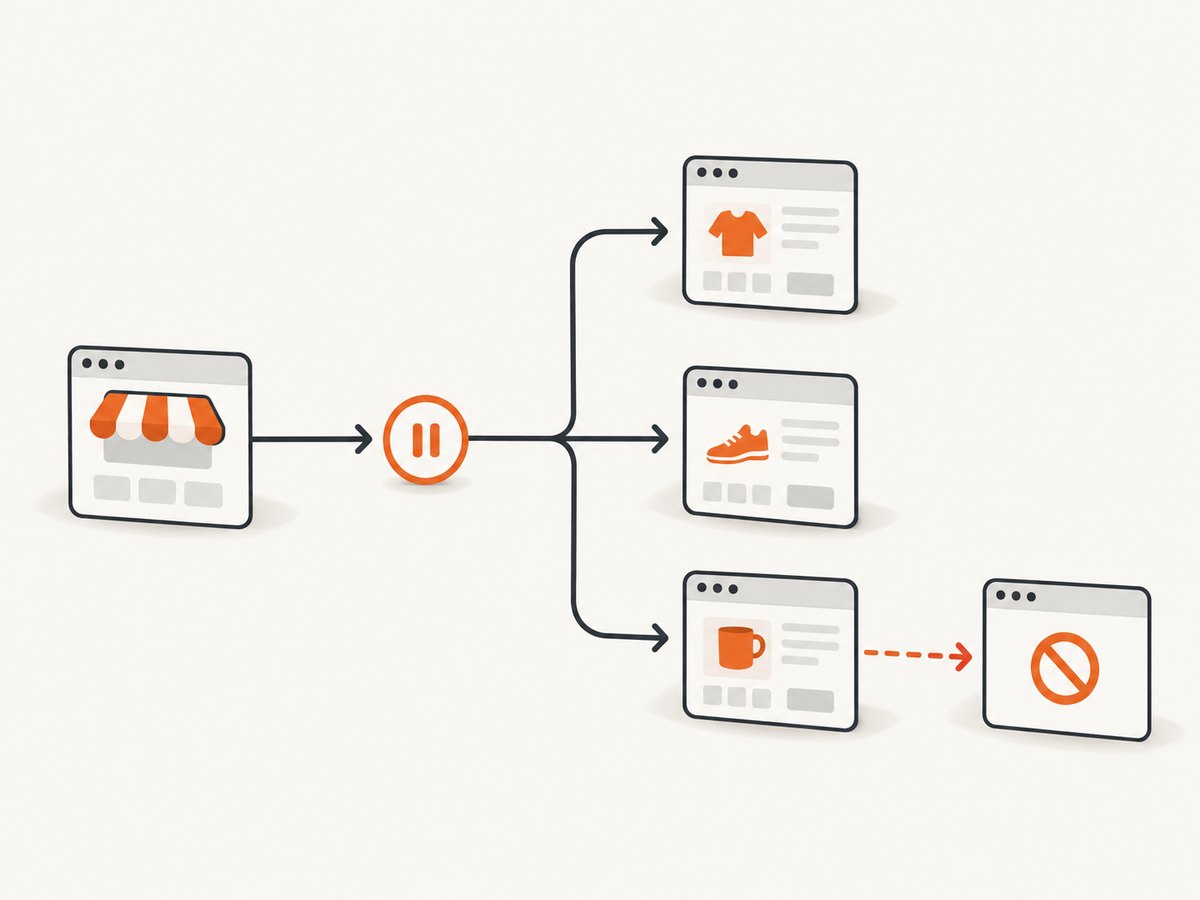
- Set a conservative request rate and a connection/read timeout.
- Retry only transient failures, with a small retry limit and backoff; do not loop on denial or challenge responses.
- Use incremental refreshes when only a subset of products may have changed.
- Cache responses only when the site’s rules and your intended use allow it.
- Keep a stop switch and log status codes, timestamps, and parser failures.
- When the site signals that collection is not allowed or asks you to stop, stop and seek a permitted route.
A polite interval does not automatically make an expansive crawl harmless. Scope the URL set, avoid needless fan-out, and account for the total load your collector creates. Reliability comes from making fewer, better-targeted requests and noticing when a page’s structure changes—not from trying to make collection invisible.
5. Interpret robots.txt and legal limits correctly
Check https://the-store.example/robots.txt for the publisher’s crawler instructions and follow the rules applicable to your crawler. But robots.txt is advisory: it does not authenticate you, secure a page, or grant permission for paths it allows. Conversely, a disallowed URL may still be discoverable. Google’s explanation warns against using robots.txt to hide pages, and RFC 9309 defines the Robots Exclusion Protocol as rules crawlers are requested to honor, not an access-control mechanism. Google’s robots.txt guide · RFC 9309.
There is no blanket legal answer for ecommerce scraping. In hiQ Labs v. LinkedIn, the Ninth Circuit considered a specific dispute about publicly viewable profile data and authorization under the CFAA. The DOJ Justice Manual says prosecution under that statute may not rest solely on violating a contractual access restriction or terms of service for a generally available public website. Neither source resolves every contract, civil claim, copyright, privacy, database-right, or non-U.S. issue. Ninth Circuit opinion · DOJ Justice Manual: CFAA.
Before collection, review the target’s terms and API license, authentication and access controls, robots.txt, privacy and intellectual-property issues, intended data use, and relevant geography. If the project is commercial, large scale, or involves personal or restricted data, seek jurisdiction-specific legal advice. Treat this as a practical checklist, not a legal determination.
6. Validate observations and handle change
Price pages change. A selector may start matching a crossed-out list price, a default variant, a recommendation card, or nothing at all. Validate records before they enter a comparison or alert pipeline.
- Check identity. Confirm the URL and product/variant identifier still describe the expected item.
- Check value shape. Parse price and currency separately where possible. Keep the raw displayed text for investigation.
- Check availability. Store the displayed status rather than converting ambiguous text into a confident in-stock flag.
- Check timestamps. Use UTC and distinguish collection time from any time shown by the merchant.
- Quarantine surprises. If a required selector disappears or produces an implausible value, mark the observation for review rather than emitting a false price-change alert.
Keep a parser version or source markup sample according to your retention policy. That makes it easier to tell a real price movement from a markup change. When comparison output is shown to people, state the observation time and the merchant/source; do not present a stale scrape as a live quote.
7. Troubleshooting
| Symptom | Likely cause | Safer fix |
|---|---|---|
| HTTP 403, 429, CAPTCHA, or bot check | The store is denying or limiting automated access. | Stop retries. Check permission and published access routes; request authorization or use an approved feed/API. |
| Timeout or intermittent 5xx | Network or server problem, slow page, or overloaded path. | Bound retries with backoff for transient errors only, reduce scope and rate, and record the failure. Do not hammer the URL. |
| HTTP parser finds no price | The page may render data with JavaScript, selectors changed, or the selected product lacks a displayed price. | Inspect permitted response markup and selector matches. Use browser rendering only if needed and permitted; otherwise flag the record. |
| Browser wait never completes | The chosen selector is absent, an expected interaction is needed, or the page is blocked. | Use a field-specific wait and a bounded timeout. Verify the page state. Treat a challenge or denial as a stop condition. |
| Wrong price or false alert | Variant, seller, currency, or sale/list price was mixed up. | Capture context fields, retain raw price text, and validate variant identity before comparing observations. |
| Too many requests or high load | Duplicate URLs, broad filter combinations, or full recrawls. | Deduplicate, narrow discovery, refresh incrementally, and pause when the store signals a limit. |
8. Compare collection approaches
| Approach | Use when | Trade-off |
|---|---|---|
| Merchant feed/export | The merchant offers one for your intended use. | Check field coverage, update cadence, and reuse terms. |
| Authorized API | Its permissions and endpoints cover the fields and purpose. | Read provider-specific limits; API access does not imply permission for systematic indexing. |
| HTTP plus HTML parser | Permitted pages expose the fields in returned markup. | Lightweight, but markup changes require maintenance. |
| Browser automation | Permitted data appears only after normal browser rendering. | More setup and runtime cost; selectors and page behavior need maintenance. |
Compare choices by permission, field and variant coverage, freshness and history, geography and seller coverage, maintenance effort, storefront request load, markup stability, and cost or usage limits. The sources here do not establish a performance benchmark or price comparison among scraping vendors, so test a permitted small sample and estimate from your own scope.
9. Capture a visual record when useful
Structured fields answer “what price did the parser record?” A screenshot can help answer “what did the page look like at that observation?” Use visual evidence for internal QA or audit trails when appropriate; it complements extracted data and does not replace permission checks or field validation.
Or skip the browser setup
For a visual capture, ScreenshotNeo is a website screenshot API and MCP server. One GET request returns a screenshot or PDF. Cookie banners, popups, and chat widgets are removed before the shot; bot checks, blank pages, and failed loads are never billed. AI agents can use its MCP server. It includes 1,000 screenshots a month free with no card; paid plans start at $5 for 3,000. This is for capturing page evidence, not extracting a product catalog. See the ScreenshotNeo API docs.
curl -G "https://api.screenshotneo.com/v1/shot" -d access_key=YOUR_API_KEY --data-urlencode url=https://stripe.com -o shot.webpCreate a free ScreenshotNeo account: 1,000 screenshots a month, no card.
FAQ
Can I scrape every product page if it is publicly visible?
Public visibility alone does not settle permission, terms, privacy, or other legal questions. Check the merchant’s rules and use an authorized route.
Does robots.txt tell me whether a page is private?
No. It communicates crawler instructions; it is not authentication or a security boundary.
Should I use a browser for every product?
No. Use browser automation only when the permitted fields require browser rendering. Otherwise it adds setup and maintenance without solving an access-permission question.
How often should a price monitor refresh?
Choose a cadence that serves the decision, respects the site’s instructions, and avoids unnecessary load. Store an observation timestamp so consumers can judge freshness.
Can a screenshot prove the price was accurate?
It can preserve visual context for a capture, but it does not by itself prove that the selected variant, seller, currency, or parsed data is correct.


