How to Embed and Extract Arbitrary Data in a PDF
Learn how PDF attachments, associated files, metadata, and internal streams differ, with Python examples for embedding and extracting data safely.
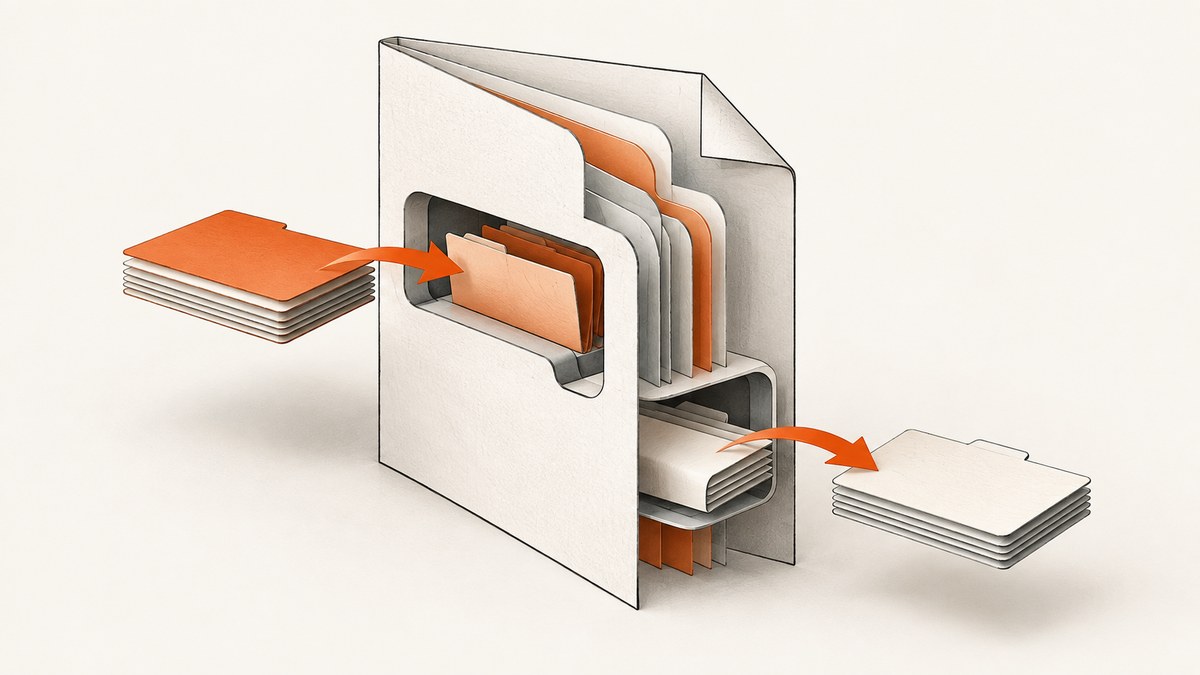
Direct answer: To embed arbitrary data in a PDF, store it as an embedded file stream referenced by a file specification. A document-level attachment is indexed in the catalog’s EmbeddedFiles name tree; a page attachment uses a file-attachment annotation. For object-specific payloads, use Associated Files. To extract conventional attachments, enumerate the PDF’s attachment collection and write each embedded stream to disk. Do not treat every byte stream in a PDF as an attachment: images, fonts, content streams, and ICC profiles are different PDF objects.
What “arbitrary data” means in a PDF
A PDF is a graph of typed objects. A file you attach is normally represented by two related structures:
- An embedded file stream containing the payload bytes, such as JSON, CSV, ZIP, XML, or a binary file.
- A file specification describing the file name and pointing to that stream.
The file specification can be registered document-wide in the catalog’s EmbeddedFiles name tree, or associated with a location on a page through a file-attachment annotation. Adobe’s PDF Reference documents file specifications and embedded file streams.
These structures are different from other PDF data:
| Structure | Scope | Typical purpose | Usually visible to readers? |
|---|---|---|---|
| Document-level embedded file | Entire document | Downloadable attachment | Yes, in an attachments panel |
| Page attachment annotation | One page/location | Paperclip-style attachment | Usually yes |
Associated File (/AF) |
A page, image, or other PDF object | Machine-readable semantic relationship | Depends on the reader |
| XMP metadata | Document metadata | Small descriptive properties | Sometimes |
| Image XObject or content stream | Page rendering | Visible page content | Rendered, not an attachment |
The PDF Association explains that files, 3D assets, rich media, and other payloads can be represented through different structures, so an attachment list is not a universal inventory of every file-like object in a PDF. See Files inside PDF.
Choose the right PDF structure
Document-level attachments
Use a document-level attachment when a file belongs to the whole PDF: source data for a report, a machine-readable export, a checksum manifest, or a project archive. It is the closest match to “attach this file to the PDF.” The catalog’s Names dictionary contains an EmbeddedFiles name tree mapping a name to a file specification.

Page attachment annotations
Use a file-attachment annotation when the payload belongs to a page or a visual location. A reader can show a paperclip icon at that location. This is useful for attaching a spreadsheet to the chart it generated or a data file to a signed form page.
Associated Files
Associated Files use the /AF relationship to connect an embedded file with a PDF object. They are appropriate when software needs to know whether a payload is the source of an image, data behind a table, or another semantically related artifact. The PDF Association’s PDF 2.0 Application Note 002 describes this as a standardized, machine-readable relationship.
XMP metadata
Use XMP for small descriptive values such as an author, identifier, title, or processing timestamp. XMP is metadata, not a general-purpose file container. Adobe’s XMP specifications cover embedding XMP and reconciling it with non-XMP PDF properties.
Embed and extract attachments with Python
pikepdf 10.15.0 documentation exposes conventional attachments through Pdf.attachments. The mapping accepts file names as keys, and an attachment can be read with read_bytes(). The examples below follow that documented interface. Check the installed release before deploying because imports and save behavior can change.
Install pikepdf
python -m pip install pikepdfExtract every document-level attachment
from pathlib import Path
import pikepdf

input_path = Path('input.pdf')
out_dir = Path('extracted')
out_dir.mkdir(exist_ok=True)

with pikepdf.Pdf.open(input_path) as pdf:
    for filename, attached_file in pdf.attachments.items():
        # Treat the PDF-provided name as untrusted input.
        safe_name = Path(str(filename)).name or 'attachment.bin'
        destination = out_dir / safe_name
        payload = attached_file.read_bytes()
        destination.write_bytes(payload)
        print(f'{safe_name}: {len(payload)} bytes')
Sanitize names before writing. A malicious name such as ../../config must not escape your output directory. Also decide what to do with duplicate names; a production extractor should generate unique names or preserve an index.
Add arbitrary bytes and save a new PDF
import pikepdf

payload = b'{"job_id":"A-1042","status":"complete"}'

with pikepdf.Pdf.open('input.pdf') as pdf:
    pdf.attachments['result.json'] = payload
    pdf.save('output.pdf')
This stores the bytes as an attachment named result.json. The pikepdf documentation states that adding an attachment also records its file specification in the catalog’s /AF array. If your workflow requires a particular Associated Files relationship such as Source or Data, inspect the generated object graph and use the library’s lower-level model APIs as appropriate.
Attach an existing file
from pathlib import Path
import pikepdf

source = Path('dataset.csv')
with pikepdf.Pdf.open('input.pdf') as pdf:
    file_spec = pikepdf.AttachedFileSpec.from_filepath(pdf, source)
    pdf.attachments[source.name] = file_spec
    pdf.save('with-dataset.pdf')
This route avoids loading a large source file into a Python bytes object first. Apply your own size limits and access controls before processing untrusted PDFs.
How to inspect a PDF when attachments are missing
- List conventional attachments through the library’s attachment API.
- Inspect page annotations for file-attachment annotations.
- Inspect object relationships for Associated Files and
/AF. - Inspect XMP separately if you are looking for descriptive metadata.
- Inspect image XObjects and other streams only when your goal is forensic or rendering analysis.
A displayed image is commonly an Image XObject. PDF creation software may rescale, recompress, or otherwise transform it, so extracting that stream may not reproduce the original image byte-for-byte. “How do I extract images from a PDF?” is therefore a different question from “How do I extract attachments from a PDF?”
Edge cases and safe production handling
Encrypted or password-protected PDFs
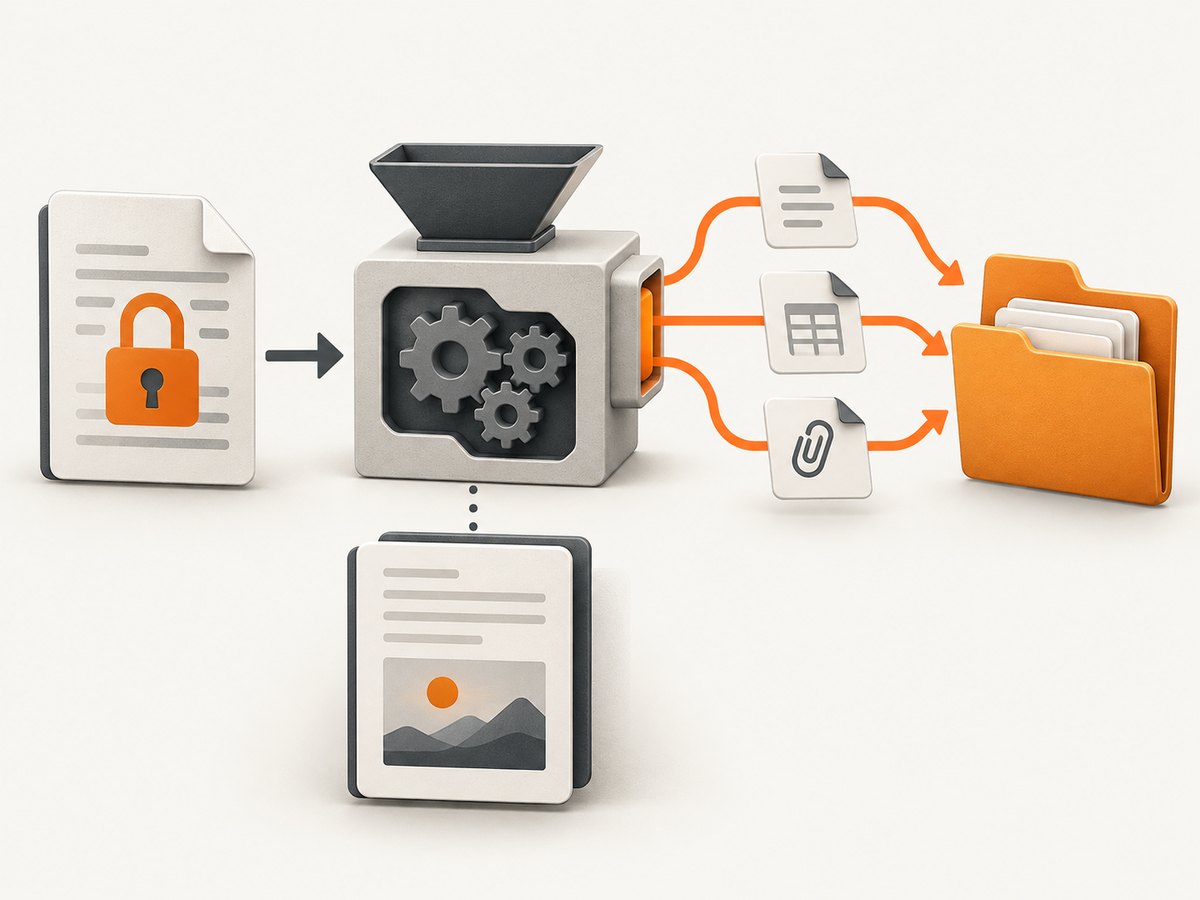
Open the document with the correct password and enforce a policy for PDFs that cannot be decrypted. Do not silently skip failures: record the file identifier and reason, while avoiding disclosure of secrets in logs.
Malformed PDFs
PDF parsers may reject broken cross-reference tables, invalid streams, or unsupported filters. Keep the original file, run parsing in an isolated worker, and set CPU, memory, and wall-clock limits. A successful viewer render does not guarantee that every object can be safely enumerated.
Duplicate names and path traversal
Attachment names are labels, not safe filesystem paths. Strip directory components, normalize Unicode if your environment requires it, and suffix collisions deterministically.
Digital signatures
Saving a modified PDF can invalidate a digital signature. Attachments can also be integral to signing workflows. pikepdf documents separate sanitization functions for removing attachments and external-access actions and warns against indiscriminate removal; see its sanitization documentation. Verify signatures after every modification.
PDF/A and archival conformance
Archival profiles impose restrictions on encryption, external references, metadata, and embedded content. Validate the target PDF/A profile after adding data instead of assuming that a readable PDF is conformant.
Incremental updates and forensic recovery
PDF incremental updates can leave earlier objects physically present after a later revision marks them deleted. A normal attachment panel may show only the latest state. Historical-payload recovery requires revision-aware forensic analysis and a defined chain of custody.
Performance, reliability, and cost considerations
- Memory: reading an attachment with
read_bytes()materializes it in memory. Stream or spool large payloads where your library and workflow allow it. - Throughput: avoid repeatedly opening the same PDF; parse once, enumerate the required structures, and write outputs in a controlled worker pool.
- Reliability: save to a temporary path, fsync or use an atomic rename where required, and retain a hash of each extracted payload.
- Trust boundaries: treat PDF files and attachment names as untrusted. Limit decompression, reject unexpected sizes, and scan extracted files before downstream use.
- Cost: CPU and storage costs are driven by PDF size, compression, encryption, and the number of streams. Image extraction can be more expensive than reading a small attachment because decoding may be required.
Troubleshooting
| Symptom | Likely cause | Fix |
|---|---|---|
pdf.attachments is empty |
The payload is a page annotation, Associated File, image, or metadata. | Inspect those structures separately; do not assume the name tree is complete. |
| Extracted image differs from the source | The PDF creator rescaled or recompressed the Image XObject. | Use the original asset if byte identity matters; treat extraction as a representation. |
| Save invalidates a signature | Any modification changes signed bytes. | Verify signatures before and after; use an approved signing workflow. |
| Output file overwrites another attachment | Two attachments share a display name. | Generate collision-safe names and preserve the original index. |
| Parser fails on a PDF viewers can open | Malformed objects, unsupported filters, or encryption. | Record the failure, provide credentials if authorized, and process in an isolated worker. |
| Archive validator rejects the result | The attachment or metadata violates a PDF/A profile. | Validate against the exact profile and adjust the embedding strategy. |
Or skip the browser setup
If your workflow also needs clean screenshots or rendered PDF pages for documentation, review, or an AI pipeline, ScreenshotNeo provides a single HTTP request. Cookie banners, newsletter popups, and chat widgets are removed before the shot. Bot checks, blank pages, timeouts, failed loads, and cache hits are not billed, and response headers identify the page verdict and billing status. Its MCP server gives Claude, Cursor, and other MCP clients take_screenshot, get_page_info, and capture_pdf tools.
See the ScreenshotNeo API documentation for all options. Basic request examples:
curl -G "https://api.screenshotneo.com/v1/shot" -d access_key=YOUR_API_KEY --data-urlencode url=https://stripe.com -o shot.webpimport requests
r = requests.get("https://api.screenshotneo.com/v1/shot", params={"access_key": "YOUR_API_KEY", "url": "https://stripe.com"}, timeout=90)
open("shot.webp", "wb").write(r.content)const q = new URLSearchParams({ access_key: 'YOUR_API_KEY', url: 'https://stripe.com' });
const res = await fetch(`https://api.screenshotneo.com/v1/shot?${q}`);ScreenshotNeo supports PNG, JPEG, WebP, and PDF output, plus full-page capture, element selectors, custom CSS and JavaScript, waits, blocking rules, headers, cookies, device presets, caching, signed links, asynchronous jobs, bulk capture, and usage reporting. The Free plan includes 1,000 screenshots each month with no card; paid plans start at $5 for 3,000 shots. Create a free ScreenshotNeo account.
FAQ
How do I embed a file in a PDF?
Create an embedded file stream, create a file specification for it, and register that specification in the document’s EmbeddedFiles name tree or an attachment annotation. A library such as pikepdf provides a higher-level attachment mapping.
How do I extract attachments from a PDF?
Enumerate the document-level attachment collection, call the attachment’s byte-reading method, and write each payload using a sanitized filename. Then inspect annotations and Associated Files if the collection is empty.
How do I add arbitrary data to a PDF?
For a downloadable payload, add an embedded file. For small descriptive values, use XMP metadata. For a payload tied to a page or object, use an Associated File relationship.
Can I recover files deleted in an earlier PDF revision?
Possibly, because incremental updates can leave old objects in the file. This is a forensic task requiring revision-aware tooling; ordinary reader attachment panels show the current logical state.


