How to Embed Images in PDFs with Pug, Node.js, and Headless Chrome
Embed local or remote images reliably in Pug-generated PDFs with Puppeteer, including waits, print options, troubleshooting, and a ScreenshotNeo shortcut.
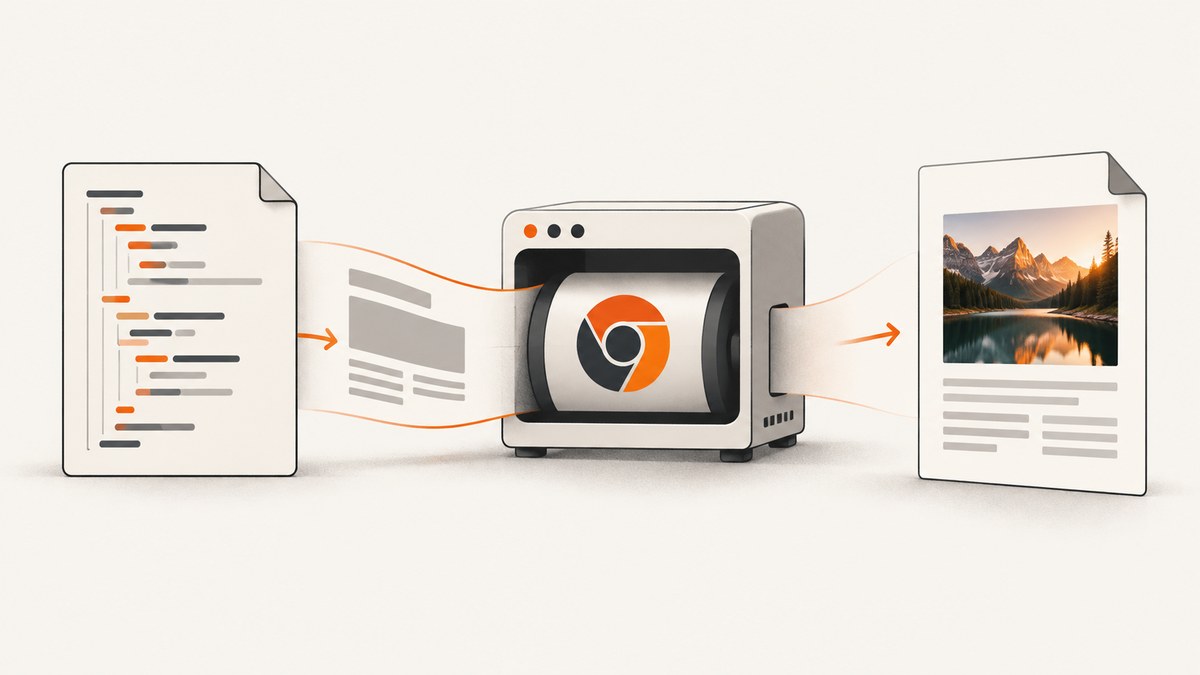
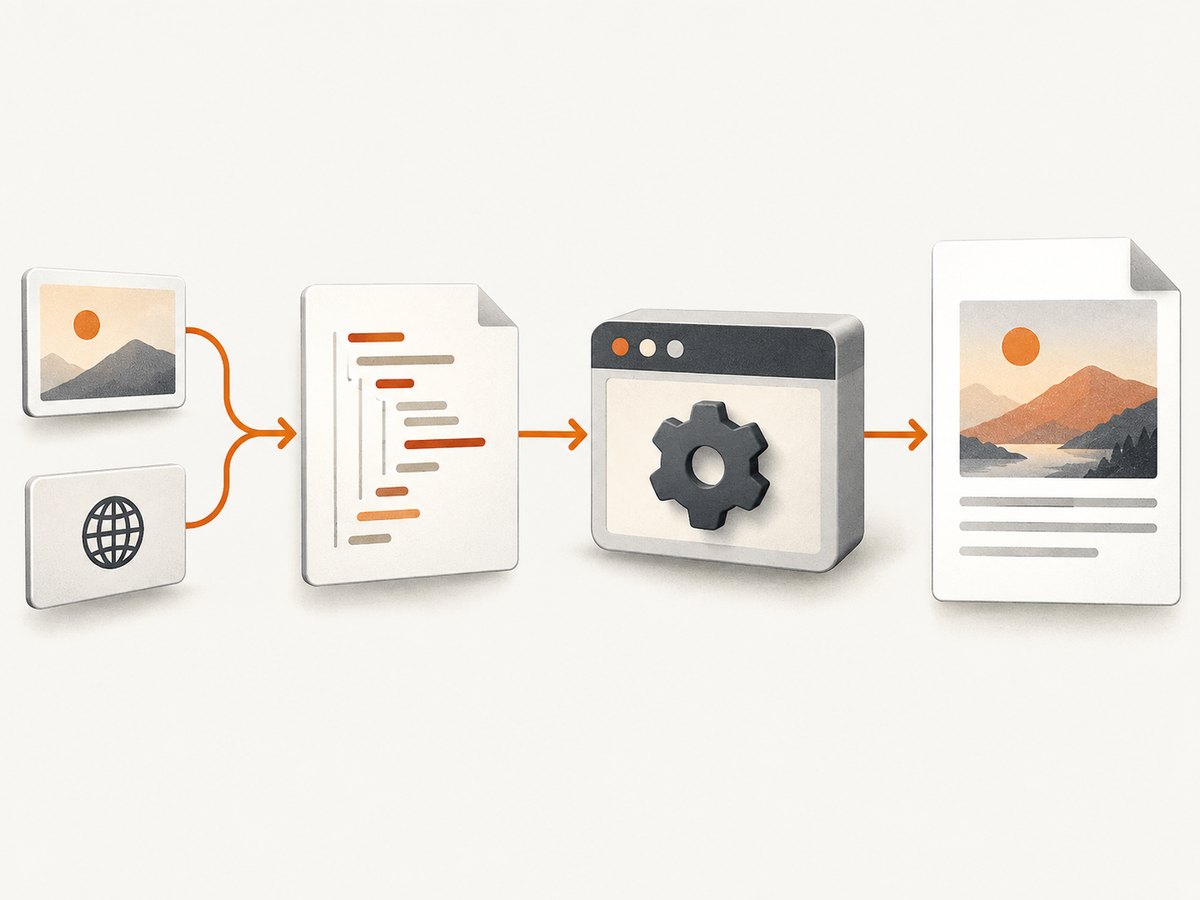
To embed images in a PDF made with Pug, put the image source in a Pug variable, render the template to HTML, load that HTML in Puppeteer, wait until fonts and images are ready, and then call page.pdf(). Pug creates markup; Chromium performs the rendering and PDF conversion. The source can be a Base64 data URI, a validated local file:// URL, a remote HTTPS URL, or a blob URL created in the page.
This guide builds a production-friendly Node.js pipeline, explains when each source strategy is appropriate, and maps the failures that make images disappear.
1. Install Pug and Puppeteer
Create a project and install the renderer and browser automation library:
mkdir pug-pdf && cd pug-pdf
npm init -y
npm install pug puppeteer
Use an ES module by setting "type": "module" in package.json, or convert the imports to CommonJS. Puppeteer downloads a compatible Chromium during installation. In a restricted build environment, provide a browser executable and pass its path to puppeteer.launch().
2. Complete example: local image as a data URI
A data URI makes the HTML self-contained. It is usually the most deterministic option for invoices, reports, and worker queues because Chromium does not need a second request while printing.
Template: templates/report.pug
doctype html
html
  head
    meta(charset='utf-8')
    meta(name='viewport', content='width=device-width, initial-scale=1')
    style.
      @page { size: A4; margin: 18mm; }
      * { box-sizing: border-box; }
      body { font-family: Arial, sans-serif; color: #1f2937; }
      h1 { margin: 0 0 12px; }
      .hero { width: 100%; max-height: 90mm; object-fit: contain; }
  body
    h1= title
    p Generated from a Pug template.
    img.hero(src=imageSrc, alt='Report illustration')
Renderer: generate-pdf.js
import fs from 'node:fs/promises';
import path from 'node:path';
import pug from 'pug';
import puppeteer from 'puppeteer';

function mimeFor(file) {
  const ext = path.extname(file).toLowerCase();
  if (ext === '.png') return 'image/png';
  if (ext === '.webp') return 'image/webp';
  if (ext === '.gif') return 'image/gif';
  return 'image/jpeg';
}

const imagePath = path.resolve('assets/photo.jpg');
const bytes = await fs.readFile(imagePath);
const imageSrc = `data:${mimeFor(imagePath)};base64,${bytes.toString('base64')}`;
const html = pug.renderFile('templates/report.pug', { title: 'Quarterly report', imageSrc });

const browser = await puppeteer.launch({ headless: true });
try {
  const page = await browser.newPage();
  await page.setContent(html, { waitUntil: 'networkidle0' });
  await page.evaluate(() => document.fonts.ready);
  await page.evaluate(async () => {
    const images = [...document.images];
    await Promise.all(images.map(img => img.complete ? Promise.resolve() : new Promise(resolve => {
      img.addEventListener('load', resolve, { once: true });
      img.addEventListener('error', resolve, { once: true });
    })));
  });
  await page.pdf({ path: 'report.pdf', format: 'A4', printBackground: true, preferCSSPageSize: true });
} finally {
  await browser.close();
}
Pug supports JavaScript expressions in attributes and direct rendering with pug.render or pug.renderFile (see the Pug API reference). Keep interpolated values escaped; avoid unescaped buffered output for user input as described in the Pug interpolation documentation.
3. Choosing an image source
| Source | Use it when | Trade-offs |
|---|---|---|
| Base64 data URI | You need a self-contained, repeatable PDF | Larger HTML and memory usage; do not log the URI |
| Absolute file URL | Assets are on the same worker and access is controlled | Container mounts and permissions must match; never map arbitrary user paths |
| Remote HTTPS URL | The asset is already hosted and reachable by Chromium | DNS, TLS, authentication, latency, hotlink blocks, and outages can break the image |
| Blob/object URL | Page JavaScript creates or fetches bytes | Extra async coordination; revoke the URL after use |
Base64 data URI
Read bytes on the server, choose a trusted MIME type, and prepend data:image/...;base64,. A data URI avoids relative-path bugs and network races. It also inflates the HTML, so for many large images, prefetch and compress assets or use a reachable file or HTTP source.
Local file URL
const safeRoot = path.resolve('assets');
const candidate = path.resolve(safeRoot, userSuppliedName);
if (!candidate.startsWith(safeRoot + path.sep)) throw new Error('Asset outside allowlist');
const imageSrc = new URL(`file://${candidate}`).href;
Resolve and allowlist paths before creating the URL. A browser process in a container may not see a host-only path.
Remote URL
Use an absolute URL, not images/photo.jpg. The Chromium process must have outbound access and any required authorization. Consider downloading the bytes server-side and converting them to a data URI when reliability matters.
4. Wait for the page before printing
page.pdf() captures the current rendered state. The Puppeteer PDF API documents print-media defaults and options; its PDF guide demonstrates navigation followed by PDF generation. Use networkidle0 when the page should become completely quiet, or networkidle2 when analytics or long polling keeps a few connections open. For pages with delayed image JavaScript, the explicit document.images wait in the example is essential. document.fonts.ready prevents font swaps from changing image and text layout.
For a screen stylesheet, call await page.emulateMediaType('screen') before printing. Set printBackground: true because its documented default is false. Set preferCSSPageSize: true when your @page rule should win over format, width, or height. Other useful options include margin, landscape, scale, pageRanges, transparent backgrounds, tagged PDFs, and waitForFonts.
5. Layout and accessibility details
- Give each image an
altvalue. - Constrain dimensions with
max-width:100%and an intentional height orobject-fit. - Use
break-inside: avoidon figures that must stay together. - Remember that print CSS is active by default. Rules inside
@media screenneed screen emulation. - Choose a PDF background deliberately for transparent PNGs.
6. Remote images, authentication, and custom headers
If an image endpoint requires a cookie or bearer token, establish the session before loading the HTML:
await page.setExtraHTTPHeaders({ Authorization: `Bearer ${token}` });
await page.setCookie({ name: 'session', value: sessionValue, domain: 'assets.example.com', path: '/' });
Prefer short-lived credentials and an allowlist of image hosts. Do not place secrets in data URIs that might be persisted in logs. A remote server returning HTML, a login redirect, or a bot challenge is not an image even when the URL ends in .png.
7. Troubleshooting missing images
| Symptom | Cause | Fix |
|---|---|---|
| Blank image | Relative URL, invalid data URI, or unreachable host | Inspect rendered src; use an absolute URL or data URI |
| Works locally, fails in production | Different path, mount, DNS, TLS, or egress policy | Compare container paths and test from the browser worker |
| Intermittent absence | Printing starts before a request finishes | Wait for network idle and each image; retry or prefetch bytes |
| Background art missing | Print backgrounds disabled | Set printBackground:true |
| Clipped image or layout shift | Late fonts/images or oversized dimensions | Await fonts and images and constrain CSS dimensions |
| 401 or 403 response | Missing cookie, header, or expired signed URL | Set credentials before navigation or prefetch server-side |
| Chromium hangs | Never-ending requests or leaked processes | Use timeouts and close browsers in finally |
For diagnosis, capture page.content(), inspect each image’s complete and naturalWidth, and listen for failed requests. Redact query strings and never dump full data URIs.
8. Performance, reliability, and cost
- Performance: Reuse a browser process for batches, create isolated pages, and avoid embedding duplicate large images.
- Reliability: Set navigation and job deadlines, retry transient fetches with bounded backoff, and close pages and browsers.
- Security: Allowlist remote hosts and local asset roots. Treat user-provided URLs as SSRF input.
- Cost: Self-hosted Puppeteer uses compute, memory, storage, and browser maintenance. Caching immutable assets reduces latency and load.
9. Or skip the browser setup
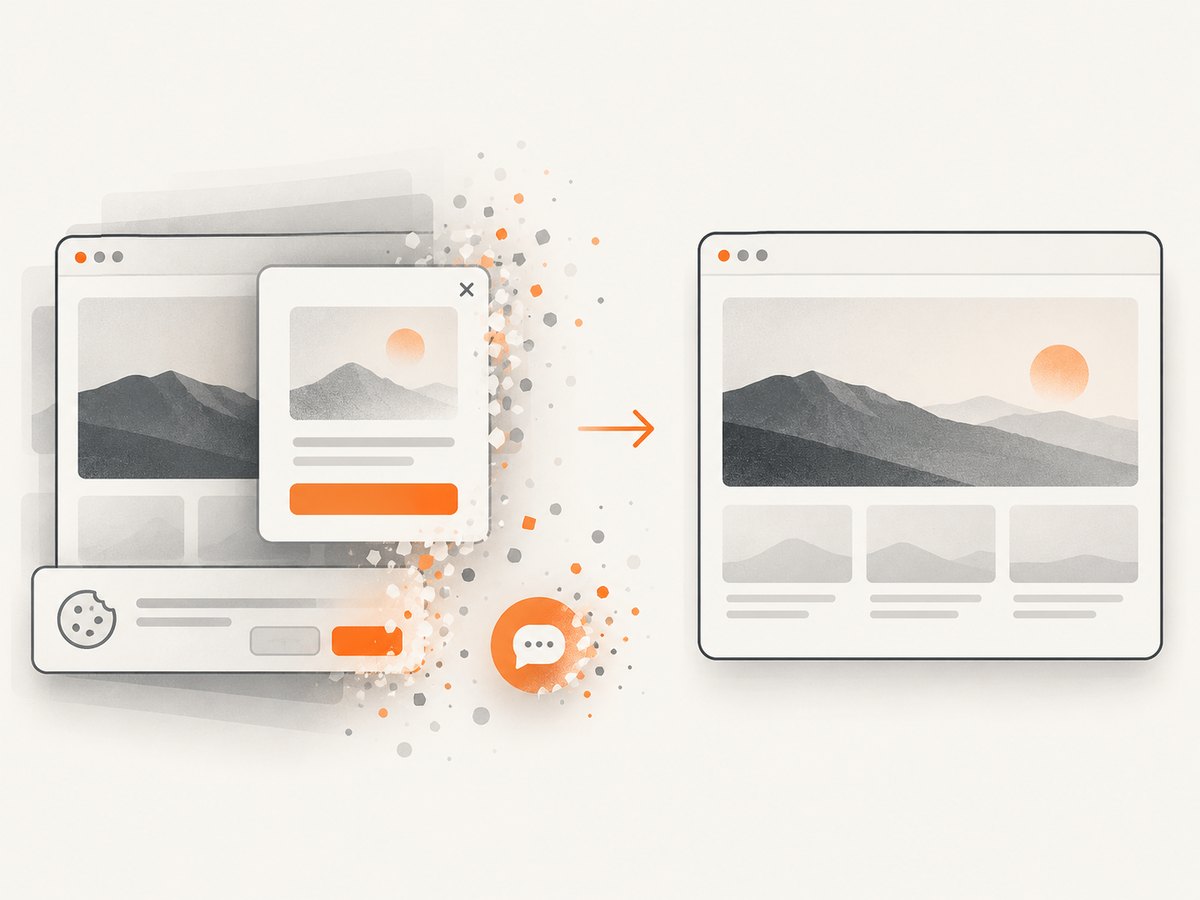
If you need a clean screenshot or PDF of a URL rather than rendering a private Pug template, ScreenshotNeo provides one GET request. It accepts cookie and consent banners like a visitor, removes more than 60 known consent platforms plus newsletter popups and chat widgets before capture, and bills only clean shots. Bot checks, CAPTCHAs, blank pages, timeouts, failed loads, and cache hits cost nothing; each response identifies the result with X-Page-Verdict and X-Billed headers.
See the ScreenshotNeo API documentation for full-page lazy-image loading, CSS element capture, dark mode, device presets, custom viewport and retina scale, PDF paper size, margins, landscape and page ranges, custom CSS and JavaScript, click and wait controls, request blocking, headers, cookies, user agent, Authorization, timezone, geolocation, transparent backgrounds, resizing, TTL caching, signed links, async jobs with signed webhooks, bulk capture of 100 URLs, a usage API, and OpenAPI.
cURL
curl -G "https://api.screenshotneo.com/v1/shot" -d access_key=YOUR_API_KEY --data-urlencode url=https://stripe.com -o shot.webpPython
import requests
r = requests.get("https://api.screenshotneo.com/v1/shot", params={"access_key": "YOUR_API_KEY", "url": "https://stripe.com"}, timeout=90)
r.raise_for_status()
open("shot.webp", "wb").write(r.content)
Node.js
const q = new URLSearchParams({ access_key: 'YOUR_API_KEY', url: 'https://stripe.com' });
const res = await fetch(`https://api.screenshotneo.com/v1/shot?${q}`);
if (!res.ok) throw new Error(`ScreenshotNeo HTTP ${res.status}`);
const bytes = Buffer.from(await res.arrayBuffer());
await import('node:fs/promises').then(fs => fs.writeFile('shot.webp', bytes));
ScreenshotNeo also has an MCP server with take_screenshot, get_page_info, and capture_pdf for Claude, Cursor, and other MCP clients. The Free plan includes 1,000 shots each month with no card; paid plans start at $5 for 3,000 shots, and every feature is available on every plan. Create a free ScreenshotNeo account.
10. FAQ
Does Pug embed the image into the PDF?
No. Pug emits HTML. Puppeteer and Headless Chrome load that HTML and produce the PDF.
Is Base64 always better than a URL?
No. Base64 is self-contained; a URL keeps HTML smaller and can use HTTP caching.
Why does networkidle0 never resolve?
Analytics, websockets, or polling may keep connections open. Use networkidle2 plus explicit image waits.
Can I use a relative image path?
Only when the document has a meaningful base URL. Prefer a data URI, validated file URL, or absolute HTTPS URL.
How do I keep images from splitting across pages?
Wrap the image and caption in a figure and apply break-inside: avoid; constrain its dimensions and verify page size.


