How to Embed Website Preview Cards
Add page-specific Open Graph metadata so Slack, Messages, and other services can build useful link previews. Learn what to check when a card will not appear.

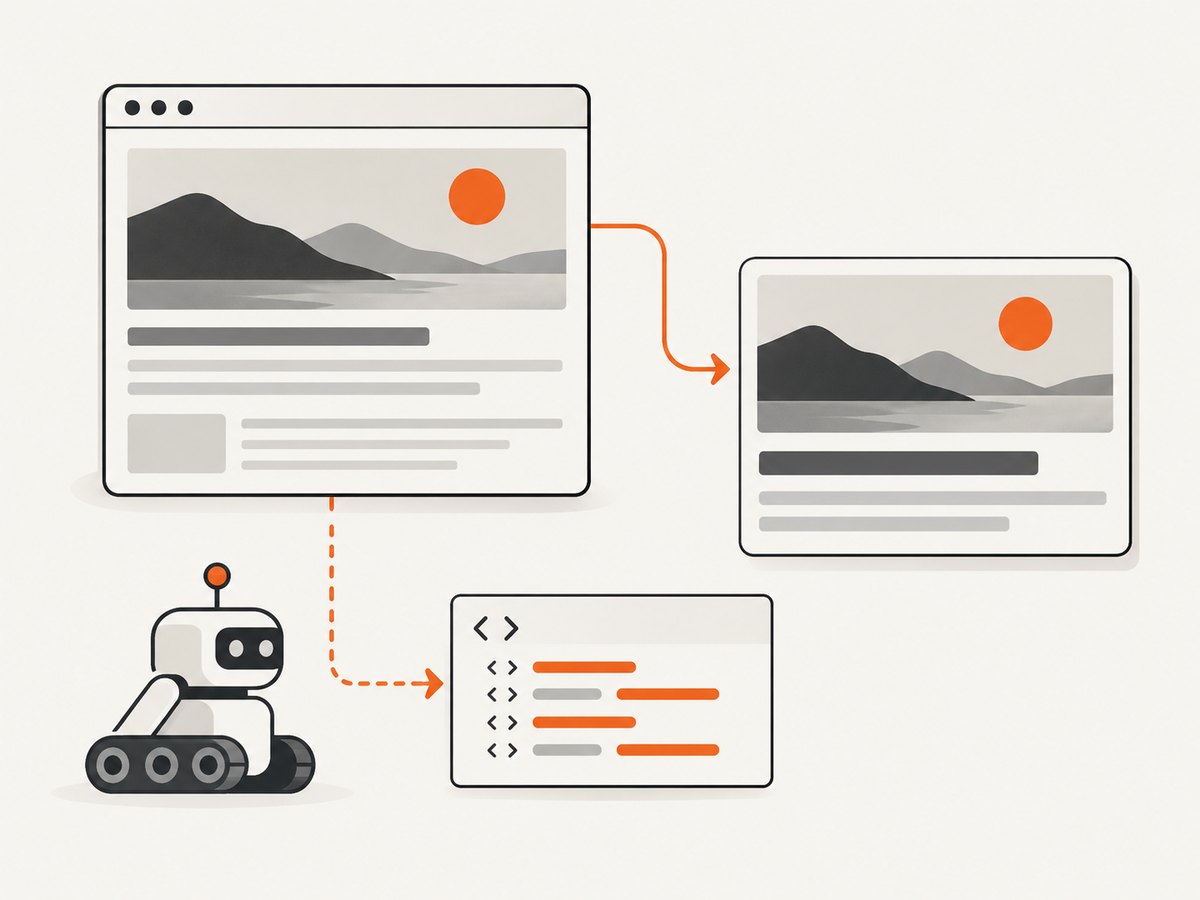
To show a website preview card when someone shares a URL, add page-specific Open Graph metadata to the page’s HTML <head> and make sure the receiving service can fetch the page and its preview image. The usual baseline is og:title, og:type, og:image, and og:url. These tags describe a page for link unfurling; they do not create an interactive embedded player.
“Embed” can mean two different things: a platform-generated preview card for a URL, or an actual embedded widget such as a supported photo or video player. Use Open Graph for the first. For the second, check whether the content provider supports oEmbed. The receiver decides what to fetch and render, so no metadata format guarantees identical cards across Slack, Messages, Discord, and social services.
1. Add Open Graph metadata to the page
Place the metadata in the document head returned for the exact page readers will share. Replace the example values with that page’s real title, canonical URL, concise description, and a representative image URL that the preview crawler can reach.
<!doctype html>
<html lang="en">
<head>
  <meta charset="utf-8">
  <title>A clear title for this page</title>
  <meta name="description" content="A concise description of this page.">

  <meta property="og:title" content="A clear title for this page">
  <meta property="og:type" content="website">
  <meta property="og:url" content="https://example.com/page">
  <meta property="og:image" content="https://example.com/images/page-preview.jpg">
  <meta property="og:description" content="A concise description of this page.">
  <meta property="og:site_name" content="Example">
</head>
<body>
  <h1>A clear title for this page</h1>
</body>
</html>
The Open Graph Protocol defines the first four properties as the basic required properties for a page. og:description and og:site_name add useful context, but are optional in the protocol. The HTML title and description are useful for browsers and search results too, but do not assume a chat or social service will use them instead of Open Graph fields.
og:title: the human-readable title to show for this page.og:type: the kind of object, such aswebsite. Use a more specific supported type when appropriate.og:url: the canonical identity of this object. It should identify the destination page, not a different page or a temporary redirect.og:image: an absolute URL for a representative image. The receiving service has to be able to retrieve it.og:description: a short explanation of what the visitor gets by opening the link.og:site_name: an optional label for the site or publication.
Keep values specific to the page. If every URL serves the same title and image, a preview can describe the site generally instead of the article, product, or resource the person shared. Avoid putting essential context only in an image: crawlers may display text fields differently, and users may not see every field.
2. Make metadata available to preview crawlers
A page that looks correct after client-side JavaScript runs may still produce a blank or generic preview. The crawler needs to receive the relevant metadata when it fetches the shared URL. Apple says Messages link previews do not run JavaScript or follow meta redirects, so the tags should already be available on the directly linked page. Slack documents that its link-expanding robot looks for Open Graph, Twitter Card, and oEmbed data.
For a server-rendered site, render these tags as part of the response HTML. For a static site, generate them into each page at build time. If your framework normally adds tags in the browser, use its server-side rendering or static rendering mechanism for metadata. Then inspect the raw response source, not only the live DOM after scripts have executed.
Also check that the URL is public to the receiving platform. A route behind login, an internal network, a firewall, or a bot challenge might be accessible to you but not to the service fetching the preview. Slack lists private pages and files, as well as missing preview data, among reasons a link may not expand.
3. Choose a page image and URL carefully
Use an absolute, stable image URL with a file the crawler can request without a session cookie. Confirm that the image endpoint returns the intended image rather than an HTML error page or login screen. The metadata fetch and image fetch can be separate requests, so make both resources publicly reachable under the access rules you intend.
Make og:url reflect the canonical page identity, while testing the actual URL variant that people will share. Differences such as a trailing slash, hostname, query string, or redirect can lead a service to fetch or cache a different URL. Keep the title, description, canonical link, and Open Graph URL aligned so a reader sees one consistent destination.
There is no cross-platform promise that every service uses the image or lays out a card the same way. Services choose their own extraction and rendering rules. Discord says its bot fetches a page title, description, and image when a link is shared and may temporarily save a copy of linked image or video media. Therefore, changing the source image may not immediately replace a copy a platform already fetched.
4. Decide whether you need a card or an embedded player
Open Graph describes a page-level object for a preview. It does not turn the page into a playable video, interactive widget, or provider-specific embed. If the desired result is supported content embedded inside another application, look for an oEmbed endpoint from the provider that owns that content.

oEmbed is a provider-consumer format: a consumer requests structured information for a resource URL and uses the response to display an embeddable representation. The provider controls what it returns and what content it supports. Slack also documents looking for oEmbed during link expansion, but that does not mean every URL has an oEmbed representation.
| Goal | Start with | What it gives you |
|---|---|---|
| Show a static page summary when a URL is shared | Open Graph metadata | Title, type, image, canonical URL, and optionally description/site name |
| Show supported provider content as a richer embed | The provider’s oEmbed support | Structured embed data for resources the provider supports |
| Inspect what a page looks like to a crawler | The platform’s debugging or preview tools | Platform-specific fetch and metadata diagnostics |
5. Validate the deployed URL
- Deploy the metadata. Confirm the public page response contains the intended tags in its head.
- Open the exact share URL without being logged in. Check that it reaches the intended page and does not depend on a client-side redirect to expose its content.
- Fetch the image URL separately. Confirm it is an image response and accessible to a public crawler.
- Use the destination platform’s preview debugger where available. Slack points administrators to its URL debugging tool to check which data Slack fetched.
- Share the URL again and allow for caching. The service may reuse fetched page or media data rather than refresh immediately after every edit.
Test the production URL, not just localhost or a preview deployment. Check the destination platform and the exact URL variant that readers will paste. A test of the root domain cannot confirm that a deep article route has page-specific metadata.
6. Troubleshoot missing or incorrect previews
| Symptom | Likely cause | Fix |
|---|---|---|
| No card appears | The page has no usable preview metadata, or the URL is private or unreachable. | Check the public response for Open Graph fields and make sure the crawler can access both the page and image. |
| The browser shows tags, but the platform does not | Metadata is inserted only after JavaScript runs. | Render tags server-side or at build time. Inspect the original HTML response. Messages does not run JavaScript for link previews. |
| The preview describes the wrong page | Generic tags are shared site-wide, or the shared URL redirects to a different destination. | Generate page-specific values and align og:url with the destination’s canonical identity. |
| Title or description is missing | The relevant field is absent, malformed, or not available in the fetched HTML. | Check spelling, quoting, encoding, and placement inside <head>. Use the platform debugger to see what it fetched. |
| Image is missing or wrong | The image URL is inaccessible, returns an error, or points to an unsuitable asset. | Open the exact absolute image URL publicly, verify it returns the intended image, and correct og:image. |
| Old image or text keeps appearing | The receiving service may be using cached page or media data. | Use its available refresh/debug mechanism, verify the current deployed tags, and allow the service’s cache to update. Discord may temporarily save a media copy. |
| One platform works, another does not | Each service has its own fetch and rendering behavior. | Test separately on the target platform and follow its documented constraints; do not infer universal support from one successful card. |
7. Capture a visual check of the public page
When debugging, a screenshot can help distinguish a broken destination page from a metadata extraction issue. It shows what a browser-rendered page looks like, but it does not replace checking the HTML metadata returned to a crawler. If you need a repeatable visual capture while reviewing a public page, ScreenshotNeo is a website screenshot API and MCP server for developers.
curl -G "https://api.screenshotneo.com/v1/shot" -d access_key=YOUR_API_KEY --data-urlencode url=https://example.com/page -o shot.webpSee the ScreenshotNeo documentation for request parameters and setup. The API can return a PNG, JPEG, WebP, or PDF. Treat the screenshot as a visual diagnostic alongside source inspection and the destination platform’s own preview debugger.
8. Performance, reliability, and cost considerations
For link previews, the platform fetches the page and may separately fetch its media. Keep metadata available in the first HTML response and avoid unnecessary redirect chains or dependencies on scripts to reveal the important fields. This gives the crawler fewer steps before it can identify the page. The cited platform documentation does not establish a universal fetch-time limit or refresh interval, so do not rely on a fixed timing expectation.
Reliability depends on keeping the shared URL and image publicly available and serving the intended content consistently. A page can work in your authenticated browser while failing for a platform bot. Test anonymously and use platform-specific diagnostics. Since platforms control caching, a successful metadata update may not be reflected in a card immediately.
Open Graph metadata itself is part of the page; it does not require a screenshot service. If your workflow also needs browser captures, account for the screenshot provider’s pricing and billing rules separately. ScreenshotNeo’s plans include 1,000 screenshots per month free with no card, then Starter is $5 for 3,000, Growth $15 for 15,000, Pro $39 for 60,000, Scale $99 for 250,000, and Business $249 for 1,000,000; yearly billing gives two months free. Every feature is on every plan. Its billing model charges only clean shots; bot checks/CAPTCHAs, blank pages, timeouts, failed loads, and cache hits cost nothing, and each response identifies the page verdict and billed status in headers.
Or skip the browser setup
For a browser-rendered visual capture of a public page, ScreenshotNeo takes one GET request. Replace the URL and API key with your own values:
curl -G "https://api.screenshotneo.com/v1/shot" -d access_key=YOUR_API_KEY --data-urlencode url=https://example.com/page -o shot.webpEquivalent Python and Node.js examples are available alongside the API documentation:
import requests

r = requests.get(
    "https://api.screenshotneo.com/v1/shot",
    params={"access_key": "YOUR_API_KEY", "url": "https://example.com/page"},
    timeout=90,
)
open("shot.webp", "wb").write(r.content)
const q = new URLSearchParams({
access_key: 'YOUR_API_KEY',
url: 'https://example.com/page'
});
const res = await fetch(`https://api.screenshotneo.com/v1/shot?${q}`);
if (!res.ok) throw new Error(`Screenshot request failed: ${res.status}`);
await Bun.write('shot.webp', res);- Cookie banners are accepted and removed before the shot; 60+ known consent platforms, newsletter popups, and chat widgets can be removed, and each cleanup step can be turned off.
- Bot checks, blank pages, timeouts, and failed loads are never billed; cache hits are also free.
- An MCP server gives AI agents such as Claude and Cursor tools to take screenshots, get page information, and capture PDFs.
- 1,000 screenshots a month are free with no card; paid plans start at $5 for 3,000 screenshots.
Create a free ScreenshotNeo account to get 1,000 screenshots a month with no card.
Frequently asked questions
Do Open Graph tags guarantee that every app shows the same card?
No. The receiving service controls its fetch, supported fields, rendering, and cache behavior. Open Graph is a broadly useful metadata baseline, not a guarantee of identical presentation.
Will adding metadata make a URL an interactive embed?
No. It describes a page preview. For provider content such as a supported video or photo embed, check that provider’s oEmbed support.
Why does a card still show old information after I fixed the tags?
The platform may retain fetched metadata or media. Verify the current public response and use the target service’s refresh or debugging tools where available.
Should I put preview tags in JavaScript?
Make them available in the initial HTML response. Some preview fetchers do not run page JavaScript, and Apple explicitly documents that Messages previews do not.
Can I test a page that requires login?
You can inspect it in your own browser, but that does not prove a preview crawler can access it. Slack lists private pages and files among reasons previews may not expand.


