How to Emulate an ASP.NET Authentication Cookie in Browser Automation
Reuse authenticated ASP.NET sessions safely in Playwright and Selenium, troubleshoot cookie scope and expiry, and automate screenshots without browser setup.

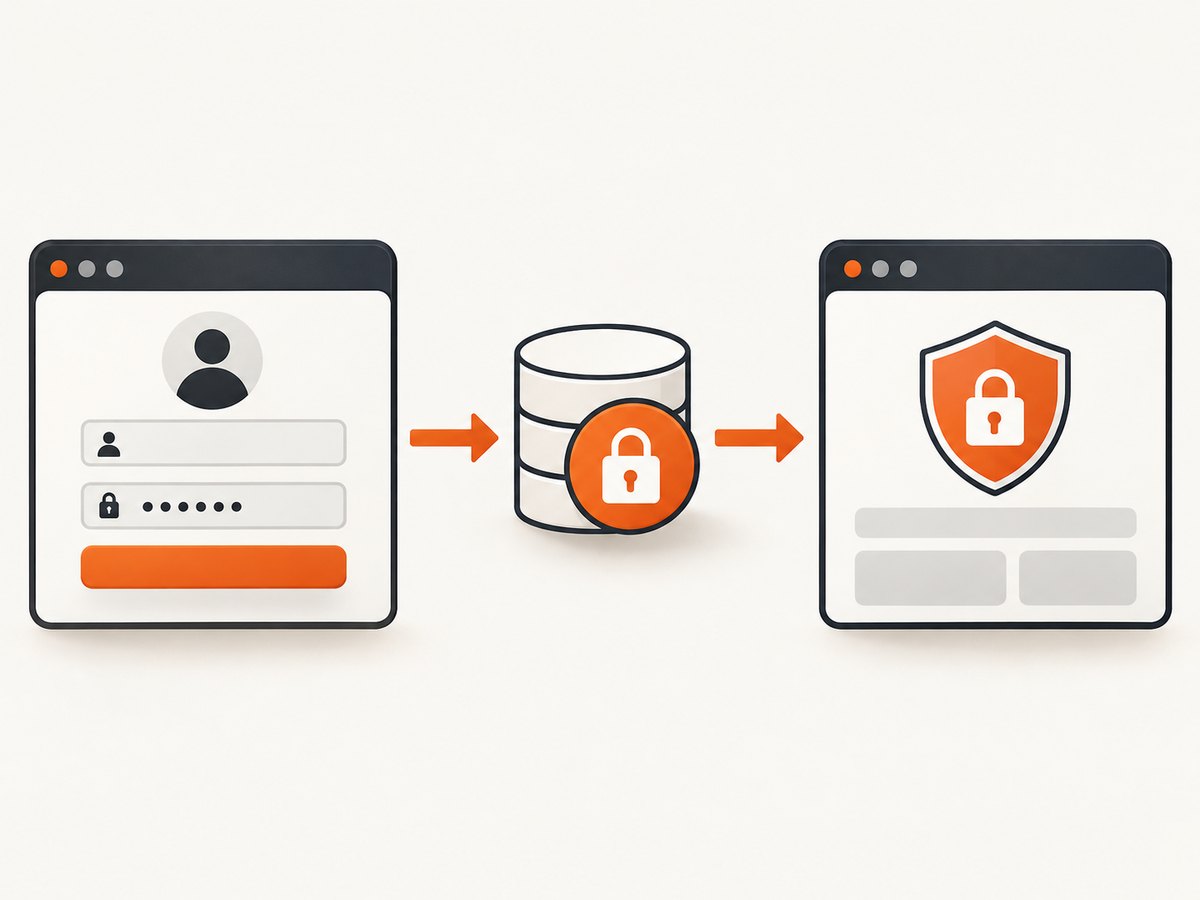
Direct answer: Do not invent an .ASPXAUTH value or copy one cookie blindly. Authenticate through the application’s supported login flow or API, wait until the session is confirmed, then transfer the complete browser state—or the exact cookie with its domain, path, security attributes, and expiry—into the automation context. Classic ASP.NET Forms Authentication and ASP.NET Core cookie authentication issue and validate state differently, so identify the framework first.
For Playwright, the most reliable pattern is a one-time setup login followed by storageState reuse. For Selenium, authenticate through an API or other supported setup mechanism, then add the resulting cookie before opening protected pages. A copied cookie can fail because it belongs to another host, path, scheme, account, or expired server-side session.
1. Identify the ASP.NET authentication model
There are two common systems that look similar from a browser but have different configuration rules.
Classic ASP.NET Forms Authentication
Classic ASP.NET creates a forms-authentication ticket and places it in the response cookie collection. FormsAuthentication.SetAuthCookie accepts a username, a persistence flag, and a cookie path. The application usually emits a cookie named .ASPXAUTH, but the effective name, protection settings, domain, path, and lifetime can be changed in configuration. The ticket supplies authentication information to the next browser request. See Microsoft’s Forms Authentication documentation.
ASP.NET Core cookie authentication
ASP.NET Core selects an application-defined authentication scheme. Cookie names, persistence, expiration, sliding expiration, login paths, and validation events come from the scheme and its cookie options. The cookie may not be named .ASPXAUTH at all. Microsoft documents the model in Cookie authentication in ASP.NET Core.
| Question | Why it matters |
|---|---|
| Which framework? | Forms Authentication and ASP.NET Core use different issuing and validation mechanisms. |
| What is the cookie name? | Never assume .ASPXAUTH; inspect a successful response. |
| What host and path receive it? | Browsers send cookies only when domain and path rules match. |
| Is state elsewhere? | Local storage, IndexedDB, anti-forgery tokens, or server-side session data may also be required. |
| When does it expire? | Absolute and sliding expiration can invalidate a copied value later. |
2. Capture a real authenticated state with Playwright
Playwright recommends authenticating once, waiting for the final redirect or an authenticated control, saving the browser state, and reusing it in later contexts. The state can include cookies and other storage, so it is safer than manually copying one value when the application has several dependencies. Follow the Playwright authentication guide.
One-time setup test
import { test as setup, expect } from '@playwright/test';

setup('authenticate', async ({ page }) => {
  await page.goto('https://app.example.test/login');
  await page.getByLabel('Email').fill(process.env.TEST_USER_EMAIL!);
  await page.getByLabel('Password').fill(process.env.TEST_USER_PASSWORD!);
  await page.getByRole('button', { name: 'Sign in' }).click();

  // Prefer a final URL or a stable authenticated control.
  await expect(page).toHaveURL(/\/dashboard/);
  await expect(page.getByRole('link', { name: 'Sign out' })).toBeVisible();

  await page.context().storageState({
    path: 'playwright/.auth/user.json'
  });
});
Configure dependent tests with the saved state:
import { defineConfig } from '@playwright/test';

export default defineConfig({
  use: {
    baseURL: 'https://app.example.test',
    storageState: 'playwright/.auth/user.json'
  }
});
Create the directory in .gitignore and keep credentials in your CI secret store:
playwright/.auth/
.env
Playwright explicitly warns that an authentication state file can contain sensitive cookies and headers capable of impersonating an account. Treat it as a credential and never commit it. See the warning in the official authentication guide.
Preload a known cookie
If an authorized test fixture already provides a valid cookie, create a new context and use addCookies. Playwright requires a cookie url or a valid domain and path; the browser still applies Secure, SameSite, and expiry rules. The API is documented in BrowserContext.addCookies.
import { chromium } from 'playwright';

const browser = await chromium.launch();
const context = await browser.newContext();

await context.addCookies([{
  name: process.env.AUTH_COOKIE_NAME!,
  value: process.env.AUTH_COOKIE_VALUE!,
  domain: 'app.example.test',
  path: '/',
  secure: true,
  httpOnly: true,
  sameSite: 'Lax'
}]);

const page = await context.newPage();
await page.goto('https://app.example.test/account');
console.log(await page.title());
await browser.close();
Use url instead of domain when you want Playwright to derive the scope:
await context.addCookies([{
  name: 'AuthCookie',
  value: process.env.AUTH_COOKIE_VALUE!,
  url: 'https://app.example.test/',
  path: '/',
  secure: true,
  httpOnly: true,
  sameSite: 'Lax',
  expires: Math.floor(Date.now() / 1000) + 1800
}]);
Do not set an expiry far into the future to “fix” authentication. The server can reject a ticket using its own key, session record, security stamp, or expiration policy.
3. Selenium: create state outside the UI login
Selenium recommends generating application state through an API or supported setup mechanism and then setting a cookie, instead of repeating a fragile login UI flow before every test. Its guidance is summarized in Selenium’s test-practice documentation.
Python example with an API-issued cookie
import os
import requests
from selenium import webdriver
from selenium.webdriver.chrome.options import Options

base_url = 'https://app.example.test'
login = requests.post(
    f'{base_url}/api/login',
    json={
        'email': os.environ['TEST_USER_EMAIL'],
        'password': os.environ['TEST_USER_PASSWORD']
    },
    timeout=30
)
login.raise_for_status()

# Adapt this to the API’s response format.
auth_cookie = login.cookies.get('AuthCookie')
if not auth_cookie:
    raise RuntimeError('The login response did not include AuthCookie')

options = Options()
options.add_argument('--headless=new')
driver = webdriver.Chrome(options=options)
try:
    # Selenium must be on a matching origin before adding a cookie.
    driver.get(f'{base_url}/')
    driver.add_cookie({
        'name': 'AuthCookie',
        'value': auth_cookie,
        'path': '/',
        'secure': True,
        'httpOnly': True
    })
    driver.get(f'{base_url}/account')
    assert 'Sign out' in driver.page_source
finally:
    driver.quit()
If the API returns multiple cookies, preserve all required values. Some applications issue an authentication cookie plus an anti-forgery cookie or a session identifier. If the login response only establishes server-side state through a non-cookie token, use the application’s documented API contract rather than forcing a browser cookie.
4. Inspect and reproduce cookie attributes
Start with a successful interactive login and inspect the response’s Set-Cookie headers in browser developer tools or an HTTP client. Record:

- Cookie name and value.
- Domain or host-only scope.
- Path.
Secureand whether your test uses HTTPS.HttpOnly, which prevents page JavaScript from reading the value but does not prevent browser automation from sending it.SameSite, especially when the login and protected page use different sites.- Absolute expiry or
Max-Age.
Navigate to a URL covered by the cookie before checking the page. A cookie for login.example.test is not automatically sent to app.example.test; a cookie scoped to /signin is not sent to /account. Host-only cookies are narrower than cookies scoped to a parent domain.
5. Why injecting .ASPXAUTH often fails
- Wrong authentication system: ASP.NET Core may use a different scheme and cookie name.
- Wrong host or path: the browser silently omits an out-of-scope cookie.
- HTTP/HTTPS mismatch: a Secure cookie is not sent over HTTP.
- Expired ticket: persistence does not override server-side expiration or key validation.
- Missing companion state: local storage, IndexedDB, anti-forgery tokens, or a server session may be required.
- Account isolation: the value belongs to another user, environment, or tenant.
- Redirect timing: the test checks authorization before the final redirect or cookie write completes.
- Bot or device policy: the server may bind a session to other signals that a copied cookie does not reproduce.
6. A repeatable debugging checklist
- Confirm classic Forms Authentication versus ASP.NET Core.
- Log the final URL after login and verify a stable signed-in control.
- Compare the cookie’s effective domain and path with the protected URL.
- Check browser protocol, Secure, SameSite, and expiry attributes.
- Capture complete Playwright storage state when more than one storage mechanism is involved.
- Test the cookie in a fresh context to avoid accidentally relying on an old session.
- Check whether sliding expiration refreshes the cookie during navigation.
- Use a dedicated test account and separate state per worker or tenant.
- Delete stale state and repeat the supported login setup.
- Keep auth JSON, cookie values, API tokens, and CI logs secret.
7. Performance, reliability, and cost considerations
Logging in through the UI before every test adds page loads, redirects, and a dependency on selectors. A setup login plus reusable state is usually more reliable. Refresh state when its expiration window is short, when the application rotates security stamps, or when tests run across isolated workers. Do not share one mutable account between tests that change permissions or data.
API-based setup is faster when the application offers a supported login endpoint, but it must still preserve every cookie or token the protected request needs. Browser state files reduce repeated work but increase secret-handling responsibility. Store them outside source control, restrict file permissions, and invalidate the dedicated account if a state file leaks.
When the goal is a screenshot rather than an end-to-end test, a managed capture API can remove browser-installation and session-rendering work. ScreenshotNeo accepts one GET request and returns PNG, JPEG, WebP, or PDF. It supports custom headers, cookies, user agents, Authorization, wait conditions, JavaScript, CSS, device presets, full-page capture, element capture, and signed asynchronous jobs.
8. Or skip the browser setup
For public pages or pages where you can provide authorized request data, ScreenshotNeo can capture the result directly. See the ScreenshotNeo API documentation for all options.
curl -G "https://api.screenshotneo.com/v1/shot" \
  -d access_key=YOUR_API_KEY \
  --data-urlencode url=https://stripe.com \
  -o shot.webp
import requests
r = requests.get(
"https://api.screenshotneo.com/v1/shot",
params={"access_key": "YOUR_API_KEY", "url": "https://stripe.com"},
timeout=90
)
r.raise_for_status()
open("shot.webp", "wb").write(r.content)const q = new URLSearchParams({ access_key: 'YOUR_API_KEY', url: 'https://stripe.com' });
const res = await fetch(`https://api.screenshotneo.com/v1/shot?${q}`);
if (!res.ok) throw new Error(`Screenshot failed: ${res.status}`);
const data = Buffer.from(await res.arrayBuffer());
await import('node:fs/promises').then(fs => fs.writeFile('shot.webp', data));Cookie banners, newsletter popups, and chat widgets are removed before the shot. Bot checks, blank pages, timeouts, failed loads, and cache hits are not billed, and response headers identify the page verdict and billing result. An MCP server gives Claude, Cursor, and other MCP clients tools named take_screenshot, get_page_info, and capture_pdf. The Free plan includes 1,000 screenshots per month with no card; paid plans start at $5 for 3,000 shots. Create a free ScreenshotNeo account.
9. Frequently asked questions
Can I decode or manufacture an ASP.NET authentication cookie?
No. The ticket is protected by application configuration and server keys. Obtain state through the application’s supported login or setup API.
Should I use one shared cookie for parallel tests?
Usually no. Use isolated accounts or storage state per worker when tests can mutate session data.
Does HttpOnly prevent Playwright or Selenium from using the cookie?
No. It prevents page JavaScript access. Browser automation can still send a correctly scoped cookie through the browser context or driver.
Why does the login work manually but fail in CI?
Compare the CI host, HTTPS configuration, clock, account, redirect URL, cookie scope, and any additional storage or server-side session state.
When should I save full storage state instead of one cookie?
Save full state when the application uses multiple cookies, local storage, IndexedDB, passkeys, or other browser state. Use one cookie only when you have verified that it is the complete authentication mechanism.


