How to Enable Camera Access Before Clicking in Puppeteer
Grant camera permission to Puppeteer’s browser context before navigation, then wait for a deterministic stream-ready signal instead of the permission prompt.
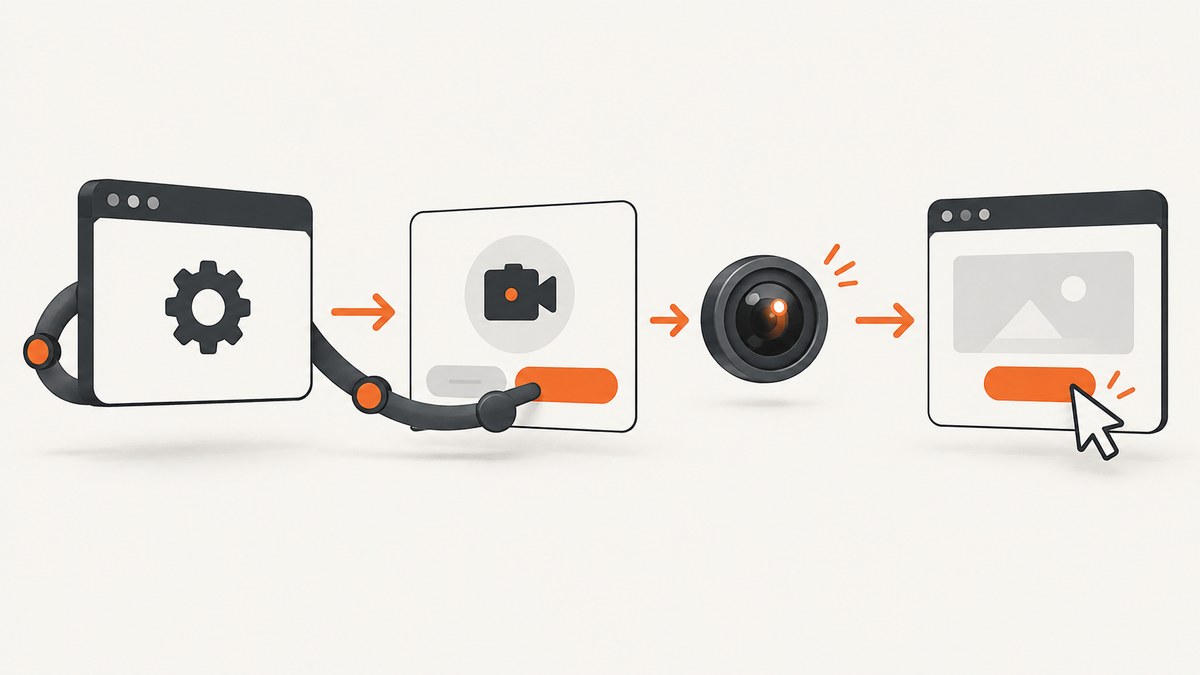
Grant camera permission to the browser context before you open the page or click the camera button. In current Puppeteer, call BrowserContext.setPermission() with the page’s exact origin and the camera permission. Then navigate, click the control, and wait for a stream-ready signal such as a visible video element or application event.
Camera permission alone does not create a stream. The page must still call navigator.mediaDevices.getUserMedia({ video: true }), run from a secure context, and attach the resulting MediaStream to a video element or another consumer.
1. The complete working example
This example uses the current Puppeteer API. The origin passed to setPermission() must match the page’s scheme, hostname, and port exactly.
import puppeteer from 'puppeteer';

const browser = await puppeteer.launch({ headless: true });
const context = browser.defaultBrowserContext();

// Permission is origin-scoped. Include the scheme and port when applicable.
await context.setPermission('https://example.test', ['camera']);

const page = await context.newPage();
await page.goto('https://example.test', { waitUntil: 'networkidle2' });

await page.waitForSelector('#enable-camera');
await page.click('#enable-camera');

// Prefer a deterministic application signal over a fixed sleep.
await page.waitForSelector('video');

await browser.close();
Replace https://example.test and #enable-camera with the origin and selector used by your application. If the page requests audio as well, grant both permissions:
await context.setPermission('https://example.test', ['camera', 'microphone']);Puppeteer documents setPermission() as setting permission for a specific origin. Chrome’s WebRTC guidance also requires getUserMedia() to run from a secure origin, normally HTTPS or localhost. See the Puppeteer BrowserContext API and Chrome’s getUserMedia security guidance.
2. Why permission must be configured before the click
When a user clicks an “Enable camera” button, the page commonly calls navigator.mediaDevices.getUserMedia({ video: true }) in the click handler. Chrome evaluates the permission state at that moment. If the browser context has no grant, the request can be denied, blocked by a prompt that your headless test cannot answer, or reported to the page as NotAllowedError.
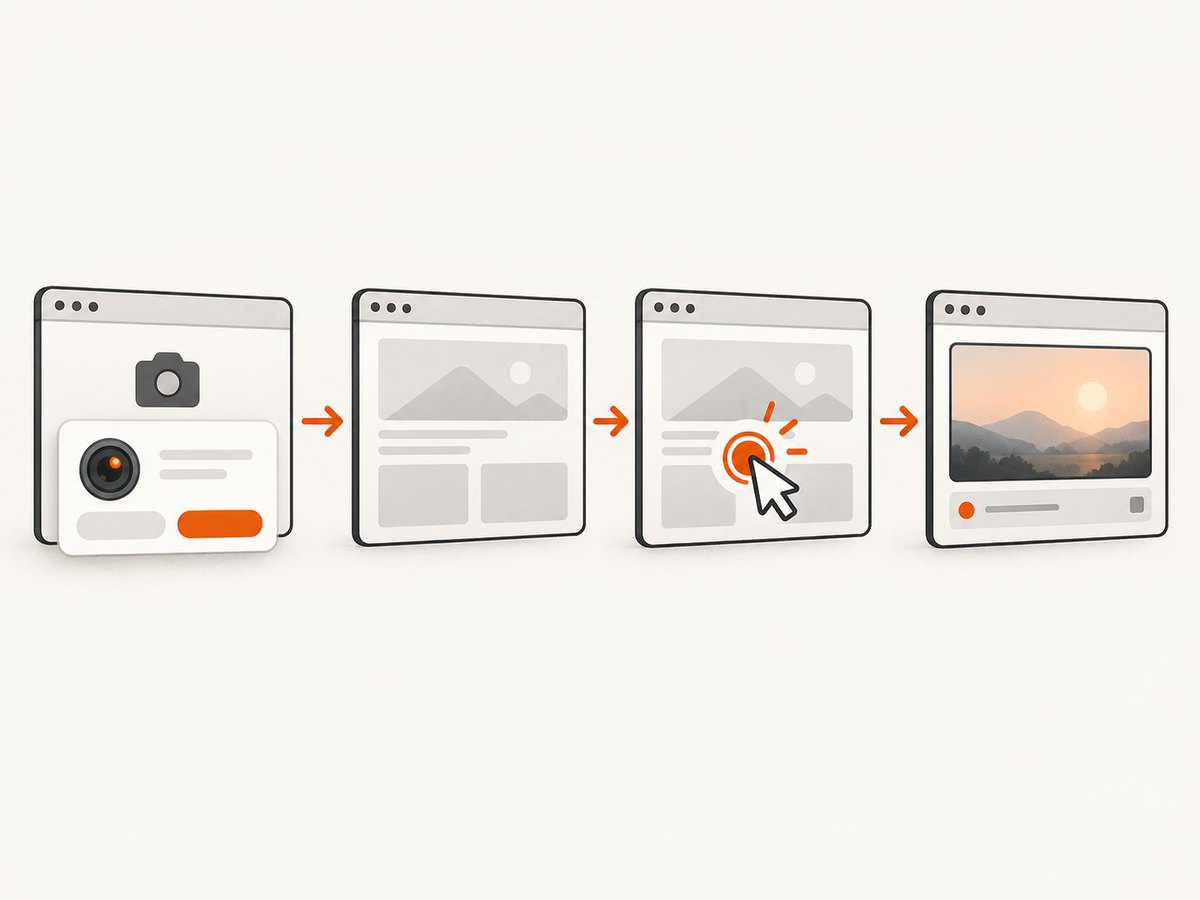
Configure the permission before navigation when possible. This makes the state available during page initialization and avoids races with scripts that request media immediately. Setting it immediately before the click can work too, provided the page has not already requested the camera.
- Launch Chromium and obtain the browser context.
- Grant
camerato the exact origin. - Create a page and navigate to the secure URL.
- Wait for the camera control to be actionable.
- Click the control.
- Wait for a stream-ready signal.
3. Origin matching: scheme, host, and port
Permissions are scoped to an origin. These are different origins:
| Page URL | Permission origin | Result |
|---|---|---|
https://app.example.test |
https://app.example.test |
Matches |
https://app.example.test:8443 |
https://app.example.test |
Does not match the port |
http://localhost:3000 |
http://localhost:3000 |
Matches localhost, subject to browser rules |
https://www.example.test |
https://example.test |
Different host |
Do not pass only a hostname. Include https:// or http:// and the non-default port. If redirects move the page to another origin, grant permission for the final origin too, or avoid the redirect in the test URL.
4. Waiting correctly after the click
A fixed delay such as page.waitForTimeout(3000) can make tests slow and flaky. Wait for what the application actually changes.
When clicking causes navigation
Coordinate the click and navigation promise so the navigation event cannot be missed:
const [response] = await Promise.all([
  page.waitForNavigation({ waitUntil: 'networkidle2' }),
  page.click('#enable-camera'),
]);

await page.waitForSelector('video');
When there is no navigation
Wait for a stream-dependent element, a status attribute, or an application event:
await page.click('#enable-camera');
await page.waitForFunction(() => {
  const video = document.querySelector('video');
  return video && video.readyState >= 2;
});
If your app exposes a status element, make it explicit and testable:
await page.waitForFunction(() => {
  return document.querySelector('[data-camera-state]')?.getAttribute('data-camera-state') === 'ready';
});
For a lower-level stream check, inspect the video element after the page assigns its stream:
const streamInfo = await page.$eval('video', video => ({
  readyState: video.readyState,
  hasStream: Boolean(video.srcObject),
  trackCount: video.srcObject?.getVideoTracks().length ?? 0,
}));
console.log(streamInfo);
5. The page-side camera code Puppeteer expects
The browser grant only changes the permission state. Your page still needs to request and consume the camera:
const button = document.querySelector('#enable-camera');
const video = document.querySelector('video');
const status = document.querySelector('[data-camera-state]');

button.addEventListener('click', async () => {
  try {
    const stream = await navigator.mediaDevices.getUserMedia({ video: true });
    video.srcObject = stream;
    await video.play();
    status.dataset.cameraState = 'ready';
  } catch (error) {
    status.dataset.cameraState = 'error';
    console.error(error.name, error.message);
  }
});
Log the error name and message in the test page or browser console. NotAllowedError usually indicates a denied permission, an insecure context, or a policy restriction. Constraint errors can indicate that the requested camera capabilities are unavailable.
6. Headless and headful browser behavior
The permission setup is the same in headless and headful modes. Headless mode is useful for CI because there is no interactive prompt to dismiss. Headful mode can help diagnose a problem visually:
const browser = await puppeteer.launch({
  headless: false,
  devtools: true,
});
Do not rely on a visible prompt as part of an automated test. The purpose of setPermission() is to make the browser state deterministic before the page asks for media.
7. Legacy Puppeteer versions
Older Puppeteer releases expose overridePermissions(). The legacy equivalent is:
await context.overridePermissions('https://example.test', ['camera']);Prefer setPermission() when your installed version supports it. If a project is pinned to an older release, check that release’s API documentation and keep the permission call before navigation or the camera-triggering click.
8. CDP: the lower-level option
Use the Chrome DevTools Protocol when you are building a protocol-level harness or need a Puppeteer wrapper to expose a setting it does not provide. The CDP method is Browser.setPermission. It accepts a permission descriptor, an allowed setting, the target origin, and the relevant browser context.
const client = await browser.target().createCDPSession();

await client.send('Browser.setPermission', {
  permission: { name: 'camera' },
  setting: 'granted',
  origin: 'https://example.test',
  browserContextId: contextId,
});
CDP details vary with how you create and identify browser contexts. Use the context API first when it meets your needs; use CDP when you need direct protocol control or are integrating with an existing CDP harness.
9. Common errors and fixes
| Symptom | Likely cause | Fix |
|---|---|---|
NotAllowedError |
Permission was not granted to the exact origin, or the context is insecure. | Use the complete HTTPS origin and grant camera before navigation. Use HTTPS or localhost. |
| The browser waits for a prompt | The page requested media before the permission call. | Move setPermission() before goto() and before the click. |
| Permission appears granted but no video | The page never called getUserMedia(), did not attach the stream, or the test waited on the wrong signal. |
Inspect page logs, verify video.srcObject, and wait for a stream-ready condition. |
| Works locally, fails in CI | CI uses a different URL, port, redirect, browser version, or secure-context setup. | Log page.url(), grant the final origin, and serve the test over HTTPS or localhost. |
| Audio request fails too | The page requests microphone access in addition to the camera. | Grant ['camera', 'microphone'] and verify the page’s audio constraints. |
| Click test times out | The selector is not ready, navigation raced with the click, or the app never reaches its success state. | Wait for the selector, use Promise.all for navigation, and wait for an application signal. |
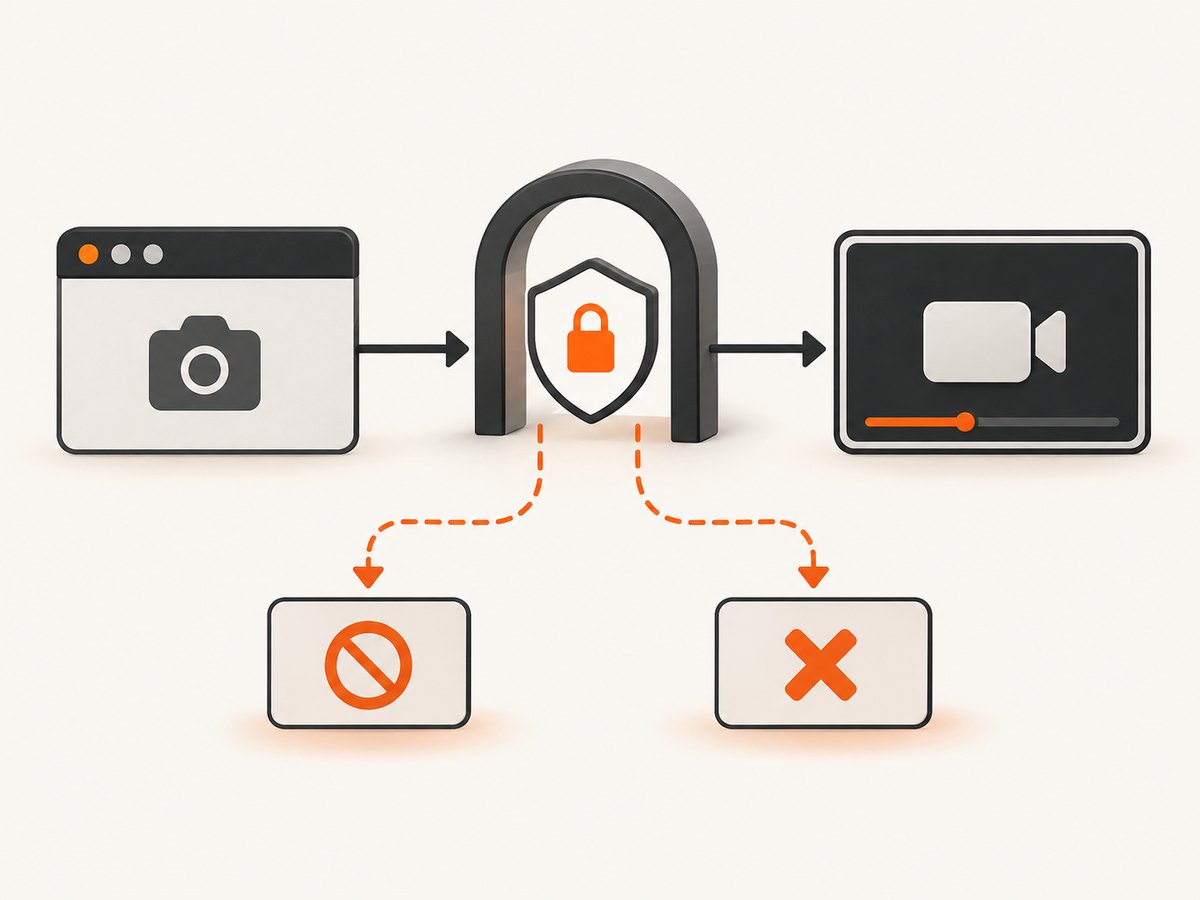
10. A reusable test helper
Centralize permission setup so every test uses the same origin and wait policy:
export async function enableCamera(page, context, origin, buttonSelector, readySelector) {
  await context.setPermission(origin, ['camera']);
  await page.goto(origin, { waitUntil: 'networkidle2' });
  await page.waitForSelector(buttonSelector, { visible: true });
  await page.click(buttonSelector);
  await page.waitForSelector(readySelector, { visible: true });
}

const browser = await puppeteer.launch({ headless: true });
const context = browser.defaultBrowserContext();
const page = await context.newPage();

await enableCamera(page, context, 'https://example.test', '#enable-camera', 'video');
await browser.close();
For production tests, add cleanup that stops tracks when the test finishes. This prevents a long-running process from retaining a camera stream:
await page.evaluate(() => {
  const video = document.querySelector('video');
  video?.srcObject?.getTracks().forEach(track => track.stop());
});
11. Reliability and performance checklist
- Grant permission once per browser context and reuse the context for related tests.
- Use a stable test origin; avoid changing ports between setup and navigation.
- Prefer
networkidle2or an application-ready signal over arbitrary sleeps. - Use
Promise.allwhen a click can navigate. - Capture browser console messages and page errors to expose
getUserMedia()failures. - Keep selectors for the button and ready state explicit, such as IDs or data attributes.
- Stop media tracks during teardown.
- Pin or regularly review Puppeteer versions so API changes are deliberate.
Camera permission does not guarantee a physical device is available. A CI machine can still lack a usable camera, reject constraints, or apply enterprise browser policies. Separate permission tests from hardware-dependent tests when your suite needs to run in environments without a camera.
12. Or skip the browser setup
If your goal is a screenshot of the page after a camera interaction, ScreenshotNeo can handle the capture request without you maintaining a Puppeteer permission harness. Its capture flow removes cookie banners, newsletter popups, and chat widgets before the shot. Bot checks, blank pages, failed loads, timeouts, and cache hits are not billed, and response headers identify the page verdict and billing result. It also provides an MCP server with take_screenshot, get_page_info, and capture_pdf tools for AI agents.
See the ScreenshotNeo API documentation for all options. A one-call screenshot request looks like this:
curl -G "https://api.screenshotneo.com/v1/shot" -d access_key=YOUR_API_KEY --data-urlencode url=https://stripe.com -o shot.webpimport requests
r = requests.get("https://api.screenshotneo.com/v1/shot", params={"access_key": "YOUR_API_KEY", "url": "https://stripe.com"}, timeout=90)
open("shot.webp", "wb").write(r.content)const q = new URLSearchParams({ access_key: 'YOUR_API_KEY', url: 'https://stripe.com' });
const res = await fetch(`https://api.screenshotneo.com/v1/shot?${q}`);
ScreenshotNeo supports PNG, JPEG, WebP, and PDF output, full-page and selector captures, custom waits, JavaScript, CSS, headers, cookies, user agents, device presets, blocking rules, caching, signed links, asynchronous jobs, webhooks, bulk capture, and usage reporting. One thousand screenshots per month are free with no card; paid plans start at $5 for 3,000 screenshots. Create a free ScreenshotNeo account.
13. FAQ
Can I grant camera permission after clicking?
Only if the page has not already requested the camera. Grant it before navigation or before the click that invokes getUserMedia() to avoid a race.
Does permission create a fake camera stream?
No. It changes the permission state. The page still needs a working media request and an available camera environment.
Is HTTP allowed?
Camera access normally requires a secure context: HTTPS or localhost. An ordinary HTTP origin can fail before permission handling.
Should I use overridePermissions()?
Use setPermission() in current Puppeteer. overridePermissions() is the legacy form for older versions.
Why does the test pass in headful mode but fail headless?
Compare the exact origin, browser version, redirects, and CI policies. Do not depend on manually accepting a visible prompt; configure the context programmatically.


