How to Enable Dark Mode on Pinterest Web
Pinterest does not offer an official dark-mode switch on desktop web. Here are the supported mobile settings and practical screenshot options.
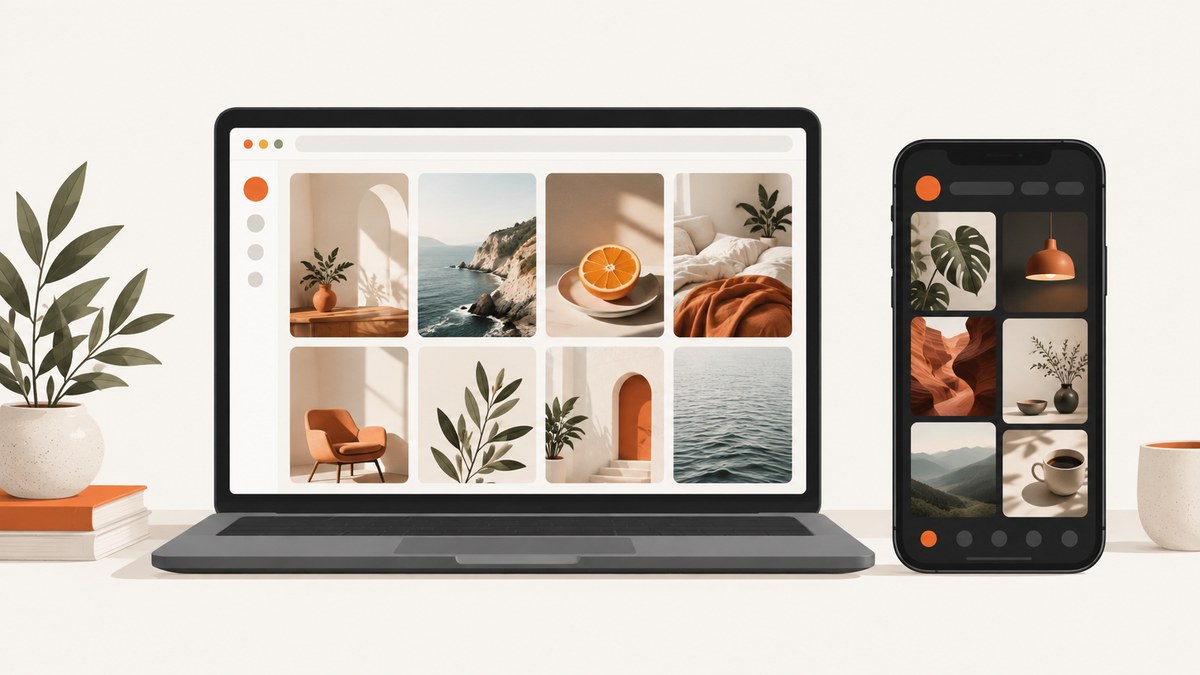
Short answer: You cannot enable an official dark mode on Pinterest web or desktop. Pinterest’s Help Center says, “Dark mode is not currently available on the desktop version of Pinterest.” The documented dark-mode setting is available in the Android and iOS apps, which follow your device’s appearance setting.
Use the official instructions below for mobile. If you need a dark Pinterest view on a computer for a presentation, documentation page or visual check, you will need a third-party browser workaround; Pinterest does not document or support a desktop toggle.
What Pinterest officially supports
Pinterest distinguishes between its desktop website and its mobile apps. The desktop site has no documented dark-mode control. On mobile, the Pinterest app follows the operating system’s dark-mode setting.
| Where you use Pinterest | Official dark-mode status |
|---|---|
| Desktop web (Pinterest in a browser) | No official dark-mode setting |
| Android app | Follows the device setting |
| iPhone or iPad app | Available on iOS 13 or newer; follows the device setting |
How to enable dark mode in the Pinterest mobile app
Android 10 and newer
- Open your Android device’s Settings.
- Tap Display.
- Select Dark.
- Open Pinterest again. The app should follow the device’s dark appearance setting.
Android 9 and older
- Swipe down to open the quick settings panel.
- Tap Battery Saver.
- Open Pinterest. Pinterest’s documented instructions describe Battery Saver as the way to use the darker device appearance on these older Android versions.
iPhone and iPad (iOS 13 or newer)
- Open Settings.
- Tap Display & Brightness.
- Choose Dark.
- Launch Pinterest. The app follows the system appearance setting.
These steps come from Pinterest’s official Dark mode help article. The exact labels can vary slightly by device manufacturer, but the setting is controlled by the operating system rather than by a Pinterest web preference.
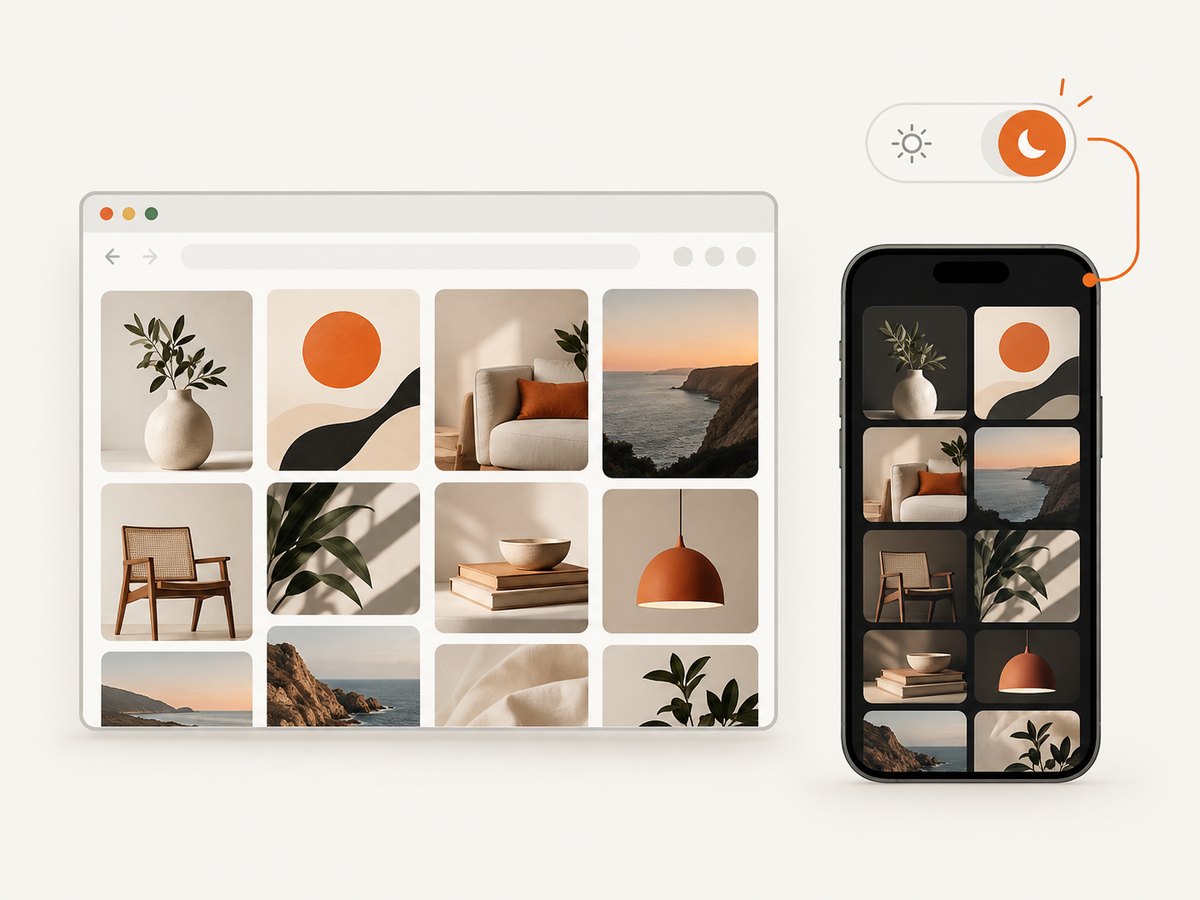
Can a browser extension enable Pinterest web dark mode?
A browser extension or browser theme may be able to alter how a page is rendered, but that is a third-party workaround, not a Pinterest feature. Pinterest’s official documentation does not endorse a specific extension or describe its safety, privacy practices, compatibility, or continued availability.
If you try one, review its permissions and privacy policy, test it on a separate browser profile, and expect some Pinterest elements to remain light or display incorrectly. Disable it when troubleshooting Pinterest layout or login problems so you can reproduce the site’s default appearance.
Taking a dark-mode screenshot of Pinterest
If your goal is a dark Pinterest image rather than a permanent desktop setting, capture the page after applying whatever browser-level styling you use. Check the result for unreadable text, missing images, consent banners and overlays before publishing it.
Checklist for a usable capture
- Open the exact Pinterest page you want to show.
- Wait for pins and images to finish loading.
- Confirm that text, icons and borders have enough contrast.
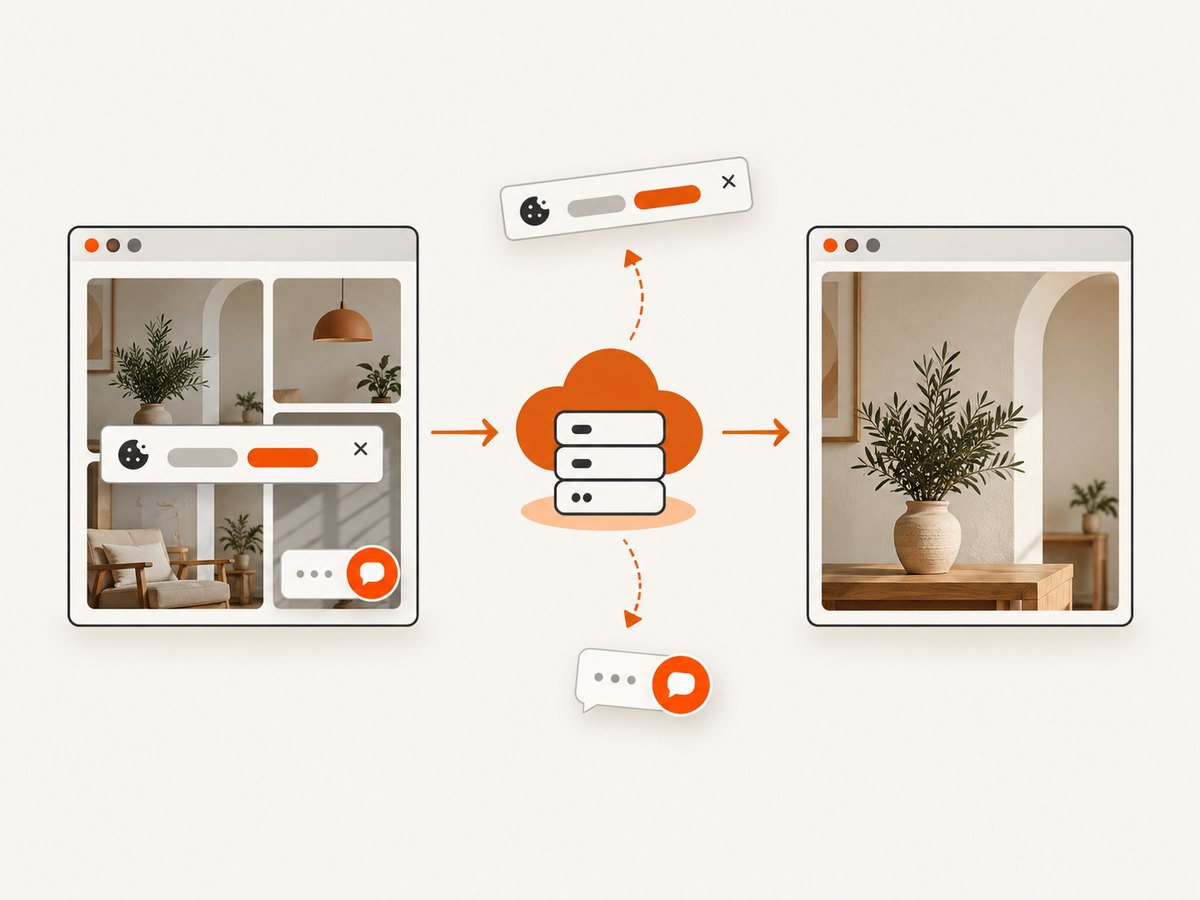
- Dismiss cookie notices, newsletter prompts and chat widgets.
- Capture the full page or the specific board or pin area you need.
- Review the image at its final display size.
Or skip the browser setup
ScreenshotNeo can capture a Pinterest URL through one API request. Its capture workflow accepts the consent banner like a visitor and removes more than 60 known consent platforms, newsletter popups and chat widgets; each step can be turned off. Bot checks, blank pages, timeouts, failed loads and cache hits are not billed, and the response identifies the result with X-Page-Verdict and X-Billed headers. ScreenshotNeo also provides an MCP server so Claude, Cursor and other MCP clients can call take_screenshot, get_page_info and capture_pdf.
See the ScreenshotNeo API documentation for the available capture options. The examples below save a Pinterest page response as a WebP file.
cURL
curl -G "https://api.screenshotneo.com/v1/shot" \
  -d access_key=YOUR_API_KEY \
  --data-urlencode url=https://www.pinterest.com \
  -o pinterest.webp
Python
import requests

r = requests.get(
    "https://api.screenshotneo.com/v1/shot",
    params={"access_key": "YOUR_API_KEY", "url": "https://www.pinterest.com"},
    timeout=90,
)
r.raise_for_status()
open("pinterest.webp", "wb").write(r.content)
Node.js
const q = new URLSearchParams({
  access_key: 'YOUR_API_KEY',
  url: 'https://www.pinterest.com'
});

const res = await fetch(`https://api.screenshotneo.com/v1/shot?${q}`);
if (!res.ok) throw new Error(`Screenshot failed: ${res.status}`);
const data = Buffer.from(await res.arrayBuffer());
require('fs').writeFileSync('pinterest.webp', data);
ScreenshotNeo’s plans include full-page capture, custom CSS and JavaScript, viewport and device controls, waiting rules, request blocking, caching, signed links and PDF output. Its free plan includes 1,000 screenshots per month with no card; paid plans start at $5 for 3,000 screenshots. Create a free ScreenshotNeo account.
Troubleshooting
The Pinterest desktop site is still light
That is expected. Pinterest does not provide an official desktop dark-mode switch. Use the mobile app’s operating-system setting or a third-party browser workaround.
Dark mode works on my phone but not in a desktop browser
The Pinterest app follows Android or iOS appearance settings; the desktop website does not document equivalent support. Confirm that you changed the device setting and are testing the app, not pinterest.com in a desktop browser.
Only some Pinterest areas look dark
Third-party styling tools can miss dynamically loaded components, embedded content or dialogs. Temporarily disable the tool, reload the page and compare the default rendering. If the problem is limited to one extension, check its update and site-permission settings.
The screenshot contains a cookie banner or popup
Dismiss the overlay before capture, wait for the page to settle, and capture again. ScreenshotNeo removes supported consent platforms, newsletter popups and chat widgets before capture.
The API response is not an image
Check the HTTP status and response headers, confirm that YOUR_API_KEY is valid, and verify that the URL is encoded correctly. Keep the request timeout at 90 seconds or longer for pages with many images. ScreenshotNeo responses include verdict and billing headers that help distinguish a clean capture from a bot check, blank page, timeout or failed load.
Performance, reliability and cost notes
- Page load time: Pinterest boards can load content progressively. Use a wait condition or delay when your capture workflow needs lazy-loaded images.
- Repeat captures: A chosen cache TTL can reduce repeated work when the page has not changed.
- Failure handling: Inspect the HTTP status and
X-Page-VerdictandX-Billedheaders. Bot checks, blank pages, timeouts, failed loads and cache hits are not billed. - Cost: ScreenshotNeo includes 1,000 free shots each month without a card. Paid plans are $5 for 3,000, $15 for 15,000, $39 for 60,000, $99 for 250,000 and $249 for 1,000,000; yearly billing gives two months free.
FAQ
Is Pinterest dark mode available on the web?
No. Pinterest’s official help documentation says dark mode is not currently available on the desktop version.
Does Pinterest have its own browser dark-mode button?
No documented Pinterest web toggle exists. The official dark-mode instructions apply to the Android and iOS apps.
Which iOS versions support Pinterest dark mode?
Pinterest documents dark mode for iOS 13 or newer, controlled through Display & Brightness.
Can I force dark mode without an extension?
Pinterest does not document an official desktop method. Any browser-level forcing is outside Pinterest’s supported settings and may change as browsers and the site change.
Can I automate Pinterest screenshots?
Yes. You can run the ScreenshotNeo request from cURL, Python or Node.js, or use its MCP tools from a compatible AI client.


