How to Enable Dark Mode for Websites in Brave
Turn on Brave’s Experimental Night Mode for darker webpages on Android and iPhone, with desktop limits, fixes, and accessibility tips.
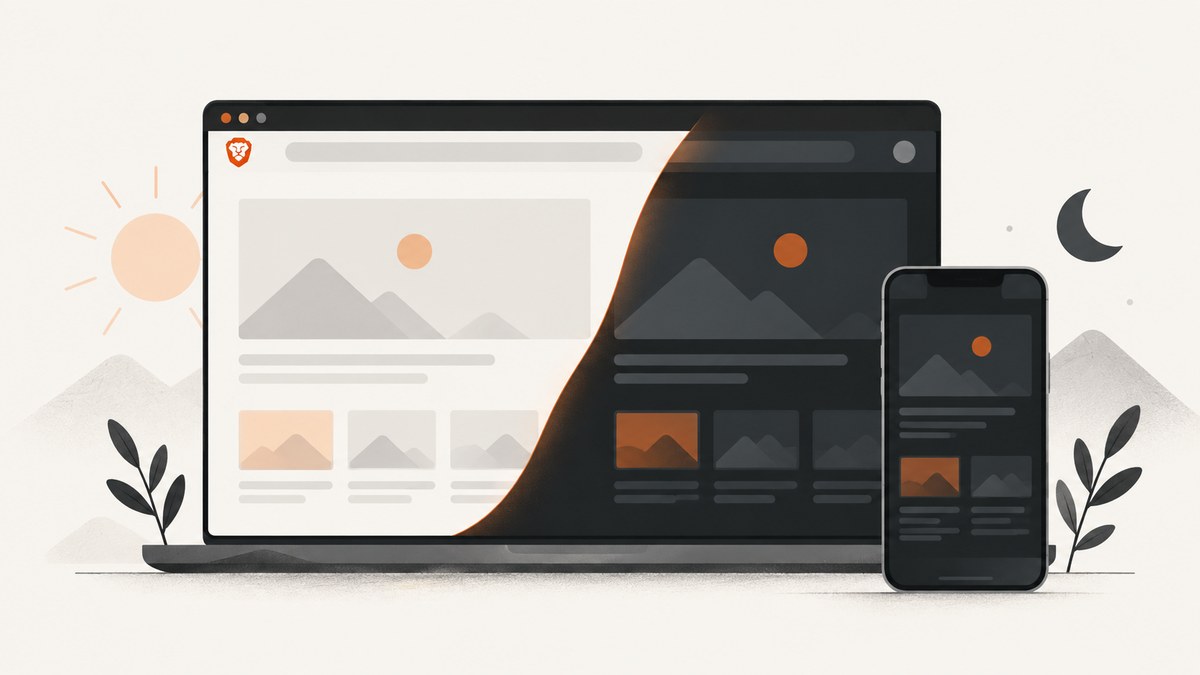
Direct answer: On Android, open Brave’s main menu, go to Settings → Display → Appearance, and enable Experimental Night Mode. On iPhone and iPad, open Main menu → All Settings → Display → Appearance, then enable Experimental Night Mode. This setting attempts to darken webpage content. Choosing a dark browser theme alone changes Brave’s interface and does not prove that websites themselves will become dark.
What Brave’s dark settings mean
Brave has two separate concepts:
- Browser theme: Automatic, Light, or Dark changes Brave’s menus, toolbar, tabs, and other browser surfaces.
- Experimental Night Mode: Attempts to change webpage content to a dark theme by detecting and altering light colors.
A site-authored dark theme usually has carefully selected colors, images, borders, and contrast. Night Mode is a browser-level transformation, so results vary by site. Some pages may look excellent, while others may have inverted images, muddy colors, or unreadable text.
Enable dark webpages on Android
- Open Brave on your Android phone or tablet.
- Tap the main menu button.
- Tap Settings.
- Scroll to Display.
- Tap Appearance.
- Turn on Experimental Night Mode.
Brave describes this control as an attempt to force webpage content into a dark theme. The same area also controls the browser’s own appearance, so check that you enabled Night Mode rather than only selecting the Dark browser theme.
Enable dark webpages on iPhone and iPad
- Open Brave on iOS or iPadOS.
- Tap the main menu.
- Tap All Settings.
- Open Display → Appearance.
- Enable Experimental Night Mode.
The Automatic, Light, and Dark choices in Appearance select Brave’s browser theme. Experimental Night Mode is the separate control that attempts to darken websites.
What to expect after turning Night Mode on
- Light page backgrounds may become dark.
- Text and borders may be recolored to maintain contrast, but the result depends on the page’s original palette.
- Images, videos, charts, code samples, and brand colors can change in unexpected ways.
- Pages that already provide a dark theme may be altered again, producing worse contrast.
- Some embedded widgets or cross-origin content may not respond consistently.
Brave warns that experimental Night Mode can make pages difficult to read. For example, a white page with gray text may become black with dark-gray text. If contrast, images, or other colors become confusing, turn Night Mode off for that page or session.
Desktop Brave: what is documented
Brave’s official desktop appearance guidance documents color-theme controls under Settings → Appearance. It does not establish a desktop switch that forces every website into dark mode. Selecting Brave’s Dark theme changes the browser interface; do not assume it will darken page content.
Menu names and available experiments can change with Brave releases. If your desktop build exposes an additional website-darkening option, read its description carefully and treat it as version-specific experimental behavior.
Optional experimental flag advice
A Brave Community reply has pointed Android users to brave://flags/#darken-websites-checkbox-in-themes-setting and said that enabling the flag adds a checkbox. This is user-contributed advice, not an authoritative current support instruction. The flag may be unavailable, renamed, or behave differently in another version or on desktop. Do not rely on it for a managed or production setup.
Troubleshooting Night Mode
| Problem | Likely cause | Fix |
|---|---|---|
| The browser is dark but webpages stay light | Only the browser theme was changed. | Open Display → Appearance and enable Experimental Night Mode. |
| Experimental Night Mode is missing | Your Brave version, platform, or release channel may not expose the experiment. | Update Brave, check the exact mobile path, and avoid assuming desktop has the same control. |
| Text is hard to read | Night Mode transformed a low-contrast color pair. | Turn Night Mode off for that page or session and use the site’s own dark theme if available. |
| Images or charts look wrong | The browser altered or inverted colors that were designed for a light background. | Disable Night Mode when viewing visual material, dashboards, maps, or photographic content. |
| Some parts of a page remain light | Embedded, dynamically loaded, or cross-origin content may be styled separately. | Reload the page, check the site’s own theme control, or leave Night Mode off if the mixed result is confusing. |
| A flag tutorial does not work | Community instructions may refer to another Brave release. | Confirm the flag name in your version; treat flags as experimental and reversible. |
Accessibility and usability checklist
- Check normal text, links, buttons, form fields, and focus indicators after enabling Night Mode.
- Test pages you use for work, payments, administration, and documentation instead of assuming every page remains readable.
- Turn Night Mode off for content where accurate color matters, such as design reviews, charts, maps, and photography.
- Prefer a website’s built-in dark theme when it is available and readable.
- Recheck after Brave updates because experimental behavior and menu wording can change.
Or skip the browser setup
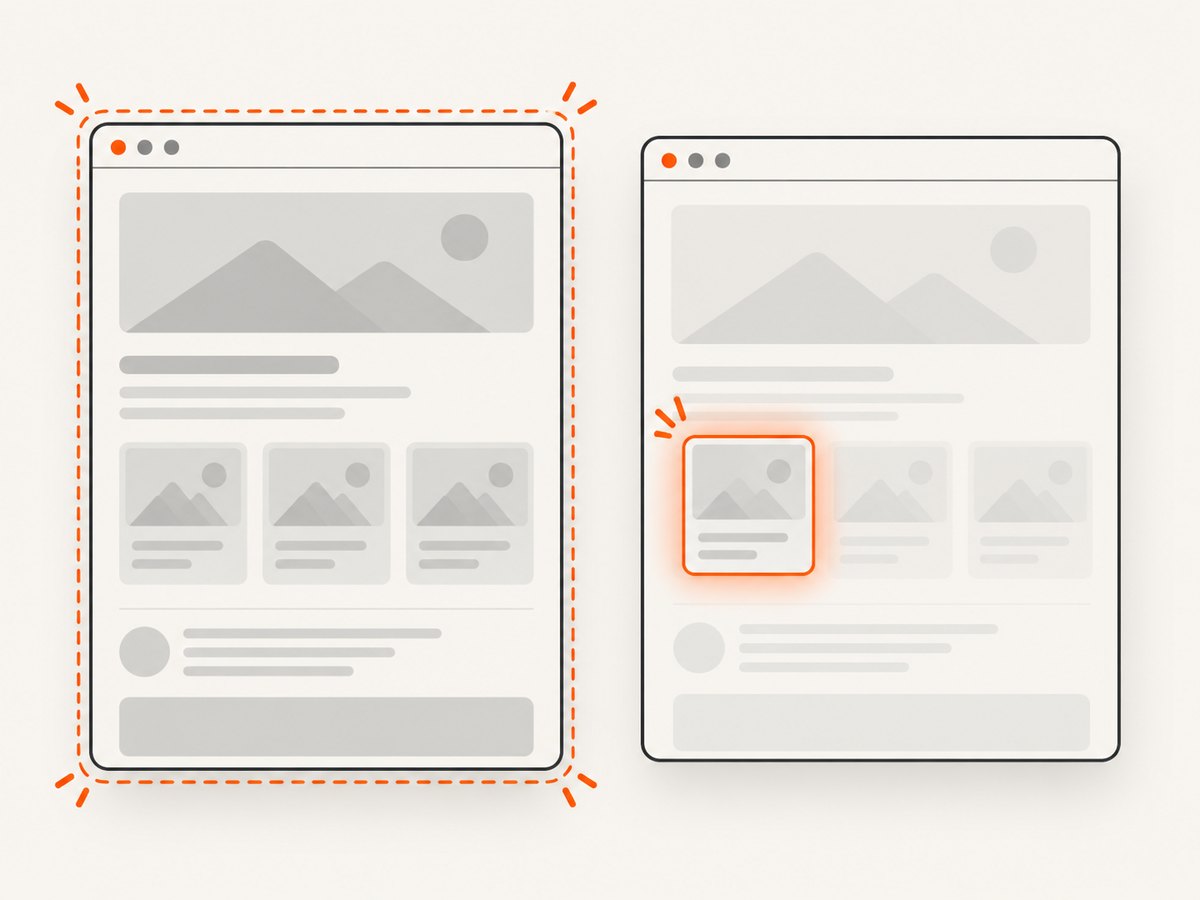
If your goal is to capture a dark-looking page for documentation, previews, tests, or automation, ScreenshotNeo can return a screenshot from one API request. Its capture options include dark mode, custom CSS and JavaScript, device presets, any viewport, full-page shots, element capture, and waits for selectors, delays, or network idle. See the ScreenshotNeo API documentation for the full option list.
curl -G "https://api.screenshotneo.com/v1/shot" -d access_key=YOUR_API_KEY --data-urlencode url=https://stripe.com -o shot.webpimport requests
r = requests.get("https://api.screenshotneo.com/v1/shot", params={"access_key": "YOUR_API_KEY", "url": "https://stripe.com"}, timeout=90)
open("shot.webp", "wb").write(r.content)const q = new URLSearchParams({ access_key: 'YOUR_API_KEY', url: 'https://stripe.com' });
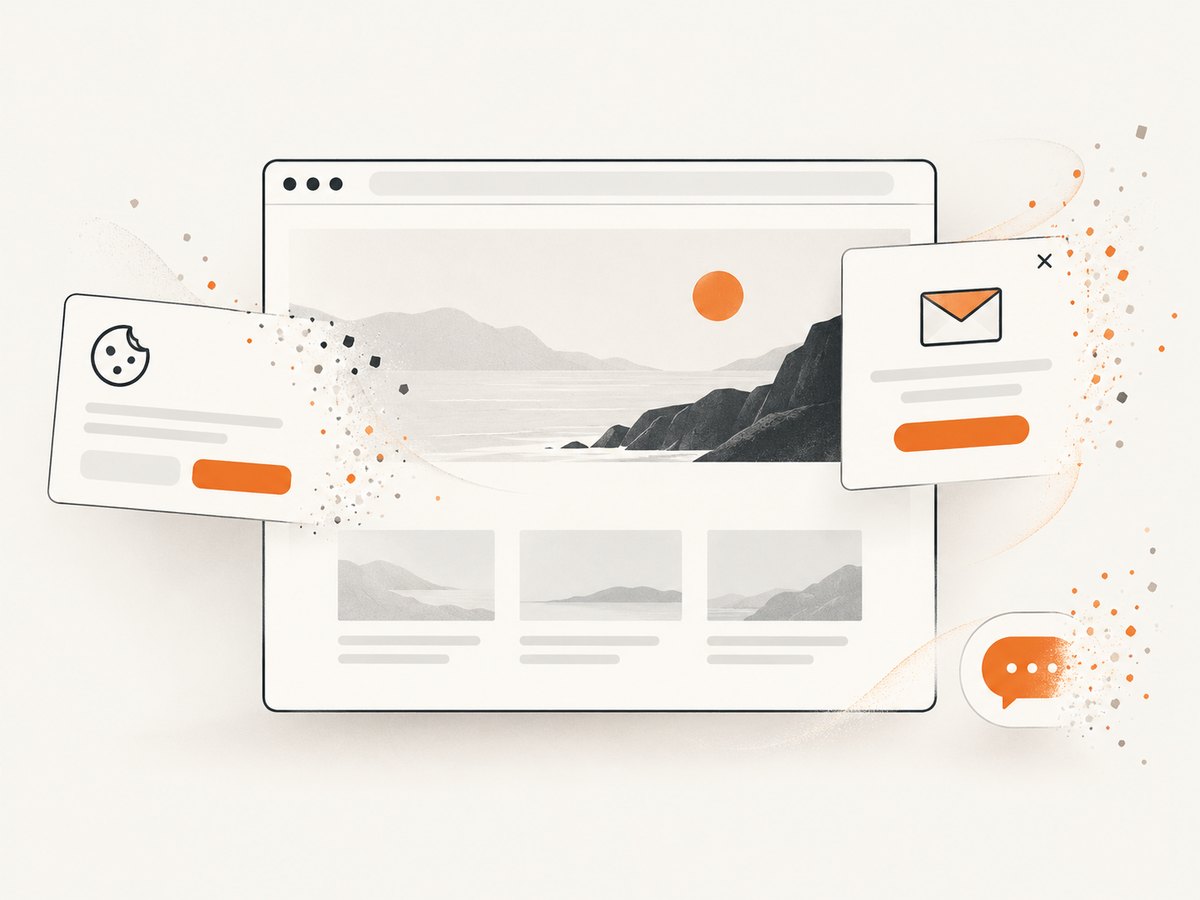
const res = await fetch(`https://api.screenshotneo.com/v1/shot?${q}`);Cookie banners, newsletter popups, and chat widgets are removed before the shot. Bot checks, blank pages, failed loads, timeouts, and cache hits are not billed, and response headers identify the page verdict and billing result. An MCP server lets AI agents use take_screenshot, get_page_info, and capture_pdf. The free plan includes 1,000 screenshots a month with no card; paid plans start at $5 for 3,000 shots.
Create a free ScreenshotNeo account to get started.
Performance, reliability, and cost notes
- On-device Night Mode: It requires no external service or per-image charge, but the result depends on the current Brave version and each page’s colors.
- Repeatability: A browser transformation can change as page CSS, dynamic content, or Brave’s experimental implementation changes. Record the Brave version when screenshots must be reproducible.
- Automated captures: ScreenshotNeo supports caching with a TTL you choose, custom headers, cookies, user agents, authorization, timezone, geolocation, resource blocking, async jobs, signed webhooks, bulk capture of up to 100 URLs per call, and usage reporting.
- Billing: ScreenshotNeo bills only clean shots. Failed loads, bot checks, blank pages, timeouts, and cache hits cost nothing.
FAQ
Does Brave dark mode work on every website?
No. Experimental Night Mode attempts to transform page colors, so layouts, images, widgets, and contrast can vary.
Is Brave’s Dark theme the same as website dark mode?
No. The browser theme changes Brave’s interface. Experimental Night Mode is the control that attempts to darken webpage content.
Can I force dark mode on Brave desktop?
The reviewed official desktop appearance guidance documents browser color themes but does not document a universal website-darkening switch.
Why does Night Mode make a page less readable?
It can invert or replace colors without understanding the page’s intended contrast relationships. Disable it when text or controls become unclear.
Can I automate dark screenshots without running Brave?
Yes. ScreenshotNeo provides an API and MCP server, with dark mode and other capture controls available through the request.