How to Enable Downloadify in jsPDF
Downloadify is a legacy Flash workaround. Learn the current jsPDF save method, the historical setup, IE limitations, and safer PDF workflows.
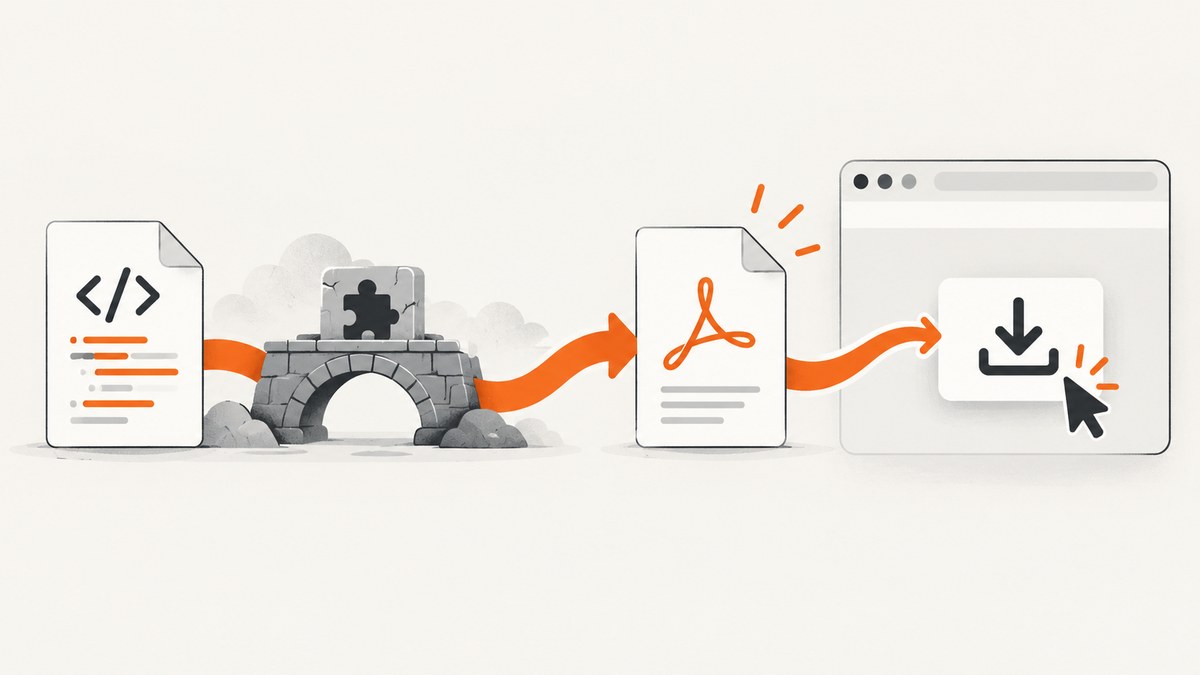
Short answer: for a current application, do not enable Downloadify. Generate the PDF with jsPDF and call doc.save("filename.pdf"). Downloadify was a legacy Flash-based workaround for old Internet Explorer environments, and the reviewed sources do not verify that its Flash flow works in any current browser or operating system.
The jsPDF project documents this current pattern and states that “jsPDF requires modern browser APIs in order to function.” See the jsPDF README for the module formats and version-specific details.
Use jsPDF’s current download API
Install jsPDF in a bundled application:
npm install jspdfThen create the document and save it:
import { jsPDF } from "jspdf";

const doc = new jsPDF();
doc.text("Hello world!", 10, 10);
doc.save("example.pdf");
With a script tag, use the UMD build and the global exported by jsPDF:
<script src="https://unpkg.com/jspdf/dist/jspdf.umd.min.js"></script>
<script>
  const { jsPDF } = window.jspdf;
  const doc = new jsPDF();
  doc.text("Hello world!", 10, 10);
  doc.save("example.pdf");
</script>
The browser generates the document, creates a download, and uses the supplied filename. The filename should end in .pdf. PDF generation and downloading are separate operations: jsPDF creates the bytes, while save() starts the browser download.
What Downloadify was
Downloadify was a Flash shim described in older jsPDF material for downloading generated files in Internet Explorer 9 and earlier. It was not a PDF renderer. Its callback supplied file data to a Flash object, which then attempted to show a download control.
Old documentation also said that the then-current jsPDF build did not have the IE6–9 shim enabled. Those statements describe old releases and should not be treated as current browser support. Flash support, browser plug-ins, and the exact jsPDF integration must be evaluated in the legacy environment itself.
Historical Downloadify setup
Use this only when maintaining an old application that already depends on the exact Downloadify and SWFObject files. The historical recipe required all of the following:

downloadify.min.jsswfobject.js- the Downloadify SWF file
- an image used as the download button
- a DOM element that exists before initialization
- a
datacallback returning the generated PDF data
A representative legacy page looked like this:
<!doctype html>
<html>
<head>
  <meta charset="utf-8">
  <title>Legacy jsPDF download</title>
  <script src="path/to/jspdf.js"></script>
  <script src="path/to/swfobject.js"></script>
  <script src="path/to/downloadify.min.js"></script>
</head>
<body>
  <div id="downloadify"></div>

  <script>
    Downloadify.create("downloadify", {
      filename: function () {
        return "example.pdf";
      },
      data: function () {
        var pdf = new jsPDF();
        pdf.text("Hello world!", 10, 10);
        return pdf.output();
      },
      onComplete: function () {
        alert("Download complete");
      },
      onCancel: function () {
        alert("Download canceled");
      },
      onError: function () {
        alert("Download failed");
      },
      swf: "path/to/downloadify.swf",
      image: "path/to/download.png",
      width: 120,
      height: 30,
      transparent: true,
      append: false
    });
  </script>
</body>
</html>
The option names and exact behavior depend on the old Downloadify version. Match the paths and API used by the application you are repairing. Do not copy this historical setup into a new project as a compatibility guarantee.
Initialization order
- Load jsPDF, SWFObject, and Downloadify in the order expected by the old integration.
- Put the target element, such as
<div id="downloadify"></div>, in the document. - Initialize Downloadify only after that element exists.
- Return the PDF data from the
datacallback. - Use a filename ending in
.pdf.
Generating a PDF from HTML is a separate problem
Downloadify only handled delivery of already-generated data. Adding it does not convert a full HTML page into a PDF or screenshot the page automatically.
For simple documents, add text and images through jsPDF’s documented APIs:
import { jsPDF } from "jspdf";

const doc = new jsPDF();
doc.text("Invoice", 20, 20);
doc.text("Total: $42.00", 20, 32);
doc.save("invoice.pdf");
For a complete HTML document, choose an HTML-to-PDF renderer that supports the CSS, fonts, images, layout, and browser behavior your page needs. A PDF download shim cannot provide those rendering capabilities. Also separate the concerns when debugging:
| Concern | Question |
|---|---|
| Content | Did the code create the expected PDF bytes? |
| Rendering | Did the chosen PDF workflow support the HTML, CSS, images, and fonts? |
| Delivery | Did the browser or download mechanism save those bytes? |
Browser and compatibility boundaries
- Current jsPDF expects modern browser APIs, according to the project README.
- The old Downloadify approach depended on Flash and an old Internet Explorer integration.
- The reviewed sources do not confirm Downloadify operation in any current browser or operating system.
- The old documentation’s IE6–9 notes apply to historical builds, not current jsPDF releases.
If the requirement is specifically “works in IE9,” test the complete deployed stack: browser version, security settings, Flash availability, script loading, SWF loading, cross-origin policy, and the installed jsPDF build. Do not infer support from a historical code sample.
Troubleshooting Downloadify
| Symptom | Likely cause | Fix |
|---|---|---|
| No button appears | The target element does not exist, initialization ran too early, or the Downloadify script failed to load. | Inspect the DOM, move initialization after the target element, and check every script response. |
| Flash object is missing | The SWF path is wrong, Flash is unavailable, or the browser blocks the plug-in. | Verify the exact SWF URL and test the actual legacy environment. A modern browser cannot be assumed to run it. |
| Click produces no file | The data callback throws or returns no PDF data. |
Generate a minimal document first and confirm the callback returns pdf.output(). |
| Filename has no PDF extension | The filename callback returns a name without .pdf. |
Return a filename such as example.pdf. |
| Completion callback never runs | The Flash bridge failed before the download completed. | Check SWF loading, browser plug-in policy, and the Downloadify version’s callback API. |
| Images break the save dialog | A historical jsPDF issue reported this in one setup. | Treat it as an issue-specific report, isolate the image, test a minimal PDF, and do not assume a universal image limitation or confirmed general fix. |
| Modern jsPDF code fails in IE9 | The current library requires modern browser APIs. | Use a separately maintained legacy build only if your environment supports it, or move PDF generation to a compatible server or browser. |
Reliability, performance, and cost considerations
Client-side jsPDF
- Large documents, many images, and high-resolution assets consume browser memory and can block the UI.
- Keep images appropriately sized, generate pages incrementally where possible, and avoid embedding assets repeatedly.
- Wait for fonts and images before generating the document if the output depends on them.
- Validate the resulting PDF in the browsers you support; a successful JavaScript call does not guarantee a visually correct document.
Legacy Downloadify
Downloadify adds extra failure points: script dependencies, a SWF asset, Flash availability, browser policy, and the old bridge between JavaScript and the plug-in. Its compatibility and performance cannot be inferred for present-day systems from the historical examples.
Or skip the browser setup
If your actual requirement is a reliable screenshot or PDF capture of a web page, ScreenshotNeo provides a single HTTP request instead of a browser-and-Flash integration. Read the ScreenshotNeo API documentation for the available capture options.

cURL
curl -G "https://api.screenshotneo.com/v1/shot" -d access_key=YOUR_API_KEY --data-urlencode url=https://stripe.com -o shot.webpPython
import requests

r = requests.get(
    "https://api.screenshotneo.com/v1/shot",
    params={"access_key": "YOUR_API_KEY", "url": "https://stripe.com"},
    timeout=90,
)
open("shot.webp", "wb").write(r.content)
Node.js
const q = new URLSearchParams({ access_key: 'YOUR_API_KEY', url: 'https://stripe.com' });
const res = await fetch(`https://api.screenshotneo.com/v1/shot?${q}`);
ScreenshotNeo removes cookie banners, newsletter popups, and chat widgets before capture. Bot checks, blank pages, failed loads, timeouts, and cache hits are not billed, and response headers identify the page verdict and billing status. It also offers an MCP server with take_screenshot, get_page_info, and capture_pdf tools for Claude, Cursor, and other MCP clients. The free plan includes 1,000 screenshots per month with no card; paid plans start at $5 for 3,000.
Create a free ScreenshotNeo account and start with 1,000 screenshots per month without a card.
FAQ
Can I enable Downloadify by installing a current npm package?
No current compatibility path is established by the reviewed sources. Downloadify belongs to a historical Flash-based integration.
Does doc.save() require Downloadify?
No. doc.save() is the current jsPDF browser download method.
Will Downloadify convert my HTML page into a PDF?
No. It only delivered data returned by the callback. HTML rendering requires a separate workflow.
What should I do if an old customer still uses IE9?
Reproduce the exact legacy environment, verify every dependency and policy, and plan a supported replacement. The historical examples do not prove that the flow works today.
Is a historical image-related failure a jsPDF limitation?
No conclusion that broad can be drawn. The reviewed issue is a report from one setup, not a universal limitation or confirmed general fix.


