How to Add a Signature Field to a PDF With EO.Pdf HtmlToPdf
Use EO.Pdf HtmlToPdf for the visible signature, then add the digital signature or interactive field in a separate PDF step.

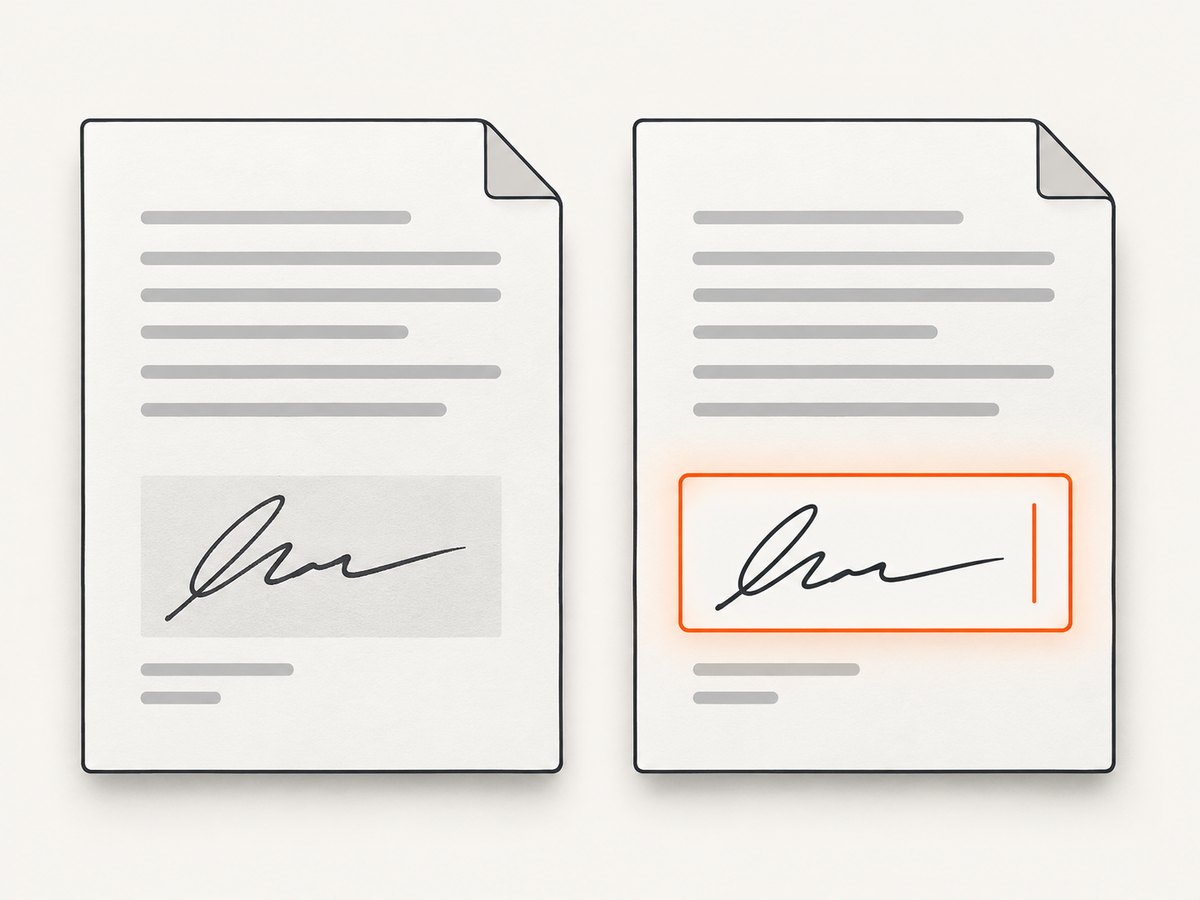
Direct answer: EO.Pdf HtmlToPdf renders HTML or a URL into a PDF. It does not document creating an interactive AcroForm signature field during that conversion. Put the visible signature image or signature block in the HTML, convert it with HtmlToPdf, then apply EO.Pdf’s PDFSigner or another compatible signing library. If you need a fillable, keyboard-navigable signature widget, add it in a separate PDF form-authoring step and verify the API for the EO.Pdf version you installed.
What HtmlToPdf can and cannot do
There are three different things developers often call a “signature field”:
| Requirement | What it means | HtmlToPdf step |
|---|---|---|
| Visible signature | An image, drawn mark, name, or blank line that appears on the page | Supported by placing it in the HTML before conversion |
| Digital signature | A cryptographic signature embedded in the PDF | Apply PDFSigner or another signing API after conversion |
| Interactive AcroForm field | A field users can click, fill, and sign in a PDF viewer | Use a separate PDF form-authoring operation; verify the installed EO.Pdf version |
Essential Objects’ support guidance describes a PDF signature as two parts: a visible signature image and a real, invisible digital signature. PDFSigner adds the digital part; the visible part can be handled as a normal image in the HTML before conversion. The current HtmlToPdf members reference documents conversion methods but does not document a signature-field creation method.
Recommended workflow
- Create the signature area in HTML. Use a labeled block, a line, or an image placeholder.
- Render the HTML with
HtmlToPdf.ConvertHtml, or render a page URL withConvertUrl. - Save the generated PDF.
- Apply the digital signature with
PDFSigneror a compatible PDF-signing library. - If recipients must sign interactively, create an AcroForm signature widget in a separate form-authoring step.
- Open the result in more than one PDF viewer and validate appearance, signature status, accessibility, and tab order.

Complete C# rendering example
The following program creates a PDF with a visible signature area. It is the rendering stage; digital signing and interactive field creation come afterward.
using System;
using EO.Pdf;

class Program
{
    static void Main()
    {
        var html = @"<!doctype html>
<html>
<head>
  <meta charset='utf-8'>
  <style>
    body { font-family: Arial, sans-serif; margin: 48px; color: #222; }
    .signature { margin-top: 80px; width: 280px; }
    .line { border-bottom: 1px solid #222; height: 36px; }
    .label { margin-top: 8px; font-size: 12px; }
  </style>
</head>
<body>
  <h1>Agreement</h1>
  <p>Terms of the agreement appear here.</p>
  <div class='signature' aria-label='Signature area'>
    <div class='line'></div>
    <div class='label'>Authorized signature and date</div>
  </div>
</body>
</html>";

        HtmlToPdf.ConvertHtml(html, "agreement-rendered.pdf");
        Console.WriteLine("Wrote agreement-rendered.pdf");
    }
}
Use the same pattern with a signature image by adding an <img> element whose source is available to the converter. Keep the image at the intended size and provide an alternative text description when it conveys information.
Rendering a URL instead of an HTML string
using EO.Pdf;

class Program
{
    static void Main()
    {
        HtmlToPdf.ConvertUrl("https://example.com/agreement.html", "agreement-rendered.pdf");
    }
}
Make the page deterministic before conversion. Use absolute asset URLs or a deployment environment where the converter can resolve relative assets, and avoid content that changes between runs unless that change is intentional.
Adding the digital signature
After HtmlToPdf writes the file, pass that PDF to EO.Pdf’s signing API. The vendor support answer names PDFSigner, but the exact constructor, certificate-loading method, and save operation depend on the EO.Pdf release and certificate type. Check the PDFSigner documentation for the version installed rather than copying an API signature from another release.
// Conceptual sequence; confirm member names for your EO.Pdf version.
var input = "agreement-rendered.pdf";
var output = "agreement-signed.pdf";

// Load your signing certificate and private key according to your
// EO.Pdf version, then use PDFSigner to sign the input PDF and write output.
// PDFSigner adds the cryptographic signature; it does not draw the
// visible signature image.
A cryptographic signature may be invisible in the page content and still be valid. To show a handwritten mark or company seal, render that image in the HTML first. Do not treat the image alone as proof of cryptographic signing.
Creating an interactive signature field
If the requirement is “the recipient can click this box and sign in Acrobat or another PDF viewer,” you need an AcroForm signature field. The researched HtmlToPdf API reference lists conversion and utility members but does not document a method that creates a signature widget. Use a separate PDF form-authoring API after rendering, or author the field in a professional PDF tool, and verify that it preserves the output PDF and any later digital signature.
For accessible forms:
- Give the field a tooltip that matches its visible label or instruction.
- Place it in the logical tab order.
- Test keyboard navigation without a mouse.
- Check that the field has an appropriate name and a sufficient visual focus indicator.
- Validate the finished document with your accessibility and PDF conformance tools.
Visible image versus field: choosing the right design
| Use case | Best approach |
|---|---|
| Archive a document already signed elsewhere | Embed the supplied signature image in HTML, then render |
| Prove who signed and detect later changes | Render first, then apply a certificate-based digital signature |
| Let a person sign inside a PDF viewer | Create an AcroForm signature field in a separate form step |
| Need all three | Render the visible area, create the field, then apply the appropriate signing workflow |
Common errors and fixes
| Symptom | Likely cause | Fix |
|---|---|---|
| The PDF has no visible signature | Only PDFSigner was used | Add the signature image or block to the HTML before conversion |
| The signature image is missing | Relative path, inaccessible URL, or unsupported image resource | Use a resolvable absolute path or URL, confirm permissions, and inspect converter resource errors |
| The PDF opens but has no clickable field | A visual line or image was rendered instead of an AcroForm widget | Add the field with a separate PDF form-authoring operation |
| The signature becomes invalid after editing | The PDF was modified after signing | Complete field creation and all content edits before applying the final digital signature |
| PDFSigner output is rejected | Certificate, private key, trust chain, or PDF revision issue | Check certificate usage and chain, use the exact API for your EO.Pdf version, and validate with the target viewer |
| Text or layout shifts | Different fonts, missing resources, or a changed page size | Embed or install required fonts, set explicit CSS dimensions, and compare rendered output in a controlled environment |
| Screen readers cannot identify the field | The document contains only visual content or lacks field metadata | Add an actual form field with a matching tooltip and verify reading and tab order |
Performance and reliability considerations
- Render once and retain the intermediate PDF if you need to retry signing; avoid repeating HTML conversion for every certificate operation.
- Keep external assets local or reliably reachable. A missing stylesheet or font can change the signature area’s position.
- Use stable page dimensions and CSS so the signature block does not move when text wraps.
- Apply the final digital signature last. Any later PDF edit can invalidate it.
- For batch jobs, record the input HTML version, converter version, certificate identifier, and output hash so a document can be reproduced and audited.
- Open signed files in the PDF viewers used by recipients; signature display and trust indicators vary by viewer.
Or skip the browser setup
If your source is a web page and you only need a clean PDF or image capture, ScreenshotNeo provides a single API request instead of maintaining a browser-rendering service. It accepts a URL and returns a PNG, JPEG, WebP, or PDF.
cURL:
curl -G "https://api.screenshotneo.com/v1/shot" -d access_key=YOUR_API_KEY --data-urlencode url=https://example.com/agreement.html -o agreement.pdfPython:
import requests
r = requests.get("https://api.screenshotneo.com/v1/shot", params={"access_key": "YOUR_API_KEY", "url": "https://example.com/agreement.html"}, timeout=90)
r.raise_for_status()
open("agreement.pdf", "wb").write(r.content)
Node.js:
const q = new URLSearchParams({ access_key: 'YOUR_API_KEY', url: 'https://example.com/agreement.html' });
const res = await fetch(`https://api.screenshotneo.com/v1/shot?${q}`);
if (!res.ok) throw new Error(`HTTP ${res.status}`);
const fs = await import('node:fs/promises');
await fs.writeFile('agreement.pdf', Buffer.from(await res.arrayBuffer()));
See the ScreenshotNeo API documentation for output and options. Cookie banners, newsletter popups, and chat widgets are removed before the shot. Bot checks, blank pages, failed loads, timeouts, and cache hits are not billed, and the response identifies the page verdict and billing status in headers. Its MCP server lets Claude, Cursor, and other MCP clients call take_screenshot, get_page_info, and capture_pdf. The free plan includes 1,000 screenshots per month with no card; paid plans start at $5 for 3,000.
Start with 1,000 free screenshots a month—no card required.
FAQ
Does HtmlToPdf create a digital signature?
No. It renders HTML or a URL. Apply PDFSigner or another signing operation afterward.
Why is my PDFSigner signature invisible?
The cryptographic signature is separate from the visible signature image. Put the image in the HTML before rendering.
Can a line in HTML become a signable PDF field?
No. A line is page content. An interactive signature requires an AcroForm field created by a separate PDF form operation.
When should I sign the PDF?
After rendering and after all field-authoring or other PDF edits. Sign last so later changes do not invalidate the signature.
Is a signature image legally equivalent to a digital signature?
They serve different technical purposes. A visible image does not provide the cryptographic integrity supplied by a digital signature; consult your legal and compliance requirements.


