How to Exclude Your App from Android Screenshots
Use FLAG_SECURE to keep sensitive Android activity content out of screenshots and non-secure displays, with detection, limitations, and testing guidance.
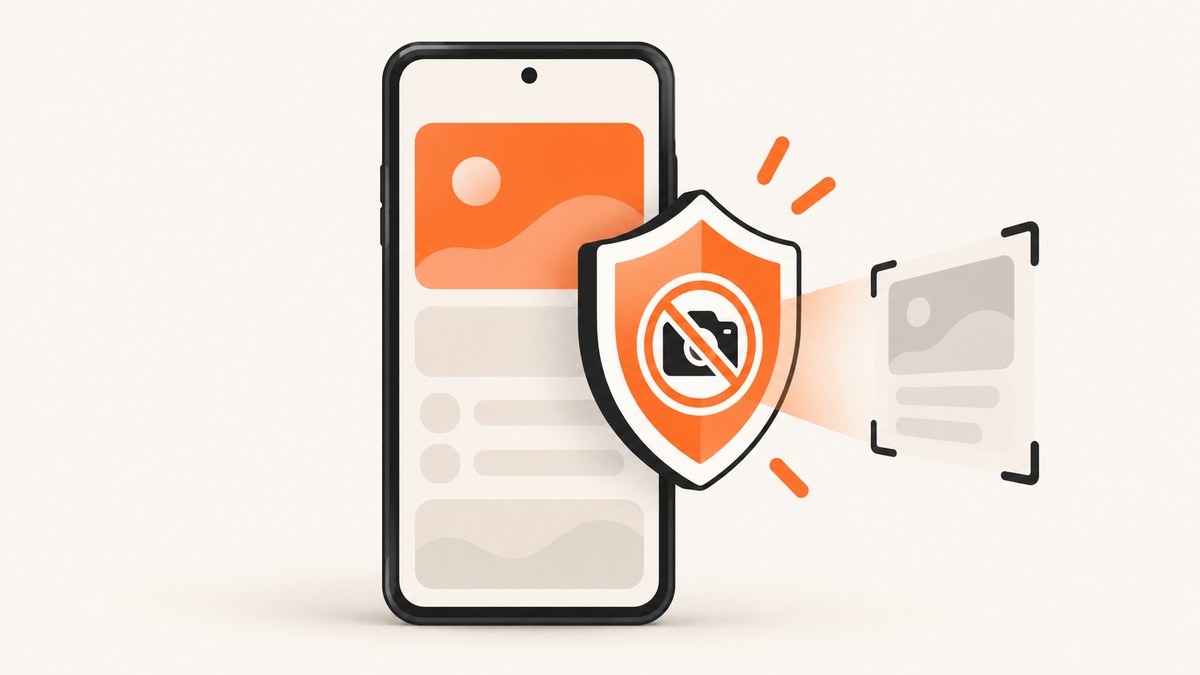
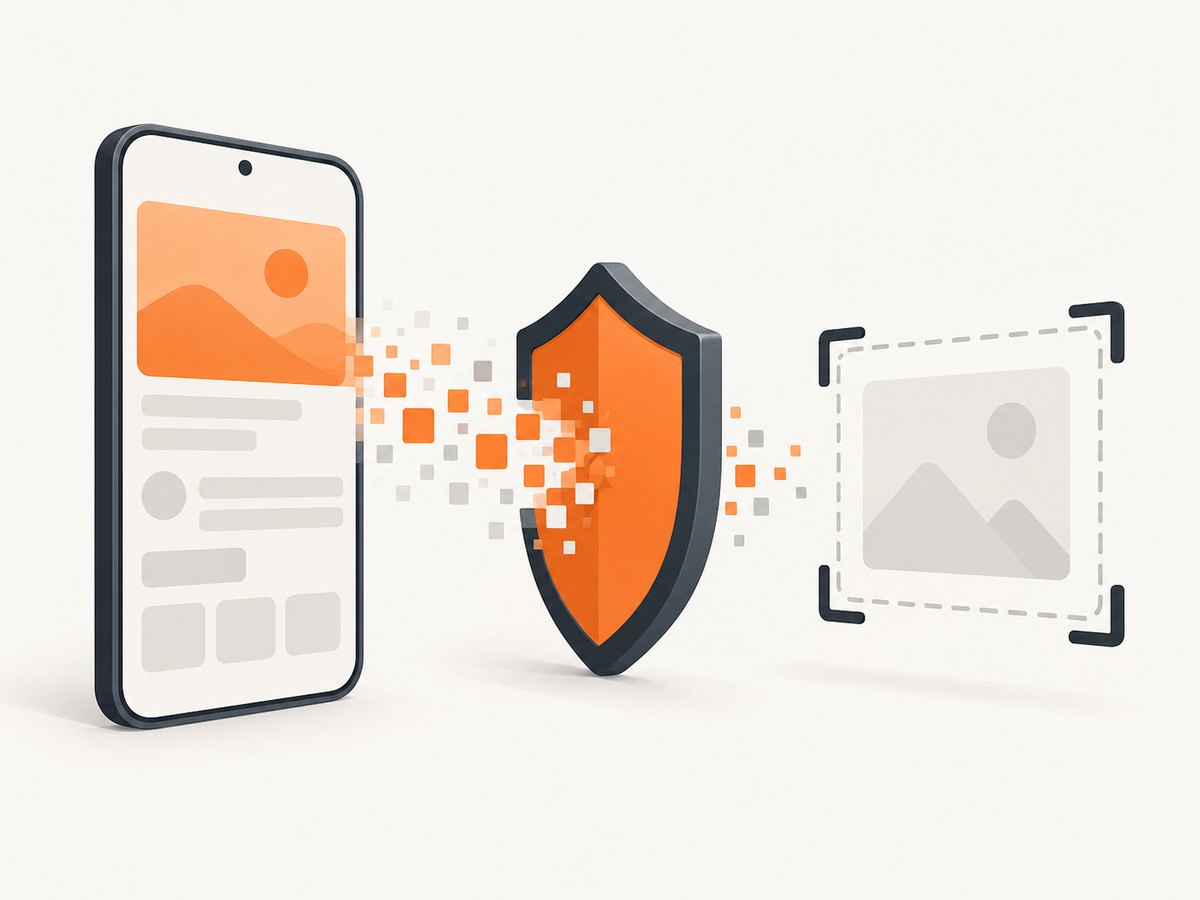
Direct answer: Set WindowManager.LayoutParams.FLAG_SECURE on the window that displays sensitive content. The flag keeps that activity’s content out of screenshots and non-secure displays such as casting targets. It is a window-level control, not a global device setting, and it cannot guarantee protection against every capture technique.
Android’s official example in Java is:
activity.getWindow().setFlags(
    WindowManager.LayoutParams.FLAG_SECURE,
    WindowManager.LayoutParams.FLAG_SECURE
);
The equivalent Kotlin code is:
activity.getWindow().setFlags(
    LayoutParams.FLAG_SECURE,
    LayoutParams.FLAG_SECURE
)
Apply the flag to each activity window that can show secrets such as account details, payment data, recovery codes, health information, or internal tools. Android documents this behavior in its screenshot-detection guide and secure-activities guidance.
1. Add FLAG_SECURE to an Android activity
Kotlin activity example
import android.os.Bundle
import android.view.WindowManager
import androidx.appcompat.app.AppCompatActivity

class PaymentActivity : AppCompatActivity() {
    override fun onCreate(savedInstanceState: Bundle?) {
        super.onCreate(savedInstanceState)

        // Call before displaying sensitive content.
        window.setFlags(
            WindowManager.LayoutParams.FLAG_SECURE,
            WindowManager.LayoutParams.FLAG_SECURE
        )

        setContentView(R.layout.activity_payment)
    }
}
Java activity example
import android.os.Bundle;
import android.view.WindowManager;
import androidx.appcompat.app.AppCompatActivity;

public class PaymentActivity extends AppCompatActivity {
    @Override
    protected void onCreate(Bundle savedInstanceState) {
        super.onCreate(savedInstanceState);

        // Call before displaying sensitive content.
        getWindow().setFlags(
            WindowManager.LayoutParams.FLAG_SECURE,
            WindowManager.LayoutParams.FLAG_SECURE
        );

        setContentView(R.layout.activity_payment);
    }
}
Set it conditionally
If your app has a privacy setting, apply or clear the flag when the setting changes. Clear it only when the currently visible content is safe to capture.
fun setScreenshotProtection(enabled: Boolean) {
    if (enabled) {
        window.addFlags(WindowManager.LayoutParams.FLAG_SECURE)
    } else {
        window.clearFlags(WindowManager.LayoutParams.FLAG_SECURE)
    }
}
Android recommends considering a user-facing toggle where screenshots are useful for accessibility, documentation, or support workflows. Keep the default appropriate for the sensitivity of your content.
2. Choose the correct scope
- One sensitive screen: Set the flag in that activity, or in a shared base activity used by protected screens.
- Several activities: Apply it in every activity that can render protected data. A flag on one window does not automatically protect another window.
- Fragments: A fragment uses its host activity’s window. Set the flag on the activity, not on the fragment view.
- Dialogs and separate windows: Check each window that can contain sensitive content. A dialog may have its own window attributes.
- Temporary protection: Add the flag before rendering the secret and clear it after leaving the protected state.
The Android Display API reference describes secure surfaces as preventing app-rendered content from appearing in screenshots or on non-secure displays; FLAG_SECURE is the window flag used to create that behavior.
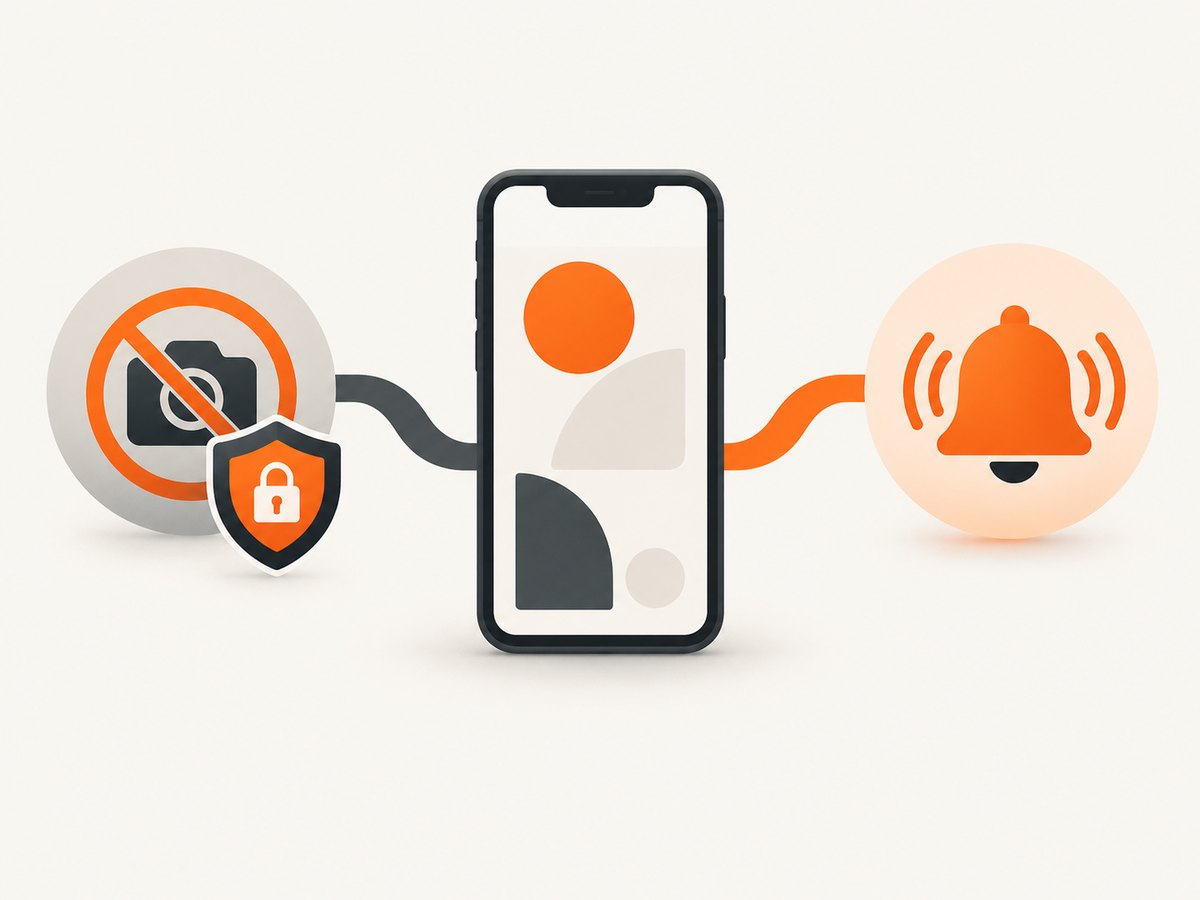
3. Screenshot prevention versus screenshot detection
These features solve different problems:
| Need | Use | What you receive | Key limitation |
|---|---|---|---|
| Prevent activity content from being captured | FLAG_SECURE |
No screenshot image or event is provided | Window-level protection; not a guarantee against every capture or overlay technique |
| React when a supported screenshot occurs | Android 14 Activity.ScreenCaptureCallback |
A callback notification | It does not block the screenshot or return the image |
Do not use detection as a substitute for exclusion. If the requirement is “this content must not appear in screenshots,” set FLAG_SECURE. Use detection when you need an in-app response such as showing a warning, recording an audit event, or invalidating a one-time display.
Android 14 detection example
The detection API requires the install-time permission android.permission.DETECT_SCREEN_CAPTURE. Register the callback while the activity is started and unregister it when the activity stops.
<uses-permission android:name="android.permission.DETECT_SCREEN_CAPTURE" />private val screenshotCallback = Activity.ScreenCaptureCallback {
// Notify the app that a supported screenshot action occurred.
}
override fun onStart() {
super.onStart()
registerScreenCaptureCallback(mainExecutor, screenshotCallback)
}
override fun onStop() {
unregisterScreenCaptureCallback(screenshotCallback)
super.onStop()
}Android documents that this callback detects a specific hardware-button screenshot combination. It does not detect screenshots made by ADB screenshot commands or instrumentation tests that capture screen contents. See the official API guidance for the supported behavior.
4. Testing checklist
- Open the protected activity on an emulator and at least one physical device.
- Try the device’s normal screenshot gesture or hardware-button shortcut.
- Confirm the captured result does not contain the protected activity content.
- Test screen casting or projection to a non-secure display if your app supports it.
- Navigate to every activity, dialog, or overlay that can show secrets.
- Test rotation, multi-window mode, task switching, and background/foreground transitions.
- Verify that your support and accessibility workflows still work when the flag is enabled.
- If using detection, verify registration and cleanup across repeated starts and stops.
Do not treat an ADB or instrumentation capture as proof that the user-facing screenshot path is unprotected: Android’s detection callback explicitly excludes those test capture methods. Use tests that match the capture path you need to control.
5. Limitations and security considerations
- Overlay attacks: Android warns that
FLAG_SECUREis not reliable for preventing overlay attacks. - Device variation: Android’s security guidance says that on Android 11 (API 30) and lower, the flag is able to help “around 70% of the devices reliably.” This is a qualified statement for that platform range, not a current-device benchmark.
- External displays: The flag also prevents display on non-secure outputs, including some TVs and projectors.
- Window scope: It protects the flagged window. A different activity or window needs its own configuration.
- Capture methods: No single API establishes protection against every vendor, accessibility, recording, camera, root, or overlay technique.
For high-risk data, combine the flag with short-lived secrets, re-authentication, server-side authorization, redaction, and minimal exposure time. The flag protects rendered pixels; it does not replace access control or transport security.
6. Troubleshooting
| Symptom | Likely cause | Fix |
|---|---|---|
| Screenshots still show a sensitive screen | The flag was set on another activity or after capture/rendering | Set it on the visible activity window before setContentView or before sensitive content appears; apply it to every relevant window. |
| A fragment cannot set the flag | The flag belongs to the host window | Call requireActivity().window.addFlags(...) or configure the activity directly. |
| Only a dialog is captured | The dialog uses a separate window | Set secure flags on the dialog window as well. |
| Screen casting goes black | This is expected for a secure window on a non-secure display | Keep the behavior for sensitive screens, or provide a deliberate user setting where sharing is legitimate. |
| Detection callback never fires | Missing permission, unsupported Android version, wrong lifecycle, or unsupported capture method | Declare DETECT_SCREEN_CAPTURE, register in onStart, unregister in onStop, and test the documented Android 14 capture path. |
| Detection fires but screenshot is still available | Detection is notification only | Use FLAG_SECURE when prevention is required. |
| Legitimate support screenshots stopped working | The entire app or activity is always protected | Limit the flag to sensitive activities or add a clearly explained privacy setting. |
7. Performance, reliability, and cost
FLAG_SECURE is a local window attribute and normally avoids network or server cost. The main reliability work is coverage: every sensitive window must set the flag early, and device-specific behavior should be validated on the Android versions and form factors you support. Keep protected screens simple to audit, and centralize the policy in a base activity or helper so new screens do not accidentally omit it.
8. Or skip the browser setup
If your goal is to capture your website or Android documentation pages for QA, release notes, or support, ScreenshotNeo provides a single screenshot API request. See the ScreenshotNeo API documentation for all options.
curl -G "https://api.screenshotneo.com/v1/shot" -d access_key=YOUR_API_KEY --data-urlencode url=https://stripe.com -o shot.webpimport requests
r = requests.get("https://api.screenshotneo.com/v1/shot", params={"access_key": "YOUR_API_KEY", "url": "https://stripe.com"}, timeout=90)
open("shot.webp", "wb").write(r.content)const q = new URLSearchParams({ access_key: 'YOUR_API_KEY', url: 'https://stripe.com' });
const res = await fetch(`https://api.screenshotneo.com/v1/shot?${q}`);Cookie banners, newsletter popups, and chat widgets are removed before the shot. Bot checks, blank pages, failed loads, timeouts, and cache hits are never billed, and the response identifies the page verdict and billing status. An MCP server lets AI agents such as Claude and Cursor take screenshots. The free plan includes 1,000 screenshots a month with no card; paid plans start at $5 for 3,000 shots. Create a free ScreenshotNeo account.
9. FAQ
Does FLAG_SECURE stop screen recording?
It prevents the flagged window from appearing on non-secure displays and in screenshots as documented by Android. The supplied guidance does not establish identical behavior for every screen-recording path or device, so validate the recording workflows that matter to your app.
Can I hide only one view?
The documented control is window-level. Put sensitive content in a protected activity or window, or redesign the screen so the entire window can be protected while that content is visible.
Will users know a screenshot was blocked?
FLAG_SECURE does not provide a screenshot callback. If you need an in-app notification after a supported screenshot, use Android 14’s detection API separately.
Should every activity use the flag?
Use it wherever sensitive content can appear. Applying it globally is simpler but can block legitimate screenshots and casting throughout the app.
Does screenshot detection return the image?
No. The callback reports that a supported screenshot action occurred; it does not provide the captured image and does not prevent capture.


