How to Extract Company Data from Business Databases
Learn when to use a company-data API or bulk file, how to authenticate and normalize records, and how to keep extraction reliable and compliant.
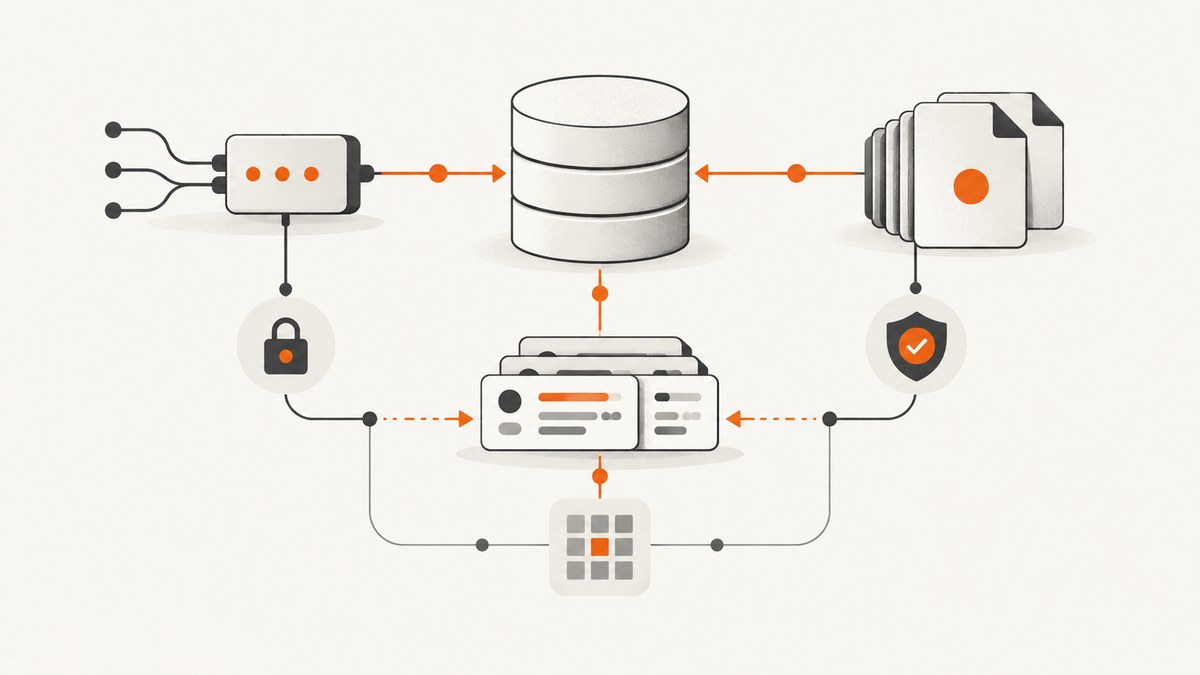
Direct answer: choose the official registry or database for the jurisdiction and fields you need. Use its API when you need individual records, frequent lookups, or request-time freshness. Use an official bulk download when you need a broad periodic extract and the published files contain the fields you require. Before writing code, confirm authentication, pagination or file structure, permitted use, licence terms, response formats, and the source’s update schedule.
A dependable extraction pipeline stores the raw response, normalizes it into your own schema, records the source and retrieval time, validates identifiers, and handles retries without creating duplicates. The examples below use a generic API shape so you can substitute the current endpoint documented by your provider. Do not guess an endpoint, rate limit, or licence when the provider has not documented it.
1. Decide between an API and a bulk download
| Question | API retrieval | Bulk file |
|---|---|---|
| Scale | Targeted records or continuous lookups | Large periodic extracts |
| Freshness | Usually request-time data, subject to the provider’s publication process | Snapshot with a stated compilation date |
| Format | Often JSON or XML | CSV ZIP, XBRL, XML, or other files |
| Operational work | Authentication, pagination, retries, caching | Download, decompress, validate, and load |
| Reuse | Terms may restrict automation or redistribution | Licence and attribution still apply |
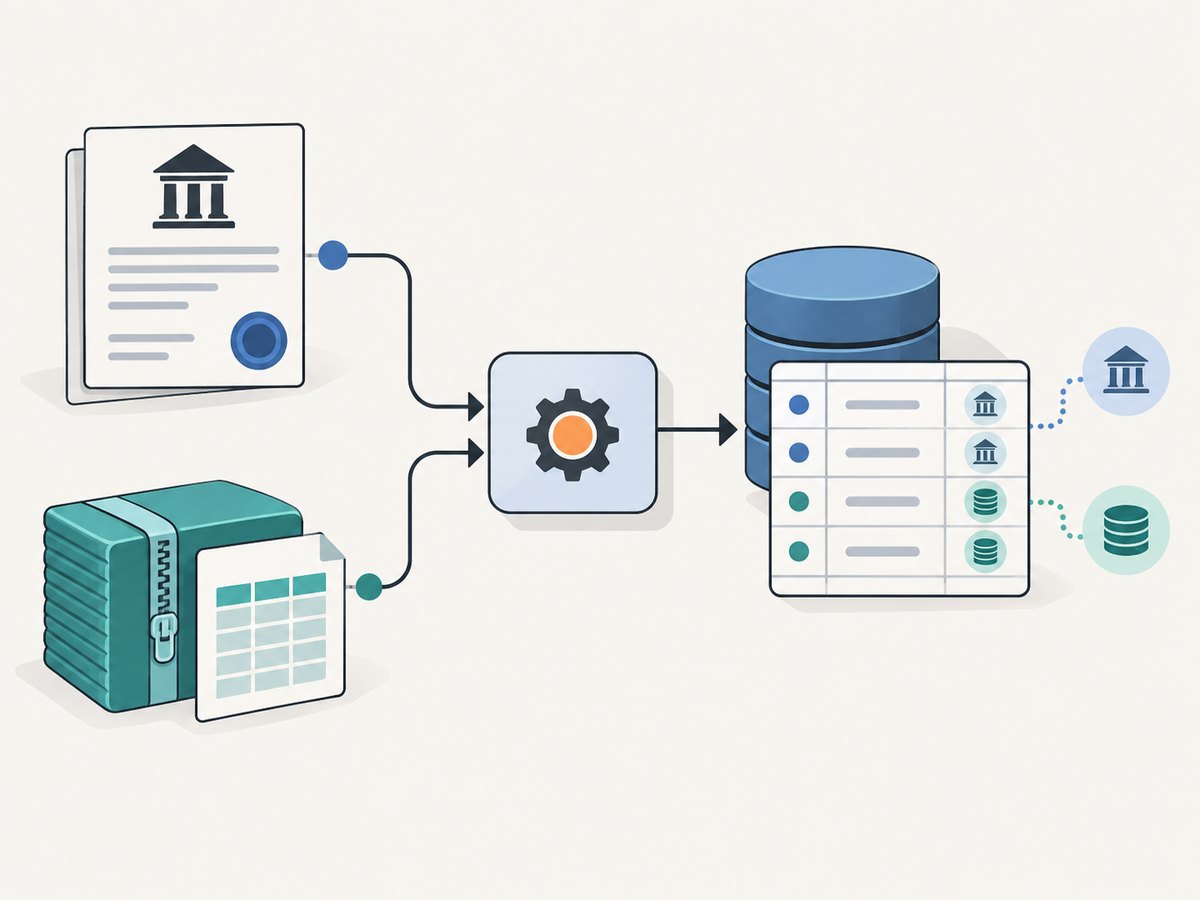
Start with the jurisdiction. An official national registry is generally the best source for that jurisdiction’s legal records. A consolidated service can save integration work across countries, but retain provenance and check its reuse terms.

Examples of documented sources
- Companies House (UK): its RESTful API retrieves records by unique URI and requires credentials such as an API key, stream key, or OAuth access token. Its free company-data product is a monthly snapshot of live companies, split into downloadable ZIP files containing CSV data. The snapshot covers basic details such as company type, registered office, SIC or business activity, status, filing dates, and former names. It is compiled to the end of the previous month and made available within five working days after month-end. Accounts data is offered separately in inline XBRL/HTML and XBRL/XML formats. See the Companies House developer documentation and data-products guidance.
- OpenCorporates: its REST API returns JSON by default (XML is also available) and supports company lookup by jurisdiction code and company number. It requires an API key; limits depend on account type. Free API accounts are available for open-data projects released under share-alike attribution terms, while paid accounts remove those restrictions. Bulk extracts are also available. Read the API reference and verify the licence for your use.
- SEC EDGAR (US): the SEC publishes official API guidance, but endpoint schemas, limits, and download formats must be checked in its current documentation. Do not assume that filer submission credentials are the same as public retrieval credentials. Consult the SEC API documentation.
2. Define the record and provenance you need
Write a data contract before extracting. At minimum, define:
- A stable identifier: company number, jurisdiction plus number, or another provider-defined key.
- Names: current legal name and former names, preserving the original spelling.
- Status, company type, incorporation or registration date, and filing dates where supplied.
- Registered office or address fields, kept as structured components when available.
- SIC, industry, or business-activity codes.
- Source name, source URL or record URI, retrieval timestamp, dataset compilation date, and licence notes.
Keep the raw payload beside normalized columns. Provenance fields let you explain where a value came from and detect changes on the next refresh. OpenCorporates specifically describes source information such as retrieval time, publisher, source URL, and known licence; use the same discipline with other providers.
3. Authenticate and make one API request
Store credentials in environment variables or a secret manager. Never commit an API key to source control or put it in a client-side application. The following shell example assumes your provider documents a GET endpoint and an authentication header. Replace the placeholder endpoint and parameter names with the provider’s current documentation.
export COMPANY_API_URL="https://provider.example/api/company/12345678"
export COMPANY_API_KEY="replace-me"

curl --fail --silent --show-error \
  -H "Authorization: Bearer ${COMPANY_API_KEY}" \
  -H "Accept: application/json" \
  "${COMPANY_API_URL}" \
  -o company-12345678.json
If the service uses basic authentication, an API-key query parameter, or OAuth, follow that service’s documented method. A successful HTTP response does not guarantee a valid record: check the response body, identifier, and any provider-specific error field.
4. Build a repeatable Python extractor
This example reads identifiers, retries transient failures, preserves raw JSON, and writes a normalized JSON Lines file. It deliberately leaves the endpoint template configurable.
import json
import os
import time
from pathlib import Path

import requests

BASE_URL = os.environ["COMPANY_API_URL_TEMPLATE"]  # e.g. a documented URL with {company_id}
API_KEY = os.environ["COMPANY_API_KEY"]
ids = [line.strip() for line in Path("company_ids.txt").read_text().splitlines() if line.strip()]

session = requests.Session()
session.headers.update({
    "Accept": "application/json",
    "Authorization": f"Bearer {API_KEY}",
})

with open("companies.jsonl", "w", encoding="utf-8") as out:
    for company_id in ids:
        url = BASE_URL.format(company_id=company_id)
        for attempt in range(4):
            try:
                response = session.get(url, timeout=30)
                if response.status_code in (429, 500, 502, 503, 504):
                    raise requests.HTTPError(f"transient HTTP {response.status_code}")
                response.raise_for_status()
                payload = response.json()
                record = {
                    "company_id": company_id,
                    "name": payload.get("name"),
                    "status": payload.get("status"),
                    "company_type": payload.get("company_type"),
                    "retrieved_at": time.strftime("%Y-%m-%dT%H:%M:%SZ", time.gmtime()),
                    "source_url": url,
                    "raw": payload,
                }
                out.write(json.dumps(record, ensure_ascii=False) + "\n")
                break
            except (requests.RequestException, ValueError) as exc:
                if attempt == 3:
                    print(f"failed {company_id}: {exc}")
                else:
                    time.sleep(2 ** attempt)
Adapt field names to the selected database. Treat missing fields as missing rather than silently converting them to false, zero, or an empty date.
5. Use Node.js for an asynchronous pipeline
import fs from 'node:fs/promises';

const template = process.env.COMPANY_API_URL_TEMPLATE;
const key = process.env.COMPANY_API_KEY;
const ids = (await fs.readFile('company_ids.txt', 'utf8'))
  .split(/\r?\n/).map(x => x.trim()).filter(Boolean);

async function getCompany(id) {
  const url = template.replace('{company_id}', encodeURIComponent(id));
  for (let attempt = 0; attempt < 4; attempt++) {
    const res = await fetch(url, {
      headers: { 'Accept': 'application/json', 'Authorization': `Bearer ${key}` }
    });
    if (res.ok) return { id, url, payload: await res.json() };
    if (![429, 500, 502, 503, 504].includes(res.status) || attempt === 3)
      throw new Error(`${id}: HTTP ${res.status}`);
    await new Promise(r => setTimeout(r, 2 ** attempt * 1000));
  }
}

const results = [];
for (const id of ids) {
  try {
    const { url, payload } = await getCompany(id);
    results.push({ company_id: id, name: payload.name ?? null,
      status: payload.status ?? null, source_url: url,
      retrieved_at: new Date().toISOString(), raw: payload });
  } catch (error) { console.error(error.message); }
}
await fs.writeFile('companies.json', JSON.stringify(results, null, 2));
6. Handle pagination, limits, and incremental refreshes
For list endpoints, follow the provider’s documented cursor or page token. Do not infer that page=2 is valid. Persist the last successful cursor and a checkpoint so a process can resume after interruption. Respect the published request limit; when a response includes a retry-after value, honor it. Keep concurrency modest and configurable instead of launching one request per company.
For recurring jobs, separate discovery from detail retrieval: first obtain identifiers changed since your last checkpoint if the source supports that operation, then fetch details. If it does not, compare a new bulk snapshot with the previous snapshot using the stable identifier. Store a content hash so unchanged records do not trigger downstream work.
7. Extract from bulk files safely
- Download from the official distribution page and record the file name, checksum if supplied, publication date, and licence.
- Verify the ZIP before unpacking and reject unexpectedly large or malformed files.
- Inspect the header and encoding. Do not assume every address or former-name field is present in every release.
- Load into a staging table, then validate identifiers, required columns, duplicate keys, and row counts.
- Promote the staging table only after validation, retaining the prior release for rollback.
The Companies House live-company snapshot is monthly rather than real-time. It is compiled through the end of the previous month and published within five working days after month-end. Use the snapshot for broad analysis, and use the API or another documented product when you need a different freshness or accounts data.
8. Normalize without losing meaning
- Keep the provider’s identifier as a string; leading zeroes can be significant.
- Store dates as dates only when the source provides an unambiguous date. Keep the original value for audit.
- Do not merge companies solely on name. Use jurisdiction plus the official identifier.
- Preserve multiple addresses, officers, SIC codes, and former names in child tables or arrays.
- Keep null, unknown, and not-applicable values distinct where the source distinguishes them.
9. Troubleshooting common failures
| Symptom | Likely cause | Fix |
|---|---|---|
| 401 or 403 | Missing, expired, or incorrectly scoped credential | Recheck the provider’s authentication flow, header format, account status, and required permissions. |
| 404 for a known company | Wrong jurisdiction, identifier format, or record URI | Use the provider’s search or identifier rules; do not guess URL paths. |
| 429 | Rate limit exceeded | Reduce concurrency, honor Retry-After, add exponential backoff, and cache successful responses. |
| Empty or partial fields | Different product, filing type, or schema version | Confirm that the selected dataset contains the field and version your parser expects. |
| Duplicate companies | Name-based matching or repeated pagination | Key records by the documented stable identifier and persist page or cursor checkpoints. |
| CSV parsing errors | Quoted commas, encoding, or line-ending differences | Use a standards-compliant CSV reader, detect encoding, and validate the header before loading. |
| Stale results | Snapshot cadence or local cache | Record compilation and retrieval dates; select a fresher documented product when necessary. |
10. Performance, reliability, and cost
Measure records per minute, error rate, retry count, and bytes downloaded. Cache immutable or slowly changing responses with a documented expiry. Batch work only when the provider supports batching. A bulk file can be cheaper operationally for millions of rows, while an API avoids downloading irrelevant records; the provider’s pricing, quotas, and licence determine the actual cost.
Use idempotent writes keyed by jurisdiction and company identifier. Write checkpoints after each successful page or file partition. Keep raw inputs in durable storage, encrypt credentials, restrict access to sensitive extracts, and log request metadata without logging secrets. Schedule refreshes according to the source cadence rather than claiming real-time data.
11. Or skip the browser setup
If your workflow includes screenshots of registry results, dashboards, or evidence pages, ScreenshotNeo can capture a URL through one request. Cookie banners, newsletter popups, and chat widgets are removed before the shot. Bot checks, blank pages, timeouts, failed loads, and cache hits are not billed, and the response identifies the result with X-Page-Verdict and X-Billed headers. Its MCP server gives AI agents tools named take_screenshot, get_page_info, and capture_pdf.
See the ScreenshotNeo API documentation for all options. A minimal capture is:
curl -G "https://api.screenshotneo.com/v1/shot" -d access_key=YOUR_API_KEY --data-urlencode url=https://stripe.com -o shot.webpimport requests
r = requests.get("https://api.screenshotneo.com/v1/shot", params={"access_key": "YOUR_API_KEY", "url": "https://stripe.com"}, timeout=90)
open("shot.webp", "wb").write(r.content)const q = new URLSearchParams({ access_key: 'YOUR_API_KEY', url: 'https://stripe.com' });
const res = await fetch(`https://api.screenshotneo.com/v1/shot?${q}`);Features include full-page and element capture, device presets, retina scale, PDF output, custom CSS and JavaScript, waits, request blocking, headers and cookies, geolocation, resizing, caching, signed links, asynchronous jobs, webhooks, bulk capture, and a usage API. One thousand screenshots per month are free with no card; paid plans start at $5 for 3,000. Create a free ScreenshotNeo account.
12. FAQ
Should I scrape a public business website?
Prefer an official API or download. Public visibility does not automatically grant permission to automate or redistribute data; check terms and applicable law.
Is a monthly snapshot suitable for compliance decisions?
Only if its stated cadence and fields meet your requirement. Record the snapshot date and define how changes are reviewed.
How do I combine Companies House and OpenCorporates?
Keep each source’s identifier and provenance, map jurisdiction and company numbers explicitly, and flag conflicts for review instead of silently overwriting values.
What should I do when the SEC documentation changes?
Pin your parser to a documented schema, monitor the official developer page, and run fixture-based validation before deploying changes.
Can screenshots replace extracted records?
No. A screenshot is useful evidence or a visual archive; structured API or bulk data is what you should use for filtering, joins, and analysis.


