Extract Images from Any URL and Upscale Them with AI
Find the real image URL inside a webpage, download it safely, and send it to an AI upscaler without losing track of format, access, or rights.
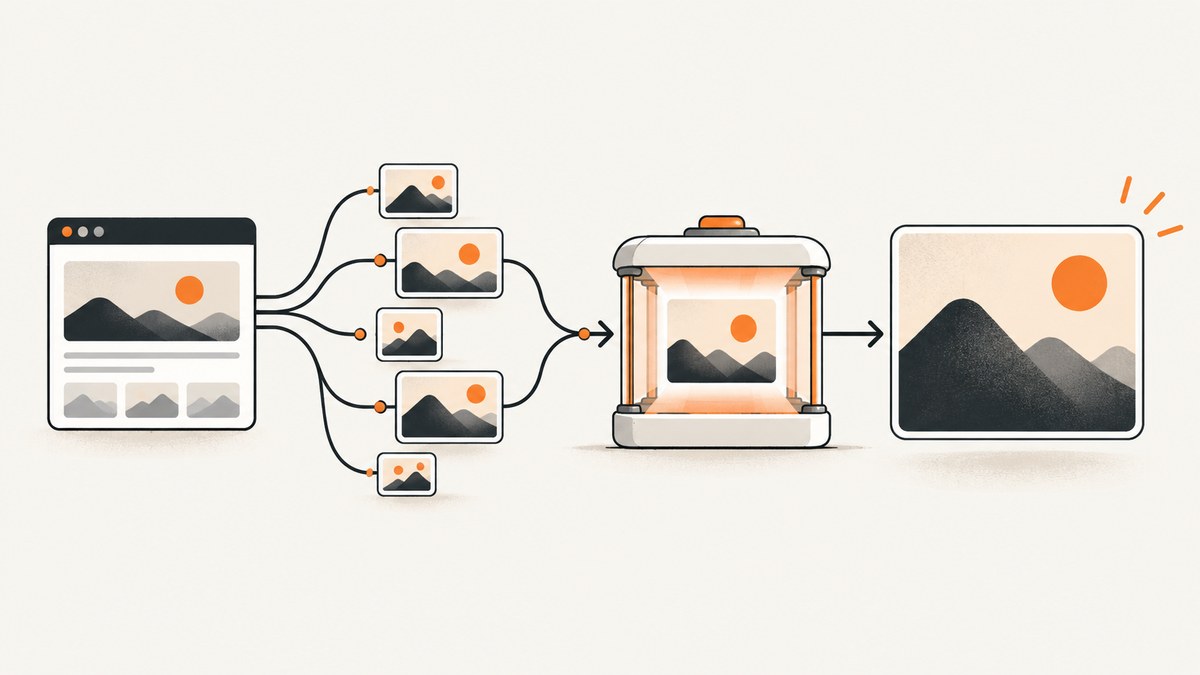
Short answer: extracting an image from a webpage and upscaling it are two separate operations. First discover the actual image file URL from HTML, srcset, lazy-loading attributes, or gallery links. Then verify that the file is publicly reachable and supported by your upscaler, download or submit it, and inspect the result and its reuse rights.
A webpage URL is usually not an image URL. A page can contain thumbnails, responsive variants, CSS backgrounds, lazy-loaded images, authenticated resources, or image links generated by JavaScript. The workflow below handles the common cases and shows where it can fail.
1. The complete workflow
- Fetch the page HTML with a normal browser-like request.
- Parse
imgelements,srcset, lazy-loading attributes, Open Graph metadata, and linked gallery images. - Convert relative URLs to absolute URLs.
- Remove duplicates and rank candidates by likely resolution.
- Check that each candidate is reachable over HTTPS and returns an image content type.
- Download the selected file or submit its public URL to an upscaler.
- Wait for asynchronous processing when the service uses jobs.
- Validate the output dimensions and format.
- Check the original page’s creator, credit, copyright, license, and acquisition information before reuse.
PixSnap’s Chrome Web Store listing describes a browser extension that discovers full-resolution sources from srcset, lazy-loaded sources, and gallery links, then offers on-device upscaling. Treat that as the extension’s own product description and verify its current behavior and privacy terms before relying on it.
2. Extract image URLs with Python
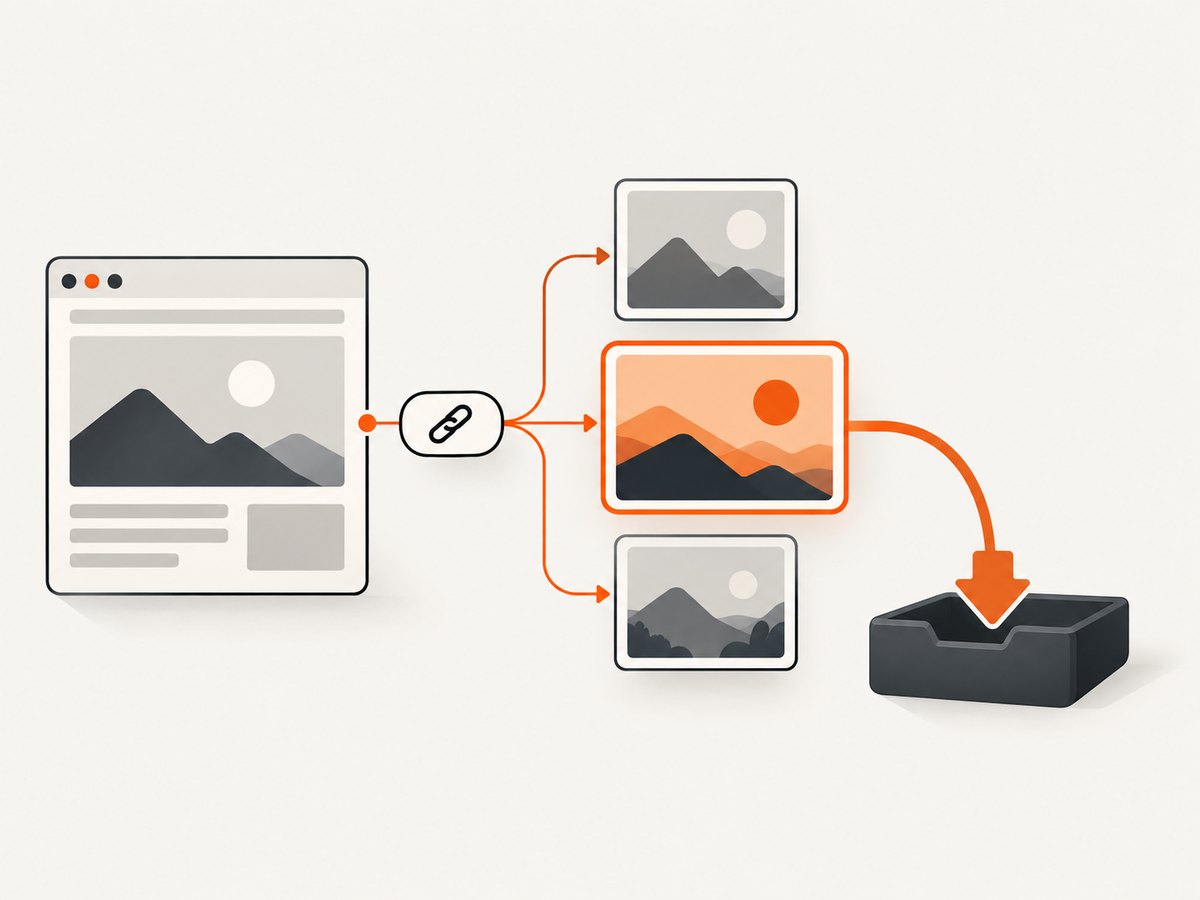
This script finds common image sources without executing page JavaScript. It handles regular images, responsive images, lazy-loading attributes, Open Graph images, and links whose targets look like image files.
from urllib.parse import urljoin, urlparse
import json
import re
import sys

import requests
from bs4 import BeautifulSoup

IMAGE_EXTENSIONS = (".jpg", ".jpeg", ".png", ".webp", ".gif", ".avif", ".tif", ".tiff")
SOURCE_ATTRIBUTES = (
    "src", "data-src", "data-lazy-src", "data-original", "data-url",
    "data-image", "data-image-src", "data-fallback-src"
)


def parse_srcset(value):
    """Return URLs from a srcset value such as 'a.jpg 480w, b.jpg 1200w'."""
    if not value:
        return []
    result = []
    for item in value.split(","):
        candidate = item.strip().split()[0] if item.strip() else ""
        if candidate:
            result.append(candidate)
    return result


def looks_like_image(url):
    path = urlparse(url).path.lower()
    return path.endswith(IMAGE_EXTENSIONS)


def extract_images(page_url):
    response = requests.get(
        page_url,
        headers={"User-Agent": "Mozilla/5.0 image-discovery/1.0"},
        timeout=30,
    )
    response.raise_for_status()
    soup = BeautifulSoup(response.text, "html.parser")
    found = []

    def add(raw):
        if not raw:
            return
        absolute = urljoin(response.url, raw.strip())
        if absolute.startswith(("http://", "https://")):
            found.append(absolute)

    for tag in soup.find_all("img"):
        for attribute in SOURCE_ATTRIBUTES:
            add(tag.get(attribute))
        for raw in parse_srcset(tag.get("srcset")):
            add(raw)
        for raw in parse_srcset(tag.get("data-srcset")):
            add(raw)

    for tag in soup.find_all("meta"):
        if tag.get("property") in ("og:image", "og:image:url"):
            add(tag.get("content"))
        if tag.get("name") == "twitter:image":
            add(tag.get("content"))

    for link in soup.find_all("a", href=True):
        candidate = urljoin(response.url, link["href"])
        if looks_like_image(candidate):
            add(candidate)

    # Keep order while removing duplicates.
    return list(dict.fromkeys(found))


if __name__ == "__main__":
    if len(sys.argv) != 2:
        raise SystemExit("usage: python extract_images.py https://example.com/page")
    print(json.dumps(extract_images(sys.argv[1]), indent=2))
Install the two dependencies with python -m pip install requests beautifulsoup4, then run python extract_images.py https://example.com/page. The output is a JSON array of candidate image URLs. It is a candidate list, not a guarantee that every URL is the largest or most appropriate image.
Choosing the largest srcset candidate
If a page provides width descriptors, select the largest declared width instead of the first URL.
def largest_srcset_url(srcset, page_url):
    candidates = []
    for item in srcset.split(","):
        parts = item.strip().split()
        if not parts:
            continue
        width = 0
        if len(parts) > 1 and parts[1].endswith("w"):
            try:
                width = int(parts[1][:-1])
            except ValueError:
                pass
        candidates.append((width, urljoin(page_url, parts[0])))
    return max(candidates, default=(0, None))[1]
3. Extract image URLs with JavaScript in a browser
Use browser JavaScript when the page has already rendered lazy images or gallery controls. This snippet reads the browser’s resolved currentSrc, which usually reflects the selected responsive source.
const urls = [...document.images]
  .map((img) => img.currentSrc || img.src || img.dataset.src)
  .filter(Boolean);

const metadata = [...document.querySelectorAll(
  'meta[property="og:image"], meta[property="og:image:url"], meta[name="twitter:image"]'
)]
  .map((tag) => tag.content)
  .filter(Boolean);

const imageUrls = [...new Set([...urls, ...metadata])];
console.log(imageUrls);
Scroll through the page first if images load only when they approach the viewport. A page that builds its gallery entirely through JavaScript may require a browser automation tool; static HTML parsing cannot discover resources that were never present in the response.
4. Verify an image URL before upscaling
Remote URL input is product-specific. Upscayl’s API documentation requires a publicly available HTTPS image URL and documents accepted image extensions. Google AI URL Context documentation likewise requires publicly accessible URLs for that product. Cloudflare’s Pruna AI model documentation accepts a publicly reachable HTTP(S) URL or base64 image data. Check the exact service documentation before sending a URL.
import requests


def inspect_image_url(url):
    response = requests.head(
        url,
        allow_redirects=True,
        headers={"User-Agent": "Mozilla/5.0 image-check/1.0"},
        timeout=20,
    )
    content_type = response.headers.get("content-type", "")
    length = response.headers.get("content-length")
    return {
        "status": response.status_code,
        "final_url": response.url,
        "content_type": content_type,
        "content_length": length,
        "looks_like_image": content_type.startswith("image/"),
    }

print(inspect_image_url("https://example.com/image.jpg"))
Some servers reject HEAD. If that happens, issue a streamed GET and inspect the headers without reading the entire body.
5. Download the source image safely
from pathlib import Path
import requests


def download_image(url, output_path="source-image"):
    with requests.get(
        url,
        stream=True,
        allow_redirects=True,
        headers={"User-Agent": "Mozilla/5.0 image-download/1.0"},
        timeout=60,
    ) as response:
        response.raise_for_status()
        content_type = response.headers.get("content-type", "")
        if not content_type.startswith("image/"):
            raise ValueError(f"Expected an image, got {content_type!r}")
        path = Path(output_path)
        with path.open("wb") as output:
            for chunk in response.iter_content(chunk_size=1024 * 1024):
                if chunk:
                    output.write(chunk)
    return path

print(download_image("https://example.com/image.jpg", "source-image.jpg"))
Do not trust a filename extension alone. Validate the response type and, for untrusted files, decode the downloaded bytes with an image library before processing.
6. Send the image URL to an AI upscaler
Upscaling APIs differ in endpoint, authentication, accepted extensions, scale factors, output retention, and billing. The safe integration pattern is: submit a public URL, retain the returned job identifier, poll the documented status endpoint, and download the completed output. Never hard-code a provider’s undocumented endpoint.
import os
import time
import requests

UPSCALE_SUBMIT_URL = os.environ["UPSCALE_SUBMIT_URL"]
UPSCALE_STATUS_URL = os.environ["UPSCALE_STATUS_URL"]
API_KEY = os.environ["UPSCALE_API_KEY"]
IMAGE_URL = "https://example.com/image.jpg"

submit = requests.post(
    UPSCALE_SUBMIT_URL,
    headers={"Authorization": f"Bearer {API_KEY}"},
    json={"image_url": IMAGE_URL, "scale": 2},
    timeout=30,
)
submit.raise_for_status()
job = submit.json()
job_id = job["id"]

for _ in range(60):
    status = requests.get(
        f"{UPSCALE_STATUS_URL}/{job_id}",
        headers={"Authorization": f"Bearer {API_KEY}"},
        timeout=30,
    )
    status.raise_for_status()
    result = status.json()
    if result.get("status") == "completed":
        output_url = result["output_url"]
        image = requests.get(output_url, timeout=60)
        image.raise_for_status()
        open("upscaled-image", "wb").write(image.content)
        print("saved upscaled-image")
        break
    if result.get("status") in {"failed", "canceled"}:
        raise RuntimeError(result)
    time.sleep(5)
else:
    raise TimeoutError("Upscale job did not finish within the polling window")
Upscayl documents asynchronous tasks with 2x or 4x scale settings. Cloudinary documents an AI upscale effect that scales each dimension by four, requires an input smaller than 4.2 megapixels, and does not support animated or fetched images. That fetched-image limitation means a remote URL may need to be uploaded or imported first. These are provider-specific rules.
7. cURL and Node.js request patterns
curl -L --fail --retry 2 \
  -A 'Mozilla/5.0 image-download/1.0' \
  -o source-image.jpg \
  'https://example.com/image.jpg'

curl -X POST "$UPSCALE_SUBMIT_URL" \
  -H "Authorization: Bearer $UPSCALE_API_KEY" \
  -H 'Content-Type: application/json' \
  --data '{"image_url":"https://example.com/image.jpg","scale":2}'
const submit = await fetch(process.env.UPSCALE_SUBMIT_URL, {
  method: 'POST',
  headers: {
    Authorization: `Bearer ${process.env.UPSCALE_API_KEY}`,
    'content-type': 'application/json'
  },
  body: JSON.stringify({
    image_url: 'https://example.com/image.jpg',
    scale: 2
  })
});

if (!submit.ok) throw new Error(`submit failed: ${submit.status}`);
const job = await submit.json();
console.log(job.id);
8. Why “any URL” has limits
| Failure condition | What happens | Practical fix |
|---|---|---|
| Login or signed URL required | The upscaler cannot fetch the file anonymously. | Download with an authorized session, then upload bytes if the service permits it. Do not expose session cookies. |
| Robots, firewall, or hotlink protection | The request returns 403, a challenge page, or HTML instead of an image. | Use an allowed download method or obtain the file from its owner. |
| Unsupported format | The service rejects formats such as an extension it does not document. | Convert locally to a supported format while preserving the original. |
| Lazy loading or JavaScript gallery | Static HTML contains only placeholders. | Use a rendered browser, scroll to trigger loading, and read currentSrc. |
| Animated image | An image-only pipeline may process one frame or reject it. | Confirm animation support or extract frames deliberately. |
| Oversized source | Pixel, file-size, or megapixel limits are exceeded. | Check provider limits and downsample only when necessary. |
| Expired output URL | The completed result cannot be downloaded later. | Fetch it immediately and store it under your retention policy. |
9. Quality, rights, performance, and cost
Quality
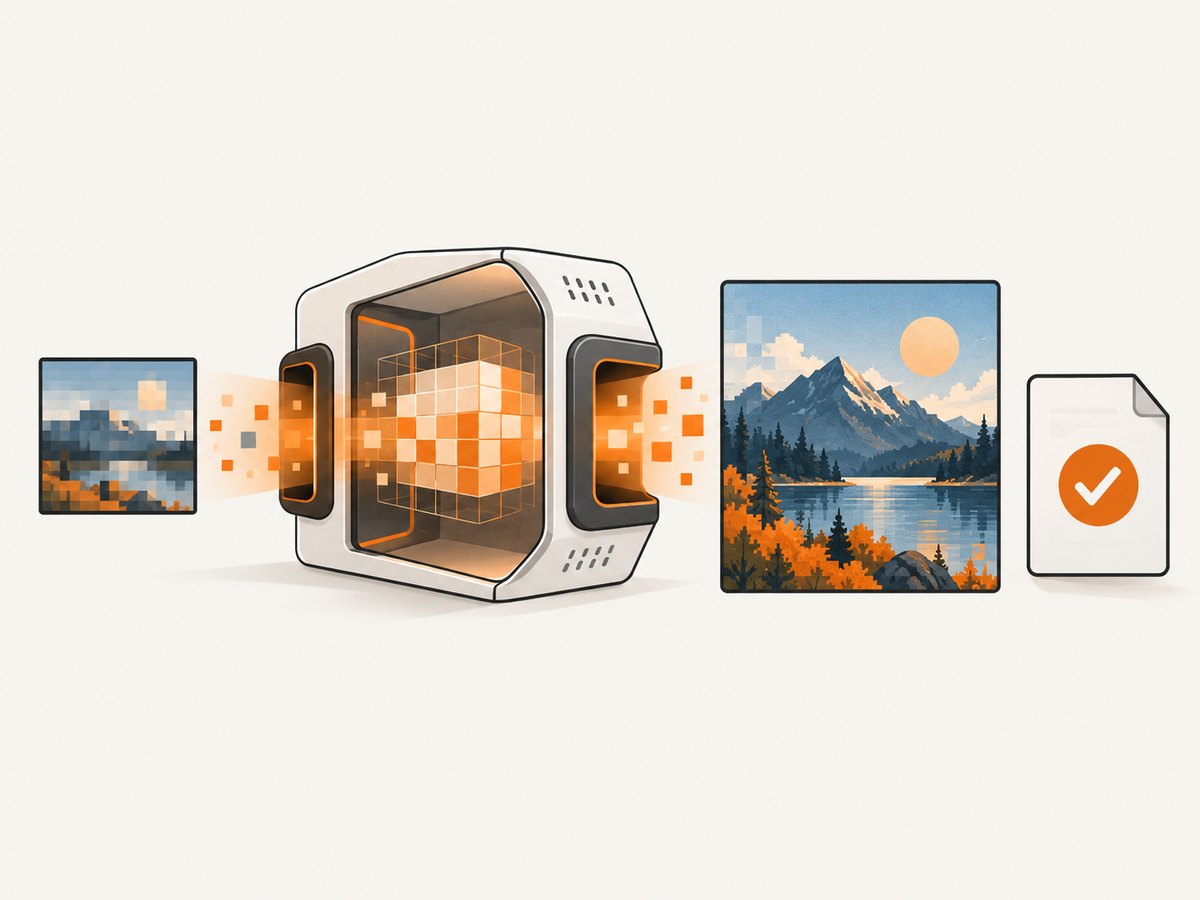
Upscaling predicts pixels; it does not restore a missing original. Cloudinary states: “When you upscale a small image, the image loses detail and quality.” Its AI effect predicts details, but generated detail can still differ from the source. Compare the output at 100% and inspect faces, text, edges, and repeated textures.
Rights
Downloading or enlarging a file does not grant permission to reuse it. Check the creator, credit text, copyright notice, license, and acquisition or licensing page. Google Search Central’s image metadata guidance identifies creator, creditText, copyrightNotice, license, and acquireLicensePage as useful metadata fields. Keep a record of the source page and license decision.
Performance
- Cache discovered URLs and downloaded bytes so retries do not repeat expensive work.
- Use bounded concurrency when processing many pages.
- Set connect, read, and total timeouts separately where your HTTP client supports them.
- Poll asynchronous jobs with backoff and stop after a deadline.
- Hash source bytes to deduplicate identical images.
Reliability
Retry transient 408, 429, and 5xx responses with exponential backoff and jitter. Do not blindly retry 401, 403, unsupported-format errors, or policy denials. Record the final URL after redirects, response content type, source hash, model settings, job ID, and output URL.
Cost
Costs can arise from page fetching, image transfer, storage, and upscaling credits. Check whether a provider charges for failed jobs, whether polling is included, output retention duration, and whether larger scale settings consume more credits. The researched sources do not provide a common benchmark, so do not assume one service is cheapest or produces the best result.
10. Troubleshooting
“The URL is not an image”
The page URL may return HTML, a redirect, or a consent screen. Inspect Content-Type, follow redirects, and extract the nested image URL first.
“403 Forbidden”
The origin may require cookies, a referer, authentication, or bot verification. A public upscaler cannot bypass those requirements. Download through an authorized workflow or ask the owner for the file.
“No images found”
The page may use CSS backgrounds, JavaScript rendering, or data embedded in a script. Inspect network requests in a browser and use a rendered capture workflow.
“The output looks unchanged”
Check the output dimensions rather than the filename. Some services return the original for unsupported inputs or failed transformations. Log the requested scale and returned dimensions.
“Text became unreadable”
AI enlargement cannot reliably recreate tiny text. Obtain a larger original where possible, crop the region, and compare multiple settings.
11. Or skip the browser setup
ScreenshotNeo can capture the page first, so you can work from a clean screenshot when the source image is difficult to retrieve. It accepts one GET request and returns PNG, JPEG, WebP, or PDF. See the ScreenshotNeo documentation for all options.
curl -G "https://api.screenshotneo.com/v1/shot" -d access_key=YOUR_API_KEY --data-urlencode url=https://stripe.com -o shot.webpimport requests
r = requests.get("https://api.screenshotneo.com/v1/shot", params={"access_key": "YOUR_API_KEY", "url": "https://stripe.com"}, timeout=90)
open("shot.webp", "wb").write(r.content)const q = new URLSearchParams({ access_key: 'YOUR_API_KEY', url: 'https://stripe.com' });
const res = await fetch(`https://api.screenshotneo.com/v1/shot?${q}`);Cookie banners, newsletter popups, and chat widgets are removed before the shot. Bot checks, blank pages, failed loads, and cache hits are not billed, and response headers identify the page verdict and billing result. An MCP server lets AI agents use take_screenshot, get_page_info, and capture_pdf. The Free plan includes 1,000 screenshots a month with no card; paid plans start at $5 for 3,000.
Create a free ScreenshotNeo account and start with the 1,000 free monthly screenshots.
12. FAQ
Can I pass a webpage URL directly to an upscaler?
Usually no. Most URL-based APIs expect a direct, publicly reachable image URL. Extract the image first unless the product explicitly supports page discovery.
Is the largest image always the best source?
No. It may be cropped, compressed, watermarked, or a different gallery frame. Compare dimensions, aspect ratio, and context.
Does AI upscaling recover the original detail?
No. It estimates plausible detail. Preserve the original and treat the result as a generated enhancement.
Can I reuse any image I can download?
No. Technical access and copyright permission are separate. Review the source page and license.
What if the image URL expires?
Download it immediately after discovery or submit it while valid. Store the bytes and source metadata according to your retention policy.


