How to Extract Links from a Website
Learn how to extract, normalize, filter, and crawl website links with Python, Scrapy, cURL, and Node.js—including dynamic pages and robots.txt.
To extract links from a website, fetch the page HTML, select its <a> elements, read each href, and resolve relative URLs against the page URL. For a whole site, add a queue, a visited set, scope rules, crawl limits, and robots.txt handling.
This guide covers one-page extraction, recursive crawling, dynamic JavaScript pages, duplicate URLs, filtering, complete Python and Scrapy examples, cURL and Node.js options, troubleshooting, and operational concerns.
1. Understand what counts as a link
Most ordinary web links are anchor elements with an href attribute:
<a href="/pricing">Pricing</a>An extractor should usually collect:
- URL: the resolved destination.
- Text: visible anchor text, when context matters.
- Fragment: the portion after
#, if you need in-page targets. - Rel attributes: such as
nofollow, when crawl policy depends on them.
Do not assume every href is an absolute URL. A value such as /docs needs the source page as its base. Scrapy resolves links using an HTML <base> element when present and otherwise the response URL. See the Scrapy selector documentation.
2. Extract links from one HTML page with Python
Install the two packages:
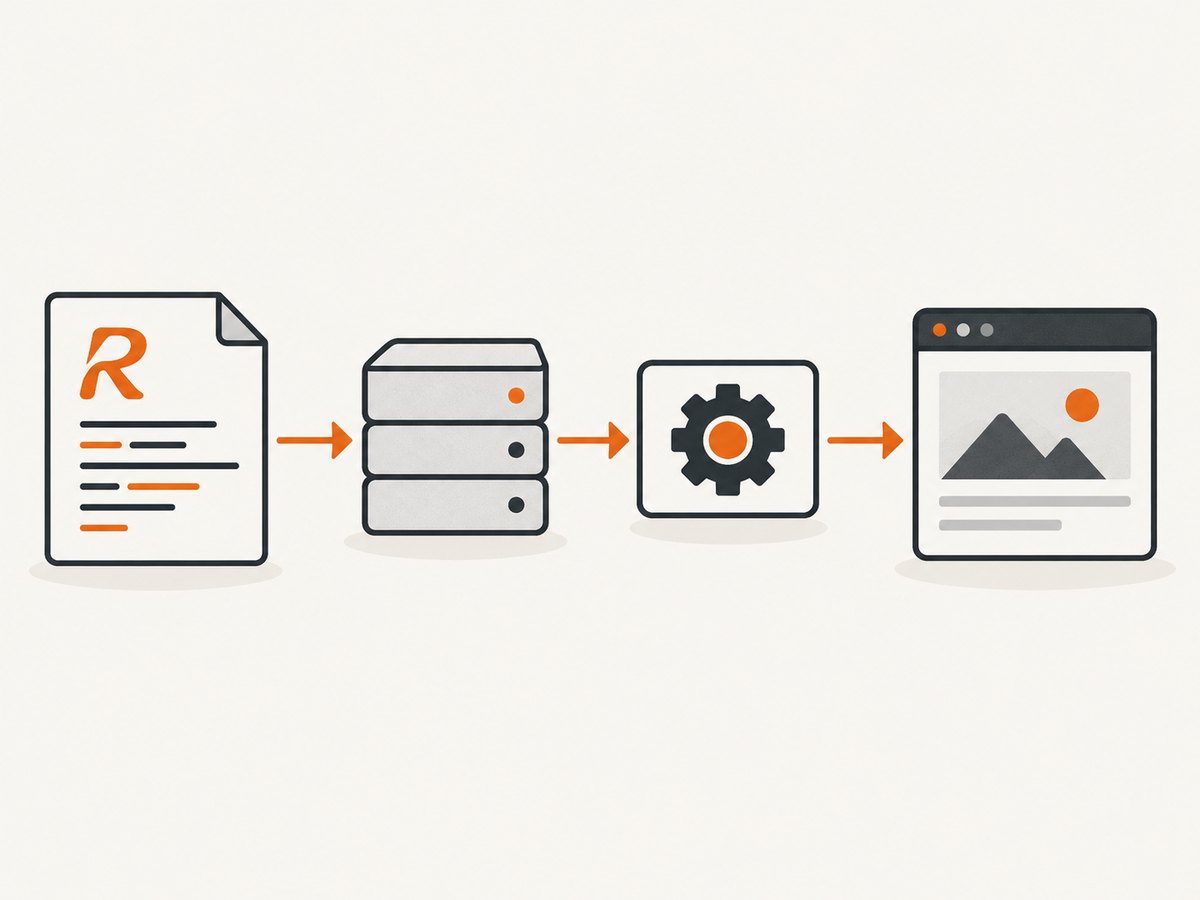
python -m pip install requests beautifulsoup4This runnable script downloads one page, extracts anchors, resolves relative references, removes empty and non-web links, and prints a CSV-like result.
from urllib.parse import urljoin, urldefrag
import csv
import sys

import requests
from bs4 import BeautifulSoup


def extract_links(page_url: str) -> list[dict[str, str]]:
    response = requests.get(
        page_url,
        timeout=30,
        headers={"User-Agent": "link-extractor/1.0"},
    )
    response.raise_for_status()

    soup = BeautifulSoup(response.text, "html.parser")
    rows = []
    seen = set()

    for anchor in soup.select("a[href]"):
        raw_href = anchor.get("href", "").strip()
        if not raw_href:
            continue

        absolute = urljoin(response.url, raw_href)
        scheme = absolute.split(":", 1)[0].lower()
        if scheme not in {"http", "https"}:
            continue

        url_without_fragment, fragment = urldefrag(absolute)
        if url_without_fragment in seen:
            continue
        seen.add(url_without_fragment)

        rows.append({
            "url": url_without_fragment,
            "fragment": fragment,
            "text": " ".join(anchor.get_text(" ", strip=True).split()),
            "rel": " ".join(anchor.get("rel", [])),
        })

    return rows


if __name__ == "__main__":
    target = sys.argv[1] if len(sys.argv) > 1 else "https://example.com/"
    writer = csv.DictWriter(sys.stdout, fieldnames=["url", "fragment", "text", "rel"])
    writer.writeheader()
    writer.writerows(extract_links(target))
Run it with:
python extract_links.py https://example.com/The script deduplicates by URL without the fragment. If fragments are meaningful to your application, include the fragment in the deduplication key instead.
3. Extract links with Scrapy
Scrapy is useful when extraction becomes a crawl. Its LxmlLinkExtractor can filter by allowed domains, URL patterns, denied patterns, CSS or XPath regions, tags, attributes, and duplicate handling. By default it examines a and area elements and their href attributes. See the link extractor documentation.
Create a project and spider:
python -m pip install scrapy
scrapy startproject linkcrawl
cd linkcrawl
scrapy genspider site example.com
Replace linkcrawl/spiders/site.py with:
import scrapy
from scrapy.linkextractors import LinkExtractor
from scrapy.spiders import CrawlSpider, Rule


class SiteSpider(CrawlSpider):
    name = "site"
    allowed_domains = ["example.com"]
    start_urls = ["https://example.com/"]

    rules = (
        Rule(
            LinkExtractor(
                allow_domains=("example.com",),
                deny=(r"/logout", r"/admin"),
                unique=True,
            ),
            callback="parse_page",
            follow=True,
        ),
    )

    def parse_page(self, response):
        for link in response.css("a[href]"):
            yield {
                "source": response.url,
                "url": response.urljoin(link.attrib["href"]),
                "text": " ".join(link.css("::text").getall()).strip(),
                "nofollow": "nofollow" in link.attrib.get("rel", "").lower(),
            }
Run:
scrapy crawl site -O links.jsonlSeparate extraction from following. A link can be collected for reporting without requesting it. Set follow=False when you only need links from start pages, or use a callback that yields items but no new requests.
4. Crawl a site safely and predictably
- Choose start URLs. Use an explicit list rather than guessing entry points.
- Define scope. Restrict domains, paths, schemes, and file types.
- Normalize URLs. Resolve relative links, remove fragments when appropriate, and define how query strings are treated.
- Deduplicate. Keep a visited set or let Scrapy’s duplicate filter work.
- Set limits. Use maximum depth, page count, response size, and elapsed time.
- Respect robots.txt. Check the site’s top-level
/robots.txtbefore crawling. RFC 9309 says these rules are crawler guidance and “not a form of access authorization.” Follow parseable rules when you successfully retrieve the file; do not treat them as permission to access restricted resources. Read RFC 9309. - Control request rate. Use delays, concurrency limits, retries, and caching appropriate to the site.
A minimal same-domain crawler in Python looks like this:
from collections import deque
from urllib.parse import urljoin, urldefrag, urlparse
import requests
from bs4 import BeautifulSoup

start = "https://example.com/"
host = urlparse(start).netloc
queue = deque([start])
visited = set()
max_pages = 100

while queue and len(visited) < max_pages:
    current = queue.popleft()
    normalized, _ = urldefrag(current)
    if normalized in visited:
        continue
    visited.add(normalized)

    try:
        response = requests.get(normalized, timeout=20)
        response.raise_for_status()
    except requests.RequestException as exc:
        print(f"skip {normalized}: {exc}")
        continue

    if "text/html" not in response.headers.get("content-type", ""):
        continue

    soup = BeautifulSoup(response.text, "html.parser")
    for anchor in soup.select("a[href]"):
        target = urljoin(response.url, anchor["href"])
        target, _ = urldefrag(target)
        parsed = urlparse(target)
        if parsed.scheme in {"http", "https"} and parsed.netloc == host:
            print(f"{normalized}\t{target}")
            if target not in visited:
                queue.append(target)
5. cURL and Node.js approaches
cURL retrieves the raw HTML. Pipe it to an HTML parser rather than trying to extract links with a regular expression:
curl -L --max-time 30 -A 'link-extractor/1.0' https://example.com/ -o page.htmlIn Node.js, use an HTML parser such as Cheerio:
npm install cheerio
import * as cheerio from "cheerio";

const pageUrl = process.argv[2] ?? "https://example.com/";
const response = await fetch(pageUrl, {
  headers: { "user-agent": "link-extractor/1.0" },
});
if (!response.ok) throw new Error(`${response.status} ${response.statusText}`);

const html = await response.text();
const $ = cheerio.load(html);
const seen = new Set();

for (const element of $("a[href]").toArray()) {
  const raw = $(element).attr("href")?.trim();
  if (!raw) continue;
  const absolute = new URL(raw, response.url);
  if (!["http:", "https:"].includes(absolute.protocol)) continue;
  absolute.hash = "";
  if (seen.has(absolute.href)) continue;
  seen.add(absolute.href);
  console.log(JSON.stringify({
    url: absolute.href,
    text: $(element).text().trim(),
  }));
}
6. Filter the results you actually need
| Need | Filter | Example |
|---|---|---|
| Internal pages | Compare hostname | urlparse(url).netloc == start_host |
| Documentation only | Restrict path prefix | url.path.startswith('/docs/') |
| Articles | Allow pattern | /blog/ |
| Assets | Exclude extensions | .pdf, .zip, .png |
| Canonical reporting | Remove fragments and selected tracking parameters | utm_source, utm_campaign |
Be conservative when removing query parameters. Some sites use query strings for pagination, language, search, or authentication state. Store both the original href and your normalized URL if auditability matters.
7. When links are missing from downloaded HTML
A browser can display links that are absent from the initial HTTP response. JavaScript may fetch them from an API, render them after a user action, or insert them after hydration. Scrapy’s guidance is to inspect browser network tools, identify the request that supplies the data, and reproduce that request. If reproducing the request is impractical and the content is accessible in the browser DOM, use a headless browser. See Scrapy’s dynamic-content guidance.
Choose the least complex source
- API request: Prefer this when the browser receives structured JSON containing the URLs.
- Server-rendered HTML: Use an HTTP client and parser; it is faster and easier to operate.
- Headless browser DOM: Use Playwright or another browser when links only exist after JavaScript execution, scrolling, consent handling, or interaction.
For browser extraction, wait for a selector that proves the link list is ready, then evaluate document.querySelectorAll('a[href]'). Set a finite timeout and capture diagnostics when the selector never appears.
8. Common errors and fixes
| Error | Cause | Fix |
|---|---|---|
| Zero links | The page has no anchors, the response is an error page, or links are rendered by JavaScript. | Check status and content type, save the response, then inspect network requests or use a browser. |
| Relative URLs are broken | The extractor concatenated strings instead of resolving against a base. | Use urljoin, response.urljoin, or the HTML base URL. |
| Duplicate URLs | Fragments, tracking parameters, trailing slashes, or repeated navigation links differ. | Define normalization rules and retain the original href for traceability. |
| 403 or 429 responses | The server rejected the request or rate limited it. | Reduce concurrency, add a descriptive user agent, honor crawl guidance, cache responses, and stop retrying indefinitely. |
| SSL or timeout failures | Network instability, slow pages, or certificate problems. | Use bounded timeouts, retries with backoff, and record failures. Do not disable TLS verification casually. |
| Only navigation links appear | Content links are loaded after an API call or interaction. | Inspect network traffic and reproduce the data request, or wait for the rendered DOM. |
| Crawler leaves the site | External links were not filtered. | Compare parsed hostnames and configure Scrapy’s allowed domains. |
9. Performance, reliability, and cost
For one page, the network request and HTML parsing dominate. Reuse HTTP connections, set timeouts, avoid downloading non-HTML resources, and cache responses during development. For a crawl, breadth-first queues make page and depth limits easy to reason about, while a visited set prevents loops.
Concurrency increases throughput but also increases server load and the chance of rate limiting. Start conservatively, measure response errors, and apply exponential backoff. Persist the queue and results if a crawl must resume after a process failure. Store source URL, timestamp, status, and extraction errors with each result so a later run can distinguish “no links” from “page failed.”
Headless browsers consume more CPU and memory than HTTP parsing. Use them only for pages whose links are unavailable from the response or an underlying API. Keep browser contexts bounded and close pages after extraction.
10. Or skip the browser setup
If you also need a clean rendered snapshot of pages while auditing extracted links, ScreenshotNeo provides a one-request screenshot API. It does not return a URL list; use the extraction methods above for link data and use ScreenshotNeo for visual evidence of the page state.
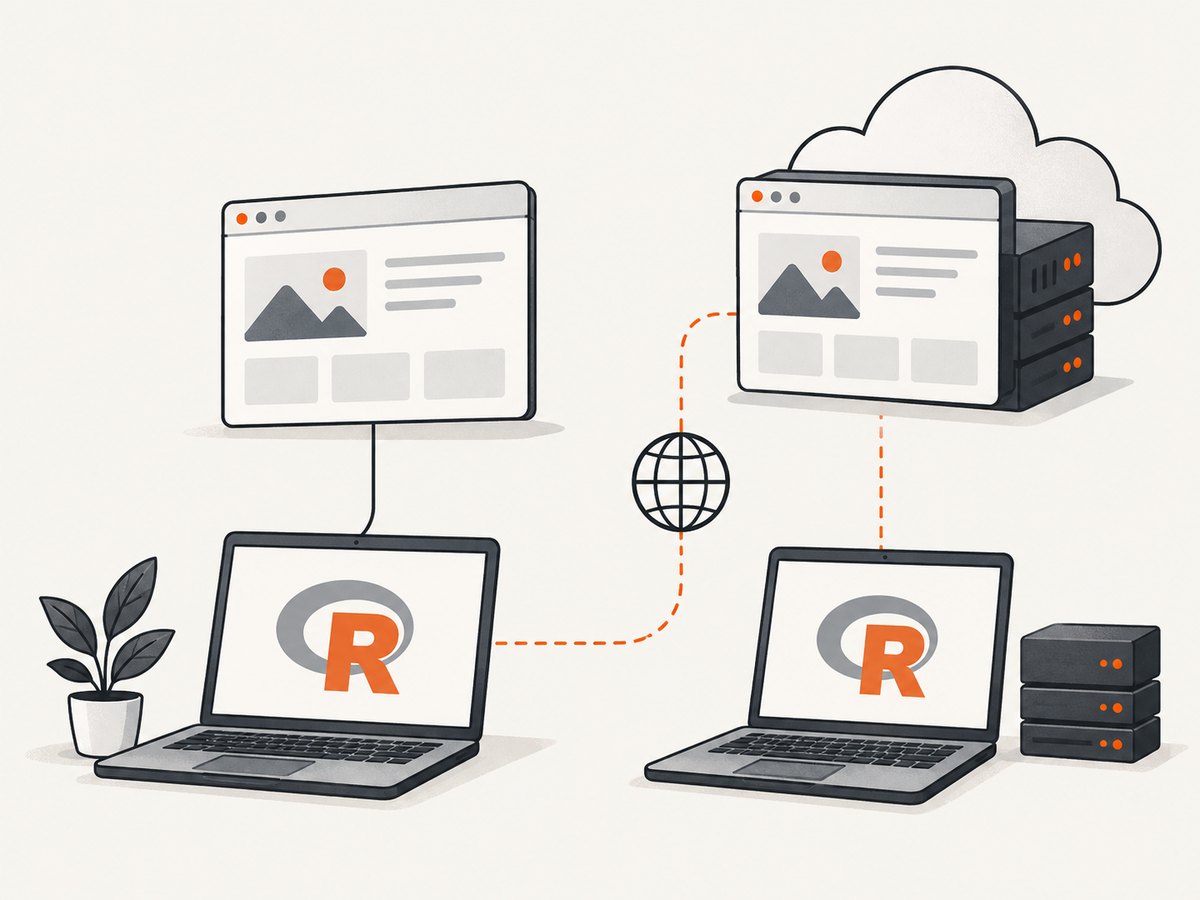
Its capture can accept consent banners and remove more than 60 known consent platforms, newsletter popups, and chat widgets before the shot, with each step configurable. Bot checks, blank pages, timeouts, failed loads, and cache hits are not billed, and the response identifies the result with X-Page-Verdict and X-Billed headers. An MCP server provides take_screenshot, get_page_info, and capture_pdf tools for Claude, Cursor, and other MCP clients.
See the ScreenshotNeo documentation for all options. A basic call is:
curl -G "https://api.screenshotneo.com/v1/shot" -d access_key=YOUR_API_KEY --data-urlencode url=https://example.com -o shot.webpimport requests
r = requests.get("https://api.screenshotneo.com/v1/shot", params={"access_key": "YOUR_API_KEY", "url": "https://example.com"}, timeout=90)
open("shot.webp", "wb").write(r.content)const q = new URLSearchParams({ access_key: 'YOUR_API_KEY', url: 'https://example.com' }); const res = await fetch(`https://api.screenshotneo.com/v1/shot?${q}`);Plans include 1,000 screenshots each month for free with no card; paid plans start at $5 for 3,000 shots. Create a free ScreenshotNeo account.
11. Short FAQ
Can I extract links without crawling every page?
Yes. Fetch the selected pages, extract their anchors, and do not enqueue discovered URLs.
Should I keep URL fragments?
Keep them when in-page destinations matter. Remove them for page-level deduplication.
Is robots.txt permission to crawl?
No. RFC 9309 describes crawler guidance, not access authorization.
Why does view-source differ from the browser?
The browser may execute JavaScript and make additional requests after the initial response. Inspect those requests or extract from the rendered DOM.
What should I save besides the URL?
Save the source page, original href, resolved URL, anchor text, status, timestamp, and any normalization decisions.


