How to Extract Text from Shadow DOM Elements with WebDriver
Use Selenium 4 WebDriver to cross shadow-root boundaries, wait for components, extract visible text, and handle nested roots and common errors.
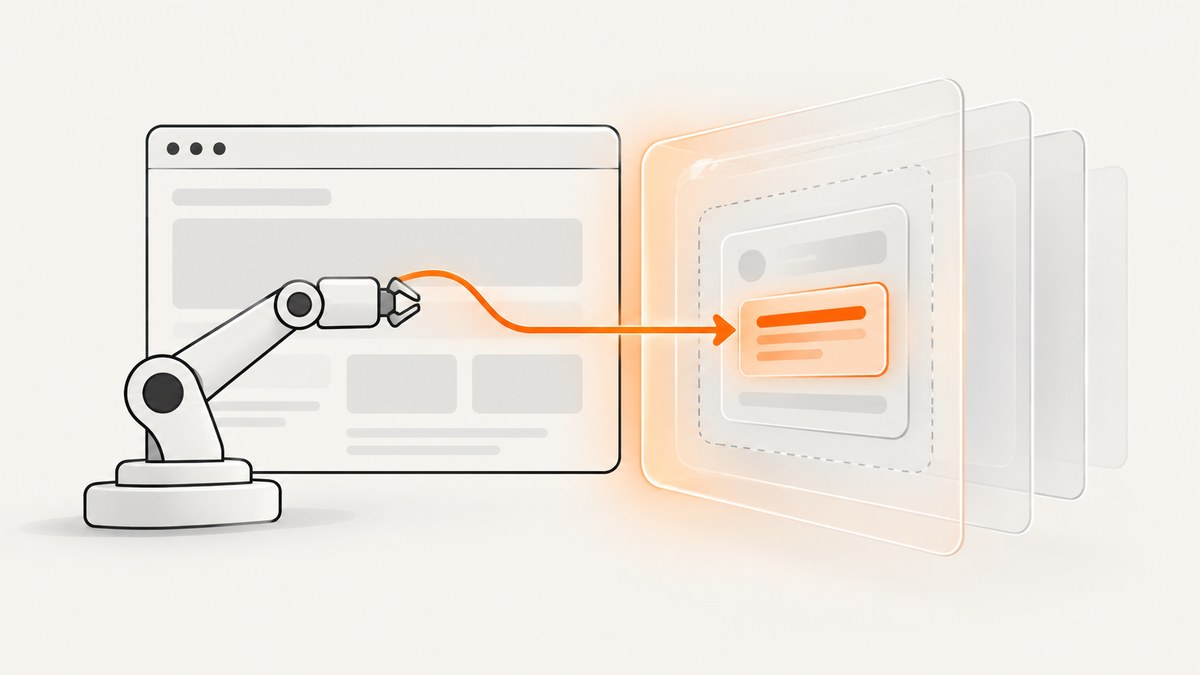
To extract text from a Shadow DOM element, first locate its host in the regular document, obtain the host’s shadow root, find the target inside that root, and call getText(). Selenium’s shadow-root methods require Selenium 4.0 or newer. The search must be scoped to each shadow root; a normal page-level selector cannot jump directly into an open shadow tree.
Selenium’s official guide documents this host-to-root-to-descendant pattern in its finding-elements guide. The JavaScript API describes a ShadowRoot as providing functions to retrieve elements below the shadow root.
JavaScript: extract visible text from an open shadow root
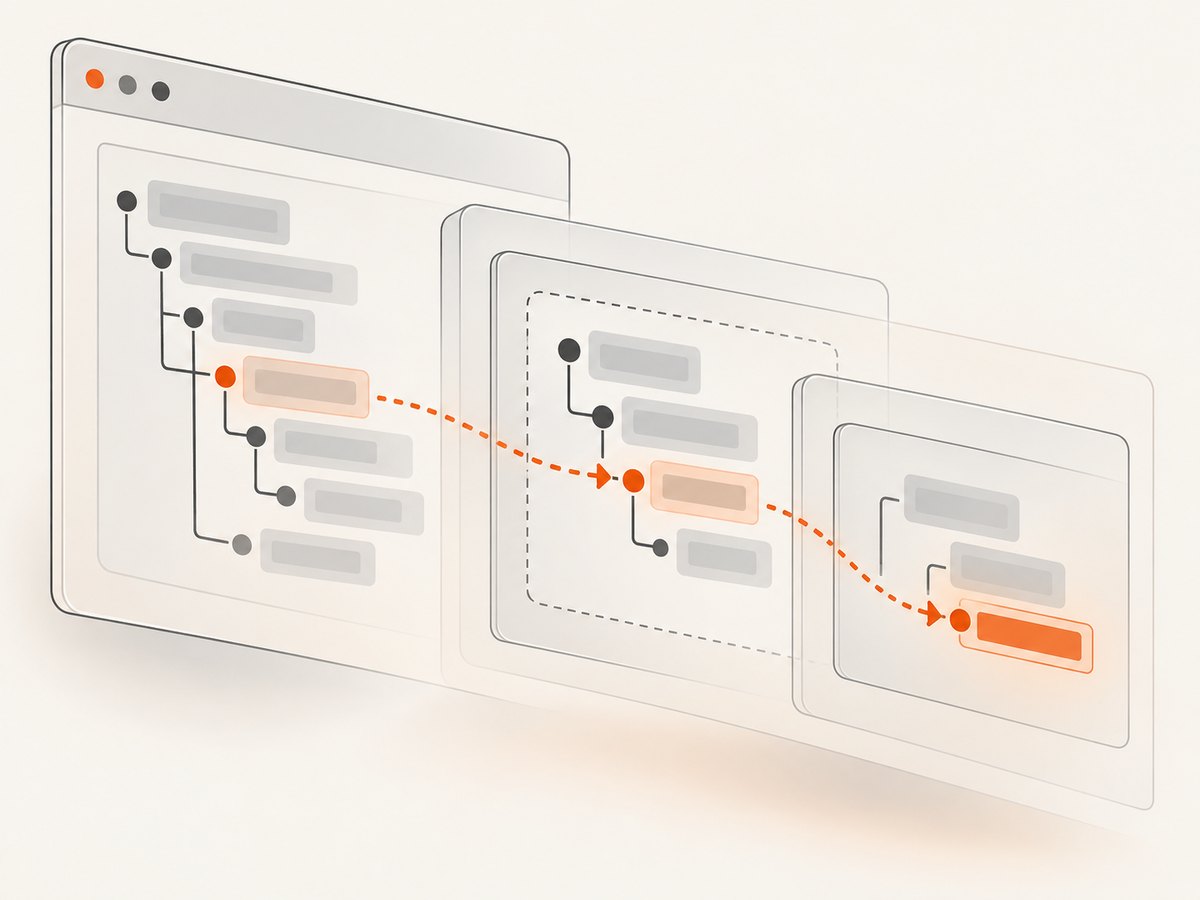
This complete example starts Chrome, opens a page, finds <my-widget>, enters its shadow root, finds .message, and prints the element’s visible text.
import { Builder, By } from 'selenium-webdriver';

const driver = await new Builder().forBrowser('chrome').build();

try {
  await driver.get('https://example.com');

  const host = await driver.findElement(By.css('my-widget'));
  const shadowRoot = await host.getShadowRoot();
  const target = await shadowRoot.findElement(By.css('.message'));
  const text = await target.getText();

  console.log(text);
} finally {
  await driver.quit();
}
Install the binding with npm install selenium-webdriver. The JavaScript calls are asynchronous, so await the host lookup, getShadowRoot(), descendant lookup, and getText() in order. Selenium’s JavaScript API defines getText() as the element’s visible innerText, including descendant elements and excluding leading or trailing whitespace.
Java: use SearchContext for the shadow root
In Java, getShadowRoot() returns a search context. Use that context to find descendants, then call getText() on the resulting WebElement.
import org.openqa.selenium.By;
import org.openqa.selenium.WebDriver;
import org.openqa.selenium.WebElement;
import org.openqa.selenium.chrome.ChromeDriver;
import org.openqa.selenium.SearchContext;

public class ShadowText {
  public static void main(String[] args) {
    WebDriver driver = new ChromeDriver();
    try {
      driver.get("https://example.com");

      WebElement host = driver.findElement(By.cssSelector("my-widget"));
      SearchContext shadowRoot = host.getShadowRoot();
      WebElement target = shadowRoot.findElement(By.cssSelector(".message"));

      System.out.println(target.getText());
    } finally {
      driver.quit();
    }
  }
}
Use Selenium 4 or newer and the Selenium version supported by your project. The exact driver setup depends on your build and browser environment.
Python: extract text with Selenium 4
from selenium import webdriver
from selenium.webdriver.common.by import By

options = webdriver.ChromeOptions()
driver = webdriver.Chrome(options=options)

try:
    driver.get("https://example.com")

    host = driver.find_element(By.CSS_SELECTOR, "my-widget")
    shadow_root = host.shadow_root
    target = shadow_root.find_element(By.CSS_SELECTOR, ".message")

    print(target.text)
finally:
    driver.quit()
Install the binding with pip install selenium. The Python property shadow_root is the binding’s equivalent of JavaScript’s getShadowRoot(). Check the installed Selenium version if the property is unavailable.
Nested shadow roots
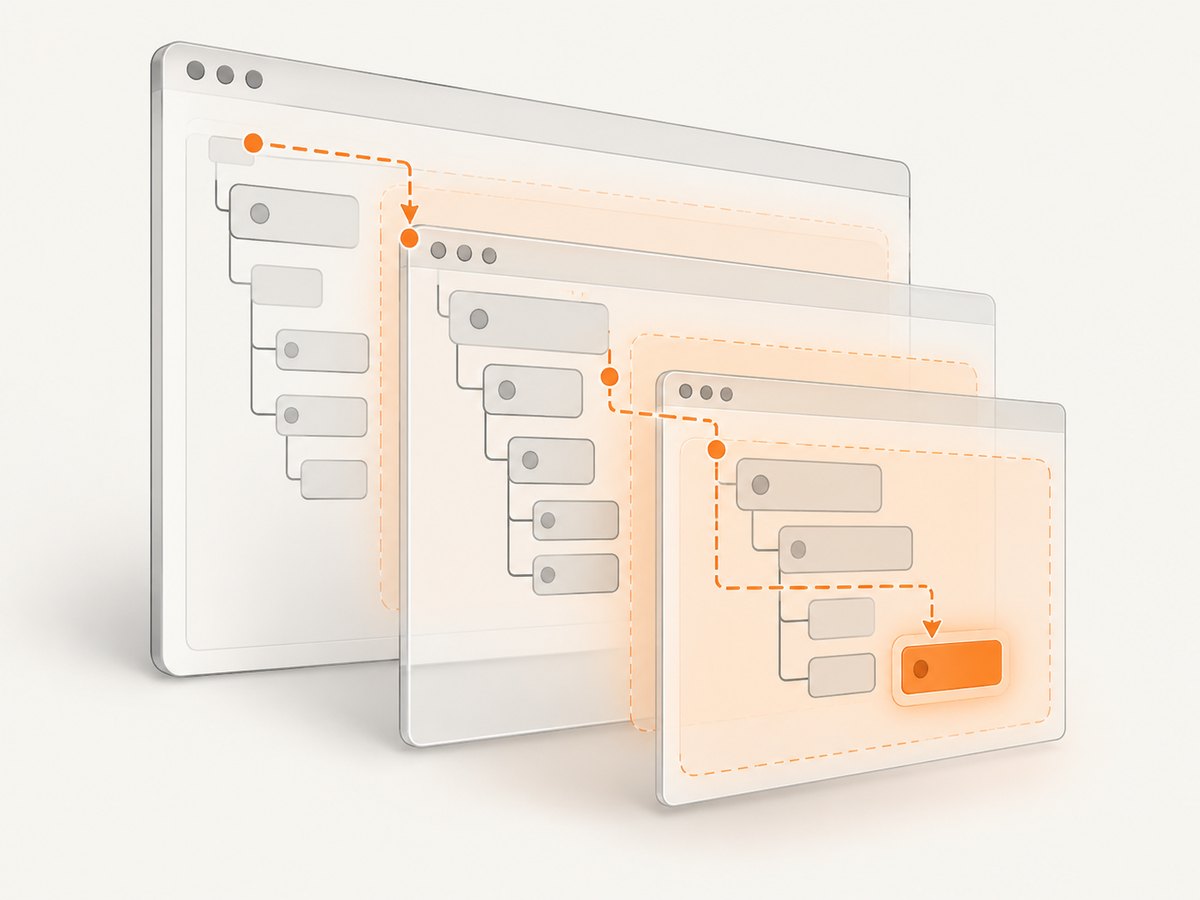
For nested components, repeat the same three operations at every boundary: find the inner host from the current root, get that host’s root, then find the next descendant.
const outerHost = await driver.findElement(By.css('outer-widget'));
const outerRoot = await outerHost.getShadowRoot();

const innerHost = await outerRoot.findElement(By.css('inner-widget'));
const innerRoot = await innerHost.getShadowRoot();

const target = await innerRoot.findElement(By.css('.message'));
const text = await target.getText();
console.log(text);
This is scoped traversal, not a special selector that pierces arbitrary component internals. Each component must expose an open shadow root that WebDriver can access.
Wait for components that render asynchronously
A custom element can exist before its shadow root or target content is ready. Synchronize with the actual readiness condition instead of adding a fixed sleep. In JavaScript, a polling wait can first locate the host and then request its root:
import { Builder, By, until } from 'selenium-webdriver';

const driver = await new Builder().forBrowser('chrome').build();
try {
  await driver.get('https://example.com');

  const target = await driver.wait(async () => {
    try {
      const host = await driver.findElement(By.css('my-widget'));
      const root = await host.getShadowRoot();
      return await root.findElement(By.css('.message'));
    } catch (error) {
      return false;
    }
  }, 10000, 'Shadow DOM target did not render');

  await driver.wait(async () => (await target.getText()).trim().length > 0, 5000);
  console.log(await target.getText());
} finally {
  await driver.quit();
}
For a production test, prefer a component-specific signal such as a rendered state, an attribute, or non-empty text. A generic polling loop is useful when no better readiness signal exists.
getText() versus raw DOM text
| Need | Use | Behavior |
|---|---|---|
| Text a user can see | getText() |
Returns visible innerText according to Selenium’s API, including descendants and trimming leading and trailing whitespace. |
| Hidden content, source text, or exact whitespace | Read the relevant DOM property with JavaScript | Verify the behavior required by your binding and page; it is not the same contract as visible innerText. |
Do not switch to textContent merely because getText() returns an empty string. First decide whether hidden text is actually the desired result. If it is, read that property explicitly and document the different semantics.
Closed shadow roots and access limits
WebDriver’s standard shadow-root commands work with roots exposed to the automation context. A closed shadow root does not provide the same accessible boundary, so a selector that works for an open component can fail for a closed one. If you control the component, expose a test-facing attribute, an accessible surface, or another supported way to retrieve the value. Do not assume that JavaScript execution or a deeper CSS selector can bypass a closed root.
Common errors and fixes
| Error or symptom | Likely cause | Fix |
|---|---|---|
NoSuchShadowRootError |
The host has no accessible shadow root yet, or the component uses a closed root. | Wait for rendering, verify the host selector, inspect whether the root is open, and confirm Selenium 4 or newer. |
NoSuchElementError from ShadowRoot.findElement() |
The target selector is wrong or the target has not rendered inside that root. | Check the selector in the component’s shadow tree and wait for the target’s readiness condition. |
| Host lookup fails | The custom element is inside an iframe, has not loaded, or the page selector is incorrect. | Switch to the correct iframe first, wait for the host, and validate the page URL and selector. |
| Text is empty | The element is hidden, text is populated later, or visible text is not the same as raw DOM text. | Wait for non-empty visible text, inspect visibility, and use an explicit DOM property only when hidden or exact source text is required. |
| Works locally but fails in CI | Different browser, driver, Selenium binding, timing, viewport, or page state. | Pin compatible versions, capture browser and driver logs, use condition-based waits, and avoid fixed sleeps. |
| Stale element after re-render | The component replaced its host or shadow descendants. | Re-find the host and traverse the root again after the component updates. |
Iframe plus Shadow DOM
If the host is inside an iframe, shadow-root traversal starts only after switching into that frame. The order is:
- Find the iframe in the current document.
- Switch to it with the WebDriver frame API.
- Find the shadow host inside the frame.
- Get its shadow root and continue scoped searches.
- Switch back to the default content when finished.
const frame = await driver.findElement(By.css('iframe.widget-frame'));
await driver.switchTo().frame(frame);

const host = await driver.findElement(By.css('my-widget'));
const root = await host.getShadowRoot();
const text = await (await root.findElement(By.css('.message'))).getText();

await driver.switchTo().defaultContent();
console.log(text);
Performance and reliability guidance
- Keep selectors short and scoped to the current root; avoid repeatedly scanning the entire document.
- Cache a root only while the component remains stable. Re-rendering can invalidate descendants and require a fresh traversal.
- Use one readiness wait around the complete host-to-target operation instead of several long fixed delays.
- Run the same browser and Selenium versions in development and CI where possible.
- Record the page URL, selector path, browser version, and the failing boundary so failures distinguish host lookup, root access, and descendant lookup.
- For large suites, reuse a driver session where isolation permits, but reset page state between tests to avoid cross-test component state.
Or skip the browser setup
If your goal is a rendered page image or PDF rather than DOM text, ScreenshotNeo provides a single screenshot request. It does not replace WebDriver for reading text, but it removes the browser setup for visual captures.
With the ScreenshotNeo API:
curl -G "https://api.screenshotneo.com/v1/shot" -d access_key=YOUR_API_KEY --data-urlencode url=https://stripe.com -o shot.webpimport requests
r = requests.get("https://api.screenshotneo.com/v1/shot", params={"access_key": "YOUR_API_KEY", "url": "https://stripe.com"}, timeout=90)
open("shot.webp", "wb").write(r.content)const q = new URLSearchParams({ access_key: 'YOUR_API_KEY', url: 'https://stripe.com' });
const res = await fetch(`https://api.screenshotneo.com/v1/shot?${q}`);Before capture, cookie banners, newsletter popups, and chat widgets are removed. Bot checks, blank pages, failed loads, and cache hits are not billed, and response headers identify the page verdict and billing result. ScreenshotNeo also has an MCP server so AI agents can take screenshots. The free plan includes 1,000 screenshots a month with no card; paid plans start at $5 for 3,000 shots.
Create a free ScreenshotNeo account to try it.
FAQ
Which Selenium version supports shadow-root methods?
Selenium’s finding-elements documentation states that shadow-root methods require Selenium 4.0 or greater.
Can one CSS selector cross every shadow-root boundary?
No. Locate each host, obtain its root, and search within that root before crossing the next boundary.
Why does getText() return less text than the HTML?
It reports visible innerText, not raw textContent. Hidden nodes and source whitespace can therefore produce different results.
What is the difference between a missing root and a missing element?
The JavaScript API distinguishes NoSuchShadowRootError for an unavailable host root from NoSuchElementError when the target is absent from an available root.
Can WebDriver read text from a closed shadow root?
Not through the normal accessible shadow-root search contract. Use a component-supported test surface or change the component design if you control it.


