Facebook Link Preview Image Size in 2026
Use a 1200 × 630 image and correct Open Graph tags for Facebook link previews in 2026, with implementation and troubleshooting steps.
Use a 1200 × 630 pixel image (about 1.91:1) for a Facebook link preview in 2026. It is the practical target in current Facebook-specific sizing guidance. A 600 × 315 image is described there as a lower bound for a large preview, but that minimum is secondary guidance rather than a confirmed Meta threshold. Dimensions alone cannot guarantee identical cropping on every Facebook surface.
Facebook builds link previews from Open Graph (OG) metadata in your page head. Set the four core properties—og:title, og:type, og:image, and og:url—then add a description and image metadata so parsers have enough context. The protocol specification is at Open Graph protocol.
Recommended Facebook preview size
| Choice | Pixels | Ratio | Use it when | Evidence |
|---|---|---|---|---|
| Recommended target | 1200 × 630 | 1.91:1 | You control the source artwork and want a large, sharp preview | Current Facebook-specific sizing guide (secondary) |
| Lower-bound guidance | 600 × 315 | 1.91:1 | You need a smaller asset and accept less detail | Guide describes this as a large-preview minimum; verify against Meta’s live documentation |
| Other ratios | Varies | Varies | Only when a design system requires it | May be cropped or letterboxed differently by placement |
Keep important text, faces and logos toward the center safe area. The 1200 × 630 canvas gives you room for compression and responsive rendering; it does not promise that every feed, message or device will show the full rectangle.
How Facebook reads your page
The Open Graph protocol defines four basic properties for a graph object:
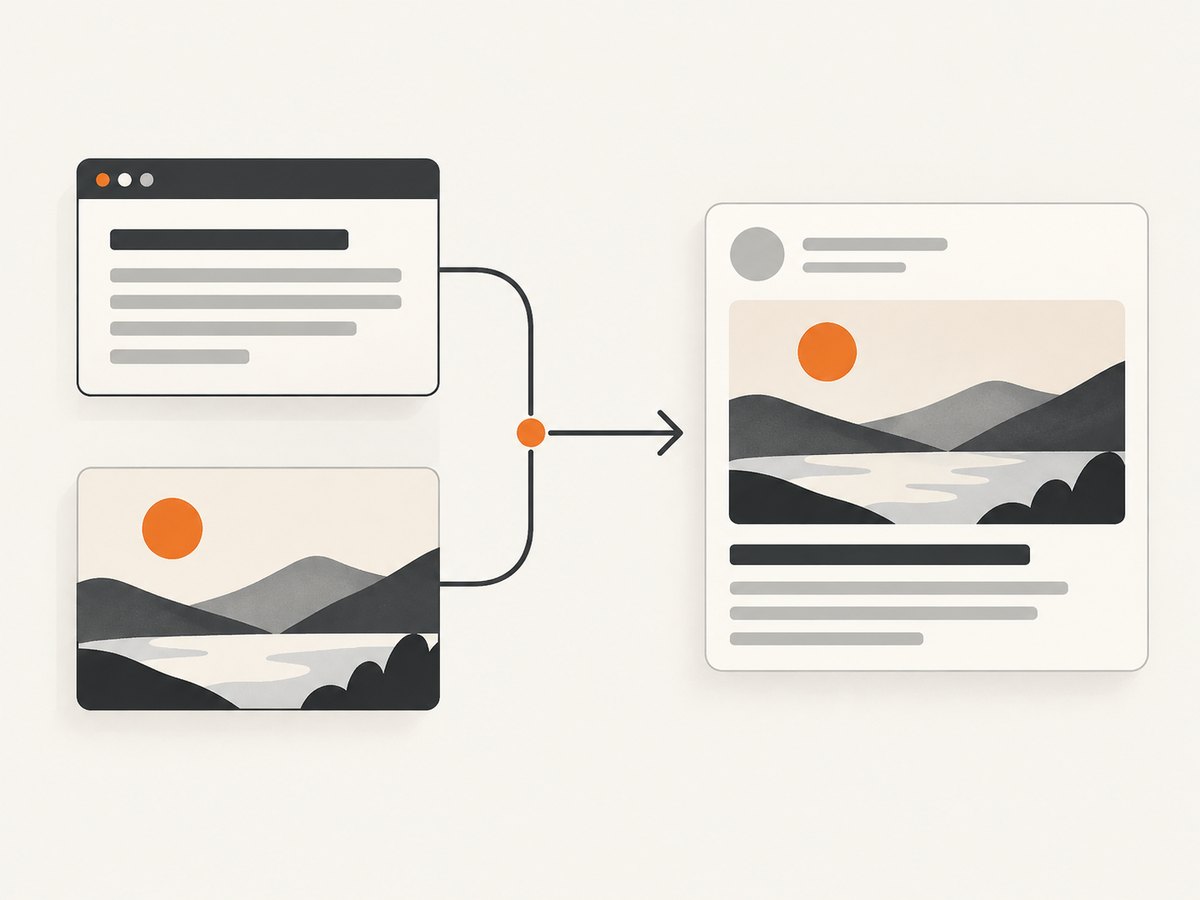
og:title: the title shown with the link.og:type: normallywebsitefor a regular page.og:image: an absolute, publicly reachable image URL.og:url: the canonical URL represented by the object.
og:description is optional but useful. The protocol also defines structured image properties: og:image:width, og:image:height, og:image:type, og:image:secure_url, and og:image:alt. If you provide og:image, the protocol says you should also provide og:image:alt. These fields describe the asset; they do not replace a correctly sized file.
Minimal head markup
<head>
  <meta property="og:title" content="Your page title">
  <meta property="og:type" content="website">
  <meta property="og:url" content="https://example.com/article">
  <meta property="og:image" content="https://example.com/images/share-1200x630.jpg">
  <meta property="og:image:width" content="1200">
  <meta property="og:image:height" content="630">
  <meta property="og:image:type" content="image/jpeg">
  <meta property="og:image:alt" content="Short description of the image">
  <meta property="og:description" content="A concise description of this page.">
</head>
Use one canonical image URL, return it over HTTPS, and make sure an unauthenticated crawler can fetch it. Keep the image URL stable after publishing; changing filenames creates a new object for parsers to discover.
Designing a 1200 × 630 image
- Create the canvas. Set the document to exactly 1200 by 630 pixels. Export at the intended dimensions rather than relying on browser scaling.
- Reserve a safe area. Keep critical copy away from all edges. Preview the artwork at a small size where thin text disappears first.
- Choose a suitable format. JPEG works well for photographic artwork; PNG preserves crisp typography and transparency. Use the format your delivery stack serves consistently and declare its MIME type in metadata.
- Check contrast and alt text. Alt text should describe the image’s purpose, not repeat the page title word for word.
- Publish a cacheable URL. Send a normal image response with a correct
Content-Type. Avoid URLs that require cookies, a login, or client-side JavaScript.
The protocol does not establish a universal file-size limit or guarantee support for every format. If a preview fails, simplify the asset and verify the response headers and accessibility before changing dimensions.
Verify tags and refresh a preview
- Open the live page source (not only the rendered DOM) and search for each
og:property. - Fetch the image URL in a private browser window. Confirm it returns the expected 1200 × 630 file without authentication.
- Use Facebook’s official parser and debugger, the Sharing Debugger, to inspect what Facebook reads.
- After changing tags or the image, request a fresh scrape in the tool and inspect the reported values. The exact controls and cache timing can change, so follow the current interface rather than assuming an immediate refresh.
- Share the URL in a test context and compare the resulting crop with the source artwork.
A debugger result is a parser observation, not a guarantee that every placement will display the same crop. Record the final image URL and metadata in your deployment notes so future edits are repeatable.
Automating a preview screenshot
A screenshot of the published page can reveal CSS, responsive and loading problems that metadata inspection misses. For a local, do-it-yourself workflow, open the page in a browser at a desktop viewport, wait for fonts and images, and capture the page or the share-card element. A headless browser can make this repeatable:
import { chromium } from 'playwright';

const browser = await chromium.launch();
const page = await browser.newPage({ viewport: { width: 1200, height: 630 }, deviceScaleFactor: 1 });
await page.goto('https://example.com/article', { waitUntil: 'networkidle' });
await page.screenshot({ path: 'facebook-preview.png', fullPage: false });
await browser.close();
For a dedicated card element, replace the final call with page.locator('.share-card').screenshot({ path: 'facebook-preview.png' }). If the card is below the fold, scroll it into view first. A browser setup gives you control, but it also means maintaining Chromium, handling consent dialogs, waiting for late resources and diagnosing bot checks.
Or skip the browser setup
ScreenshotNeo is a website screenshot API and MCP server. It accepts one GET request and returns PNG, JPEG, WebP or PDF. Cookie and consent banners are accepted and removed before capture, along with more than 60 known consent platforms, newsletter popups and chat widgets; each step can be disabled. Bot checks or CAPTCHAs, blank pages, timeouts, failed loads and cache hits are not billed, and the response identifies the result with X-Page-Verdict and X-Billed headers.
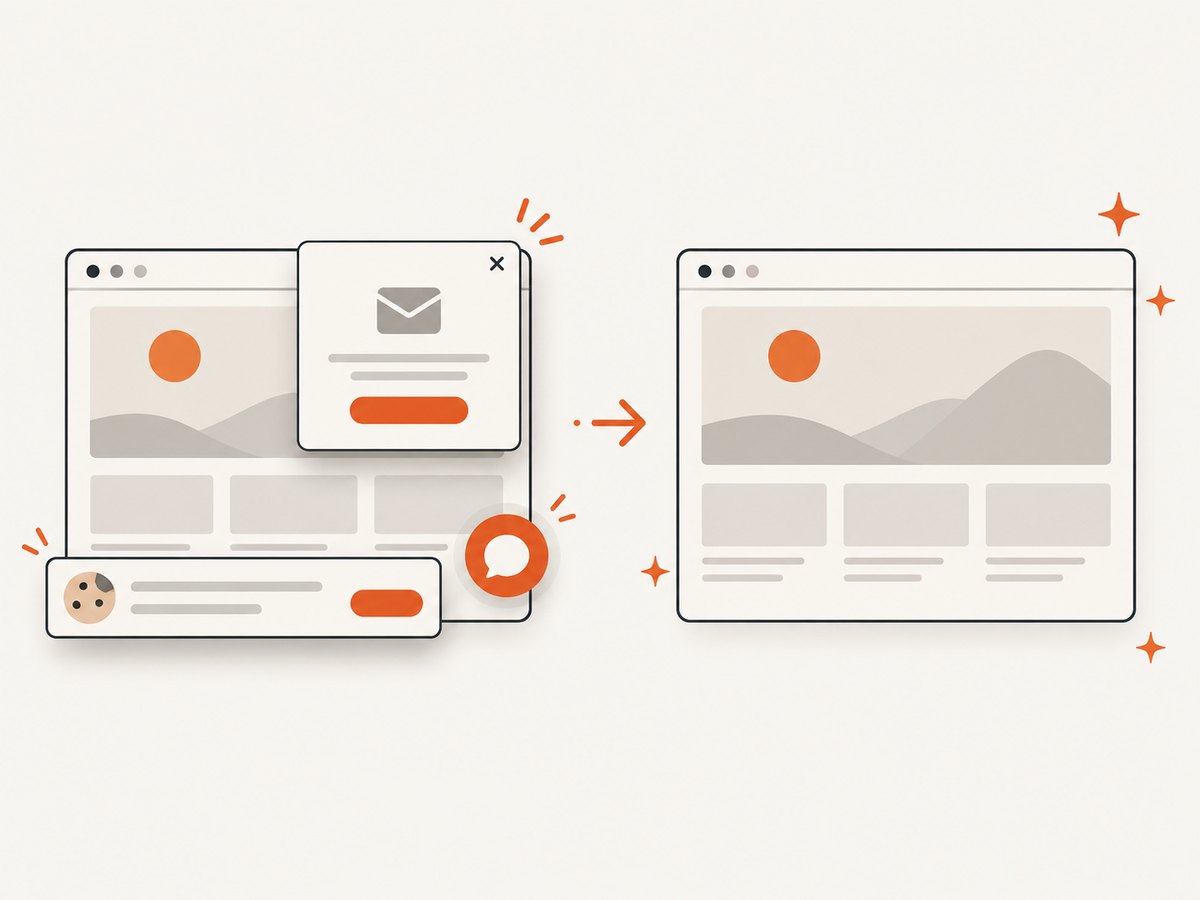
See the ScreenshotNeo API docs for all options. A basic capture for a published article looks like this:
curl -G "https://api.screenshotneo.com/v1/shot" \
  -d access_key=YOUR_API_KEY \
  --data-urlencode url=https://example.com/article \
  -o facebook-preview.webp
import requests
r = requests.get(
"https://api.screenshotneo.com/v1/shot",
params={"access_key": "YOUR_API_KEY", "url": "https://example.com/article"},
timeout=90,
)
r.raise_for_status()
open("facebook-preview.webp", "wb").write(r.content)const q = new URLSearchParams({ access_key: 'YOUR_API_KEY', url: 'https://example.com/article' });
const res = await fetch(`https://api.screenshotneo.com/v1/shot?${q}`);
if (!res.ok) throw new Error(`HTTP ${res.status}`);
const fs = await import('node:fs/promises');
await fs.writeFile('facebook-preview.webp', Buffer.from(await res.arrayBuffer()));You can request full-page or CSS-selector captures, dark mode, device presets or custom viewports, retina scale, custom CSS and JavaScript, clicks, waits for selectors or network idle, hidden selectors, blocked ads/trackers/resources, custom headers/cookies/user agents, timezone and geolocation, transparent backgrounds, resizing and a chosen cache TTL. Signed links work for public <img> tags; async jobs support signed webhooks; bulk capture accepts 100 URLs per call. The MCP server exposes take_screenshot, get_page_info and capture_pdf to Claude, Cursor and other MCP clients.
Free usage includes 1,000 screenshots each month with no card. Paid plans start at $5 for 3,000 shots; every feature is on every plan. Create a free ScreenshotNeo account.
Troubleshooting checklist
| Symptom | Likely cause | Fix |
|---|---|---|
| No image in the preview | Missing or relative og:image, blocked URL, or non-2xx response |
Use an absolute HTTPS URL and fetch it without cookies; check server logs. |
| Old artwork still appears | Parser cache still contains the previous object | Inspect the live tags and request a re-scrape in Facebook’s debugger; allow for cache timing. |
| Wrong title or description | Duplicate tags, template defaults, or client-only metadata | Keep one set in the server-rendered <head> and verify page source. |
| Image is blurry | Source smaller than the rendered preview or excessive compression | Generate at 1200 × 630 and export with enough quality; avoid repeated recompression. |
| Unexpected crop | Placement-specific rendering or edge content | Keep essential content centered and test several share surfaces. |
| Screenshot shows a popup | Late consent, newsletter or chat script | Wait for the page state, dismiss it in browser code, or use ScreenshotNeo’s cleanup steps. |
| Screenshot times out | Slow third-party resource, bot check or never-ending network activity | Block unnecessary resources, wait for a specific selector, set a bounded delay, and inspect verdict headers. |
Performance, reliability and cost
Performance
Serve the image from a CDN close to crawlers, keep the file compact, and avoid redirects. Generate variants ahead of publishing rather than resizing on every request. For screenshots, wait for the smallest reliable readiness signal (a card selector or network idle) instead of an arbitrary long delay. Cache immutable image URLs and choose a screenshot cache TTL that matches how often the page changes.
Reliability
Make metadata part of your deployment checks: assert that all four core properties exist, the image URL is HTTPS, and the image response is successful. Keep a fallback image for templates with missing artwork. When automating captures, retry transient network failures with a limit and log the URL, viewport, timestamp and response verdict.
Cost
Static OG files cost only your hosting and transfer. Browser automation adds compute and maintenance. ScreenshotNeo bills only clean shots; bot checks, blank pages, timeouts, failed loads and cache hits cost nothing. Its plans are Free (1,000/month), Starter $5 (3,000), Growth $15 (15,000), Pro $39 (60,000), Scale $99 (250,000), and Business $249 (1,000,000); yearly billing gives two months free.
FAQ
Is 1200 × 630 an official Meta requirement?
It is the practical recommendation in the reviewed Facebook-specific guide. The 600 × 315 lower bound is also secondary guidance. The Open Graph protocol itself defines metadata, not a universal Facebook pixel rule.
Can I use a square image?
You can publish one, but it has a different ratio and may be cropped or displayed with different prominence. Use 1200 × 630 when the goal is a standard large link preview.
Does changing the image force an immediate refresh?
No. Facebook may cache parsed objects. Inspect the live page and use the official debugger’s current re-scrape workflow.
Should image dimensions be in the HTML?
Include og:image:width and og:image:height as structured metadata. The actual file must also be 1200 × 630 if that is your target.
Can ScreenshotNeo generate a PDF of the article?
Yes. Its capture_pdf MCP tool and PDF options support paper size, margins, landscape mode and page ranges.


