Facebook OG Image Guidelines
Use the right Facebook OG image size, metadata, file limit, and validation steps to create reliable link previews.
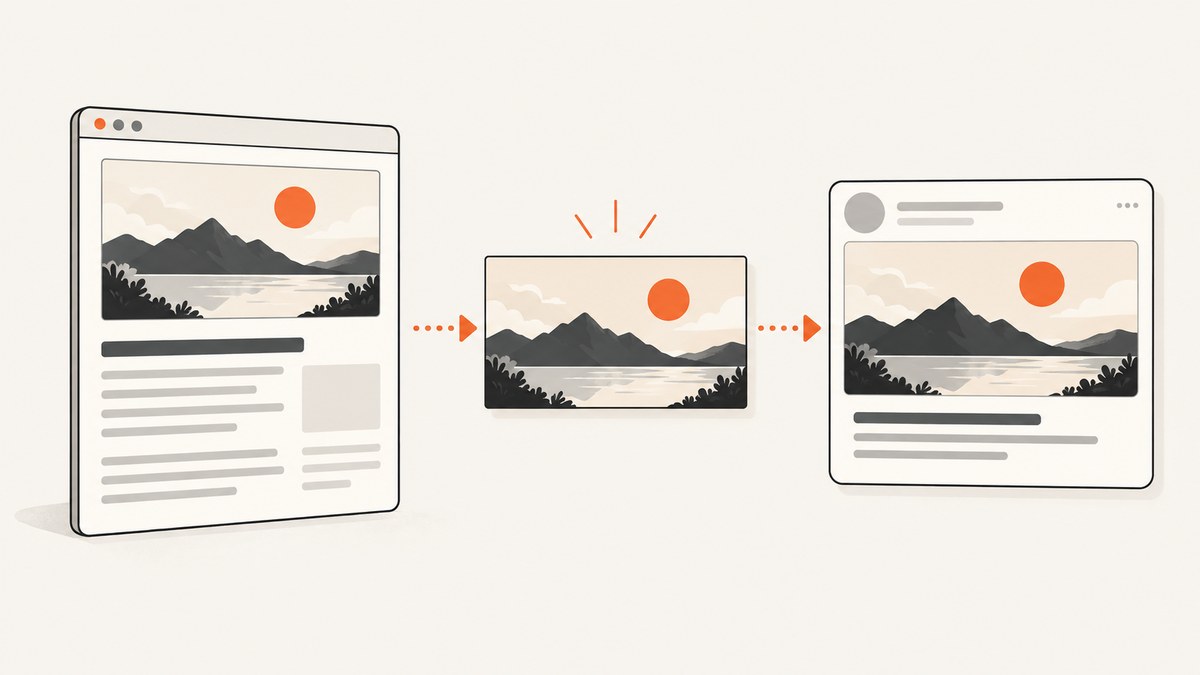
Use a 1200 × 630 pixel image (1.91:1) and keep the file at or below 8 MB. Add it to your page with the og:image Open Graph property. After publishing or changing the image, enter the page URL in Facebook Sharing Debugger so you can inspect the preview and refresh Facebook’s stored page information. The dimensions, aspect ratio, and file limit are Facebook-attributed recommendations reported by the Wix Help Center.
1. What an OG image is
An OG image is the image a page declares for its Open Graph object. Social platforms can use that property when they build a rich link preview. The Open Graph Protocol documents og:image as the property that identifies the image for the page.
For a page at https://example.com/article, the image URL should be absolute and publicly reachable, such as https://example.com/images/article-share.webp. Do not point og:image at a local file, a relative path, a page that requires login, or an endpoint that blocks Facebook’s crawler.
2. Recommended Facebook OG image specifications
| Property | Recommendation | Why it matters |
|---|---|---|
| Dimensions | 1200 × 630 pixels | Matches the Facebook-attributed guidance reported by Wix. |
| Aspect ratio | 1.91:1 | Helps the intended composition fit the preview shape. |
| Maximum file size | 8 MB | Files above this cited limit may not be accepted as intended. |
| HTML property | og:image |
Tells consumers which URL contains the share image. |
| Image URL | Absolute HTTPS URL | Allows a remote crawler to fetch the asset. |
The 1200 × 630, 1.91:1, and 8 MB values are attributed to Facebook by the Wix Help Center; the research used for this guide did not retrieve a current Facebook page that independently states those limits. Treat them as the practical target and verify the resulting preview.
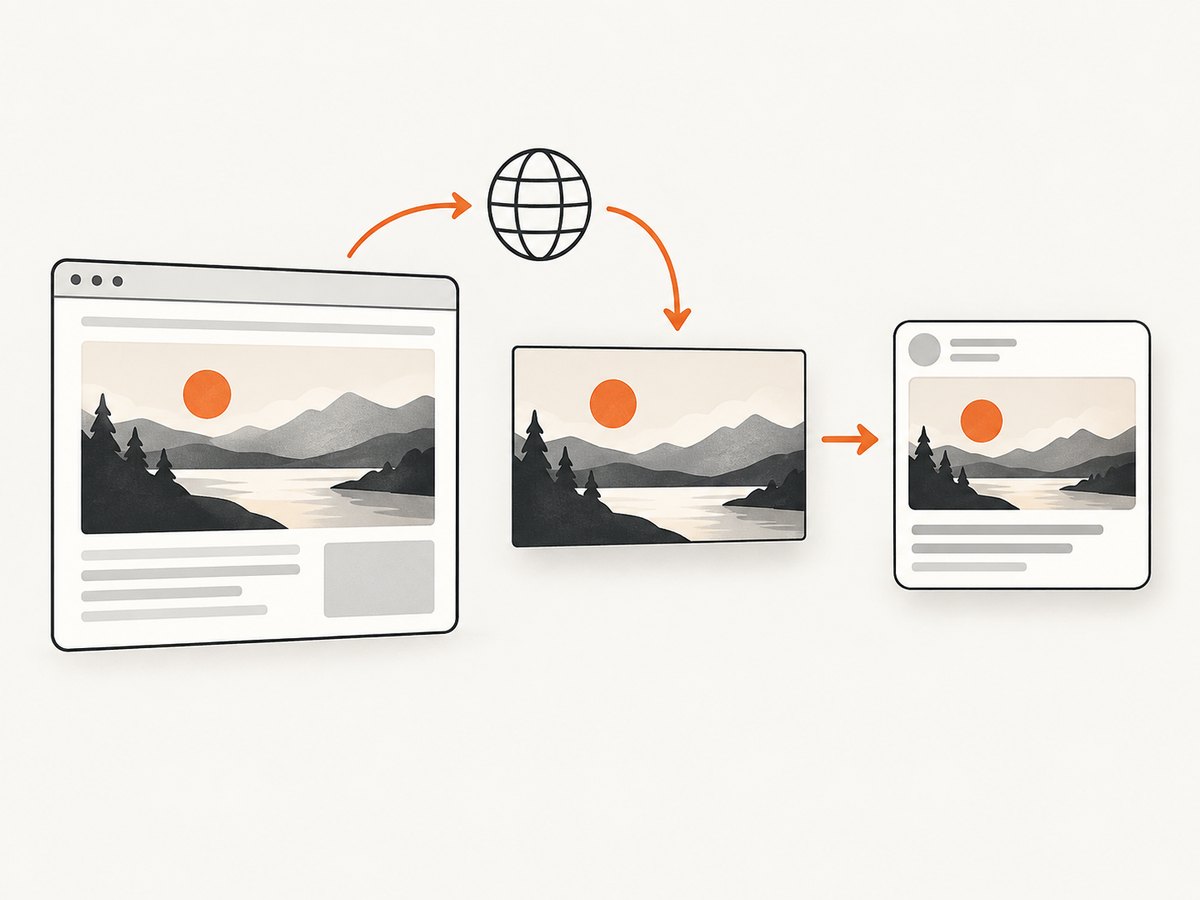
3. Should you add width and height metadata?
The Open Graph Protocol example includes og:image:width and og:image:height beside og:image. Add them when you know the true dimensions:
<meta property='og:image' content='https://example.com/images/article-share.jpg'>
<meta property='og:image:width' content='1200'>
<meta property='og:image:height' content='630'>
The reviewed evidence does not establish that Facebook currently requires width and height metadata. They describe the asset clearly, but the image URL remains the essential declaration.
4. Complete HTML example
Place the tags in the document’s <head>. Replace every example URL and value with data for the page being shared.
<!doctype html>
<html lang='en'>
<head>
  <meta charset='utf-8'>
  <title>Example article</title>
  <link rel='canonical' href='https://example.com/article'>

  <meta property='og:type' content='article'>
  <meta property='og:url' content='https://example.com/article'>
  <meta property='og:title' content='Example article'>
  <meta property='og:description' content='A concise description of the article.'>
  <meta property='og:image' content='https://example.com/images/article-share.jpg'>
  <meta property='og:image:width' content='1200'>
  <meta property='og:image:height' content='630'>
</head>
<body>
  <main>Article content</main>
</body>
</html>
The Open Graph Protocol documentation is the primary reference for the property names and their purpose: ogp.me.
5. Create an image that survives the crop
- Start with a 1200 × 630 canvas.
- Keep the subject, logo, and any important wording away from the extreme edges so a consumer can crop without removing the main point.
- Export a web-readable image and check that the final file is no larger than 8 MB.
- Use a stable, publicly fetchable URL. Keep the filename or URL unchanged when possible; if you replace an image at the same URL, validation tools can reveal whether a cached copy is still being used.
The research did not establish a Facebook-specific required file format or a universal crop rule. Choose a format your image pipeline serves reliably, then confirm the actual preview with the debugger.
6. Validate and refresh a changed preview
- Open the published page in a private browser window and inspect the rendered HTML source. Confirm that
og:imageappears in the<head>, not only after client-side JavaScript runs. - Open the image URL directly. Confirm it returns the intended 1200 × 630 asset without a login, redirect loop, or access challenge.
- Check the response headers and file size from a command line:
curl -I https://example.com/images/article-share.jpg
curl -L https://example.com/images/article-share.jpg -o /tmp/article-share.jpg
wc -c /tmp/article-share.jpg- Enter the page URL in Facebook Sharing Debugger, as the Wix Help Center recommends after an
og:imagechange. - Review the fetched image and warnings. If the old image remains, run the debugger again after confirming the source HTML and asset URL are updated.
7. Troubleshooting common failures
| Symptom | Likely cause | Fix |
|---|---|---|
| No image appears | Missing, relative, malformed, or inaccessible og:image. |
Use one absolute HTTPS URL in the page head and open that URL directly to verify it is reachable. |
| Old image still appears | Facebook has cached the previous page or image. | Confirm the new source HTML, then submit the page URL to Sharing Debugger to refresh the stored information. |
| Image is cropped unexpectedly | The important content sits near an edge or the source ratio differs from 1.91:1. | Recompose on a 1200 × 630 canvas and keep critical content inside a comfortable margin. |
| Debugger reports a download error | Redirects, authentication, robots/access rules, TLS problems, or a server error. | Serve the image publicly over HTTPS, remove the redirect loop, and return a successful image response. |
| Image is rejected or unreliable | File exceeds the cited 8 MB limit or the URL serves an unexpected response. | Compress or resize the asset, then verify the downloaded byte count and content. |
| Width/height warnings | Metadata is absent or does not match the file. | Add og:image:width and og:image:height with the actual dimensions. They are documented by the protocol example, but the reviewed evidence does not show they are currently mandatory. |
8. Or skip the browser setup
If you need a dependable image of the rendered page itself, ScreenshotNeo can capture the URL through one API request. Its clean-shot workflow accepts consent banners before capture and removes more than 60 known consent platforms, newsletter popups, and chat widgets; each step can be disabled. Bot checks or CAPTCHAs, blank pages, timeouts, failed loads, and cache hits are not billed, and response headers identify the page verdict and billing status. An MCP server provides take_screenshot, get_page_info, and capture_pdf tools for Claude, Cursor, and other MCP clients.

See the ScreenshotNeo API documentation for all options. A basic call that saves a WebP image:
curl -G 'https://api.screenshotneo.com/v1/shot' \
  -d access_key=YOUR_API_KEY \
  --data-urlencode url=https://stripe.com \
  -o shot.webp
import requests
r = requests.get(
'https://api.screenshotneo.com/v1/shot',
params={'access_key': 'YOUR_API_KEY', 'url': 'https://stripe.com'},
timeout=90,
)
r.raise_for_status()
open('shot.webp', 'wb').write(r.content)const q = new URLSearchParams({
access_key: 'YOUR_API_KEY',
url: 'https://stripe.com'
});
const res = await fetch(`https://api.screenshotneo.com/v1/shot?${q}`);
if (!res.ok) throw new Error(`HTTP ${res.status}`);
const data = Buffer.from(await res.arrayBuffer());
require('fs').writeFileSync('shot.webp', data);It offers full-page or element capture, custom CSS and JavaScript, viewport and device settings, dark mode, waiting rules, request blocking, headers and cookies, caching with a chosen TTL, and image resizing. The Free plan includes 1,000 screenshots per month with no card; paid plans start at $5 for 3,000 shots. Create a free ScreenshotNeo account.
9. Performance, reliability, and cost notes
- Keep assets cacheable: a stable image URL lets crawlers reuse the file. When you need to force a new asset, change the URL or use the Sharing Debugger after confirming the update.
- Reduce transfer size: stay under the cited 8 MB maximum and avoid needlessly large source files; smaller downloads are quicker for crawlers and visitors.
- Make the head server-rendered: emit the Open Graph tags in initial HTML so a crawler does not depend on browser JavaScript.
- Use deterministic screenshots: if generating the asset with a browser, wait for the page’s important content, set a fixed viewport, and remove transient banners before capture.
- Control API spend: ScreenshotNeo bills only clean shots; failed loads, blank pages, bot checks, timeouts, and cache hits are not billed. Its response headers expose the verdict and whether the request was billed.
10. Checklist before sharing a URL
- Image is 1200 × 630 pixels (1.91:1).
- File is at or below 8 MB.
og:imageuses an absolute, publicly reachable HTTPS URL.- Optional width and height tags match the actual file.
- Important visual content is inside the safe area.
- Image URL returns the intended asset without authentication or redirect loops.
- Facebook Sharing Debugger has been run after the latest change.
11. FAQ
Is 1200 × 630 mandatory?
It is the Facebook-attributed recommendation reported by Wix, not a requirement independently confirmed in the retrieved Meta documentation. It is the safest target for predictable previews.
Can I use a different aspect ratio?
You can publish another ratio, but the cited guidance targets 1.91:1. A different ratio increases the chance that the preview crops your composition.
Do width and height tags replace the image URL?
No. They describe the image; og:image identifies where the image is.
Why does changing the file sometimes not change the preview?
Cached page or image data can persist. Verify the live HTML and image URL, then use Facebook Sharing Debugger to request a fresh fetch.
Can an OG image be generated from a live page?
Yes. A browser automation workflow can render the page and save a 1200 × 630 image. ScreenshotNeo provides that capture through an API and MCP tools when you do not want to maintain the browser setup.


