Facebook Page Profile Picture Size for 2026
Use a square image at least 320 × 320 pixels for your Facebook Page profile picture in 2026, then keep important details centered for the circular crop.
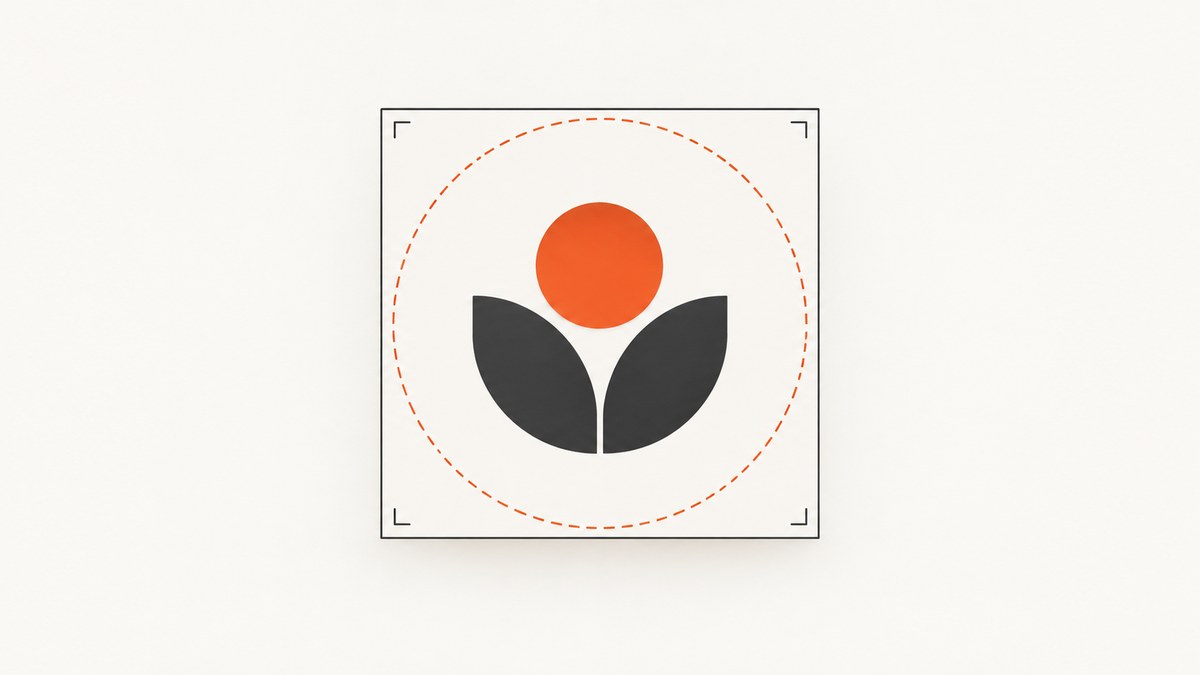
Use a square source image at least 320 × 320 pixels. Facebook Help says a profile picture should be at least 320 pixels wide and 320 pixels high for best quality. Prepare the artwork as a square, keep the important parts in the center, and check Facebook’s upload preview before publishing.
Facebook’s official guidance found for this article gives the 320 × 320 minimum for profile pictures generally. It does not publish a separate, confirmed Page-only desktop or mobile display size. Third-party Page guides describe the avatar as circular, so treat the corners as unsafe for essential logo details and preview the result in Facebook.
Recommended Facebook Page profile picture size
| Item | Recommendation | What the evidence supports |
|---|---|---|
| Source dimensions | At least 320 × 320 pixels | Facebook Help’s best-quality guidance |
| Shape | Square, with equal width and height | Matches the upload baseline and common Page-avatar guidance |
| Safe area | Center the logo, face or other essential detail | Useful because third-party Page guidance describes a circular rendering |
| Exact display size | Do not rely on a single desktop or mobile pixel figure | Official evidence retrieved here does not confirm one; third-party figures conflict |
| File format and file size | Check Facebook’s live upload interface | The official passage retrieved here does not establish accepted formats or a size cap |
Facebook’s help page states: “Para que tenga la mejor calidad, tu foto del perfil debe tener al menos 320 píxeles de ancho y 320 píxeles de alto.” In English, that means the profile picture should be at least 320 pixels wide and 320 pixels high for the best quality. Read the Facebook Help guidance.
Why square artwork is the safest starting point
A square canvas prevents the upload flow from having to crop one side more than the other. It also gives you predictable margins when the Page avatar is shown as a circle. A 320 × 320 image is the documented minimum; a larger square master can give you more room to resize and export cleanly, provided you still upload a square file and follow any limits shown by Facebook.
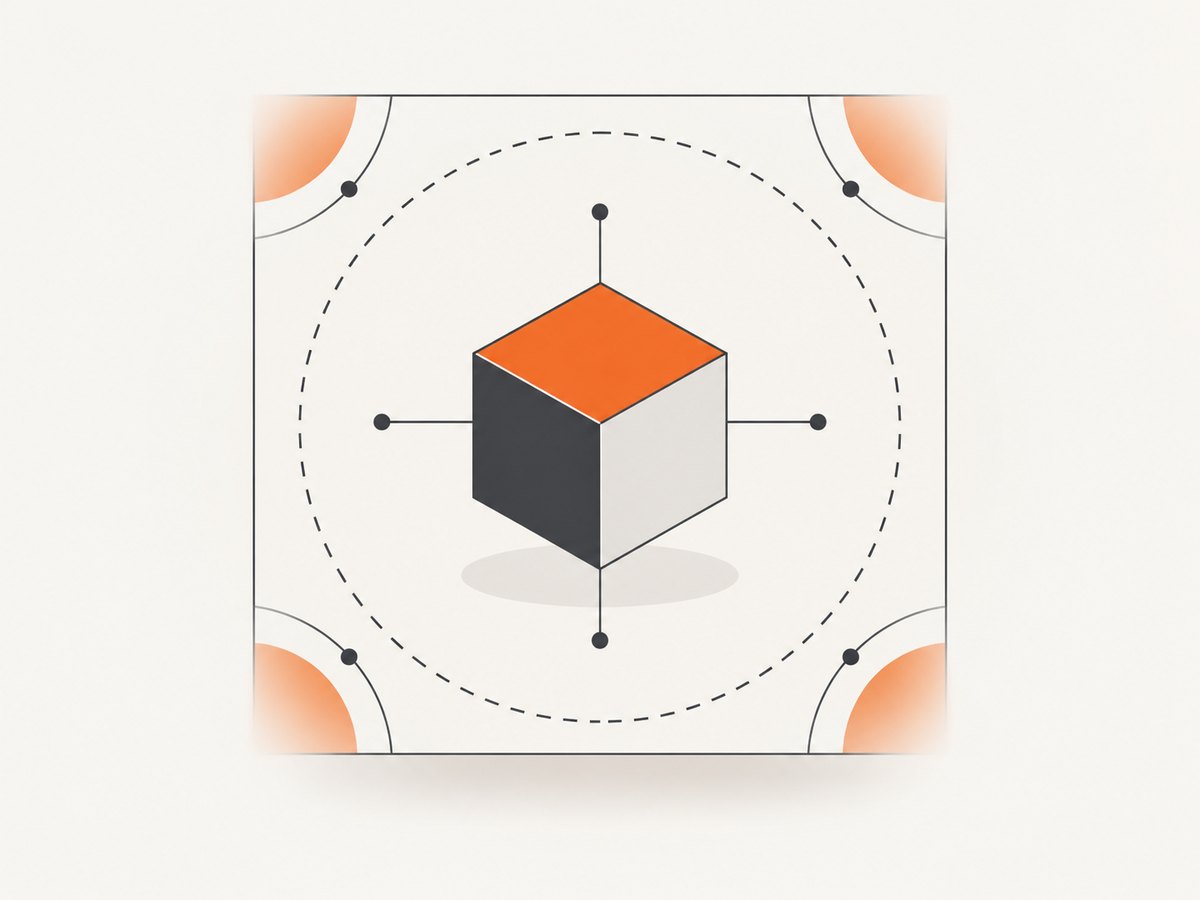
Keep the important content inside a centered safe area
- Place a logo mark, initials or face in the middle of the canvas.
- Leave generous space between essential details and all four corners.
- Avoid putting thin lettering, borders or badges at the extreme edge.
- Use the upload preview to confirm that the circular presentation does not cut off the subject.
LinkScale’s 2026 social-image guide lists 320 × 320 for a Facebook Page profile picture and describes a square mark displayed in a circle. That is useful layout guidance, but it is a third-party source rather than a separate Facebook specification. See LinkScale’s guide.
How to prepare the image
- Start with a square canvas. Set both dimensions to the same value. Use at least 320 × 320 pixels.
- Center the subject. Keep the logo or face away from the corners and leave padding around it.
- Export a clean master. Preserve the original square file so you can make future sizes without repeatedly scaling a compressed copy.
- Upload through your Page settings. Use Facebook’s current upload interface and read any format or file-size requirements it shows.
- Inspect the preview. Check the circular crop at the sizes Facebook presents. If any essential detail is clipped, return to the square master and add more padding.
- Check light and dark contexts. A profile image can appear beside different backgrounds, so confirm that the subject and contrast remain clear.
Quick design checklist
- ☐ Width is at least 320 pixels.
- ☐ Height is at least 320 pixels.
- ☐ Width equals height.
- ☐ The subject is centered.
- ☐ Essential details do not touch the corners.
- ☐ The Facebook preview shows the complete subject.
- ☐ You checked the current upload interface for format and file-size rules.
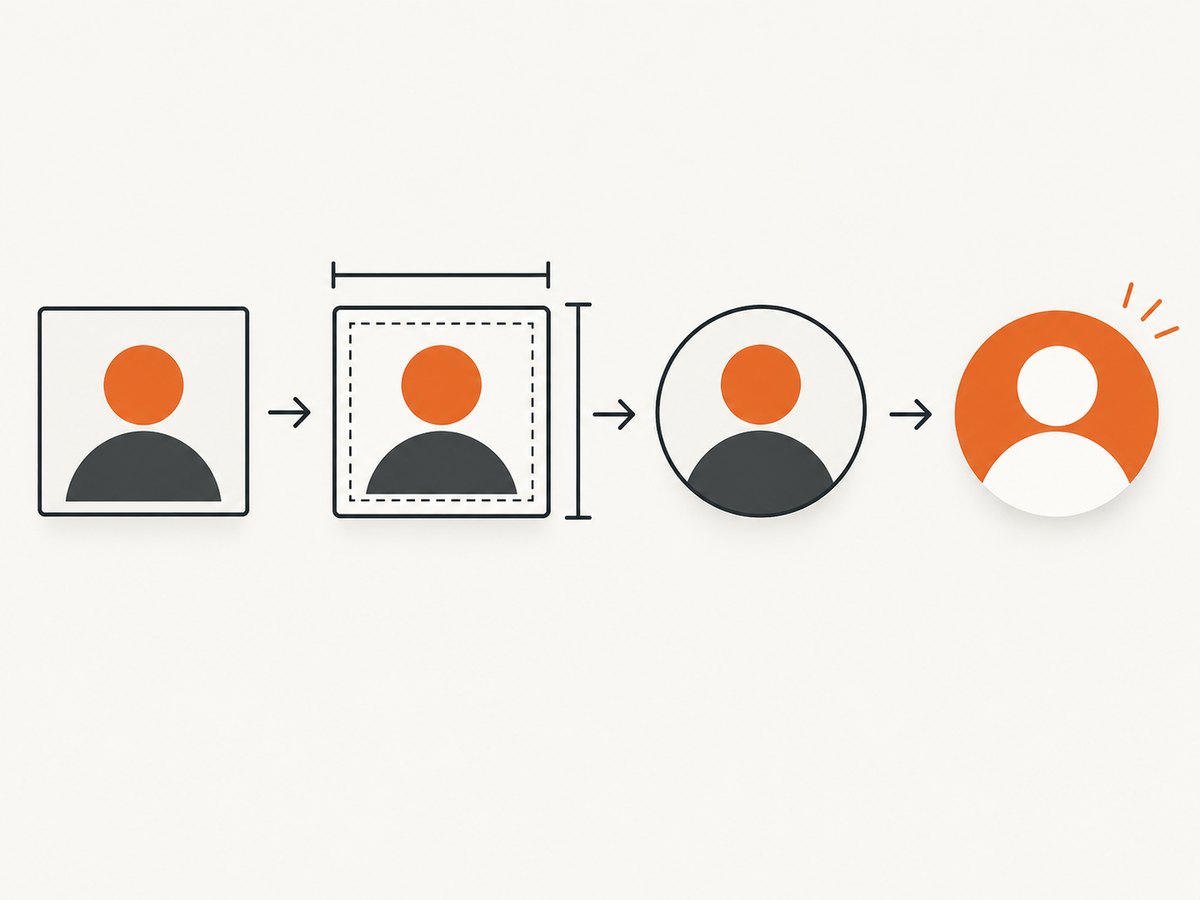
Checking dimensions before you upload
You can verify the pixel dimensions with an image editor, your operating system’s file information panel, or a short script. The examples below only check dimensions; they do not claim a particular Facebook file-format or file-size policy.
Python with Pillow
from PIL import Image

path = "page-profile.png"
with Image.open(path) as image:
    width, height = image.size
    print(f"{width} × {height} pixels")
    if width != height:
        raise SystemExit("Use a square image: width and height must match")
    if width < 320 or height < 320:
        raise SystemExit("Facebook's documented best-quality baseline is at least 320 × 320 pixels")
Node.js with sharp
import sharp from "sharp";

const path = "page-profile.png";
const { width, height } = await sharp(path).metadata();
console.log(`${width} × ${height} pixels`);
if (width !== height) throw new Error("Use a square image");
if (width < 320 || height < 320) {
  throw new Error("Use at least 320 × 320 pixels");
}
Common mistakes and fixes
| Problem | Likely cause | Fix |
|---|---|---|
| The logo is cut off | Important artwork is too close to a corner or edge for the circular presentation. | Move the subject toward the center and add padding, then inspect the upload preview again. |
| The image looks soft | The source is below the 320 × 320 baseline or has been repeatedly recompressed. | Return to a larger square master and export a fresh copy. |
| The upload is rejected | The file may not meet a current format or file-size rule. | Read the requirement shown in Facebook’s live uploader and export accordingly; the retrieved Help passage does not establish those limits. |
| Advice says 360 × 360 is required | A third-party guide is giving a higher recommendation. | Use Facebook’s documented 320 × 320 minimum as the baseline. A larger square source is fine when practical, but 360 × 360 is not established here as an official requirement. See the conflicting Postfast recommendation. |
| Desktop and phone previews seem different | Facebook can render the same source at different interface sizes. | Design for a centered subject and validate the actual Page preview instead of trusting an unverified display-pixel chart. |
Display-size claims: what is confirmed and what is not
The strongest evidence available is Facebook’s 320 × 320 minimum for best quality. The retrieved official result does not confirm exact Page avatar dimensions on desktop, mobile, feeds or search. LinkScale and Postfast publish different numbers and recommendations, so those figures should not be presented as official 2026 display specifications.
That distinction matters: source dimensions describe the file you upload, while display dimensions describe how Facebook happens to render it in a particular surface. The first has a defensible 320 × 320 baseline; the second can vary with the interface and remains unverified by the official passage used here.
Or skip the browser setup
If you are preparing a Page avatar by reviewing screenshots of a design or upload flow, ScreenshotNeo can capture the page with one request. Its clean-shot steps accept consent banners before capture and remove more than 60 known consent platforms, newsletter popups and chat widgets. Bot checks, blank pages, failed loads and cache hits are not billed, and the response reports the page verdict and billing status in headers. ScreenshotNeo also provides an MCP server so Claude, Cursor and other MCP clients can take screenshots, inspect page information and capture PDFs.
See the ScreenshotNeo API documentation for the available options.
curl -G "https://api.screenshotneo.com/v1/shot" -d access_key=YOUR_API_KEY --data-urlencode url=https://stripe.com -o shot.webpimport requests
r = requests.get("https://api.screenshotneo.com/v1/shot", params={"access_key": "YOUR_API_KEY", "url": "https://stripe.com"}, timeout=90)
open("shot.webp", "wb").write(r.content)const q = new URLSearchParams({ access_key: 'YOUR_API_KEY', url: 'https://stripe.com' });
const res = await fetch(`https://api.screenshotneo.com/v1/shot?${q}`);You get 1,000 screenshots a month free with no card. Paid plans start at $5 for 3,000 shots. Create a free ScreenshotNeo account.
Performance, reliability and cost notes
- Image quality: Start from a square master at or above 320 × 320 so you have room to preserve detail during export.
- Reliability: Use Facebook’s current preview as the final check because interface rendering can change and official Page display dimensions are not established by the cited passage.
- Automation: If you repeatedly review a design or upload workflow, ScreenshotNeo supports waits, custom CSS and JavaScript, device presets, full-page capture and caching with a TTL you choose.
- Billing: ScreenshotNeo bills only clean shots. Bot checks, blank pages, timeouts, failed loads and cache hits cost nothing, and each response includes
X-Page-VerdictandX-Billedheaders.
FAQ
Is 320 × 320 the exact size Facebook displays?
No. It is Facebook Help’s minimum guidance for best quality. Display size depends on where the Page avatar appears, and the official result used here does not confirm one fixed Page display size.
Can I upload a larger image?
The evidence supports 320 × 320 as a minimum, not as a maximum. A larger square source can be useful, but follow any limits shown in Facebook’s live uploader.
Should the image be circular before upload?
Prepare a square source and keep the important content centered. Third-party Page guidance describes a circular rendering, so let Facebook’s preview show the final crop rather than baking a circle into the source.
Does Facebook officially require 360 × 360?
Not in the official passage retrieved for this guide. Postfast recommends 360 × 360, but that conflicts with other advice and does not override Facebook’s documented 320 × 320 baseline.
Where do I confirm file type and file-size limits?
Check the current Facebook Page upload interface. The cited Help passage establishes dimensions but does not establish those limits.


