Does Facebook Notify Users About Post Screenshots?
Facebook doesn’t notify someone when you screenshot a normal post. Here’s what happens with photos, Stories, Reels, profiles, and Messenger disappearing messages.

No. Facebook does not notify someone when you screenshot a normal post. Current guidance also says screenshots of ordinary photos, profiles, Reels, and Stories do not generate an alert. The documented exception is a screenshot detected on a disappearing message in an end-to-end encrypted Messenger chat.
That answers the common question, “Does Facebook notify users about post screenshots?” The distinction that matters is the content and mode: a regular Facebook post is different from a disappearing Messenger message. Meta may update or roll out features over time, so check the current Messenger settings and interface if yours differ from the behavior described here.
1. Facebook screenshot notifications at a glance
| What you screenshot | Does the owner or other person get an alert? | What to know |
|---|---|---|
| Normal Facebook post | No | Facebook does not notify the post owner about a screenshot. |
| Ordinary photo | No | A photo screenshot is not described as generating an alert. |
| Profile page | No | Viewing or screenshotting a profile does not send a screenshot alert. |
| Reel | No | A screenshot of a Reel is not described as generating an alert. |
| Facebook Story | No | Current guidance says Stories do not generate screenshot notifications. |
| Ordinary Messenger conversation | No screenshot alert documented | The documented alert applies to disappearing messages, not standard conversations. |
| Disappearing message in an end-to-end encrypted Messenger chat | Potentially yes | Meta says it introduced an alert when it detects someone taking a screenshot of a disappearing message. |
“No alert” describes the notification behavior; it does not mean a screenshot is private or protected. The image may still be saved, copied, or shared by the person who took it.
2. What happens when you screenshot a Facebook post?
For a regular post in the Facebook feed, the poster is not notified that you took a screenshot. There is no special screenshot alert for a text update, shared link, or ordinary post image based on the documented behavior. The same general answer applies to a profile page, a regular photo, a Reel, or a Story.
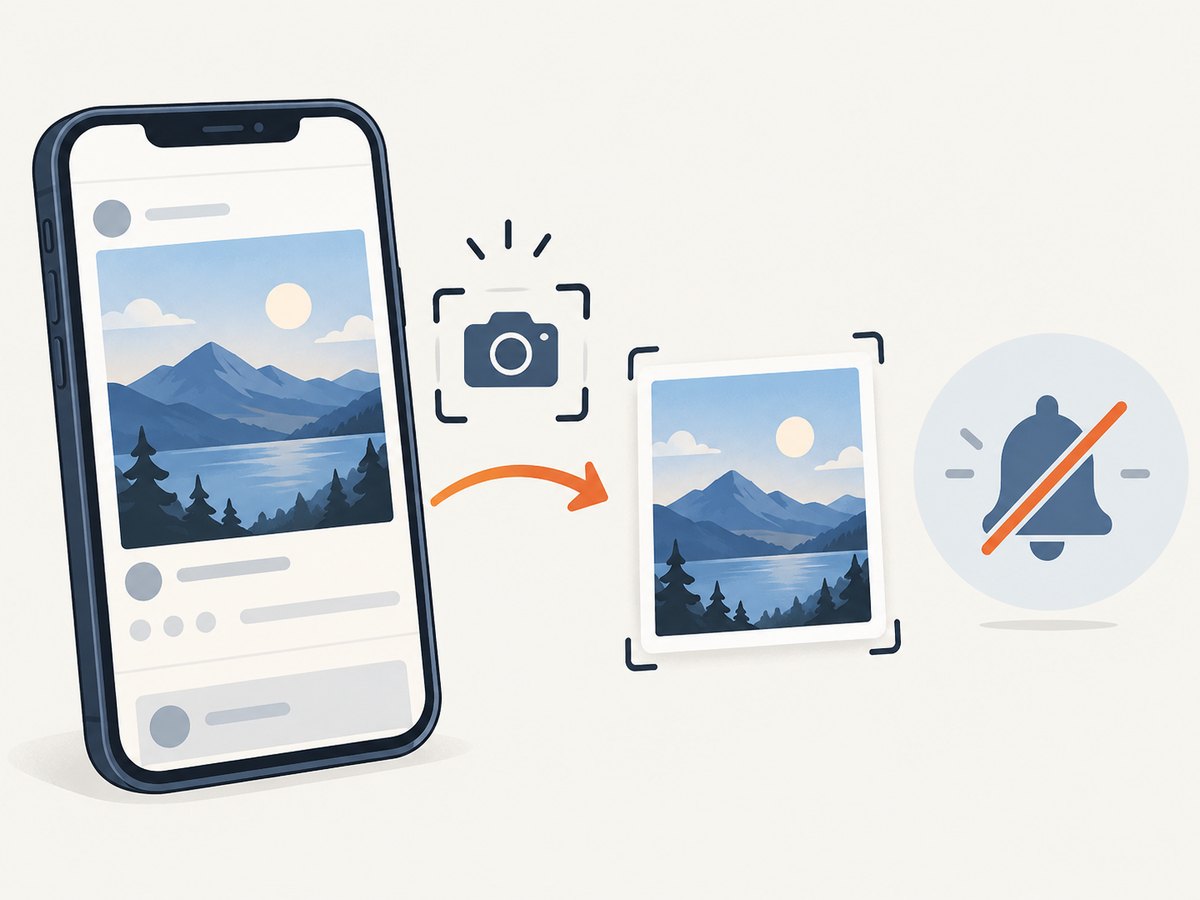
This is separate from other activity that Facebook may show, such as a reaction or comment. Taking a screenshot itself does not create one of those interactions, and the post owner does not receive a screenshot event notification.
Can someone see if I screenshot their Facebook Story?
Current guidance says Facebook does not notify the Story author when a viewer screenshots a Story. Story visibility and screenshot alerts are separate questions: an author may have information about Story views, but a screenshot does not add a screenshot notification.
Does Facebook tell someone if I screenshot their picture or profile?
No screenshot notification is described for an ordinary photo or profile. The fact that the content is a picture rather than text does not change the answer for a standard Facebook post or profile page.
3. The Messenger exception: disappearing messages
Meta announced a screenshot notification for disappearing messages in end-to-end encrypted Messenger chats. In its January 27, 2022 announcement, Messenger Product Manager Timothy Buck said, “now we’re introducing a new notification when we detect that someone screenshots a disappearing message.” Meta also described this as the same feature it offered in Messenger’s vanish mode. Read Meta’s announcement.
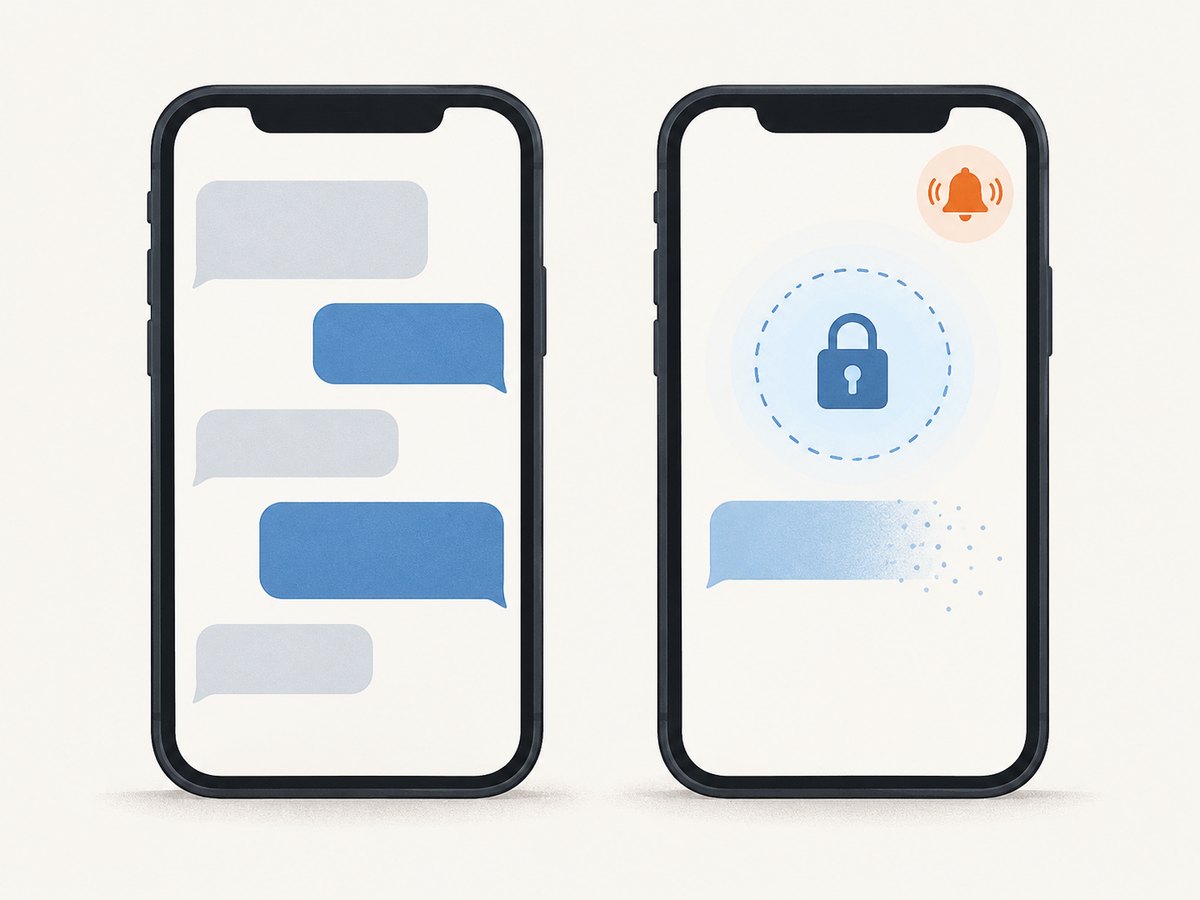
The important qualifiers are disappearing message and end-to-end encrypted chat. Do not generalize the alert to every conversation, every image sent through Messenger, or every screenshot across Facebook. The announcement establishes the disappearing-message behavior; ordinary Messenger chats are not the documented trigger.
Does Messenger notify screenshots in a normal chat?
The documented screenshot alert is tied to disappearing messages, not standard conversations. If a chat is not using disappearing messages, the behavior described in Meta’s announcement does not establish that the other person will receive a screenshot alert.
What if my Messenger screen looks different?
Messenger features can change through app updates and staged rollouts. Check the conversation’s current privacy and disappearing-message controls, and read the notice shown in the chat. The announcement is from 2022, so it is best understood as the documented feature behavior rather than a guarantee that every account has an identical interface today.
4. A practical way to check the situation
- Identify where the content lives. Is it a Facebook post, Story, Reel, photo, profile, or Messenger message?
- For Messenger, check whether messages disappear. Look for the chat’s disappearing-message or vanish-mode state and any current in-chat notice.
- Distinguish an ordinary chat from an encrypted disappearing-message chat. The documented screenshot notification concerns the latter.
- Account for app changes. If an alert or setting appears that differs from this guide, follow the current in-app notice and consult Meta’s current help information.
- Assume captured content can travel. No notification does not stop someone from saving or redistributing what they can see.
This checklist answers the notification question without treating silence as a privacy guarantee. It also avoids relying on a screenshot test with another person’s private content.
5. Why screenshots and notifications are different
A screenshot is created on the viewer’s device. A platform notification is a separate feature that must be implemented by the service and triggered under defined conditions. Facebook’s lack of an alert for a normal post does not mean the platform can prevent screenshots or that a person cannot share the resulting image elsewhere.
For developers, this distinction also matters when documenting or automating visual capture: capturing a page does not imply that the site owner is notified. Notification behavior depends on the service being captured, while the capture method controls how the image is produced. Use authorized access and respect the privacy and rights of people whose content you view.
6. Capture a page screenshot with code
If you are a developer trying to capture a public webpage for a bug report, visual check, or documentation, a browser automation library can render the page and save an image. Facebook notification behavior is not changed by the code below; it simply captures the URL provided. For pages requiring sign-in, access may be restricted, and you should not attempt to bypass those controls.
Playwright with JavaScript
Install Playwright and its Chromium browser, then save this as capture.js. Run it with a URL you are permitted to access. It creates a full-page PNG.
npm install playwright
npx playwright install chromium

// capture.js
const { chromium } = require('playwright');

(async () => {
  const target = process.argv[2] || 'https://example.com';
  const browser = await chromium.launch({ headless: true });
  const page = await browser.newPage({ viewport: { width: 1440, height: 900 } });
  try {
    await page.goto(target, { waitUntil: 'networkidle', timeout: 60000 });
    await page.screenshot({ path: 'page.png', fullPage: true });
    console.log('Saved page.png');
  } finally {
    await browser.close();
  }
})();

// Run: node capture.js https://example.com
networkidle is useful for pages that settle after loading, but analytics or long-lived requests can prevent that condition. In that case use waitUntil: 'domcontentloaded', then wait for a specific selector with page.waitForSelector() or add a bounded delay before capturing. Prefer a selector wait to a long fixed sleep when you know which element signals readiness.
Python with Playwright
python -m pip install playwright
python -m playwright install chromium

# capture.py
import asyncio
import sys
from playwright.async_api import async_playwright

async def main():
    target = sys.argv[1] if len(sys.argv) > 1 else "https://example.com"
    async with async_playwright() as p:
        browser = await p.chromium.launch()
        page = await browser.new_page(viewport={"width": 1440, "height": 900})
        try:
            await page.goto(target, wait_until="networkidle", timeout=60000)
            await page.screenshot(path="page.png", full_page=True)
            print("Saved page.png")
        finally:
            await browser.close()

asyncio.run(main())

# Run: python capture.py https://example.com
cURL and Python requests
These commands download an image from a screenshot service endpoint; they do not render HTML locally. Replace the endpoint and parameters with those documented by the service you use. For ScreenshotNeo, the complete call appears in the next section.
# Generic shape only; endpoint and query parameters depend on the API
curl -G "https://your-screenshot-api.example/shot" \
  --data-urlencode "url=https://example.com" \
  -o page.png
import requests
response = requests.get(
"https://your-screenshot-api.example/shot",
params={"url": "https://example.com"},
timeout=90,
)
response.raise_for_status()
with open("page.png", "wb") as image_file:
image_file.write(response.content)The generic address above is a placeholder, not a real service endpoint. An API request normally supplies the target URL and authentication, waits for the remote browser, then returns image bytes or a job/result reference. Read the chosen provider’s documentation for format, viewport, authentication, and error semantics.
7. Or skip the browser setup
ScreenshotNeo is a website screenshot API and MCP server for developers. One GET request can return a PNG, JPEG, WebP, or PDF. Its API documentation covers the request options.
curl -G "https://api.screenshotneo.com/v1/shot" \
  -d access_key=YOUR_API_KEY \
  --data-urlencode url=https://stripe.com \
  -o shot.webp
import requests
r = requests.get(
"https://api.screenshotneo.com/v1/shot",
params={"access_key": "YOUR_API_KEY", "url": "https://stripe.com"},
timeout=90,
)
r.raise_for_status()
open("shot.webp", "wb").write(r.content)const q = new URLSearchParams({
access_key: 'YOUR_API_KEY',
url: 'https://stripe.com'
});
const res = await fetch(`https://api.screenshotneo.com/v1/shot?${q}`);
if (!res.ok) throw new Error(`Screenshot request failed: ${res.status}`);
const bytes = new Uint8Array(await res.arrayBuffer());
await import('node:fs/promises').then(fs => fs.writeFile('shot.webp', bytes));- Cookie and consent banners, newsletter popups, and chat widgets are removed before the shot; each cleanup step can be turned off.
- Bot checks or CAPTCHAs, blank pages, timeouts, failed loads, and cache hits are never billed. Response headers say which page verdict applied and whether it was billed.
- An MCP server gives AI agents tools to take screenshots, get page information, and capture PDFs.
- The Free plan includes 1,000 shots a month with no card. Paid plans start at $5 for 3,000 shots, and every feature is available on every plan.
Create a free ScreenshotNeo account to get 1,000 screenshots a month without a card.
8. Troubleshooting screenshot captures
| Problem | Likely cause | What to try |
|---|---|---|
| Navigation times out | The page has slow assets or requests that never become idle. | Use domcontentloaded or load, then wait for the specific content you need. Increase timeout only when the page genuinely needs more time. |
| Screenshot is blank or incomplete | Capture happened before client-side rendering or lazy content appeared. | Wait for a visible selector, scroll through a long page to trigger lazy loading, and verify the final page state before capture. |
| Full-page image misses content | Some pages load sections only when scrolled, or use fixed/sticky elements. | Scroll in increments before capture; if sticky headers repeat or obscure content, capture a viewport or hide the obstructing element with page-specific CSS. |
| Access denied or login page appears | The page requires authentication or blocks automated access. | Capture only content you are authorized to access. Use an approved authenticated workflow where the site permits it; do not try to evade access controls. |
| Image file is not an image | The server returned an error page or JSON response that was saved as bytes. | Check HTTP status and response content type before writing the output file. |
| Screenshot alert question differs from this guide | Messenger feature rollout, app version, or conversation mode may differ. | Check current in-chat notices and Messenger settings. The documented alert is for detected screenshots of disappearing messages in encrypted chats. |
When debugging an automated capture, log the destination URL, navigation status, elapsed time, and response content type. Avoid logging authentication tokens or private message contents.
9. Performance, reliability, and cost
Local browser capture gives control over viewport, browser context, and timing, but your process must install and run a browser and handle page waits, memory use, and failures. Reuse a browser process for batches of captures while creating an isolated page or context per task. Set finite navigation and action timeouts, close pages after use, and retry only transient failures with a limit and backoff; repeated retries can overload a target and waste compute.
Full-page screenshots and high device scale factors consume more memory and produce larger files than viewport captures. Use the smallest viewport and output size that serves the task. Wait for a meaningful selector instead of an arbitrary long delay, and choose a stable readiness condition over waiting for every network request to stop.
Local costs are the compute, storage, and maintenance of browser infrastructure. A hosted API shifts browser operations to the provider and typically meters requests according to its plan, so check its billing rules for failures, cached results, and asynchronous jobs. ScreenshotNeo states that only clean shots are billed, while bot checks, CAPTCHAs, blank pages, timeouts, failed loads, and cache hits cost nothing; its response includes X-Page-Verdict and X-Billed headers. Its monthly plans are Free (1,000), Starter ($5/3,000), Growth ($15/15,000), Pro ($39/60,000), Scale ($99/250,000), and Business ($249/1,000,000); yearly billing gives two months free.
For reliability, record failures separately from successful image outputs, validate status and content type, and keep a bounded retry policy. With an API, inspect its response headers and documented verdicts rather than assuming every HTTP response is an image. For Facebook itself, no screenshot alert for a normal post should never be used as a substitute for permission or privacy judgment.
10. Frequently asked questions
Can Facebook notify someone later about an old screenshot?
The documented behavior does not describe a delayed alert for a normal post screenshot. Meta’s announced alert is for a detected screenshot of a disappearing message in an encrypted Messenger chat.
Does taking a screenshot count as viewing or reacting?
A screenshot does not itself create a reaction or comment. Story viewing information, where shown, is distinct from a screenshot notification.
Can a screenshot be prevented because no alert is sent?
No. The absence of an alert does not prevent local capture, copying, or redistribution. Treat anything visible to another person as potentially savable.
Will a screenshot tool tell me what Facebook notifies?
A capture tool records page pixels. It does not determine Facebook’s notification policy; that depends on Facebook or Messenger’s feature behavior and the content mode.
Sources and scope
The notification distinction in this guide follows Meta’s announcement about disappearing messages and current technology guidance about screenshots of posts, profiles, photos, Reels, and Stories. Product behavior can change with app updates and staged rollouts. Check the in-app interface when a specific conversation’s settings are unclear.


