How to Build a Fast Scraping Bot with Python Threading
Build a bounded Python thread pool for authorized scraping, with timeouts, error handling, robots.txt checks, and a repeatable way to measure throughput.

For a scraper that spends most of its time waiting for HTTP responses, a modest concurrent.futures.ThreadPoolExecutor can fetch independent pages concurrently. Give every request a finite timeout, keep a future-to-URL mapping, record each result or error, and increase the worker count only after measuring an authorized workload. Threads do not guarantee a particular speedup, and more workers can increase failures or burden the site.
This guide builds a runnable standard-library scraper, checks a site’s robots.txt as a technical aid, handles common failures, and shows how to compare threaded runs with a sequential baseline. The example downloads pages; it does not bypass bot checks or access controls.
1. Decide whether threads fit the scraping job
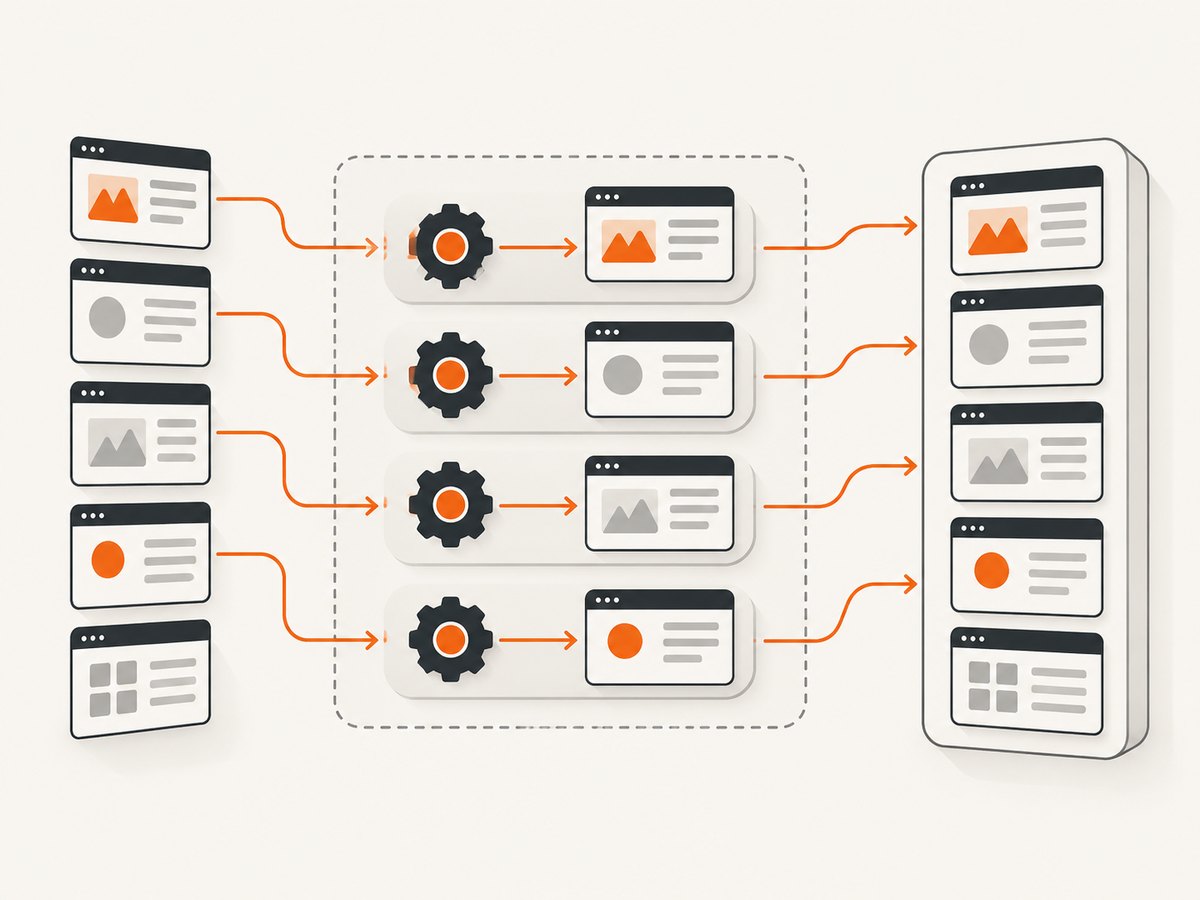
Fetching a page usually involves waiting on network activity. While one request is waiting, a worker thread can run another independent fetch. Python’s concurrency documentation describes concurrency choices in relation to whether work is CPU-bound or I/O-bound; a thread pool is a practical high-level option for independent blocking requests. [Python concurrent execution documentation]
Threads help most when your workload is dominated by network waiting. They may not help much if the bottleneck is expensive parsing, image processing, or another CPU-heavy step. Separate downloading and parsing when possible, then measure which stage consumes time. Do not assume that a larger pool is faster: the target, network, response sizes, rate limits, and local resource limits all matter.
| Workload | Starting approach | What to measure |
|---|---|---|
| Many independent page requests with substantial network wait | A small bounded thread pool | Elapsed time, successes, failures, and target responses |
| Few URLs or very fast responses | Sequential fetching may be sufficient | Whether concurrency meaningfully reduces total time |
| CPU-heavy parsing or transformation | Profile that stage separately before choosing a concurrency model | Download time versus parse time and local CPU use |
2. Prepare an authorized URL list
Use URLs you are permitted to fetch. Review the site’s terms and applicable rules, and check its published crawling instructions. Python provides urllib.robotparser to parse a robots.txt file and ask whether a user agent may fetch a URL. That is a technical facility; it is not a determination of legal permission. [Python urllib.robotparser documentation]
Create urls.txt with one URL per line:
https://example.com/
https://example.com/about
https://example.org/
Keep the list limited to pages within the scope you have permission to access. Avoid using a scraper to evade login controls, CAPTCHAs, or a site’s explicit restrictions.
3. Build a bounded threaded scraper with urllib
The following complete Python 3 script reads URLs, checks robots.txt for each target host, and downloads allowed pages with a conservative pool. Every network operation has a timeout. Results retain their original URLs, and a failed task does not stop other tasks.
#!/usr/bin/env python3
"""Fetch an authorized URL list with a bounded thread pool."""

from concurrent.futures import ThreadPoolExecutor, as_completed
from dataclasses import dataclass
from time import monotonic
from urllib.error import HTTPError, URLError
from urllib.parse import urlsplit
from urllib.request import Request, urlopen
from urllib.robotparser import RobotFileParser

USER_AGENT = "ExampleResearchBot/1.0 (contact: you@example.com)"
TIMEOUT_SECONDS = 20
MAX_WORKERS = 4

@dataclass
class Result:
    url: str
    status: int | None = None
    content_type: str | None = None
    body: bytes | None = None
    error: str | None = None

_robots_cache: dict[str, RobotFileParser] = {}

def robots_for(url: str) -> RobotFileParser:
    parts = urlsplit(url)
    origin = f"{parts.scheme}://{parts.netloc}"
    if origin not in _robots_cache:
        parser = RobotFileParser()
        parser.set_url(f"{origin}/robots.txt")
        try:
            parser.read()
        except (OSError, URLError, ValueError):
            # A failure to retrieve robots.txt is not permission. Stop so the
            # operator can review the host's policy and decide what to do.
            raise RuntimeError(f"Could not retrieve {origin}/robots.txt")
        _robots_cache[origin] = parser
    return _robots_cache[origin]

def fetch(url: str) -> Result:
    try:
        if urlsplit(url).scheme not in {"http", "https"}:
            return Result(url=url, error="Only http and https URLs are supported")
        parser = robots_for(url)
        if not parser.can_fetch(USER_AGENT, url):
            return Result(url=url, error="Disallowed by robots.txt for this user agent")
        request = Request(url, headers={"User-Agent": USER_AGENT})
        with urlopen(request, timeout=TIMEOUT_SECONDS) as response:
            status = response.status
            content_type = response.headers.get("Content-Type")
            body = response.read()
            return Result(url, status, content_type, body)
    except HTTPError as exc:
        return Result(url=url, status=exc.code, error=f"HTTP error: {exc.reason}")
    except (URLError, TimeoutError, OSError, ValueError) as exc:
        return Result(url=url, error=f"Fetch failed: {exc}")
    except RuntimeError as exc:
        return Result(url=url, error=str(exc))

def main() -> None:
    with open("urls.txt", encoding="utf-8") as source:
        urls = [line.strip() for line in source if line.strip() and not line.startswith("#")]

    started = monotonic()
    results: list[Result] = []
    with ThreadPoolExecutor(max_workers=MAX_WORKERS) as executor:
        future_to_url = {executor.submit(fetch, url): url for url in urls}
        for future in as_completed(future_to_url):
            url = future_to_url[future]
            try:
                result = future.result()
            except Exception as exc:
                # Keep an unexpected task error associated with its input URL.
                result = Result(url=url, error=f"Unexpected worker error: {exc}")
            results.append(result)
            if result.error:
                print(f"ERROR {url}: {result.error}")
            else:
                print(f"OK {url}: HTTP {result.status}, {len(result.body or b'')} bytes")

    elapsed = monotonic() - started
    successes = sum(r.error is None for r in results)
    print(f"Completed {len(results)} URLs: {successes} successful, "
          f"{len(results) - successes} with errors, in {elapsed:.2f}s")

if __name__ == "__main__":
    main()
Save it as scrape.py and run python scrape.py. The worker count of four is an example conservative starting point, not a universal recommendation. Change the user-agent contact string to a real monitored contact if you operate a crawler. The script keeps page bodies in memory until results are released; for large pages or large URL sets, write each body to disk as it completes instead.
Python’s urlopen accepts a timeout for blocking network operations, and its response supports context-manager cleanup. The code uses both so stalled requests cannot wait forever and sockets are closed when the response is done. [Python urllib.request documentation]
4. Understand futures, result order, and errors
executor.submit schedules one independent fetch and returns a future. as_completed yields futures as they finish, so a slow URL does not hold up reporting for completed URLs. Since completion order differs from input order, the code maps each future back to its URL. If output must match input order, store results by URL or index and sort before writing.
Expected HTTP failures are recorded separately from transport failures. An HTTP 404 is a response from the server, not a network timeout; retaining its status helps distinguish the two. The example treats a non-error HTTP response as a successful fetch even if the status is, for example, a redirect. If your task requires only 2xx responses, add an explicit status check and record other status codes as non-successes.
For production collection, avoid retaining all HTML in RAM. Write a structured JSON Lines record per completion, including the URL, status, elapsed time, content type, byte count, and error. Store page content separately where appropriate, and make filenames safe for arbitrary URLs.
5. Tune concurrency with a repeatable measurement loop
- Run a sequential baseline on a small, permitted URL set.
- Use the same URLs, timeout, user agent, parsing work, and request constraints for each run.
- Try a small worker count, then increase it gradually only if the target’s policies permit and errors remain acceptable.
- Record elapsed time, successful pages, status codes, timeout count, retry count, and response sizes.
- Stop increasing concurrency if error rates rise, responses slow, or the target indicates you should reduce requests.
Do not publish a speedup as a general fact unless you benchmark it under stated reproducible conditions. The source documentation does not specify an ideal worker count or universal speedup. Compare useful successful pages per unit time, not just total requests started. Track local memory and file descriptors as well if you process many large bodies.
6. Retries, rate limits, and reliability
Retries can help with transient network errors, but they also increase traffic and can worsen a site’s load. The example intentionally does not retry automatically. If you add retries, do so only for transient failures, use a capped exponential backoff with jitter, set a finite retry limit, and honor server retry guidance and site policies. Do not retry a disallowed URL or a persistent client error such as a malformed request.
For large jobs, persist progress so an interrupted process can resume without refetching completed pages. Make output writes atomic or append-only, and define how duplicate URLs are handled. A thread pool bounds active workers, but submitting a huge list all at once still creates a future for every URL; for very large input, feed work in bounded batches or maintain a limited number of in-flight futures.
7. Requests as a higher-level HTTP client
If you prefer a third-party HTTP API, Requests documents sessions, automatic keep-alive, connection pooling, and timeout support. A session can be useful when requests share session state or connection settings. It does not establish that Requests is faster than urllib for your scraper; compare equivalent implementations against the same authorized workload before drawing that conclusion. [Requests documentation]
Install Requests with python -m pip install requests. A small worker function can look like this:
import requests
from concurrent.futures import ThreadPoolExecutor, as_completed

TIMEOUT = (5, 20)  # connect timeout, read timeout

def fetch(url):
    try:
        response = requests.get(url, timeout=TIMEOUT)
        response.raise_for_status()
        return {"url": url, "status": response.status_code,
                "body": response.content, "error": None}
    except requests.RequestException as exc:
        return {"url": url, "status": None, "body": None,
                "error": str(exc)}

urls = ["https://example.com/", "https://example.org/"]
with ThreadPoolExecutor(max_workers=4) as pool:
    futures = {pool.submit(fetch, url): url for url in urls}
    for future in as_completed(futures):
        result = future.result()
        print(result["url"], result["status"], result["error"])
This compact variant demonstrates timeouts and status checking, but it does not include the robots policy check from the standard-library example. Add that check and your own permitted rate controls before using it on a site. Requests’ documented version and Python support can change; consult its current documentation when choosing a dependency.
8. Troubleshooting common scraper failures
| Symptom | Likely cause | Practical fix |
|---|---|---|
| Requests hang for a long time | No finite timeout, or timeout is too generous for the job | Set explicit connect/read or URL open timeouts; record timeout errors and continue. |
| Many 403, 429, or CAPTCHA responses | The site is restricting access, traffic, or automation | Stop or reduce requests, review the site’s rules, and seek permission or an official API. Do not try to evade the controls. |
| Some URLs appear under the wrong result | Results were assumed to arrive in submission order | Keep the future-to-URL mapping or store an input index and reorder at output time. |
| One bad URL stops the run | Exceptions are not caught around each task result | Convert expected fetch exceptions into per-URL results and catch unexpected future errors individually. |
| Memory grows during a large run | All response bodies and futures are retained | Stream or write completed bodies incrementally and bound queued tasks in batches. |
| Threaded version is no faster | The run is small, server waits are low, CPU parsing dominates, or concurrency triggers slower responses | Measure a sequential baseline and stage timings; tune only within site constraints. |
| robots.txt check fails | Policy file cannot be fetched or the URL is invalid | Stop and review the host policy and access terms manually; do not silently assume permission. |
9. Or skip the browser setup
If your goal is a screenshot of a page rather than extracting structured page data, [ScreenshotNeo](https://screenshotneo.com) provides a website screenshot API and MCP server. One GET request returns a PNG, JPEG, WebP, or PDF; see the [ScreenshotNeo API docs](https://screenshotneo.com/docs/).

curl -G "https://api.screenshotneo.com/v1/shot" -d access_key=YOUR_API_KEY --data-urlencode url=https://stripe.com -o shot.webpimport requests
r = requests.get("https://api.screenshotneo.com/v1/shot", params={"access_key": "YOUR_API_KEY", "url": "https://stripe.com"}, timeout=90)
open("shot.webp", "wb").write(r.content)const q = new URLSearchParams({ access_key: 'YOUR_API_KEY', url: 'https://stripe.com' });
const res = await fetch(`https://api.screenshotneo.com/v1/shot?${q}`);ScreenshotNeo removes cookie banners, popups, and chat widgets before the shot; bot checks, blank pages, and failed loads are never billed. Its MCP server lets AI agents take screenshots. The free plan includes 1,000 screenshots a month with no card, and paid plans start at $5 for 3,000. Sign up free and get 1,000 screenshots a month with no card.
10. Performance, cost, and operational notes
Threading uses local resources: each worker has scheduling and memory overhead, while each response body consumes memory if retained. Network concurrency can also increase your traffic and the site’s load. Keep the pool bounded, use timeouts, avoid unnecessary duplicate fetches, and cache results locally when the content and permission model allow it. Measure the whole pipeline, including parsing and storage, so faster downloads do not hide a new bottleneck.
There is no defensible universal concurrency cost or savings figure for this code. Your costs depend on compute, network use, storage, and the target’s policies. If a site’s volume requirements are incompatible with responsible low-rate fetching, ask for an API or data export rather than increasing worker count.
11. FAQ
How many threads should a scraper use?
There is no source-backed universal number. Start with a modest pool, benchmark your permitted workload, and stop increasing concurrency when policies, errors, or response behavior indicate it is too much.
Does threading make Python scraping parallel?
It lets independent blocking fetches overlap while they wait on network I/O. It does not guarantee that CPU-heavy parsing becomes faster.
Is web scraping legal?
Legality depends on the data, site terms, permissions, jurisdiction, and use. Check applicable rules and obtain authorization where needed; a robots parser is not legal advice or permission.
Should I use a browser automation tool instead?
Use a browser when the permitted data requires rendered interaction. For static page responses, an HTTP client is simpler. For screenshot output rather than extracted data, ScreenshotNeo can return an image or PDF through an API call.
Can the script be used on an entire domain?
Only if you have permission and have designed a crawler that follows the site’s policies, limits request volume, handles scope safely, and persists progress. A list of URLs is easier to audit than automatic link discovery.


