How to Filter Puppeteer Elements and Get Their ElementHandles
Learn when to use locator.filter(), $$, $$eval(), and evaluateHandle() in Puppeteer, with lifecycle, scoping, debugging, and complete examples.
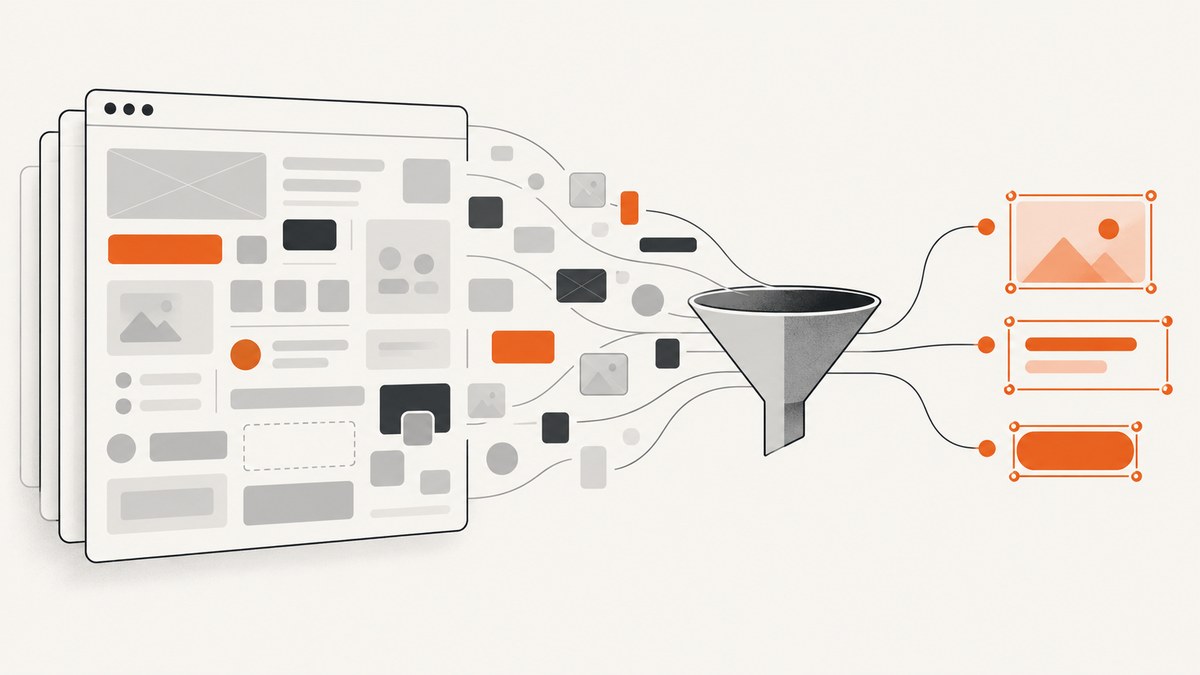
Direct answer: use a Puppeteer locator with .filter() when you want to find an element and interact with it. Use page.$$(selector) or a scoped elementHandle.$$(selector) when your code must retain actual ElementHandle objects. Use page.$$eval() when you only need serializable data such as text or attributes. Use page.evaluateHandle() when a custom page-side query must return a retained element reference.
This distinction prevents a common mistake: filtering DOM nodes in the browser and expecting the result to be a reusable Node.js handle. A callback passed to $$eval() runs in the page and returns values; it does not return an array of persistent ElementHandle objects.
1. Choose the right Puppeteer API
| Goal | Use | Result |
|---|---|---|
| Find an element and click, type, or select it | page.locator(selector).filter(...) |
A locator action with automatic waiting |
| Keep matching element references | page.$$(selector), then filter with handle.evaluate() |
An array of ElementHandle objects |
| Extract text, attributes, or computed values | page.$$eval(selector, callback) |
Serializable callback output |
| Run a custom query and retain one object | page.evaluateHandle(callback) |
A JS handle, usually an ElementHandle for a DOM node |
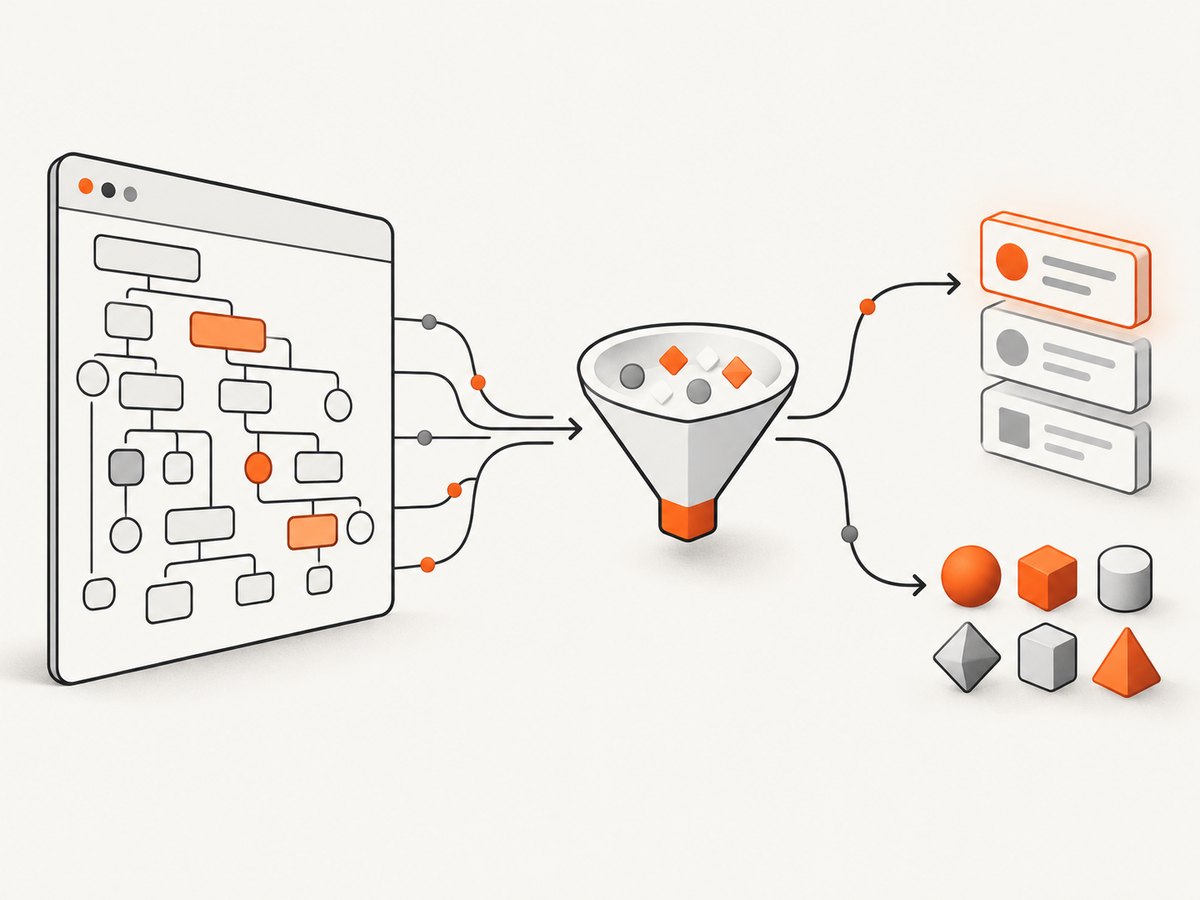
Puppeteer’s page interactions guide recommends locators for normal element interaction. The lower-level ElementHandle API is useful when you need to pass a specific DOM object between operations, work inside a container, or combine selection with custom predicates.
2. Filter a locator and interact with the match
A locator filter is the shortest solution when the end goal is an interaction. The predicate executes in the browser context, where it receives the candidate element. It cannot directly read ordinary variables from your Node.js scope.
import puppeteer from 'puppeteer';

const browser = await puppeteer.launch({headless: true});
const page = await browser.newPage();

await page.goto('https://example.com/account', {waitUntil: 'networkidle2'});

await page
  .locator('button')
  .filter(button => button.textContent === 'My button')
  .click();

await browser.close();
Locator actions can wait for conditions such as viewport visibility, enabled state, and a stable bounding box before clicking. That makes this approach preferable to manually querying, checking visibility, and clicking in separate steps.
Use a dynamic value safely
Because the filter callback runs in the page, this does not work as intended:
const buttonName = 'My button';

// buttonName is not available inside the browser callback:
await page.locator('button').filter(
  button => button.textContent === buttonName
).click();
Serialize the value into a function string, as shown in Puppeteer’s locator guidance:
const buttonName = 'My button';

const predicate = `button => button.textContent === ${JSON.stringify(buttonName)}`;
await page.locator('button').filter(predicate).click();
JSON.stringify() matters here. It quotes strings and escapes characters so a name containing quotes or a newline does not change the generated function.
Normalize text when exact matching is too strict
const expected = 'Save changes';
const predicate = `button => button.textContent.trim().replace(/\\s+/g, ' ') === ${JSON.stringify(expected)}`;

await page.locator('button').filter(predicate).click();
Exact matching is useful when duplicate controls exist, but it fails when the page inserts line breaks, icons, or extra whitespace. Decide whether an exact label, a prefix, or a case-insensitive match is appropriate for your page.
3. Get ElementHandles and filter them in Node.js
When later code needs durable handles, first query the candidates. page.$$() returns an array of ElementHandle objects for matching elements. Evaluate a predicate against each handle, retain matches, and dispose handles you do not keep.
import puppeteer from 'puppeteer';

const browser = await puppeteer.launch({headless: true});
const page = await browser.newPage();
await page.goto('https://example.com/account', {waitUntil: 'networkidle2'});

const handles = await page.$$('button');
const matchingHandles = [];

for (const handle of handles) {
  const matches = await handle.evaluate(
    (button, expectedName) => button.textContent === expectedName,
    'My button',
  );

  if (matches) {
    matchingHandles.push(handle);
  } else {
    await handle.dispose();
  }
}

for (const button of matchingHandles) {
  await button.click();
  await button.dispose();
}

await browser.close();
The second argument to evaluate() is serialized into the browser context, so it is safer and clearer than interpolating arbitrary text into JavaScript. Keep only handles that you will use. Dispose every retained handle after the operation finishes.
Filter by attributes, classes, and state
const links = await page.$$('a');
const externalLinks = [];

for (const link of links) {
  const isExternal = await link.evaluate(anchor => {
    const href = anchor.href;
    return href.startsWith('https://') && !href.includes('example.com');
  });

  if (isExternal) externalLinks.push(link);
  else await link.dispose();
}

try {
  for (const link of externalLinks) {
    console.log(await link.evaluate(anchor => anchor.href));
  }
} finally {
  await Promise.all(externalLinks.map(link => link.dispose()));
}
An ElementHandle keeps its DOM element from being garbage-collected until the handle is disposed. Navigation, closing the page, or destroying the parent context also invalidates handles. Treat handles as short-lived references rather than database records.
4. Query inside a specific container
Use a container handle when identical selectors appear in several cards, dialogs, or sections. The scoped query searches within that element.
const cards = await page.$$('.product-card');
const purchasableButtons = [];

for (const card of cards) {
  const button = await card.$$('button.buy');
  const firstButton = button[0];

  if (firstButton) {
    const enabled = await firstButton.evaluate(button => !button.disabled);
    if (enabled) purchasableButtons.push(firstButton);
    else await firstButton.dispose();
  }

  await card.dispose();
}

for (const button of purchasableButtons) {
  await button.click();
  await button.dispose();
}
Always handle a missing container or child. A lookup can return an empty array, and a page can remove an element between selection and interaction.
5. Use $$eval() when you need values, not handles
$$eval() passes all matching nodes to a callback in the page context and resolves to whatever the callback returns. This is usually faster and simpler for extraction because no handles cross the browser boundary.
const labels = await page.$$eval('button', buttons =>
  buttons
    .filter(button => button.textContent.trim() === 'My button')
    .map(button => button.textContent.trim()),
);

console.log(labels);
Return plain objects for structured data:
const products = await page.$$eval('.product-card', cards =>
  cards.map(card => ({
    name: card.querySelector('.name')?.textContent.trim() ?? null,
    price: card.querySelector('.price')?.textContent.trim() ?? null,
    href: card.querySelector('a')?.href ?? null,
  })),
);
Do not try to return DOM elements from $$eval(). They are not serializable application data. If the caller needs a handle, use page.$$() or evaluateHandle().
6. Create a handle with evaluateHandle()
Use evaluateHandle() for a custom selection that is awkward to express as a selector. Unlike page.evaluate(), it wraps the in-page object and returns a handle.
const button = await page.evaluateHandle(() => {
  return [...document.querySelectorAll('button')]
    .find(node => node.textContent.trim() === 'My button');
});

try {
  await button.click();
} finally {
  await button.dispose();
}
If no element matches, the returned value may represent undefined rather than an element. Check the result before calling element methods when the query is optional. Use page.evaluate() when you only need a value; use evaluateHandle() when retaining the page object is necessary.
7. Selectors, shadow DOM, and dynamic pages
Puppeteer selectors support CSS plus additional selector types documented in the interaction guide, including text, accessibility selectors, XPath, and open Shadow DOM traversal. Prefer the most specific selector that expresses the user-visible intent.
- Duplicate text: scope the locator to a dialog or card before filtering.
- Changing labels: use a stable
data-testid, ARIA label, or attribute where available. - Virtualized lists: only rendered rows may exist in the DOM; scroll or trigger rendering before querying.
- Shadow DOM: confirm that the shadow root is open and use Puppeteer’s supported selector syntax.
- Frames: query through the relevant frame rather than the top-level page.
- React or Vue re-rendering: a handle can become detached after state changes; reacquire it before the next action.
8. Waiting, stale handles, and reliable cleanup
Selection and interaction are separate moments. A successful query does not guarantee that the element remains attached. For a locator, let the action perform its documented waiting. For handles, wait for the selector before querying and catch detachment errors.
await page.waitForSelector('.results button', {visible: true});

const buttons = await page.$$('.results button');
try {
  for (const button of buttons) {
    const label = await button.evaluate(node => node.textContent.trim());
    if (label === 'Next') {
      await button.click();
      break;
    }
  }
} finally {
  await Promise.all(buttons.map(button => button.dispose()));
}
Do not retain handles across navigation unless you intentionally reacquire them. A handle belongs to its page execution context. After navigation or a frame reload, query again.
9. Troubleshooting common errors
| Symptom | Cause | Fix |
|---|---|---|
TypeError: ...filter is not a function |
You are calling array methods on a locator or using an API shape from another library. | Use locator .filter(), or retrieve handles with $$() and filter them in Node. |
| Dynamic variable is undefined in a filter | The predicate runs in the browser context. | Pass a serialized function string or use handle.evaluate(fn, value). |
| Click fails because the node is detached | The framework re-rendered the DOM after selection. | Re-query immediately before the action, or use a locator that can wait and retry its action. |
Empty array from $$() |
The selector ran before content loaded, or the element is inside a frame or shadow root. | Wait for the selector, select the correct frame, or use supported shadow DOM selectors. |
| Handles accumulate during a long crawl | Rejected and retained handles were never disposed. | Dispose rejected handles during filtering and retained handles in a finally block. |
Execution context was destroyed |
Navigation or reload occurred while evaluation was running. | Wait for navigation, avoid racing page transitions, and reacquire handles afterward. |
| Text comparison never matches | Whitespace, nested elements, or casing differs. | Normalize with trim(), whitespace replacement, or an explicit case policy. |
10. Performance and reliability choices
- Prefer one page-side extraction:
$$eval()avoids transferring and managing many handles when you only need data. - Use locators for interactions: their waiting behavior reduces timing races around visibility and layout.
- Limit handle lifetimes: retain only matches and dispose them as soon as the action completes.
- Reduce candidate sets: query a container or use a specific selector before evaluating predicates.
- Avoid repeated full-page scans: cache serializable values when the page is stable, but reacquire handles after a re-render.
- Make failures observable: log the selector, URL, frame, and normalized text used for matching.
There is no universal benchmark for these choices: page complexity, browser version, network activity, and framework rendering dominate timing. Measure your own workflow and keep the API choice aligned with whether you need interaction, data, or a retained object.
11. Or skip the browser setup
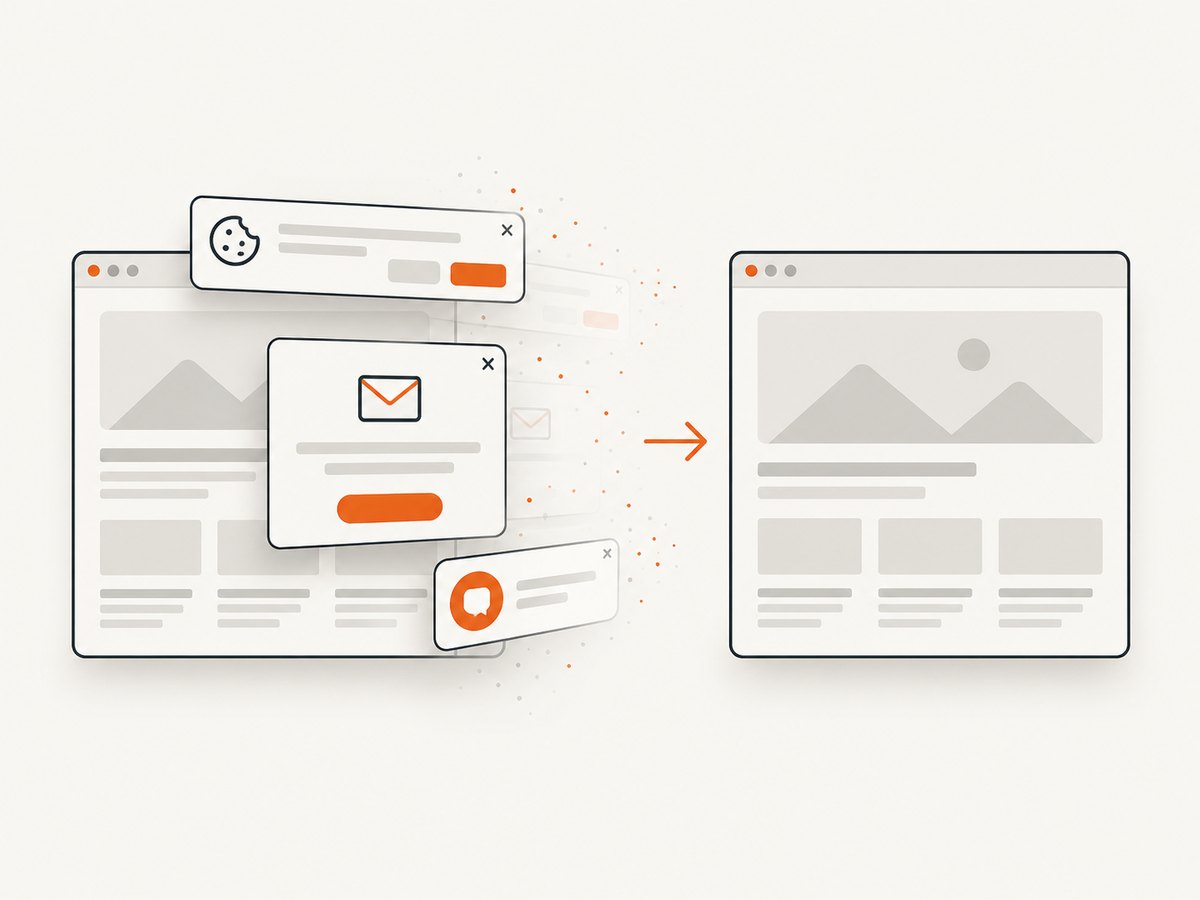
If your goal is a clean screenshot rather than DOM interaction, ScreenshotNeo provides a single HTTP request. It accepts cookie and consent banners before capture and removes more than 60 known consent platforms, newsletter popups, and chat widgets. Bot checks, blank pages, timeouts, failed loads, and cache hits are not billed, and response headers identify the page verdict and billing result.
See the ScreenshotNeo API documentation for the available options, including full-page capture with lazy images, CSS element capture, dark mode, device presets, custom viewports, retina scale, PDF output, custom CSS and JavaScript, clicks, waits, request blocking, headers, cookies, user agents, authorization, timezone, geolocation, transparent backgrounds, resizing, caching, signed links, asynchronous jobs, bulk capture, usage data, and the OpenAPI specification.
cURL
curl -G "https://api.screenshotneo.com/v1/shot" \
  -d access_key=YOUR_API_KEY \
  --data-urlencode url=https://stripe.com \
  -o shot.webp
Python
import requests

r = requests.get(
    "https://api.screenshotneo.com/v1/shot",
    params={"access_key": "YOUR_API_KEY", "url": "https://stripe.com"},
    timeout=90,
)
r.raise_for_status()
open("shot.webp", "wb").write(r.content)
Node.js
const q = new URLSearchParams({
  access_key: 'YOUR_API_KEY',
  url: 'https://stripe.com',
});
const res = await fetch(`https://api.screenshotneo.com/v1/shot?${q}`);
if (!res.ok) throw new Error(`Screenshot failed: ${res.status}`);
const bytes = await res.arrayBuffer();
await Bun.write('shot.webp', bytes);
ScreenshotNeo also includes an MCP server with take_screenshot, get_page_info, and capture_pdf tools for Claude, Cursor, and other MCP clients. The Free plan includes 1,000 screenshots per month with no card; paid plans start at $5 for 3,000 screenshots. Create a free ScreenshotNeo account.
12. FAQ
Can I turn a $$eval result back into an ElementHandle?
No. Return a stable identifier from $$eval(), then query that identifier with $() or $$().
Should I use locator.filter() for scraping?
Use it when you will interact with the match. For extraction, $$eval() normally produces simpler serializable output.
Why does a handle stop working after navigation?
Handles belong to the page’s execution context. Navigation replaces that context, so query the element again after the new page is ready.
How many handles should I keep?
Keep only the handles needed for the next operation, dispose rejected handles during filtering, and clean up retained handles in finally.
Can a locator filter use a Node.js variable directly?
No. Serialize dynamic values into the predicate string, or query handles and pass values as arguments to evaluate().


