Financial Statement PDF Download Automation
Build a reliable workflow to find, download, validate, archive and monitor financial statement PDFs from issuer and SEC sources.

Automating financial statement PDF downloads means more than sending a GET request to a filing page. A dependable workflow identifies the correct issuer and filing, retrieves the official document, verifies that the response is really the intended PDF, records enough provenance to reproduce the result, and handles changed links or temporary failures.
Start by choosing the deliverable. If you need the exact presentation, footnotes, signatures, page order or an archival copy, download the original filing PDF. If you need values for calculations, use structured XBRL facts or SEC datasets and retain a link back to the filing. SEC financial statement datasets are described as “as filed” and may contain redundancies, inconsistencies and discrepancies compared with other publication formats, so they are not a visual replacement for the PDF (SEC Financial Statement Data Sets documentation).
What to automate
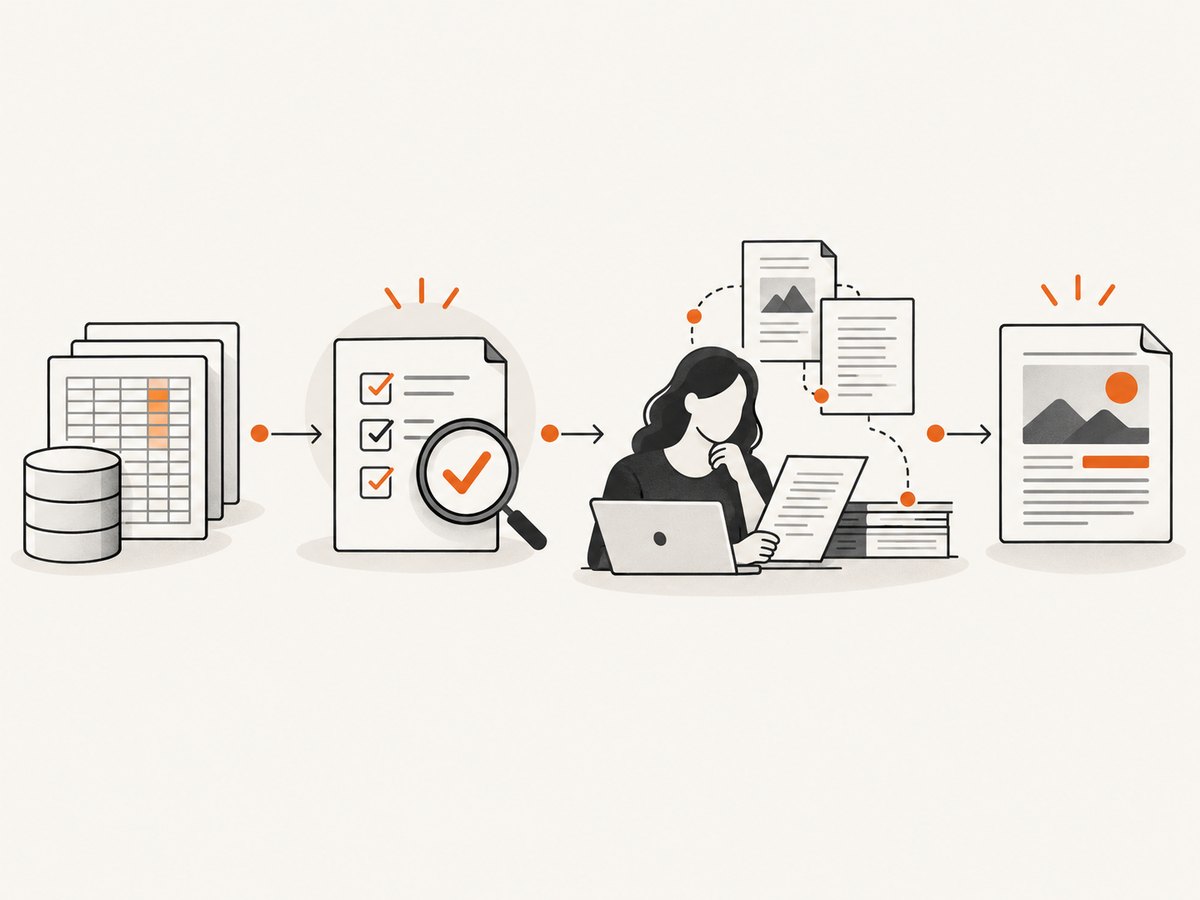
A production workflow usually has these stages:
- Define scope: country, issuer identifiers, form (such as 10-K or 10-Q), reporting period and whether amendments are included.
- Resolve the official source: an issuer investor-relations page for a small known set, or SEC EDGAR resources for broad U.S. coverage.
- Identify the filing: match issuer, form, filing date and period. Do not select a document only because it is first on a page.
- Download: follow the official PDF link, with timeouts and bounded retries.
- Validate: check HTTP status, content type, PDF magic bytes and expected filing metadata.
- Record provenance: source URL, retrieval timestamp, issuer, form, period, filing date, response headers and a checksum.
- Monitor: detect missing links, changed HTML, new filings and amendments before a scheduled run silently produces no file.
Choose a source route
| Route | Use it for | Trade-offs |
|---|---|---|
| Issuer investor-relations filings page | Direct PDF for a known company | Simple and often includes annual and quarterly PDFs, but page structure and available periods change. Wells Fargo’s filings page is an example that lists PDF and XBRL options. |
| SEC EDGAR resources | U.S. filing discovery, submissions and extracted XBRL | Good for broad coverage; distinguish public read access from filer-management APIs and credentials. See the SEC EDGAR API Development Toolkit. |
| SEC Financial Statement Data Sets | Batch analysis of reported facts | Includes SUB, NUM, TAG and PRE datasets for selected forms and information; data are “as filed” and can be redundant or inconsistent. |
| filings.xbrl.org API | Filtering filings represented by that service | Its API documentation describes pagination, entity filters and sorting. Treat availability and rate limits as an external dependency. |
Minimal Python downloader with validation
The following script downloads a PDF URL that your discovery step has already selected. It refuses an HTML error page saved with a .pdf extension, writes a SHA-256 checksum, and stores a JSON manifest beside the file.
from __future__ import annotations

import hashlib
import json
import pathlib
import time
from datetime import datetime, timezone

import requests

PDF_URL = "https://example.com/official-filing.pdf"
OUT = pathlib.Path("filings")
OUT.mkdir(exist_ok=True)


def download_pdf(url: str, output: pathlib.Path, attempts: int = 3) -> dict:
    last_error = None
    for attempt in range(1, attempts + 1):
        try:
            response = requests.get(
                url,
                headers={"User-Agent": "FilingArchive/1.0 contact@example.com"},
                timeout=(10, 90),
                allow_redirects=True,
            )
            response.raise_for_status()
            body = response.content
            content_type = response.headers.get("content-type", "").lower()
            if not body.startswith(b"%PDF-"):
                raise ValueError(
                    f"Response is not a PDF (content-type={content_type!r})"
                )
            digest = hashlib.sha256(body).hexdigest()
            output.write_bytes(body)
            manifest = {
                "source_url": url,
                "final_url": response.url,
                "retrieved_at": datetime.now(timezone.utc).isoformat(),
                "bytes": len(body),
                "sha256": digest,
                "content_type": content_type,
                "http_status": response.status_code,
            }
            output.with_suffix(".json").write_text(
                json.dumps(manifest, indent=2), encoding="utf-8"
            )
            return manifest
        except (requests.RequestException, ValueError) as exc:
            last_error = exc
            if attempt < attempts:
                time.sleep(2 ** (attempt - 1))
    raise RuntimeError(f"Download failed after {attempts} attempts: {last_error}")


if __name__ == "__main__":
    print(download_pdf(PDF_URL, OUT / "issuer-2025-10k.pdf"))
Discovery versus retrieval
Keep discovery code separate from retrieval. Discovery should return a record such as {issuer, cik, form, period, filing_date, pdf_url}. Retrieval should accept that record, validate the bytes and write an immutable artifact. This separation lets you change an issuer page parser without risking your archive logic.
cURL, Python and Node.js examples
For a known direct PDF URL, cURL is useful in cron jobs and CI:
curl --fail --location \
  --connect-timeout 10 --max-time 90 \
  -H "User-Agent: FilingArchive/1.0 contact@example.com" \
  "https://example.com/official-filing.pdf" \
  -o issuer-2025-10k.pdf

# Verify the PDF signature and calculate an integrity record
head -c 5 issuer-2025-10k.pdf
sha256sum issuer-2025-10k.pdf
Node.js 18 or newer can perform the same operation with built-in fetch:
import { createHash } from "node:crypto";
import { mkdir, writeFile } from "node:fs/promises";

const url = "https://example.com/official-filing.pdf";
const res = await fetch(url, {
  redirect: "follow",
  headers: { "User-Agent": "FilingArchive/1.0 contact@example.com" },
  signal: AbortSignal.timeout(90000)
});
if (!res.ok) throw new Error(`HTTP ${res.status}`);
const bytes = Buffer.from(await res.arrayBuffer());
if (bytes.subarray(0, 5).toString() !== "%PDF-") {
  throw new Error("Response was not a PDF");
}
await mkdir("filings", { recursive: true });
await writeFile("filings/issuer-2025-10k.pdf", bytes);
const sha256 = createHash("sha256").update(bytes).digest("hex");
console.log({ finalUrl: res.url, bytes: bytes.length, sha256 });
Finding and selecting the correct filing
Issuer pages
For a limited issuer list, parse the investor-relations page and collect every candidate link rather than relying on a fixed CSS position. Normalize relative URLs, keep the visible label for diagnostics, and select by explicit form and period patterns. Save the page URL as well as the final PDF URL because the page is the human-readable discovery record.
SEC resources
Use issuer identity, form, reporting period and filing date together. Amendments can have the same period as an earlier filing, so decide whether your policy keeps both or prefers the latest accepted filing. The SEC’s public filing resources and extracted XBRL data serve different purposes from filer-facing submission functions; do not assume a filer token is required for downloading a public document. The toolkit describes bearer tokens for authorized filer-management operations and says they must be handled securely (SEC EDGAR API Development Toolkit).
PDF versus structured facts
A PDF preserves the filing’s visual layout and notes. XBRL and SEC datasets are better for joins, time-series calculations and screening. When a number matters for audited analysis or a decision, keep both the structured fact and the original filing reference, then inspect the PDF if values disagree. Dataset records can include multiple periods, amendments and redundant facts.
Reliability checklist
- Set separate connect and read timeouts.
- Retry only transient network errors and selected 5xx responses, with exponential backoff and a maximum attempt count.
- Do not retry a stable 404 forever; mark the filing as missing and alert.
- Write to a temporary filename, fsync or close it, validate the bytes, then atomically rename it.
- Use a checksum to detect changed content at the same URL.
- Keep retrieval timestamps in UTC.
- Log redirect chains and final URLs.
- Limit concurrency to respect the source’s policies and avoid triggering defensive systems.
- Make jobs idempotent: a rerun should recognize an existing checksum and avoid duplicate files.
Edge cases and troubleshooting
| Symptom | Likely cause | Fix |
|---|---|---|
| Saved file opens as an HTML page | Redirect, access-denied page or application error | Check status, final URL, content type and %PDF- bytes before saving. |
| 404 after a page redesign | Issuer changed the PDF path | Re-run discovery from the official filings page; never manufacture a URL from an old pattern. |
| 403 or rate limiting | Too many requests or missing descriptive User-Agent | Reduce concurrency, add contact information to the User-Agent, obey published policies and back off. |
| Wrong quarter or duplicate period | Selection based only on display order | Match form, period, filing date and amendment status as separate fields. |
| Download times out | Large document or slow origin | Use a longer read timeout, stream to disk when needed, and retry with a cap. |
| Hash changes unexpectedly | Document replacement, redirect variation or a corrupted partial file | Compare byte count, final URL and filing metadata; retain both versions and investigate rather than overwriting. |
| Numbers do not match the PDF | “As filed” XBRL caveats, redundancy or amendment | Trace the fact to its filing and inspect the original presentation and notes. |
| Private portal requires login | Authenticated customer or internal system | Obtain authorization and use that system’s supported export/API. Public SEC methods do not solve private-account access. |
Performance, cost and security
Most time is spent waiting on the issuer or regulator, so bounded concurrency and connection reuse help more than aggressive parallelism. Cache discovery pages briefly, but treat a PDF URL as mutable: revalidate on a schedule and compare checksums. Store manifests and files in access-controlled storage, encrypt sensitive archives, and keep credentials out of source code and logs. Public filing retrieval generally does not require filer-management bearer tokens; if your workflow does use such credentials, follow the SEC guidance for secure handling.
Budget for source changes, retries and storage rather than assuming a fixed download rate. The dossier establishes no universal performance benchmark. For recurring jobs, alert on missing expected filings, unusual byte sizes, validation failures and a sudden drop in successful downloads.
Or skip the browser setup
If your input is a filing page and you need a rendered PDF or image for review, ScreenshotNeo provides a single-request capture API and an MCP server for AI agents. Its cleanup steps accept cookie or consent banners and remove more than 60 known consent platforms, newsletter popups and chat widgets before capture; each step can be disabled. Bot checks, blank pages, timeouts, failed loads and cache hits are not billed, and response headers identify the page verdict and billing result.
See the ScreenshotNeo API documentation for all options. This captures the Wells Fargo filings page as a PDF; replace the URL with the official page for your issuer:
curl -G "https://api.screenshotneo.com/v1/shot" \
  -d access_key=YOUR_API_KEY \
  --data-urlencode url=https://www.wellsfargo.com/about/investor-relations/filings/ \
  -d format=pdf \
  -o filings-page.pdf
Python:
import requests

r = requests.get(
    "https://api.screenshotneo.com/v1/shot",
    params={
        "access_key": "YOUR_API_KEY",
        "url": "https://www.wellsfargo.com/about/investor-relations/filings/",
        "format": "pdf",
    },
    timeout=90,
)
r.raise_for_status()
open("filings-page.pdf", "wb").write(r.content)
print(r.headers.get("X-Page-Verdict"), r.headers.get("X-Billed"))
Node.js:
const q = new URLSearchParams({
  access_key: 'YOUR_API_KEY',
  url: 'https://www.wellsfargo.com/about/investor-relations/filings/',
  format: 'pdf'
});
const res = await fetch(`https://api.screenshotneo.com/v1/shot?${q}`);
if (!res.ok) throw new Error(`HTTP ${res.status}`);
const pdf = Buffer.from(await res.arrayBuffer());
await Bun.write('filings-page.pdf', pdf);
ScreenshotNeo also supports full-page capture with lazy images loaded, CSS-selector element capture, custom CSS and JavaScript, waits for a selector, delay or network idle, custom headers and cookies, PDF paper size, margins, landscape and page ranges, caching with a chosen TTL, signed links, asynchronous jobs with signed webhooks, bulk capture of 100 URLs per call and usage reporting. An MCP server exposes take_screenshot, get_page_info and capture_pdf to Claude, Cursor and other MCP clients.
There are 1,000 screenshots per month free with no card. Paid plans start at $5 for 3,000 shots; every feature is available on every plan. Create a free ScreenshotNeo account.
FAQ
Should I archive PDFs or XBRL?
Archive PDFs when presentation, notes or evidentiary traceability matters. Add XBRL or SEC datasets when you need structured analysis. Keeping the filing reference with both gives reviewers a path back to the source.
Do I need an SEC bearer token to download public filings?
Not automatically. The dossier’s token guidance concerns authorized filer-management functions. Evaluate public read workflows separately and follow the applicable SEC access requirements.
How do I handle amended filings?
Store amendment status as a first-class field. Keep the original and amendment when your audit policy requires history; otherwise define and document a deterministic “latest accepted filing” rule.
Can this workflow cover private bank statements?
Not by relying on public SEC sources. Private portals require authorization and their own supported export or API, with separate security and compliance controls.
What proves that an archived PDF is unchanged?
Record the SHA-256 checksum, byte count, retrieval time, final URL and filing identifiers. A later checksum comparison reveals content changes even when the URL stays the same.


