How to Find a Card by Text and Click Its Button in Cypress
Use Cypress contains() to scope a card by text, then find and click its button reliably with retries, exact matching, visibility checks, and alternatives.

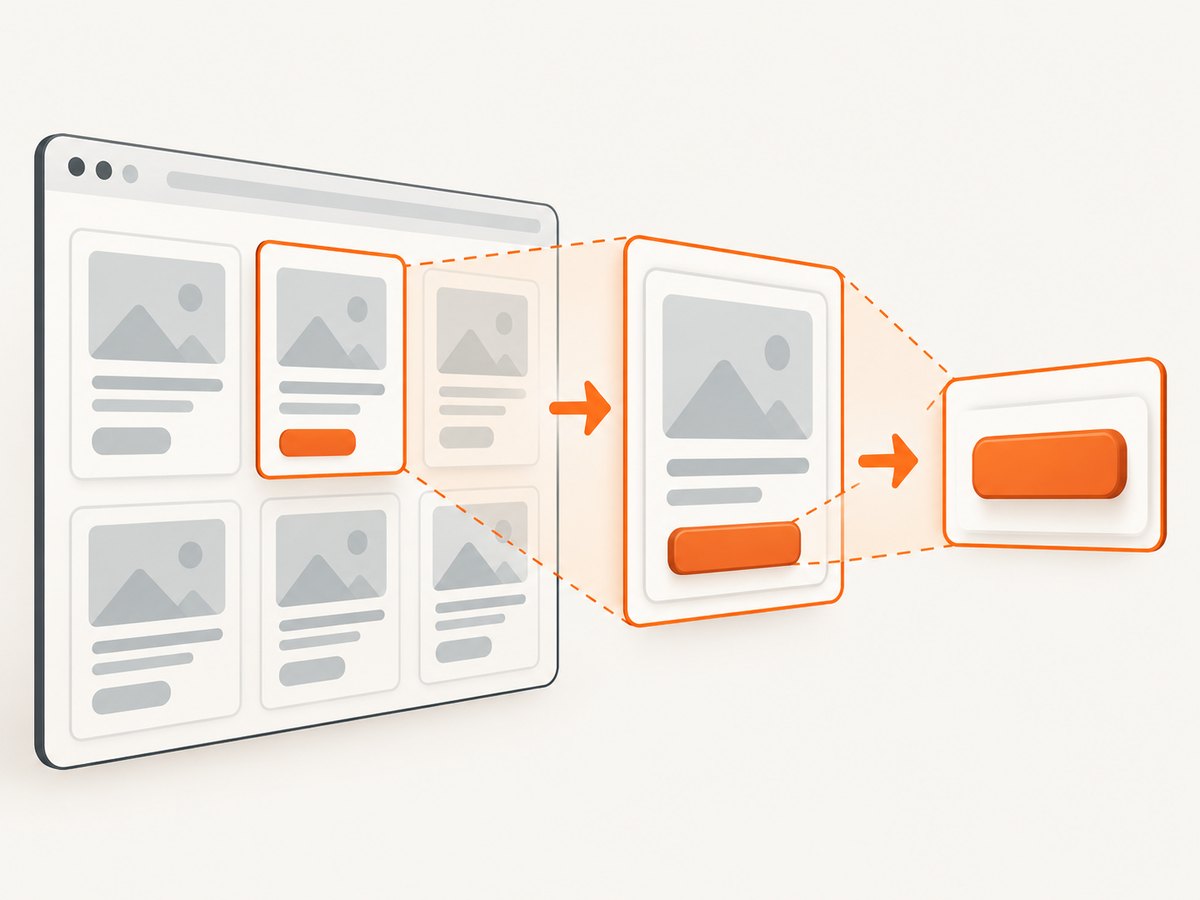
Use a text query to identify the card, then chain a second query to find the button inside that card:
cy.contains('.card', 'Jane')
  .contains('button', 'Edit')
  .click()
Replace .card, Jane, and Edit with the selector and visible text used by your application. Cypress retries the linked queries until the card and button exist or the command times out. This scoped pattern is the same idea Cypress documents for finding a table row containing text and acting on its Edit button: cy.contains() API documentation.
1. The basic card-and-button pattern
Use the selector-plus-content form for the card so Cypress yields the intended container rather than an arbitrary nested text node.
describe('card actions', () => {
  it('edits Jane\'s card', () => {
    cy.visit('/people')

    cy.contains('.card', 'Jane')
      .contains('button', 'Edit')
      .click()

    cy.contains('[role="dialog"]', 'Edit person')
      .should('be.visible')
  })
})
The first contains() searches the document for a matching .card whose text includes Jane. The second searches within that yielded card. A standalone cy.contains('Edit') would search from the document context and could click a button belonging to another card.
2. A complete runnable example
The following fixture shows a page with multiple cards and a Cypress test that scopes the action to one card.
<!-- cypress/fixtures/cards.html -->
<article class="card">
  <h2>Jane</h2>
  <p>Editor</p>
  <button type="button">Edit</button>
</article>

<article class="card">
  <h2>Alex</h2>
  <p>Viewer</p>
  <button type="button">Edit</button>
</article>
// cypress/e2e/cards.cy.js
describe('card actions', () => {
it('clicks Edit only in Jane\'s card', () => {
cy.visit('/cards')
cy.contains('.card', 'Jane')
.should('be.visible')
.contains('button', /^Edit$/)
.should('be.visible')
.click()
cy.contains('.toast', 'Jane is being edited')
.should('be.visible')
})
})The final assertion should verify a user-visible result such as a dialog, route change, toast, or updated card. Adapt the assertion to your application; the locator alone does not establish what the click should do.
3. How Cypress matching works
Selector plus text
cy.contains('.card', 'Jane')The selector limits candidates to elements matching .card. The text argument can be a string, number, or regular expression. Cypress yields at most one matching element; when several candidates match, make the card selector or identifying text more specific because the documented behavior is to yield the first match.
Substring, exact, case, and whitespace matching
String matching is substring-based and case-sensitive by default.
// Substring match: matches “Edit profile”, “Edit”, and similar text
cy.contains('button', 'Edit')

// Exact text match
cy.contains('button', /^Edit$/)

// Case-insensitive exact match
cy.contains('button', /^edit$/i)

// Case-insensitive option for string matching
cy.contains('button', 'edit', { matchCase: false })
Cypress collapses whitespace while matching but does not trim it for every exact-match situation. If the rendered label has surrounding or intentional whitespace, use a regular expression that reflects the actual text. For localized interfaces, avoid hard-coding English copy unless the test explicitly runs in that locale.
Visibility
contains() can find hidden elements. If the interaction depends on what a user can see, assert visibility before clicking:
cy.contains('.card', 'Jane')
  .should('be.visible')
  .contains('button', /^Edit$/)
  .should('be.visible')
  .click()
Shadow DOM
Queries do not cross shadow-root boundaries by default. Enable traversal for this query or explicitly enter the shadow root:
// Per-query option
cy.contains('.card', 'Jane', { includeShadowDom: true })
  .contains('button', 'Edit', { includeShadowDom: true })
  .click()

// Explicitly enter a component's shadow root
cy.get('user-card').shadow()
  .contains('button', 'Edit')
  .click()
Use the approach that matches how your web component is structured and keep the scope as narrow as possible.
4. Make the card locator unambiguous
When cards repeat the same visible text, add a stable identifier or scope the search to a known region.
// A more specific card selector
cy.contains('[data-testid="person-card"]', 'Jane')
  .contains('button', /^Edit$/)
  .click()

// Scope to a section first
cy.get('[aria-labelledby="active-people"]')
  .contains('.card', 'Jane')
  .contains('button', 'Edit')
  .click()
Prefer a test-specific attribute when copy is expected to change or translate. Cypress best practices discuss text selectors, data attributes, and Testing Library locators as choices with different maintenance trade-offs: Cypress best practices.
5. Exact alternatives with Cypress Testing Library
If your project installs @testing-library/cypress, accessible role and name queries can express the control contract:
// cypress/support/commands.js
import '@testing-library/cypress/add-commands'

// cypress/e2e/cards.cy.js
cy.findByRole('article', { name: /Jane/i })
  .findByRole('button', { name: /^Edit$/i })
  .click()
Whether an article has an accessible name depends on your markup. You may instead scope with a semantic region, a test attribute, or another supported Testing Library query. Cypress confirms the integration and examples for findByRole, findByLabelText, and findByText in its FAQ: Cypress FAQ. A role or text locator is not, by itself, a complete accessibility test.
| Approach | Best when | Trade-off |
|---|---|---|
cy.contains('.card', text) |
The visible card copy is the intended contract | Copy and localization changes can break the test |
| Data attribute | The card has a stable test identifier | Requires intentional attributes in markup |
| Testing Library role/name | The accessible structure is the contract | Requires suitable semantic markup and setup |
6. Retry behavior, timeouts, and asynchronous rendering
Both contains() calls are Cypress queries. Linked queries retry together until they resolve or the applicable command timeout is reached. This handles cards rendered after an API response without adding an arbitrary delay.
// Prefer an application condition or assertion over a fixed wait
cy.intercept('GET', '/api/people').as('people')
cy.visit('/people')
cy.wait('@people')

cy.contains('.card', 'Jane')
  .contains('button', 'Edit')
  .click()
Increase a timeout only when the application has a known, justified latency:
cy.contains('.card', 'Jane', { timeout: 15000 })
  .contains('button', 'Edit', { timeout: 15000 })
  .click()
Do not use cy.wait(2000) solely to make a query pass. Cypress’s introduction explains its retry-ability model and command behavior: Introduction to Cypress.
7. Common failures and fixes
| Symptom | Likely cause | Fix |
|---|---|---|
| The wrong card is selected | The selector is broad or several cards contain the same text | Use a specific card selector, region, data attribute, or unique identifying text. |
| The button search finds another control | The button query starts from the document | Chain .contains('button', ...) from the card query. |
| A partial label matches unexpectedly | String matching is substring-based | Use an anchored regular expression such as /^Edit$/. |
| The test times out | The card never renders, the text differs, or the request failed | Inspect the DOM and network request, assert the expected response, then adjust the locator or justified timeout. |
| The element exists but click fails | The element is hidden, covered, disabled, or outside the intended state | Assert be.visible, verify the UI state, and fix the application or test setup. Do not force a click to hide a real user problem. |
| Text is found in a hidden template | contains() can yield hidden elements |
Add .should('be.visible') before clicking. |
| Shadow component is not found | The query does not cross the shadow root | Use includeShadowDom: true or chain from .shadow(). |
| The test breaks after translation | It depends on English visible text | Run with a fixed locale, use locale-aware text, or choose a stable attribute or accessible name. |
| The click succeeds but the test is flaky afterward | No assertion waits for the resulting state | Assert the dialog, URL, toast, or changed card that represents the completed action. |
8. Reliability and maintainability checklist
- Identify the container with
cy.contains(cardSelector, identifyingText). - Chain the button query from that container.
- Use an exact regular expression when partial matches are unsafe.
- Make duplicate cards distinguishable.
- Assert visibility when the user must see the control.
- Enter shadow DOM explicitly when needed.
- Wait on meaningful network or UI state instead of fixed sleeps.
- Assert the user-visible result after clicking.
- Choose text, role, or data attributes according to the intended contract and localization needs.
9. Performance and cost notes
Chained Cypress queries are generally cheaper and more reliable than repeatedly searching the whole document because the second query is scoped to one yielded card. The main runtime cost comes from the application rendering, network requests, retries, and the assertions that follow the click. Keep selectors specific, intercept slow API calls when appropriate, and avoid unnecessary retries or fixed waits.
Cypress command execution itself does not require a screenshot service. If you capture screenshots for CI artifacts, account for the storage and processing cost of that separate workflow.
10. Or skip the browser setup
If your goal is a clean visual capture of a page or card rather than an interaction test, ScreenshotNeo provides a single screenshot API request. See the ScreenshotNeo documentation for the available options.

curl -G "https://api.screenshotneo.com/v1/shot" -d access_key=YOUR_API_KEY --data-urlencode url=https://example.com -o shot.webpimport requests
r = requests.get("https://api.screenshotneo.com/v1/shot", params={"access_key": "YOUR_API_KEY", "url": "https://example.com"}, timeout=90)
open("shot.webp", "wb").write(r.content)const q = new URLSearchParams({ access_key: 'YOUR_API_KEY', url: 'https://example.com' });
const res = await fetch(`https://api.screenshotneo.com/v1/shot?${q}`);Cookie banners, newsletter popups, and chat widgets are removed before the shot. Bot checks, blank pages, timeouts, failed loads, and cache hits are never billed, and response headers identify the page verdict and billing status. An MCP server lets Claude, Cursor, and other MCP clients take screenshots. The Free plan includes 1,000 screenshots a month with no card; paid plans start at $5 for 3,000.
Create a free ScreenshotNeo account.
11. FAQ
Does cy.contains() return every matching card?
No. It yields at most one element. Make the selector or identifying text unique when multiple cards can match.
Can I click a button by text without selecting the card first?
You can, but a document-level query may match the wrong card. Scope the button lookup from the card whenever the page contains repeated controls.
Should I use text or a data attribute?
Use visible text when the copy is the intended user-facing contract. Use a stable test attribute when copy or localization is expected to change.
Why does Cypress find a hidden card?
contains() can match hidden elements. Add a visibility assertion and inspect whether the application renders duplicate hidden templates.
What should I assert after the click?
Assert the result a user would recognize: a dialog, URL, toast, changed card content, or another state transition specific to your application.


