Sitemap Finder: Find and Check Any Website’s XML Sitemap
Find a website's XML sitemap through robots.txt or common paths, then check its XML, URLs, size, and search-engine accessibility.

To find a website’s XML sitemap, check its robots.txt file first: open https://example.com/robots.txt, replace the domain with the site you are investigating, and look for every line beginning with Sitemap:. Open each URL listed there. If none is declared, check common paths such as /sitemap.xml and /sitemap_index.xml. To check a sitemap, confirm it is reachable, contains well-formed XML with absolute URLs in the right site scope, and—if it is an index—check every child sitemap too.
An XML sitemap is a machine-readable file that tells search engines about pages and other files a site considers important. Google says it can also provide information about those files, including last-update dates and alternate-language versions. A sitemap can help search engines crawl a site more efficiently, but it does not guarantee that every listed URL will be crawled or indexed. [Google Search Central: Learn about sitemaps]
1. Find a sitemap from robots.txt
Use the site’s actual host and protocol. For example, a site that redirects from HTTP to HTTPS may have a different robots file at each address, and www.example.com and example.com can serve different configurations.

- Open
https://example.com/robots.txt. If you are checking a live site, substitute its domain. Also try the site’s canonical host and protocol if the first address redirects or fails. - Search the whole file for lines whose directive name is
Sitemap:. Treat the name case-insensitively and record every value; there may be more than one. - Open each sitemap URL exactly as written. A value may point to a sitemap index, a sitemap file, or a sitemap hosted on another permitted host.
- If it is an index, follow each child sitemap location and inspect those files individually.
For example, a robots file may contain:
User-agent: *
Disallow: /private/
Sitemap: https://example.com/sitemap_index.xml
Sitemap: https://example.com/news-sitemap.xml
The sitemap directive is a discovery hint for crawlers; it does not replace access controls or make blocked pages accessible. Bing documents robots.txt as one way to discover sitemaps. [Bing Webmaster Guidelines: Sitemaps] [Sitemaps.org protocol]
2. Check common sitemap paths
If there is no sitemap directive, try a small set of likely locations on the canonical host:
https://example.com/sitemap.xmlhttps://example.com/sitemap_index.xmlhttps://example.com/sitemap-index.xml
These are practical guesses, not required filenames. A valid sitemap can use another path or be generated dynamically. For a CMS site, inspect its SEO or sitemap settings: WordPress, Wix, and Blogger commonly make sitemaps available automatically. [Google Search Central: Build and submit a sitemap]
A page with a visible list of links is an HTML navigation page, not an XML sitemap. It may help a person browse, but it does not have the machine-readable sitemap structure search engines expect.
3. Inspect a sitemap index and its child files
A sitemap index is a directory of sitemap files. Its root element is <sitemapindex>; each <sitemap> entry contains a <loc> pointing to a child. A URL sitemap instead normally uses <urlset> with one <url> entry per URL.
<sitemapindex xmlns="http://www.sitemaps.org/schemas/sitemap/0.9">
  <sitemap>
    <loc>https://example.com/posts-sitemap.xml</loc>
    <lastmod>2026-08-12</lastmod>
  </sitemap>
</sitemapindex>
Do not stop at the index. Check every child’s response, XML structure, URL scope, size, and accessibility. A broken or stale child can undermine the value of the index even when the index itself loads successfully.
4. Validate the sitemap’s response, XML, and URLs
- Reachability: fetch the exact sitemap URL over HTTP or HTTPS. Note its final URL after redirects and its response status. A successful-looking browser page is not enough if it is actually an HTML error page.
- Content: confirm the response is XML and has a sitemap root element. A URL set uses
urlset; an index usessitemapindex. Check that tags are properly nested and escaped. - Locations: each
locshould be an absolute URL. Check protocol, host, and site scope; remove URLs that are obviously broken, redirected to unrelated destinations, or not intended to be indexed. - Metadata: use
lastmodonly when it reflects a real content modification date. Do not update every entry on every crawl just to make the sitemap appear fresh. Language alternates and other supported metadata should accurately reflect the page relationships. - Index children: fetch and validate every child file, not just the index. Ensure children are accessible under the same expected host, protocol, and crawler access rules.
- Limits: keep each sitemap at or below 50 MB or 50,000 URLs, whichever comes first. Split larger collections into multiple files and link them from an index. [Search.gov sitemap guidance]
XML is the most versatile format because it can carry metadata for images, video, news, and localized content. Bing also accepts RSS 2.0, Atom 0.3/1.0, and plain text with one URL per line; choose based on the metadata you need, the generator your CMS supports, file size, and the search engine’s accepted formats. [Google Search Central: Sitemap formats] [Bing Webmaster Guidelines]
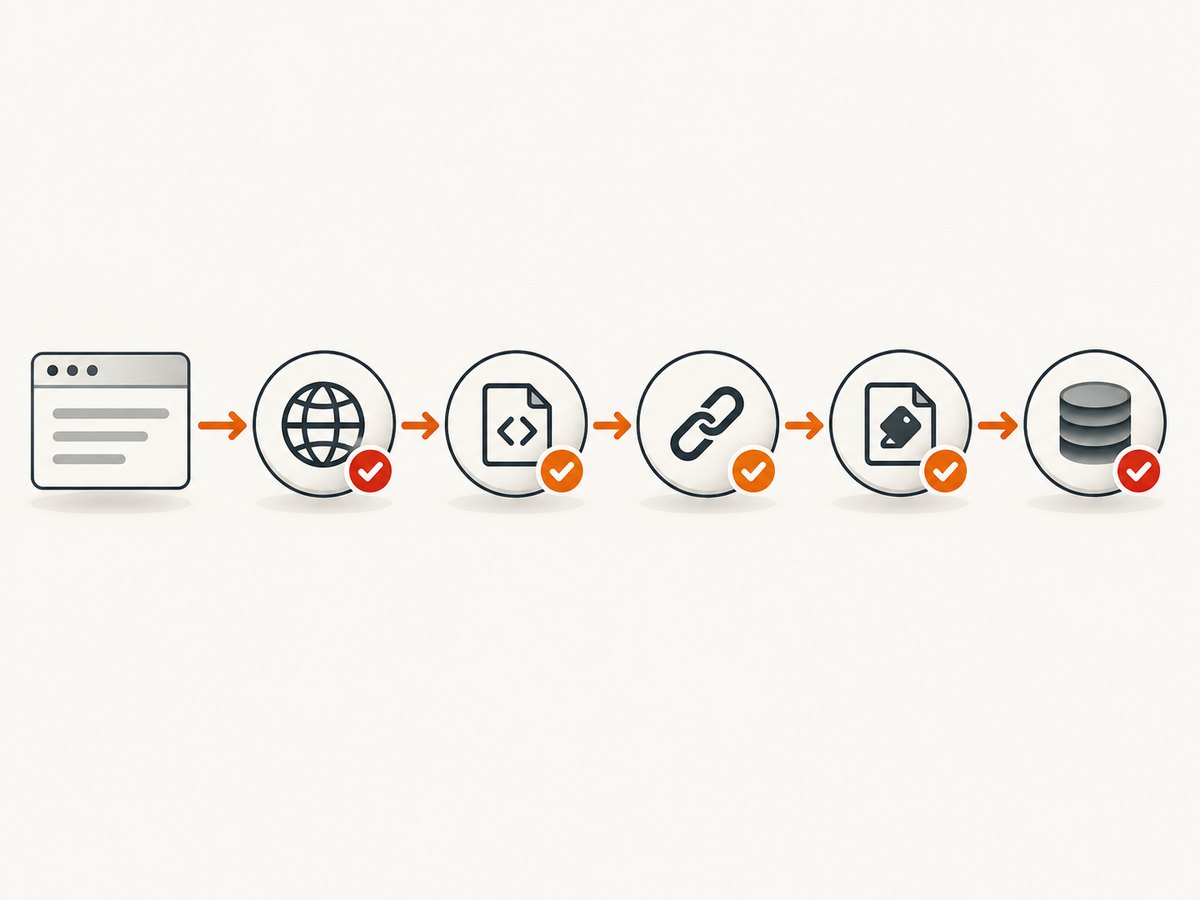
5. Runnable checks from the command line
The following examples check discovery and fetch candidate sitemaps. They do not replace full XML and URL validation: in particular, an index requires fetching each child URL. Use a domain you own or are permitted to inspect, and avoid repeatedly crawling large sites.
cURL
# Inspect the robots file and locate Sitemap directives
curl -fsSL https://example.com/robots.txt

# Try a common path; -L follows redirects and -i shows response headers
curl -i -L https://example.com/sitemap.xml
To save a response for inspection, add -o sitemap.xml. A 200 response still needs content inspection: servers sometimes return an HTML page with a success status.
Python
from urllib.parse import urljoin
import requests
import xml.etree.ElementTree as ET

base = "https://example.com"
robots_url = urljoin(base, "/robots.txt")
response = requests.get(robots_url, timeout=20)
response.raise_for_status()

sitemap_urls = []
for line in response.text.splitlines():
    key, sep, value = line.partition(":")
    if sep and key.strip().lower() == "sitemap":
        sitemap_urls.append(value.strip())

if not sitemap_urls:
    sitemap_urls = [urljoin(base, "/sitemap.xml"),
                    urljoin(base, "/sitemap_index.xml"),
                    urljoin(base, "/sitemap-index.xml")]

for sitemap_url in sitemap_urls:
    try:
        r = requests.get(sitemap_url, timeout=30)
        r.raise_for_status()
        root = ET.fromstring(r.content)
        print(sitemap_url, "->", r.url, root.tag)
    except (requests.RequestException, ET.ParseError) as exc:
        print("Could not validate", sitemap_url, exc)
Python’s XML parser handles the default sitemap namespace in the document tag, so printed root tags may include the namespace URI. For a production checker, add XML size limits, validate each expected child element and loc, and recursively fetch index children with a maximum depth and request budget.
Node.js
const base = 'https://example.com';
const robotsResponse = await fetch(new URL('/robots.txt', base));
if (!robotsResponse.ok) throw new Error(`robots.txt: ${robotsResponse.status}`);
const robots = await robotsResponse.text();
const declared = robots.split(/\r?\n/)
  .map(line => line.match(/^\s*sitemap\s*:\s*(\S+)/i)?.[1])
  .filter(Boolean);
const candidates = declared.length ? declared : [
  new URL('/sitemap.xml', base).href,
  new URL('/sitemap_index.xml', base).href,
  new URL('/sitemap-index.xml', base).href,
];
for (const url of candidates) {
  const response = await fetch(url, { redirect: 'follow' });
  const body = await response.text();
  console.log(url, response.status, response.url,
              body.trimStart().slice(0, 100));
}
This Node.js snippet uses the built-in fetch available in current Node.js releases. It displays a short response prefix; add a trusted XML parser to validate structure rather than treating a string prefix as proof of valid XML.
6. Submit the sitemap and monitor processing
If you own the site, submit its sitemap URL in Google Search Console’s Sitemaps report; that route requires owner permissions for the relevant property. Bing Webmaster Tools accepts sitemap submissions and provides processing status, errors, and discovered URL counts. You can also publish the Sitemap: line in robots.txt so crawlers can discover the file without relying on a console account. Submission is a discovery and diagnostics step, not a promise of indexing. [Google Search Console: Submit a sitemap] [Bing Webmaster Tools sitemap guidance]
7. Troubleshooting common sitemap problems
| Symptom | Likely cause | What to check or fix |
|---|---|---|
| 404 or redirect loop | Wrong filename, host, protocol, or deployment route | Recheck robots.txt, canonical host, redirects, and the CMS sitemap setting. Update the declared URL to the reachable location. |
| HTML appears instead of XML | Rewrite rule, login page, CDN rule, or content negotiation | Inspect the response body and headers, then adjust routing or access configuration so the crawler receives the sitemap file. |
| “Couldn’t fetch” in a search console | DNS/TLS or HTTP problem, blocked crawler, inaccessible sitemap or listed URLs | Open the exact submitted URL, inspect status and redirects, verify DNS and TLS, then check robots rules and access controls for the file and its contents. |
| URLs are outside the property | Wrong Search Console property or inconsistent host/protocol scope | Submit under the matching property and keep locations within the intended site scope. |
| Stale or inflated lastmod | Dates are set to generation time rather than actual content changes | Populate from real source-system modification timestamps; omit unreliable dates. |
| Index loads but some pages fail | One or more child sitemap files are missing, oversized, or blocked | Open every child location in the index and validate each file separately. |
| Large sitemap is rejected or incomplete | It exceeds 50 MB or 50,000 URLs | Split it by section or content type, then publish a sitemap index and check all children. |
Google notes that fetch problems can arise when it cannot access the sitemap or content listed in it. Check both levels: the sitemap document and the URLs it references. [Google Search Console sitemap troubleshooting]
8. Reliability, performance, and cost considerations
A sitemap check is a snapshot. Sites can change their host, deployment route, access rules, or generated sitemap between checks, so repeat validation after migrations and sitemap-generator changes. For a large index, process child files with a bounded number of concurrent requests, set timeouts, retry temporary network failures cautiously, and cap total downloaded bytes and URLs. This prevents a malformed or unexpectedly large sitemap from consuming unbounded time or memory.
For a site you own, fix the generator at the source so future files retain correct URL scope and truthful modification dates. For a third-party site, treat a missing guessed path as “not found at these locations,” not proof that no sitemap exists; its robots.txt or platform settings may point elsewhere. No validator can ensure a search engine will index every listed page.
Finding and checking a sitemap requires ordinary HTTP requests and local XML inspection; the checks shown above use free command-line and standard-language tools. Search Console and Bing Webmaster Tools are useful for owners who need submission status and diagnostics. If you want to inspect how selected pages render after locating them, a website screenshot API is a separate tool for visual capture, not sitemap validation.
Or skip the browser setup
Once you have sitemap URLs, you may want a visual capture of a page or a rendered report. ScreenshotNeo is a website screenshot API and MCP server for developers. Its one-call API returns a screenshot or PDF; see the API documentation.
curl -G "https://api.screenshotneo.com/v1/shot" -d access_key=YOUR_API_KEY --data-urlencode url=https://example.com -o shot.webpScreenshotNeo accepts cookie or consent banners like a visitor and removes more than 60 known consent platforms, newsletter popups, and chat widgets before capture; each step can be turned off. Bot checks or CAPTCHAs, blank pages, timeouts, failed loads, and cache hits are not billed, and response headers identify the page verdict and billing status. Its MCP server provides take_screenshot, get_page_info, and capture_pdf tools for Claude, Cursor, and other MCP clients. The free plan includes 1,000 screenshots a month with no card; paid plans start at $5 for 3,000 shots.
Create a free ScreenshotNeo account for 1,000 screenshots a month with no card.
FAQ
Can I find any website’s sitemap?
You can check public robots.txt and common paths, but a site may use an unusual filename or restrict access. A failed guess does not prove there is no sitemap.
Does a sitemap make pages rank or get indexed?
No. It gives search engines discovery information; crawling and indexing remain their decisions.
Is an HTML sitemap enough?
It can help human visitors navigate, but it is not a substitute for the XML or other machine-readable sitemap format accepted by a crawler.
How often should I validate my sitemap?
Validate after changing domains, URL structure, deployment, CMS sitemap settings, or access rules, and monitor submission diagnostics for ongoing issues.


