How to Find Dynamic IDs in Selenium WebDriver Links and List Items
Find links and list items when their IDs change. Use stable CSS or XPath patterns, scope matches, and handle timing and duplicate elements.
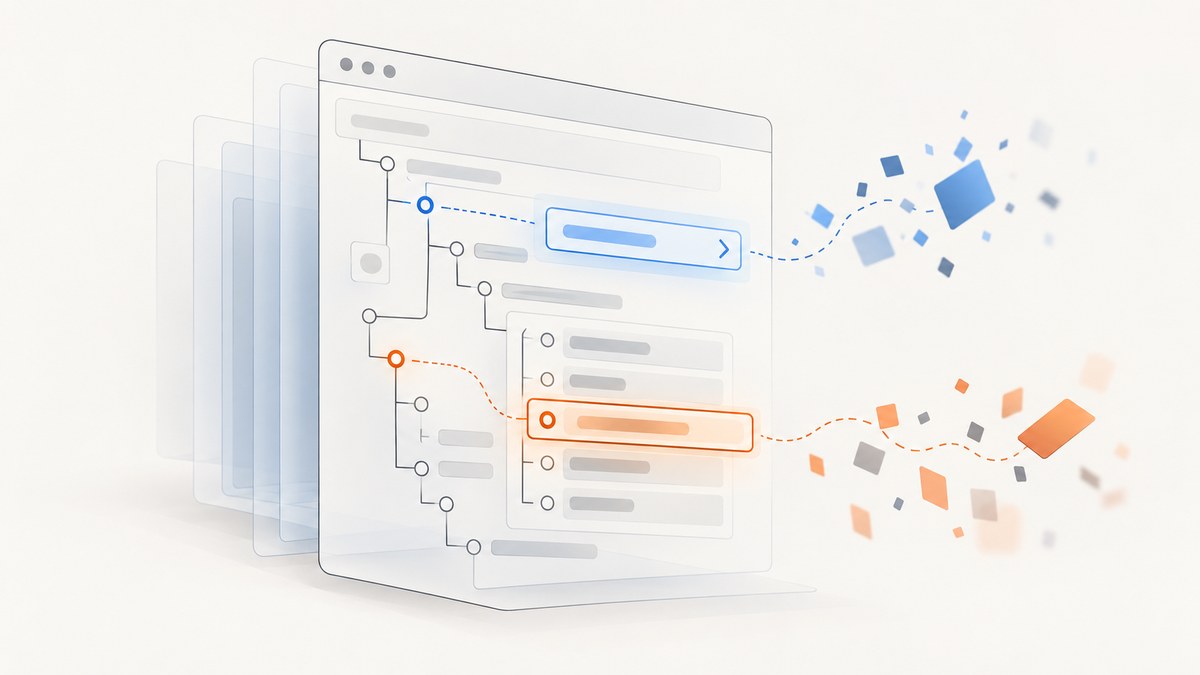
When an element’s ID changes between page loads, don’t target the changing part. Inspect the rendered DOM, find a stable attribute fragment or surrounding structure, then combine it with the element type, a stable parent, or link text to make the locator unique. Use CSS attribute selectors for simple prefix, suffix, or substring matches; use XPath when you need relationships or text conditions. Count matches before interacting.
This works for both links and list items. For example, if links consistently start with result-link- and list item IDs always include product-row:
WebElement link = driver.findElement(By.cssSelector("a[id^='result-link-']"));
List<WebElement> items = driver.findElements(By.cssSelector("li[id*='product-row']"));
These are ordinary CSS locators used through Selenium’s documented locator strategies; there is no special “dynamic ID” locator. Selenium prefers IDs when they are unique and consistently predictable. When they are not, use a readable CSS selector or XPath condition and validate it against the live page. Selenium locator strategies and Selenium’s locator guidance describe the available approaches.
1. Inspect the rendered DOM and find what stays stable
A dynamic ID often contains a generated suffix, session value, counter, or framework key. For example, one render may contain <a id="result-link-1842"> and the next <a id="result-link-9321">. The full value is unstable, but the prefix may be meaningful. A list item might be <li id="catalog-product-row-77">; the fragment product-row may identify the component.
- Open the page in the same state as the test. Authenticate or navigate to the relevant view if needed.
- Inspect the target in the browser’s developer tools. Look at its tag, ID, classes,
href, accessible attributes, visible text, and parent containers. - Compare a few page loads or data states. Separate generated values from attributes that consistently represent the same role.
- Write the narrowest readable locator that uses stable evidence. Include the tag and, when useful, its component container.
- Check how many elements match and confirm the first match is actually the target before clicking or reading it.
Do not assume that a substring is stable merely because it appears once in the current HTML. If the application can provide a dedicated test attribute such as data-testid, that is often a clearer testing contract than reverse-engineering generated IDs. Use the attribute the page actually exposes; do not invent one in the test.
2. Use CSS attribute selectors for changing IDs
CSS attribute selectors are concise when the stable part of the ID is at a known position. The operator belongs inside square brackets and quotes contain the literal fragment.
| Pattern | Meaning | Example |
|---|---|---|
^= |
Attribute begins with this value | a[id^='result-link-'] |
$= |
Attribute ends with this value | li[id$='-product-row'] |
*= |
Attribute contains this value | li[id*='product-row'] |
|= |
Exact value or value followed by a hyphen | [id|='catalog'] |
The most commonly useful cases are prefix, suffix, and substring. A bare substring selector can match unrelated elements. Add a tag and, if possible, a stable container or another attribute.
// A link whose ID starts with a stable prefix
WebElement link = driver.findElement(
    By.cssSelector("a[id^='result-link-']")
);

// Every list item whose ID contains a stable fragment
List<WebElement> rows = driver.findElements(
    By.cssSelector("li[id*='product-row']")
);

// A selector that adds stable context
WebElement productLink = driver.findElement(
    By.cssSelector("ul.results li[id*='product-row'] a[href*='/products/']")
);
Use the final example only if those attributes and structure are actually present and stable on the page. If the ID starts with a common framework prefix shared by many widgets, the prefix alone is not enough.
3. Use XPath when you need text or relationships
XPath can express the same partial-ID checks and can select based on relationships in the DOM. Use starts-with() or contains() for the ID, and add predicates for the tag, text, or parent context.
// Anchor with a stable ID prefix
WebElement link = driver.findElement(
    By.xpath("//a[starts-with(@id, 'result-link-')]")
);

// List items whose IDs contain a stable fragment
List<WebElement> rows = driver.findElements(
    By.xpath("//li[contains(@id, 'product-row')]")
);

// Anchor inside a specific results list, with matching visible text
WebElement target = driver.findElement(
    By.xpath("//ul[@class='results']//a[starts-with(@id, 'result-link-') and normalize-space(.)='Open report']")
);
XPath is useful when a target is defined by its relation to another element—for example, the link inside a list item that contains a known label. Its expressions can be harder to read and debug, so prefer CSS when the match is just an attribute pattern. Keep XPath conditions simple enough that a future maintainer can see why the element is selected.
4. Locate links and list items without confusing the two
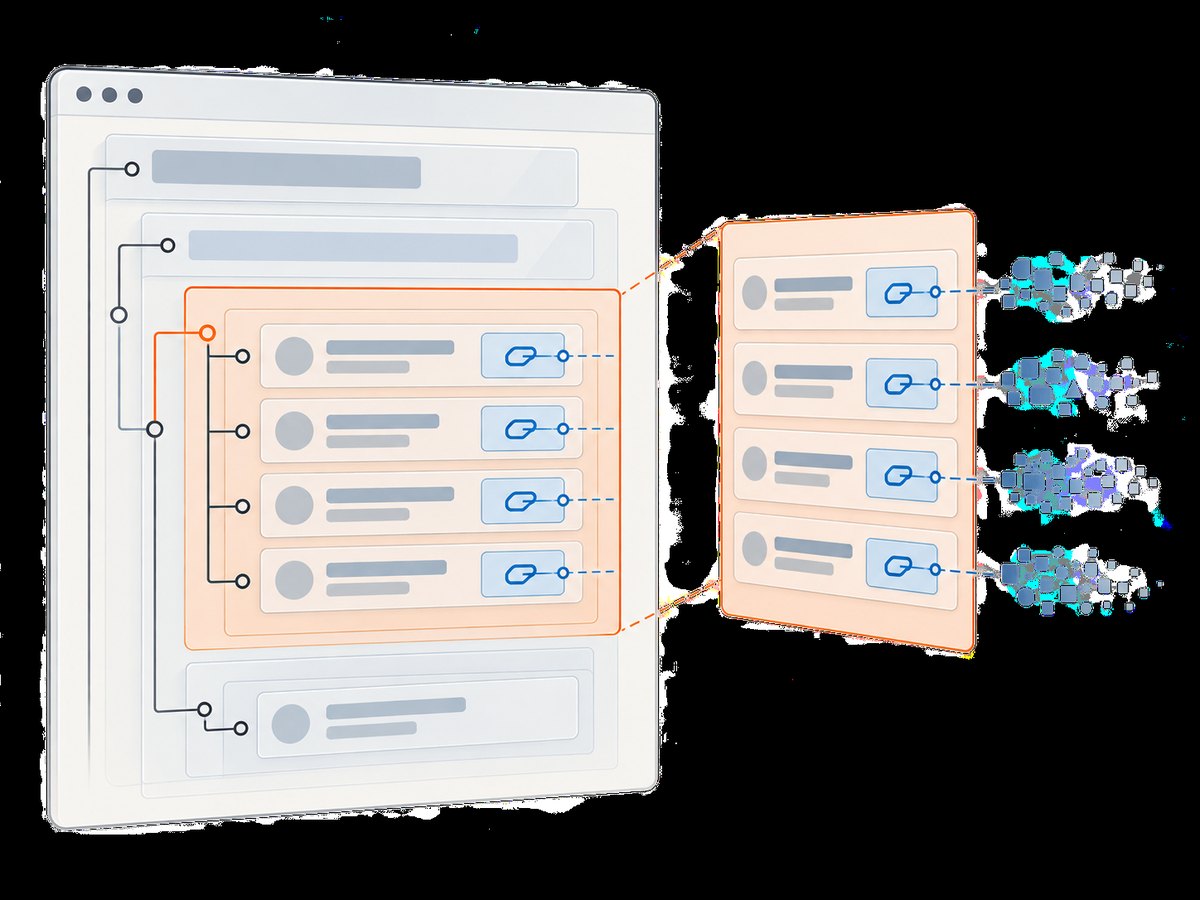
A link is an anchor element, usually <a>. A list item is an <li>. Selenium’s link text and partial link text strategies apply to anchors, not to the containing list item. If visible link text is stable, it can be an excellent locator for that anchor:
WebElement link = driver.findElement(By.linkText("Open report"));
WebElement partial = driver.findElement(By.partialLinkText("report"));
These methods can be ambiguous if multiple links share the same text, and they do not directly return a parent li. To locate a row, use the row’s stable attributes or a scoped relationship:
// Find the row by its changing ID pattern
WebElement row = driver.findElement(
    By.cssSelector("li[id*='product-row']")
);

// Then find the anchor inside that row
WebElement rowLink = row.findElement(By.cssSelector("a"));
Or find the anchor by a stable text condition and move to its closest list item with XPath:
WebElement row = driver.findElement(
    By.xpath("//li[.//a[normalize-space(.)='Open report']]")
);
Prefer scoping through a known parent component when the page has repeated lists, cards, or navigation regions. A search from a WebElement only considers its descendants, which can reduce ambiguity and make the test’s intent clearer.
5. Complete Java example: dynamic links and rows
This standalone Selenium Java example opens a page you control, waits for the dynamic content to appear, counts matching rows, verifies there is one intended link, reads its destination, and clicks it. Replace the example URL and stable patterns with the values found in your own rendered DOM. Selenium Manager can manage a compatible browser driver in supported setups; the browser itself must be installed.
import java.time.Duration;
import java.util.List;

import org.openqa.selenium.By;
import org.openqa.selenium.WebDriver;
import org.openqa.selenium.WebElement;
import org.openqa.selenium.chrome.ChromeDriver;
import org.openqa.selenium.support.ui.ExpectedConditions;
import org.openqa.selenium.support.ui.WebDriverWait;

public class DynamicIdExample {
    public static void main(String[] args) {
        WebDriver driver = new ChromeDriver();
        try {
            driver.get("https://example.com/results");
            WebDriverWait wait = new WebDriverWait(driver, Duration.ofSeconds(10));

            By rowsBy = By.cssSelector("ul.results li[id*='product-row']");
            wait.until(ExpectedConditions.presenceOfAllElementsLocatedBy(rowsBy));

            List<WebElement> rows = driver.findElements(rowsBy);
            System.out.println("Matching rows: " + rows.size());
            if (rows.isEmpty()) {
                throw new IllegalStateException("No result rows matched the stable ID fragment");
            }

            By reportLinkBy = By.cssSelector("a[id^='result-link-']");
            List<WebElement> links = driver.findElements(reportLinkBy);
            if (links.size() != 1) {
                throw new IllegalStateException("Expected one report link, found " + links.size());
            }

            WebElement link = wait.until(
                ExpectedConditions.elementToBeClickable(reportLinkBy)
            );
            System.out.println("Link text: " + link.getText());
            System.out.println("Destination: " + link.getAttribute("href"));
            link.click();
        } finally {
            driver.quit();
        }
    }
}
For a real test suite, put driver setup and teardown in the framework’s lifecycle hooks and keep locators near the page object or component they describe. The key parts are still the same: wait for the relevant state, inspect match count, and interact only after the locator is verified.
6. Verify uniqueness and choose the right finder
findElement returns the first matching element and throws a no-such-element error when there is no match. It does not tell you that your selector was ambiguous. findElements returns a collection, including an empty collection if nothing matches. Use it during diagnosis and whenever multiple rows are expected.
List<WebElement> matches = driver.findElements(
    By.cssSelector("a[id^='result-link-']")
);
System.out.println("Count: " + matches.size());
for (WebElement match : matches) {
    System.out.println(match.getText() + " -> " + match.getAttribute("href"));
}
For an expected single target, assert the count is exactly one before acting. For a set of rows, assert the expected condition for that test rather than relying on whichever element happens to be first. This guards against a selector that silently begins matching a hidden template, a second panel, or a duplicate mobile/desktop navigation tree.
7. Wait for dynamic content and handle re-rendering
Dynamic IDs and dynamic content are separate issues. A stable partial-ID selector can still be queried too early, before the application inserts the element. Conversely, adding a long fixed sleep does not make a fragile selector reliable; it only delays every run.
- Use an explicit wait for presence when the element must enter the DOM.
- Use visibility when text or visible state matters.
- Use clickability before clicking when the element must be visible and enabled.
- After a page update or list refresh, locate the element again rather than retaining a reference to a replaced node.
Modern applications may redraw a list after filtering, sorting, or loading another page. A previously stored WebElement can then become stale. Keep the By locator and resolve it after the update. If an ID is generated only after a delayed request, wait for the stable parent or row condition that signals the list has populated.
8. Choosing among partial ID, CSS, XPath, and text
| Approach | Best fit | Trade-off |
|---|---|---|
| Exact ID | Unique, predictable IDs | Breaks when generated portion changes |
| CSS partial attribute | Stable ID prefix, suffix, or substring | Substring may match several components |
| XPath | Ancestor, descendant, or text conditions | More expressive, but can be harder to debug |
| Link text | Stable visible anchor text | Only locates anchors; duplicate labels are common |
| Scoped child search | Known list or component container | Requires a reliable parent locator |
Selenium’s guidance is to prefer IDs when they are available, unique, and consistently predictable. If not, it recommends a well-written CSS selector; XPath is useful for relationships but can be more complex. There is no universal guarantee that a particular selector is faster or more reliable on every page. Optimize for stable meaning, uniqueness, and maintainability.
9. Common errors and how to fix them
| Symptom | Likely cause | Fix |
|---|---|---|
NoSuchElementException |
The element is not present yet, the selector is wrong, or the page state differs from inspection. | Recheck the live DOM and state; wait for the stable parent or element; verify spelling and selector syntax. |
| Wrong link or row is selected | A broad substring matched multiple elements and findElement returned the first. |
Use findElements to inspect matches; add the tag, parent container, text, or another stable attribute; assert uniqueness. |
InvalidSelectorException |
Malformed CSS or XPath, often mismatched quotes or brackets. | Test the selector in browser developer tools, then copy it carefully into By.cssSelector or By.xpath. |
StaleElementReferenceException |
The list rerendered and the stored element refers to a detached node. | Wait for the update, then locate again from the saved By locator. |
| Link text finds nothing | The target is an li, text differs after whitespace/translation, or the anchor is not in the current frame. |
Use CSS/XPath for the list item; inspect rendered text; switch into the correct frame when applicable. |
| CSS selector matches zero despite visible element | The element is inside an iframe or shadow root, or the ID pattern was observed before the page rerendered. | Switch to the correct browsing context or use the component’s shadow root support; reinspect after loading completes. |
10. Performance, reliability, and maintenance
For a single interaction, the practical priority is usually choosing a locator that remains correct as data changes, not shaving a speculative amount of time from selector evaluation. Avoid repeatedly scanning the full document in a loop when a stable parent can be located once and searched locally. At the same time, reacquire child elements after a rerender so you do not use stale references.
Make selectors robust by preferring attributes that express a component role over generated implementation details. Keep them short enough to understand, but sufficiently specific to distinguish the intended element. When the application is under your control, coordinate a stable testing attribute with its developers. When you do not control it, document why a partial ID is stable and add a uniqueness assertion so a later DOM change fails clearly.
Reliability also depends on page state: the right account, route, filters, viewport, and frame must be active. A selector cannot compensate for a test that is on the wrong page or checks before asynchronous content arrives. Explicit waits and clear assertions make those failures diagnosable.
11. Inspect the page visually when DOM structure is unclear
If the DOM snapshot is hard to interpret, a screenshot can help confirm whether the target is visible, whether a banner overlaps it, and whether the list has rendered. A screenshot does not replace inspecting attributes and selector matches: it shows appearance, while the DOM provides locator evidence. Keep credentials and private data out of captured pages and logs.
Or skip the browser setup
If your immediate goal is a visual capture rather than an automated interaction, [ScreenshotNeo](https://screenshotneo.com) can return a screenshot from one GET request. It is a website screenshot API and MCP server from Yorker Media; its parameter names also work with those used by other screenshot APIs. See the ScreenshotNeo documentation for the request options.
curl -G "https://api.screenshotneo.com/v1/shot" -d access_key=YOUR_API_KEY --data-urlencode url=https://stripe.com -o shot.webpimport requests
r = requests.get("https://api.screenshotneo.com/v1/shot", params={"access_key": "YOUR_API_KEY", "url": "https://stripe.com"}, timeout=90)
open("shot.webp", "wb").write(r.content)const q = new URLSearchParams({ access_key: 'YOUR_API_KEY', url: 'https://stripe.com' });
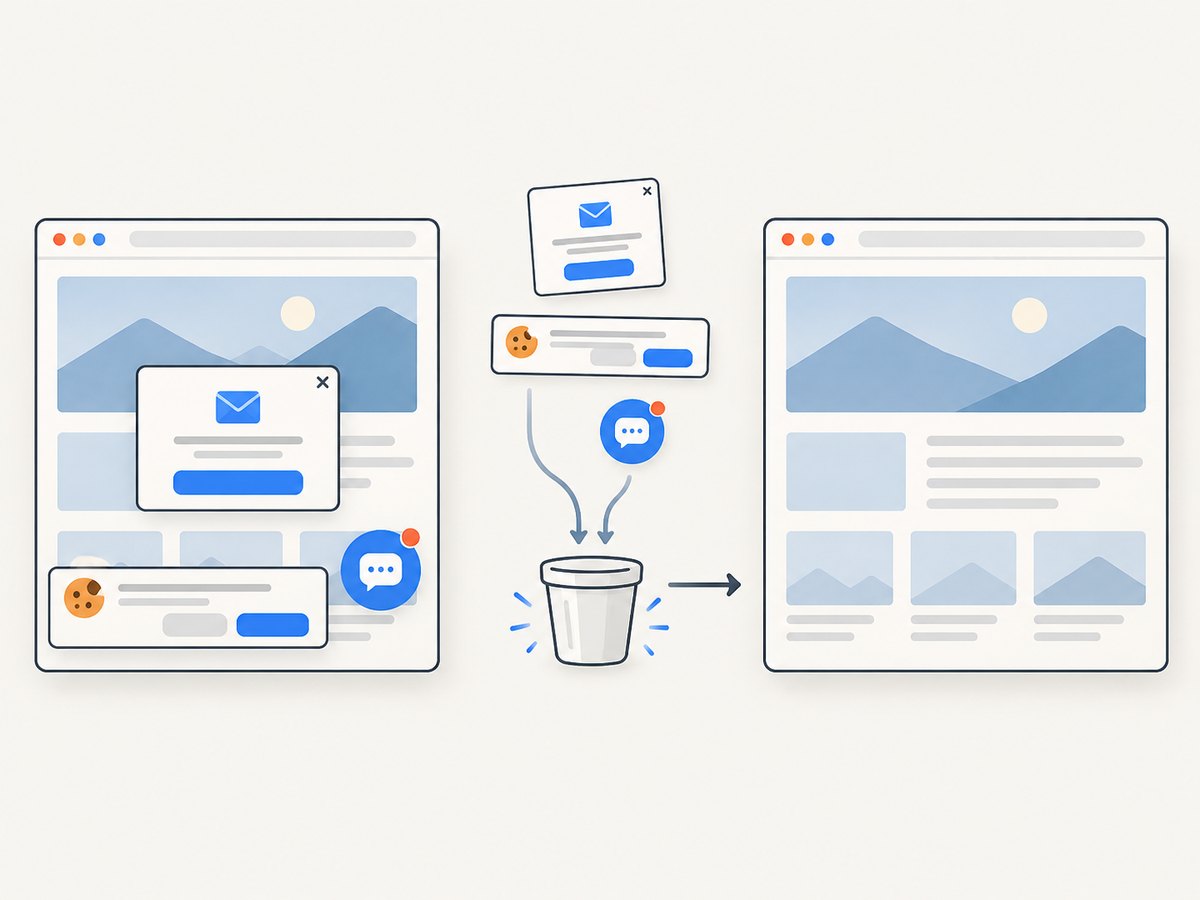
const res = await fetch(`https://api.screenshotneo.com/v1/shot?${q}`);ScreenshotNeo removes cookie banners, newsletter popups, and chat widgets before capture; each cleanup step can be turned off. Bot checks, blank pages, failed loads, and cache hits are never billed, and response headers report the page verdict and billing status. An MCP server lets AI agents use take_screenshot, get_page_info, and capture_pdf. The free plan includes 1,000 screenshots a month with no card; paid plans start at $5 for 3,000. Every feature is on every plan.
Sign up free for 1,000 screenshots a month with no card.
FAQ
Can I use a regular expression in a Selenium locator?
CSS attribute selectors and XPath predicates do not provide a general regular-expression locator strategy. Use a stable prefix, suffix, substring, or a combination of ordinary conditions. If none identifies the element reliably, look for another stable attribute or parent relationship.
Should I use By.id with only part of the ID?
No. By.id matches the ID value; use By.cssSelector or By.xpath for partial attribute conditions.
What if the ID changes completely every render?
Do not build a locator around that ID. Find another stable attribute, visible label, link destination, or component structure. If the application is yours, expose a stable testing attribute.
Can partial link text locate a list item?
No. It returns a matching anchor. Locate the li separately or select the ancestor row using XPath.


