How to Find and Fix Missing Tests in Cypress
Cypress shows no specs when files miss the active pattern or are excluded. Use this checklist to find the cause and fix local and CI discovery.
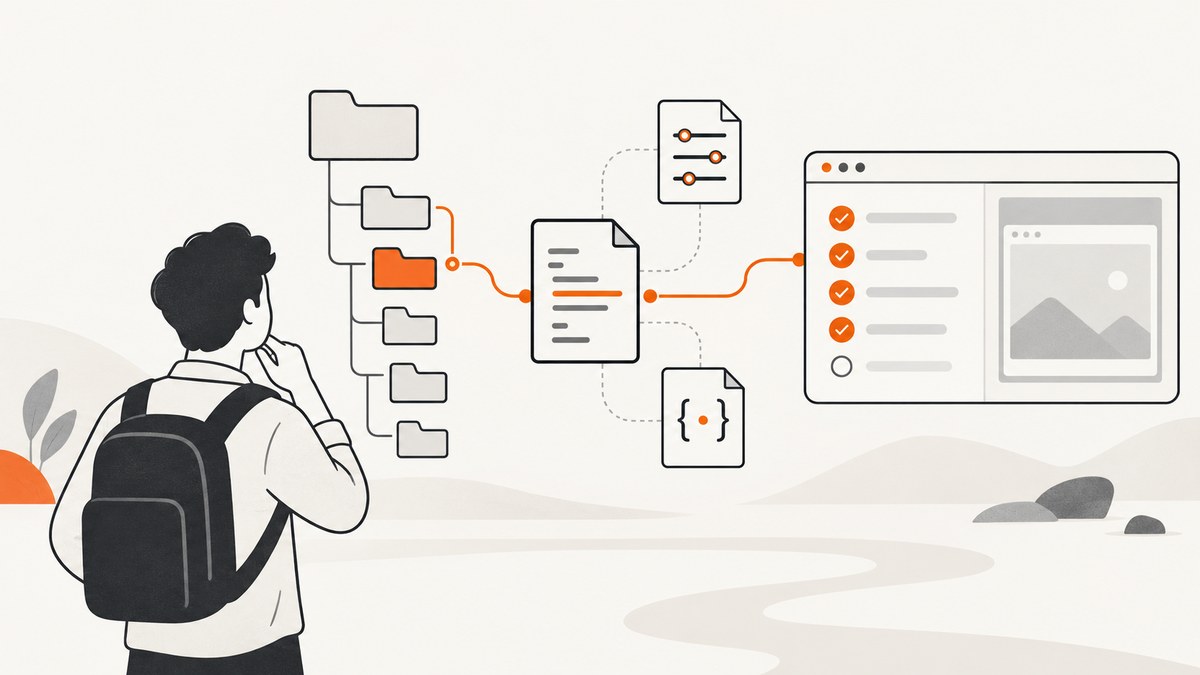
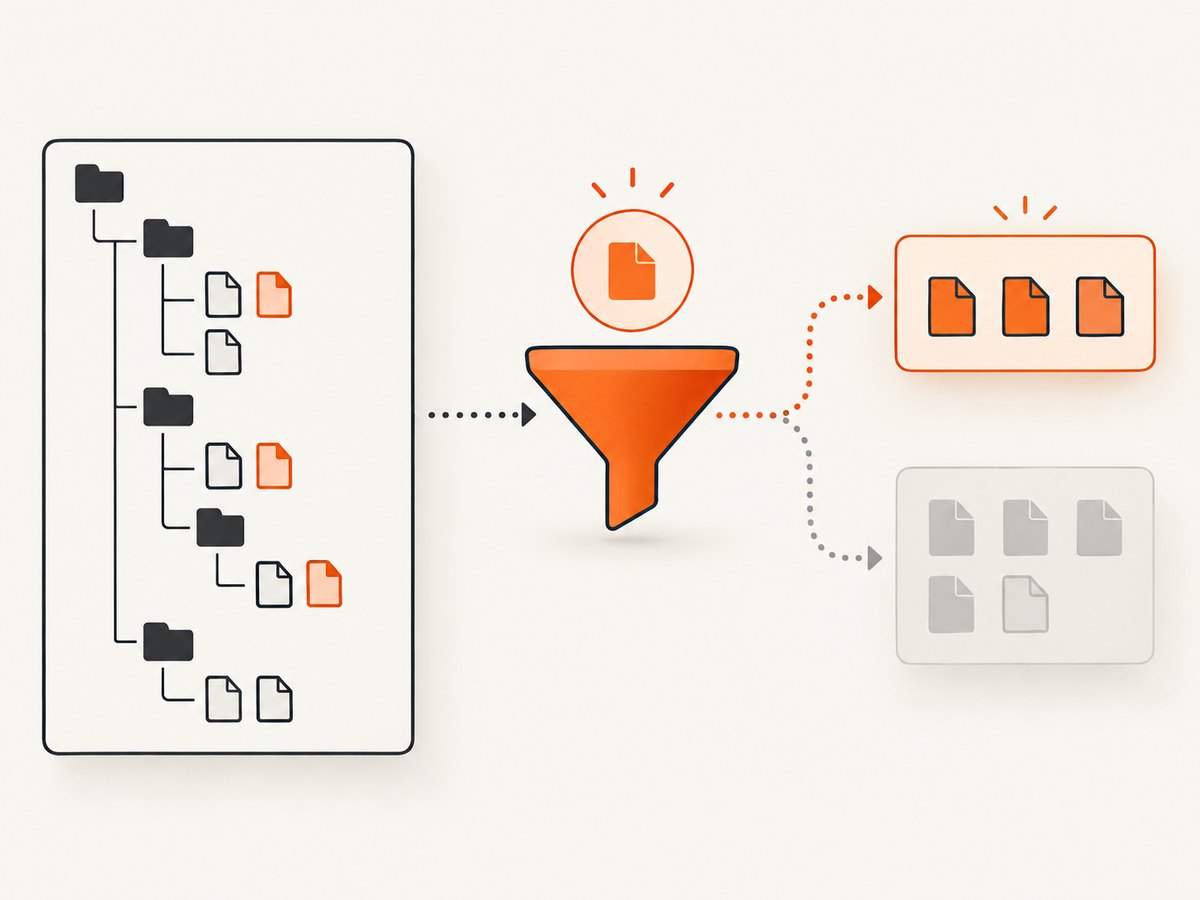
Direct answer: Cypress only lists and runs files that match the active specPattern, after excludeSpecPattern removes exclusions. For E2E tests, the documented default is cypress/e2e/**/*.cy.{js,jsx,ts,tsx}; for component tests it is **/*.cy.{js,jsx,ts,tsx}. Rename a file such as cypress/e2e/login.js to cypress/e2e/login.cy.js, or change the configuration if your repository intentionally uses another path or naming convention.
Use the steps below in order. They separate discovery problems from compilation and runtime failures, which require different fixes.
1. Confirm the project and testing type
Run Cypress from the project that contains the intended configuration and source files. Then open the correct testing type in the Cypress app: E2E Testing or Component Testing. Their default discovery patterns are different.
npx cypress open
# Choose E2E Testing or Component Testing
From the command line, make the project explicit when there is more than one checkout or package:
npx cypress run --project /absolute/path/to/project
Check the current directory, configuration file, and installed Cypress binary in local and CI jobs. A correct spec in the wrong project is indistinguishable from a missing spec in the Specs page.
2. Check the filename, extension, and path
The default E2E pattern requires the .cy. infix and a supported extension. These examples show the difference:
| File | Default E2E result | Reason |
|---|---|---|
cypress/e2e/login.cy.js |
Discovered | Matches the default glob |
cypress/e2e/login.cy.ts |
Discovered | TypeScript extension is supported |
cypress/e2e/login.js |
Not discovered | Missing .cy. |
tests/login.cy.js |
Not discovered by the default E2E pattern | Directory is outside cypress/e2e |
cypress/e2e/login.cy.mjs |
Not discovered by the documented default | Extension is outside the listed set |
If the file is merely inconsistent with the project convention, rename it:
mv cypress/e2e/login.js cypress/e2e/login.cy.js
If the alternate path or naming scheme is intentional, configure it instead of renaming every file.
3. Inspect and change specPattern
Put E2E configuration in cypress.config.js or cypress.config.ts. This example keeps the default directory and adds a repository-level tests directory:
const { defineConfig } = require('cypress')

module.exports = defineConfig({
  e2e: {
    specPattern: [
      'cypress/e2e/**/*.cy.{js,jsx,ts,tsx}',
      'tests/**/*.cy.{js,jsx,ts,tsx}'
    ]
  }
})
A TypeScript configuration uses the same option:
import { defineConfig } from 'cypress'

export default defineConfig({
  e2e: {
    specPattern: ['tests/**/*.cy.{js,jsx,ts,tsx}']
  }
})
For component tests, configure the component section:
const { defineConfig } = require('cypress')

module.exports = defineConfig({
  component: {
    specPattern: 'src/**/*.cy.{js,jsx,ts,tsx}'
  }
})
Use a glob that describes the files you actually want in the normal suite. A pattern that is too narrow hides tests; one that is too broad can include fixtures, generated files, or experimental specs.
See the official Cypress configuration reference and writing and organizing tests guide.
4. Check excludeSpecPattern
Discovery is effectively:
matching specPattern files - matching excludeSpecPattern filesAn exclusion can silently remove a file that otherwise matches:
const { defineConfig } = require('cypress')

module.exports = defineConfig({
  e2e: {
    specPattern: 'cypress/e2e/**/*.cy.{js,jsx,ts,tsx}',
    excludeSpecPattern: [
      'cypress/e2e/archive/**',
      'cypress/e2e/**/*.draft.cy.js'
    ]
  }
})
Temporarily remove a suspected exclusion or move the file outside the excluded directory to confirm the cause. Keep an exclusion only when the file should stay out of the regular suite.
5. Understand what --spec can and cannot do
--spec narrows the configured set. It does not add a path outside specPattern. Cypress computes the intersection of the requested path and discovered specs.
# Run one already-discovered spec
npx cypress run --e2e --spec 'cypress/e2e/login.cy.js'

# Run several discovered specs with a glob
npx cypress run --e2e --spec 'cypress/e2e/auth/**/*.cy.js'
If this reports no matching spec, first make the file match specPattern and avoid an exclusion. Quote shell globs so your shell does not expand them before Cypress receives them. The CLI reference documents the option.
6. Turn on Cypress discovery debug logs
When the path looks right but Cypress still shows no tests, enable the namespaces Cypress recommends for CLI and file discovery:
DEBUG=cypress:cli,cypress:data-context:sources:FileDataSource,cypress:data-context:sources:ProjectDataSource npx cypress run --e2e
On Windows PowerShell:
$env:DEBUG='cypress:cli,cypress:data-context:sources:FileDataSource,cypress:data-context:sources:ProjectDataSource'
npx cypress run --e2e
Read the output for the project root, loaded configuration, CLI arguments, and directories searched. Compare those values with the file path on disk. The troubleshooting guide explains the relevant debug namespaces.
7. Compare local and CI discovery inputs
Local and CI jobs often differ in working directory, checkout depth, operating-system case sensitivity, config selection, or command-line arguments. Print the effective inputs before running Cypress:
pwd
node --version
npx cypress version
find . -type f \( -name '*.cy.js' -o -name '*.cy.jsx' -o -name '*.cy.ts' -o -name '*.cy.tsx' \) -print
npx cypress run --e2e --config-file cypress.config.js
On case-sensitive CI filesystems, Login.cy.js and login.cy.js are different paths. Confirm that the file is committed, not ignored, generated after checkout, or located in a workspace subdirectory that the CI command does not use.
Compare the actual command, --project, --config-file, testing type, working directory, and environment variables. Do not assume a local default applies in CI.
8. Separate discovery from compilation and runtime errors
A spec that appears in the Specs page has been discovered. It can still fail while Cypress compiles, bundles, loads support files, or executes tests. Treat the error category separately:
- No spec files found: inspect project, testing type, patterns, exclusions, and
--spec. - Spec appears, then fails to load: inspect syntax, TypeScript configuration, imports, support files, and bundler errors.
- Spec loads, then a test fails: inspect application state, selectors, fixtures, network calls, and assertions.
The common error messages reference helps distinguish these stages.
Configuration patterns that solve common layouts
Keep the standard E2E layout
module.exports = {
  e2e: {
    specPattern: 'cypress/e2e/**/*.cy.{js,jsx,ts,tsx}'
  }
}
Use this when specs live under cypress/e2e and use the .cy. infix.

Use a repository-level tests directory
module.exports = {
  e2e: {
    specPattern: 'tests/e2e/**/*.cy.{js,jsx,ts,tsx}'
  }
}
Support two directories during a migration
module.exports = {
  e2e: {
    specPattern: [
      'cypress/e2e/**/*.cy.{js,jsx,ts,tsx}',
      'tests/e2e/**/*.cy.{js,jsx,ts,tsx}'
    ]
  }
}
Remove the old pattern after migration so the suite has one clear convention.
Troubleshooting checklist
| Symptom | Likely cause | Fix |
|---|---|---|
| Specs page is empty | Wrong project or testing type | Open the intended project and choose E2E or Component Testing; verify --project. |
| “No spec files found” | Filename or path misses specPattern |
Use .cy.js, .cy.ts, etc., or update the glob. |
| One file never appears | excludeSpecPattern matches it |
Remove or narrow the exclusion. |
--spec returns nothing |
Requested path is outside the discovered set | Make it match specPattern; quote the argument. |
| Works locally, absent in CI | Different root, config, checkout, or filename case | Print and compare discovery inputs and committed files. |
| Spec appears but cannot load | Compilation or import error | Fix the reported bundler, TypeScript, syntax, or support-file error. |
| Only generated specs are missing | Generation runs after Cypress starts | Generate files before the Cypress command and verify them with find. |
| Pattern works in one shell only | Shell expanded an unquoted glob | Quote --spec and configuration values. |
Performance and reliability notes
- Keep
specPatternfocused on test files. Broad globs make discovery slower and increase accidental matches. - Use
--specfor a fast targeted run after discovery is working; use the normal configured suite for CI coverage. - Make generated specs deterministic and create them before Cypress starts. Log the generated path so a missing file is visible.
- Keep local and CI commands explicit about testing type and config file. This reduces failures caused by changed defaults or working directories.
- Do not “fix” a missing spec by weakening exclusions globally. An unintended fixture or draft file can enter every CI run.
Or skip the browser setup
If you need a screenshot of a Cypress page for a failure report, visual review, or test artifact, ScreenshotNeo captures a URL with one request. Its API can remove cookie banners, newsletter popups, and chat widgets before capture; bot checks, blank pages, and failed loads are not billed; and an MCP server lets AI agents take screenshots.
See the ScreenshotNeo API documentation for all options.
curl -G "https://api.screenshotneo.com/v1/shot" -d access_key=YOUR_API_KEY --data-urlencode url=https://stripe.com -o shot.webpimport requests
r = requests.get("https://api.screenshotneo.com/v1/shot", params={"access_key": "YOUR_API_KEY", "url": "https://stripe.com"}, timeout=90)
open("shot.webp", "wb").write(r.content)const q = new URLSearchParams({ access_key: 'YOUR_API_KEY', url: 'https://stripe.com' });
const res = await fetch(`https://api.screenshotneo.com/v1/shot?${q}`);ScreenshotNeo supports PNG, JPEG, WebP, and PDF output, full-page or element capture, custom waits, CSS and JavaScript, headers and cookies, blocking rules, device presets, and signed links. Responses identify page verdict and billing with X-Page-Verdict and X-Billed headers. The free plan includes 1,000 screenshots a month with no card; paid plans start at $5 for 3,000. Create a free ScreenshotNeo account.
FAQ
Does Cypress require every test file to end in .cy.js?
No. That is part of the documented default pattern. You can configure another supported extension or location with specPattern.
Can --spec discover a file outside the configured pattern?
No. It narrows the configured set and cannot add an excluded or unmatched file.
Why does a spec show locally but not in CI?
Compare the effective project directory, config file, working directory, checkout contents, filename case, testing type, and CLI arguments.
What should I check after the spec appears?
Read the next error stage. Compilation, support-file loading, and test execution failures need code or environment fixes rather than discovery changes.
Where can I learn more about Cypress?
Start with Cypress’s test organization guide, configuration reference, CLI reference, and troubleshooting documentation. A general reference is End-to-End Web Testing with Cypress by Packt, published in 2021.


