How to Find Hidden Elements with Cypress
Learn how to locate hidden Cypress elements, distinguish hidden from absent, traverse shadow DOM, and assert the exact state your test needs.
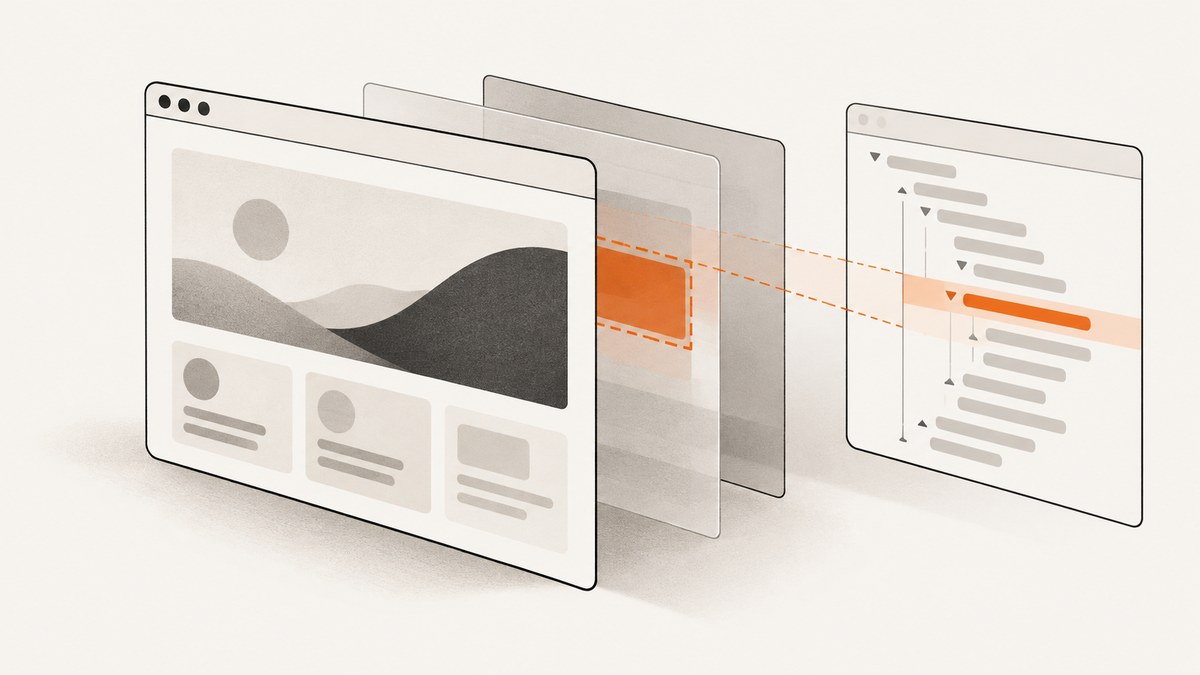
Direct answer: use cy.get(selector) or cy.contains(text) to locate the node, then assert the state you actually mean. Use .should('not.be.visible') when the element exists but is hidden, .should('not.exist') when it should be absent from the DOM, and .should('be.visible') when a text match must be visible.
cy.get('[data-cy=menu]').should('not.be.visible')
cy.get('[data-cy=menu]').should('not.exist')
cy.contains('Save changes').should('be.visible')
A Cypress query finds DOM nodes; it does not automatically prove that a person can see or interact with the result. Keep those questions separate throughout the test.
1. Hidden versus absent: choose the right assertion
An element can remain in the DOM while CSS hides it. In that case, query it and assert non-visibility:

it('keeps the menu in the DOM but hidden initially', () => {
  cy.visit('/settings')
  cy.get('[data-cy=account-menu]').should('not.be.visible')
})
If the application removes the node entirely, assert non-existence instead:
it('removes the menu when signed out', () => {
  cy.visit('/settings')
  cy.get('[data-cy=account-menu]').should('not.exist')
})
cy.contains() can yield text inside a hidden match. Add a visibility assertion whenever the requirement is user-visible text:
cy.contains('Save changes').should('be.visible')Both cy.get() and .should() retry until their timeout, so an assertion usually expresses asynchronous rendering better than a fixed sleep. See the Cypress documentation for cy.get(), cy.contains(), and assertions.
2. Complete Cypress examples
Find a hidden element by selector
describe('hidden controls', () => {
  it('finds the closed dialog and verifies its state', () => {
    cy.visit('/checkout')
    cy.get('[data-cy=payment-dialog]')
      .should('exist')
      .and('not.be.visible')
  })
})
Find hidden text, then wait for it to appear
cy.contains('Payment failed')
  .should('exist')
  .should('be.visible')
Check a child after opening its container
cy.get('[data-cy=filters-toggle]').click()
cy.get('[data-cy=filters-panel]').should('be.visible')
cy.get('[data-cy=filters-panel] input[name=country]')
  .should('be.visible')
  .type('Canada')
Use a stable selector
Prefer dedicated attributes such as data-cy over classes that exist only for styling:
cy.get('[data-cy=advanced-options]').should('not.be.visible')3. Shadow DOM: finding elements Cypress cannot see by default
Queries do not search inside shadow roots by default. Enable traversal per query:
cy.get('checkout-panel')
  .find('button[data-cy=pay]', { includeShadowDom: true })
  .should('be.visible')
Or enter a specific shadow root and continue with normal queries:
cy.get('checkout-panel')
  .shadow()
  .find('[data-cy=pay]')
  .should('not.be.visible')
You can also set the applicable Cypress configuration so supported queries include shadow DOM by default. Keep the setting explicit in shared test suites, because a selector that works in the light DOM may otherwise return no element.
4. Cypress visibility semantics and actionability
As of Cypress 16, the default visibility algorithm delegates to the browser’s native Element.checkVisibility() API. The modern strategy differs from legacy handling of clipping, scroll position, covered elements, and rotated elements. Cypress documents visibilityStrategy as deprecated, so treat legacy mode as a temporary migration aid. Read Interacting with elements before comparing results across Cypress versions.
A visibility assertion is not the same as an actionability check:
cy.get()and.find()query the DOM and do not scroll the element into view.- Action commands such as
.click()scroll before acting and check whether the target can be interacted with. - A rendered node can be outside the current viewport or covered by another element even though a visibility assertion does not represent every detail of the attempted user action.
cy.get('[data-cy=submit]').should('be.visible')
cy.get('[data-cy=submit]').click() // Cypress performs actionability checks too
Use .should('be.visible') when visible rendering is the behavior under test. Otherwise, let the action command perform its own checks and wait on an application signal that represents readiness.
5. Deliberately revealing a hidden element
Cypress documents .invoke('show') for cases where the test intentionally reveals a hidden container before interacting with its children:
cy.get('div.container')
  .should('be.hidden')
  .invoke('show')
  .should('be.visible')
  .find('input')
  .type('Cypress is great')
.invoke('show') mutates the page. It proves that the child can be exercised after a programmatic reveal; it does not prove that a real user could see the original state. Use it only when that state change is part of the scenario. See cy.invoke().
6. Waiting for a hidden element to become visible
Prefer retryable assertions over arbitrary delays:
cy.get('[data-cy=loading]').should('not.be.visible')
cy.get('[data-cy=results]').should('be.visible')
cy.get('[data-cy=results] li').should('have.length.at.least', 1)
For a delayed transition, assert the final state. If the application exposes a request or status signal, wait on that signal and then assert visibility:
cy.intercept('GET', '/api/results').as('results')
cy.get('[data-cy=search]').type('cypress')
cy.wait('@results')
cy.get('[data-cy=results]').should('be.visible')
7. Troubleshooting common failures
| Symptom | Cause | Fix |
|---|---|---|
cy.get() finds nothing |
The selector is wrong, the node has not rendered, or it is inside a shadow root. | Use a stable data-cy selector, rely on Cypress retrying, and add includeShadowDom: true or .shadow(). |
cy.contains() matches an unexpected node |
Text exists in a hidden or duplicate element. | Scope the query with a container and finish with .should('be.visible'). |
not.be.visible fails |
The element is visible under the installed Cypress visibility rules. | Check computed CSS and the Cypress version; do not substitute not.exist unless the DOM node should be removed. |
not.exist fails |
The application keeps a hidden node mounted. | Use not.be.visible for a mounted but hidden component. |
| Visibility passes but click fails | The target may be covered, outside the actionable position, disabled, or otherwise failing actionability checks. | Use the real action command, inspect the Cypress runner, and wait for the application state that makes the action possible. |
| Legacy and current runs disagree | Cypress 16 changed the default visibility algorithm. | Read the current interaction guide, update assertions to the intended behavior, and avoid relying on deprecated legacy strategy settings. |
| Forced interaction hides a bug | { force: true } skips normal actionability checks. |
Use it only when bypassing user-like checks is the behavior being tested; otherwise fix the page state or synchronization. |
8. Performance and reliability practices
- Use narrow, stable selectors so Cypress does less DOM searching and your tests survive styling changes.
- Scope text queries to the relevant component instead of searching the entire document.
- Let Cypress retry queries and assertions; fixed waits slow suites and still fail when rendering takes longer.
- Assert the state that matters: hidden, absent, visible, or actionable are different requirements.
- Keep shadow-root traversal explicit so a component boundary is clear to future maintainers.
- Use application events, intercepted requests, or status elements as synchronization points for dynamic UI.
9. Or skip the browser setup
If you need a rendered screenshot of a page while investigating hidden content, ScreenshotNeo provides a single HTTP request. It can accept consent banners as a visitor and remove more than 60 known consent platforms, newsletter popups, and chat widgets before capture; each step can be turned off. Bot checks or CAPTCHAs, blank pages, timeouts, failed loads, and cache hits are not billed, and the response identifies the result with X-Page-Verdict and X-Billed headers.

See the ScreenshotNeo API documentation for the complete options, including full-page capture, element selectors, waits, custom JavaScript and CSS, hidden selectors, device presets, dark mode, and PDF output.
cURL
curl -G "https://api.screenshotneo.com/v1/shot" -d access_key=YOUR_API_KEY --data-urlencode url=https://stripe.com -o shot.webpPython
import requests
r = requests.get("https://api.screenshotneo.com/v1/shot", params={"access_key": "YOUR_API_KEY", "url": "https://stripe.com"}, timeout=90)
open("shot.webp", "wb").write(r.content)
Node.js
const q = new URLSearchParams({ access_key: 'YOUR_API_KEY', url: 'https://stripe.com' });
const res = await fetch(`https://api.screenshotneo.com/v1/shot?${q}`);
ScreenshotNeo also has an MCP server with take_screenshot, get_page_info, and capture_pdf tools for Claude, Cursor, and other MCP clients. The Free plan includes 1,000 screenshots each month with no card; paid plans start at $5 for 3,000 shots. Create a free ScreenshotNeo account.
10. FAQ
Can Cypress find an element with display: none?
Yes. A DOM query can find it; assert not.be.visible when it should remain mounted and hidden.
Should I use not.exist or not.be.visible?
Use not.exist for DOM absence. Use not.be.visible for a node that remains mounted but cannot be seen.
Does cy.get() scroll to a hidden element?
No. Queries do not scroll. Action commands handle scrolling and actionability checks when you interact.
Why does a text query pass when the text is not on screen?
cy.contains() may yield hidden text. Add .should('be.visible') or scope the query to the visible component.


